How we make this list: we compare pricing pages, product documentation and public user reviews. Rankite is independent; if a vendor ever pays for a featured spot, that listing is clearly labeled Partner.
Key takeaways
- NinjaOne and Hexnode lead for mixed Windows and Mac fleets, with published per-device pricing that makes budgeting simple.
- Mosyle is the Apple-only value pick at around $1.00 per device per month, far below Jamf.
- Microsoft Intune Plan 1 ($8/user/month) only makes financial sense if you already pay for Microsoft 365.
- Fleet is the one genuinely free option, open source and self-hostable, built on osquery.
Quick comparison
| Tool | Best for | Starting price | Free plan |
|---|
 NinjaOne NinjaOne | IT teams and MSPs wanting one cloud console for endpoints, patching and backup | $1.50 to $3.75 per device per month (published range) | Free trial (14 days) |
 ManageEngine Endpoint Central ManageEngine Endpoint Central | IT teams that want on-premises control of a large, mostly Windows fleet | $795 per year for 50 endpoints (Professional edition) | Yes (Free edition for up to 25 endpoints) |
 Microsoft Intune Microsoft Intune | Businesses already paying for Microsoft 365 that need cloud endpoint management | $8 per user per month (Intune Plan 1) | Free trial available |
 Jamf Jamf | Apple-only businesses that need serious Mac and iOS management | $12.50 per device per month (Mac), $5.75 per device per month (mobile), billed annually | Free trial (14 days) |
 Hexnode Hexnode | SMBs that want affordable cross-platform MDM with simple per-device pricing | $2.20 per device per month (Pro plan) | Free trial (14 days, no credit card) |
 Mosyle Mosyle | Budget-conscious Apple shops that want enterprise MDM at a fraction of Jamf pricing | $1.00 per device per month (Business, as low as) | Free for up to 30 devices |
 Atera Atera | MSPs and internal IT teams billed per technician, not per device | $129 per technician per month (MSP Pro, billed annually) | Free trial (30 days, no credit card) |
 Syncro Syncro | Small MSPs that want RMM plus PSA without enterprise contracts | $129 per user per month (Core, billed annually) | Free trial (14 days, no credit card) |
 Fleet Fleet | Security-minded teams that want open-source device management they can self-host | $0 per host per month (Free); $7 per host per month (Premium) | Yes (Free plan, unlimited hosts) |
Is your product missing or out of date?
We review this list regularly. Vendors can request a listing, send updated pricing or ask about featured placement.
The best computer management software
Most buyers overpay for computer management software because they compare feature lists instead of pricing models. Per-device, per-user and per-technician pricing can differ by thousands of dollars a year for the same fleet. These nine tools cover the real market for small and mid-sized businesses, from free open-source options to enterprise platforms, with the actual starting price stated for each.
If you manage Apple devices alongside Windows, read the OS coverage line on every tool before you fall in love with a price. Nothing is more expensive than discovering your chosen platform cannot enroll half your fleet.
#1
NinjaOne
Best for: IT teams and MSPs wanting one cloud console for endpoints, patching and backup
Visit ninjaone.com
Starting price$1.50 to $3.75 per device per month (published range)
Free planFree trial (14 days)
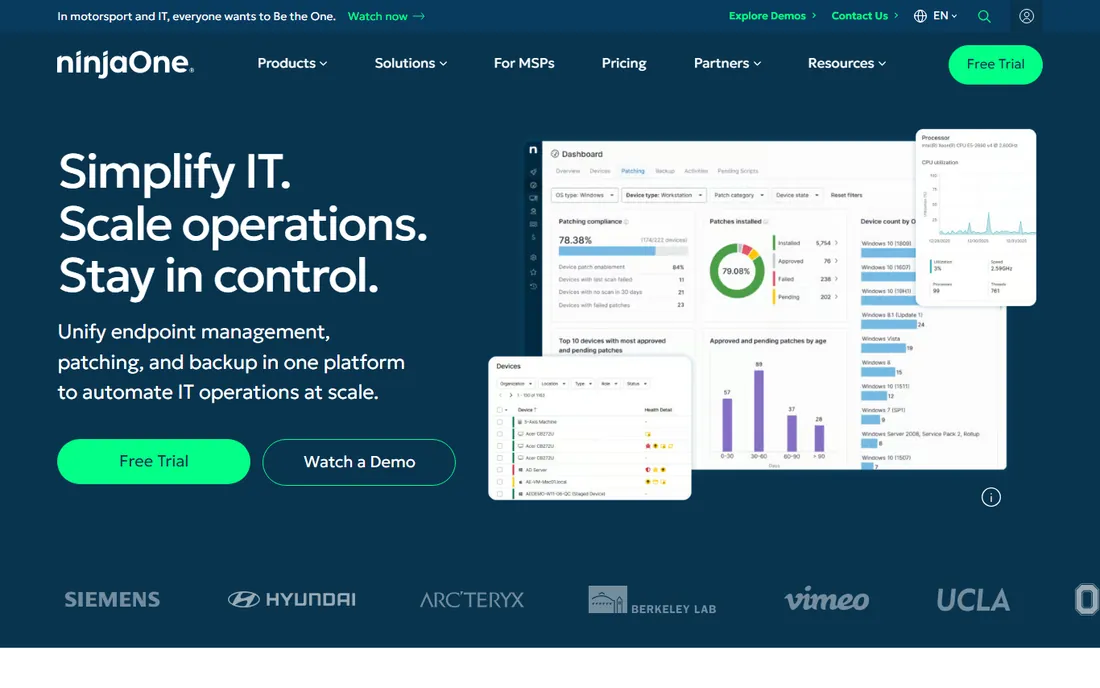
NinjaOne is the platform to beat when your fleet mixes Windows, Mac and Linux and you want one console for patching, backup and remote support. The published per-device range of $1.50 to $3.75 per month makes the math easy: a 100-device shop knows the annual number before the first demo. Patch automation with bad-update detection is the standout feature, cutting the weekly patch window down to a review step instead of a project.
The honest catch is that the low end of the range covers the basics. Backup, ticketing depth and some security modules add to the bill, and list prices assume a negotiated quote rather than self-serve checkout. Still, for IT teams that want a modern cloud RMM without building the stack themselves, NinjaOne sets the standard the rest of this list is measured against.
What we like- Unified endpoint management, autonomous patching, backup and remote access in one cloud console
- Per-device pricing that stays predictable as the fleet grows
- Fast single-click remote control with cross-OS support
Watch out for- No self-hosted deployment option
- Backup and some advanced modules sit above the base per-device price
- Larger deals still route through a sales quote
#2
ManageEngine Endpoint Central
Best for: IT teams that want on-premises control of a large, mostly Windows fleet
Visit manageengine.com
Starting price$795 per year for 50 endpoints (Professional edition)
Free planYes (Free edition for up to 25 endpoints)
ManageEngine Endpoint Central is the pragmatic pick for Windows-heavy shops that want to keep management servers in-house. The free edition for up to 25 endpoints is a real product, not a demo, so small teams can run production patching and remote control without spending anything. Paid tiers start at $795 per year for 50 endpoints on the Professional edition, which covers the core patching, software deployment and asset inventory most IT teams actually use.
Where it shows its age is the console and the add-on structure. The interface works but will not win beauty contests, and features like advanced threat protection live in separate modules with separate price tags. If you want a free or cheap path to solid Windows endpoint management and do not mind an old-school console, this is the value play on the list.
What we like- On-premises and cloud deployment choices from the same vendor
- A genuinely free edition covering up to 25 endpoints
- Deep OS and third-party patch management with remote troubleshooting built in
Watch out for- The interface feels dated next to cloud-native competitors
- Tiered per-endpoint pricing needs careful planning at scale
- Some advanced security modules are separate add-ons
#3
Microsoft Intune
Best for: Businesses already paying for Microsoft 365 that need cloud endpoint management
Visit microsoft.com
Starting price$8 per user per month (Intune Plan 1)
Free planFree trial available
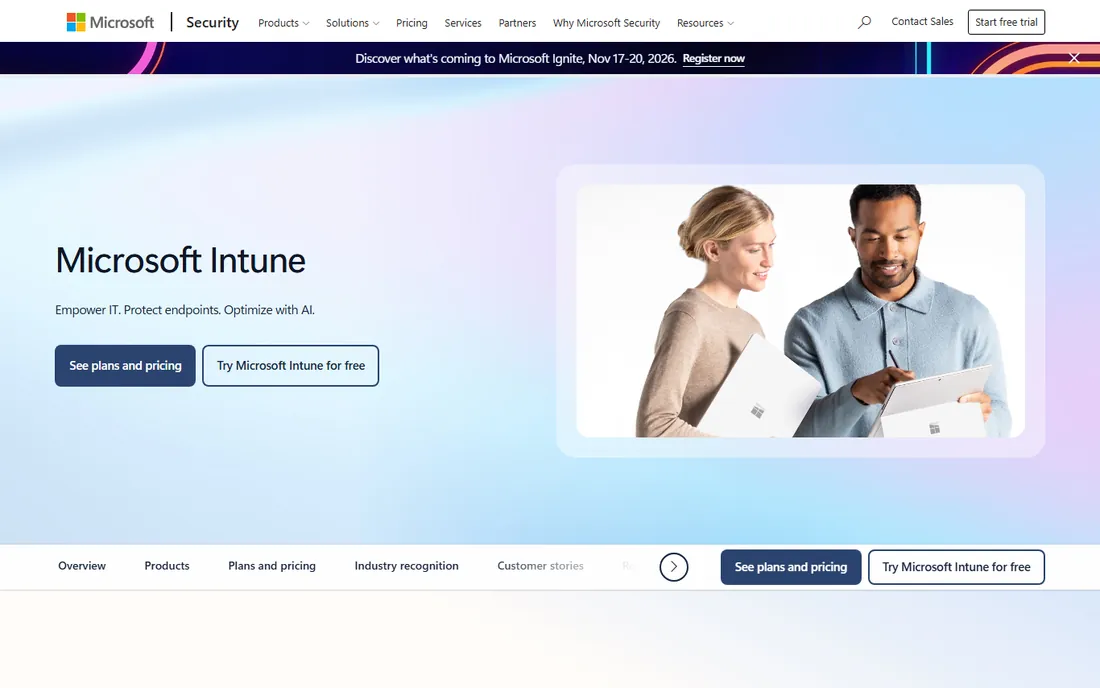
Microsoft Intune makes sense on one condition: your business already lives in Microsoft 365. Intune Plan 1 at $8 per user per month bundles device management with the identity and compliance policies you probably want anyway, and Autopilot makes new Windows machines provision themselves out of the box. For a Microsoft-centric shop, it is the path of least resistance.
Outside that scenario, the math gets harder to defend. Per-user pricing punishes companies with more devices than people, and Apple device management is competent but clearly second to Jamf or Mosyle. Add-ons for remote help, privilege management and advanced analytics stack on top. If you are not already a Microsoft shop, the per-device tools above give you more management for less money.
What we like- Cloud-native management tied directly to Microsoft Entra ID conditional access
- Strong Windows management with Autopilot zero-touch provisioning
- Co-management lets you migrate from Configuration Manager gradually
Watch out for- MacOS and mobile management trail dedicated tools like Jamf and Mosyle
- The plan structure is confusing (Plan 1, Plan 2 and Suite add-ons)
- Per-user pricing can cost more than per-device tools for device-heavy shops
#4
Jamf
Best for: Apple-only businesses that need serious Mac and iOS management
Visit jamf.com
Starting price$12.50 per device per month (Mac), $5.75 per device per month (mobile), billed annually
Free planFree trial (14 days)
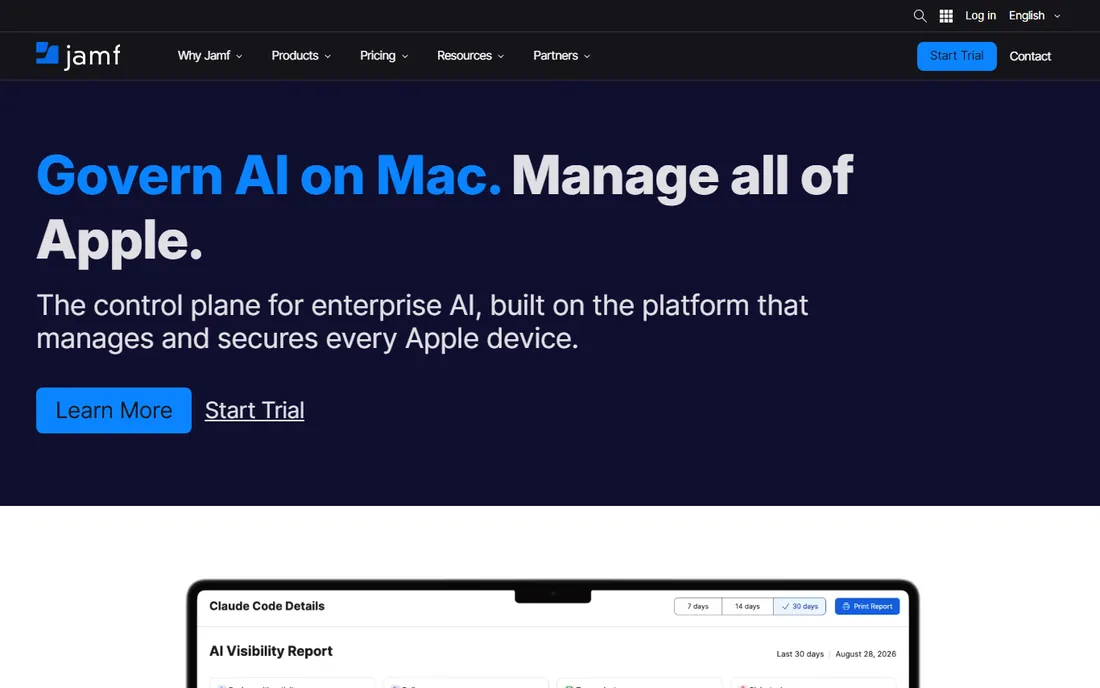
Jamf is the default answer when the question is Apple device management. Jamf for Mac runs $12.50 per device per month and Jamf for Mobile $5.75, both billed annually with a 25-device minimum. You pay for depth: zero-day OS support, granular configuration profiles, app lifecycle management and security tooling that satisfies auditors in healthcare, finance and education. Jamf Now, the lighter small-business product, starts around $4 per device per month.
The price is the whole story. An all-Apple shop gets the best management money can buy; a mixed fleet pays Jamf prices and still needs something else for Windows. If your users are on Macs and iPhones and compliance matters, shortlist Jamf first and compare everything else against it.
What we like- Purpose-built for Apple with same-day support for new OS releases
- Covers Mac, iPhone, iPad, Apple TV and Vision Pro
- Deep security and compliance tooling that regulated industries ask for by name
Watch out for- Apple-only, so mixed fleets need a second platform
- Per-device pricing is among the highest on this list
- Annual plans carry a 25-device minimum
#5
Hexnode
Best for: SMBs that want affordable cross-platform MDM with simple per-device pricing
Visit hexnode.com
Starting price$2.20 per device per month (Pro plan)
Free planFree trial (14 days, no credit card)
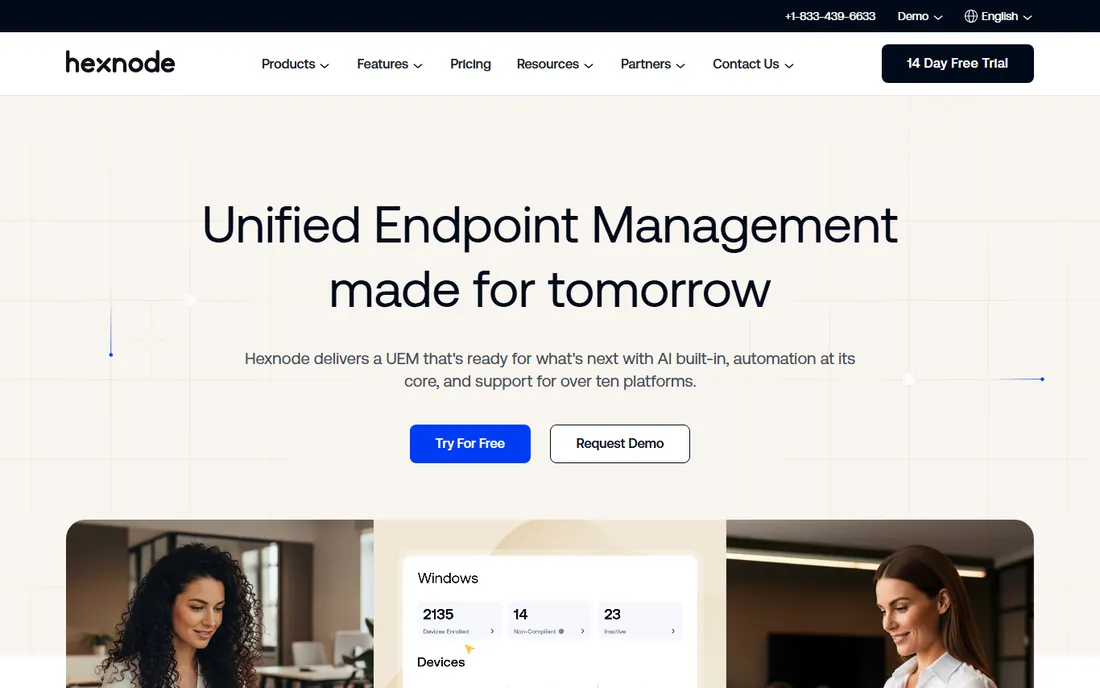
Hexnode is the straightforward cross-platform pick for small businesses that do not want to think about licensing. Pro starts at $2.20 per device per month, Enterprise at $3.20 and Ultimate at $4.70, all published on the pricing page with a 14-day trial that needs no credit card. One console covers Windows, Mac, iOS, Android, tvOS and even Fire OS, which suits shops with a messy mix of hardware.
The trade-off is depth. The Pro tier handles device management well, but the automation, scripting and reporting features that larger IT teams expect live on the higher tiers. If your needs are enroll, configure, secure and locate, Hexnode delivers that at a price the bigger names cannot match.
What we like- Covers Windows, Mac, iOS, Android, tvOS and more from one console
- Published per-device pricing with no minimums advertised
- Kiosk and lockdown modes for frontline devices
Watch out for- Advanced features sit on Enterprise ($3.20) and Ultimate ($4.70) tiers
- Reporting and automation depth trails NinjaOne
- Smaller partner ecosystem
#6
Mosyle
Best for: Budget-conscious Apple shops that want enterprise MDM at a fraction of Jamf pricing
Visit mosyle.com
Starting price$1.00 per device per month (Business, as low as)
Free planFree for up to 30 devices
Mosyle has built its reputation on one promise: Jamf-class Apple management without Jamf prices. Business plans start as low as $1.00 per device per month, and the vendor reports tens of thousands of businesses running on it. The Apple Unified Platform approach folds endpoint security into the same console as device management, so small teams get hardening, compliance templates and antivirus without buying a separate security product.
The limitations are structural, not quality issues. There is no Windows or Android support, full stop, so mixed fleets should look at NinjaOne or Hexnode instead. And while the price is a fraction of Jamf, the deepest compliance and automation features still cost more at the top tier. For an Apple-only SMB, though, the value argument is hard to beat.
What we like- Apple-only platform with management and security unified in one product
- Business pricing from a dollar per device per month
- A signup flow with no sales calls required
Watch out for- No Windows or Android management at all
- The free tier covers only 30 devices
- Entry-plan feature depth is narrower than Jamf
#7
Atera
Best for: MSPs and internal IT teams billed per technician, not per device
Visit atera.com
Starting price$129 per technician per month (MSP Pro, billed annually)
Free planFree trial (30 days, no credit card)
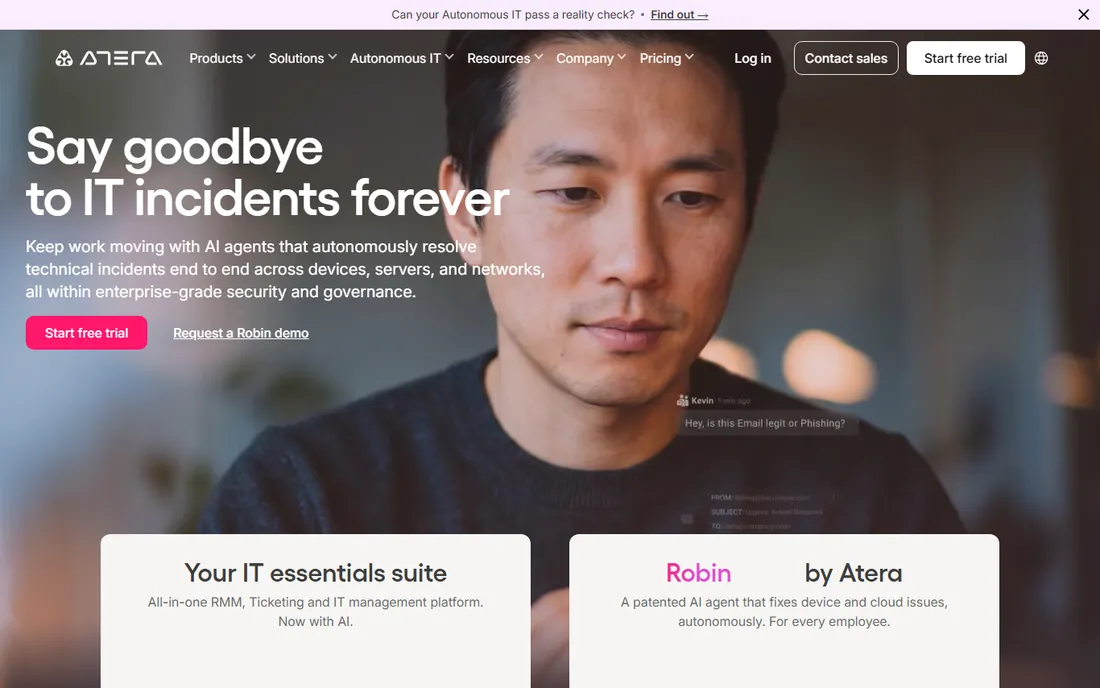
Atera flips the pricing model: you pay per technician, not per device, with unlimited endpoints on every plan. For an MSP managing 500 endpoints with two techs, MSP Pro at $129 per technician per month on annual billing is dramatically cheaper than any per-device tool on this list. The platform bundles RMM, helpdesk ticketing, patch management and remote access, with AI features layered on for ticket handling.
The catch is the break-even point. A solo IT admin with 60 devices pays the same $129 as a tech managing 600, which makes per-device tools cheaper at small scale. Backup and some network features are paid add-ons. If your device count is high relative to your headcount, run the numbers; Atera usually wins that comparison.
What we like- Per-technician pricing with unlimited devices, so fleets scale without extra licenses
- RMM, ticketing, patching and backup in one agent
- Built-in AI assistance for ticket triage
Watch out for- Per-tech pricing is expensive for solo admins with small fleets
- Backup and network discovery cost extra
- The best rate requires annual billing ($159 month-to-month)
Starting price$129 per user per month (Core, billed annually)
Free planFree trial (14 days, no credit card)
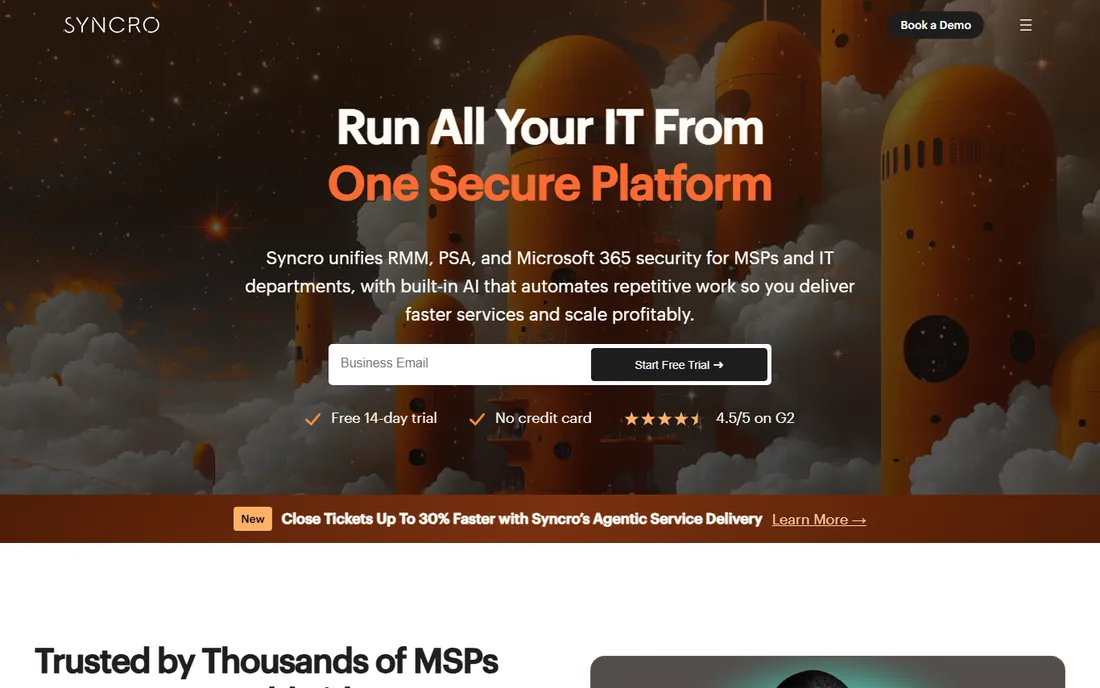
Syncro targets the small MSP that needs both remote monitoring and the business side (tickets, invoices, contracts) in one bill. Core at $129 per user per month on annual billing covers unlimited endpoints, which keeps the math simple as client device counts grow. The Team plan at $179 adds deeper PSA features for shops that live in their ticketing queue.
It is not the most powerful RMM here. Scripting and automation are solid but not class-leading, and the interface prioritizes function over polish. What Syncro sells is the bundle: one vendor, one per-user price, no device metering and no annual contract required on monthly billing. For a two or three person MSP, that simplicity has real value.
What we like- RMM and PSA (ticketing, billing, contracts) in one subscription
- Per-user pricing with no device caps
- No contracts on monthly billing
Watch out for- Automation depth trails the bigger RMM platforms
- The interface is functional rather than polished
- Monthly billing jumps to $159 per user without the annual plan
#9
Fleet
Best for: Security-minded teams that want open-source device management they can self-host
Visit fleetdm.com
Starting price$0 per host per month (Free); $7 per host per month (Premium)
Free planYes (Free plan, unlimited hosts)
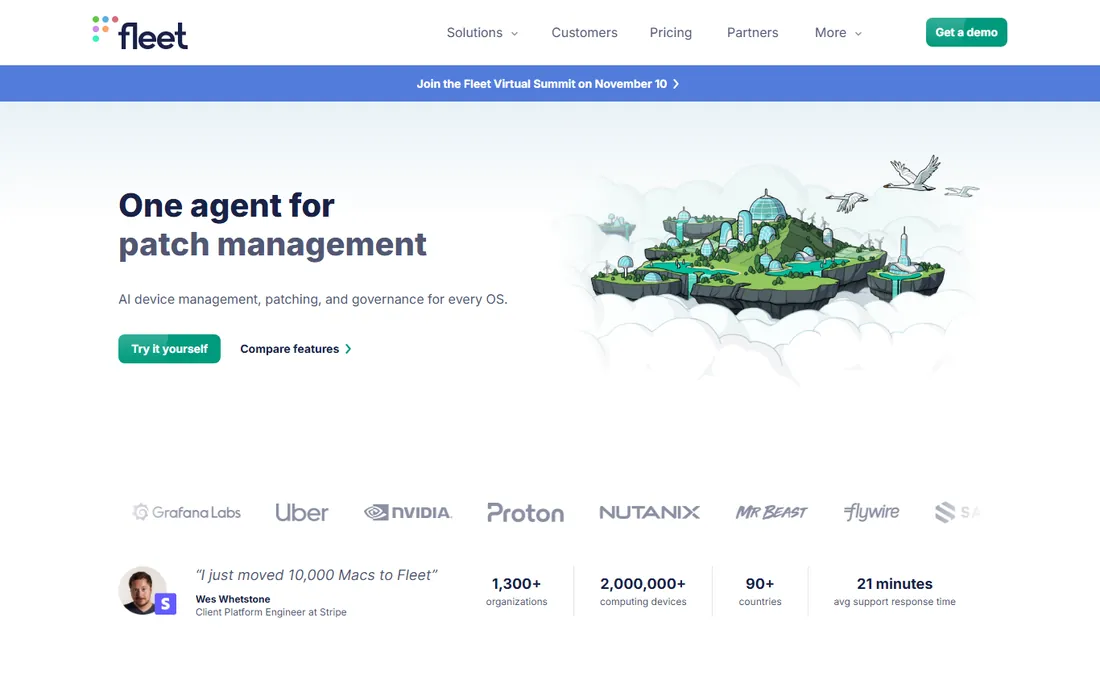
Fleet is the outlier: an open-source device management platform built on osquery, the endpoint visibility agent created at Facebook. The free tier costs $0 per host per month with no host cap, which makes it the only truly free option on this list. Premium at $7 per host per month adds vulnerability management, advanced controls and support. You can self-host it or run it in Fleet's cloud.
The trade is effort for control. Fleet gives you deep visibility into every endpoint's state, which security teams love, but it is not a push-button MDM: enrollment, policy enforcement and day-to-day admin need technical hands. If your team has the skills and wants data sovereignty, nothing else here matches the price. If you want a managed console that just works, start with NinjaOne or Hexnode instead.
What we like- Open-source core you can self-host, built on osquery
- A genuinely free tier with no host limit
- Transparent Premium pricing at $7 per host per month
Watch out for- Needs more technical skill to deploy and run than cloud tools
- Device control actions are thinner than full MDM products
- Support and advanced features require Premium
How we chose
We ranked tools on published pricing, cross-platform OS coverage, patch and remote access depth, and whether a free plan or trial lets you test before buying. Every starting price above comes from the vendor's own pricing page or provider-supplied listings; where a vendor hides pricing, the table says so instead of guessing. We weighted SMB fit over enterprise feature depth, and excluded products that were acquired, shut down or no longer sold standalone.
Frequently asked questions
What is computer management software?
Computer management software lets IT teams enroll, configure, patch, monitor and secure laptops, desktops, phones and servers from a central console. The category covers mobile device management (MDM), remote monitoring and management (RMM) and unified endpoint management (UEM), which combine the two.
How much does endpoint management software cost?
Expect $1 to $13 per device per month depending on the vendor and tier. Budget options like Mosyle start around $1 per device, mid-range tools like Hexnode run $2 to $5, and Jamf reaches $12.50 for Mac. Per-technician tools like Atera start at $129 per month with unlimited devices.
Is Microsoft Intune enough for a small business?
If you already use Microsoft 365, often yes. Intune Plan 1 at $8 per user per month handles Windows management, app deployment and compliance policies well. Apple-heavy shops and teams wanting deeper automation usually add or switch to Jamf, Mosyle or NinjaOne.
What is the difference between MDM, RMM and UEM?
MDM focuses on enrolling and securing mobile devices. RMM focuses on monitoring and remotely managing computers, historically for MSPs. UEM unifies both plus desktops and servers under one console. Most products on this list are UEM or RMM platforms that include MDM features.
Can I manage company devices for free?
Yes, with limits. Fleet offers a free tier for unlimited hosts, ManageEngine Endpoint Central has a free edition for 25 endpoints, and Mosyle is free for up to 30 Apple devices. Free tiers cover basics; expect to pay for advanced automation, security modules and support.
What to check before you buy computer management software
Start with the pricing model, because it decides your three-year cost more than any feature. Per-device pricing suits stable fleets; per-user pricing suits companies where people outnumber devices; per-technician pricing wins when a few admins manage hundreds of endpoints. Model all three against your actual numbers.
Next, verify OS coverage device by device. Apple-only tools cannot help your Windows machines, and some Windows-first tools treat Macs as second-class citizens. List every OS in your fleet, including the odd conference room iPad, and confirm enrollment works for each.
Then test the two features you will use daily: patching and remote access. Patching should cover third-party apps, not just the OS, and remote control should connect in seconds without a VPN dance. Run both during the trial with real machines, not lab devices.
Finally, read the exit terms. Check contract length, data export options and whether your device agents can be removed cleanly. The cheapest tool this year is not cheap if switching costs you a month of IT time next year.
Per-device, per-user or per-technician: which pricing wins
Per-device pricing is the most common model here and the easiest to forecast: count devices, multiply by the rate. It favors companies with a stable, known fleet. Watch for minimums, like Jamf's 25-device floor, which can make small deployments disproportionately expensive.
Per-user pricing, used by Microsoft Intune and Syncro, charges for people instead of hardware. It wins when employees average one device or fewer, and loses when field teams carry two or three devices each. Always count devices per user before choosing this model.
Per-technician pricing, used by Atera, charges for admins with unlimited endpoints. The break-even math is simple: divide the monthly fee by your device count. Above roughly 100 devices per technician, per-tech pricing beats per-device almost every time. Below 40 or 50 devices, it rarely does.
Sources we checked (11)
- https://www.hexnode.com/pricing/uem/
- https://fleetdm.com/pricing
- https://www.microsoft.com/security/business/microsoft-intune
- https://www.flamingo.run/blog/ninjaone-pricing-per-device
- https://superops.com/blog/jamf-pro-pricing
- https://www.g2.com/products/jamf/pricing
- https://www.g2.com/products/mosyle/pricing
- https://www.g2.com/products/manageengine-endpoint-central/pricing
- https://www.atera.com/blog/best-rmm-software/
- https://www.flamingo.run/blog/syncro-vs-atera
- https://www.hexnode.com/blogs/jamf-alternative/
Is your product missing or out of date?
We review this list regularly. Vendors can request a listing, send updated pricing or ask about featured placement.

Shihab Mia · Founder, Rankite
Shihab has spent more than a decade helping SaaS and e-commerce brands grow through search. He writes Rankite's software buying guides from pricing pages, documentation and public user reviews. More about Shihab.