How we make this list: we compare pricing pages, product documentation and public user reviews. Rankite is independent; if a vendor ever pays for a featured spot, that listing is clearly labeled Partner.
Key takeaways
- Easel and Carbide Create are the easiest starting points: browser-based or free CAD/CAM with machine control built in.
- Fusion 360 is free for personal use and the path to real mechanical parts; it has the steepest learning curve here.
- VCarve and Estlcam are the best affordable one-time buys for serious hobby CAM work.
- Universal G-Code Sender, Candle and bCNC are free senders that stream your toolpaths to GRBL-based machines.
Quick comparison
| Tool | Best for | Starting price | Free plan |
|---|
 Easel Easel | Cutting your first project within an hour, in the browser | See website (free Basic plan; Easel Pro available) | Free Basic plan |
 Carbide Create Carbide Create | Free CAD/CAM that grows from first cut to 3D carving | Free (Carbide Create Pro available) | Free |
 Fusion 360 Fusion 360 | Serious mechanical parts and the professional CAD/CAM path | See website (free for personal use; paid subscriptions) | Free for personal use |
 VCarve VCarve | One-time-purchase CAM for routers, signs and woodworking | See website (one-time license) | Trial (try before you buy) |
 Universal G-Code Sender Universal G-Code Sender | A free, full-featured sender for GRBL machines | Free (open source) | Free |
 Candle Candle | The simplest possible GRBL controller | Free (open source) | Free |
 bCNC bCNC | Advanced sending with autoleveling, probing and built-in CAM | Free (open source) | Free |
 Estlcam Estlcam | Affordable CAM plus machine control in one German-engineered package | See website (free version fully functional; paid license removes delays) | Free version, fully functional indefinitely |
 LinuxCNC LinuxCNC | Full machine control on DIY and retrofitted machines | Free (open source) | Free |
Is your product missing or out of date?
We review this list regularly. Vendors can request a listing, send updated pricing or ask about featured placement.
The best CNC software for beginners
Here is the honest truth: most beginner CNC failures are software confusion, not machine problems. People buy a router, download three programs, generate toolpaths with settings they do not understand, and wonder why the bit broke. The software on this list is chosen because each tool reduces that confusion in a different way: some combine design, toolpaths and machine control in one place, some are free senders that just work, and a few are the affordable stepping stones to professional CAM.
CAD, CAM and senders: learn the three jobs before downloading anything
CNC software does three jobs. CAD designs the part. CAM turns the design into toolpaths and G-code. The sender streams that G-code to the machine's controller. Beginners get confused because these jobs are sometimes separate programs and sometimes one. Easel and Carbide Create do all three. Fusion 360 does CAD and CAM, then you need a sender. Candle and UGS only do the sending.
The practical advice: start with one tool that does all three so you can cut something this week, then add specialist tools as your projects demand them. Every tool below is labeled with which jobs it covers, so you can build a sane workflow instead of a software pileup.
Starting priceSee website (free Basic plan; Easel Pro available)
Free planFree Basic plan
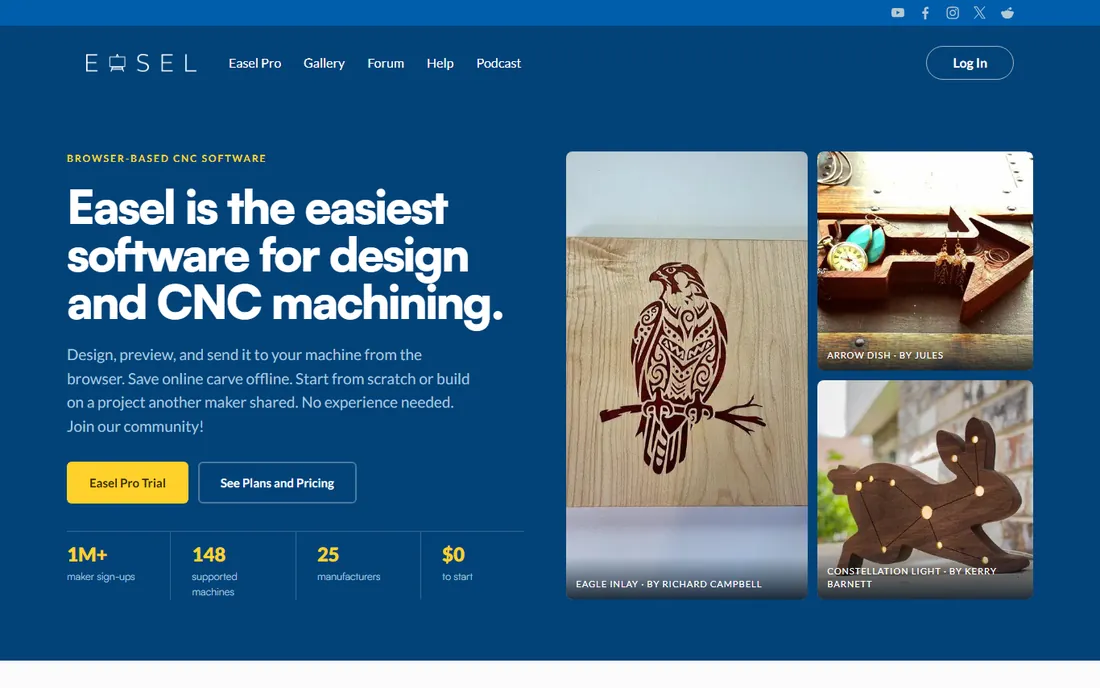
Easel is the gentlest on-ramp in CNC. It runs in your browser, combines design, toolpath simulation and machine control, and walks you through your first carve step by step. The project gallery lets you open someone else's finished design, change the text or size, and carve it, which is how many beginners learn what good toolpaths look like.
The free Basic plan covers a lot, including node editing and offsetting. Pro adds features like v-carving inlays and two-stage cuts. The limitation is depth: Easel will not grow into complex 3D or mechanical parts. Use it to learn, then graduate when your projects demand more.
What we like- Runs entirely in the browser with design, toolpaths and machine control in one: project gallery to learn from
- 148 supported machines with profiles
- Huge beginner community and forum
Watch out for- Pro subscription for advanced features
- Needs internet
- 2.5D focus limits complex 3D work
#2
Carbide Create
Best for: Free CAD/CAM that grows from first cut to 3D carving
Visit carbide3d.com
Starting priceFree (Carbide Create Pro available)
Free planFree
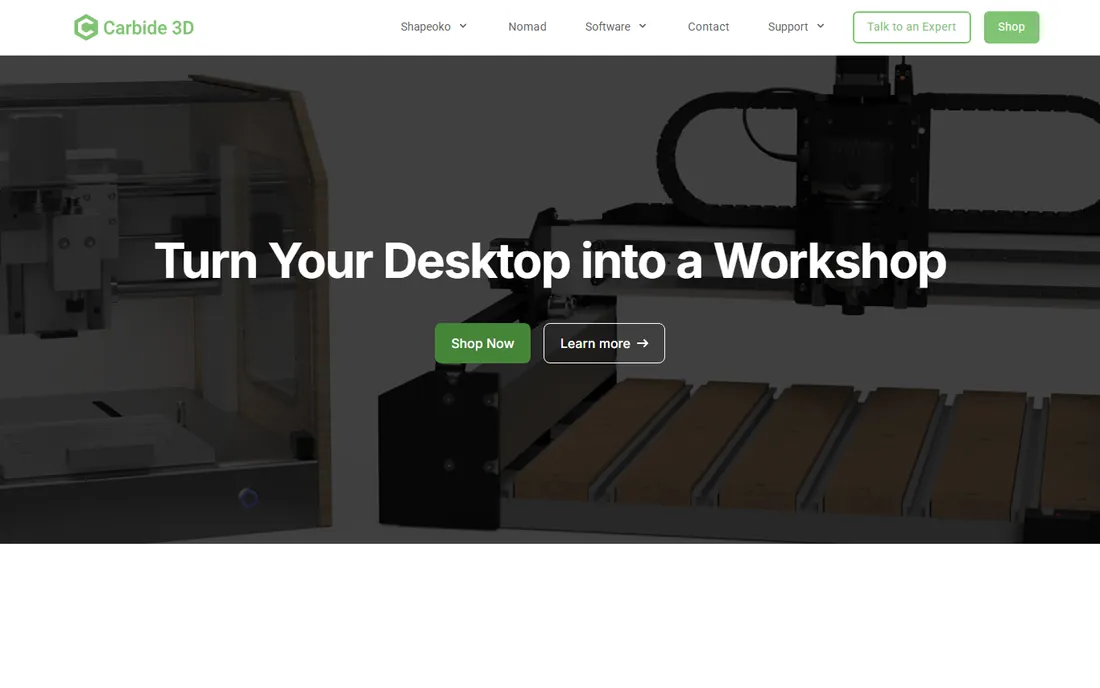
Carbide Create is the free CAD/CAM that beginners underestimate. It does real 2D design, generates toolpaths for profiles, pockets, drilling and v-carving, and exports standard G-code for any GRBL machine, not just Carbide 3D's own. The free version has no time limit and no crippled features.
Carbide Create Pro adds 3D design and machining, rest machining and advanced engraving for users who outgrow the basics. Combined with Carbide Motion (their free sender), the whole toolchain costs nothing. For a beginner on a budget, that is hard to beat.
What we like- Completely free with no trial limits: covers design, toolpaths and g-code export
- Pro version adds 3D and rest machining
- Pairs naturally with Carbide Motion control
Watch out for- Works with any GRBL machine but tuned for Carbide 3D machines
- Interface shows its age
- Pro pricing not advertised on the homepage
#3
Fusion 360
Best for: Serious mechanical parts and the professional CAD/CAM path
Visit autodesk.com
Starting priceSee website (free for personal use; paid subscriptions)
Free planFree for personal use
Fusion 360 is what you graduate to when Easel or Carbide Create runs out of room. It is professional parametric CAD with real CAM: adaptive clearing, rest machining, 4-axis support and machine simulation. The personal-use license is genuinely free for hobbyists and small businesses under the revenue threshold.
The cost is learning time. Fusion's depth means weeks, not hours, before you are comfortable. But the investment pays off: the same skills run professional machine shops, and Fusion files can go to virtually any machine via post processors. If you want CNC to become more than a hobby, start here sooner rather than later.
What we like- Professional parametric CAD plus integrated CAM and simulation: free personal-use license
- Enormous tutorial ecosystem
- The skills transfer directly to industry jobs
Watch out for- The steepest learning curve on this list
- Personal-use license has export and feature limits
- Cloud features need an internet connection
#4
VCarve
Best for: One-time-purchase CAM for routers, signs and woodworking
Visit vectric.com
Starting priceSee website (one-time license)
Free planTrial (try before you buy)
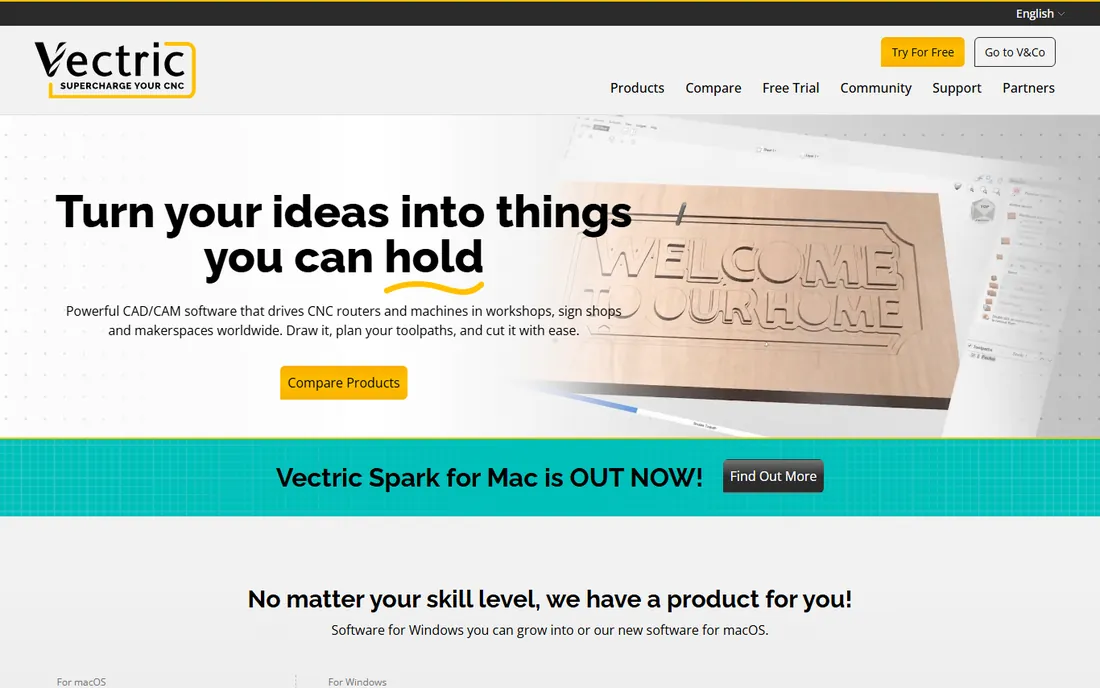
VCarve is the CAM software that sign shops and furniture makers actually run. It handles vector drawing, v-carving, inlay work, 2.5D toolpaths and imported 3D models, with a toolpath preview that shows exactly what the cut will look like. Vectric's tutorial library is famously thorough, and the forum has tens of thousands of users.
The license is a one-time purchase rather than a subscription, and you can upgrade from Cut2D to VCarve to Aspire by paying only the difference. For a beginner serious about woodworking or sign making, VCarve is the buy-it-once tool that will serve you for years.
What we like- The reference standard for router CAM: v-carving, inlays, 2.5D toolpaths and 3D machining
- Free lifetime support and huge tutorial library
- Upgrade path to Aspire by paying the difference
Watch out for- Windows-focused (a Mac version is new)
- Paid upfront with no free tier
- Cut2D may be enough if you only do simple 2D work
#5
Universal G-Code Sender
Best for: A free, full-featured sender for GRBL machines
Visit github.com
Starting priceFree (open source)
Free planFree
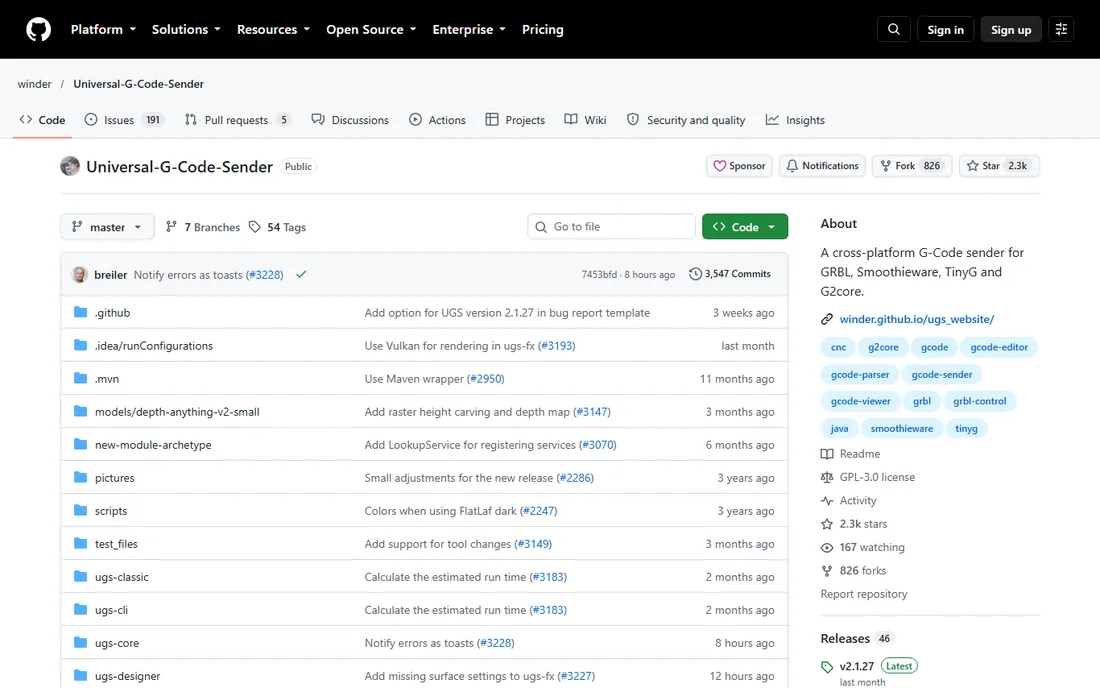
Universal G-Code Sender, or UGS, is the sender most GRBL beginners end up with. It streams your G-code to the machine, shows a 3D toolpath preview, lets you jog and zero the machine, and supports macros and plugins. The Platform edition adds a customizable panel layout; the Classic edition is simpler.
It is free and open source, actively maintained, and runs on Windows, Mac and Linux. Pair it with Carbide Create or Fusion 360 for a complete free workflow. If your machine came with a flaky proprietary sender, UGS is the upgrade that costs nothing.
What we like- Cross-platform Java app with platform and classic interfaces: works with GRBL, TinyG, g2core and Smoothieware
- Visualizer, plugins, macros and pendant support
- Actively maintained with regular releases
Watch out for- Sender only, you still need CAD/CAM
- Java runtime required
- The platform edition's interface overwhelms at first
Starting priceFree (open source)
Free planFree
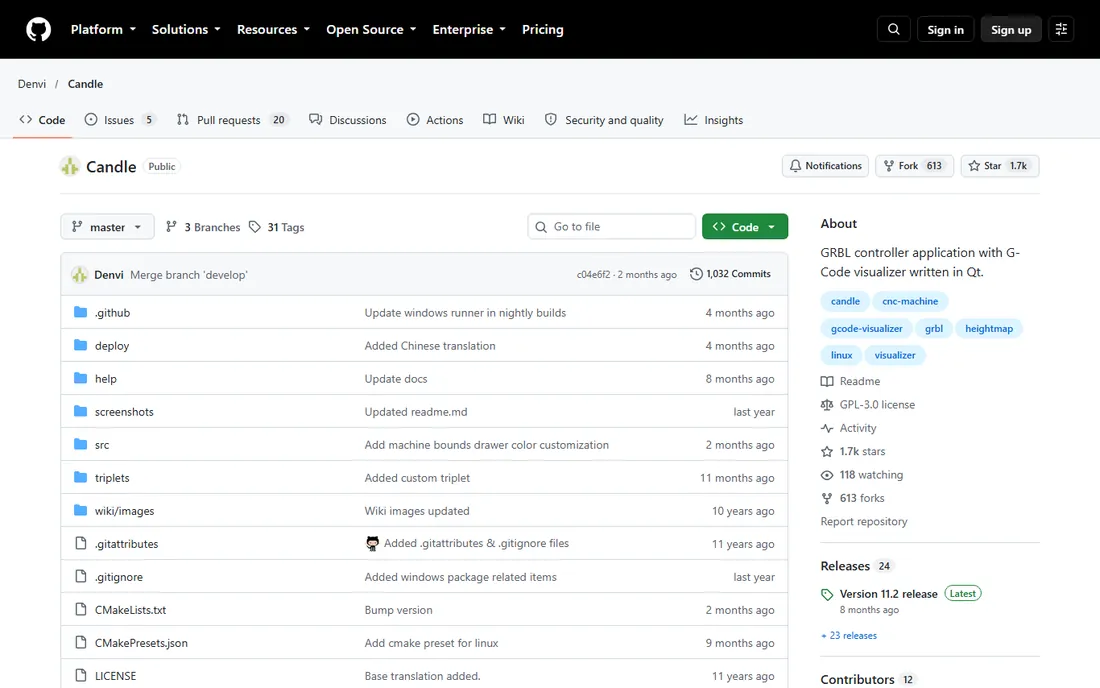
Candle is the minimalist's sender: a clean Qt application that controls GRBL machines with console commands, buttons and a numpad jog pad, plus a G-code visualizer. It does one job and does it with an interface a beginner can understand in minutes.
It will not replace UGS for power users, and you still need CAD/CAM elsewhere. But if you want the simplest possible program between your G-code and your machine, especially on a Raspberry Pi, Candle is the calm choice.
What we like- Clean, minimal interface that beginners grasp immediately: console, jogging, g-code visualization and file sending
- Runs on Windows, Linux, macOS and Raspberry Pi
- Tiny footprint
Watch out for- Sender only with no CAM
- Fewer features than UGS or bCNC
- Development is slower than UGS
#7
bCNC
Best for: Advanced sending with autoleveling, probing and built-in CAM
Visit github.com
Starting priceFree (open source)
Free planFree
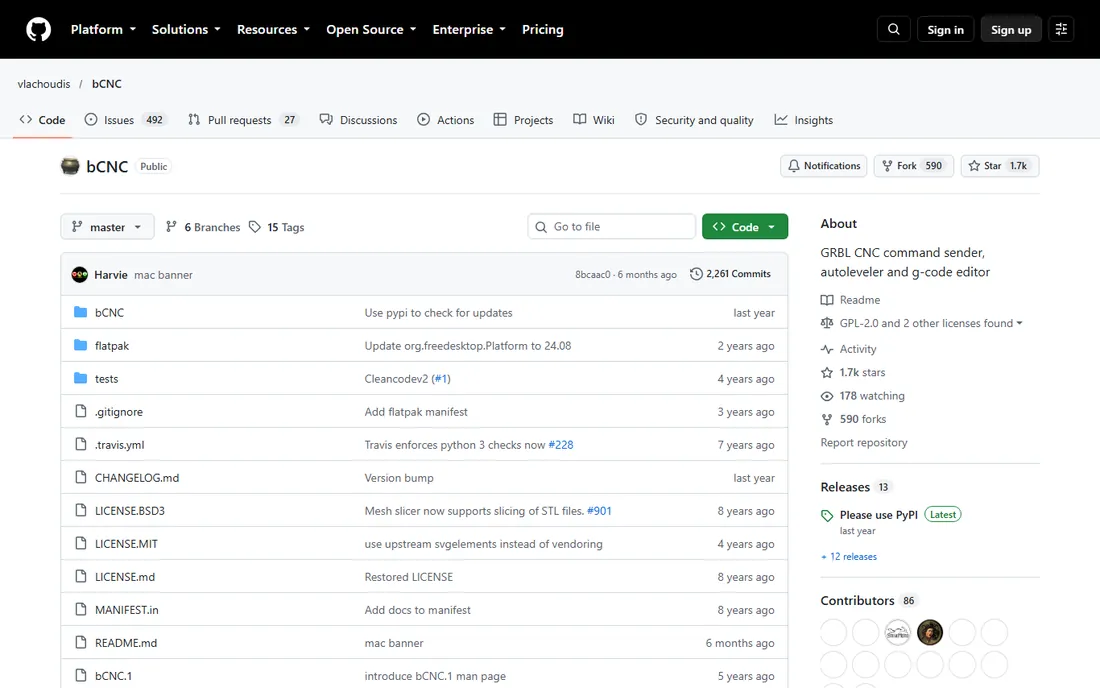
bCNC is the Swiss army knife of G-code senders. Beyond streaming G-code, it offers autoleveling (probe your warped workpiece and adjust the toolpath), a graphical G-code editor, probing routines, basic CAM operations and even g-code generators for boxes and gears. It installs with pip and runs on modest hardware including the Raspberry Pi.
Setup is more involved than Candle or UGS, and the README warns Mac users of current issues. But for the tinkerer who wants probing, autoleveling and editing in one free tool, bCNC does things that paid senders charge for.
What we like- Sender plus autoleveling, g-code editor, probing wizards and basic CAM (profiling, pocketing, drilling): runs on Raspberry Pi and old hardware
- Plugin system and web pendant
Watch out for- Python installation can trip up beginners
- Mac support is currently shaky
- The interface prioritizes function over polish
#8
Estlcam
Best for: Affordable CAM plus machine control in one German-engineered package
Visit estlcam.de
Starting priceSee website (free version fully functional; paid license removes delays)
Free planFree version, fully functional indefinitely
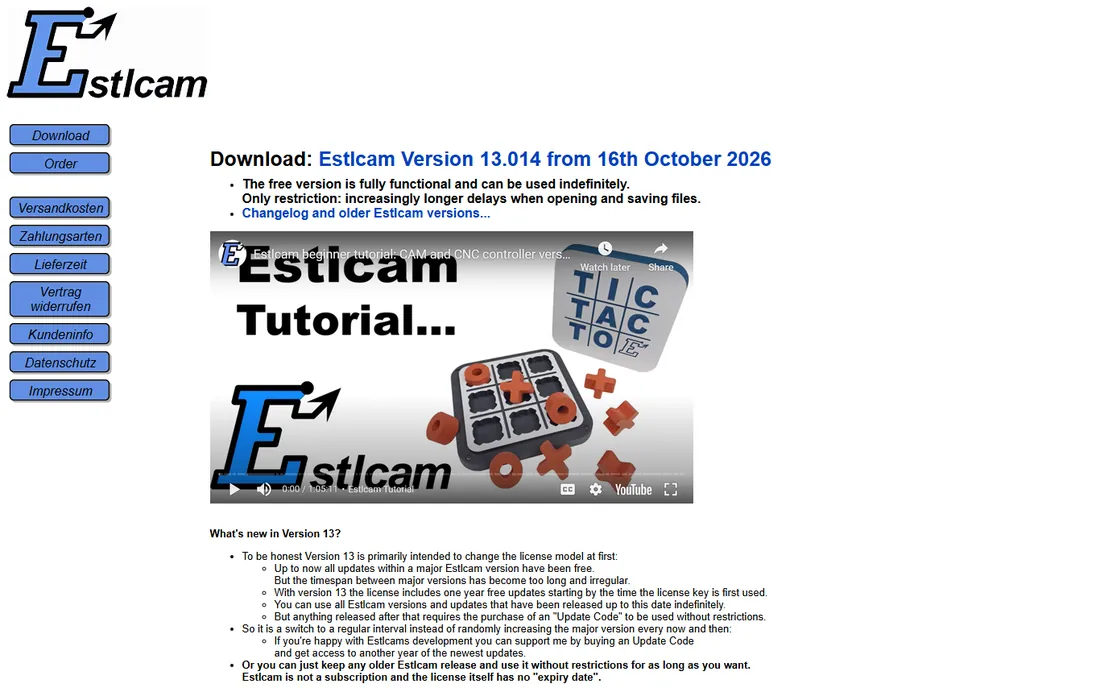
Estlcam is a CAM and CNC control program from Germany that is unusually generous: the free version is fully functional and never expires, with the only restriction being increasing delays when opening and saving files. It generates 2D and 2.5D toolpaths from DXF or SVG, 3D programs from STL, v-carves, thread milling and even picture machining, and can control the machine directly over USB.
The license is a one-time purchase with no expiry; version 13 includes one year of updates, extendable with an update code. For the beginner who wants real CAM capability for the price of a few router bits, Estlcam is the value pick, Windows-only caveat and all.
What we like- The free version is fully functional indefinitely: 2D/2.5D CAM from DXF/SVG, 3D from STL, plus direct machine control
- One-time license, not a subscription
- Picture and QR-code machining built in
Watch out for- Windows only
- The free version adds increasing open/save delays
- License covers one year of updates (version 13 model)
#9
LinuxCNC
Best for: Full machine control on DIY and retrofitted machines
Visit linuxcnc.org
Starting priceFree (open source)
Free planFree
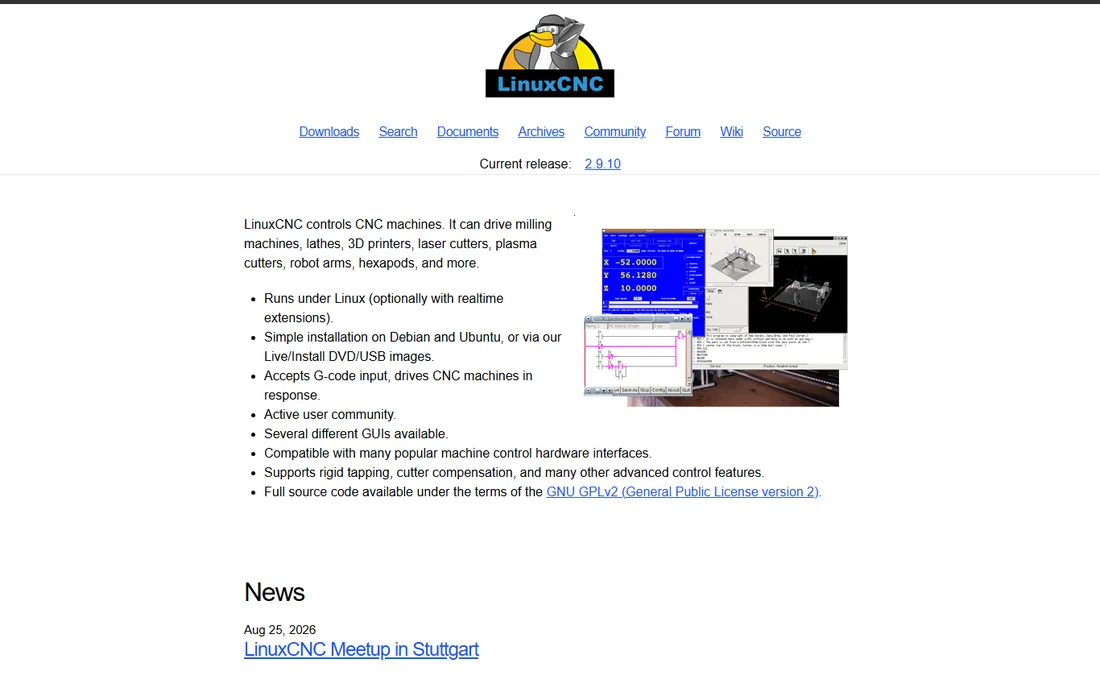
LinuxCNC is a different beast: it turns a PC running Linux into a full CNC machine controller, replacing proprietary control hardware. It accepts G-code and drives the machine directly with real-time motion control, supporting mills, lathes, plasma cutters and more, with features like rigid tapping and cutter compensation.
It is not beginner software in the friendly sense, and you still need CAD/CAM upstream. But if you are building or retrofitting a machine and want industrial-grade control for free, LinuxCNC is the proven open-source answer with decades of development behind it.
What we like- Complete machine control software, not just a sender: drives mills, lathes, plasma and more
- Real-time motion control with rigid tapping and cutter comp
- Free and open source with an active community
Watch out for- Runs on Linux only
- This is control software, not CAD/CAM
- Setup demands real technical confidence
How we chose
We picked tools that real beginners actually use, covering all three jobs: all-in-one design-to-cut tools (Easel, Carbide Create, Estlcam), professional CAD/CAM with a free tier (Fusion 360, VCarve), free G-code senders (UGS, Candle, bCNC) and full machine control (LinuxCNC). Every homepage or repository was opened and verified. Pricing reflects what each vendor publishes: free and open-source tools are marked free, everything else is "See website" unless the vendor states it.
What beginners get wrong about CNC software
The classic mistake is collecting software before cutting anything. You need exactly one working toolchain to make your first part: something that designs, something that generates toolpaths, and something that talks to your machine. Easel does all three in the browser. Carbide Create plus a free sender does it for free. Everything else on this list is an upgrade for a specific frustration.
The second mistake is ignoring feeds and speeds. No software saves you from a broken bit if the toolpath settings are wrong for your material. Every tool here lets you set and save cut parameters; learn what chip load means before chasing fancier CAM. Software is the easy part of CNC. Materials and tooling are where beginners actually lose money.
Think of your software as two toolboxes. Toolbox one is your daily driver: the all-in-one you cut with every week. For most beginners that is Easel, Carbide Create or Estlcam. Learn it deeply, build the project gallery habit, and cut a hundred parts with it before deciding you need more.
Toolbox two is your growth path: Fusion 360 for real mechanical design, VCarve when woodworking gets serious, bCNC when you need autoleveling, LinuxCNC when you build your own machine. Add these one at a time, each solving a frustration you have actually felt. The beginners who thrive are not the ones with the most software. They are the ones who mastered one toolchain before adding the next.
Frequently asked questions
What is the best CNC software for a complete beginner?
Easel is the easiest: it runs in the browser and combines design, toolpaths and machine control, so you can carve a first project within an hour. Carbide Create is the best free alternative with no time limits.
Is there really free CNC software?
Yes. Carbide Create is free with no limits, Fusion 360 is free for personal use, Estlcam's free version is fully functional indefinitely, and UGS, Candle, bCNC and LinuxCNC are free open source. A complete beginner toolchain can cost nothing.
Do I need separate CAD, CAM and sender software?
Not at first. All-in-one tools like Easel, Carbide Create and Estlcam cover design, toolpaths and machine control. As projects get complex, specialists take over: Fusion 360 or VCarve for CAM, plus a dedicated sender like UGS.
What is a G-code sender and why do I need one?
A sender streams the G-code toolpath file to your machine's controller over USB, and lets you jog, zero and monitor the cut. UGS, Candle and bCNC are the popular free options for GRBL-based machines like Shapeoko, X-Carve and 3018 routers.
Fusion 360 vs VCarve: which should I learn?
Fusion 360 if you want mechanical parts, parametric design and a path to professional work; it is free for personal use but has a steep learning curve. VCarve if you do woodworking, signs and relief carving and prefer a one-time purchase with legendary tutorials.
Can I run CNC software on a Mac?
Easel runs in any browser. Fusion 360 has a Mac version. Candle and bCNC support macOS (bCNC's Mac support is currently shaky per its README). VCarve now has a Mac version; Estlcam is Windows only.
Sources we checked (9)
- https://easel.inventables.com
- https://carbide3d.com
- https://www.autodesk.com
- https://vectric.com/
- https://github.com/winder/Universal-G-Code-Sender
- https://github.com/Denvi/Candle
- https://github.com/vlachoudis/bCNC
- https://estlcam.de/
- https://linuxcnc.org/
Is your product missing or out of date?
We review this list regularly. Vendors can request a listing, send updated pricing or ask about featured placement.

Shihab Mia · Founder, Rankite
Shihab has spent more than a decade helping SaaS and e-commerce brands grow through search. He writes Rankite's software buying guides from pricing pages, documentation and public user reviews. More about Shihab.