How we make this list: we compare pricing pages, product documentation and public user reviews. Ratings come from G2, Capterra or Trustpilot, with the date we checked them.
Key takeaways
- Cloud printing removes print servers, letting users print from any device to any office printer without VPNs or driver installs.
- Printix starts at 1.99 dollars per user per month and ezeep offers a free plan for up to 10 users, making them the cheapest entry points.
- Secure print release, where a job waits until the user badges in at the printer, is the key feature for offices handling sensitive documents.
- Large enterprises with Canon fleets often choose uniFLOW, while PrinterLogic leads on serverless printing and driverless deployment.
- Google Cloud Print shut down years ago, so every service on this list is a third-party platform, not a built-in Google feature.
Quick comparison
| Tool | Best for | Starting price | Free plan |
|---|
 Printix Printix | Small teams and remote workers | $1.99 per user per month | No |
 ezeep ezeep | Small teams with a free start | €2.75 per user per month | Yes |
 PaperCut Hive PaperCut Hive | Hybrid workforces and schools | See website | No |
 PrinterLogic PrinterLogic | Large serverless deployments | See website | No |
 uniFLOW uniFLOW | Large Canon fleets | See website | No |
 YSoft SafeQ YSoft SafeQ | Regulated industries and workflows | See website | No |
 Pharos Cloud Pharos Cloud | Large cloud-first organizations | $3 per user per year | No |
 PrinterOn PrinterOn | Education and hospitality guests | See website | No |
Is your product missing or out of date?
We review this list regularly. Vendors can request a listing, send updated pricing or ask about featured placement.
The best cloud printing services
#1Printix
Best for: Small teams and remote workers4.2/5 on
G2 (13 reviews, checked Oct 2026)
Visit printix.net
Starting price$1.99 per user per month
Free planNo
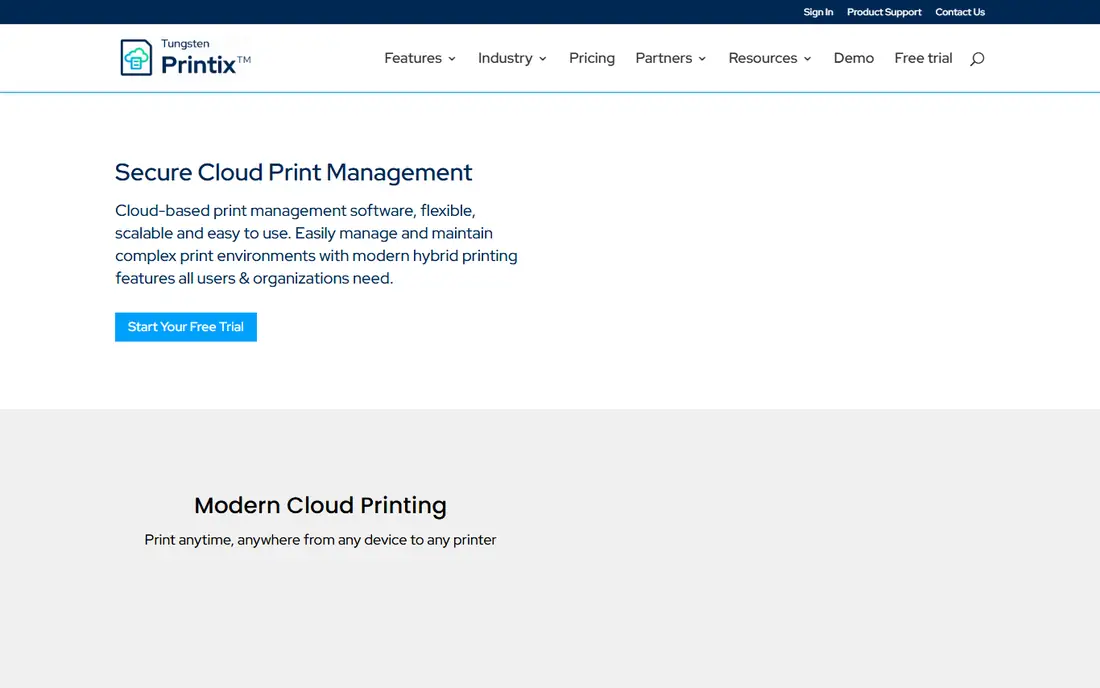
Printix is a cloud-first print management service that removes print servers entirely, with serverless queues that route jobs directly to printers over the internet. It starts at 1.99 dollars per user per month, the lowest paid entry on this list, and reviewers praise its low cost and easy management of devices and print queues. Printix supports Windows, macOS, Linux, Chromebook, and mobile devices, which suits remote and hybrid teams with mixed hardware.
The drawbacks are testing access and workflow depth. Reviewers note the lack of a free version for extended testing, and advanced workflow automation is thinner than YSoft SafeQ or uniFLOW. Printix suits small to mid-size businesses and remote teams that want budget-friendly, serverless printing without server maintenance.
What we like- Low-cost SaaS from 1.99 dollars per user
- Serverless print queues
- Easy device and queue management
Watch out for- No free version for extended testing
- Fewer advanced workflow features
- Smaller review base at 13 G2 reviews
Starting price€2.75 per user per month
Free planYes
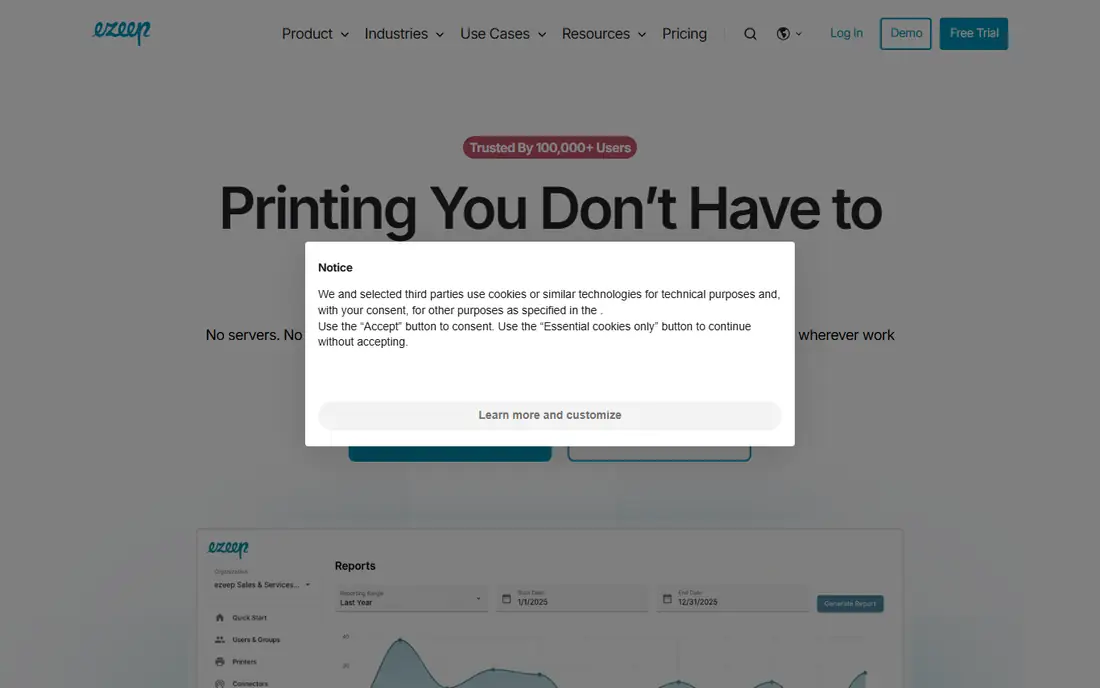
ezeep, from ThinPrint, is a cloud print platform for distributed organizations, covering offices, remote users, virtual desktops, coworking spaces, education, and health care. Its free Personal plan supports up to 10 users, 1 connector, driver-free endpoints, and unlimited user-triggered print jobs, which makes it the only service on this list with a genuinely free start. The Pro plan starts at 2.75 euros per user per month billed annually, adding group management, admin-assigned printers, tracking, and reporting, while Business at 4.75 euros adds Secure Pull Printing and Entra ID group sync.
The limits are caps and enterprise pricing. Pro API pages are capped at 1,000 per month per organization, and unlimited connectors and custom API access require the custom Enterprise tier. Reviewers rate ezeep 4.4 out of 5 on G2 and praise its affordability and support. ezeep suits small teams that want a free start and flexible pricing as they grow.
What we like- Free Personal plan for up to 10 users
- Driverless printing
- Broad platform support including ChromeOS
Watch out for- Pro features need paid tiers
- API pages capped at 1,000 per month on Pro
- Enterprise pricing custom
Starting priceSee website
Free planNo
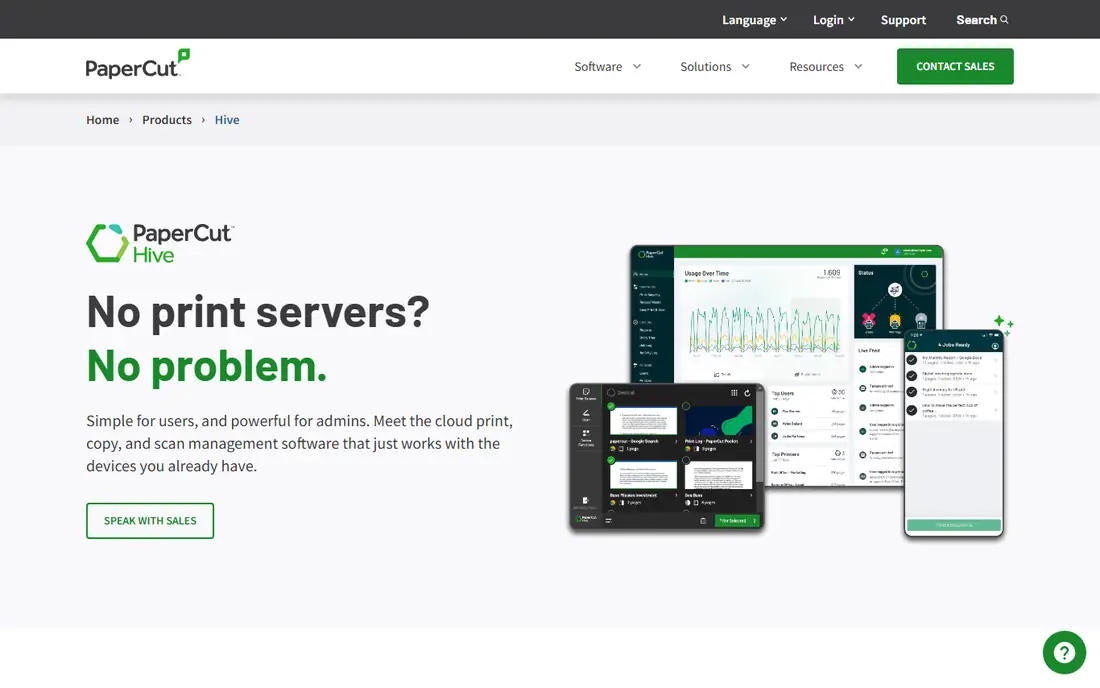
PaperCut is the best-known name in print management, and Hive is its cloud edition for hybrid workforces, while MF remains the on-premise flagship. PaperCut tracks and caps printing, bills departments, and holds each job until the user swipes a badge or types a PIN at the printer, which cuts waste and keeps sensitive documents off shared trays. Its Mobility Print feature covers mobile printing across Windows, macOS, Linux, ChromeOS, iOS, and Android. PaperCut rates 4.5 out of 5 on G2 across 541 reviews, the largest review base on this list.
The drawbacks are cloud feature gaps and pricing opacity. Hive still trails MF on some features, pricing runs through quotes or resellers, and one directory lists the smaller NG edition at about 435 dollars for 25 users. PaperCut suits schools and mixed-fleet offices that want proven tracking, quotas, and secure release.
What we like- Comprehensive print tracking and quotas
- Secure release with badge or PIN
- Strong education presence
Watch out for- Cloud edition trails on-premise MF on features
- Pricing via quote or reseller
- Mobile printing can cost extra
Starting priceSee website
Free planNo
PrinterLogic eliminates print servers with a serverless architecture and driverless printing, letting IT deploy printers centrally without installing drivers on each workstation. It rates 4.6 out of 5 on G2 across 408 reviews, with centralized management cited as its top strength, and it scales to large organizations with many sites. For enterprises retiring print servers across dozens of offices, PrinterLogic is often the first name on the shortlist.
The limits are quote-based pricing and scale fit. Smaller teams may find the sales-led process heavy, and setup for very large fleets needs careful planning around printer discovery and driver profiles. PrinterLogic suits large organizations that want serverless printing at scale.
What we like- Serverless printing with no print servers
- Driverless deployment
- Centralized management
- Rated 4.6 out of 5 on G2
Watch out for- Pricing by quote only
- Best suited to larger organizations
- Setup needs planning for big fleets
Starting priceSee website
Free planNo
uniFLOW, from Canon, is a hybrid print management platform for large enterprises, combining cloud and on-premise management with deep integration into Canon multifunction devices. It offers secure print release, document scanning integration, cost tracking, and workflow rules, and it handles large fleets with centralized policy control. For enterprises already standardized on Canon hardware, uniFLOW integration depth is unmatched.
The drawbacks are hardware fit and rating. Pricing is quote-based, non-Canon fleets gain less from its device integration, and its 4.1 out of 5 G2 rating trails rivals on this list. uniFLOW suits large Canon-centric enterprises that want hybrid management with scanning workflows.
What we like- Deep Canon device integration
- Hybrid print management
- Secure print release and scanning workflows
Watch out for- Pricing by quote
- Best with Canon hardware
- Rated 4.1 out of 5 on G2, lowest on this list
#6YSoft SafeQ
Best for: Regulated industries and workflows3.9/5 on
G2 (16 reviews, checked Oct 2026)
Visit ysoft.com
Starting priceSee website
Free planNo
YSoft SafeQ targets compliance-heavy industries with workflow automation, policy-based routing, and detailed tracking that supports audit requirements. It covers cloud and on-premise deployments, supports secure authentication by PIN, card, or mobile, and automates scan-to-workflow processes that simpler tools leave manual. Its 4.7 out of 5 rating in comparison coverage reflects strong satisfaction among enterprise users.
The limits are price access and complexity. Pricing is quote-based, smaller teams may find it more than they need, and setup for complex workflows takes planning. YSoft SafeQ suits regulated industries and mid-to-large organizations that need workflow automation alongside secure printing.
What we like- Strong workflow automation
- Policy-based routing
- Compliance-friendly tracking and reporting
Watch out for- Pricing by quote
- Best suited to mid-to-large organizations
- Setup complexity higher
Starting price$3 per user per year
Free planNo
Pharos Cloud is a cloud-first print management service priced from 3 dollars per user per year, which makes it strikingly cheap for large organizations with thousands of users. It centralizes printer management in the cloud, supports secure release, and suits enterprises that want to move printing fully to the cloud without per-device licensing complexity. For a 1,000-user organization, the annual cost is a fraction of per-user monthly rivals.
The drawbacks are feature breadth and small-team fit. Pharos focuses on large cloud-first deployments, so smaller teams may find fewer hand-holding features than ezeep or Printix, and public review coverage is thinner. Pharos suits large organizations that want cloud printing at the lowest annual per-user cost.
What we like- Very low per-user annual price from 3 dollars
- Cloud-first design
- Strong for large deployments
Watch out for- Fewer features than PaperCut or PrinterLogic for small teams
- Enterprise focus
- Less review coverage
Starting priceSee website
Free planNo
PrinterOn specializes in mobile and guest printing for education, hospitality, and public venues, letting visitors print from phones and laptops without joining the local network or installing drivers. Guests send documents by app, email, or web portal and release them at a printer with a code, which suits hotels, campuses, and libraries. Its cloud delivery model keeps visitor printing separate from staff printing, which simplifies security.
The limits are enterprise depth and pricing access. PrinterOn has fewer centralized management features than PrinterLogic or PaperCut for large staff fleets, and pricing runs by quote. PrinterOn suits venues where guest printing matters as much as staff printing.
What we like- Guest and mobile print delivery
- Strong in education and hospitality
- Simple visitor printing
Watch out for- Pricing by quote
- Fewer enterprise management features
- Smaller review base
How we chose
We compared pricing model, free tier availability, secure release support, platform coverage, and deployment model, using 2026 pricing pages and G2 review data. We favored services with transparent entry pricing and a free or low-cost start for small teams, and we noted where pricing is quote-based, since that hides total cost until a sales conversation. We also weighed secure release and tracking, because those features drive most of the cost savings and security gains from print management.
How to choose the best cloud printing service
Start by counting users, printers, and sites, since per-user pricing favors small teams while per-device or annual pricing favors large fleets. Next, decide whether you need secure release, quotas, or workflow automation, since those features separate basic cloud printing from full print management. Then check platform support for every device type your users carry, including Chromebooks and phones, and confirm driverless printing works with your printer models. Finally, run a pilot in one office before rolling out company-wide, since printer discovery and driver profiles cause most deployment surprises.
Frequently asked questions
What is cloud printing and how is it different from a print server?
Cloud printing manages printers, queues, and drivers from a cloud service instead of a local server, so users print from anywhere without VPNs or driver installs, and IT manages everything from a web dashboard.
What is secure print release?
Secure print release holds a print job on the server or cloud until the user authenticates at the printer with a badge, PIN, or mobile app, which prevents sensitive documents from sitting on shared trays.
Can I print from a Chromebook or phone?
Yes, most services on this list support ChromeOS, iOS, and Android, with driverless or app-based printing. Confirm your specific printer models are supported before committing.
Does cloud printing work without internet?
No, cloud printing needs an internet connection to route jobs, though some services cache jobs locally for brief outages. Offices with unreliable internet should check offline behavior carefully.
How much can print management save?
Savings come from quotas, duplex defaults, secure release that deletes unclaimed jobs, and department chargeback that makes costs visible. Published savings vary widely, so pilot in one office and measure before projecting company-wide figures.
Is my print data secure in the cloud?
Reputable services encrypt jobs in transit and at rest, and secure release keeps documents from printing until the owner is present. Check data residency, retention, and compliance certifications if you print sensitive material.
Sources we checked (0)
Is your product missing or out of date?
We review this list regularly. Vendors can request a listing, send updated pricing or ask about featured placement.

Shihab Mia · Founder, Rankite
Shihab has 5+ years in B2B and SaaS SEO. He writes Rankite's software buying guides from pricing pages, documentation and public user reviews. More about Shihab.