How we make this list: we compare pricing pages, product documentation and public user reviews. Rankite is independent; if a vendor ever pays for a featured spot, that listing is clearly labeled Partner.
Key takeaways
- Most small teams should start with DigitalOcean, Vultr or Google Cloud: flat pricing, a simple console and a trial credit beat a 200-service catalog when you have one developer.
- Microsoft shops get the most from Azure, Oracle database users from Oracle Cloud Infrastructure, and data-heavy teams from Google Cloud. Match the platform to the stack you already run.
- AWS wins on breadth (200+ services, 124 availability zones across 39 regions), but its billing complexity is the number one complaint from small businesses.
- Every major platform offers a free trial or credits: Google Cloud $300, Oracle $300, Azure $200. Test your real workload on two platforms before committing.
Quick comparison
| Tool | Best for | Starting price | Free plan |
|---|
 Amazon Web Services Amazon Web Services | Teams that expect to grow into a very wide service catalog | Pay-as-you-go (usage-based; no flat entry price) | Yes (AWS Free Tier with monthly usage limits) |
 Microsoft Azure Microsoft Azure | Businesses already running Windows Server, Microsoft 365 or .NET | Pay-as-you-go (usage-based; no flat entry price) | Yes ($200 credit for 30 days plus 12 months of select services free) |
 Google Cloud Google Cloud | Data analytics, machine learning and Kubernetes workloads | Pay-as-you-go (usage-based; no flat entry price) | Yes ($300 credit for new customers plus 20+ always-free products) |
 DigitalOcean DigitalOcean | Small teams and solo developers who want cloud without the learning curve | Flat-rate droplets (see website; entry servers cost a few dollars per month) | Yes (trial credit for new accounts) |
 Vultr Vultr | Teams wanting cheap flat-rate compute with wide global coverage | Flat-rate compute plans (see website; entry instances cost a few dollars per month) | No (no standing free tier) |
 Akamai Cloud (Linode) Akamai Cloud (Linode) | Developers who want simple servers backed by a huge global network | Flat-rate compute plans (see website) | Yes (new-account credit; enterprise credit programs advertised) |
 IBM Cloud IBM Cloud | Regulated industries and companies standardizing on Red Hat OpenShift | Pay-as-you-go (usage-based) | Yes (trial credit for new accounts; Lite plans on select services) |
 Oracle Cloud Infrastructure Oracle Cloud Infrastructure | Oracle database shops and teams chasing the lowest unit prices | Pay-as-you-go (usage-based) | Yes (Always Free tier with no time limit plus $300 credit for 30 days) |
 Alibaba Cloud Alibaba Cloud | Businesses serving customers in China and across Asia-Pacific | Pay-as-you-go (usage-based) | Yes (free trial products for verified new users; terms vary by region) |
Is your product missing or out of date?
We review this list regularly. Vendors can request a listing, send updated pricing or ask about featured placement.
Picking a cloud platform feels like buying a car by reading the parts catalog. Every provider lists hundreds of services, and the pricing pages read like tax code. The practical question is smaller: where do you run your app, your database and your files so the bill stays predictable and the site stays up. These nine platforms cover the real market, from the three hyperscalers to the simpler clouds most small businesses actually enjoy using.
#1
Amazon Web Services
Best for: Teams that expect to grow into a very wide service catalog
Visit aws.amazon.com
Starting pricePay-as-you-go (usage-based; no flat entry price)
Free planYes (AWS Free Tier with monthly usage limits)
AWS is the default answer for a reason: whatever you need to build, there is a managed service for it, and whatever contractor you hire already knows it. EC2 for virtual servers, S3 for file storage, RDS for databases and Lambda for serverless functions cover what most small businesses ever touch. The global network means you can put servers close to your customers on every continent.
The honest catch is cost control. Pay-as-you-go pricing means your bill moves with traffic, and services like data transfer and managed databases can dwarf the compute line item. New accounts get a free tier with monthly usage limits plus signup credits, which is enough to host a small site or prototype for months. Turn on billing alerts on day one, and treat the AWS pricing calculator as required reading before any production launch.
What we like- The largest service catalog (200+ services) and the widest global footprint (124 availability zones in 39 regions)
- Mature ecosystem of tutorials, contractors and third-party tools
- Strong startup credit programs
Watch out for- Billing is famously hard to predict, and surprise invoices are a common complaint
- Support plans with fast response times cost extra
- The console overwhelms beginners
Starting pricePay-as-you-go (usage-based; no flat entry price)
Free planYes ($200 credit for 30 days plus 12 months of select services free)
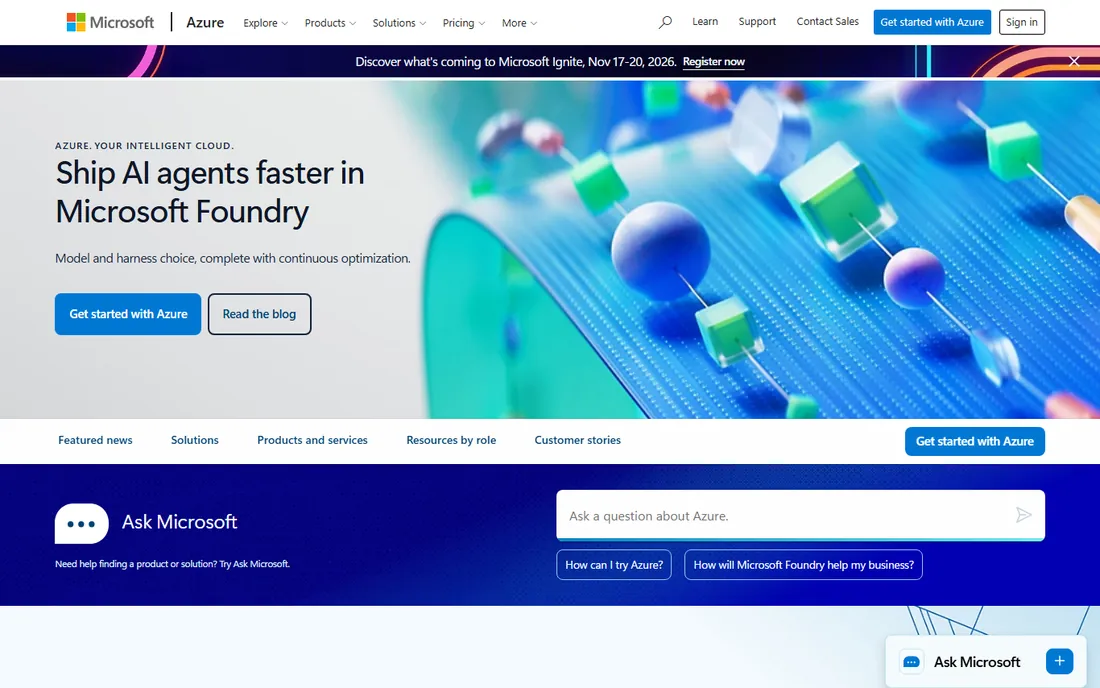
If your office runs on Microsoft 365 and your app runs on .NET or SQL Server, Azure is the path of least resistance. Identity, email, databases and hosting sit under one account and one bill, and hybrid setups that keep some servers on-premises are a genuine strength. Azure OpenAI Service also makes it the natural home for teams building on OpenAI models inside a Microsoft contract.
The trial math deserves attention. The $200 credit lasts 30 days, which passes fast when you are learning in the evenings, though 12 months of free monthly amounts on popular services plus 65+ always-free services soften that. Like AWS, pricing is usage-based and complex, so model your workload with the calculator before you migrate anything production.
What we like- The smoothest path for Microsoft-based stacks, with Entra ID and hybrid tools built in
- Strong compliance coverage for regulated industries
- Spending protection on the free account
Watch out for- The 30-day credit window is the shortest of the big three
- Documentation and the portal frustrate non-Microsoft users
- Enterprise sales culture seeps into support
Starting pricePay-as-you-go (usage-based; no flat entry price)
Free planYes ($300 credit for new customers plus 20+ always-free products)
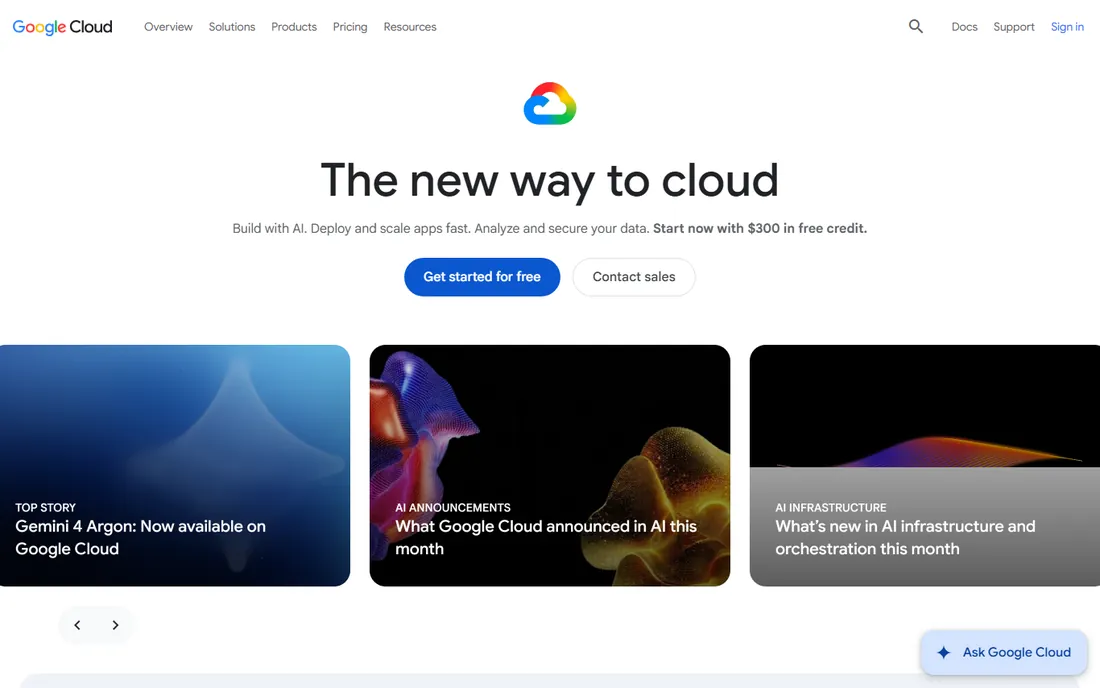
Google Cloud is the pick for teams whose product is data. BigQuery lets a small team analyze terabytes without managing a warehouse, and Vertex AI plus the Gemini models give startups serious AI tooling from day one. The $300 new-customer credit is the largest trial pot among the hyperscalers, and 20+ always-free products mean small experiments can run indefinitely at zero cost.
The trade-offs are reach and familiarity. Fewer regions than AWS or Azure matters if your customers cluster outside North America and Europe, and some services feel built for Google-scale engineers rather than small teams. During the trial you cannot add GPUs or request quota increases, so plan a second test if your workload needs accelerators.
What we like- The most generous trial credit of the big three
- BigQuery and Vertex AI are genuinely best-in-class for data and AI work
- Kubernetes originated at Google, and GKE shows it
Watch out for- Smaller global region footprint than AWS or Azure
- Per-second billing with sustained-use discounts still confuses newcomers
- Enterprise sales support lags the other two
#4
DigitalOcean
Best for: Small teams and solo developers who want cloud without the learning curve
Visit digitalocean.com
Starting priceFlat-rate droplets (see website; entry servers cost a few dollars per month)
Free planYes (trial credit for new accounts)
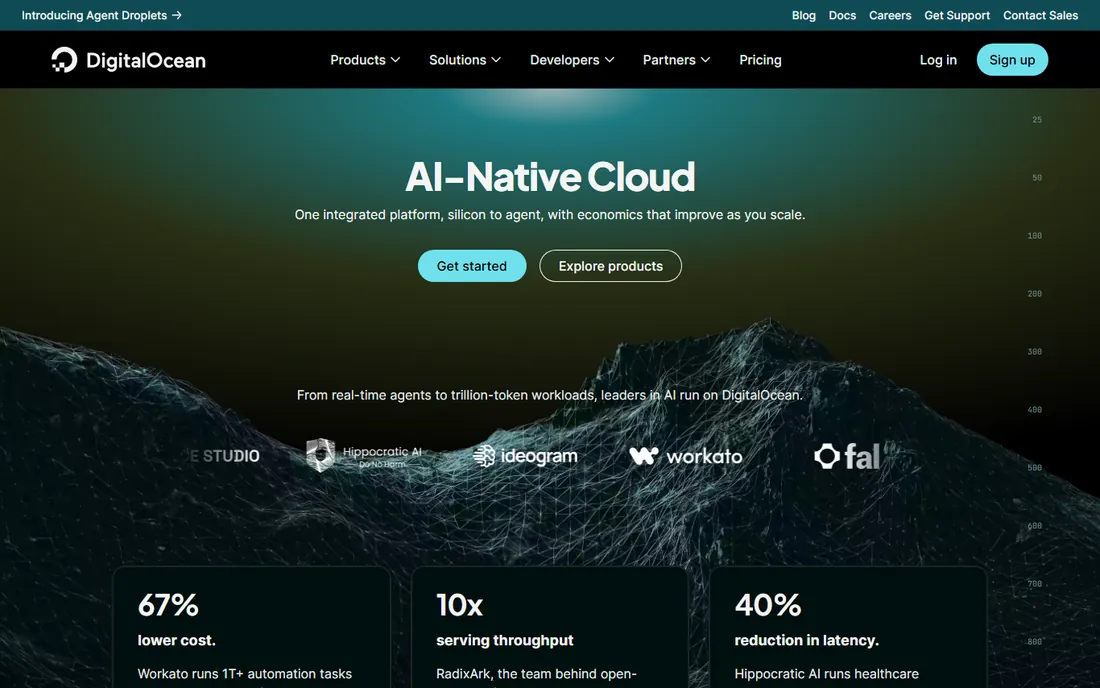
DigitalOcean is where many developers deploy their first real server, and plenty never leave. Droplets (virtual servers) have fixed monthly prices, managed databases and Kubernetes exist for when you grow, and the documentation library answers most questions before you ask support. For a marketing site, a SaaS MVP or a handful of client projects, it is the fastest route from signup to production.
The ceiling is real, though. If you later need 200 managed services, private 5G edge zones or a dedicated compliance team, you will outgrow it. GPU and AI offerings are expanding but remain narrower than the hyperscalers. Price your expected usage for a year, not a month: flat pricing is the feature, so make sure the flat number actually beats usage-based alternatives at your scale.
What we like- The simplest console of any provider here
- Flat monthly pricing with no surprise bills
- Strong tutorials and community for beginners
Watch out for- Far fewer managed services than the hyperscalers
- Limited compliance certifications for regulated industries
- Smaller global region count
#5
Vultr
Best for: Teams wanting cheap flat-rate compute with wide global coverage
Visit vultr.com
Starting priceFlat-rate compute plans (see website; entry instances cost a few dollars per month)
Free planNo (no standing free tier)
Vultr competes directly with DigitalOcean on simplicity and usually wins on price and region count. Thirty-three regions give you placement options across Asia, Latin America and the Middle East that budget rivals skip. The marketplace offers one-click apps (WordPress, Docker, databases), and GPU instances with published hourly rates make it a practical budget option for inference and small training jobs.
The missing free tier stings for tire-kickers: you fund the account before you test. Managed databases and Kubernetes exist but feel secondary to raw compute. For agencies hosting client sites or developers running side projects across many regions, the combination of flat pricing and broad coverage is hard to beat.
What we like- 33 global data center regions, more than most budget clouds
- Transparent hourly and monthly pricing
- GPU instances with published per-hour rates for AI work
Watch out for- No free tier for extended testing
- Managed services are thinner than DigitalOcean's
- Support is ticket-based with no phone option on standard plans
#6
Akamai Cloud (Linode)
Best for: Developers who want simple servers backed by a huge global network
Visit linode.com
Starting priceFlat-rate compute plans (see website)
Free planYes (new-account credit; enterprise credit programs advertised)
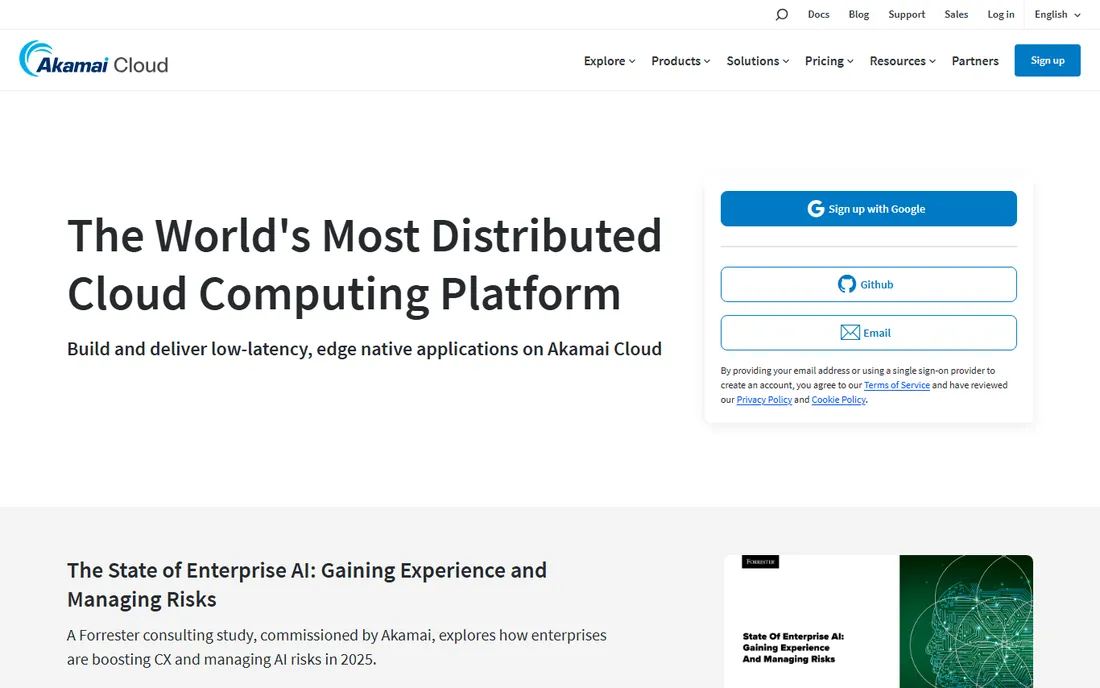
Linode built its reputation on no-nonsense virtual servers with honest pricing, and that product survives under the Akamai Cloud name. Shared CPU, dedicated CPU and high-memory plans map cleanly to real workloads, and the acquisition added genuine edge-network reach for low-latency apps. Managed Kubernetes, databases and object storage cover the standard growth path.
The rebrand is the main friction: old tutorials say Linode, new pages say Akamai Cloud, and billing logins still live on linode.com. AI and GPU offerings are thinner than at DigitalOcean or Vultr. If your priority is predictable servers at a fair price with an API you can script in an afternoon, it remains a strong pick.
What we like- Straightforward shared, dedicated and high-memory plans with no pricing puzzles
- Now backed by Akamai's global edge network
- Excellent API and documentation
Watch out for- The Linode-to-Akamai branding transition still confuses
- Fewer managed AI services than rivals
- The console feels dated next to DigitalOcean
#7
IBM Cloud
Best for: Regulated industries and companies standardizing on Red Hat OpenShift
Visit ibm.com
Starting pricePay-as-you-go (usage-based)
Free planYes (trial credit for new accounts; Lite plans on select services)
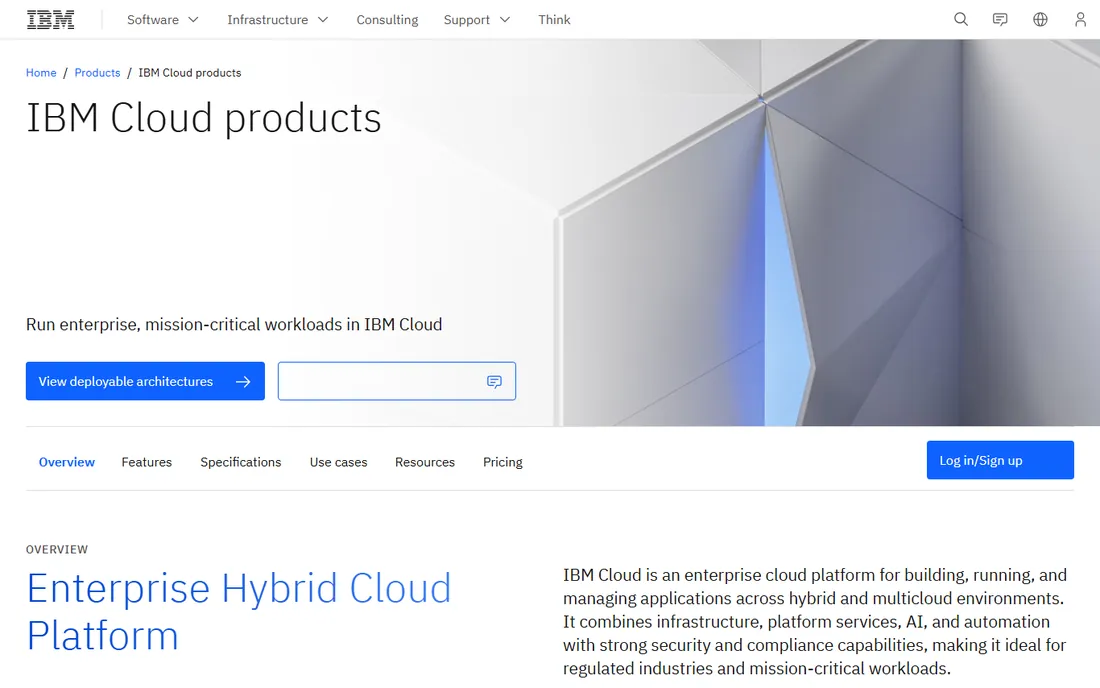
IBM Cloud is the compliance-first choice. Banks, insurers and healthcare companies pick it for the security certifications and the ability to run the same OpenShift workloads on-premises and in the cloud. Watsonx gives it a credible AI story for enterprises that want models inside their compliance boundary.
For a typical small business, it is overkill. The developer community is a fraction of AWS or DigitalOcean's, which means fewer Stack Overflow answers and freelancers. If you are not in a regulated industry and not running OpenShift, the other platforms on this list will serve you faster and cheaper.
What we like- Deep compliance and security posture for finance, healthcare and government
- Red Hat OpenShift integration is first-class
- Strong hybrid cloud story
Watch out for- Smaller community and fewer third-party tutorials than the big three
- The catalog feels enterprise-first, with less for solo developers
- Pricing pages are hard to navigate
#8
Oracle Cloud Infrastructure
Best for: Oracle database shops and teams chasing the lowest unit prices
Visit oracle.com
Starting pricePay-as-you-go (usage-based)
Free planYes (Always Free tier with no time limit plus $300 credit for 30 days)
Oracle's free tier is the real deal: two always-free autonomous databases, Arm-based compute VMs, 200 GB of block storage and 10 TB of outbound transfer every month, with no expiration. For a side project or a cost-sensitive startup, that is production hosting at zero dollars. Paid prices undercut the big three on compute, storage and especially network egress, which Oracle prices the same in every region.
The catch is ecosystem gravity. Fewer tutorials, fewer integrations and fewer engineers who know OCI mean more DIY. The platform shines brightest for Oracle Database and Java workloads; a generic web app gains less. If your database is Oracle or your bandwidth bills are painful, the math deserves a spreadsheet.
What we like- The most generous free tier: always-free Arm compute, autonomous database and 10 TB monthly egress
- Consistent low prices in every region
- Direct interconnection with Azure
Watch out for- Smaller ecosystem of third-party tools and community content
- The sales-led culture shows in the buying experience
- Non-Oracle workloads get less attention
#9
Alibaba Cloud
Best for: Businesses serving customers in China and across Asia-Pacific
Visit alibabacloud.com
Starting pricePay-as-you-go (usage-based)
Free planYes (free trial products for verified new users; terms vary by region)
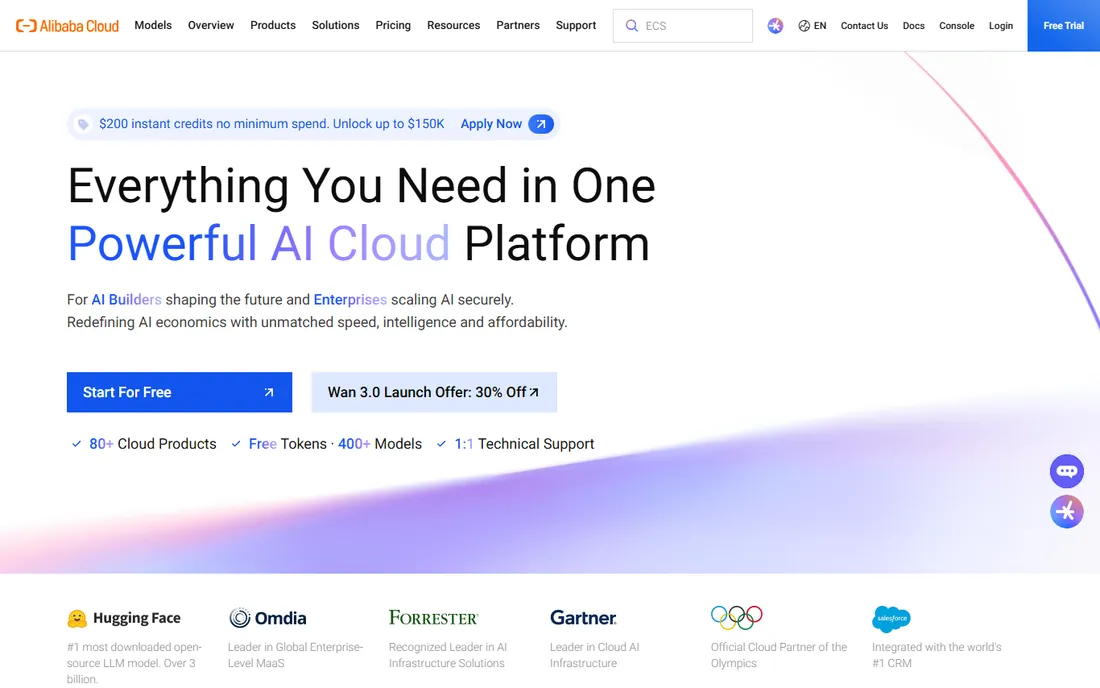
If your customers are in China, Alibaba Cloud is less a choice than a requirement: it operates inside the mainland with the licenses and network presence that AWS, Azure and Google cannot replicate. Across Southeast Asia, Japan, Korea and India it is also a price-competitive alternative with solid coverage. Elastic compute, databases and CDN products cover the standard stack.
For a US-focused small business, there is little reason to start here. English documentation has improved but still trails, and support responsiveness outside Asia gets mixed reviews. Consider it when your growth plan points east; otherwise the platforms above serve US workloads better.
What we like- The strongest cloud presence inside mainland China, which foreign hyperscalers cannot match
- Broad APAC region coverage
- Competitive pricing in Asian regions
Watch out for- Documentation and support in English lag the US providers
- The console and billing feel less polished
- Limited relevance if your customers are US-only
What actually drives your cloud bill
New buyers fixate on the per-hour compute price, which is the least interesting number on the invoice. Three line items decide whether your bill is $40 or $400. First, data transfer out: moving data out of the cloud (egress) is priced per gigabyte and varies wildly between providers, with Oracle notably cheaper and the big three notably not. Second, managed databases: a managed Postgres instance often costs more than the app servers it serves. Third, support plans: fast-response support is a separate paid tier at AWS and Azure.
Credits change the first-year math completely. Google Cloud's $300, Oracle's $300 and Azure's $200 let you run a real prototype for months, and startup programs from AWS, Google and Azure offer far larger credit packages to funded companies. Price the second year, not the first: credits expire, and the provider that was cheapest with credits may not be cheapest without them.
Hyperscaler or simple cloud: how to choose
Choose a hyperscaler (AWS, Azure, Google Cloud) when you need services you cannot build yourself: managed AI models, global private networking, compliance certifications, or a hiring pool that already knows the platform. Choose a simple cloud (DigitalOcean, Vultr, Akamai) when your workload is servers, databases and storage, and you would rather spend Friday afternoon shipping features than reading billing docs.
Team skill matters more than feature lists. A solo developer ships faster on DigitalOcean than on AWS, because the simple cloud removes decisions instead of adding them. A five-person team with AWS experience ships faster on AWS than on a platform they must learn. Audit the skills you have before the services you want.
Migration is possible but never free, so the first choice still matters. Managed databases, proprietary AI APIs and provider-specific identity systems are the sticky parts; plain virtual servers and object storage move easily. Keep your architecture portable (standard Postgres, containers, S3-compatible storage) and the platform becomes a vendor, not a marriage.
How we chose
We started with the platforms buyers actually compare: the three hyperscalers, the developer-friendly simple clouds, and the enterprise and regional specialists. For each candidate we opened the vendor's homepage and pricing pages, confirmed the free trial or credit offer on the vendor's own site where accessible, and checked real-world positioning against practitioner discussion and recent comparisons. Where a price or credit could not be verified on the vendor's page we wrote "See website" or described the pricing model rather than guessing.
Frequently asked questions
How much does cloud hosting cost for a small business?
A small app with one server and a managed database typically runs $20 to $100 per month on DigitalOcean, Vultr or Akamai Cloud, and $50 to $200 on AWS, Azure or Google Cloud at the same scale. The hyperscalers get expensive through data transfer and managed services, not compute. Use the free credits first, then measure a full month before judging.
Which cloud platform is easiest for beginners?
DigitalOcean, by a clear margin: fixed prices, a clean console and tutorials that answer nearly everything. Vultr and Akamai Cloud are close behind. AWS and Azure are powerful but expect you to learn their vocabulary first. If you have never deployed a server, start with a simple cloud.
Do I need AWS, or is a smaller cloud enough?
Most small businesses never need AWS. If your workload is websites, web apps, databases and file storage, DigitalOcean, Vultr or Akamai Cloud handle it at a lower price with less complexity. You need a hyperscaler when you require specific managed services (like Bedrock, Vertex AI or Azure OpenAI), strict compliance certifications, or a global footprint with dozens of regions.
What is the difference between pay-as-you-go and flat-rate cloud pricing?
Pay-as-you-go (AWS, Azure, Google Cloud, IBM, Oracle, Alibaba) bills per hour or per second of usage, so costs scale with traffic but surprise bills are possible. Flat-rate (DigitalOcean, Vultr, Akamai) charges a fixed monthly price per server, so the bill is predictable but you pay for idle capacity. Variable workloads favor pay-as-you-go; steady workloads favor flat-rate.
Can I switch cloud providers later?
Yes, but some parts move more easily than others. Virtual servers, containers and standard databases migrate with moderate effort. Proprietary services (serverless functions with vendor APIs, managed AI models, identity systems) create lock-in. Design for portability from the start: containers, standard Postgres or MySQL, and S3-compatible storage keep your options open.
Which cloud has the best free tier?
Oracle Cloud Infrastructure has the most generous always-free tier (Arm compute, autonomous database and 10 TB of monthly egress with no expiration). For trial credits, Google Cloud's $300 is the largest among the hyperscalers. AWS and Azure pair smaller credits with 12 months of free usage on popular services. The best free tier is the one that covers your actual workload, so test before you commit.
Sources we checked (10)
- https://aws.amazon.com
- https://azure.microsoft.com
- https://cloud.google.com
- https://www.digitalocean.com
- https://www.vultr.com
- https://linode.com/
- https://www.ibm.com/cloud
- https://www.oracle.com/cloud/
- https://alibabacloud.com/
- https://designbeep.com/2026/10/12/cloud-computing-services/
Is your product missing or out of date?
We review this list regularly. Vendors can request a listing, send updated pricing or ask about featured placement.

Shihab Mia · Founder, Rankite
Shihab has spent more than a decade helping SaaS and e-commerce brands grow through search. He writes Rankite's software buying guides from pricing pages, documentation and public user reviews. More about Shihab.