How we make this list: we compare pricing pages, product documentation and public user reviews. Rankite is independent; if a vendor ever pays for a featured spot, that listing is clearly labeled Partner.
Key takeaways
- Five9, Talkdesk and Genesys Cloud are the enterprise-grade choices with deep routing, workforce management and AI, priced accordingly from $75 per user per month and up.
- Aircall is the fastest path for small teams: $30 per user per month on annual billing, same-day setup, but a 3-license minimum and add-ons that stack up.
- RingCentral, Nextiva, 8x8 and Dialpad bundle the contact center with business phone and messaging, which suits companies that want one vendor for all communications.
- Nobody here sells a free plan. Trials exist, but budget per-agent pricing plus phone numbers, add-ons and international minutes from the start.
Quick comparison
| Tool | Best for | Starting price | Free plan |
|---|
 Five9 Five9 | High-volume outbound and blended contact centers | See website | No |
 Talkdesk Talkdesk | Enterprises wanting AI across every channel | See website | No |
 Genesys Cloud Genesys Cloud | Omnichannel centers needing workforce management | $75/user/month (Cloud CX 1) | Free trial |
 Aircall Aircall | Small teams needing phones running today | $30/user/month (Essentials, billed annually) | Free trial (7 days) |
 RingCentral RingCentral | Companies unifying phone, meetings and contact center | See website | Free trial |
 Nextiva Nextiva | SMBs wanting phone plus contact center in one bill | See website | No |
 8x8 8x8 | Global teams needing coverage in many countries | See website | Free trial |
 Dialpad Dialpad | Teams wanting AI transcription built into every call | See website | Free trial |
Is your product missing or out of date?
We review this list regularly. Vendors can request a listing, send updated pricing or ask about featured placement.
The best cloud-based call center software
#1
Five9
Best for: High-volume outbound and blended contact centers
Visit five9.com
Starting priceSee website
Free planNo
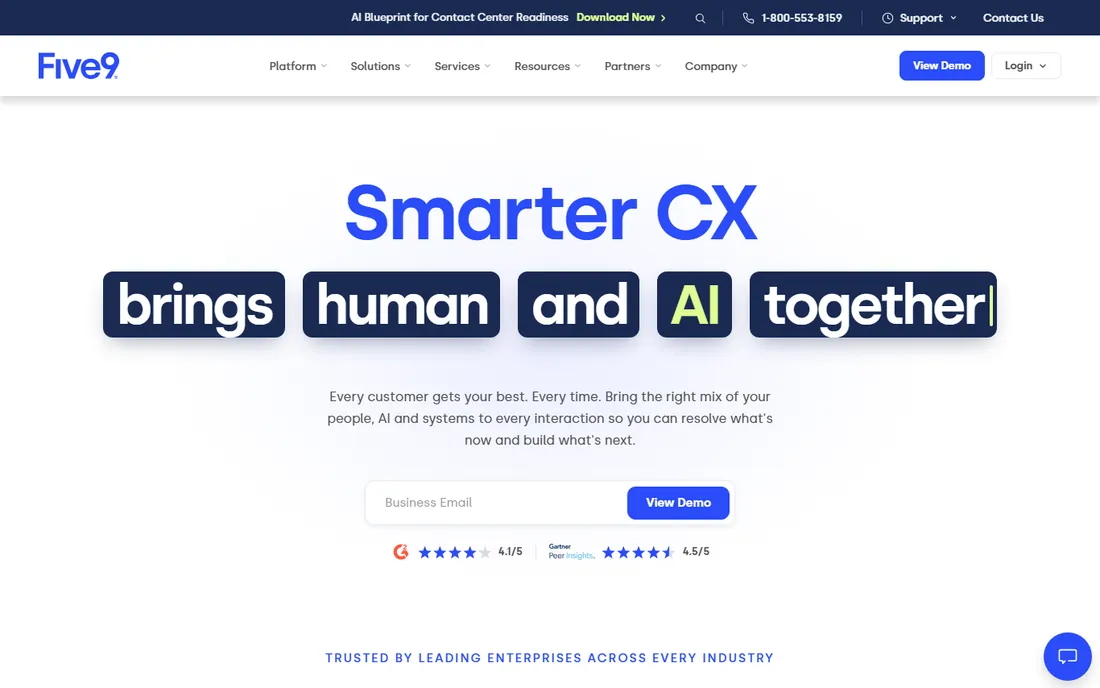
Five9 built its reputation on outbound. Its predictive dialer, campaign management and pacing algorithms are the reason sales-heavy operations choose it over generalist platforms, and the inbound side, intelligent routing, IVR and blended queues, is mature enough for mixed operations. At high volumes it stays stable, which is the table-stakes requirement nobody appreciates until it fails.
The buying experience is enterprise throughout: quote-based pricing, a sales-led process and implementation help that you will want for anything beyond a simple setup. Small teams can feel underserved by that machinery. Five9 is the right call when outbound productivity is the metric that matters and you have the agent count to justify the engagement.
What we like- Strongest predictive dialing and outbound campaign tools
- Reliable at high call volumes
- Deep CRM integrations
Watch out for- Quote-only pricing
- Implementation is a real project, not self-serve
Starting priceSee website
Free planNo
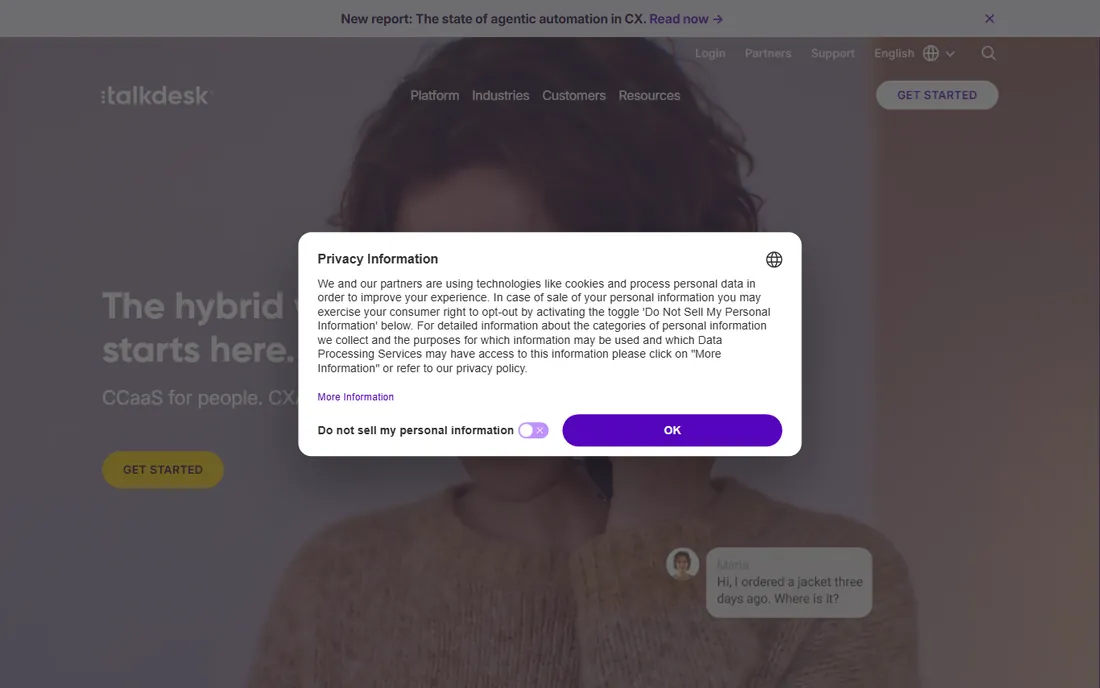
Talkdesk positions itself as the AI-first contact center, and the product reflects it: agent assist that surfaces answers mid-call, AI routing that matches callers to the best agent, and analytics that score conversations automatically. Channel coverage spans voice, chat, email, SMS and social, with the usual deep Salesforce and ServiceNow integrations enterprises expect.
Everything about the commercial side says enterprise. Pricing is quote-only and sits at the premium end, and the platform's complexity means you will use professional services for a serious deployment. A fifty-agent operation gets a different experience from a five-hundred-agent one. Choose Talkdesk when AI-assisted service is a strategic priority and the budget matches; otherwise the mid-market options deliver most of the practical value.
What we like- AI woven through routing, agent assist and analytics
- Broad channel coverage
- Strong enterprise integrations
Watch out for- Pricing is opaque and high
- Smaller deployments get less attention
#3
Genesys Cloud
Best for: Omnichannel centers needing workforce management
Visit genesys.com
Starting price$75/user/month (Cloud CX 1)
Free planFree trial
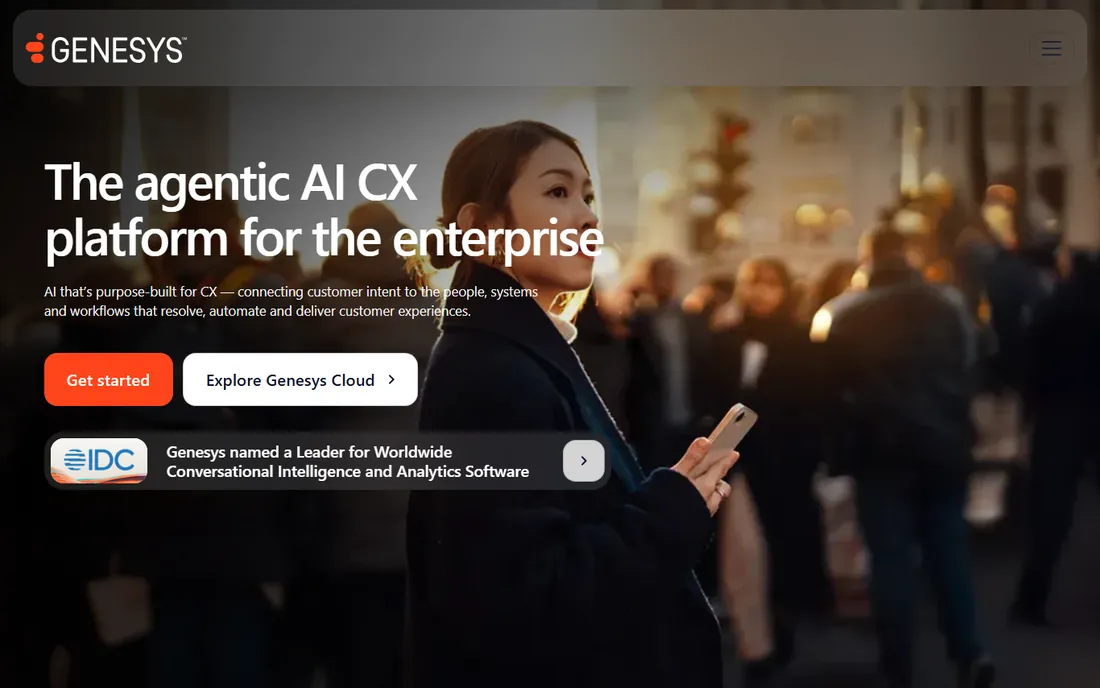
Genesys Cloud CX is unusual among enterprise contact centers for publishing its prices. Tiers run from $75 per user per month for voice-only (CX 1) through digital and workforce-management bundles up to $240 for the AI-heavy CX 4, with hourly billing also available. That transparency makes budgeting possible without a sales call, which is rare air in this category.
The platform itself is the safe enterprise choice: omnichannel routing, IVR builders, workforce management with forecasting and scheduling, quality management and interaction recording, all proven in deployments of thousands of agents. The honest catch is that $75 is the floor, not the deal; most buyers land on CX 2 or CX 3, and the configuration surface is deep enough to need dedicated administrators. It is built for operations with real scale and real compliance needs.
What we like- Published per-user pricing tiers
- Workforce management and quality tools built in
- Proven at very large scale
Watch out for- Even the entry tier is $75 per user
- Configuration depth can overwhelm small teams
Starting price$30/user/month (Essentials, billed annually)
Free planFree trial (7 days)
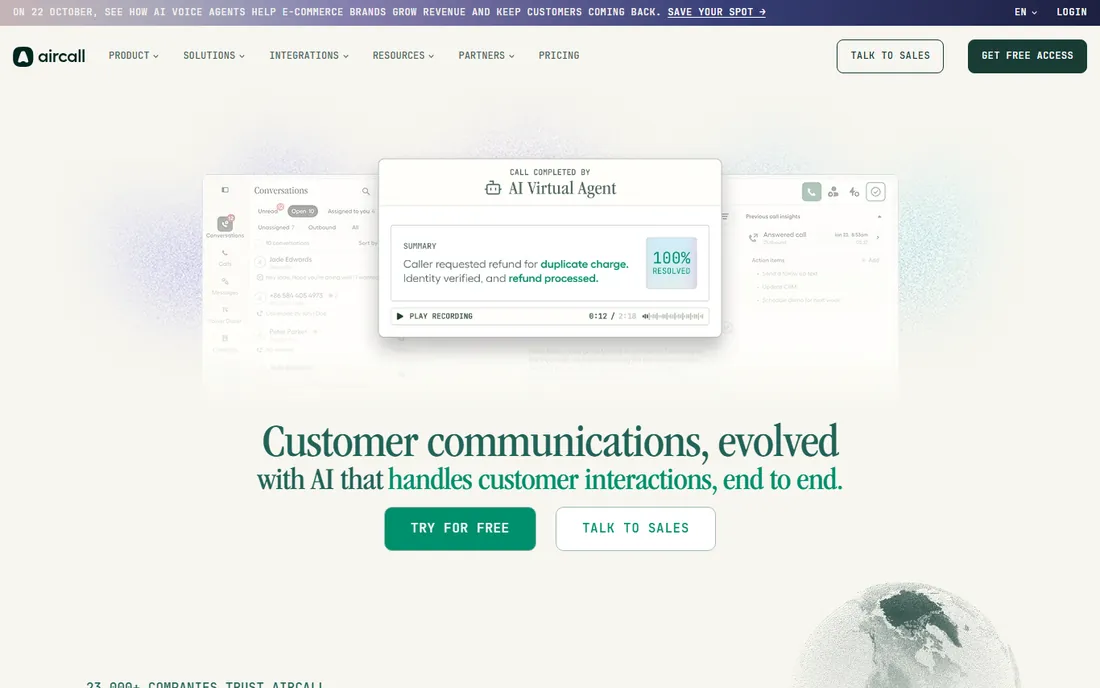
Aircall is the tool you buy when the team needs business phones this week. Signup to working numbers, IVR and queues can genuinely happen in a day, with local numbers in over a hundred countries and integrations covering the CRMs and helpdesks small teams actually use. Essentials at $30 per user per month on annual billing covers unlimited US and Canada calling, call recording and SMS.
Read the fine print before celebrating the price. Paid plans require a minimum of three licenses, so a two-person team pays for three. AI call summaries, advanced analytics, WhatsApp and extra numbers are add-ons billed per license, and international minutes sit on top. Aircall is still the fastest, simplest option for small support and sales teams, as long as you model the real invoice, licenses plus numbers plus add-ons, rather than the headline rate.
What we like- Same-day setup with numbers in 100+ countries
- 250+ integrations
- Clean analytics anyone can read
Watch out for- 3-license minimum on paid plans
- AI features and extras are paid add-ons
Starting priceSee website
Free planFree trial
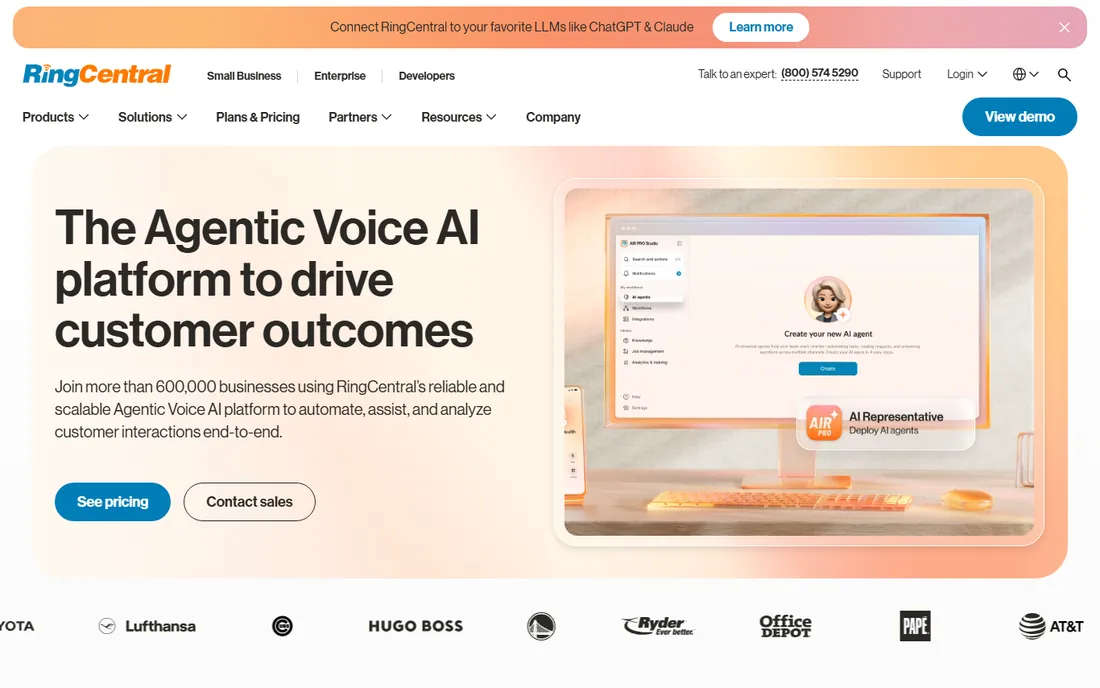
RingCentral's argument is consolidation: business phone, video meetings, team messaging and the RingCX contact center from one vendor on one bill. For companies already running RingCentral for office phones, adding the contact center keeps administration, billing and integrations in one place, and the platform's uptime record is genuinely strong.
The tradeoff is focus and pricing clarity. RingCX pricing is not published as plainly as the phone plans, and the full bundle carries features a ten-person support team will never touch. Companies that want best-of-breed contact center depth sometimes find the bundle a compromise. It wins when the decision is really about unifying all business communications, with the contact center as one piece of that.
What we like- Contact center plus UCaaS on one platform
- Strong reliability record
- Broad integration catalog
Watch out for- Contact center pricing is quote-led
- The bundle is more than small teams need
#6
Nextiva
Best for: SMBs wanting phone plus contact center in one bill
Visit nextiva.com
Starting priceSee website
Free planNo
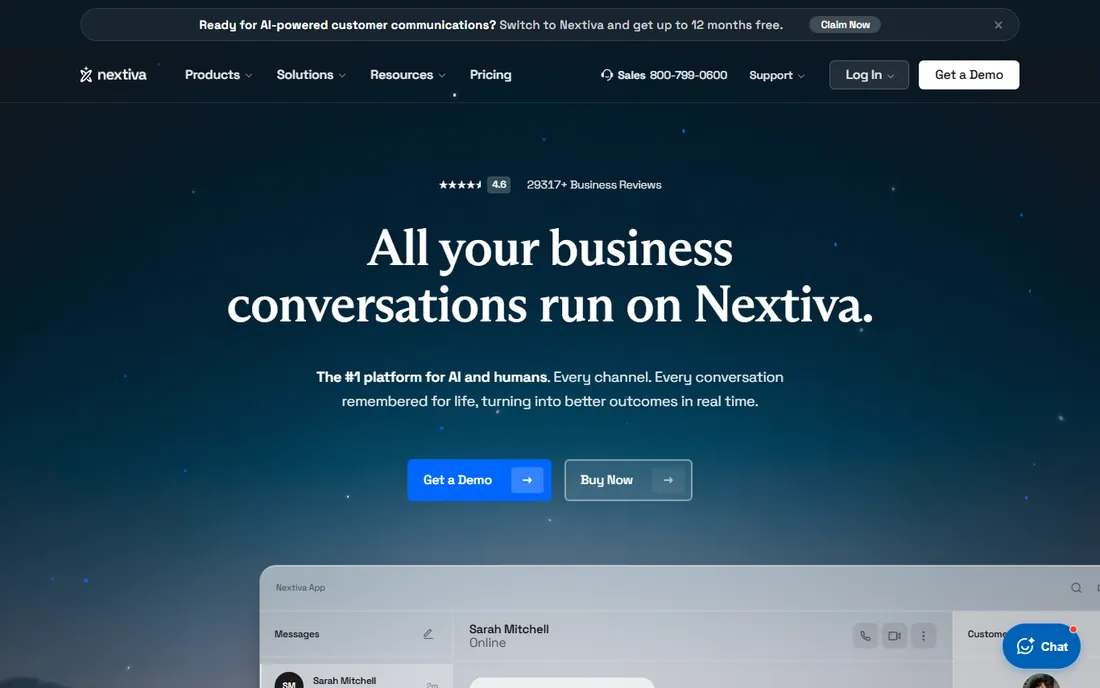
Nextiva targets the small business buyer who wants one vendor and no complexity. Its contact center offering sits on top of its business phone platform, so a twenty-person company gets voice, queues, IVR and basic omnichannel features with one contract and one admin console. Support has a good reputation among SMB buyers, which matters when there is no in-house telecom expertise.
It is not a specialist. Skills-based routing depth, workforce management and AI tooling lag Five9, Talkdesk and Genesys, and the more advanced capabilities sit on higher tiers. Nextiva is the right shape for a small business whose "contact center" is really a support line with queues, not for an operation running blended campaigns with hundreds of agents.
What we like- Simple all-in-one packaging for small business
- US-based support reputation
- Easy administration
Watch out for- Contact center depth lags the specialists
- Advanced routing needs higher tiers
#7
8x8
Best for: Global teams needing coverage in many countries
Visit 8x8.com
Starting priceSee website
Free planFree trial
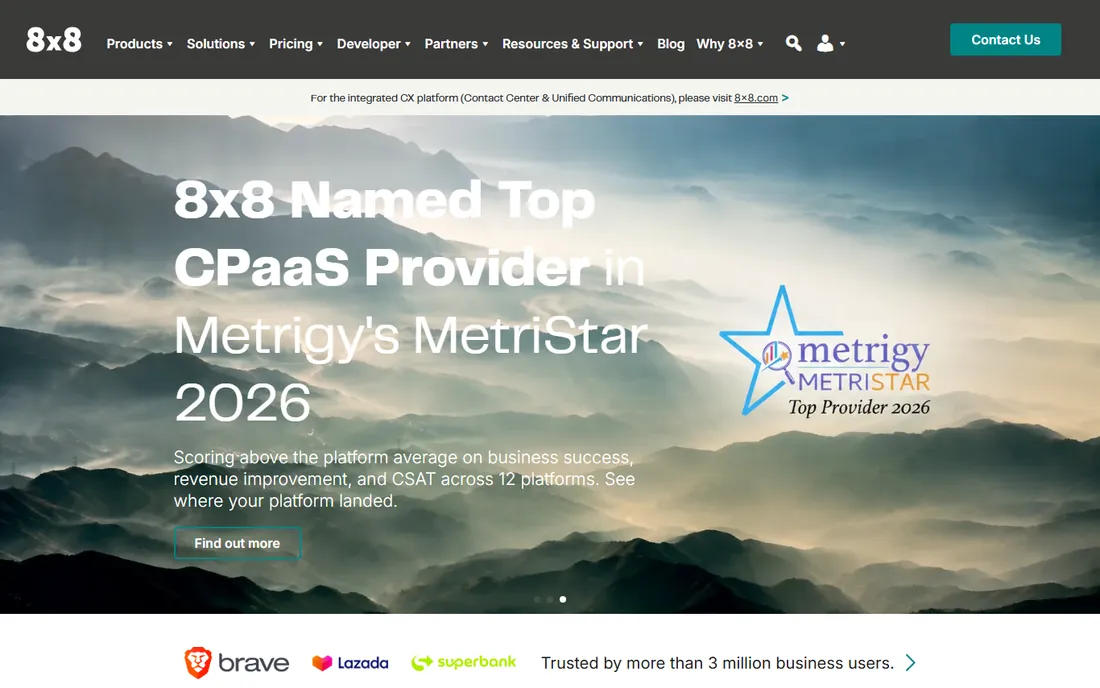
8x8's differentiator is international reach: local numbers and presence across dozens of countries with support in many more, which matters for companies with agents and customers spread globally. Like RingCentral it bundles contact center with unified communications, so voice, video and chat live under one login, and some plans include unlimited calling in major regions.
The pricing takes work to decode, with separate products for UC and contact center and regional variations, so get a written quote for your exact country mix. Feature depth in the contact center itself is solid but not class-leading; buyers choose 8x8 for the global footprint and the bundle, not because it out-routes Talkdesk. If your agents sit on three continents, that footprint is the deciding factor.
What we like- Local presence in 55+ countries
- Contact center plus meetings and chat
- Unlimited calling plans in key regions
Watch out for- Pricing structure is complex
- Contact center features trail the pure-play leaders
#8
Dialpad
Best for: Teams wanting AI transcription built into every call
Visit dialpad.com
Starting priceSee website
Free planFree trial
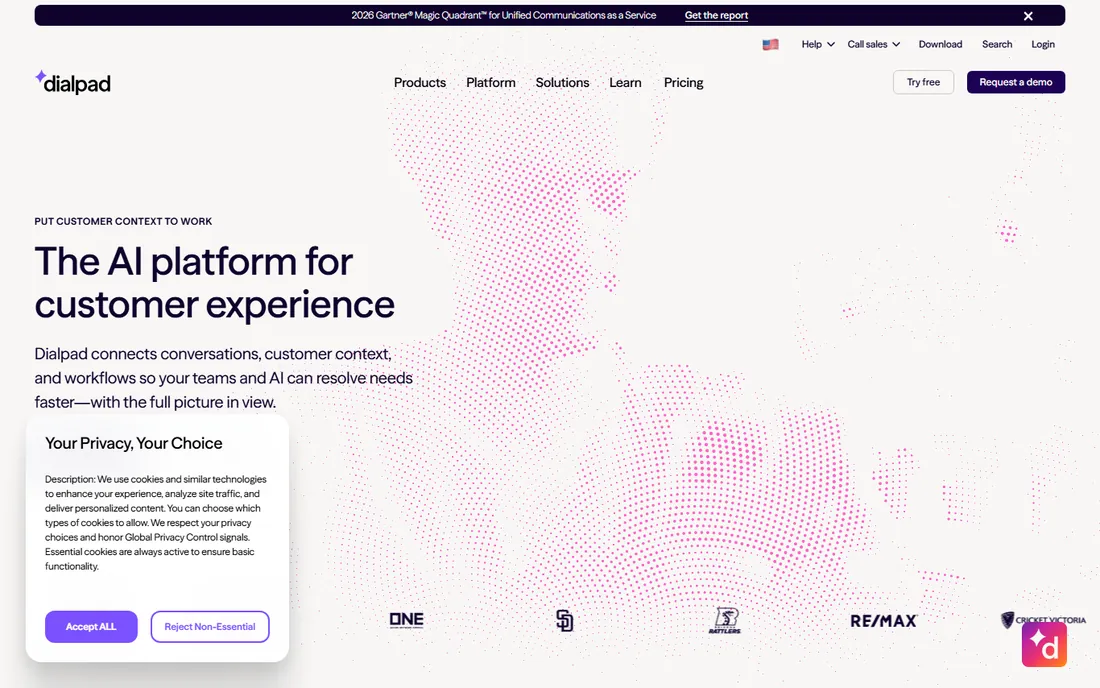
Dialpad's signature is that every call is transcribed in real time, with AI summaries, action items and sentiment available the moment the call ends. For support and sales teams, that removes after-call work and gives managers searchable call records without a separate conversation-intelligence purchase. The interface is modern and deployment is quick.
Two caveats. Transcription quality depends on audio quality and accents, so test it with your actual callers before committing. And while Dialpad publishes business-phone pricing, the Ai Contact Center pricing is less transparent, so expect a sales conversation for real numbers. Dialpad fits teams that want AI note-taking as a native feature rather than an add-on, and that value a clean agent experience over maximum routing configurability.
What we like- Real-time transcription and AI summaries on every call
- Clean modern interface
- Fast deployment
Watch out for- Contact center pricing not published plainly
- AI accuracy varies by accent and audio quality
How we chose
We covered the two buyer shapes in this market: dedicated contact center platforms (Five9, Talkdesk, Genesys Cloud) and voice-first or bundled options (Aircall, RingCentral, Nextiva, 8x8, Dialpad). Every product here is actively sold and supported in 2026 with real contact center deployments, not just a phone system with a queue feature. Pricing comes from vendor pricing pages where published, Aircall and Genesys Cloud, with "See website" where vendors keep numbers behind sales. We weighed channel coverage, routing depth, CRM integrations, international number availability and public reviews on G2, Capterra and TrustRadius for reliability and support quality. We did not run trial deployments.
What actually drives the price
Per-agent licensing is only the first line of the invoice. Phone numbers cost extra on most platforms, typically a few dollars per number per month, and toll-free numbers carry per-minute charges. International calling is almost always metered, so a support team calling customers abroad should model per-minute rates, not just seats. Then come the add-ons: AI transcription and summaries, advanced analytics, workforce management, extra storage for recordings and WhatsApp or SMS bundles are frequently separate line items, and on some platforms they apply to every license whether you want them or not.
Minimums matter as much as rates. Aircall's three-license floor means the smallest possible bill is around $90 per month, not $30. Annual contracts usually discount 20 to 30 percent against monthly billing but lock you in, so only commit annually once the platform has survived a real quarter of production use. And implementation is a cost even when the software is simple: porting numbers, building IVRs, writing routing rules and training agents takes weeks of someone's time. Ask each vendor what onboarding includes before you sign, because "self-serve" and "white-glove" are very different projects.
Implementation and porting: plan for the switchover
Number porting is the long pole in every migration. Moving existing business numbers to a new provider typically takes one to four weeks depending on the carrier, and it is the step most likely to surprise you, so start it the day you sign, not the day you want to go live. Keep the old system running in parallel until porting completes and test inbound and outbound calls on the new platform with real agents before cutting over.
Build the call flows before migration day. Map your current IVR menus, queues, routing rules and after-hours handling, then rebuild them in the new system during a trial or pilot, because every platform names these concepts slightly differently and the translation takes thought. Train agents on the new softphone and the new workflows, not just the login: the biggest post-migration complaint is always "I cannot find" something that moved. Finally, decide what happens to recordings and history. Most teams keep the old system read-only for a few months for compliance and reference rather than attempting a full data migration.
Frequently asked questions
How much does cloud call center software cost?
Entry points range from $30 per user per month (Aircall Essentials, annual) to $75 per user per month (Genesys Cloud CX 1), with enterprise platforms quoted higher. Add phone numbers, international minutes, add-ons and implementation on top of the license figure.
Do we need a dedicated contact center platform or just a business phone system?
If you need skills-based routing, queues with callbacks, workforce management or blended inbound and outbound campaigns, buy a contact center platform. If you need a support line with a simple queue and IVR, a business phone system with contact center features, like Aircall or Nextiva, is enough.
How long does it take to go live?
Simple deployments on Aircall or Dialpad can go live in days. Number porting adds one to four weeks regardless of vendor. Enterprise platforms like Five9, Talkdesk and Genesys Cloud typically take several weeks to a few months including configuration and training.
Can agents work from home with cloud call center software?
Yes. That is the core advantage of cloud systems: agents log in from anywhere with internet, supervisors monitor remotely, and the platform handles routing and recording centrally. All eight tools here support distributed teams natively.
What is the difference between per-user and concurrent-agent pricing?
Per-user pricing charges for every named agent account. Concurrent pricing charges for agents logged in at the same time, which suits operations with part-time or shift workers. Most cloud platforms here use per-user pricing; ask about concurrent or hourly options if your staffing is shift-based. Genesys Cloud, for example, also offers hourly billing.
Should we keep our existing phone numbers?
Usually yes. Port your established business numbers to the new provider to avoid confusing customers. Start the porting process early, keep the old system live until porting completes, and test thoroughly before the cutover.
Sources we checked (12)
- https://www.five9.com/
- https://www.talkdesk.com/
- https://www.genesys.com/
- https://www.genesys.com/pricing
- https://aircall.io/pricing
- https://www.ringcentral.com/
- https://www.nextiva.com/
- https://www.8x8.com/
- https://www.dialpad.com/
- https://getvoip.com/blog/genesys-cloud/
- https://www.cloudtalk.io/blog/aircall-pricing/
- https://www.quo.com/blog/aircall-pricing/
Is your product missing or out of date?
We review this list regularly. Vendors can request a listing, send updated pricing or ask about featured placement.

Shihab Mia · Founder, Rankite
Shihab has spent more than a decade helping SaaS and e-commerce brands grow through search. He writes Rankite's software buying guides from pricing pages, documentation and public user reviews. More about Shihab.