How we make this list: we compare pricing pages, product documentation and public user reviews. Rankite is independent; if a vendor ever pays for a featured spot, that listing is clearly labeled Partner.
Key takeaways
- The safest defaults for a US small business: QuickBooks Online (Simple Start $38/month, with a free tier) or Xero (Early $27/month), both with automatic bank feeds and accountant access.
- If your business runs on invoices, FreshBooks ($23/month Lite, 30-day trial) is built around getting paid; if your budget is zero, Wave's core accounting costs $0.
- Zoho Books fits teams already in the Zoho world (Standard $15/month, free tier for smaller businesses); Sage Intacct, NetSuite, and Acumatica serve larger or multi-entity operations on custom quotes.
- FreeAgent is the UK specialist (30-day trial, built for Making Tax Digital); US buyers should confirm the tax fit before switching.
Quick comparison
| Tool | Best for | Starting price | Free plan |
|---|
 QuickBooks Online QuickBooks Online | US small businesses that want their bookkeeper or accountant working on the same books | $38/month (Simple Start; free tier available) | Yes (free tier with 1 user, 2 invoices a month, 1 bank connection) |
 Xero Xero | Businesses with remote bookkeepers or advisors who need multi-user access | $27/month (Early plan; first 3 months $5.40/month) | Free trial (30 days) |
 FreshBooks FreshBooks | Freelancers, agencies, and service businesses that live in their invoicing | $23/month (Lite; $1/month for the first year as an intro offer) | Free trial (30 days) |
 Wave Wave | Solo owners and microbusinesses that want genuine double-entry accounting for free | $0 (core accounting free; paid add-ons available) | Yes (free core accounting) |
 Zoho Books Zoho Books | Businesses already running on Zoho CRM, Inventory, or other Zoho apps | $15/month (Standard, billed annually) | Yes (free tier for businesses under $50K annual revenue) |
 Sage Intacct Sage Intacct | Mid-sized companies and finance teams managing multiple entities or locations | See website (custom quote) | No |
 NetSuite NetSuite | Growing companies that want accounting inside a full ERP | See website (quote-based) | No (free 3-day test drive available) |
 Acumatica Acumatica | Growing businesses that want unlimited users without per-seat fees | See website (quote-based) | No |
 FreeAgent FreeAgent | UK freelancers and small companies that file under Making Tax Digital | See website (UK plans from £33/month) | Free trial (30 days) |
Is your product missing or out of date?
We review this list regularly. Vendors can request a listing, send updated pricing or ask about featured placement.
The month-end scramble, minus the office
Picture month-end at a busy shop: receipts in a shoebox, the bookkeeper three towns away, and you trying to remember which card paid the supplier. Cloud accounting moves that whole mess into one shared ledger you can open from anywhere. Bank feeds pull transactions in on their own, your bookkeeper logs in from their own desk, and nothing lives on a single office computer.
The nine tools below all run in a browser, all handle real double-entry books, and all let more than one person work at the same time. What separates them is price, how well they handle bank feeds, and how far they scale as the business grows. If you are choosing the best cloud based accounting software for a small team, start with your real constraints: who touches the books, how money flows in, and whether payroll lives in the same system.
#1
QuickBooks Online
Best for: US small businesses that want their bookkeeper or accountant working on the same books
Visit quickbooks.intuit.com
Starting price$38/month (Simple Start; free tier available)
Free planYes (free tier with 1 user, 2 invoices a month, 1 bank connection)
The default pick for most American small businesses, and it is easy to see why. QuickBooks Online keeps your books in a shared, real-time ledger: bank and card feeds import transactions on their own, you can attach receipts from your phone, and paid plans let your bookkeeper or accountant log in with their own permissions. Reports match what US accountants already know how to read, which makes tax season smoother.
Pricing starts at $38 a month for Simple Start, currently discounted to $19 a month for the first three months, and there is a real free tier at $0 for one user, two invoices a month, and one connected bank. That free tier suits a side business but not a team, since accountant access sits behind the paid plans. Pick this if you want the widest pool of bookkeepers and the most integrations; look elsewhere if the subscription keeps climbing past your budget.
What we like- The most widely used option, which makes hiring a bookkeeper easy
- Automatic bank feeds with bank rules
- A genuine free tier for very small operations
Watch out for- Subscription prices have risen over the years
- Accountant access requires a paid plan, not the free tier
#2
Xero
Best for: Businesses with remote bookkeepers or advisors who need multi-user access
Visit xero.com
Starting price$27/month (Early plan; first 3 months $5.40/month)
Free planFree trial (30 days)
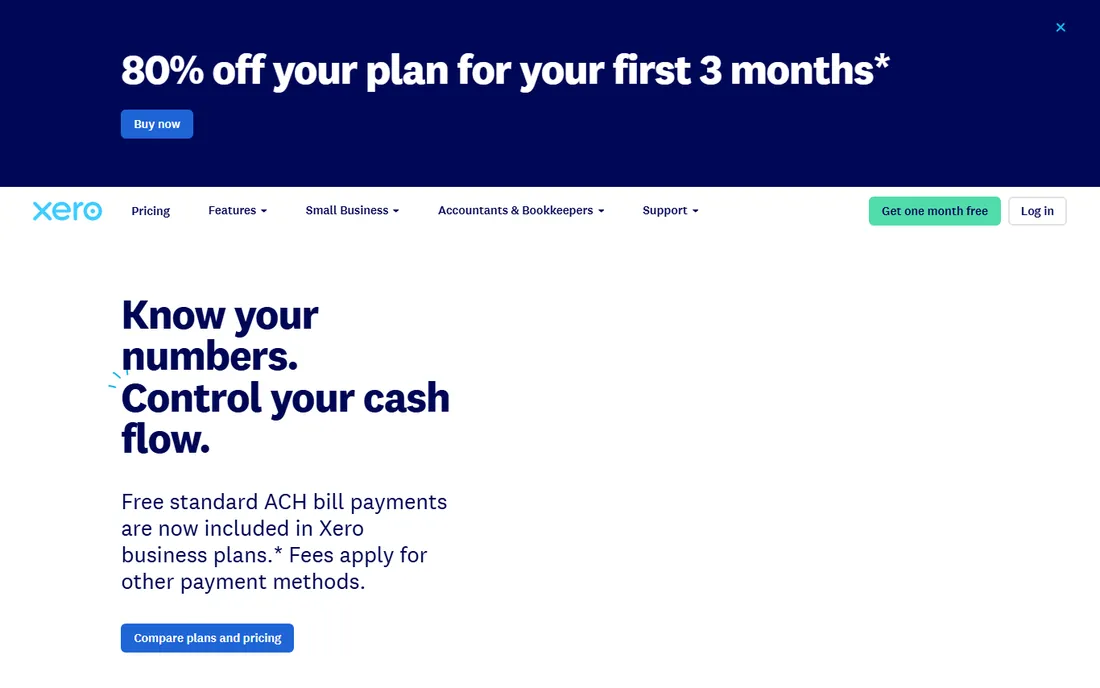
Xero takes a different route: every plan includes unlimited users, which changes the math for businesses that share the books with a bookkeeper, an advisor, and an office manager. Bank feeds connect to thousands of institutions, reconciliation matches transactions against your rules, and the mobile app approves bills and captures receipts from anywhere. The design assumes collaboration rather than one person doing everything.
Early costs $27 a month for up to 20 invoices and quotes a month; most growing businesses land on Growing at $59 or Established at $97 for multi-currency and project tracking. Every plan starts with a 30-day free trial. The trade-off is support, which is online rather than by phone, and payroll, which runs through integrations like Gusto. Choose it for collaboration-heavy bookkeeping; pass if you want one vendor for payroll and phone support.
What we like- Unlimited users on every plan, so adding your accountant costs nothing extra
- Strong bank reconciliation with rules
- A large app marketplace
Watch out for- No phone support (help is online)
- US payroll runs through partner integrations, not inside Xero
#3
FreshBooks
Best for: Freelancers, agencies, and service businesses that live in their invoicing
Visit freshbooks.com
Starting price$23/month (Lite; $1/month for the first year as an intro offer)
Free planFree trial (30 days)
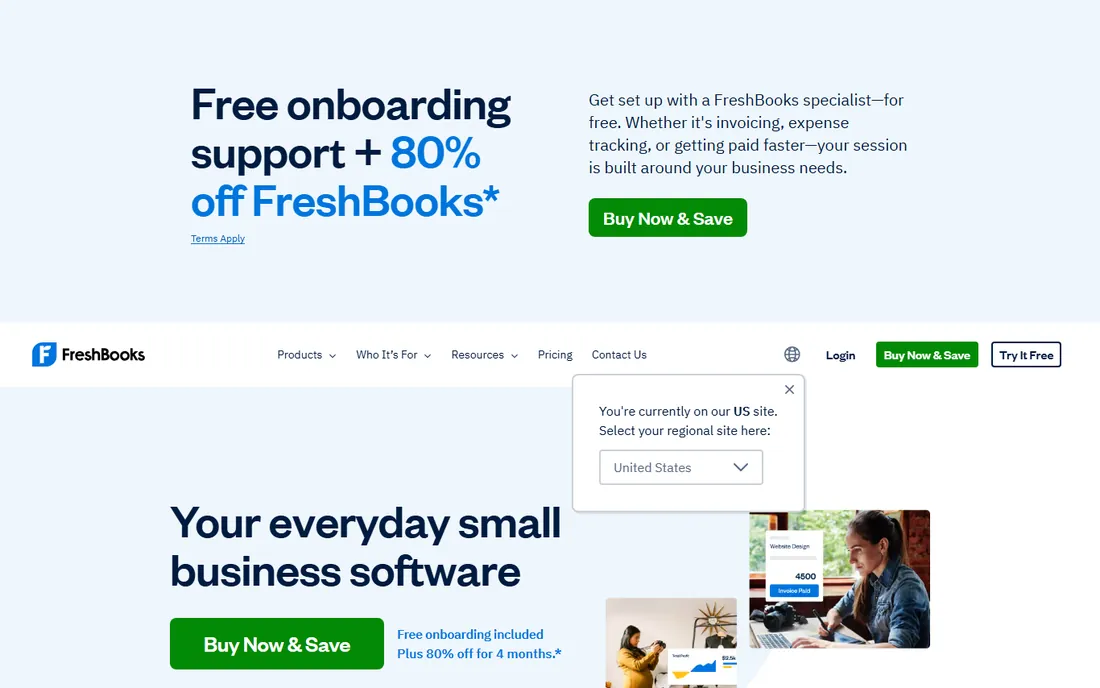
FreshBooks was built by and for service businesses, and it shows in the daily workflow. You send a proposal, convert it to an invoice, accept cards or ACH online, and set late-fee rules that chase the money for you. Time tracking feeds straight into invoices, and project tools track profitability per client. Bank imports and receipt capture keep the books current without manual entry.
Lite costs $23 a month, though FreshBooks is running a $1-a-month-for-the-first-year intro offer, and every plan includes a 30-day trial with a 30-day money-back promise. The catch is tiering: Lite allows five billable clients and no double-entry reports, so firms with real accounting needs should budget for Plus at $43. Pick FreshBooks if invoicing is your revenue engine; pick a general ledger tool like Xero if inventory or complex reporting matters more.
What we like- Invoicing-first design with proposals, retainers, and late-payment reminders
- Double-entry reports, bank reconciliation, and accountant access from Plus up
- Strong time tracking and project tools
Watch out for- Lite allows only 5 billable clients and skips double-entry accounting
- Serious accounting features sit on the higher tiers
#4
Wave
Best for: Solo owners and microbusinesses that want genuine double-entry accounting for free
Visit waveapps.com
Starting price$0 (core accounting free; paid add-ons available)
Free planYes (free core accounting)
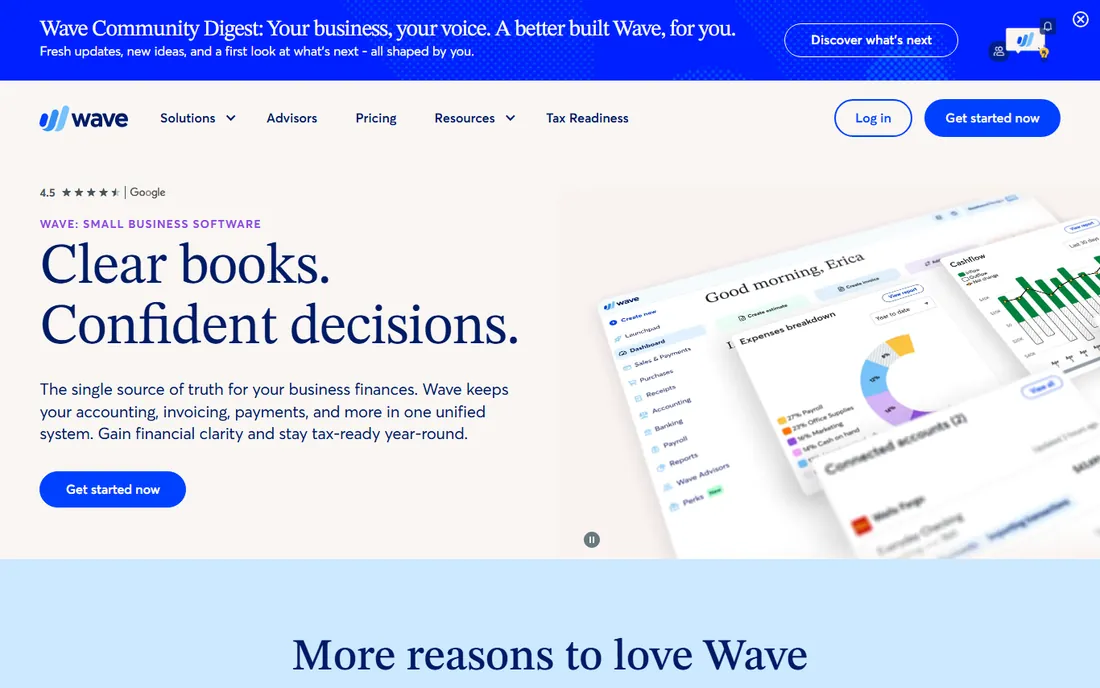
Wave's pitch is hard to argue with: full double-entry accounting, invoicing, and receipt uploads for free. There is no trial clock and no feature wall around the ledger itself. For a freelancer or a two-person shop that just needs clean books and professional invoices, it removes the monthly subscription entirely.
The money comes from add-ons: card payments, payroll, and bookkeeping services carry fees, and support is thinner than what paid competitors offer. A paid Wave Pro tier exists for businesses that want more. If your accounting needs are simple and your budget is zero, start here. When payroll or multi-user permissions matter, the paid tools above pull ahead.
What we like- Real double-entry accounting, invoicing, and receipt scanning at no cost
- Simple enough for non-accountants
- Wave Pro adds paid features when you outgrow free
Watch out for- Payroll and payment processing cost extra
- Support options are limited compared with paid rivals
#5
Zoho Books
Best for: Businesses already running on Zoho CRM, Inventory, or other Zoho apps
Visit zoho.com
Starting price$15/month (Standard, billed annually)
Free planYes (free tier for businesses under $50K annual revenue)
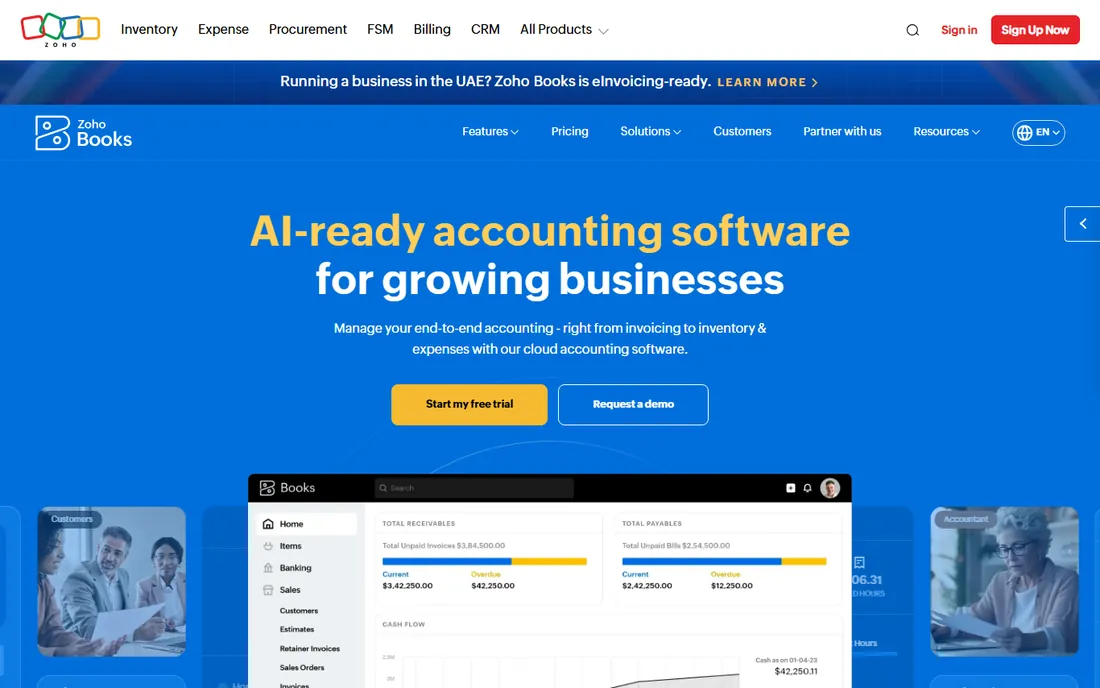
Zoho Books makes the most sense inside a Zoho household. Contacts, items, and invoices flow between Books, CRM, and Inventory without retyping, and workflow automation handles approvals, payment reminders, and recurring billing. Multi-currency support covers businesses that bill across borders, and the client portal lets customers pay and view statements on their own.
Standard costs $15 a month on annual billing, with Professional at $40, Premium at $60, and higher tiers beyond; businesses under $50,000 in annual revenue can use the free tier indefinitely. A 14-day free trial applies to paid plans. The honest downsides: the interface takes longer to learn than QuickBooks or Xero, and US payroll needs a separate tool. If you are already paying for Zoho apps, this is the natural fit.
What we like- Deep integration across the Zoho suite with shared contacts and items
- Client portal, automated workflows, and multi-currency
- Generous free tier
Watch out for- Interface carries a learning curve
- US payroll is not built in
#6
Sage Intacct
Best for: Mid-sized companies and finance teams managing multiple entities or locations
Visit sageintacct.com
Starting priceSee website (custom quote)
Free planNo
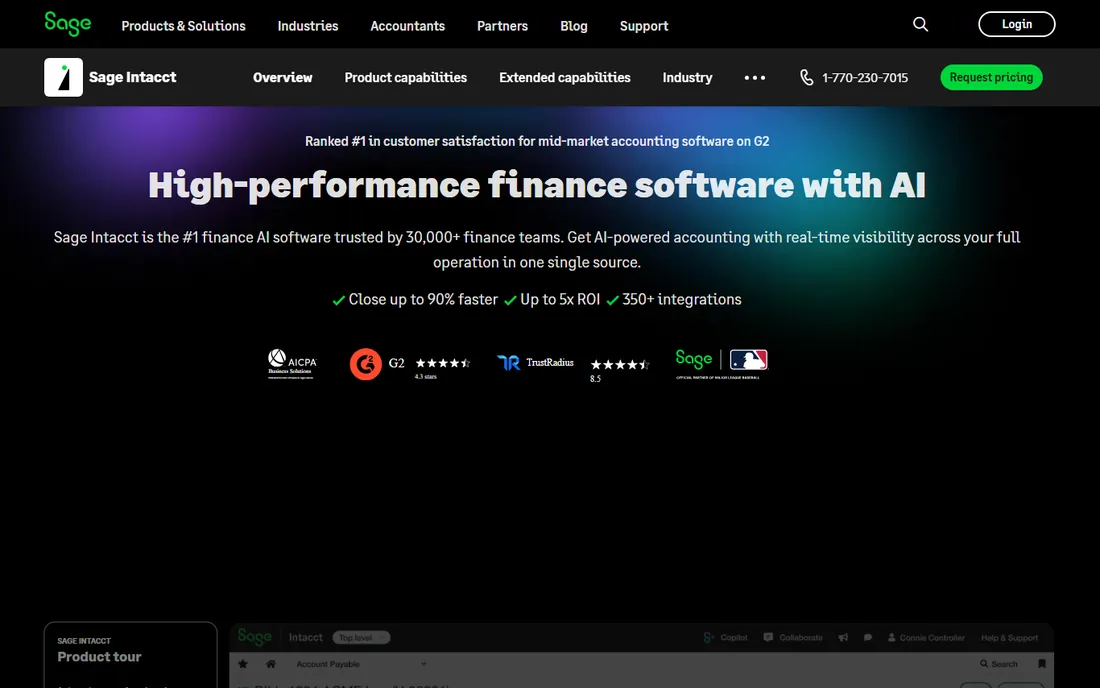
Sage Intacct is where growing companies land when QuickBooks-style tools run out of room. It consolidates multiple entities, handles intercompany transactions, and gives finance teams real-time dashboards instead of month-end spreadsheet exports. The dimensional chart of accounts lets you slice results by department, location, or project without a maze of subaccounts.
There is no published price: every deal is a custom quote, which puts it firmly in the talk-to-sales category. Implementation is a project, not a signup form, so this is not a tool you adopt on a Friday afternoon. Choose Intacct when you have a finance team and multiple entities to consolidate; smaller businesses will find it heavy and expensive for what they need.
What we like- Multi-entity consolidation and dimensional reporting built for finance teams
- Real-time dashboards and audit trails
- Strong compliance controls
Watch out for- Pricing requires a sales conversation
- Implementation takes longer than SMB tools
#7
NetSuite
Best for: Growing companies that want accounting inside a full ERP
Visit netsuite.com
Starting priceSee website (quote-based)
Free planNo (free 3-day test drive available)
NetSuite folds accounting into a full ERP, so the general ledger, inventory, order management, and CRM all read from the same data. For a company running several subsidiaries or selling across currencies, that single source of truth removes the reconciliation work that plagues multi-system setups. Financial reporting updates in real time as transactions post.
Like Intacct, NetSuite sells on quotes rather than published prices, and the vendor's own site offers a free three-day test drive rather than a trial you can live in. Implementation is measured in months with a partner. It is the right call for businesses outgrowing standalone accounting and ready for one platform; it is overkill for a team of five with one bank account.
What we like- Accounting, inventory, CRM, and ecommerce in one system
- Strong multi-subsidiary and multi-currency support
- Real-time financial reporting across the business
Watch out for- Enterprise pricing and implementation
- More system than most small businesses need
#8
Acumatica
Best for: Growing businesses that want unlimited users without per-seat fees
Visit acumatica.com
Starting priceSee website (quote-based)
Free planNo
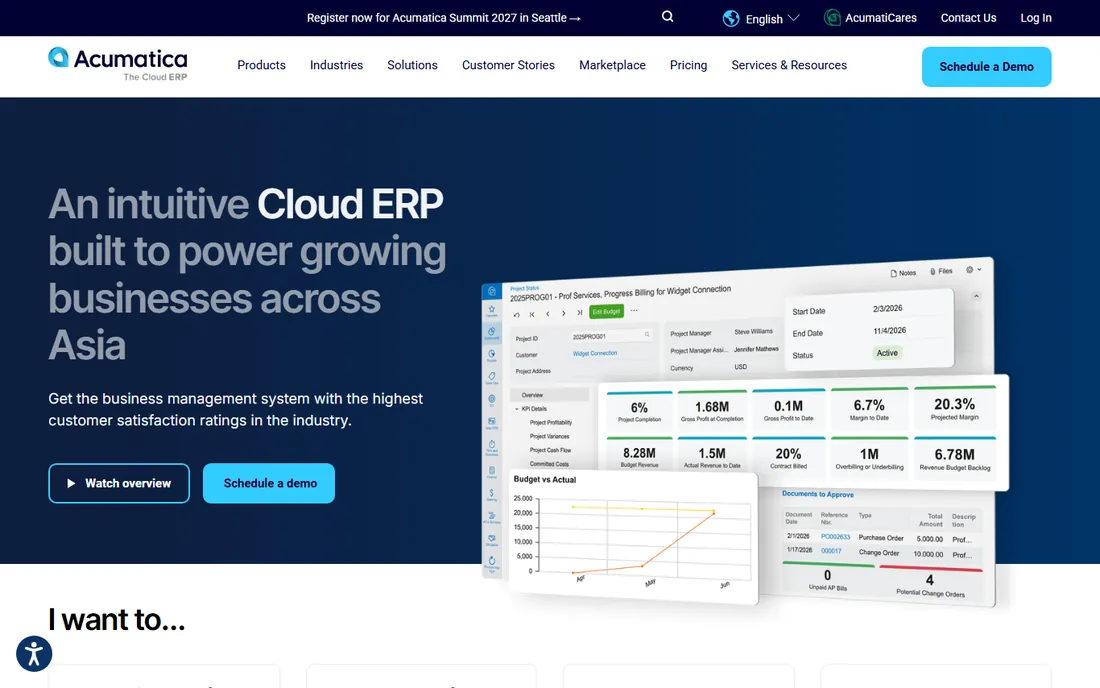
Acumatica's headline feature is its pricing model: you pay for the computing resources you use, not for each login. For a company that wants the warehouse team, the office staff, and the accountant all in the system, that removes the per-seat tax that makes other ERPs expensive. The platform covers financials, distribution, manufacturing, and project accounting in one cloud system.
Acumatica sells through partners, which means pricing, implementation quality, and timelines vary by region. Expect a quote process and a guided rollout rather than self-serve signup. It suits growing businesses that plan to add many users across departments; a small team that wants simple books should stick with the SMB tools at the top of this list.
What we like- Consumption-based pricing with unlimited users
- Real-time dashboards and role-based views
- Industry editions for distribution, manufacturing, and construction
Watch out for- Sold and implemented through partners, so pricing and timelines vary
- Smaller community than QuickBooks or Xero
#9
FreeAgent
Best for: UK freelancers and small companies that file under Making Tax Digital
Visit freeagent.com
Starting priceSee website (UK plans from £33/month)
Free planFree trial (30 days)
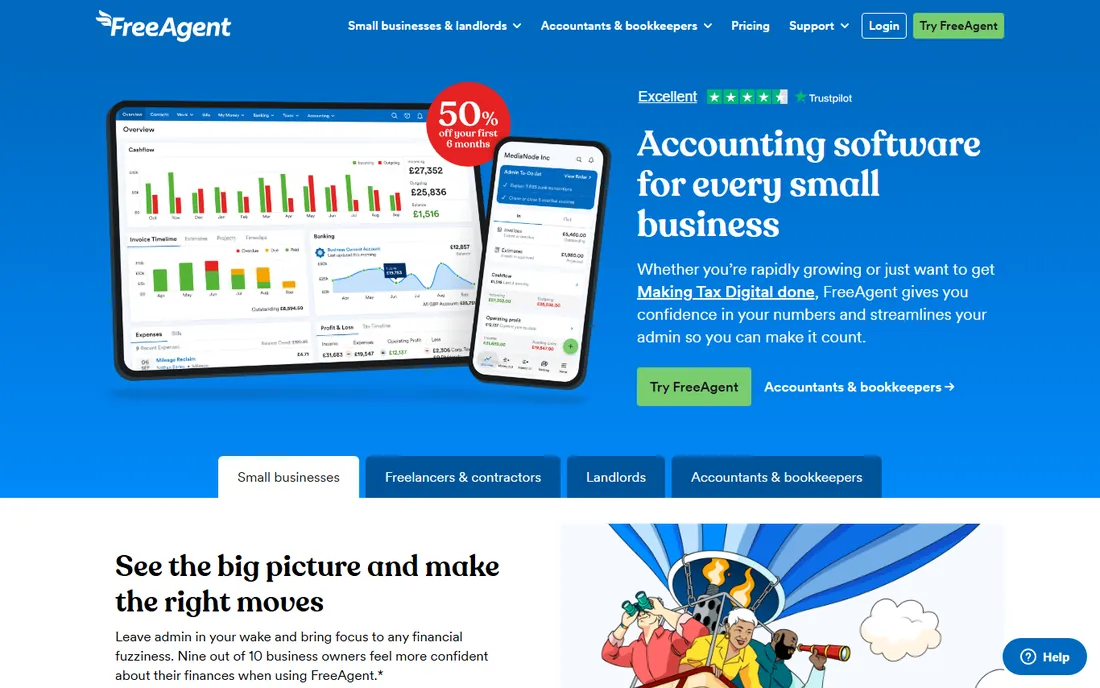
FreeAgent is the specialist pick: it was designed around UK freelancers and small companies, with tax timelines, dividend handling, and Making Tax Digital filing built into the daily workflow. Track time on a project, convert it to an invoice, and chase payment from the same dashboard. The interface stays friendly for people who never studied accounting.
Pricing is shown on the UK site from £33 a month, with a 30-day free trial, but there is no published US price and the tax features are UK-specific. If your business files in the UK, it is a strong, focused option. If you file in the US, the other tools on this list are a better match.
What we like- Built-in HMRC filing and Making Tax Digital support
- Time tracking flows straight into invoices
- Clean, simple interface for non-accountants
Watch out for- UK tax focus limits its fit for US businesses
- Fewer integrations than the US market leaders
How we chose
- Cloud-native only: browser-based, automatic backups, nothing to install.
- Real bank feeds and reconciliation, not manual CSV imports.
- Multi-user access with permission controls and accountant logins.
- Published pricing where available; quote-only vendors only where the product justifies it (mid-market and ERP).
- Free tier or trial availability, since small businesses should test before committing.
- Coverage across sizes: solo, small, and multi-entity.
Pick by your actual constraints: users, bank feeds, and payroll
Start with who touches the books. If your bookkeeper, your accountant, and your office manager all need in, Xero's unlimited users or a QuickBooks plan with accountant access will cost less than a per-seat tool. Solo owners can honestly start free with Wave or the QuickBooks free tier and upgrade when the team grows.
Next, check the bank feeds. Every tool here connects to banks, but reconciliation quality differs: rules that auto-categorize recurring transactions save more time than any dashboard. During a trial, connect your real accounts and run a full month before judging.
Finally, decide where payroll lives. FreshBooks, Wave, and Xero all lean on partners or add-ons for US payroll, while QuickBooks sells its own payroll alongside accounting. If one vendor for both matters to you, shortlist accordingly. And do not buy ERP power for a team of three: Intacct, NetSuite, and Acumatica earn their keep at scale, not before it.
Where cloud accounting usually goes wrong
The most common failure is buying too much software too early. A five-person business on an ERP spends months implementing and pays for entities it does not have. Match the tool to the next two years of growth, not the next ten. The second failure is migration: years of desktop data do not clean themselves, and most vendors offer migration help only if you ask. Budget a week for cleanup before go-live.
The third failure is subtler: nobody owns the books. Cloud access means everyone can log in, which also means nobody reconciles. Assign one person to review the feeds weekly, lock prior periods, and keep the accountant's login active year-round instead of only at tax time. The software is ready when you are; the habit is what makes it work.
Frequently asked questions
Sources we checked (9)
- https://quickbooks.intuit.com/pricing/
- https://www.xero.com/us/
- https://www.freshbooks.com/pricing/
- https://www.waveapps.com/
- https://www.zoho.com/books/
- https://sageintacct.com/
- https://netsuite.com/
- https://acumatica.com/
- https://www.freeagent.com/
Is your product missing or out of date?
We review this list regularly. Vendors can request a listing, send updated pricing or ask about featured placement.

Shihab Mia · Founder, Rankite
Shihab has spent more than a decade helping SaaS and e-commerce brands grow through search. He writes Rankite's software buying guides from pricing pages, documentation and public user reviews. More about Shihab.