How we make this list: we compare pricing pages, product documentation and public user reviews. Ratings come from G2, Capterra or Trustpilot, with the date we checked them.
Key takeaways
- ChessKid is the safest first pick for young children, with lessons, puzzles, and chat controls designed for kids and schools.
- Lichess is the best free option for older kids who want unlimited play, puzzles, and analysis with no ads or paywall.
- Chess.com suits families who want one account system for kids and adults, with lessons, videos, and tournaments in one place.
- Chessable, Chess Tempo, and Play Magnus add tactics, courses, and fun AI opponents for kids who want to practice beyond casual games.
Quick comparison
| Tool | Best for | Starting price | Free plan |
|---|
 ChessKid ChessKid | Safest lessons and play for young kids | Free | Yes |
 Lichess Lichess | Free unlimited play and puzzles | $0 | Yes |
 Chess.com Chess.com | All-round chess for families | Free | Yes |
 Chessable Chessable | Tactics and opening courses | Free | Yes |
 Chess Tempo Chess Tempo | Serious tactics training | Free | Yes |
 Internet Chess Club Internet Chess Club | Competitive club play for older kids | See website | Free trial |
 Play Magnus Play Magnus | Fun games against AI personalities | See website | Yes |
Is your product missing or out of date?
We review this list regularly. Vendors can request a listing, send updated pricing or ask about featured placement.
The best chess app for kids
Starting priceFree
Free planYes
ChessKid, built by Chess.com, teaches chess with lessons, videos, puzzles, and play designed for children. Topics start with how each piece moves, then move to tactics, strategy, and endgames, with animated characters and short videos that hold young attention. Parents control accounts, kids can only chat with parents in games, and friends need parental permission, which makes it the safest choice for younger players.
The free account covers live play, a sample of puzzles, and articles, while Gold membership gives full access to unlimited puzzles, lessons, videos, slow chess, and full game history. Pricing for Gold varies by plan and region, so check the current ChessKid page before subscribing. For kids under about 12, and for schools, ChessKid is the clear first pick.
What we like- Kid-friendly lessons and videos
- Safe chat controls
- Used by schools
Watch out for- Full access needs Gold membership
- Puzzles limited on free plan
- Some features need a parent account
Starting price$0
Free planYes
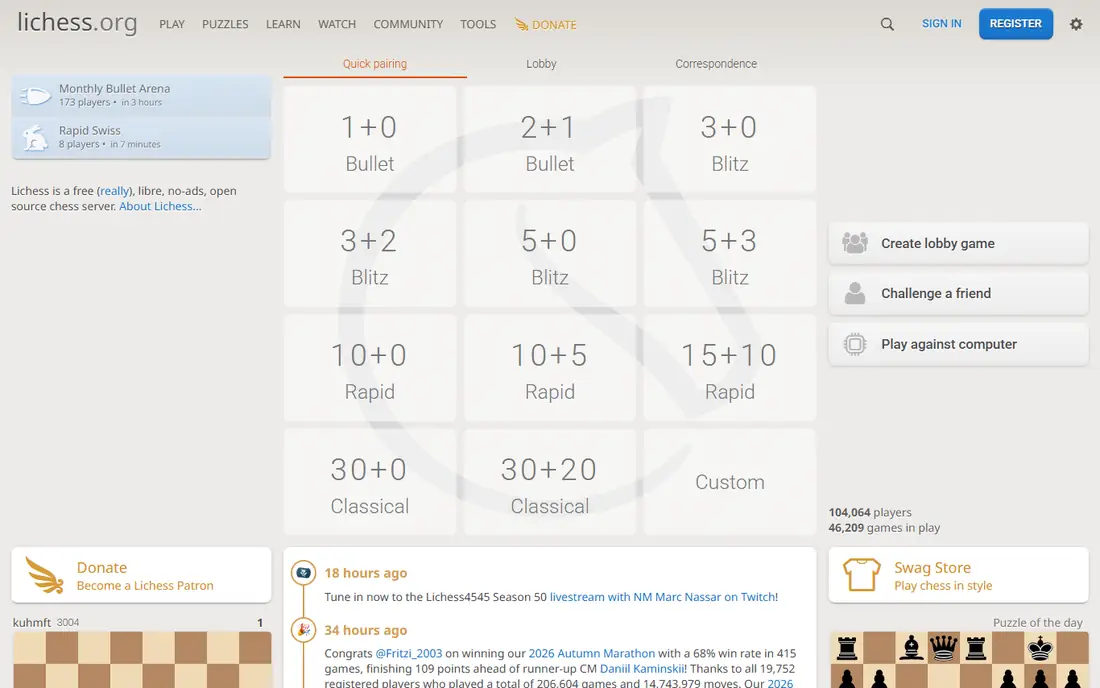
Lichess is free forever, funded by donations, with no ads and no paywall. Kids can play live and correspondence games, solve unlimited puzzles, study openings, and analyze games with the Stockfish engine, all without a subscription. The mobile apps for iOS and Android sync with the web version, and offline puzzles work for travel.
Lichess is less kid-specific than ChessKid. There are no animated video lessons, and the interface, while clean, feels more adult and sparse. Parents should supervise younger children, set up a kid account with care, and use Lichess mainly for older kids who already know the rules and want serious practice for free. For cost and depth, no other app matches it.
What we like- Completely free with no ads
- Unlimited puzzles and analysis
- Open source
Watch out for- Interface is plainer than ChessKid
- No video lessons
- Less kid-specific safety design
Starting priceFree
Free planYes
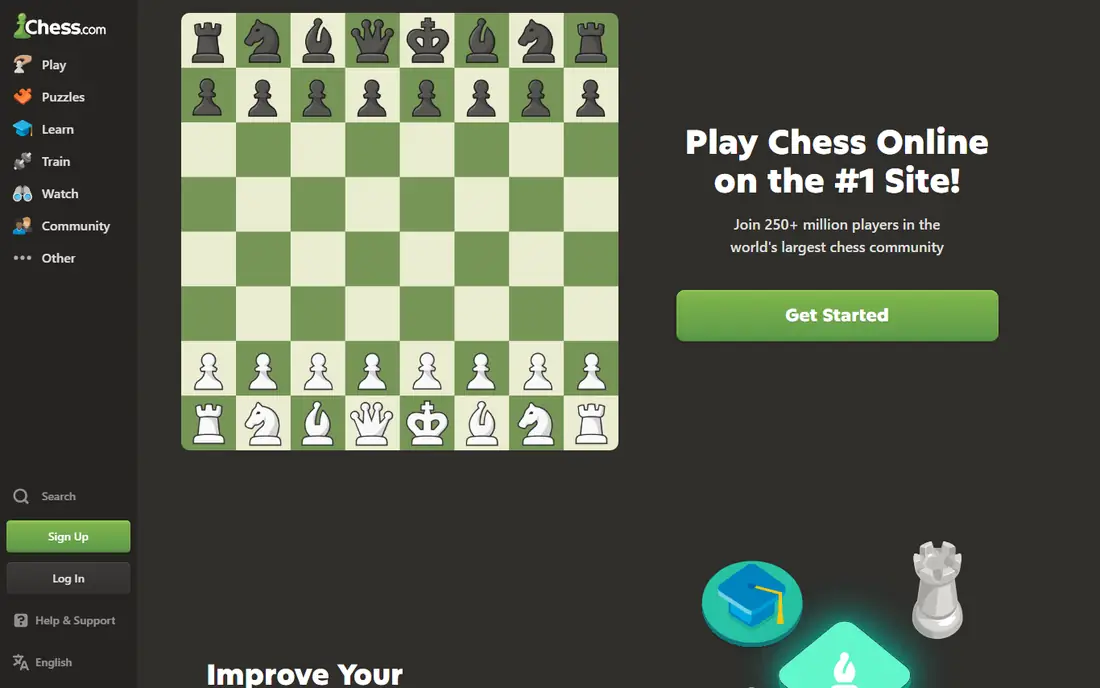
Chess.com is the largest chess platform, with games, puzzles, lessons, videos, and tournaments for all ages and levels. Families can use Chess.com for adults and ChessKid for younger children under the same company, which simplifies accounts and progress. The lesson system, puzzle rush, and game analysis help kids move from casual play to structured improvement.
The free tier limits puzzles, lessons, and analysis, and paid plans start at about $4.99 per month for basic membership, rising for premium features. The busy interface, with news, streams, and social features, can also distract younger players. For families who want one platform for everyone, with ChessKid for the youngest, Chess.com is a practical hub.
What we like- Huge community
- Lessons, videos, and puzzles
- Tournaments for all levels
Watch out for- Many advanced features are paid
- Free tier limits puzzles and analysis
- Interface can distract
Starting priceFree
Free planYes
Chessable teaches chess through interactive courses that use spaced repetition, so a child repeats a tactic or opening line until it sticks. Free courses cover basics and tactics, while paid courses go deeper into openings, strategy, and endgames. The MoveTrainer system is effective for pattern recognition, which is the core skill for young improvers.
Chessable suits older kids who already know the rules and want to study, rather than young beginners who need animated lessons. Casual play is not the focus, so kids should pair Chessable with Lichess or Chess.com for games. For a child who enjoys puzzles and wants to learn openings properly, Chessable is a strong study tool.
What we like- Interactive MoveTrainer courses
- Strong tactics training
- Free courses available
Watch out for- Best for older kids
- Some courses are paid
- Less casual play than Lichess
Starting priceFree
Free planYes
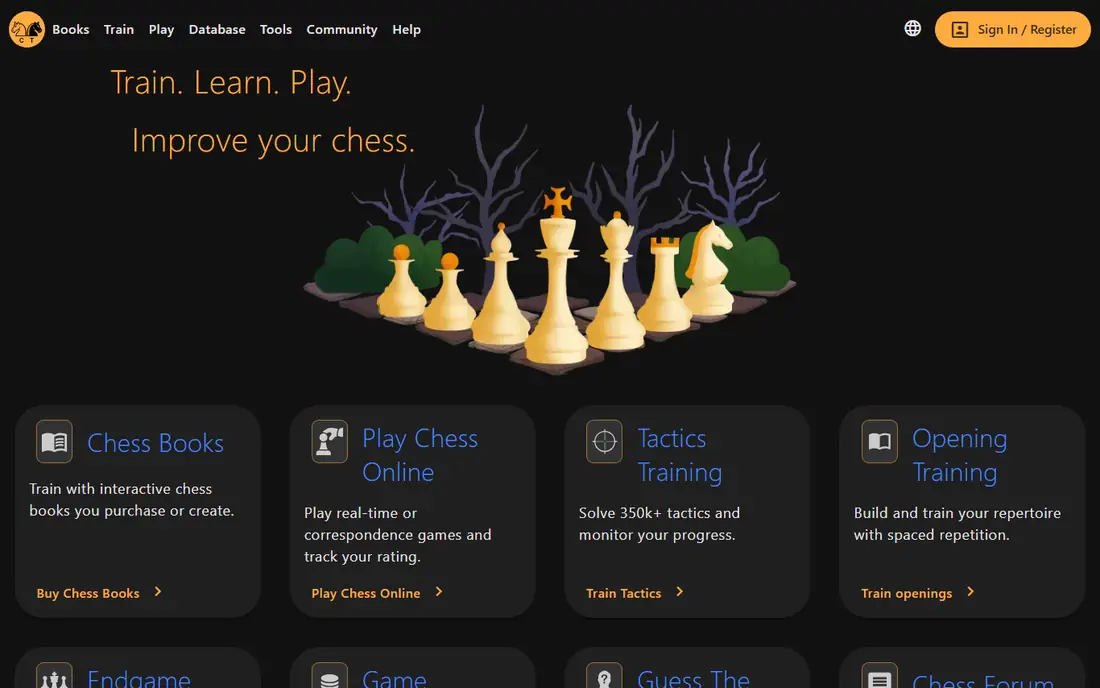
Chess Tempo offers a large tactics trainer with puzzles rated by difficulty, plus a game database, opening explorer, and analysis tools. Kids who solve tactics daily can track a tactics rating over time, which gives a clear sense of progress. The free tier covers core tactics training, with paid memberships adding extra features.
The site looks plain compared with ChessKid, and there are no video lessons or animated characters to guide younger children. Chess Tempo is best for motivated older kids, roughly 10 and up, who already enjoy puzzles and want a serious trainer. Paired with a play app, it builds tactical sharpness fast.
What we like- Large tactics database
- Rating-based puzzles
- Game database and analysis
Watch out for- Interface is plain
- Best for motivated older kids
- No video lessons
Starting priceSee website
Free planFree trial
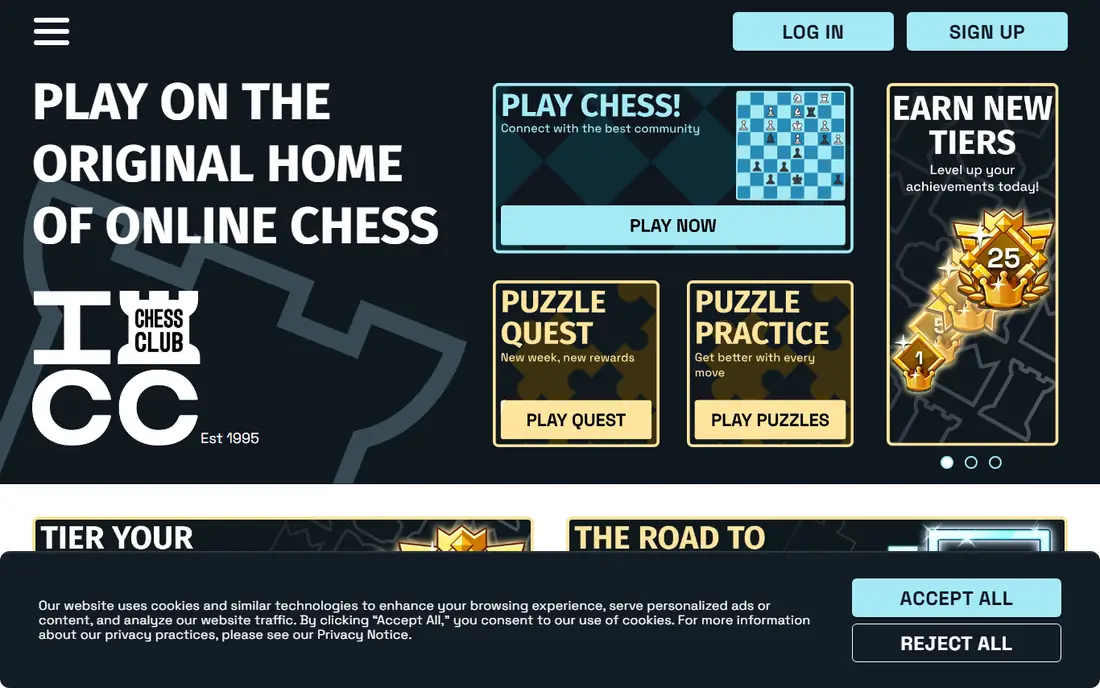
The Internet Chess Club, known as ICC, is a long-running online chess club with live play, tournaments, video lessons, and a community of serious players. Older kids and teens who want competitive club play, coaching videos, and a traditional club feel will find ICC distinct from the game-like apps. Membership starts with a trial, then a monthly plan, so check the current ICC page for pricing.
ICC is not a first app for young beginners. The interface feels dated next to Chess.com and Lichess, and the community skews older and more competitive. For a teen who plays in school or club tournaments and wants a club atmosphere online, ICC is a credible option, especially alongside a tactics trainer.
What we like- Long-running club community
- Video lessons
- Competitive tournaments
Watch out for- Paid membership
- Interface feels dated
- Best for older kids and teens
Starting priceSee website
Free planYes
Play Magnus lets kids play against an AI version of Magnus Carlsen at different ages, from a young beginner to a world champion, which makes losing feel less intimidating than losing to a stranger online. The app focuses on casual, fun games with a friendly presentation, and it suits beginners who want to practice without rating pressure.
Play Magnus is not a full lesson platform. It has less lesson depth than ChessKid and a smaller community than Chess.com or Lichess, so serious improvers will need a second app for puzzles and courses. Pricing varies by app store and plan, so check the in-app price before subscribing. For a fun, low-pressure first opponent, Play Magnus is a charming pick.
What we like- Play against Magnus Carlsen at different ages
- Fun and low pressure
- Good for beginners
Watch out for- Smaller community than Chess.com
- Less lesson depth
- Pricing varies by app store
How we chose
We compared pricing pages, product documentation, and public reviews on G2, Capterra, and Reddit, and we checked safety controls, lesson quality, puzzle systems, age fit, and pricing. We favored apps still maintained in 2026, with a real kid use case and a clear free or trial path. We did not claim hands-on testing, and we left out adult-only platforms, dead apps, and apps with unclear safety controls for children.
Choosing a chess app by age and safety
For kids under about 10, start with ChessKid, because its lessons, videos, and chat controls are built for children. Parents should create and control the account, check friend requests, and set a play time limit. A short daily routine, such as one lesson plus five puzzles, builds skill without long screen sessions.
For older kids and teens, add Lichess for free unlimited play and analysis, plus Chessable or Chess Tempo for tactics. Supervision still matters: check chat settings, tournament chat, and friend lists regularly, and talk about online behavior before a child plays strangers. A school chess club, where available, pairs well with any app, because over-the-board play teaches etiquette and focus that apps alone cannot.
Build a simple weekly routine rather than long, irregular sessions. A good week might include two short lesson or puzzle sessions, two casual games, and one review of a lost game with a parent or coach. That review is where most learning happens, because a child can see a missed fork, a hanging piece, or a weak king position in a real game they played. Keep the tone encouraging during reviews, and focus on one or two ideas per game rather than listing every mistake. Over time, those small corrections build stronger habits than a large number of rushed games, and they help a child enjoy the game even when results vary from week to week. Reviewing losses matters more than winning streaks, because it shows missed tactics and weak squares in a concrete way. Keep a paper notebook for favorite puzzles and opening ideas, so progress does not depend only on an app account. If a child loses interest for a few weeks, pause paid plans and return to free play, then restart lessons only when curiosity returns.
Frequently asked questions
What is the best chess app for a 7-year-old?
ChessKid is the best pick for a 7-year-old, with animated lessons, short videos, and safe chat controls. Parents should set up the account, supervise play, and start with piece movement and simple puzzles. Lichess and Chess.com are better for older kids who already know the rules.
Is Lichess safe for kids?
Lichess is free and ad-free, but it is not designed specifically for young children. Parents should supervise accounts, limit chat, and prefer play against the computer or in kid-friendly tournaments for younger players. For unsupervised play by young children, ChessKid is safer.
Do kids need a paid chess app to improve?
No. Lichess offers unlimited play, puzzles, and analysis for free, and Chessable and Chess Tempo offer free tactics training. Paid apps help when a child wants structured video lessons, unlimited puzzles on ChessKid, or a full course library, but free tools cover the basics well.
How much time should a child spend on a chess app each day?
Short, regular sessions work best, often 15 to 30 minutes for younger kids and up to an hour for motivated older kids. Mix app time with over-the-board play, puzzles on paper, and breaks, and stop if the child feels frustrated or tired. A consistent daily habit beats a long weekend session.
Can chess apps help with school?
Chess can support focus, planning, and pattern recognition, and many schools use ChessKid in classrooms. Apps do not replace schoolwork, and parents should check with teachers about screen time and about whether a school already provides a ChessKid or club account before paying personally.
Sources we checked (7)
- https://www.chesskid.com
- https://www.lichess.org
- https://www.chess.com
- https://www.chessable.com
- https://www.chesstempo.com
- https://www.chessclub.com
- https://www.playmagnus.com
Is your product missing or out of date?
We review this list regularly. Vendors can request a listing, send updated pricing or ask about featured placement.

Shihab Mia · Founder, Rankite
Shihab has 5+ years in B2B and SaaS SEO. He writes Rankite's software buying guides from pricing pages, documentation and public user reviews. More about Shihab.