How we make this list: we compare pricing pages, product documentation and public user reviews. Ratings come from G2, Capterra or Trustpilot, with the date we checked them.
Key takeaways
- Calendly suits most teams and individuals for simple, reliable meeting booking with broad integrations.
- Cal.com suits teams that want open source scheduling, self-hosting, and full control over branding and data.
- Acuity Scheduling suits service businesses that need payments, intake forms, and client booking.
- Motion suits people who want AI to schedule tasks and meetings automatically around priorities.
- The best scheduling tool is the one invitees actually complete, so test the booking experience before committing.
Quick comparison
| Tool | Best for | Starting price | Free plan |
|---|
 Calendly Calendly | Simple reliable meeting booking | See website | Yes |
 Cal.com Cal.com | Open source scheduling | Free (open source) | Yes |
 Acuity Scheduling Acuity Scheduling | Service business booking plus payments | See website | Free trial |
 Motion Motion | AI scheduling for tasks and meetings | See website | Free trial |
 Doodle Doodle | Group scheduling and polls | See website | Yes |
 YouCanBookMe YouCanBookMe | Affordable booking pages | See website | Yes |
 SavvyCal SavvyCal | Polished booking experience | See website | Free trial |
 TidyCal TidyCal | One-time payment scheduling | See website | Yes |
Is your product missing or out of date?
We review this list regularly. Vendors can request a listing, send updated pricing or ask about featured placement.
#1Calendly
Best for: Simple reliable meeting booking4.7/5 on
G2 (2,674 reviews, checked Oct 2026)
Visit calendly.com
Starting priceSee website
Free planYes
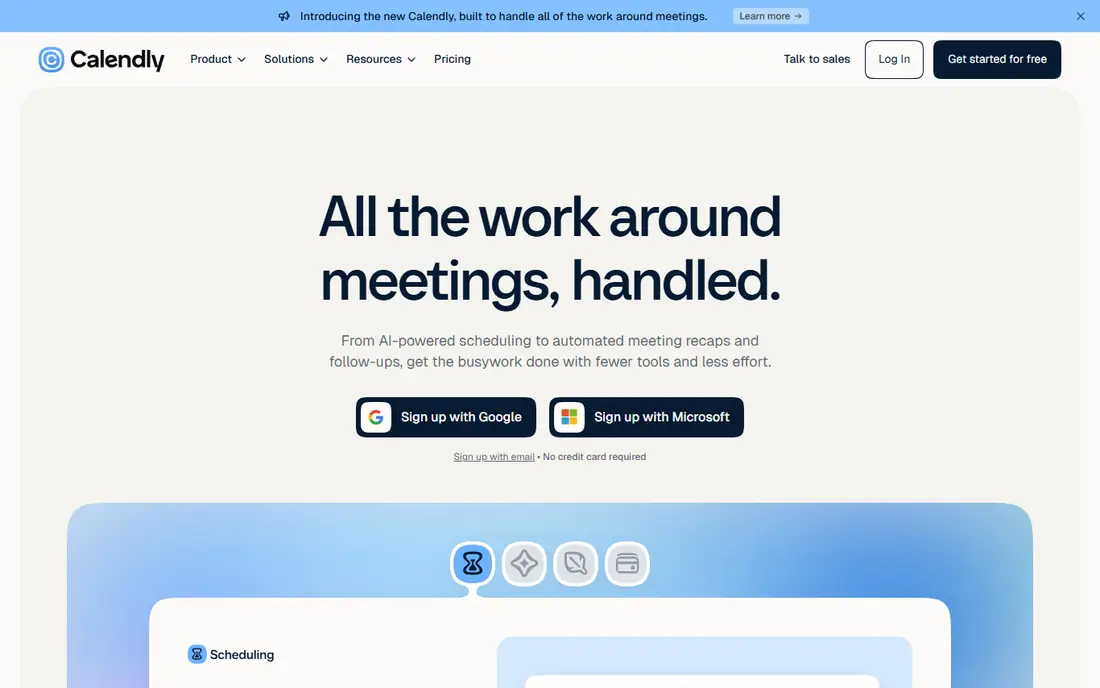
Calendly is the default scheduling tool for good reason: share a link, invitees pick a time, and the meeting lands on both calendars with video links attached. Its availability rules handle buffers, limits, time zones, and round-robin routing for teams, and its integrations cover Google, Outlook, Zoom, Salesforce, and hundreds of other tools. The free tier covers one event type, which suits individuals starting out.
Advanced routing, workflows, and team features need paid tiers, and free-plan branding is limited. Calendly also offers routing forms that qualify leads before booking, which sales teams value for directing prospects to the right rep. Calendly fits most individuals and teams that want scheduling that simply works, with the broadest integration support in the category.
What we like- Easiest booking experience
- Huge integrations
- Reliable availability rules
Watch out for- Advanced features need paid tiers
- Branding limited on free plan
#2Cal.com
Best for: Open source scheduling4.6/5 on
G2 (153 reviews, checked Oct 2026)
Visit cal.com
Starting priceFree (open source)
Free planYes
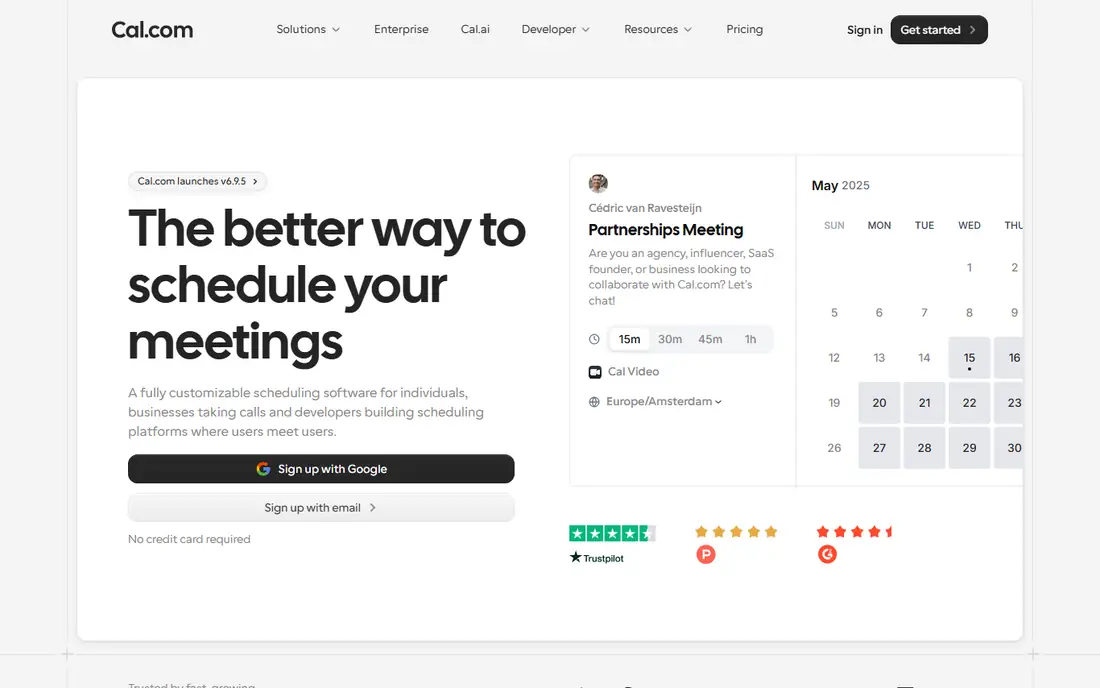
Cal.com is an open source scheduling platform that teams can self-host for full control over branding, data, and costs, or use hosted with a free tier for individuals. It covers event types, round-robin, collective scheduling, and integrations with major calendars and video tools, matching most of Calendly's core features. Its open source model appeals to privacy-conscious teams and developers who want to customize workflows.
Self-hosting needs server maintenance and updates, and some hosted features trail Calendly's polish. Cal.com also supports team scheduling with shared event types, which suits agencies booking across staff. Cal.com fits teams that want open source scheduling, data ownership, or self-hosting, without per-seat fees on their own servers.
What we like- Open source
- Self-hosting option
- No per-seat fees on self-hosted
Watch out for- Self-hosting needs maintenance
- Hosted features trail Calendly in places
Starting priceSee website
Free planFree trial
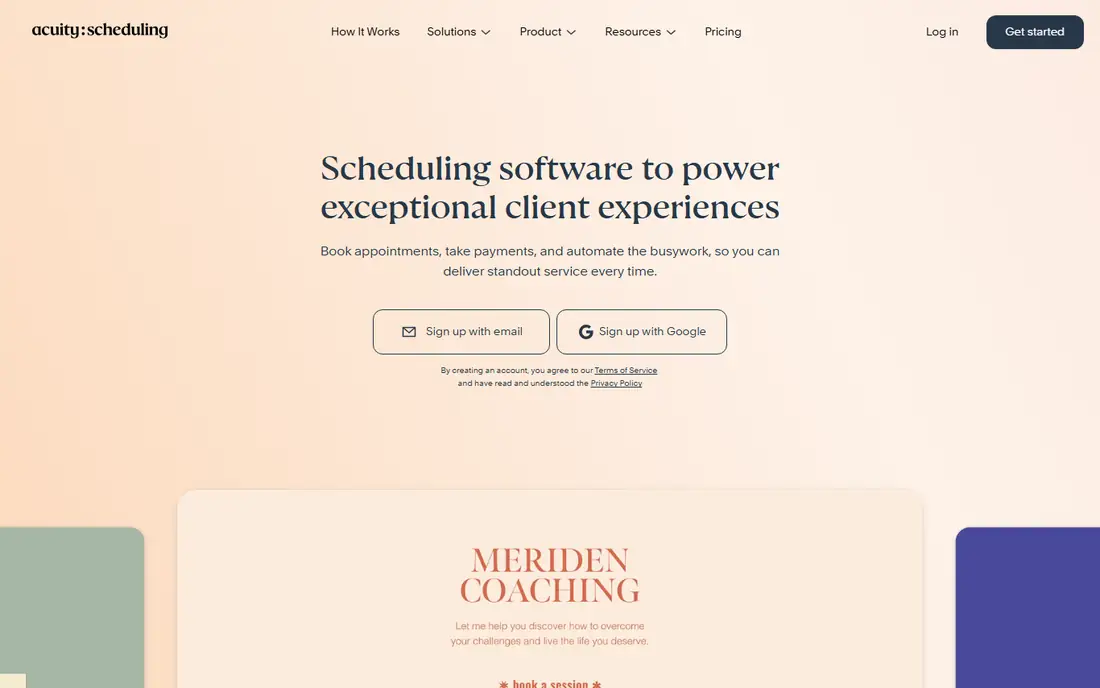
Acuity Scheduling, from Squarespace, serves service businesses that book appointments with clients: salons, clinics, coaches, and consultants. It collects payment at booking, reducing no-shows, with intake forms, packages, gift certificates, and client self-service for rescheduling. Its calendar sync covers Google, Outlook, and iCloud, and its Squarespace integration suits businesses already on that platform.
The interface feels dated beside Calendly and Cal.com, and it is more complex than needed for simple internal meetings. Acuity also supports class and group bookings, which suits fitness studios and educators alongside one-to-one services. Acuity fits service businesses that need payments, intake, and client booking in one system, not just meeting links.
What we like- Payments at booking
- Intake forms
- Client self-service
Watch out for- Interface feels dated
- More complex than Calendly for simple meetings
#4Motion
Best for: AI scheduling for tasks and meetings4.1/5 on
G2 (157 reviews, checked Oct 2026)
Visit usemotion.com
Starting priceSee website
Free planFree trial
Motion uses AI to schedule tasks and meetings automatically around priorities, deadlines, and calendar availability, combining task management with calendar in one tool. When meetings move, Motion reschedules tasks intelligently, and its priority system keeps important work from being crowded out by routine bookings. Busy professionals use it to protect focus time without manual calendar Tetris.
Pricing is premium, the learning curve is real, and AI schedules need review until users trust the system. Motion also integrates with major calendars and project tools, keeping tasks and meetings in sync across systems. Motion fits professionals and teams whose calendars and task lists constantly collide, and who want AI to resolve those conflicts automatically.
What we like- AI auto-scheduling
- Task plus calendar in one
- Priority handling
Watch out for- Premium pricing
- Learning curve
- AI schedules need review
#5Doodle
Best for: Group scheduling and polls4.4/5 on
G2 (2,071 reviews, checked Oct 2026)
Visit doodle.com
Starting priceSee website
Free planYes
Doodle finds meeting times for groups through polls: propose times, participants vote, and the winner becomes the meeting. That approach suits groups where no single organizer can dictate availability, such as committees, classes, and cross-company meetings. Voters need no account, which removes friction, and the free tier covers basic polls.
It is not a full booking system: no event types, payments, or deep integrations like Calendly's. Doodle also offers booking pages on paid tiers for users who outgrow polls. Doodle fits groups that need to find a time together quickly, especially when participants span organizations and calendars.
What we like- Group polls for finding times
- Simple
- No account needed for voters
Watch out for- Not a full booking system
- Analytics and workflows thin
#6YouCanBookMe
Best for: Affordable booking pages4.7/5 on
G2 (1,922 reviews, checked Oct 2026)
Visit youcanbook.me
Starting priceSee website
Free planYes
YouCanBookMe offers affordable booking pages synced with Google and Outlook calendars, with customization for branding, questions, and notifications. Its free tier covers basic booking, and paid tiers add team features, payments via Stripe, and more calendars. Small businesses and freelancers use it for client booking without Calendly's higher team pricing.
Its integration library is smaller than Calendly's, and its interface is less polished. YouCanBookMe also supports SMS reminders on paid tiers, which help reduce no-shows for client appointments. YouCanBookMe fits freelancers and small businesses that want affordable, customizable booking pages with solid calendar sync.
What we like- Affordable
- Customizable booking pages
- Google and Outlook sync
Watch out for- Smaller integration library
- Interface less polished
#7SavvyCal
Best for: Polished booking experience4.8/5 on
G2 (36 reviews, checked Oct 2026)
Visit savvycal.com
Starting priceSee website
Free planFree trial
SavvyCal focuses on the booking experience itself: invitees see their own calendar overlaid with your availability, rank preferred times, and book in fewer clicks. That polish raises completion rates, especially for sales and recruiting, where every abandoned booking costs revenue. Its team scheduling covers round-robin and collective events, with clean branding throughout.
Pricing is premium for the category, and its integration library is smaller than Calendly's. SavvyCal also offers personalized booking links per team member, which suit sales reps sharing individual links. SavvyCal fits sales, recruiting, and client-facing teams where booking completion rates justify paying for the best invitee experience.
What we like- Best-in-class booking UX
- Overlay calendars
- Team scheduling
Watch out for- Premium pricing
- Smaller integrations than Calendly
#8TidyCal
Best for: One-time payment scheduling4.7/5 on
G2 (25 reviews, checked Oct 2026)
Visit tidycal.com
Starting priceSee website
Free planYes
TidyCal, from the AppSumo team, offers scheduling with a one-time lifetime payment option alongside subscriptions, which appeals to users tired of monthly fees. Its booking pages cover event types, availability, and calendar sync simply, without the complexity of enterprise tools. Freelancers and small businesses use it for straightforward client booking at predictable cost.
Advanced features such as routing, workflows, and deep integrations are thinner than Calendly's, and it is a smaller vendor. TidyCal also supports directory pages that list multiple team members for group booking. TidyCal fits cost-conscious users who want simple scheduling with a one-time payment option rather than another subscription.
What we like- One-time lifetime payment option
- Simple booking
- AppSumo heritage
Watch out for- Fewer advanced features
- Smaller vendor
How we chose
We compared pricing pages, product documentation, and public user reviews for calendar scheduling tools that are actively sold in 2026. We favored tools with real booking capability, current availability, and clear pricing. We checked integration claims carefully, since calendar and video support varies, and we left out tools that no longer sell a current scheduling product.
Test the invitee experience first
Scheduling tools are judged by invitees, not by buyers, and a confusing booking page loses meetings before they start. Before committing, send your booking link to colleagues outside your team and watch them book: note confusion, clicks, and time to completion. A tool that looks powerful in admin but confuses invitees costs more meetings than it saves in setup time.
Protect focus time with buffers and limits
Unlimited booking creates calendar chaos: back-to-back meetings, no prep time, and days without focus blocks. Set buffers between meetings, daily booking limits, and advance-notice rules, and block focus time that booking links cannot touch. Calendly, Cal.com, and Motion all support these controls, but only if you configure them.
Connect scheduling to your real workflow
A booking link alone rarely finishes the job: meetings need video links, CRM records, payments, or intake forms. Map your workflow before choosing: sales teams need CRM and routing, service businesses need payments and intake, recruiters need team scheduling and feedback. Choose the tool whose integrations cover your full workflow, not just calendar sync.
Use scheduling links in email signatures and pages
A scheduling link only saves time if people can find it, so place it in email signatures, contact pages, and sales outreach, not only in a bookmarked tab. Teams that surface booking links widely cut email back-and-forth sharply, while teams that hide links see little benefit. Make booking the easiest next step in every outreach message.
Mind time zones and daylight saving
Global scheduling breaks on time zones and daylight saving changes, producing meetings at wrong hours twice a year. Favor tools that detect invitee time zones automatically, display times clearly in both zones, and handle daylight saving transitions. Test with colleagues in other zones before rolling out company-wide.
Frequently asked questions
Is Calendly or Cal.com better for scheduling?
Calendly offers the broadest integrations and polish, while Cal.com offers open source freedom, self-hosting, and no per-seat fees when self-hosted. Choose Calendly for simplicity and integrations, Cal.com for control and data ownership.
Do I need a paid scheduling tool?
Not always. Free tiers from Calendly, Cal.com, YouCanBookMe, and TidyCal cover basic booking for individuals. Paid tiers add team routing, workflows, payments, and branding that matter for businesses and client-facing teams. Start free and upgrade only when a missing feature costs real meetings.
Can scheduling tools take payments?
Yes, Acuity Scheduling and YouCanBookMe support payments at booking, which reduces no-shows for service businesses. Calendly also supports payments through Stripe and PayPal on paid plans. Requiring full or partial payment at booking works best for services with high no-show rates, while free consultations usually need reminders rather than payments.
How do I reduce no-shows from bookings?
Require payment or deposits where appropriate, send automatic reminders, let invitees reschedule easily, and confirm high-value meetings personally. Easy rescheduling beats strict cancellation policies, since it keeps the meeting alive.
What is the best scheduling tool for group meetings?
Doodle for finding a time by poll across organizations, Calendly or Cal.com round-robin for team booking, and SavvyCal for polished team scheduling. Choose by whether the group votes on times or books from your availability. For recurring group meetings, fixed weekly slots usually beat repeated polls.
Sources we checked (8)
- https://calendly.com
- https://cal.com
- https://acuityscheduling.com
- https://www.usemotion.com
- https://doodle.com
- https://youcanbook.me
- https://savvycal.com
- https://tidycal.com
Is your product missing or out of date?
We review this list regularly. Vendors can request a listing, send updated pricing or ask about featured placement.

Shihab Mia · Founder, Rankite
Shihab has 5+ years in B2B and SaaS SEO. He writes Rankite's software buying guides from pricing pages, documentation and public user reviews. More about Shihab.