How we make this list: we compare pricing pages, product documentation and public user reviews. Ratings come from G2, Capterra or Trustpilot, with the date we checked them.
Key takeaways
- Wave is the best free bookkeeping software for freelancers, with genuinely free core accounting.
- FreshBooks suits freelancers who prioritize invoicing, time tracking, and client management.
- Xero fits freelancers who want proper double-entry accounting that scales with growth.
- Zoho Books is the value pick with a free tier and strong automation at low prices.
- Bonsai suits freelancers who want bookkeeping plus contracts, proposals, and taxes in one.
Quick comparison
| Tool | Best for | Starting price | Free plan |
|---|
 Wave Wave | free core bookkeeping | See website | See website |
 FreshBooks FreshBooks | invoicing and time tracking | See website | See website |
 Xero Xero | scalable double-entry accounting | See website | See website |
 Zoho Books Zoho Books | value with automation | See website | See website |
 Sage Sage | established accounting brand | See website | See website |
 Bonsai Bonsai | all-in-one freelancer platform | See website | See website |
 HoneyBook HoneyBook | client management plus finance | See website | See website |
 QuickBooks QuickBooks | industry standard accounting | See website | See website |
Is your product missing or out of date?
We review this list regularly. Vendors can request a listing, send updated pricing or ask about featured placement.
The best bookkeeping software for freelancers
Starting priceSee website
Free planSee website
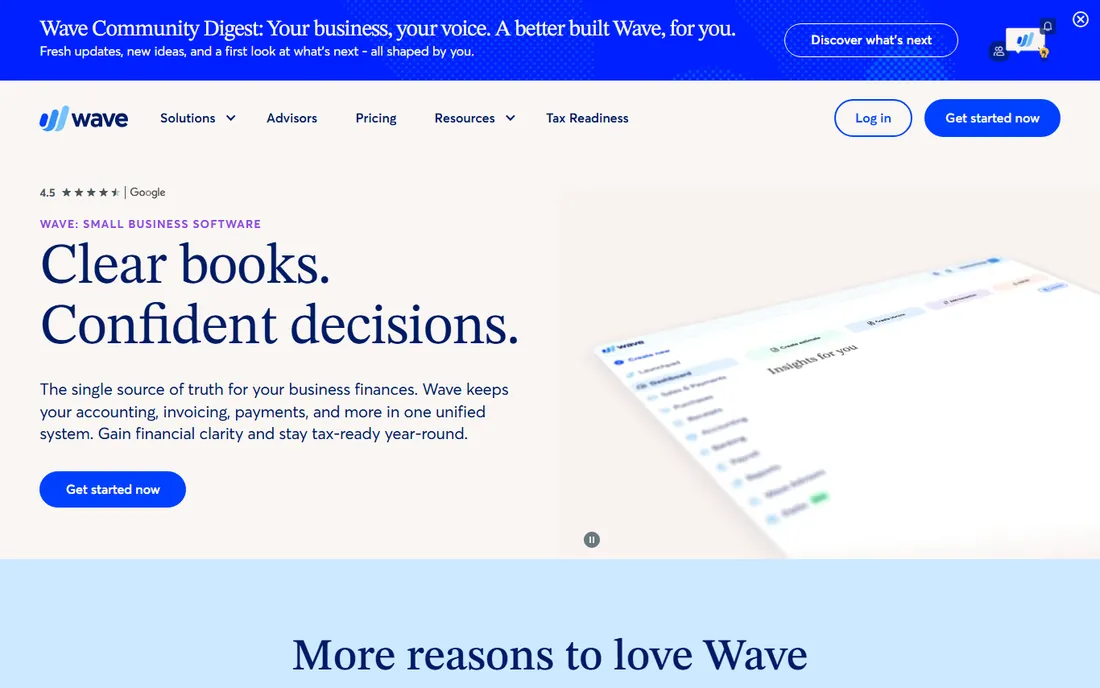
Wave offers free accounting, invoicing, and receipt scanning for freelancers, making money on payment processing and payroll add-ons. For sole proprietors with straightforward finances, the free tier covers everything needed: track income and expenses, send invoices, and generate reports. The interface is friendly for non-accountants.
Advanced features like inventory and multi-currency are limited, and heavy users eventually need paid add-ons. But as a starting point for freelancers, Wave's free core is unmatched: real double-entry accounting at no cost, which is remarkable when you think about what accountants charged for this a generation ago.
What we like- Core accounting and invoicing genuinely free
- Easy to use
- Good for sole proprietors
Watch out for- Paid add-ons for payments and payroll
- Fewer advanced features
Starting priceSee website
Free planSee website
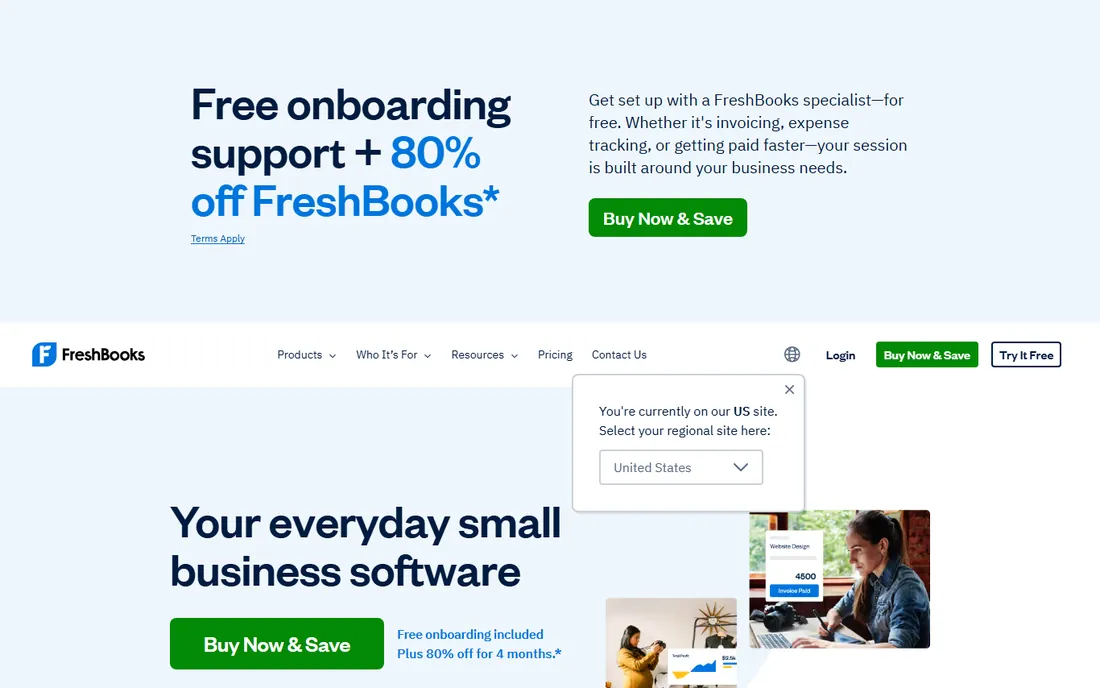
FreshBooks built its reputation on freelancer-friendly invoicing: professional invoices, time tracking, expense capture, and client portals in an interface anyone can use. Service freelancers who bill hours find the time-to-invoice workflow natural. The mobile app is strong for on-the-go expense capture.
Pure accounting features are lighter than Xero or QuickBooks. Pricing tiers based on client counts can push growing freelancers upward faster than expected. But for invoicing-led freelancers, FreshBooks remains the most pleasant tool to use daily.
What we like- Excellent invoicing and time tracking
- Client-friendly
- Easy for non-accountants
Watch out for- Accounting depth trails Xero and QuickBooks
- Pricing per client tier
Starting priceSee website
Free planSee website
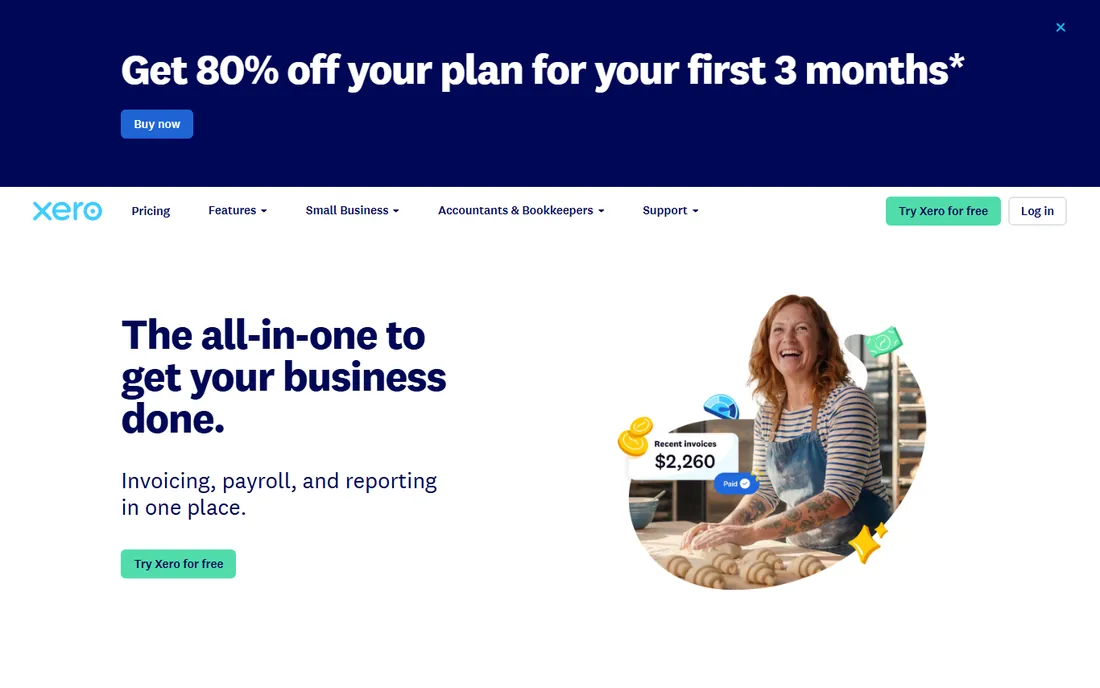
Xero gives freelancers real double-entry accounting with bank feeds, reconciliation, invoicing, and reporting that scales from solo to agency. The app ecosystem connects everything from payment processors to tax tools. Freelancers planning to grow into businesses find Xero grows with them without migration pain.
It assumes more accounting knowledge than Wave or FreshBooks. There is no free tier. But for freelancers who want their books done properly from day one, Xero's accounting rigor pays off at tax time and during growth, when clean historical records become invaluable.
What we like- Proper accounting that scales
- Huge app ecosystem
- Strong bank reconciliation
Watch out for- Learning curve for non-accountants
- No free tier
Starting priceSee website
Free planSee website
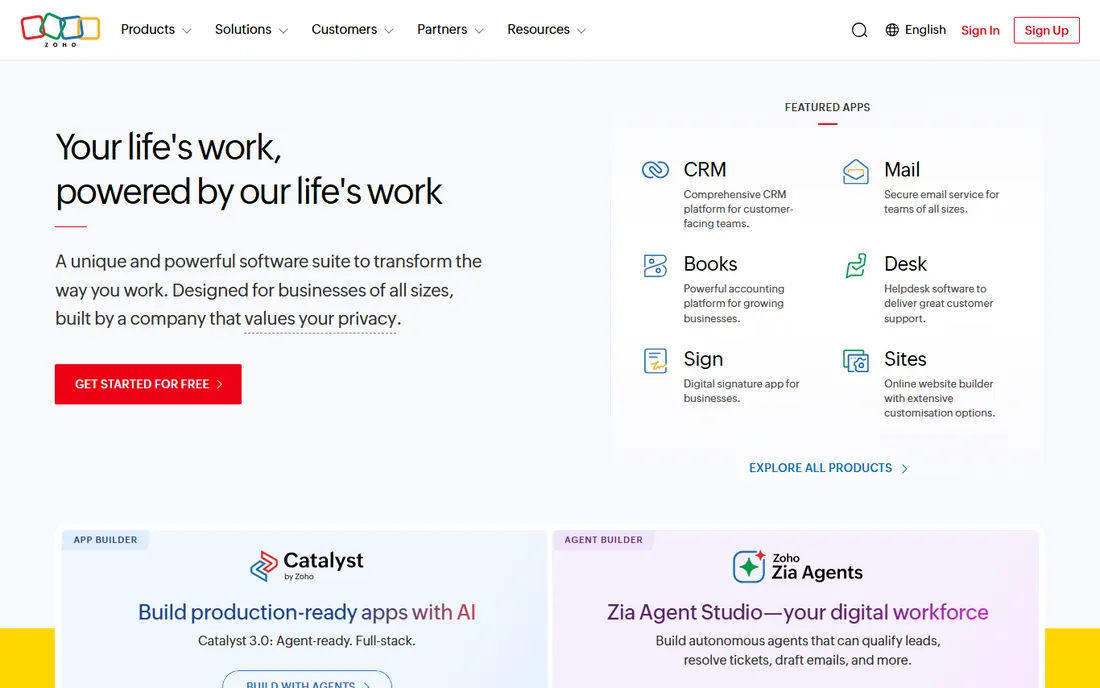
Zoho Books offers a free tier for businesses under a revenue threshold, with paid plans that undercut most competitors. Automation covers recurring invoices, payment reminders, and bank feeds. Freelancers already using Zoho's other apps get smooth integration across CRM, projects, and books.
The US accountant ecosystem is smaller than QuickBooks' or Xero's, which matters if you hire a bookkeeper. The interface, while functional, trails the polish leaders. But on pure value for money, Zoho Books is hard to beat.
What we like- Free tier for small revenue
- Strong automation
- Integrates with Zoho suite
Watch out for- Smaller US accountant ecosystem
- Interface less polished than rivals
Starting priceSee website
Free planSee website
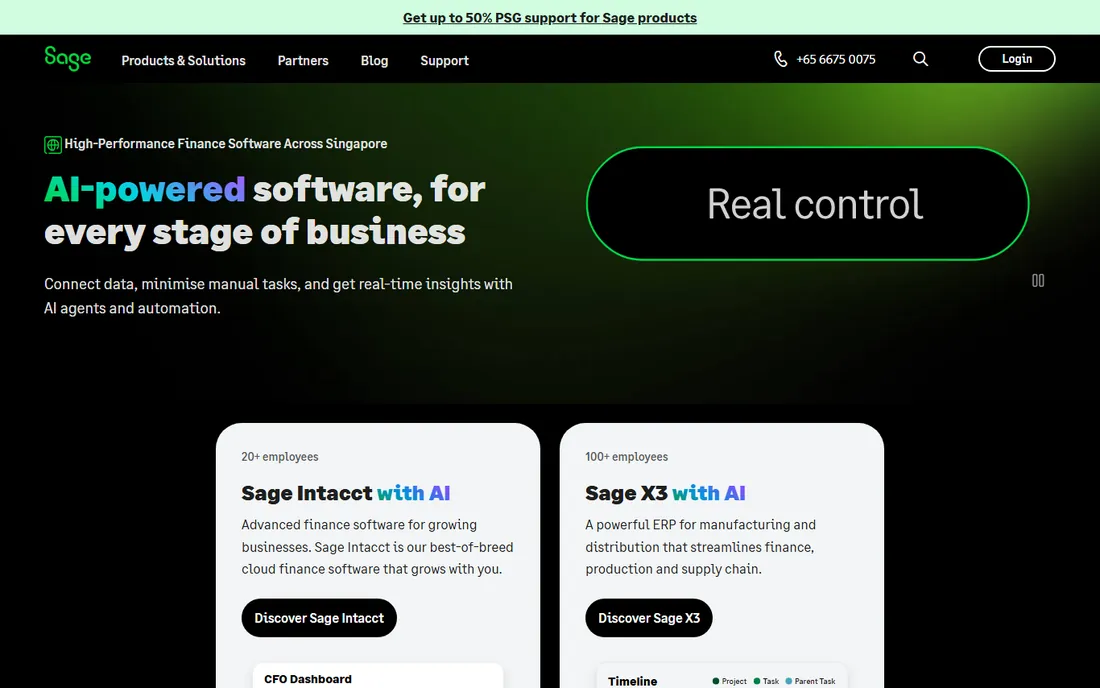
Sage brings decades of accounting credibility to freelancer bookkeeping, with solid invoicing, expenses, and reporting. UK and Commonwealth freelancers find strong local tax support. The brand reassures accountants and clients alike.
The product feels less freelancer-focused than FreshBooks or Wave, with a more corporate sensibility. But for freelancers who want an established name on their books and strong regional tax compliance, Sage delivers reliably.
What we like- Trusted accounting brand
- Solid core features
- Good for UK and Commonwealth freelancers
Watch out for- Less freelancer-focused than rivals
- Interface can feel corporate
Starting priceSee website
Free planSee website
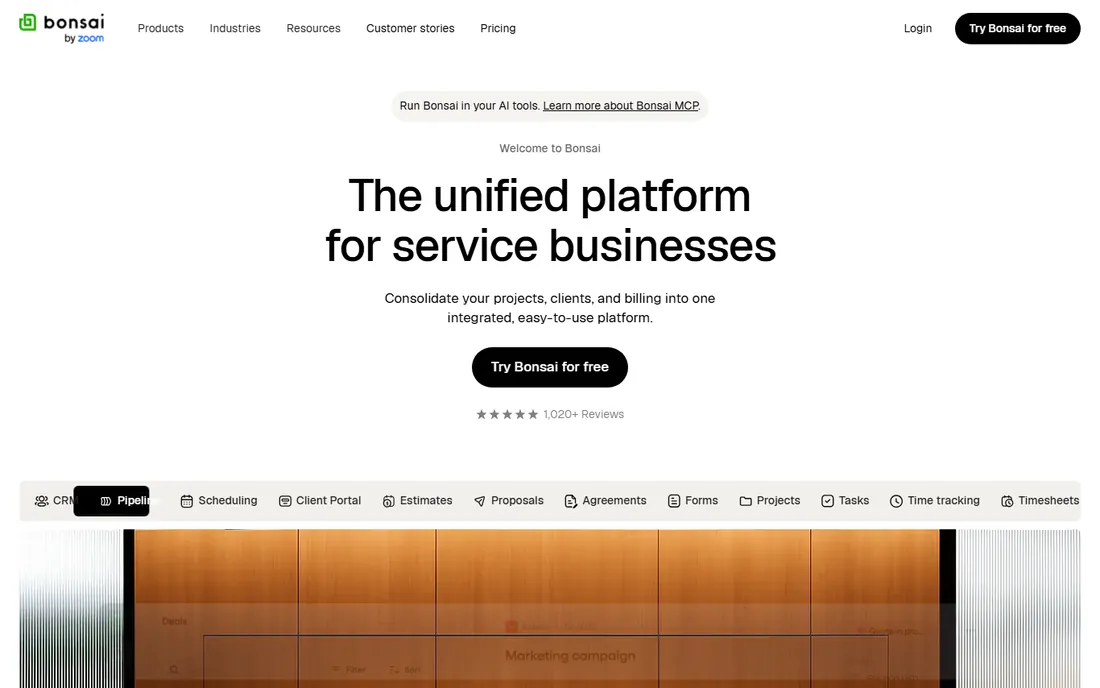
Bonsai is built for freelancers end to end: proposals, contracts, time tracking, invoicing, expenses, and even tax assistance in one platform. It addresses the whole freelance business, not just the books. Freelancers who want one subscription covering client management through tax time find it compelling.
Pure accounting depth trails Xero and QuickBooks. And it is subscription-only with no free tier. But as a freelancer operating system, Bonsai's breadth is unique: it replaces several disconnected tools, not just the ledger.
What we like- Combines contracts, proposals, invoicing, and taxes
- Built for freelancers specifically
- Time tracking included
Watch out for- Accounting depth less than pure accounting tools
- Subscription required
Starting priceSee website
Free planSee website
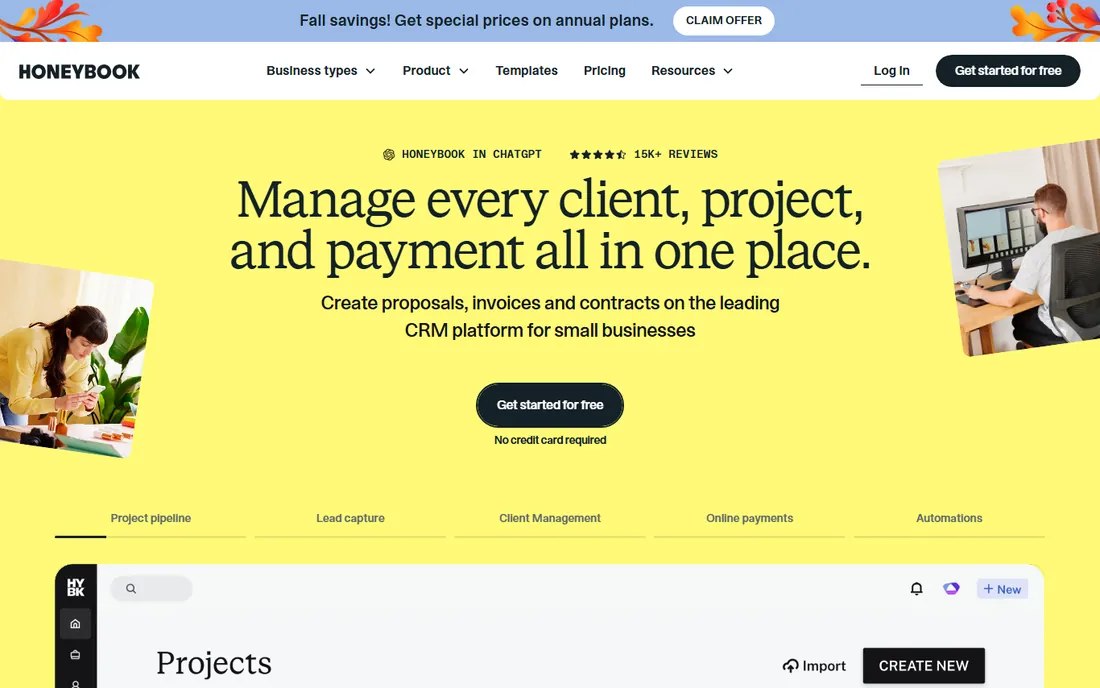
HoneyBook serves independent professionals, especially creatives, with client management: proposals, contracts, invoices, and payments in a polished client-facing experience. The workflow from inquiry to payment is smooth. Photographers, designers, and event professionals are the core audience.
Accounting features are lighter than dedicated bookkeeping tools. The creative focus means some professions fit better than others. But for client-facing freelancers whose priority is a polished, professional client experience with finances attached, HoneyBook works well.
What we like- Client experience focus with proposals and contracts
- Invoicing and payments
- Good for creatives
Watch out for- Less accounting depth
- Creative-industry focus may not suit all
Starting priceSee website
Free planSee website
QuickBooks Online is the accounting standard: every accountant knows it, the feature set is comprehensive, and the ecosystem of apps and integrations is unmatched. Freelancers who hire bookkeepers or accountants benefit from universal familiarity. Self-employed tax features help at filing time.
Pricing is higher than alternatives, the interface can overwhelm newcomers, and Intuit's upsell pressure annoys. But for freelancers who want the safe, standard choice that any professional can pick up, QuickBooks remains the default.
What we like- The standard accountants know
- Comprehensive features
- Massive ecosystem
Watch out for- Pricing adds up
- Interface complexity
- Upsell pressure
What to check before you buy
Start with your actual workflow. Invoice-heavy service freelancers need strong invoicing and time tracking (FreshBooks, Bonsai, HoneyBook). Product sellers and those with complex finances need real accounting (Xero, QuickBooks, Wave). Match the tool to how you earn, not to generic feature lists.
Then consider your accountant. If you work with one, ask what they prefer; handing a QuickBooks or Xero file to your accountant saves billable hours versus exporting from an unfamiliar tool. Solo DIY filers have more freedom to choose based on usability alone. This single question can matter more than any feature comparison, because accountant familiarity directly affects what you pay for tax preparation.
Finally, think about growth. A tool that fits today but cannot handle employees, inventory, or multi-currency becomes a migration project later. Xero and QuickBooks scale furthest. Wave and FreshBooks cover the solo years well. Choose with a three-year horizon, not just today's needs. And remember that switching costs are real: migrating years of categorized transactions is nobody's idea of a good weekend.
Free vs paid: the freelancer math
Free tools (Wave's core, Zoho Books' free tier) handle basic bookkeeping genuinely well. Paid tools earn their keep through time savings: better automation, stronger invoicing, integrated payments, and tax features. Calculate the hourly value of your time: if a $20/month tool saves two hours monthly, it pays for itself. Most freelancers undervalue their bookkeeping time until tax season arrives.
There is also a middle option many freelancers miss: start free, upgrade when revenue justifies it. Wave and Zoho Books both support this path naturally. The mistake is either paying for sophistication you do not need yet, or clinging to spreadsheets long after they cost you more in time than software would. Revisit the decision annually as your business changes.
Frequently asked questions
What is the best free bookkeeping software for freelancers?
Wave offers the most capable free core accounting and invoicing. Zoho Books has a free tier for businesses under a revenue threshold. Both handle basic freelancer bookkeeping without cost; Wave is simpler, Zoho Books more feature-rich.
Do freelancers need double-entry accounting?
Not strictly, but it produces more reliable books and smoother tax filing. Wave, Xero, QuickBooks, and Zoho Books use double-entry under the hood. Simpler tools abstract it away. If you hire an accountant eventually, double-entry books make their job easier.
How do I handle taxes as a freelancer?
Track income and expenses throughout the year, set aside estimated tax payments quarterly, and keep receipts organized. Most tools on this list generate the reports your tax preparer needs. Bonsai specifically includes tax assistance features. Consult a tax professional for your situation.
Should I separate business and personal finances?
Yes. Open a separate bank account for freelance income and expenses. It simplifies bookkeeping enormously, makes tax filing cleaner, and protects you in disputes. Every tool on this list works best with a dedicated business account feeding it.
Can I do my own bookkeeping or should I hire someone?
Most freelancers can handle their own bookkeeping with these tools until complexity grows: multiple income streams, employees, or inventory signal it is time for professional help. Even then, doing daily categorization yourself and hiring for review and taxes is cost-effective.
What is the difference between bookkeeping and accounting software?
Bookkeeping software records transactions: income, expenses, invoices. Accounting software adds financial statements, tax preparation, and analysis. In practice the terms overlap; all tools here cover bookkeeping, and most handle small-business accounting needs.
How often should freelancers update their books?
Weekly is the sweet spot for most freelancers: categorize new transactions, send outstanding invoices, and review cash flow. Monthly at minimum. Waiting until tax season turns a small weekly habit into a painful annual project, and you will forget what half the transactions were for.
How we chose
We selected bookkeeping tools popular with freelancers that appear consistently in freelancer finance discussions, software comparison sites, and accounting software shortlists. Each vendor's site was checked to confirm the product is current in 2026. Pricing details come from vendor pages where published; free tier limits are noted as described by vendors. No hands-on bookkeeping was conducted for this guide.
Sources we checked (12)
- https://www.waveapps.com
- https://www.freshbooks.com
- https://www.xero.com
- https://www.zoho.com
- https://www.sage.com
- https://www.hellobonsai.com
- https://www.honeybook.com
- https://www.quickbooks.intuit.com
- https://adtools.org/buyers-guide/quickbooks-online-vs-xero-vs-freshbooks-vs-zoho-books-accounting-buyer-s-guide
- https://sourceforge.net/software/compare/FreshBooks-vs-Wave-Accounting-vs-Zoho-Books/
- https://medium.com/@acculinkcpa/quickbooks-online-vs-xero-vs-sage-vs-freshbooks-vs-zoho-books-the-complete-comparison-for-cpa-0c8bb795d7c6
- https://slashdot.org/software/comparison/Bonsai-vs-HoneyBook-vs-Whelm/
Is your product missing or out of date?
We review this list regularly. Vendors can request a listing, send updated pricing or ask about featured placement.

Shihab Mia · Founder, Rankite
Shihab has 5+ years in B2B and SaaS SEO. He writes Rankite's software buying guides from pricing pages, documentation and public user reviews. More about Shihab.