How we make this list: we compare pricing pages, product documentation and public user reviews. Rankite is independent; if a vendor ever pays for a featured spot, that listing is clearly labeled Partner.
Key takeaways
- QuickBooks Online at $38 per month remains the default pick for US small businesses, mostly because accountants know it and the integration ecosystem is unmatched.
- Free bookkeeping is real: Wave costs nothing for core accounting, and Zoho Books is free for businesses under $50,000 in annual revenue while still including automatic bank feeds.
- 2026 brought AI agents to every major platform, with Intuit Intelligence, Xero's JAX, and Zoho's Zia all promising to automate categorization and invoicing.
- Price increases landed across the board this year, so the gap between entry plans and mid-tier plans matters more than ever when you compare.
Quick comparison
| Tool | Best for | Starting price | Free plan |
|---|
 QuickBooks Online QuickBooks Online | overall pick for US small businesses | $38 per month (Simple Start) | Free trial |
 Xero Xero | multi-user teams and clean bank reconciliation | $25 per month (Early plan) | Free trial |
 FreshBooks FreshBooks | service businesses that bill by project | $23 per month | Free trial |
 Zoho Books Zoho Books | free bookkeeping under $50K revenue | $0 (free plan); paid from $15 per month | Yes |
 Wave Wave | free accounting for solopreneurs | $0 | Yes |
 Sage 50 Sage 50 | inventory-heavy desktop accounting | $132.17 per month (Pro Accounting) | No |
 Patriot Patriot | budget accounting with US-based support | $20 per month (Accounting Basic) | Free trial (30 days) |
Is your product missing or out of date?
We review this list regularly. Vendors can request a listing, send updated pricing or ask about featured placement.
The best accounting software for bookkeeping
Starting price$38 per month (Simple Start)
Free planFree trial
QuickBooks Online is the default answer for a reason. Roughly four out of five US small businesses that use accounting software run on it, which means your accountant already knows it, your bank connects to it, and whatever niche tool you adopt probably integrates with it. For straightforward bookkeeping, invoicing, expense tracking, and financial reporting, Simple Start at $38 per month covers the essentials for a single user.
This year Intuit pushed its AI story hard. The Intuit Intelligence layer learns recurring tasks, drafts invoices for review, and sends payment reminders, all grounded in data from millions of businesses. In practice it trims the busywork around bookkeeping rather than replacing the bookkeeping itself. The platform now spans accounting, payroll, payments, inventory, and even lending, so a growing business rarely hits a wall that forces a migration.
The catch is the pricing ladder. Simple Start allows one user and no invoice cap, but adding a second person means Essentials, which costs substantially more. Payroll, advanced reporting, and time tracking are add-ons or higher tiers. If you are a solo operator or a two-person team, run the math on a full year including add-ons before committing, and compare honestly against Xero or Zoho Books.
What we like- The largest accountant network and 800-plus integrations in the US
- Strong invoicing, expense tracking, and payroll add-ons
- New Intuit Intelligence layer automates recurring tasks
Watch out for- Per-user pricing climbs fast as you add seats
- The interface can feel cluttered with upsells and add-on prompts
#2
Xero
Best for: multi-user teams and clean bank reconciliation
Visit xero.com
Starting price$25 per month (Early plan)
Free planFree trial
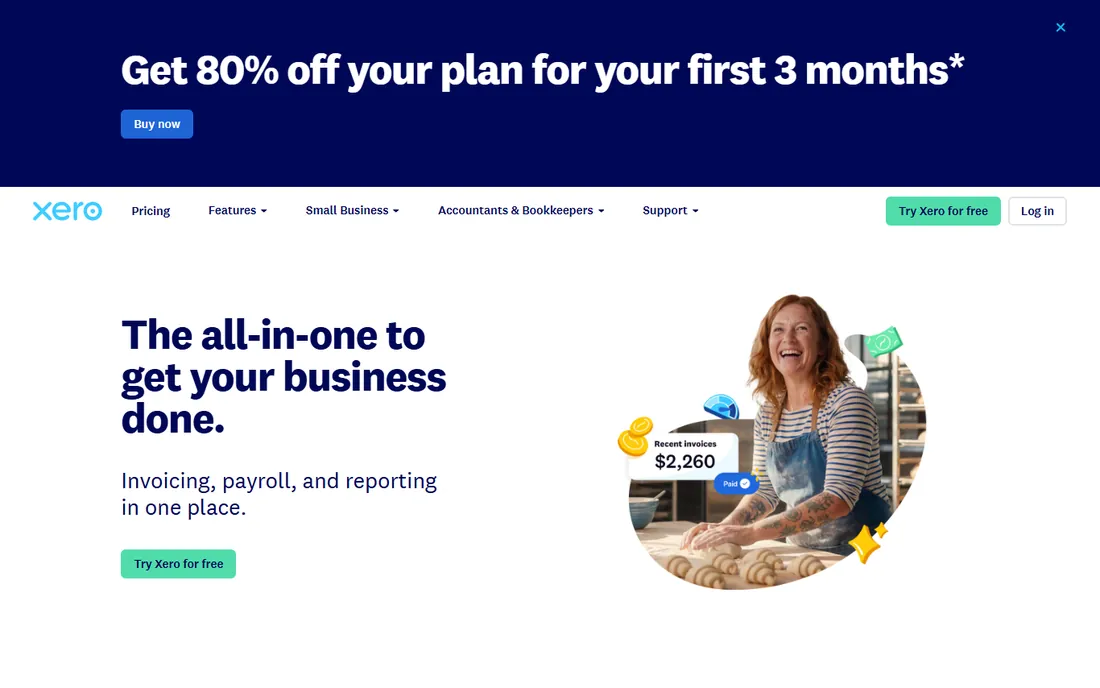
Xero is the strongest alternative to QuickBooks, and for some teams it is the better choice outright. The headline advantage is unlimited users on every plan, so a five-person team pays the same $25 per month on Early as a solo founder. The interface is cleaner than QuickBooks, and its bank reconciliation is widely considered the best in the category: transactions match automatically and the ones that need attention are easy to spot.
The 2026 pricing page confirms Early at $25 per month with a promotional $2.50 per month for the first six months. Growing at $55 and Established at $90 fill out the range. This year Xero introduced JAX, an AI assistant that creates invoices from a message, answers cash-flow questions, and spots trends. It is early, but the direction is the same as the rest of the industry: less data entry, more review.
The honest catch is the Early plan's caps. Twenty invoices and five bills per month is tight for any business with real volume, and crossing that line pushes you to Growing, where the price advantage over QuickBooks narrows. US payroll is also less mature than Intuit's offering. Choose Xero if you have multiple users in the books, work across currencies, or simply prefer a calmer interface.
What we like- Unlimited users on every plan
- Excellent automatic bank reconciliation and invoicing
- Multi-currency support built into higher tiers
Watch out for- Early plan caps you at 20 invoices and 5 bills per month
- US payroll and some features lag behind QuickBooks
Starting price$23 per month
Free planFree trial
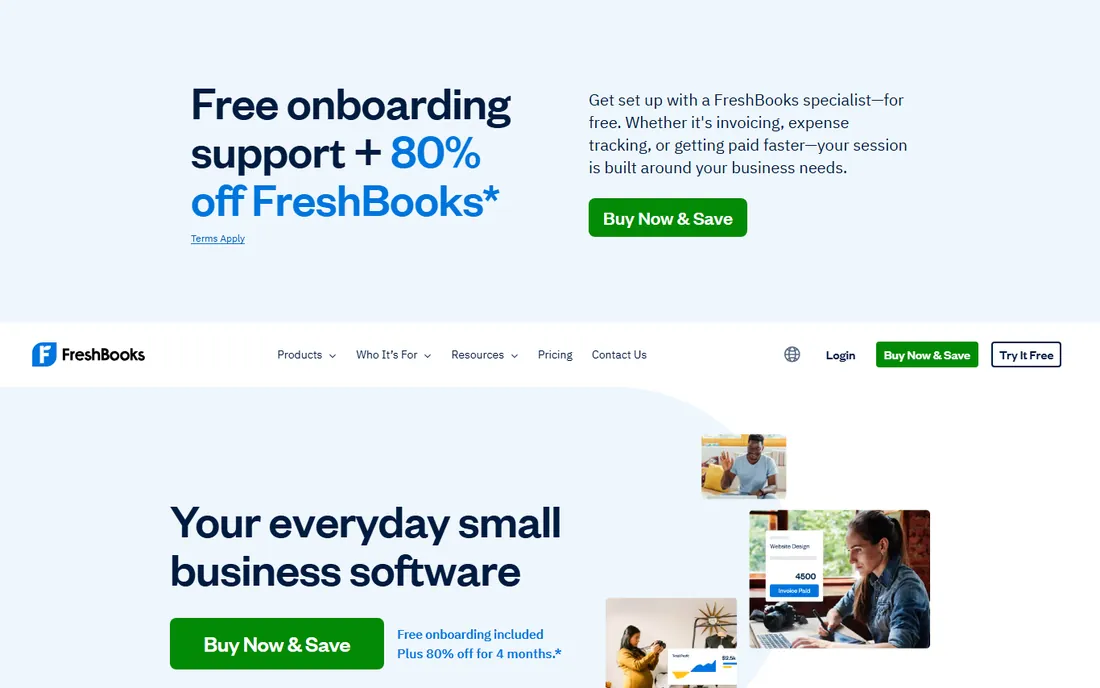
FreshBooks built its reputation on invoicing, and it still does that job better than anyone for service businesses. If you bill clients by the hour or by the project, the workflow is hard to beat: track time, turn it into an invoice in a few clicks, accept online payments, and send automated late-payment reminders. Project views show profitability per client, which is the report service owners actually open.
The platform has grown into fuller accounting software over the years, with expense tracking, bank reconciliation, and financial reports now standard. More than 100 app integrations cover the common connections, and the support team has a strong reputation among small operators. The 2026 site leans on a promotional $1 per month for the first year, with the regular Lite plan at $23 per month afterward.
The catch is depth. FreshBooks is not a full general ledger system in the way QuickBooks or Xero are, and businesses with inventory, complex payroll, or multi-entity structures will outgrow it. It is also priced per client count on some tiers, which can surprise growing agencies. For freelancers, consultants, and small service firms, though, it remains the most pleasant bookkeeping experience on this list.
What we like- Invoicing and time tracking designed for client work
- Project profitability views that show which clients actually make money
- Simple enough for non-accountants to run daily
Watch out for- Full double-entry accounting is thinner than QuickBooks or Xero
- Inventory features are minimal
#4
Zoho Books
Best for: free bookkeeping under $50K revenue
Visit zoho.com
Starting price$0 (free plan); paid from $15 per month
Free planYes
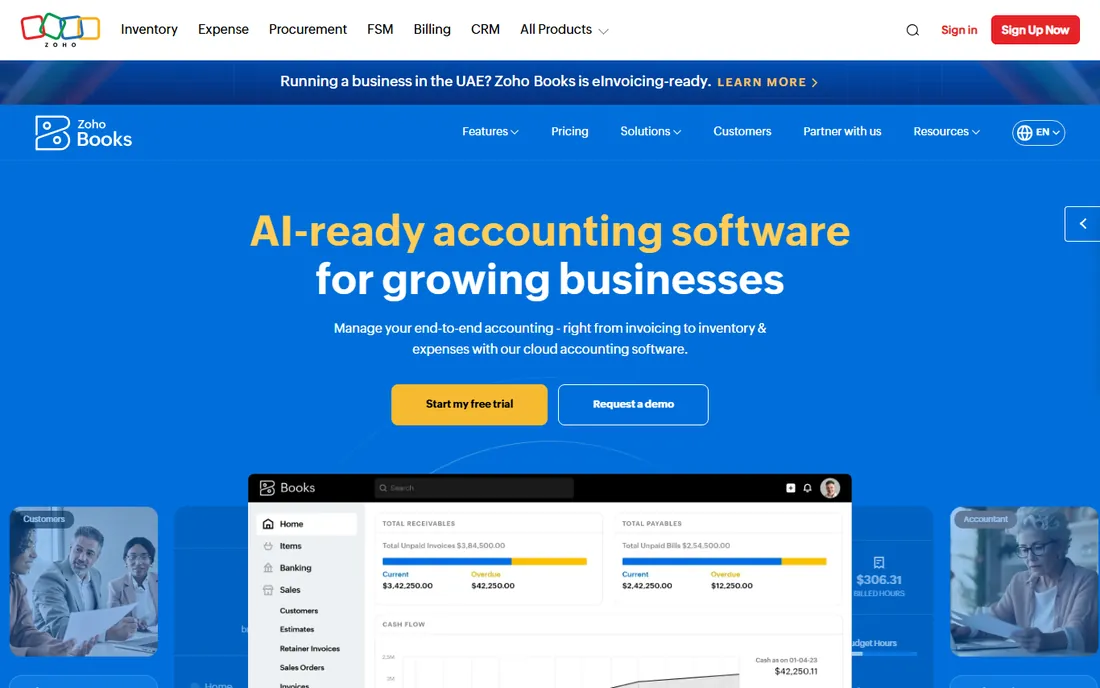
Zoho Books is the best-kept secret in small business accounting. The free plan covers businesses with under $50,000 in annual revenue and still includes automatic bank feeds, which is the feature that makes Wave's free plan feel limited by comparison. Paid plans start at $15 per organization per month on Standard, with Professional at $40 adding inventory and project tracking.
The feature depth punches well above the price. You get invoicing, expense management, inventory with reorder alerts, project billing, multi-currency, workflow automation, and Zia, Zoho's AI assistant that answers questions in plain English and flags anomalies. If you already use Zoho CRM, Zoho Inventory, or Zoho's other apps, the integration is smooth and the combined value is hard to match.
The honest catch is ecosystem and familiarity. Fewer US accountants work in Zoho Books daily, so you may need to export reports or grant access differently than with QuickBooks. The interface is powerful but dense, and migrating historical data takes some care, though Zoho offers free migration assistance. For a startup watching every dollar, it is the strongest value on this list by a wide margin.
What we like- Genuinely free plan that includes automatic bank feeds
- Strong feature set with inventory, projects, and multi-currency
- Tight integration with the rest of the Zoho suite
Watch out for- Free plan limited to businesses under $50,000 annual revenue
- The interface carries a learning curve for QuickBooks converts
Starting price$0
Free planYes
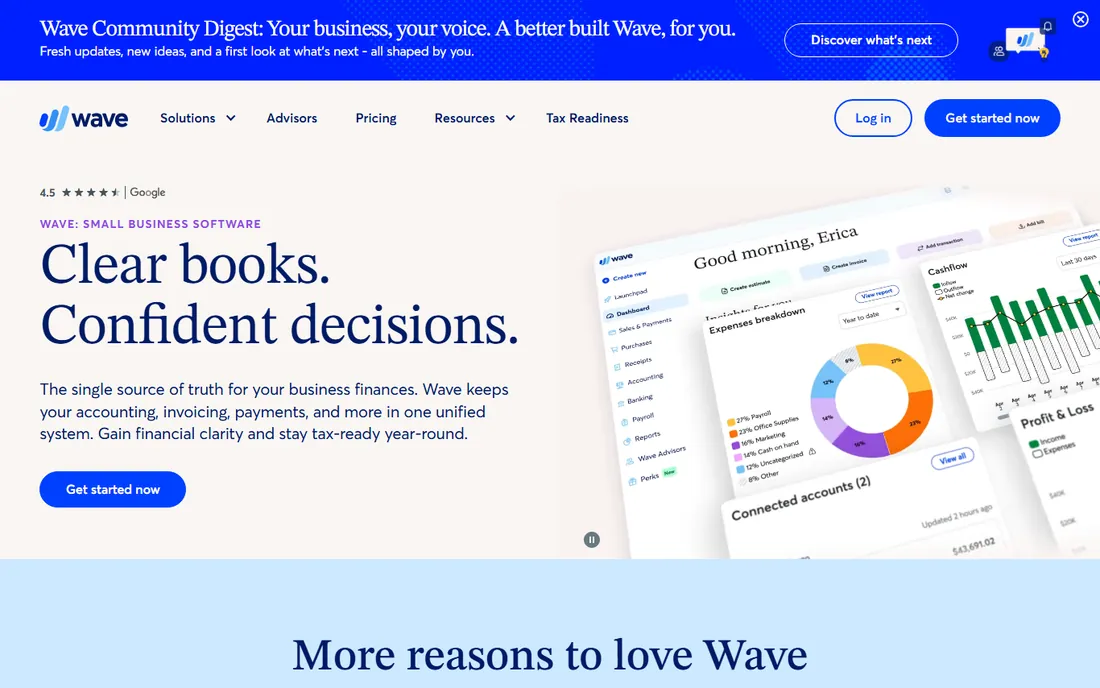
Wave is the only mainstream option with truly free double-entry accounting, and for a solopreneur with simple books that is enough. Invoicing is genuinely excellent: professional templates, recurring invoices, online payments, and automatic reminders, all at no monthly cost. The company makes its money on payment processing fees and optional services, not on your subscription.
The 2026 site emphasizes the same pitch it always has: software built for business owners, not accountants. Receipt scanning, expense tracking, and basic financial reports are all included free. If you want payroll, that is a paid add-on, and Wave also sells bookkeeping and tax coaching services for owners who would rather outsource the work entirely.
The catch that matters is bank feeds. Wave's free Starter plan does not import bank transactions automatically, so you enter them by hand or upgrade to Wave Pro at around $20 per month. For a business with dozens of monthly transactions, the manual entry eats the savings quickly. Zoho Books' free tier includes the bank feed, which is why it edges Wave for anyone with real transaction volume. But for a freelancer with light books, Wave remains the simplest free start.
What we like- Completely free core accounting, invoicing, and receipt scanning
- Clean interface built for owners rather than accountants
- Optional paid add-ons for payroll and bookkeeping help
Watch out for- Free plan lacks automatic bank transaction imports
- No inventory management to speak of
Starting price$132.17 per month (Pro Accounting)
Free planNo
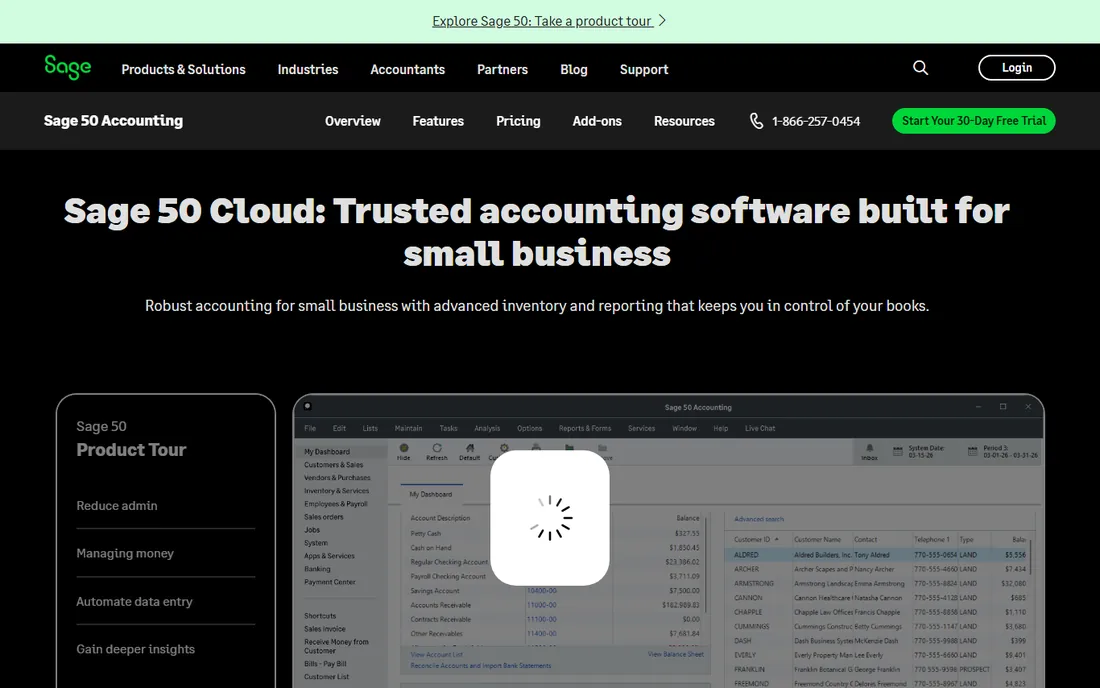
Sage 50, formerly Peachtree, is the veteran pick for businesses where inventory and job costing are central to the books. The Pro Accounting plan starts at $132.17 per month for one user, with Premium at $182.50 and Quantum at $271.17 adding users, multi-company consolidation, and advanced reporting. That pricing puts it in a different league from the cloud-first tools above, but the depth matches: serialized inventory tracking, purchase orders, advanced budgeting, and audit trails.
The Sage 50 Cloud edition adds secure access from any device, automatic updates, and real-time collaboration, closing some of the gap with cloud-native competitors. Sage Copilot, the company's AI assistant, is being woven into the product line. For manufacturers, distributors, and contractors who live in inventory and job costing, the feature set justifies a look despite the price.
The honest catch is that most small businesses do not need this much software. If your inventory is simple and your team is small, you are paying a premium for depth you will never use, and the interface still feels like desktop software wearing a cloud coat. Sage 50 makes sense when inventory complexity is the deciding factor; otherwise the cheaper cloud options win.
What we like- Deep inventory management with serialized tracking and job costing
- Audit trails and advanced reporting on higher tiers
- Free data migration from most QuickBooks versions
Watch out for- The most expensive option on this list by far
- Desktop roots show in the interface and setup
Starting price$20 per month (Accounting Basic)
Free planFree trial (30 days)
Patriot is the budget play for businesses that want real paid software without the real paid price. Accounting starts at $20 per month, payroll at $17 per month plus $4 per employee, and every plan includes a 30-day free trial followed by a discounted introductory period. Support is US-based and free on all tiers, which is a genuine differentiator at this price point.
The software covers the fundamentals: invoicing, expense tracking, bank reconciliation, and financial reports, plus payroll with tax filings if you bundle it. The company holds Capterra badges for ease of use and value in 2026, and its customer base of 80,000-plus small businesses suggests the simple approach works for a lot of owners. Setup is quick and there are no long-term contracts.
The catch is ceiling and breadth. Reporting is basic, the integration list is short, and businesses with inventory needs or complex project accounting will outgrow it. Think of Patriot as the step up from free tools: you get a real vendor, real support, and payroll in one place for the price of a few coffees a month. For a small employer that mainly needs clean books and payroll, that is a fair trade.
What we like- The lowest regular paid price from a US vendor
- Accounting and payroll under one login
- Free US-based support on every tier
Watch out for- Feature set is basic compared to QuickBooks or Xero
- Reporting and integrations are thinner
How we chose
We compared the accounting platforms most US small businesses actually evaluate, using current pricing pages, product documentation, and 2026 review roundups from independent publishers. We cross-checked prices against vendor sites where pages were accessible, favoring published plan prices over promotional rates. We weighted real bookkeeping capability (bank feeds, reconciliation, invoicing, reporting), fit for owner-operated and small-team businesses, pricing transparency, and the strength of free or trial options. We did not claim hands-on testing; all facts come from vendor-published material and independent reviews.
What to check before you sign up
Start with your transaction volume and your team. A solo freelancer with twenty transactions a month has no business paying $38 per month, while a five-person team reconciling hundreds of transactions needs multi-user access and strong bank feeds. Map your next twelve months of growth, not just this month, because migrating accounting software mid-year is painful.
Confirm the bank feed first
Automatic bank transaction imports are the single biggest time saver in bookkeeping software. Before you commit to any plan, free or paid, confirm that it includes the feed and that your bank connects cleanly. A free plan without a bank feed can cost you more in manual entry time than a paid plan saves in subscription fees.
Count the real users and the real add-ons
Per-user pricing changes the math fast. QuickBooks Simple Start is $38 per month for one user; a second user means a jump to Essentials. Payroll is almost always an add-on, and payment processing fees apply everywhere. Build a twelve-month total cost including add-ons before comparing headline prices.
Check your accountant's preference
If you work with a bookkeeper or CPA, ask what they use daily. An accountant who lives in QuickBooks Online will close your books faster and cheaper than one wrestling with exports from an unfamiliar system. The software you like matters less than the software your accountant can work in efficiently.
The AI shift in small business accounting
The biggest change in 2026 is not pricing but automation. Every major vendor now ships an AI assistant that categorizes transactions, drafts invoices, and answers plain-English questions about cash flow. These tools reduce data entry but they do not replace review: miscategorized transactions still create tax-season pain. Treat AI as a faster data-entry clerk, keep a human reviewing the books monthly, and you will get the benefit without the risk.
Frequently asked questions
What is the best accounting software for bookkeeping?
For most US small businesses, QuickBooks Online is the safest pick because of its accountant network and integrations. Xero is better for multi-user teams, FreshBooks for service businesses that bill by project, and Zoho Books or Wave for businesses that want capable free bookkeeping.
Is there really free accounting software?
Yes. Wave offers free core accounting and invoicing, and Zoho Books is free for businesses under $50,000 in annual revenue, including automatic bank feeds. Both make money on payment processing and paid add-ons rather than subscriptions.
How much should bookkeeping software cost per month?
Free options cover simple needs. Entry-level paid plans run $15 to $38 per month, mid-tier plans for most small businesses run $40 to $90 per month, and specialized desktop systems like Sage 50 start above $130 per month. Add payroll and payment processing fees to any estimate.
Can I switch from QuickBooks to Xero or vice versa?
Yes, and both vendors plus migration specialists support it. The main work is mapping your chart of accounts, reconnecting bank feeds, and carrying over open invoices and bills. Most migrations take a few days of focused work for a small business.
Do I need bookkeeping software or a bookkeeper?
Software handles the recording; a bookkeeper handles the judgment. Businesses with under fifty monthly transactions can usually manage with software alone. Once you hire employees, carry inventory, or operate in multiple states, a bookkeeper or accountant reviewing the books monthly pays for itself.
What is the difference between bookkeeping and accounting software?
The terms overlap heavily. Bookkeeping software focuses on recording daily transactions, invoicing, and reconciliation. Accounting software adds financial reporting, tax preparation, and analysis. Most products on this list do both, and vendors use the terms interchangeably.
Sources we checked (9)
- https://quickbooks.intuit.com
- https://www.xero.com
- https://www.freshbooks.com
- https://www.zoho.com/books
- https://www.waveapps.com
- https://www.sage.com/en-us/products/sage-50/
- https://patriotsoftware.com/
- https://fitsmallbusiness.com/best-small-business-accounting-software/
- https://gatpsolutions.com/blog/bookkeeping-software-for-small-business/
Is your product missing or out of date?
We review this list regularly. Vendors can request a listing, send updated pricing or ask about featured placement.

Shihab Mia · Founder, Rankite
Shihab has spent more than a decade helping SaaS and e-commerce brands grow through search. He writes Rankite's software buying guides from pricing pages, documentation and public user reviews. More about Shihab.