How we make this list: we compare pricing pages, product documentation and public user reviews. Ratings come from G2, Capterra or Trustpilot, with the date we checked them.
Key takeaways
- In the public cloud the choice is made for you: Amazon EBS, Azure Managed Disks, and Google Persistent Disk are each native to their cloud, and the real work is picking the right tier.
- Ceph is the open source foundation for self built block storage, free to run and demanding to operate.
- Portworx is the enterprise Kubernetes storage platform, priced by quote, bought when databases must survive node and zone failures.
- Longhorn and OpenEBS bring block storage to Kubernetes clusters that need something simpler and free at cluster scale.
- Pricing is per GB per month in cloud, per node or by quote on platforms, and free plus your hardware and staff time for open source.
Quick comparison
Is your product missing or out of date?
We review this list regularly. Vendors can request a listing, send updated pricing or ask about featured placement.
The best block storage software
Starting price$0.08 per GB per month
Free planNo
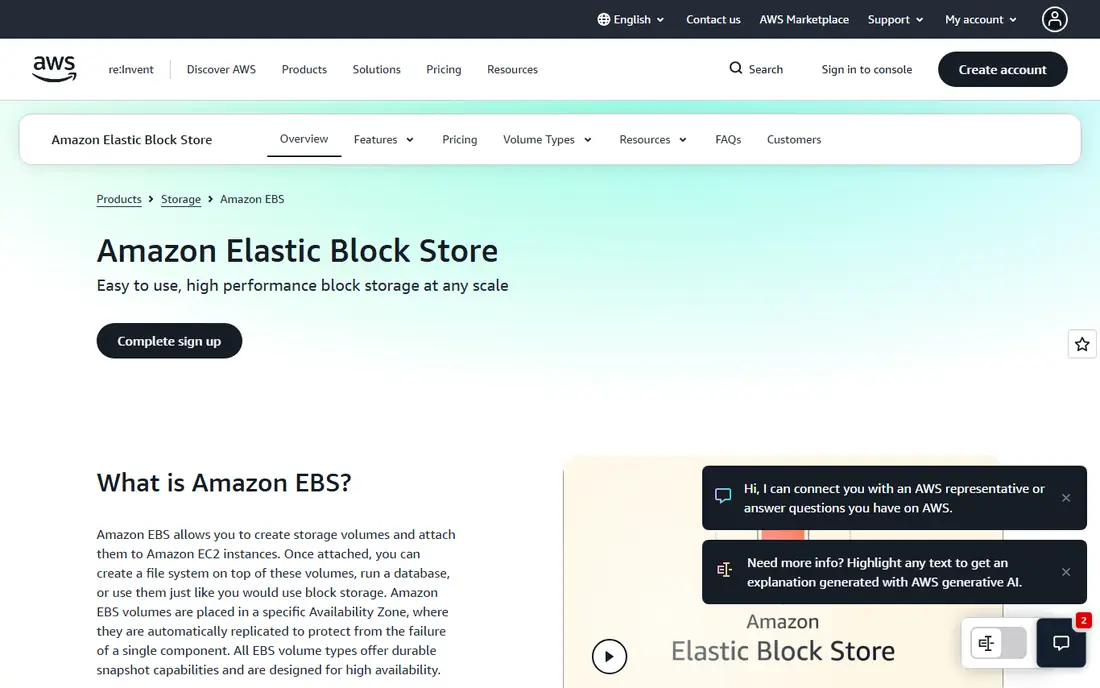
Elastic Block Store is the volume service under most EC2 instances and AWS databases. The gp3 tier, at $0.08 per GB per month with baseline throughput and IOPS included, covers the large majority of workloads, and io2 Block Express serves the databases that measure themselves in hundreds of thousands of IOPS.
The trade off is depth against lock in. Every feature assumes AWS, and egress and snapshot habits decide the real bill. EBS fits any team on AWS, which in practice means the tier decision, gp3 by default and io2 when a database proves it needs it, matters more than the product decision.
What we like- Gp3 general purpose tier at $0.08 per GB month is the AWS default
- Io2 tiers for high performance databases
- Snapshots to S3 are simple
- Encryption by default options
Watch out for- Only runs on AWS
- Provisioned IOPS tiers raise cost fast
- Performance tuning is a discipline of its own
Starting priceSee website
Free planNo
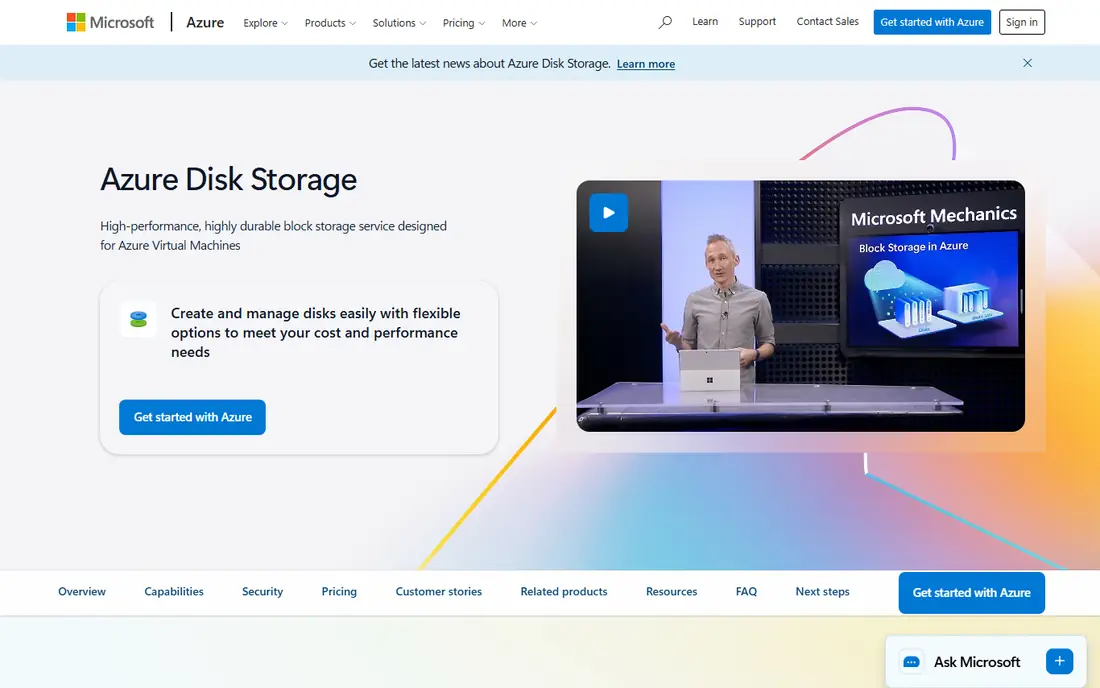
Azure Managed Disks is the same idea on Microsoft's cloud: pick a tier, attach it, and Azure runs the storage behind it. Premium SSD v2 and Ultra Disk let you set IOPS and throughput independently for database workloads. Prices are published per tier and size but vary by region and disk size in ways that make a single starting figure misleading, so use the Azure calculator for your configuration.
The trade off is control against complexity. The tier ladder is wide, and the wrong rung quietly taxes every workload on it. Managed Disks fits Azure shops, especially those running AKS or SQL workloads that can name their IOPS requirement.
What we like- Tier ladder from Standard HDD to Premium SSD v2 and Ultra Disk
- Managed, no storage accounts to run
- Strong integration with Azure VMs and AKS
- Snapshot and backup services built in
Watch out for- Pricing varies by tier and region enough that quotes need the calculator
- Ultra Disk has zone and size constraints
- Azure only
Starting priceSee website
Free planNo
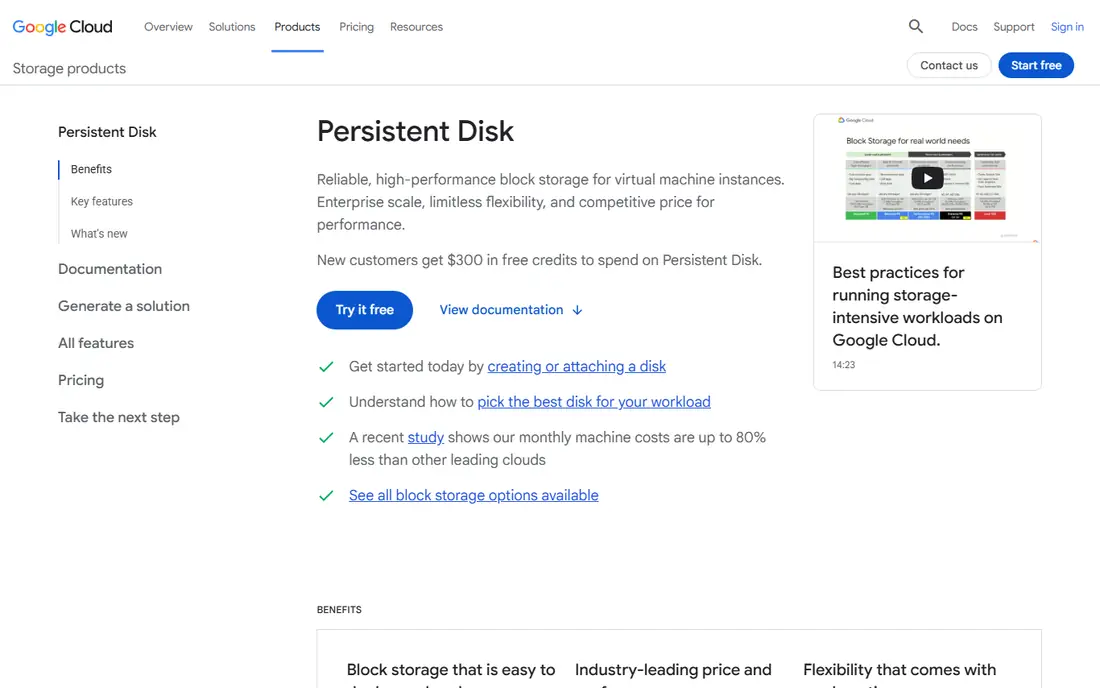
Persistent Disk is Google Cloud's block service, running from standard disks for boot volumes to Balanced, Extreme, and the newer Hyperdisk line for performance databases. Regional persistent disks are a quiet strength: synchronous replication across two zones under one volume, which simplifies high availability designs.
The trade off is simplicity against a shifting catalogue. Google keeps adding disk families, and picking between them takes a sizing exercise. Persistent Disk fits Google Cloud and GKE users, who should start on Balanced and move only when measurements demand it.
What we like- Balanced and Extreme tiers cover most needs
- Regional disks replicate across zones in one setup
- Integrates with GKE and Google databases
- Snapshot schedules are simple
Watch out for- Google Cloud only
- Hyperdisk naming adds a second product line to learn
- Prices vary by type and region
Starting priceFree
Free planYes
Ceph is the software behind many private clouds and hosting providers. Its RBD service presents block volumes to OpenStack, Kubernetes, and bare hypervisors, and the same cluster can serve object and file storage. The software costs nothing; the cluster, the network, and the engineers are the price.
The trade off is freedom against responsibility. Ceph rewards teams with storage expertise and punishes everyone else slowly. Ceph fits hosters, research computing, and enterprises building private clouds at a scale where licence fees would rival the hardware budget.
What we like- Open source and free
- RBD block plus object and file from one cluster
- Scales from a rack to petabytes
- No vendor licence at any size
Watch out for- You are the vendor: design, tuning, and upgrades are your team's work
- Needs at least a small dedicated storage team
- Performance depends heavily on hardware choices
Starting priceSee website
Free planNo
Portworx, from Pure Storage, is the commercial answer when Kubernetes runs real databases: it pools storage across nodes, replicates volumes so a pod reschedules with its data intact, and adds backup and migration tooling. Platform teams at banks, retailers, and telcos are its reference customers.
The trade off is capability against cost and complexity. Stateless clusters gain nothing here. Portworx fits organisations whose Kubernetes estates run databases and stateful services in production and need storage guarantees that match what their arrays once gave them.
What we like- Built for stateful Kubernetes at enterprise scale
- Synchronous replication across zones for databases
- Backup and disaster recovery in the same platform
- Part of Pure Storage
Watch out for- Enterprise pricing by quote, per node or capacity
- Another platform layer to run well
- Value only appears with serious stateful workloads
Starting priceFree
Free planYes
Longhorn gives a Kubernetes cluster its own distributed block storage using the nodes' local disks, with replication, snapshots, and scheduled backups to S3 or NFS. For small and mid size clusters, on premises or at the edge, it is often the difference between a toy cluster and a usable one.
The trade off is simplicity against ceiling. IO heavy databases will find its limits, and replica counts eat raw capacity. Longhorn fits small platform teams, homelabs grown serious, and edge deployments that need stateful storage without buying an array or a platform licence.
What we like- Open source, a CNCF project from the Rancher ecosystem
- Installs from a chart in minutes
- Snapshots, backups, and replication built in
- Clear web interface
Watch out for- Performance trails dedicated arrays on heavy database loads
- Each replica multiplies storage use
- Support is community unless you buy a distribution around it
Starting priceFree
Free planYes
OpenEBS follows the container attached storage pattern: storage services run as containers beside the workloads. Its engines range from local volumes, where the database itself replicates and storage just needs to be fast, to replicated volumes for clusters that need storage level copies.
The trade off is flexibility against simplicity. You choose an engine per workload class, which is power and homework at once. OpenEBS fits Kubernetes teams with mixed workloads, especially those whose databases already replicate and need fast local storage rather than another copy underneath.
What we like- Open source with several storage engines by need
- Local volumes for maximum performance where replication is handled by the app
- Runs anywhere Kubernetes runs
- Commercial support available through distributions
Watch out for- Choice of engines adds a decision and some confusion
- Replicated modes are younger than rivals
- Enterprise polish comes via partners
Starting priceSee website
Free planNo
ONTAP is the operating system behind NetApp arrays and their cloud editions, and its block services sit inside a data platform known for snapshots that cost almost nothing, replication between sites and clouds, and storage efficiency that squeezes real capacity savings. Enterprises standardise on it for decades at a time.
The trade off is maturity against accessibility. ONTAP is bought through an enterprise motion and priced by configuration. ONTAP fits large organisations consolidating block, file, and backup onto one managed platform across data centres and clouds.
What we like- The most mature data management in this list: snapshots, replication, tiering, and efficiency
- Runs on arrays, in clouds as Cloud Volumes ONTAP, and as a service
- Block, file, and object in one system
Watch out for- Enterprise pricing and sales process
- Breadth means a learning curve
- Smallest deployments are oversized for it
How we chose
We covered the three real buying situations: native cloud disks, Kubernetes storage platforms, and software for building your own storage, then picked the leading option in each. We checked current pricing pages and documentation in October 2026, stating the cloud per GB model plainly, recording the one stable published figure we could stand behind, and writing See website where pricing is per configuration or by quote. We excluded consumer cloud drives and NAS software, which are file tools rather than block storage.
How to choose block storage software
Start where the workload lives. In a public cloud, the native disk service wins by default; spend your effort on tier selection, provisioned IOPS, and snapshot policy, because those decide cost and performance more than any third party layer. On Kubernetes, decide what failure you are insuring against: a node dying points to Longhorn or OpenEBS at small scale and Portworx at enterprise scale, while application level replication in the database itself may make simple local volumes the fastest honest answer. Self building with Ceph only makes sense with a team that wants to be a storage vendor, at a scale where licence savings pay their salaries. Whatever you choose, test with your real database under your real load, and read the fine print on snapshots and replication: the price of storage is the capacity after replicas and snapshots, never the raw number in the headline.
Frequently asked questions
What is block storage used for?
Block storage presents a raw disk volume to a server or container. It sits under databases, virtual machines, boot volumes, and stateful applications that need low latency, consistent performance, and their own filesystem on top.
What is the difference between block, file, and object storage?
Block storage gives raw volumes, file storage gives shared folders over NFS or SMB, and object storage gives buckets of files reached by API. Databases and VM disks want block. Shared documents want file. Backups, media, and data lakes usually want object.
How is cloud block storage priced?
Per GB per month for provisioned capacity, plus charges for provisioned IOPS and throughput on performance tiers, plus snapshots. Amazon EBS gp3, the common default, is $0.08 per GB per month, so a 1 TB volume costs about $80 a month before snapshots.
Is Ceph really free?
The software is open source and free at any scale. The total cost is hardware, networking, power, and the engineers who design and run the cluster. Below a certain scale a cloud disk bill is cheaper; above it, Ceph's lack of licence fees wins.
Which storage do Kubernetes databases need?
They need a volume that survives pod rescheduling and node failure, with snapshots for backup. Small clusters do well on Longhorn or OpenEBS. Large estates running databases as a core workload usually evaluate Portworx or their cloud's managed disks with a CSI driver.
Can I use the same block storage across clouds?
Not natively: EBS, Managed Disks, and Persistent Disk each live inside one cloud. Portworx, Ceph based services, and Cloud Volumes ONTAP offer the closest cross cloud consistency, which is one reason enterprises pay for them.
Sources we checked (0)
Is your product missing or out of date?
We review this list regularly. Vendors can request a listing, send updated pricing or ask about featured placement.

Shihab Mia · Founder, Rankite
Shihab has 5+ years in B2B and SaaS SEO. He writes Rankite's software buying guides from pricing pages, documentation and public user reviews. More about Shihab.
 Amazon EBS
 Azure Managed Disks
 Google Persistent Disk
 Ceph
Ceph Portworx
 Longhorn
 OpenEBS
 NetApp ONTAP