How we make this list: we compare pricing pages, product documentation and public user reviews. Ratings come from G2, Capterra or Trustpilot, with the date we checked them.
Key takeaways
- Coinbase Wallet and Trust Wallet are the easiest starting points for beginners who want a mobile wallet.
- Exodus suits users who hold several cryptocurrencies and want a beautiful, simple interface.
- Electrum and BlueWallet are the best Bitcoin-focused wallets, with advanced features for experienced users.
- Hardware wallets like Ledger, used with Ledger Live, are the safest option for large amounts.
- This is not financial advice. Bitcoin is volatile, and losing your seed phrase means losing access to your funds permanently, so back it up offline and never share it.
Quick comparison
Is your product missing or out of date?
We review this list regularly. Vendors can request a listing, send updated pricing or ask about featured placement.
The best Bitcoin wallet apps
Starting priceFree
Free planYes

Coinbase Wallet is a self-custody mobile wallet, separate from the Coinbase exchange, that lets you hold Bitcoin and many other cryptocurrencies with your own private keys. Setup takes minutes: create a wallet, back up the 12-word seed phrase, and you can receive, send and store crypto, plus connect to decentralised apps and NFT platforms.
The interface is clean and beginner-friendly, with clear balances, transaction history and built-in swaps. Because it is self-custody, Coinbase cannot freeze or recover your wallet, which is both the point and the risk: losing your seed phrase means losing your funds.
Network fees apply to transactions, as with every wallet, and support for self-custody issues is limited, since Coinbase cannot access your keys. For a beginner who wants a simple, reputable mobile wallet, Coinbase Wallet is the easiest start.
What we like- Very easy to use
- Self-custody with seed phrase
- Connects to decentralised apps
Watch out for- Tied to Coinbase ecosystem
- Network fees apply
- Support is limited for self-custody

#2Exodus
Best for: Multi-asset simplicity3.9/5 on
G2 (26 reviews, checked Oct 2026)
Visit exodus.com
Starting priceFree
Free planYes
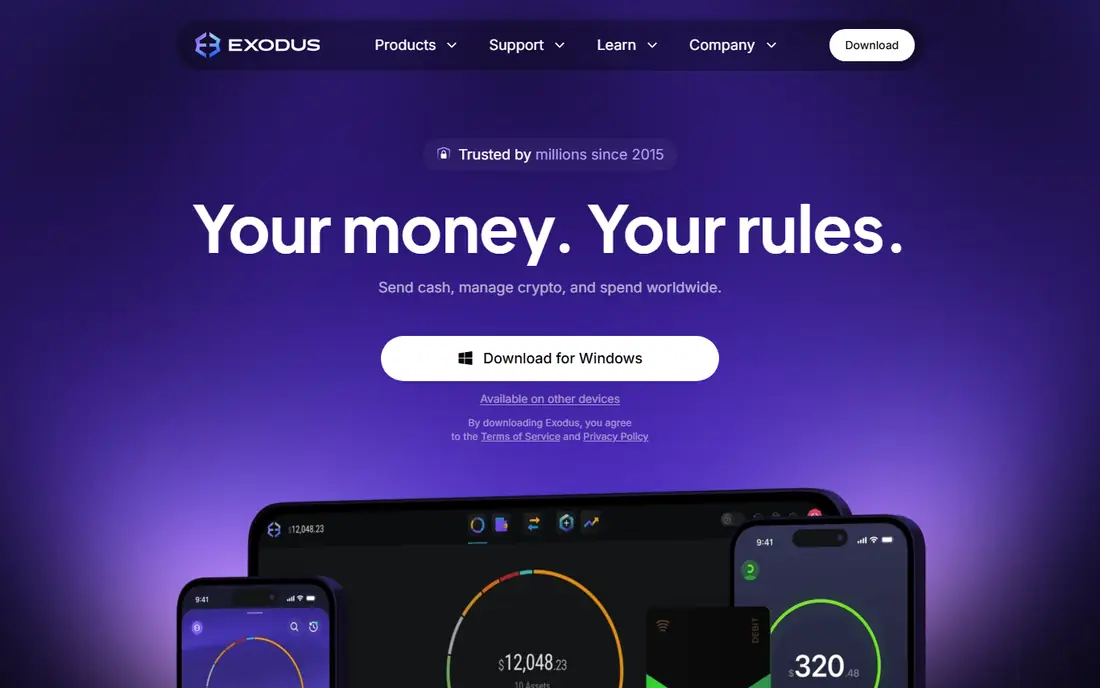
Exodus is a desktop and mobile wallet known for its polished design and ease of use. It supports Bitcoin and hundreds of other assets, with a portfolio view, charts and built-in exchange that lets you swap assets without leaving the app. Staking is available for supported coins, and the wallet syncs across devices.
For a user who holds several cryptocurrencies alongside Bitcoin, Exodus keeps everything in one attractive place, with clear transaction history and 24/7 human support, which is unusual for a wallet. Hardware wallet integration with Trezor adds security for larger holdings.
Exodus is not fully open source, which matters to privacy-focused users, and its Bitcoin-specific features are thinner than Electrum's or BlueWallet's. But for a beautiful, simple multi-asset wallet, Exodus is a top pick.
What we like- Beautiful interface
- Supports many assets
- Built-in exchange and staking
Watch out for- Not fully open source
- Fewer advanced Bitcoin features than Electrum
Starting priceFree
Free planYes
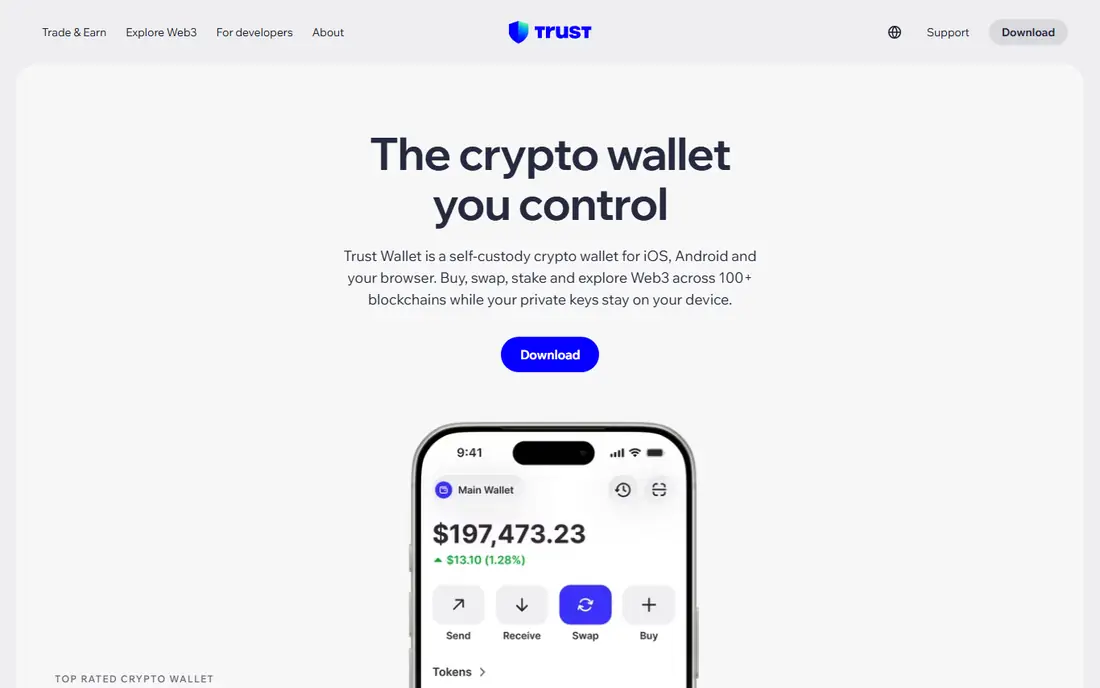
Trust Wallet is a free mobile wallet that supports Bitcoin and a very wide range of other blockchains, tokens and NFTs, with a built-in browser for decentralised apps, staking and swaps. It is one of the most downloaded crypto wallets, thanks to its simplicity and broad asset coverage.
The interface is straightforward: balances, send and receive, and a discovery section for apps and staking. Trust Wallet is self-custody, so you control your seed phrase and keys, and it works on iOS and Android.
Ownership by Binance concerns some users who prefer independent wallets, and support is largely community-led rather than dedicated. But for a free, versatile mobile wallet that handles Bitcoin plus almost anything else, Trust Wallet is hard to beat.
What we like- Supports many blockchains and tokens
- Built-in browser for decentralised apps
- Free
Watch out for- Owned by Binance, which concerns some users
- Support is community-led

#4Electrum
Best for: Advanced Bitcoin users4.3/5 on
G2 (15 reviews, checked Oct 2026)
Visit electrum.org
Starting priceFree
Free planYes
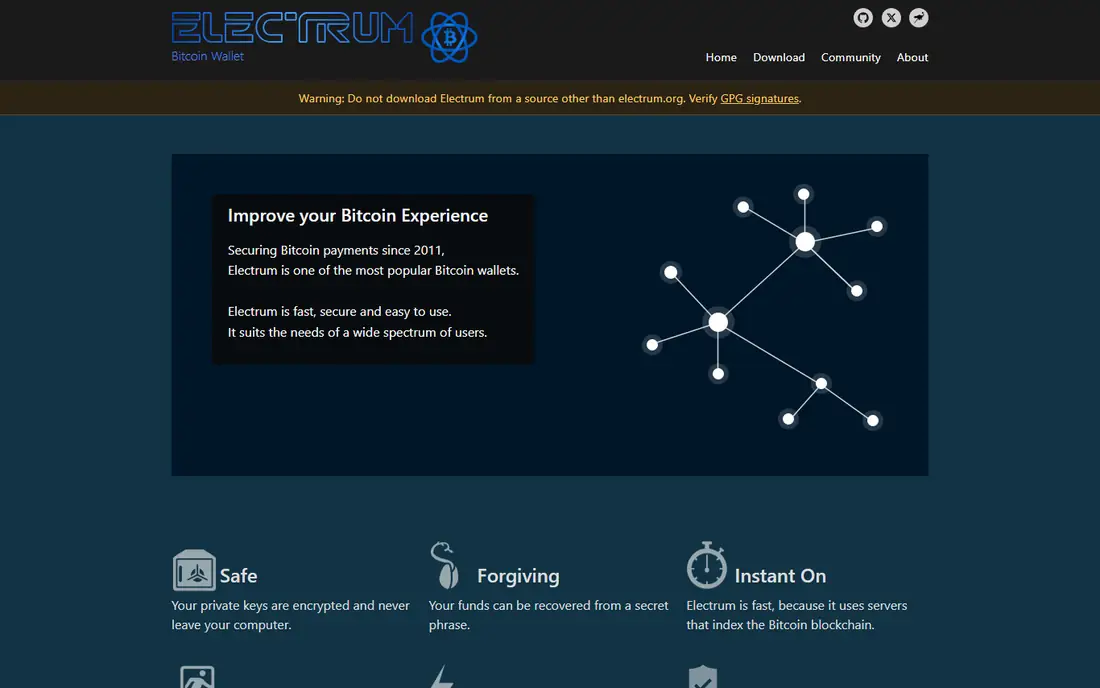
Electrum is one of the oldest Bitcoin wallets, and it remains a favourite of experienced users. It is Bitcoin-only, open source and lightweight, with advanced features including multisignature wallets, hardware wallet support, cold storage, custom transaction fees and coin control, which lets you choose exactly which coins to spend.
That depth suits users who understand Bitcoin's mechanics and want precise control. Electrum connects to your own server if you prefer, supports Lightning through plugins, and has a long security record, though users must download only from the official site, since fake copies have circulated.
The interface is dated and technical, and mobile support is limited compared with modern wallets. For a beginner, Electrum is overkill. For an advanced Bitcoin user, it is the most capable free wallet available.
What we like- Bitcoin-only and open source
- Advanced features like multisig and cold storage
- Fast and lightweight
Watch out for- Interface feels dated
- Not beginner-friendly
- Desktop-focused
Starting priceFree
Free planYes
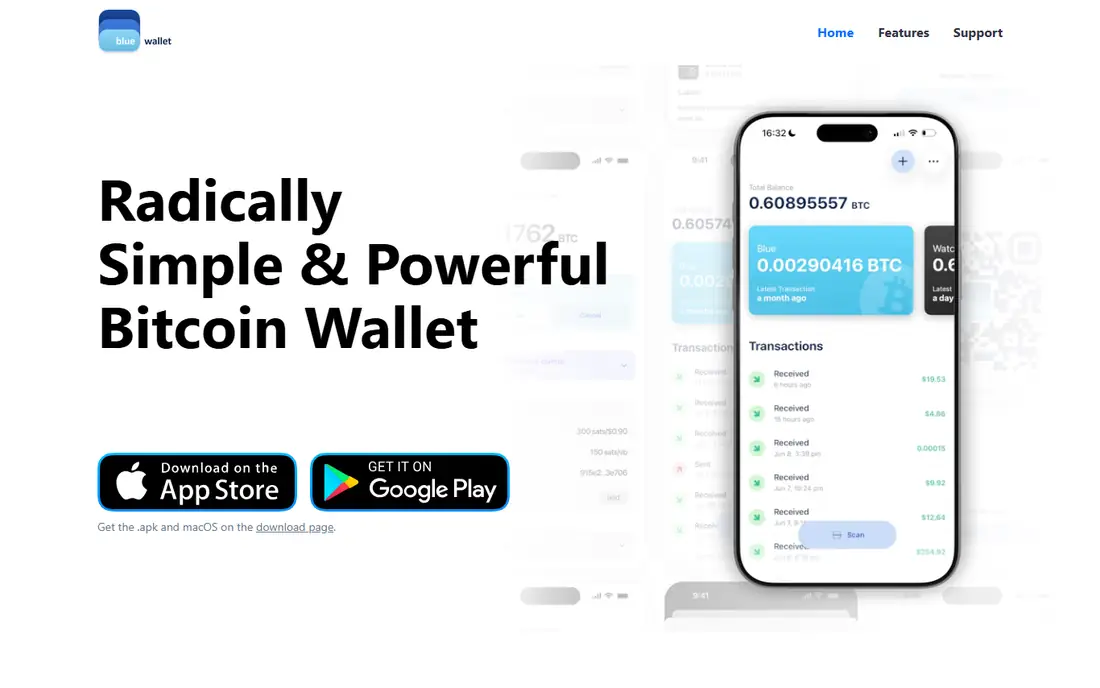
BlueWallet is a Bitcoin-only mobile wallet with strong Lightning Network support, which makes it ideal for fast, low-fee Bitcoin payments as well as on-chain storage. The interface is clean and modern, with separate wallets for on-chain Bitcoin and Lightning, watch-only wallets, and multisig options for advanced users.
Lightning support is the standout: you can open channels, send instant payments for tiny fees, and use BlueWallet's hosted Lightning or connect your own node for full control. On-chain features include custom fees, coin control and hardware wallet support on some platforms.
BlueWallet holds Bitcoin only, so multi-asset users need another wallet, and full Lightning self-custody needs some setup. But for Bitcoin and Lightning on mobile, BlueWallet is the best open-source choice.
What we like- Bitcoin-only with Lightning support
- Open source
- Clean mobile interface
Watch out for- Bitcoin only, no other assets
- Some features need a Lightning node for full control
Starting priceFree
Free planYes
Ledger Live is the companion app for Ledger hardware wallets, which store private keys offline on a physical device, keeping them away from internet threats. The app lets you manage Bitcoin and many other assets, check balances, send and receive, buy and sell through partners, and stake supported coins, all while keys stay on the device.
That hardware separation is the gold standard for security: even if your computer or phone is compromised, a transaction needs physical confirmation on the device. Ledger Live's portfolio view and clear transaction flow make it accessible for users new to hardware wallets.
The app itself is free, but full security needs a Ledger device, which costs extra, and setup takes longer than a mobile wallet. For holdings you cannot afford to lose, a Ledger device with Ledger Live is the safest option in this list.
What we like- Pairs with Ledger hardware wallets for offline key storage
- Supports many assets
- Buy, sell and stake in-app
Watch out for- Needs a Ledger device for full security
- Device costs extra
Starting priceFree
Free planYes
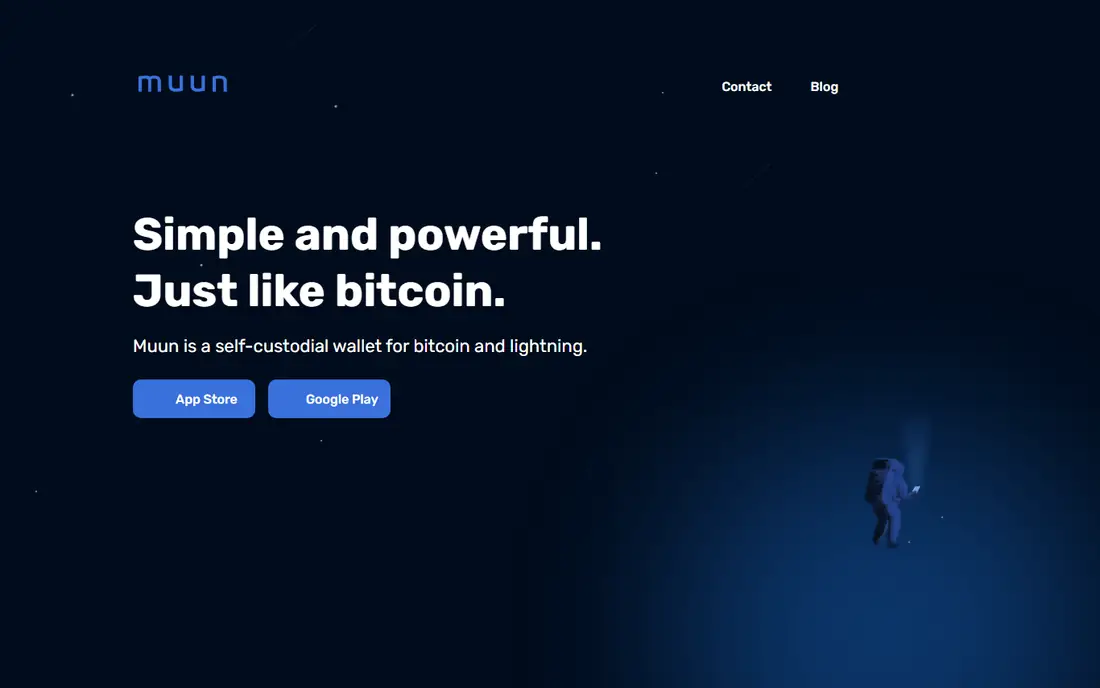
Muun is a Bitcoin wallet designed for simplicity: it hides the complexity of on-chain versus Lightning payments, choosing the best route automatically, so users just send and receive Bitcoin without worrying about channels or fees. The interface is minimal and friendly, which suits beginners and casual users.
Muun is self-custody, with a backup system based on an email and password plus a recovery code, which is easier for new users than a traditional seed phrase, though it introduces some trust in Muun's recovery process. Fees are transparent, and the wallet works well for everyday Bitcoin payments.
Advanced users may miss Electrum's coin control or multisig options, and Lightning payments partly rely on Muun's infrastructure. But for a simple, self-custody Bitcoin wallet that just works, Muun is an excellent choice.
What we like- Very simple interface
- Handles on-chain and Lightning automatically
- Self-custody
Watch out for- Fewer advanced features
- Lightning relies partly on Muun's infrastructure
Starting priceFree
Free planYes
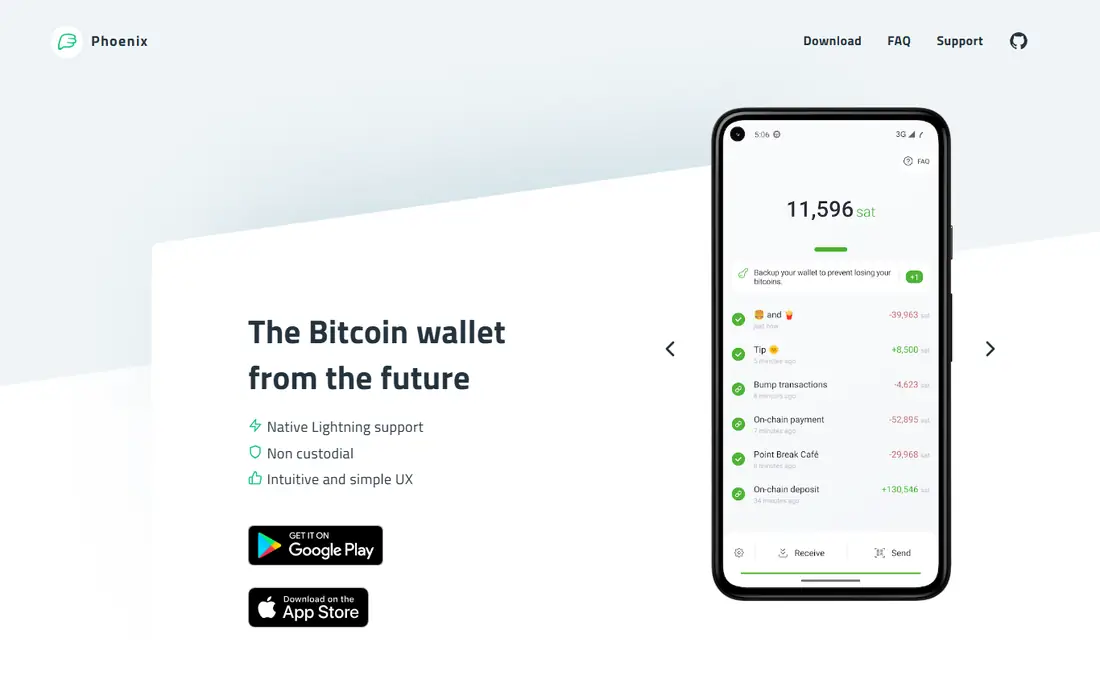
Phoenix, from ACINQ, is a Lightning-first Bitcoin wallet that handles channel management automatically. Receive Bitcoin on-chain and Phoenix creates a channel for you, or send Lightning payments instantly with minimal fees, all without manual channel setup. That automation makes Lightning accessible to users who would otherwise find it too technical.
The wallet is self-custody, open source, and focused on payments rather than long-term savings, which suits spending, tipping and small everyday transactions. Fees apply when opening channels, as with any Lightning wallet, and the interface is clean and modern.
Phoenix is less suited to holding large amounts on-chain, where a hardware wallet or Electrum is safer. But for using Bitcoin as money, with fast, cheap Lightning payments, Phoenix is the best dedicated option.
What we like- Excellent Lightning wallet
- Automatic channel management
- Self-custody
Watch out for- Lightning-focused, less suited to large on-chain savings
- Fees on channel opens
How we chose
We compared wallets on self-custody, security, Bitcoin focus, Lightning support, ease of use and price. All wallets here are free to download, though network fees and hardware costs apply where noted. We also read public user reviews and security guidance to confirm reputations, and we weighted seed phrase control and open-source transparency heavily, since custody is the core question for any wallet.
Keeping your Bitcoin safe
Your seed phrase is your wallet. Write it on paper, store it offline in a safe place, and never share it, photograph it or enter it on a website. Enable biometric locks and app passwords, keep wallet software updated, and download wallets only from official sites or app stores. For large amounts, use a hardware wallet and keep most funds in cold storage, with only spending money in a mobile wallet.
Hot versus cold storage
Hot wallets, on a phone or computer, are convenient for spending but exposed to online threats. Cold storage, on a hardware wallet kept offline, is far safer for savings. A common setup is a mobile wallet like BlueWallet or Muun for daily spending, plus a Ledger device for long-term holdings, with the seed phrase backed up offline in two locations.
Frequently asked questions
What is the best Bitcoin wallet for beginners?
Coinbase Wallet and Trust Wallet are the easiest mobile wallets for beginners, with simple interfaces and broad support. Muun is the simplest Bitcoin-only option, while Exodus suits users who hold several cryptocurrencies.
Is a hardware wallet worth it?
Yes, if you hold a significant amount of Bitcoin. A hardware wallet like Ledger keeps private keys offline, which protects against malware, phishing and exchange failures. For small, everyday amounts, a mobile wallet is fine.
What happens if I lose my seed phrase?
You lose access to your funds permanently, in most cases. No company can recover a self-custody wallet without the seed phrase, which is why offline backup is essential. Some wallets offer social recovery or alternative backups, but these vary and should be understood before relying on them.
Are Bitcoin wallet apps free?
Yes, the apps here are free to download and use, though Bitcoin network fees apply to transactions, and hardware wallets cost extra. Some wallets charge fees for built-in exchanges or swaps.
What is the Lightning Network?
The Lightning Network is a layer on top of Bitcoin that enables fast, low-fee payments through payment channels, rather than recording every transaction on the blockchain. Wallets like Phoenix, BlueWallet and Muun support it for everyday spending.
Can I hold other cryptocurrencies in a Bitcoin wallet?
Bitcoin-only wallets like Electrum, BlueWallet, Muun and Phoenix hold Bitcoin only. Multi-asset wallets like Coinbase Wallet, Exodus, Trust Wallet and Ledger Live hold Bitcoin plus many other cryptocurrencies.
Sources we checked (8)
- https://www.coinbase.com/wallet
- https://www.exodus.com
- https://trustwallet.com
- https://electrum.org
- https://bluewallet.io
- https://www.ledger.com/ledger-live
- https://muun.com
- https://phoenix.acinq.co
Is your product missing or out of date?
We review this list regularly. Vendors can request a listing, send updated pricing or ask about featured placement.

Shihab Mia · Founder, Rankite
Shihab has 5+ years in B2B and SaaS SEO. He writes Rankite's software buying guides from pricing pages, documentation and public user reviews. More about Shihab.
 Coinbase Wallet
 Trust Wallet
 BlueWallet
 Ledger Live
 Muun
Muun Phoenix