How we make this list: we compare pricing pages, product documentation and public user reviews. Ratings come from G2, Capterra or Trustpilot, with the date we checked them.
Key takeaways
- NiceHash is the easiest starting point for a beginner, because it benchmarks your hardware and pays out in Bitcoin.
- Hive OS and minerstat suit rig owners who need remote control, overclocking, and alerts across many machines.
- Awesome Miner is the strongest Windows control centre for a mixed fleet, with profit switching and scripting for larger operations.
- Free desktop miners such as Kryptex and Cudo Miner are best for learning, not for expecting steady Bitcoin income from a home PC.
- Always check pool fees, payout minimums, and withdrawal fees, because those charges affect returns more than a small difference in reported hash rate.
Quick comparison
| Tool | Best for | Starting price | Free plan |
|---|
 NiceHash NiceHash | Beginners selling hash power | Free app (marketplace and pool fees apply) | Yes |
 Hive OS Hive OS | GPU and ASIC fleet management | Free for small setups (paid plans for larger fleets) | Yes |
 Awesome Miner Awesome Miner | Windows fleet control | Free for up to 2 miners ($2 per extra miner/month) | Yes |
 Cudo Miner Cudo Miner | Automated desktop mining | Free app (fees apply to earnings) | Yes |
 Kryptex Kryptex | Windows users mining altcoins | Free app (fees apply to earnings) | Yes |
 minerstat minerstat | Cross-platform fleet monitoring | €1.64 per worker/month | Yes |
 Braiins OS Braiins OS | Antminer firmware replacement | See website | No |
 SimpleMining SimpleMining | Simple Linux rig management | $2 per rig/month | No |
Is your product missing or out of date?
We review this list regularly. Vendors can request a listing, send updated pricing or ask about featured placement.
The best bitcoin mining software
#1NiceHash
Best for: Beginners selling hash power4.1/5 on
G2 (30 reviews, checked Oct 2026)
Visit nicehash.com
Starting priceFree app (marketplace and pool fees apply)
Free planYes

NiceHash turns mining into a marketplace. Instead of choosing a coin and a pool yourself, you point your GPU or ASIC at NiceHash, it benchmarks your hardware, and buyers purchase your hash power for the algorithm they need. You get paid in Bitcoin, which removes the need to hold and exchange a long list of small altcoins. For a beginner with a gaming PC, that is the simplest path from install to first payout.
The trade is control. You do not decide which coin your hardware mines at any moment, and NiceHash takes fees at several steps, including marketplace fees and withdrawal fees, so the headline hash rate is not the same as net earnings. NiceHash also runs a mobile app for monitoring, which helps if you want to check earnings away from your desk. Treat it as a learning tool and a way to use spare GPU capacity, not as a guaranteed income stream.
What we like- Automatic benchmarking and algorithm switching
- Payouts in Bitcoin
- Large hash power marketplace
Watch out for- You sell hash power rather than mine a chosen coin directly
- Fees apply to orders, payouts, and withdrawals
Starting priceFree for small setups (paid plans for larger fleets)
Free planYes
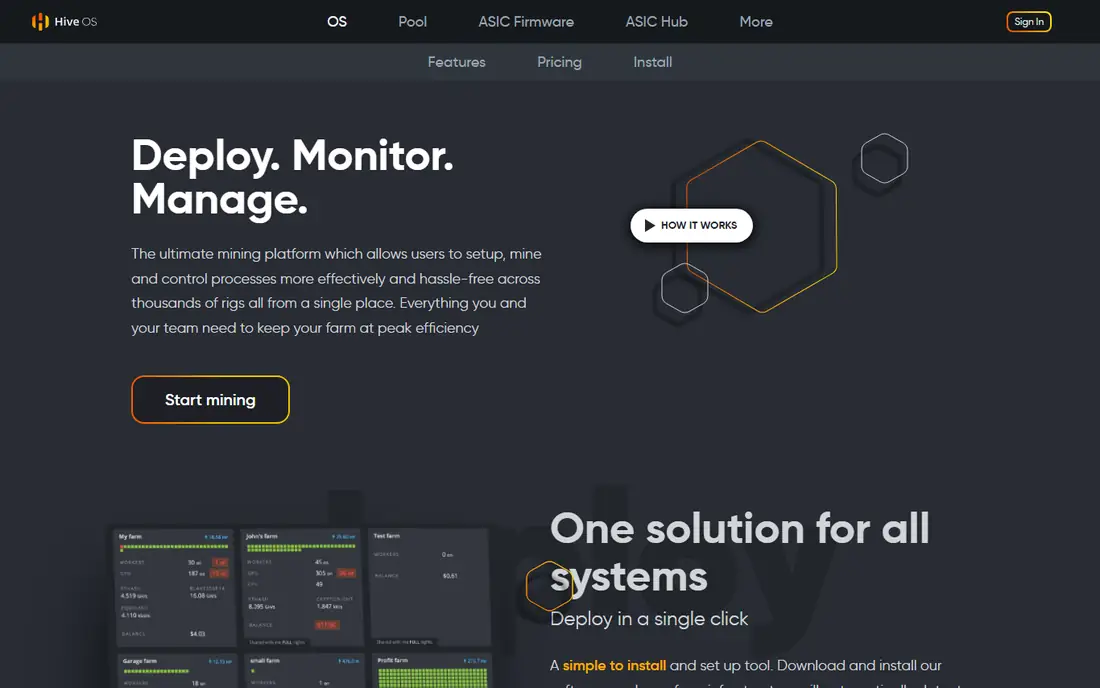
Hive OS is a Linux-based operating system and web dashboard for people who run more than one rig. You install it on each machine, create flight sheets that define the coin, pool, wallet, and miner software, and then manage everything from a browser or mobile app. Overclocking profiles, fan controls, temperature alerts, and remote reboot options sit in the same dashboard, which saves a lot of walking between machines in a larger setup.
That power comes with a learning curve. A first-time miner must learn flight sheets, worker setup, and pool configuration before anything earns, and the free tier covers only a small number of workers. Hive OS suits a miner who already owns rigs and wants one place to watch them all. A casual user with one PC will find NiceHash or Kryptex faster to start.
What we like- Remote control for GPU and ASIC rigs
- Flight sheets for pools and wallets
- Overclocking and alerts
Watch out for- Setup takes more effort than a desktop app
- Pricing rises as GPU rigs and worker counts grow
Starting priceFree for up to 2 miners ($2 per extra miner/month)
Free planYes
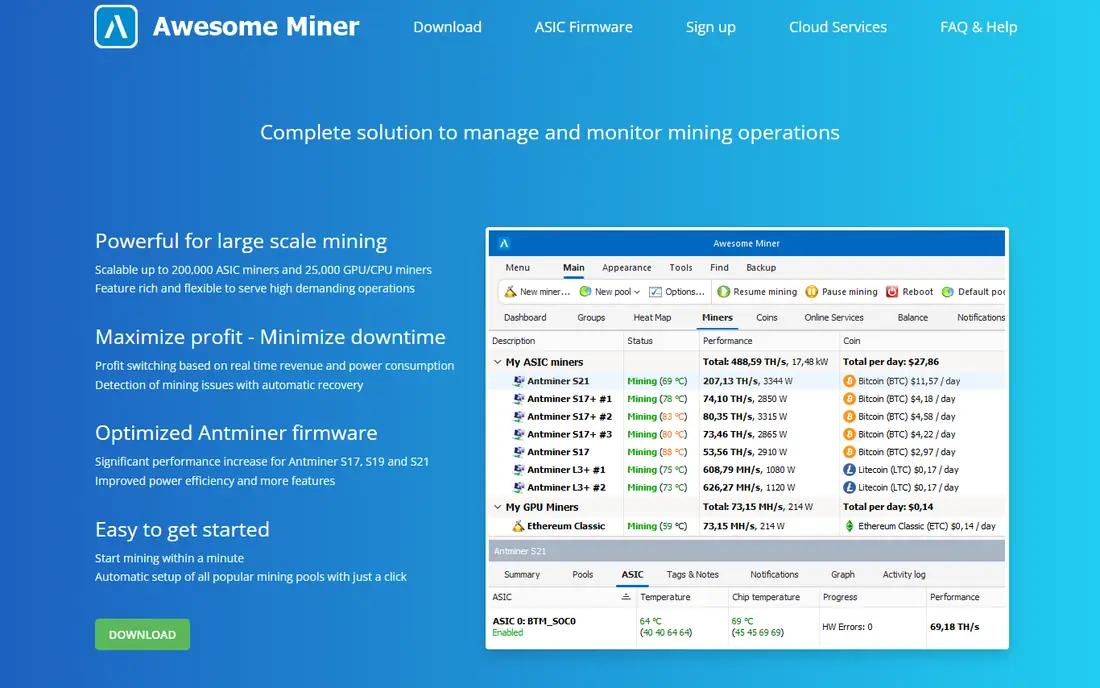
Awesome Miner takes a different route from Hive OS by giving you a Windows application that manages miners running on other machines. It supports ASIC, GPU, and CPU miners, connects to many pools, and can switch a rig to the most profitable coin or pool based on rules you set. For a farm manager, the rules engine matters: you can set actions for temperature limits, offline miners, and profit thresholds without watching the dashboard all day.
The main limits are platform and polish. The control centre runs on Windows, even though the miners it manages can run on other systems, and the interface packs a lot of detail into one screen. Pricing is friendly at first, with a free tier for two miners, then a per-miner monthly charge that scales with the fleet. Choose Awesome Miner if you manage a mixed fleet from a Windows PC and want automation. Choose Hive OS if you prefer a Linux rig image and a web-first dashboard.
What we like- Central control for up to very large fleets
- Profit switching across pools
- Scripting and rules for automation
Watch out for- Windows-only control centre
- Interface looks dense to a newcomer
#4Cudo Miner
Best for: Automated desktop mining3.5/5 on
G2 (12 reviews, checked Oct 2026)
Visit cudominer.com
Starting priceFree app (fees apply to earnings)
Free planYes
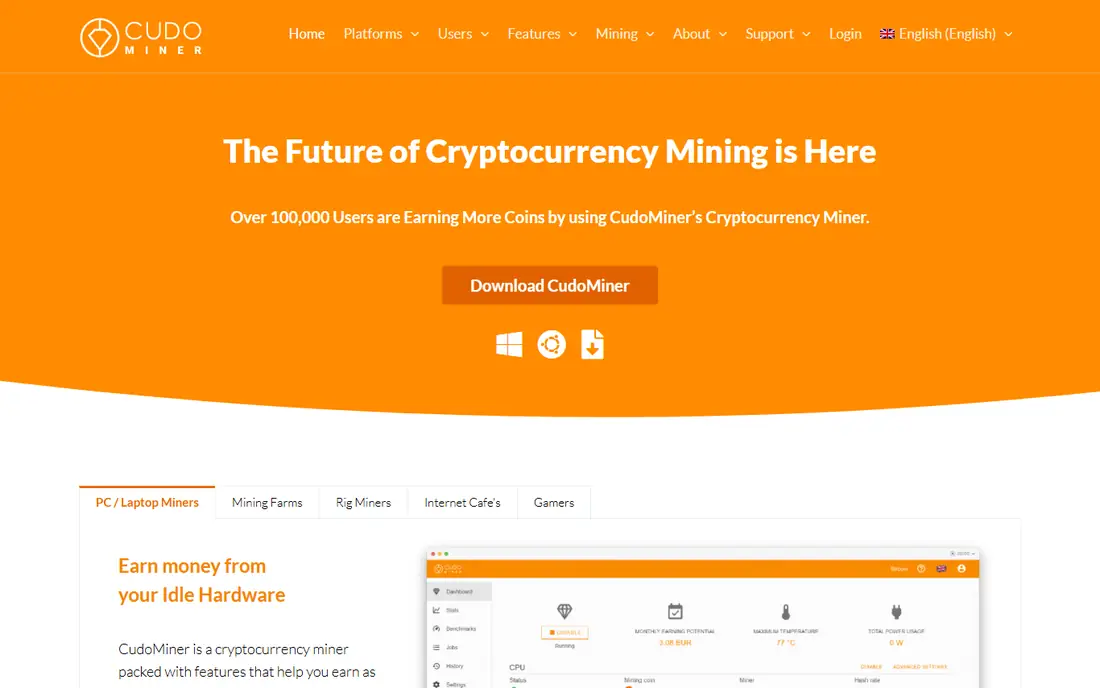
Cudo Miner aims at the miner who wants to install one app and let it decide what to mine. It benchmarks your CPU and GPU, picks a coin based on current profitability, and pays out in Bitcoin or other supported options. The desktop app is clean, setup takes minutes, and a web console called Cudo Farm adds remote management if you later add more machines.
Honesty matters here. A single home PC will earn only small amounts, and electricity costs can easily exceed those earnings, especially on a high power tariff. Cudo Miner does not change the physics of mining, and its fees come out of earnings. Use it to learn how mining, pools, and payouts work, and only scale up if you have cheap power, efficient hardware, and a clear cost calculation.
What we like- Automatic benchmarking and coin switching
- Simple desktop app
- Farm management for larger setups
Watch out for- Earnings from a single home PC are small
- Some advanced features need a paid tier
Starting priceFree app (fees apply to earnings)
Free planYes
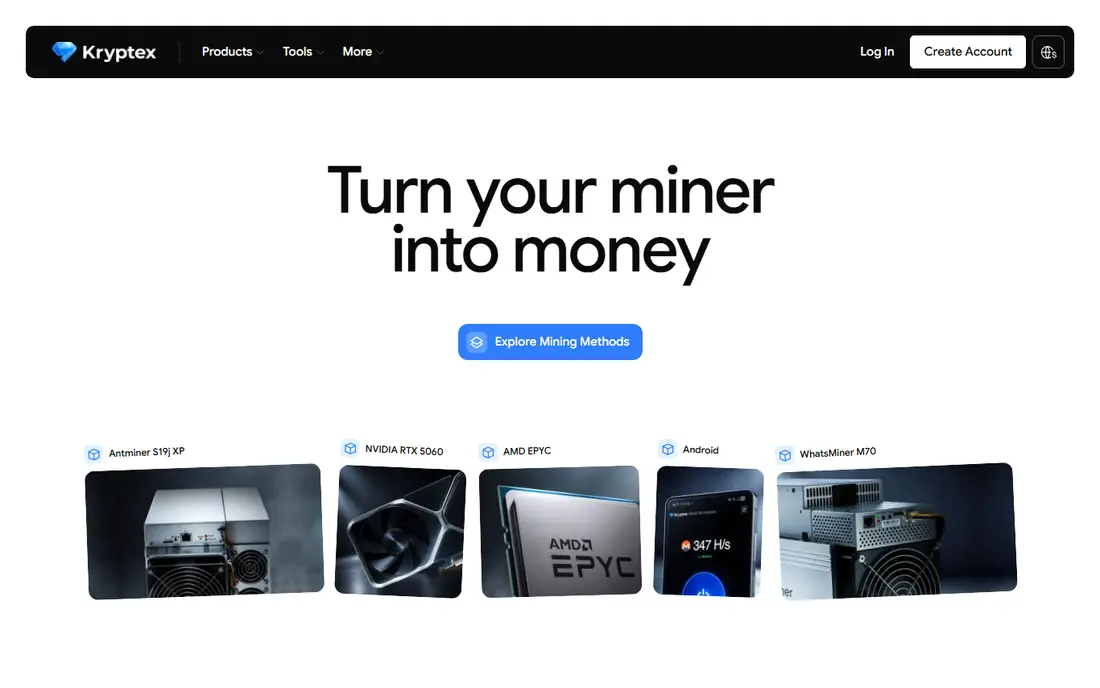
Kryptex is one of the friendliest mining apps for a Windows user. Install it, let it test your graphics card, and it starts mining the altcoin it judges most profitable at the time, with payouts available in Bitcoin or, in supported regions, cash. The dashboard shows earnings, hardware temperature, and power use in plain terms, which helps a newcomer understand what their PC is actually doing.
The limits are clear. Kryptex is Windows only, and CPU mining alone will not earn much. Payout minimums and fees also affect small earners, so a user who mines for a few hours a week may wait a long time for a payout. Kryptex is a good first app for a Windows gamer who wants to try mining with existing hardware. It is not a route to steady Bitcoin income, and it is not a fleet tool.
What we like- Very easy Windows setup
- Automatic profitability checks
- Payouts in cash or crypto
Watch out for- Windows only
- GPU mining only in practice for meaningful returns
- Fees reduce net earnings
Starting price€1.64 per worker/month
Free planYes
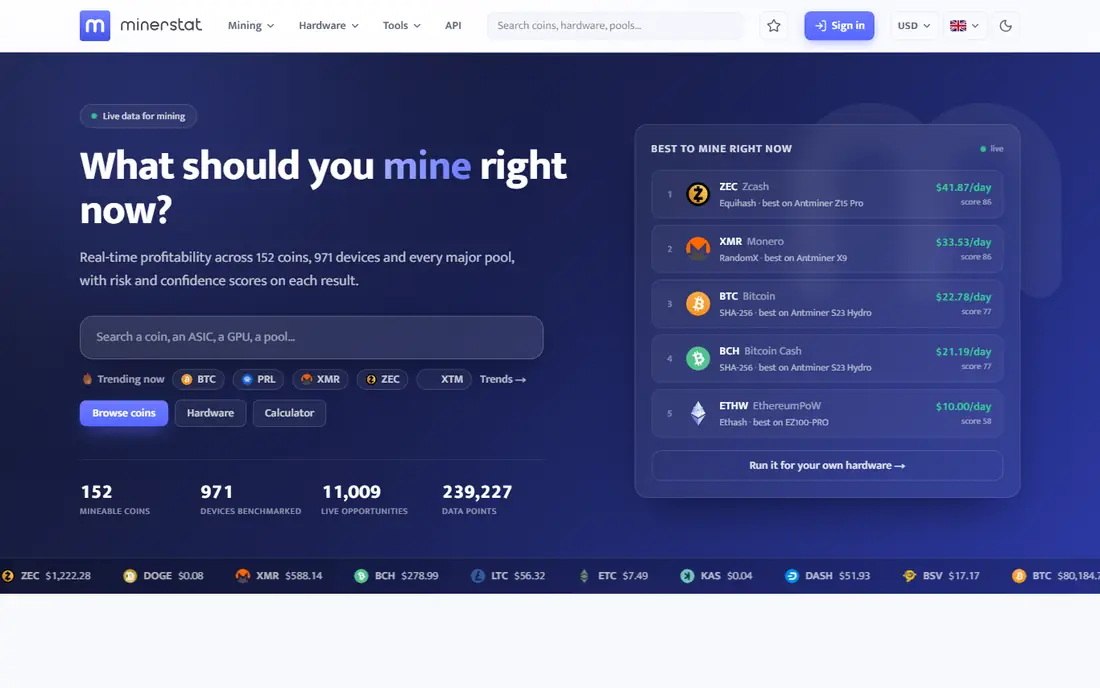
minerstat positions itself as a monitoring and management layer for miners who run a mix of hardware. It covers GPU rigs and ASIC machines from several brands, offers overclocking, temperature and hash rate alerts, and lets you send remote commands from a web dashboard or mobile app. Profit switching helps a rig move between coins when prices shift, though the benefit depends on pool fees and switching costs.
Pricing is per worker per month, with a free tier for a small number of workers, so a hobby miner can try it without paying. Larger fleets should compare the total monthly bill against Hive OS and Awesome Miner, because per-worker fees compound quickly. minerstat fits a miner who values a clean dashboard and broad hardware support over the deepest scripting or the largest community of rig images.
What we like- Supports several ASIC brands and GPU rigs
- Clean dashboard and alerts
- Profit switch and remote commands
Watch out for- Per-worker pricing adds up for large fleets
- Some features need higher tiers
Starting priceSee website
Free planNo
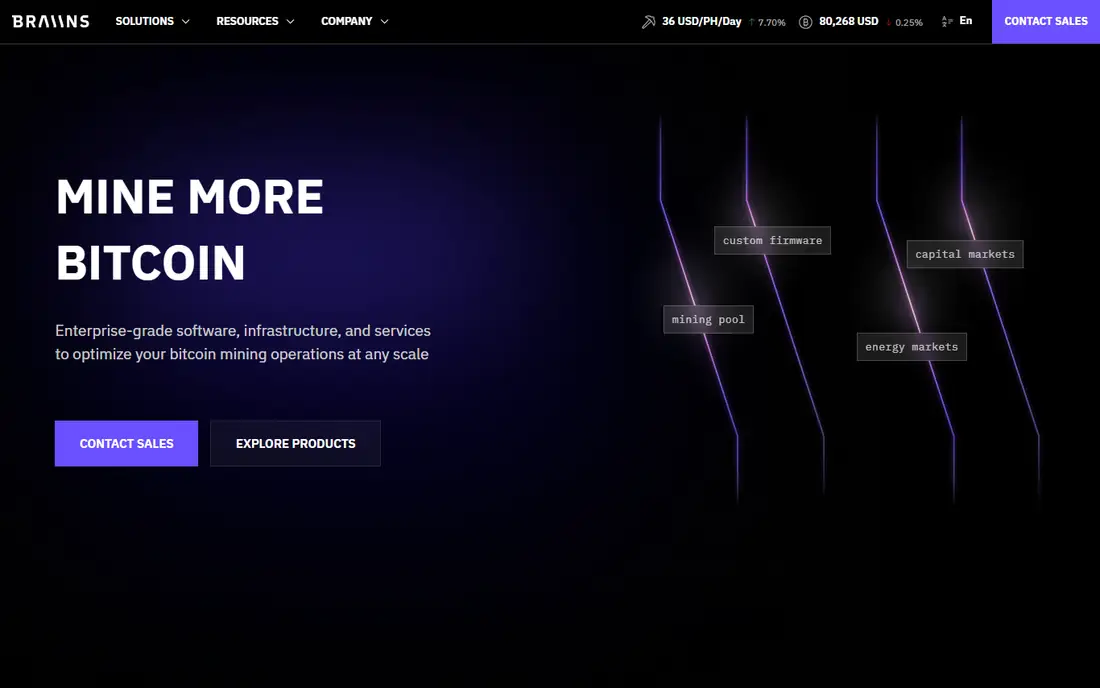
Braiins OS is not a general mining app. It is replacement firmware for Bitmain Antminer ASIC machines, designed to give owners more control over tuning, efficiency, and fan behaviour than stock firmware. Miners can adjust power limits and frequency to chase either maximum hash rate or best efficiency, which matters when electricity prices change. It also pairs with Braiins Pool, though you can point it at other pools.
The audience is narrow, and that is the point. If you do not own compatible Antminer hardware, Braiins OS is not for you. Flashing firmware also carries risk: a failed flash or a bad setting can take a machine offline, so follow the official guide and test on one machine first. For an Antminer owner who wants finer tuning than the factory firmware allows, Braiins OS is one of the most respected options in the field.
What we like- Replacement firmware for Antminer machines
- Tuning for efficiency and hash rate
- Works with Braiins Pool and other pools
Watch out for- Mainly for Antminer hardware
- Firmware flashing carries risk if done wrong
Starting price$2 per rig/month
Free planNo
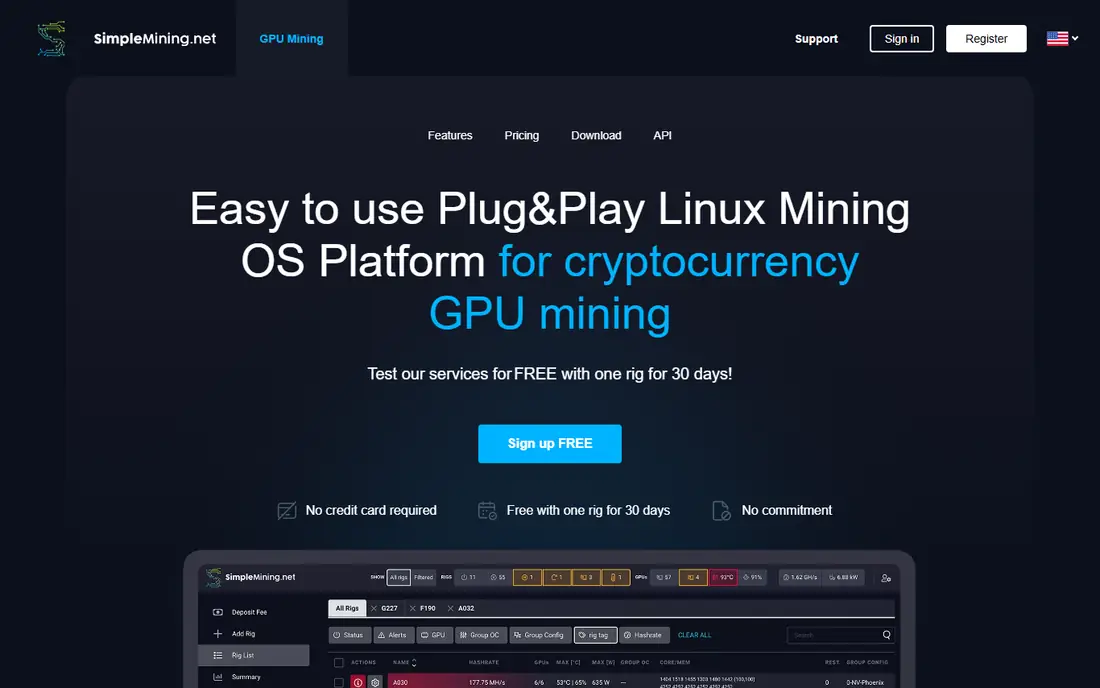
SimpleMining does what its name promises. You flash a Linux image onto a rig, add it to your account, and manage overclocking, miner software, and pool settings from a web dashboard. There is little to configure beyond the basics, which appeals to a miner who wants rigs online quickly without learning flight sheets or a rules engine. The price is straightforward at $2 per rig per month, with no free tier to complicate the maths.
The simplicity is also the limit. SimpleMining does not match Hive OS for ASIC fleet depth or Awesome Miner for automation and scripting, and support for some newer hardware may lag larger platforms. For a small GPU farm where ease of use matters more than advanced automation, that trade is reasonable. For a large or mixed fleet, compare it against Hive OS before committing every rig to one system.
What we like- Simple rig image and dashboard
- Easy overclocking and miner switching
- Low monthly cost per rig
Watch out for- No free tier
- Smaller feature set than Hive OS or minerstat
- Mainly for GPU rigs
How we chose
We compared pricing pages, documentation, and public reviews on sites such as G2, Capterra, and Reddit, and we checked whether each tool is still maintained and still fits its stated hardware type. A tool that only worked for an old coin, or that had no clear download or pricing page, did not make the list. We also weighed ease of setup against fleet depth, because a beginner and a farm operator need different software. Prices here reflect the standard rates shown by each vendor, and pool or marketplace fees sit on top of software fees in most cases.
Buying guide: how to pick mining software without wasting money
Start with your hardware, not with a promise of earnings. ASIC machines need firmware or fleet software built for ASICs. GPU rigs need a rig operating system or a desktop miner that supports your cards. A home PC with no dedicated graphics card is a learning device, not an income device, and no software changes that fact. Write down your electricity price per kilowatt-hour, your hardware power draw, and your expected hash rate, then run a mining calculator before you buy anything else.
Next, test on one machine. Install the software, join a reputable pool, and watch hash rate, temperature, rejected shares, and actual payouts for a week. Compare net earnings after pool fees, software fees, and power costs, not gross hash rate alone. Finally, check security: download only from the vendor site, use two-factor authentication on pool and exchange accounts, and never share private keys or wallet seed phrases with any mining app.
Mistakes to avoid
The most common mistake is buying hardware because a calculator showed a profit at one coin price. Prices and difficulty move, and a machine that looks profitable today can lose money next month if power costs rise or the coin falls. Another mistake is trusting cloud mining offers that promise fixed daily returns with no hardware behind them. Many such offers have turned out to be scams. If you cannot verify the hardware, the pool, and the fee structure, walk away.
Frequently asked questions
Can I mine Bitcoin on a normal laptop or desktop?
You can run mining software on a normal computer, but you will not earn meaningful Bitcoin from it. Bitcoin mining now uses specialised ASIC hardware, and a CPU or GPU is far too slow to compete. A home PC is better used for learning, or for mining an altcoin that still suits GPU hardware, with modest expectations.
Is free bitcoin mining software safe?
Reputable free miners from official vendor sites are widely used, but fake download sites are a real risk. Always download from the vendor homepage, check the file if the vendor provides a checksum, and avoid cracked or repackaged installers. Never enter a wallet seed phrase into mining software, and keep your pool and exchange accounts protected with two-factor authentication.
What is the best mining app for a mobile phone?
No phone app mines Bitcoin profitably. Apps labelled as mobile miners usually offer cloud mining, monitoring, or rewards for other tasks, not real on-device Bitcoin mining. Use a mobile app to monitor rigs you own, such as the Hive OS or minerstat apps, rather than expecting a phone to earn Bitcoin on its own.
How much does mining software cost?
Many desktop miners are free to install and take a fee from earnings or charge a pool fee. Fleet tools usually charge per worker or per rig per month, often with a free tier for a few machines. Add pool fees, payout fees, and electricity costs to get the true monthly cost, and compare that total against actual payouts over at least a month.
Do I need a mining pool?
For most miners, yes. Solo mining means you only earn when you find a block, which could take years for a small setup. A pool combines hash power from many miners and shares rewards in proportion to work contributed, giving steadier, smaller payouts. Pool fees and payout thresholds vary, so compare them before you commit hash power.
Is cloud mining worth it?
Cloud mining can suit someone who does not want to own hardware, but it carries extra risk. You pay upfront for hash power, you cannot inspect the machines, and returns depend on the provider staying honest and solvent. Research the provider, check independent reviews, and avoid any offer that guarantees fixed daily profits, because mining returns are never guaranteed.
Sources we checked (8)
- https://www.nicehash.com
- https://hiveos.farm
- https://www.awesomeminer.com
- https://www.cudominer.com
- https://www.kryptex.com
- https://minerstat.com
- https://braiins.com
- https://simplemining.net
Is your product missing or out of date?
We review this list regularly. Vendors can request a listing, send updated pricing or ask about featured placement.

Shihab Mia · Founder, Rankite
Shihab has 5+ years in B2B and SaaS SEO. He writes Rankite's software buying guides from pricing pages, documentation and public user reviews. More about Shihab.