How we make this list: we compare pricing pages, product documentation and public user reviews. Ratings come from G2, Capterra or Trustpilot, with the date we checked them.
Key takeaways
- The two with published prices are Gusto ($49/month plus $6 per employee) and Rippling ($35/month plus $12 per employee); the dedicated benefits platforms are all quote-based.
- Broker-led small businesses should start with Ease or Employee Navigator, both built around the broker relationship and both top-rated by reviewers.
- Complex enterprises with unions, multi-state workforces or layered eligibility belong on bswift, Benefitfocus, PlanSource or Businessolver.
- Rippling and Gusto are the picks when benefits are one piece of a payroll and HR bundle rather than a standalone purchase.
Quick comparison
| Tool | Best for | Starting price | Free plan |
|---|
 Employee Navigator Employee Navigator | Small and mid-size businesses working through a broker | See website (quote only, typically broker-sold) | No (demo available) |
 Ease Ease | Brokers and small businesses going paperless | See website (quote only) | No (demo available) |
 PlanSource PlanSource | HR teams that want technology plus human service | See website (quote only) | No (demo available) |
 bswift bswift | Large, complex employers with layered eligibility and compliance needs | See website (quote only) | No (demo available) |
 Benefitfocus Benefitfocus | Employers that want benefits as a year-round strategy, not an enrollment event | See website (quote only) | No (demo available) |
 Businessolver Businessolver | HR teams that want proactive guidance instead of reactive admin | See website (quote only) | No (demo available) |
 Gusto Gusto | Small businesses bundling payroll, benefits and HR in one bill | $49/month + $6/employee/month (Simple plan) | No (no free trial advertised) |
 Rippling Rippling | Companies that want benefits data unified with HR, payroll and IT | $35/month + $12/employee/month (payroll starting point; benefits quoted with platform) | No (no free trial confirmed) |
 TriNet Zenefits TriNet Zenefits | Small businesses that want HR expertise bundled with benefits tech | See website (quote only) | No (demo available) |
Is your product missing or out of date?
We review this list regularly. Vendors can request a listing, send updated pricing or ask about featured placement.
The best benefits administration software
Here is the blunt version: nobody buys benefits administration software because they want to. You buy it because open enrollment with spreadsheets is a special kind of misery, and because eligibility errors cost real money. The best benefits administration software makes enrollment self-serve, keeps carrier data clean, handles COBRA and compliance in the background, and gives employees a portal they will actually use. The best benefits admin software for a 30-person company and a 30,000-person company are completely different products. These nine cover both worlds.
Starting priceSee website (quote only, typically broker-sold)
Free planNo (demo available)
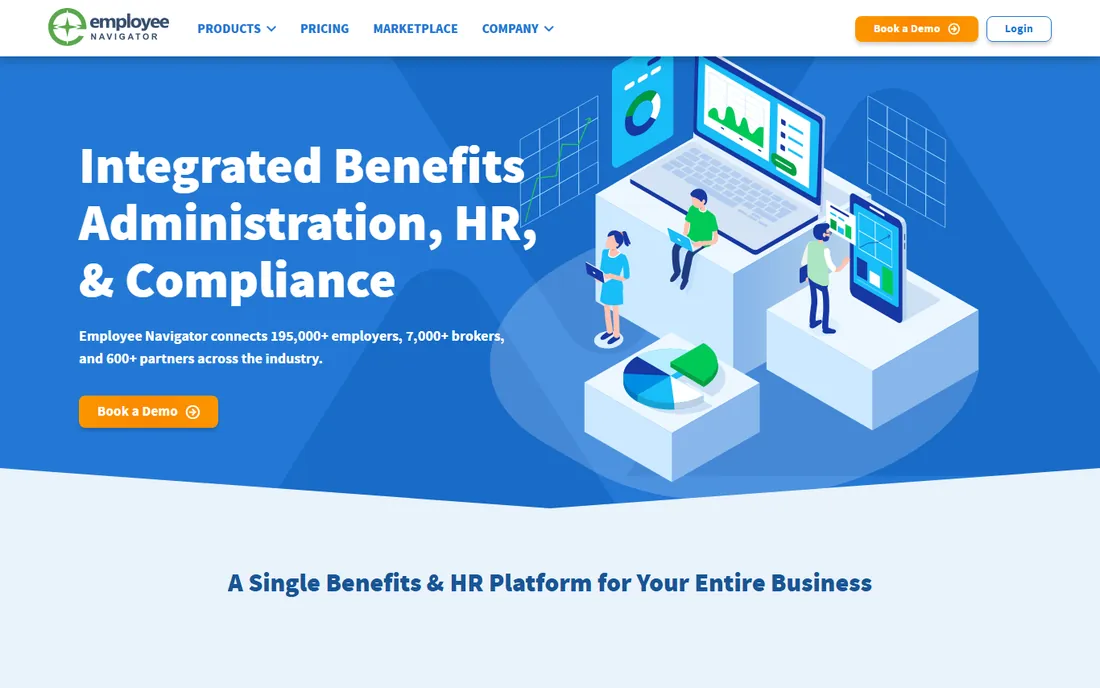
Employee Navigator is the reviewer favorite in benefits admin for a reason. It scores 8.9 for meeting requirements and 9.0 for ease of administration on G2, ahead of PlanSource on both. Implementation is consistently described as straightforward, with broker-led setup doing the heavy lifting. The 600-plus integrations mean enrollment data flows to carriers and payroll without rekeying.
The honest catch is the channel. Employee Navigator sells through brokers and partners, so if you buy benefits direct, there is a relationship to establish first. Pricing is quote-only. But if you work with a broker already, which most small businesses do, Employee Navigator is the platform reviewers recommend most often.
What we like- Highest reviewer scores for ease of setup and administration in the broker-led segment
- 600-plus integrations with carriers and payroll systems
- Connects 195,000-plus employers through 7,000-plus brokers
Watch out for- No published pricing and no direct free tier
- Sold through brokers, so direct buyers have an extra step
#2
Ease
Best for: Brokers and small businesses going paperless
Visit ease.com
Starting priceSee website (quote only)
Free planNo (demo available)
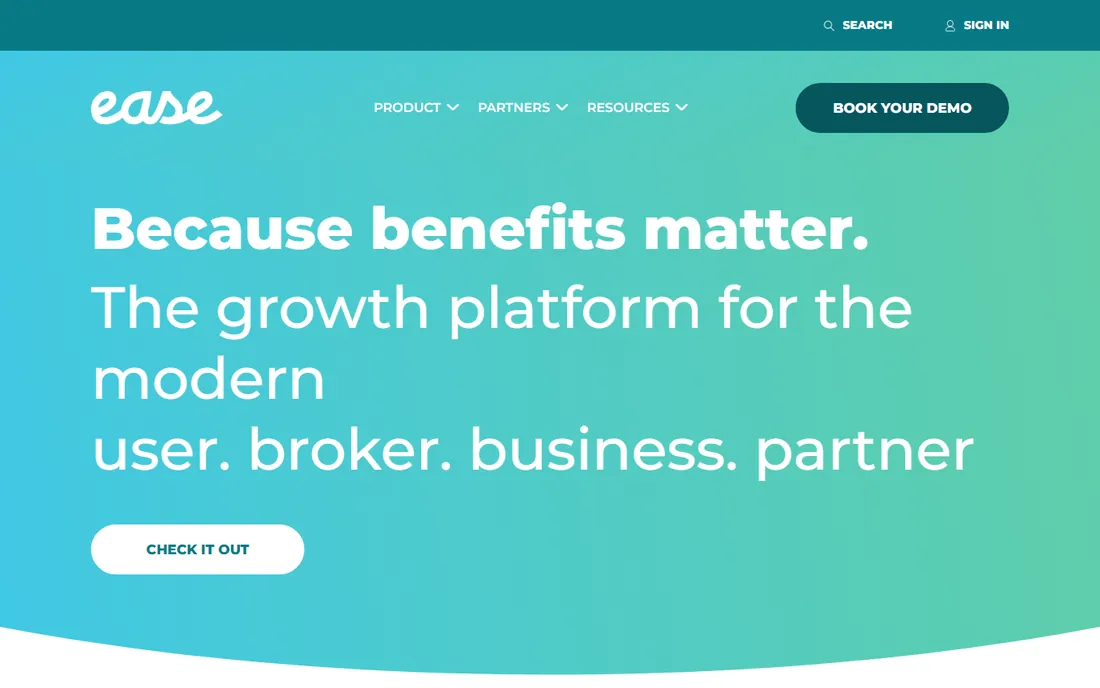
Ease is the small-group specialist. The product is designed around how benefits brokers actually work: fast client setup, custom quoting, streamlined open enrollment and a 24/7 employee portal. Brokers report saving about 20 hours of work during open enrollment through online form submission, and the 4.6-star rating across a large review base suggests the experience holds up at scale.
The catch is scope. Ease shines for small and mid-size groups; a 10,000-person enterprise with unions and variable workforces will hit walls. Pricing is quote-based. For the broker managing dozens of small employer clients, Ease is the workflow product the enterprise suites never bothered to build.
What we like- Purpose-built for the small-group broker workflow with fast setup and custom quoting
- 4.6 stars across 1,400-plus G2 reviews
- Online enrollment that employees complete 24/7
Watch out for- Quote-only pricing with no public plans
- Depth for very large or complex employers trails the enterprise platforms
Starting priceSee website (quote only)
Free planNo (demo available)
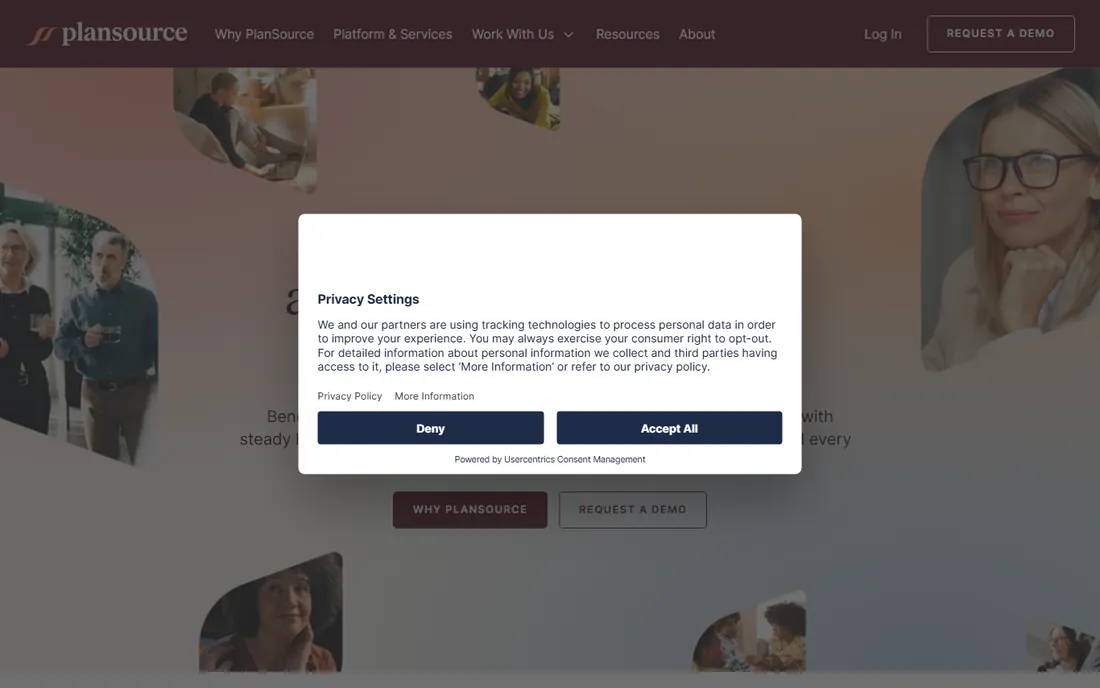
PlanSource positions itself as more than a platform: a presence. The idea is that benefits administration works better when software is paired with service people who help employees choose and admins stay compliant. The platform covers enrollment, eligibility, communications and reporting, with integrations into payroll and carrier systems that reviewers cite positively.
The honest catch is consistency. Ease of setup and administration scores sit below Employee Navigator's, and experiences vary with the implementation partner. Pricing is quote-only. Choose PlanSource when the service layer matters as much as the software: HR teams without benefits expertise get more hand-holding here than with the self-serve platforms.
What we like- Blends the platform with steady human guidance for employees and admins
- Strong carrier and payroll integrations
- Reseller and partner ecosystem for brokers expanding their business
Watch out for- Ease-of-setup scores trail Employee Navigator
- No published pricing and implementations vary by partner
#4
bswift
Best for: Large, complex employers with layered eligibility and compliance needs
Visit bswift.com
Starting priceSee website (quote only)
Free planNo (demo available)
bswift is the complexity specialist. The platform handles multi-location workforces, unions, variable-hour employees and layered eligibility rules that break simpler tools. Two configuration paths split the market: Simplify for growing groups that want a faster pre-defined implementation, and Unlimited for enterprises needing full customization. The 550-plus integrations and full COBRA and compliance services mean HR teams can offload the regulatory workload.
The catch is access. bswift sells exclusively through brokers and channel partners, so direct buyers must go through that channel, and pricing is enterprise and quote-only. Reviewers praise the flexibility and customization while flagging limited mobile functionality and inconsistent support responsiveness. For complex organizations, the depth is the point.
What we like- Two implementation paths (Simplify for growing groups, Unlimited for full customization)
- 550-plus pre-built integrations with Workday, ADP and UKG
- Full COBRA, billing and compliance services with a 24/7 service center
Watch out for- Enterprise deal sizes with no public pricing
- Available exclusively through brokers and channel partners, not direct
#5
Benefitfocus
Best for: Employers that want benefits as a year-round strategy, not an enrollment event
Visit benefitfocus.com
Starting priceSee website (quote only)
Free planNo (demo available)
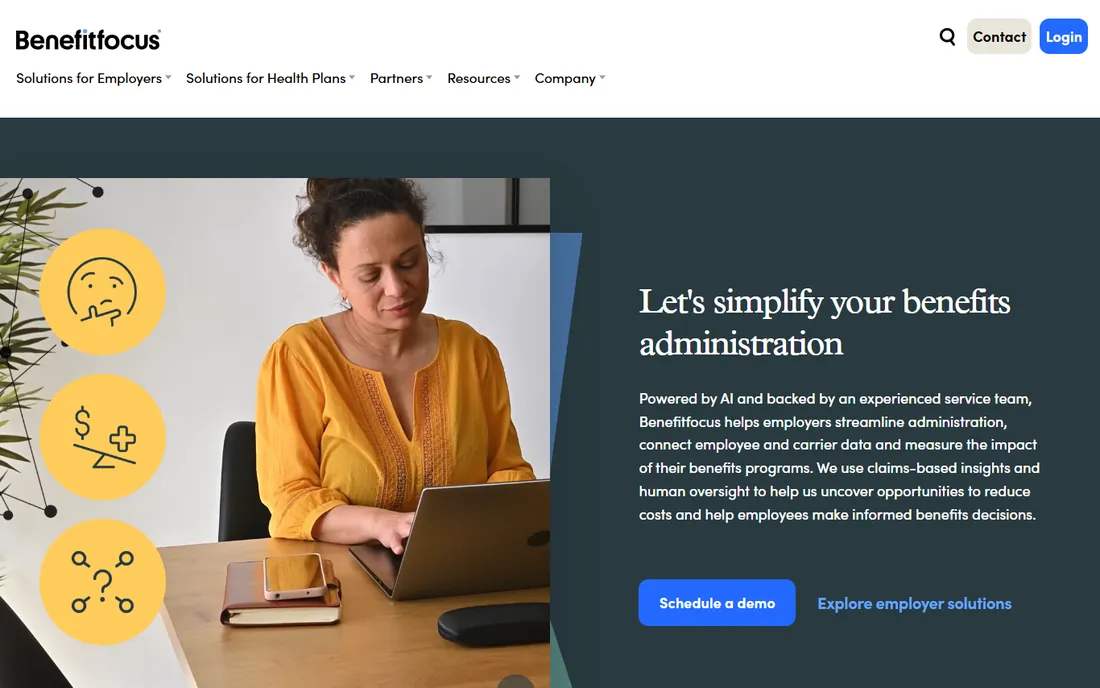
Benefitfocus argues that benefits management should not stop at enrollment. The platform connects administration, billing, compliance, decision support and engagement in one place, using claims-based analytics to show employers what is driving spend and where the savings are. The Benefitplace app drives year-round employee engagement rather than a once-a-year scramble.
The honest catch is the corporate parent. Benefitfocus is a Voya business, which is a plus for financial-services integration and a question mark for buyers who chose an independent vendor. Pricing is quote-only. For employers that want one connected partner measuring benefits ROI all year, Benefitfocus is the strategic pick.
What we like- Connected platform spanning administration, billing, compliance, data analytics and employee engagement
- Claims-based insights that surface cost-saving opportunities
- Benefitplace app with strong engagement metrics
Watch out for- Quote-only enterprise pricing
- Now part of Voya, which changes the vendor relationship for long-term buyers
Starting priceSee website (quote only)
Free planNo (demo available)
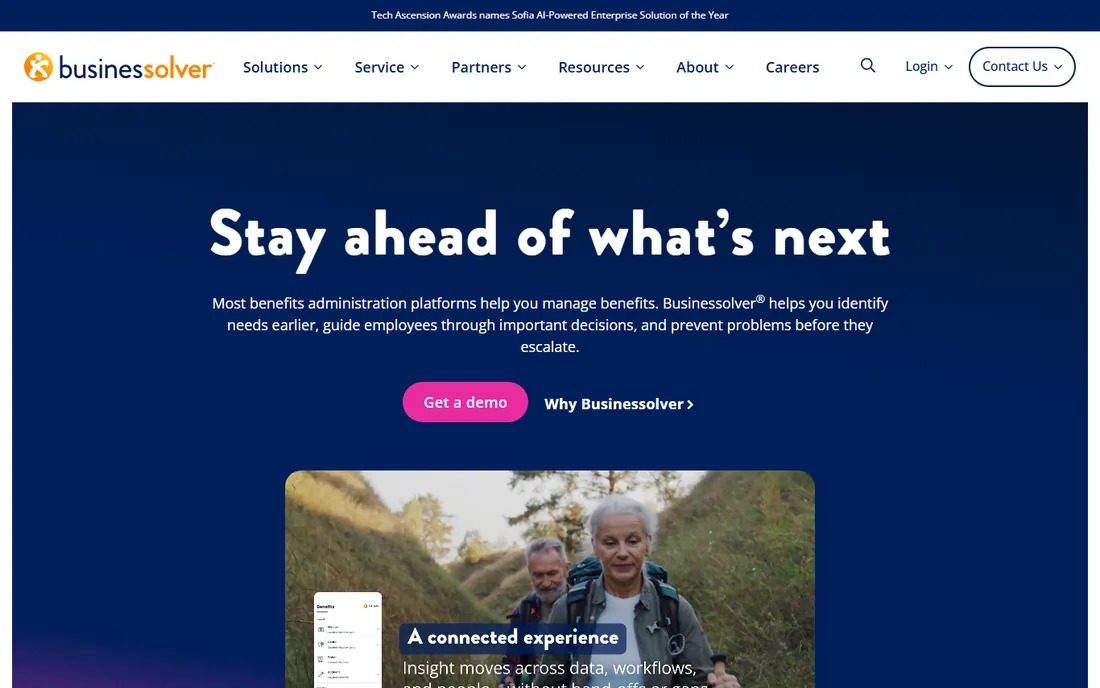
Businessolver's pitch is anticipation over reaction. The platform's Sofia intelligence layer connects employee experiences, benefits data and support interactions to surface guidance before small issues become big ones. Around that sit benefits administration, consumer account management, compliance technology, member services and a communications agency for employee outreach.
The catch is that the AI story, like every vendor's in 2026, deserves a demo with your data rather than trust in marketing copy. Pricing is quote-only. For HR teams that feel buried in reactive benefits firefighting, Businessolver's proactive framing is genuinely different from the enrollment-focused platforms.
What we like- Sofia AI surfaces guidance, risks and trends across the benefits experience
- Full stack of benefits tech, consumer accounts, compliance, member services and communications
- Strong client retention story
Watch out for- Quote-only pricing with no public entry point
- The AI-forward positioning needs validation against your actual use cases
#7
Gusto
Best for: Small businesses bundling payroll, benefits and HR in one bill
Visit gusto.com
Starting price$49/month + $6/employee/month (Simple plan)
Free planNo (no free trial advertised)
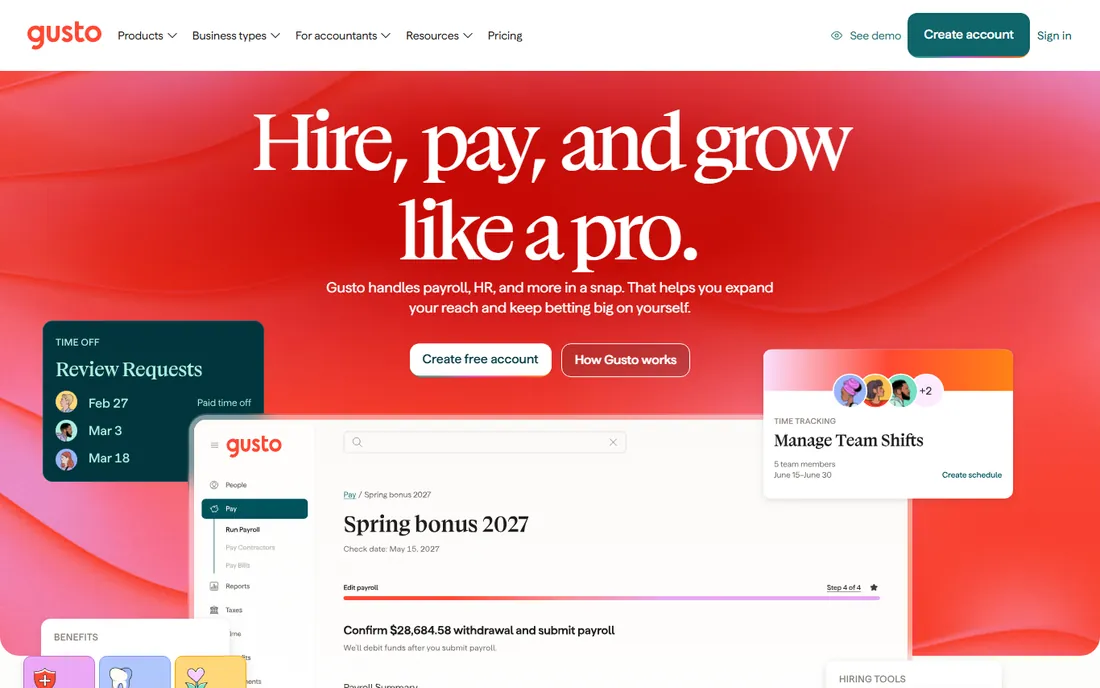
Gusto is the small-business default when benefits are one line item in a bigger HR purchase. For $49 a month plus $6 per employee, you get payroll with full tax filing, plus benefits administration covering health, dental, vision, life and 401(k), plus onboarding, time tracking and compliance tools. Employees enroll through a modern portal, and HR manages everything from one dashboard.
The honest catch is specialization. Gusto handles standard small-business benefits beautifully and complex eligibility rules less so. A company with unions, multiple EINs or intricate contribution structures will outgrow it. But for a 10 to 100-person company that wants one vendor for payroll and benefits with a published price, Gusto is the simplest quote available.
What we like- Transparent published pricing with payroll, benefits, onboarding and compliance in one platform
- Health, dental, vision, 401(k) and more with broker-quality plan options
- Unlimited payroll runs on every plan
Watch out for- Benefits depth trails the dedicated admin platforms for complex eligibility
- Per-employee fees add up as headcount grows
#8
Rippling
Best for: Companies that want benefits data unified with HR, payroll and IT
Visit rippling.com
Starting price$35/month + $12/employee/month (payroll starting point; benefits quoted with platform)
Free planNo (no free trial confirmed)
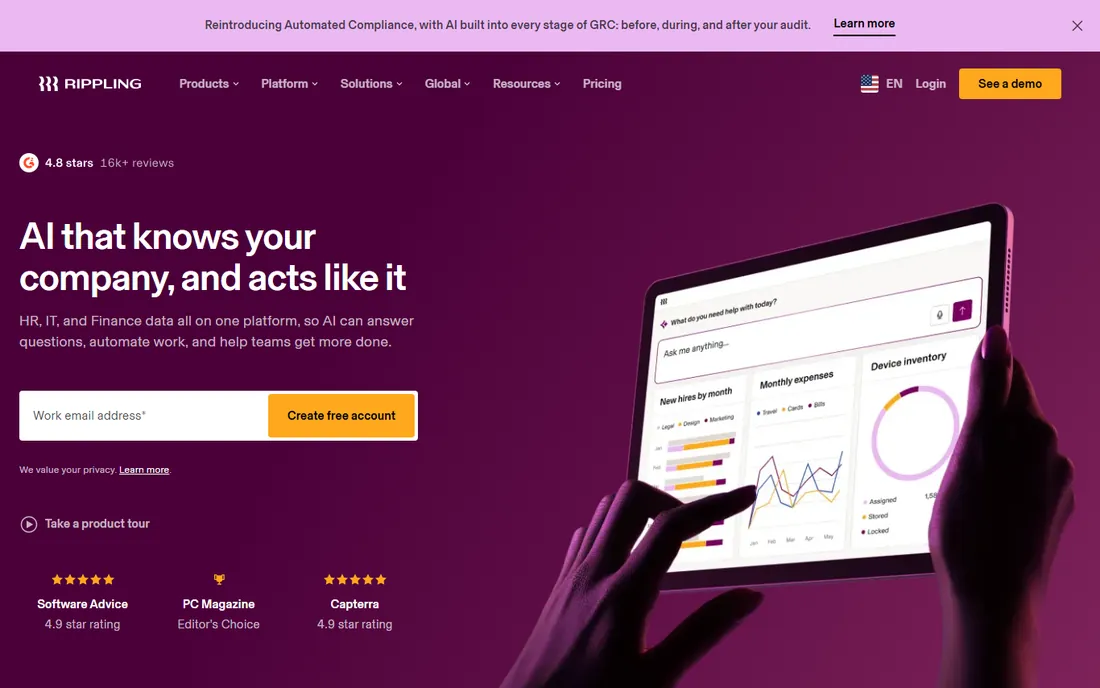
Rippling treats benefits as one app on a unified workforce platform. A new hire's start date triggers payroll, benefits enrollment, device provisioning and app access from a single record. That unified data model is the differentiator: no rekeying between HR, payroll and benefits systems, and reporting that joins workforce data across departments.
The catch is the stack. The $35 plus $12 per employee figure is the payroll starting point; the platform fee and benefits module add more, and most configurations need a sales quote for the real number. Companies that just need benefits admin should look at the specialists above. Companies consolidating five HR tools into one will find Rippling's unified model compelling.
What we like- One employee record drives HR, payroll, benefits, IT and spend, so changes propagate automatically
- Automatic benefits enrollment tied to HR events
- Deep automation for onboarding and offboarding
Watch out for- Modular pricing stacks on top of platform fees, so the real monthly cost needs a full quote
- Benefits administration is a module, not the product's core strength
#9
TriNet Zenefits
Best for: Small businesses that want HR expertise bundled with benefits tech
Visit zenefits.com
Starting priceSee website (quote only)
Free planNo (demo available)
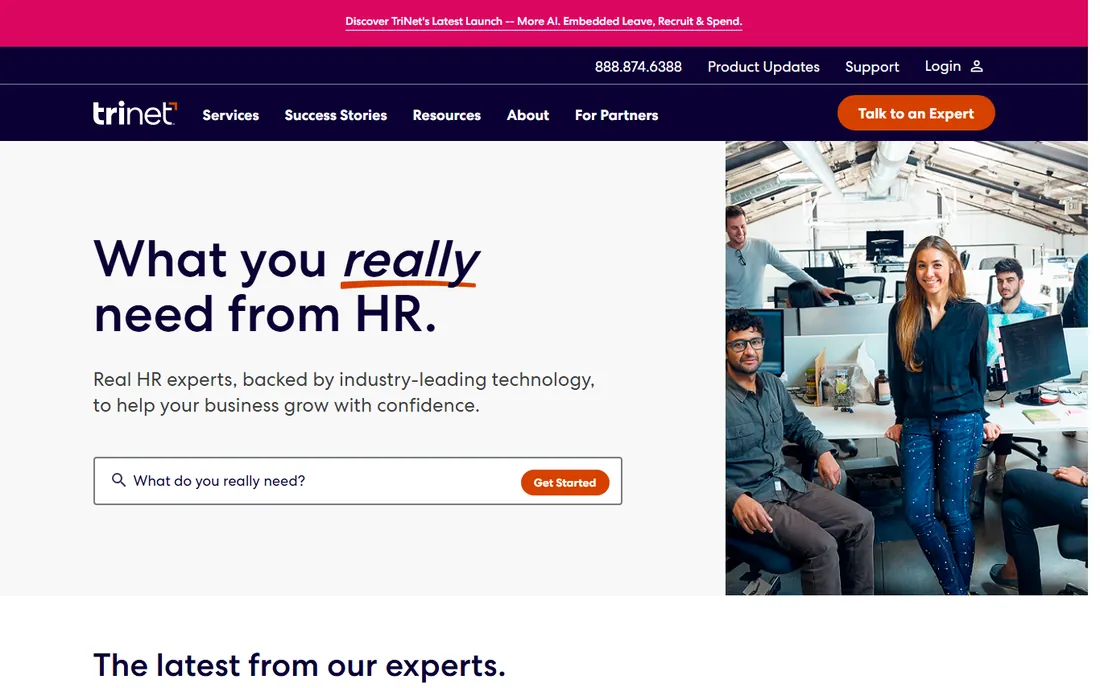
TriNet Zenefits is the HR-plus-benefits bundle for small businesses that want expert backup. The platform covers benefits administration, payroll, time tracking and compliance, with TriNet's HR experts and PEO services available when a company needs more than software. The combined company serves over 22,000 businesses.
The honest catch is the brand history. Zenefits' independent era is over; the product now lives inside TriNet, so old reviews describe a different company. Pricing is quote-only. For a small business that wants benefits software with an HR expert on call, the TriNet combination is worth a demo, but verify the current platform against your needs.
What we like- HR platform backed by TriNet's HR expertise and PEO options
- Benefits, payroll, time and compliance in one system
- 22,000-plus businesses on the TriNet platform
Watch out for- The Zenefits brand now lives inside TriNet, so evaluate the current product rather than old reviews
- Pricing is quote-only
Broker-led or direct: the decision that shapes your shortlist
The benefits admin market splits in two, and the split matters more than the feature list. Employee Navigator, Ease and bswift sell through brokers and channel partners. You do not buy them direct; your broker brings the platform, and the platform makes your broker's life easier. If you have a broker you trust, start with Employee Navigator or Ease and let the broker drive the evaluation.
The other half sells direct. PlanSource, Benefitfocus and Businessolver sell to employers with their own sales teams. Gusto, Rippling and TriNet Zenefits bundle benefits into broader HR platforms you buy direct. If you buy benefits without a broker, or you want benefits inside a payroll and HR bundle, the direct half is your market. Mixing the two halves in one RFP wastes everyone's time, so decide the buying motion before you book demos.
What to verify before you sign
Benefits contracts hide costs in three places. First, implementation and data migration: ask whether carrier connections, eligibility rules and historical data are included or billed as professional services. Second, the per-employee math: Gusto and Rippling publish theirs, but the quote-based platforms price by employee count, module and service tier, so get the all-in annual number at your headcount. Third, ongoing services: COBRA administration, ACA reporting, dependent verification and employee service centers are sometimes included and sometimes separate line items.
Then check the employee experience. Enroll a test employee through each finalist's portal during the demo. The platforms live or die on whether employees can pick plans without calling HR, and the difference between the best and worst portals here is enormous. Finally, confirm the carrier connections you need exist and are live, not on a roadmap. A benefits platform without your carriers connected is an expensive form.
Frequently asked questions
How much does benefits administration software cost?
Gusto costs $49 a month plus $6 per employee, and Rippling starts at $35 a month plus $12 per employee before platform fees. The dedicated benefits platforms (Employee Navigator, Ease, PlanSource, bswift, Benefitfocus, Businessolver) are all quote-based, with pricing varying by employee count, modules and service levels.
Do I need a broker to buy benefits administration software?
For Employee Navigator, Ease and bswift, yes: they sell through brokers and channel partners. For PlanSource, Benefitfocus, Businessolver, Gusto, Rippling and TriNet Zenefits, no: you buy direct. Most small businesses already work with a broker, which makes the broker-led platforms the path of least resistance.
What is the difference between benefits administration and an HRIS?
Benefits administration covers enrollment, eligibility, carrier data exchange, COBRA and compliance. An HRIS covers the broader employee record: payroll, time, performance, onboarding. Gusto and Rippling bundle both; the dedicated platforms integrate with your HRIS or payroll system instead of replacing it.
Does benefits software handle COBRA and ACA compliance?
The enterprise platforms do: bswift, Benefitfocus, PlanSource and Businessolver all offer COBRA administration and ACA reporting, sometimes as included services and sometimes as add-ons. Confirm exactly what is included in your quote, because compliance services are a common upsell.
Can employees enroll themselves?
Yes, on every platform here. Self-service enrollment with decision support is table stakes in 2026. The quality varies enormously, so run a test enrollment during each demo and watch how many steps it takes a non-HR person to pick a plan.
When should a small business switch from a broker spreadsheet to software?
When open enrollment takes more than a week of HR time, when eligibility errors have cost you money, or when you cross about 20 employees. Below that, the broker usually manages fine; above it, the error rate and time cost of manual administration exceed the software cost.
How we chose
We started with the terms buyers search: best benefits administration software and best benefits admin software. For each candidate we opened the vendor's homepage, confirmed the product exists and serves benefits administration in 2026, checked the vendor's pricing page for published prices, and compared broker-channel fit, compliance services, integration depth and reviewer sentiment on G2 and Capterra. Where a price could not be verified on the vendor's own page we wrote "See website" rather than guessing.
Sources we checked (10)
- https://employeenavigator.com/
- https://ease.com/
- https://plansource.com/
- https://bswift.com/
- https://benefitfocus.com/
- https://businessolver.com/
- https://gusto.com
- https://www.rippling.com/
- https://www.zenefits.com
- https://www.g2.com/categories/benefits-administration
Is your product missing or out of date?
We review this list regularly. Vendors can request a listing, send updated pricing or ask about featured placement.

Shihab Mia · Founder, Rankite
Shihab has 5+ years in B2B and SaaS SEO. He writes Rankite's software buying guides from pricing pages, documentation and public user reviews. More about Shihab.