How we make this list: we compare pricing pages, product documentation and public user reviews. Rankite is independent; if a vendor ever pays for a featured spot, that listing is clearly labeled Partner.
Key takeaways
- Gusto is the cheapest direct route for a small team: $49/month plus $6 per employee, with health insurance administration included when Gusto acts as your broker.
- Employee Navigator and PlanSource live in the broker channel. Your broker usually sets them up and pays for them, which keeps your cost down but ties you to that broker.
- Benepass is the outlier on this list. It runs lifestyle and pre-tax benefits on a Visa card for global teams, but it does not administer health insurance.
- We left Ease off this list on purpose. The vendor announced it will stop taking new companies in January 2027 and go read-only in July 2027.
Quick comparison
| Tool | Best for | Starting price | Free plan |
|---|
 Gusto Gusto | Small teams that want payroll and benefits in one place | $49/month + $6 per employee/month (Simple plan) | Free trial |
 Rippling Rippling | Growing companies that want HR, IT and finance on one employee record | See website (quote-based, per-employee modular pricing) | No |
 BambooHR BambooHR | One-person HR teams that need an easy all-in-one | See website (quote-based) | No |
 TriNet Zenefits TriNet Zenefits | Small businesses that want software plus access to real HR experts | See website (quote-based) | No |
 Justworks Justworks | Small businesses that want a PEO without a long enterprise sales cycle | $50/month + $8 per employee/month (Payroll plan) | No |
 Namely Namely | Midsize companies that want HCM software plus managed services | See website (quote-based) | No |
 Employee Navigator Employee Navigator | Companies that buy their benefits through a broker | See website (sold through brokers) | No |
 Benepass Benepass | Global teams that want flexible lifestyle benefits on one card | See website (quote-based) | No |
 PlanSource PlanSource | HR teams that want a dedicated benefits partner rather than just software | See website (quote-based) | No |
Is your product missing or out of date?
We review this list regularly. Vendors can request a listing, send updated pricing or ask about featured placement.
The best benefits management software
#1
Gusto
Best for: Small teams that want payroll and benefits in one place
Visit gusto.com
Starting price$49/month + $6 per employee/month (Simple plan)
Free planFree trial
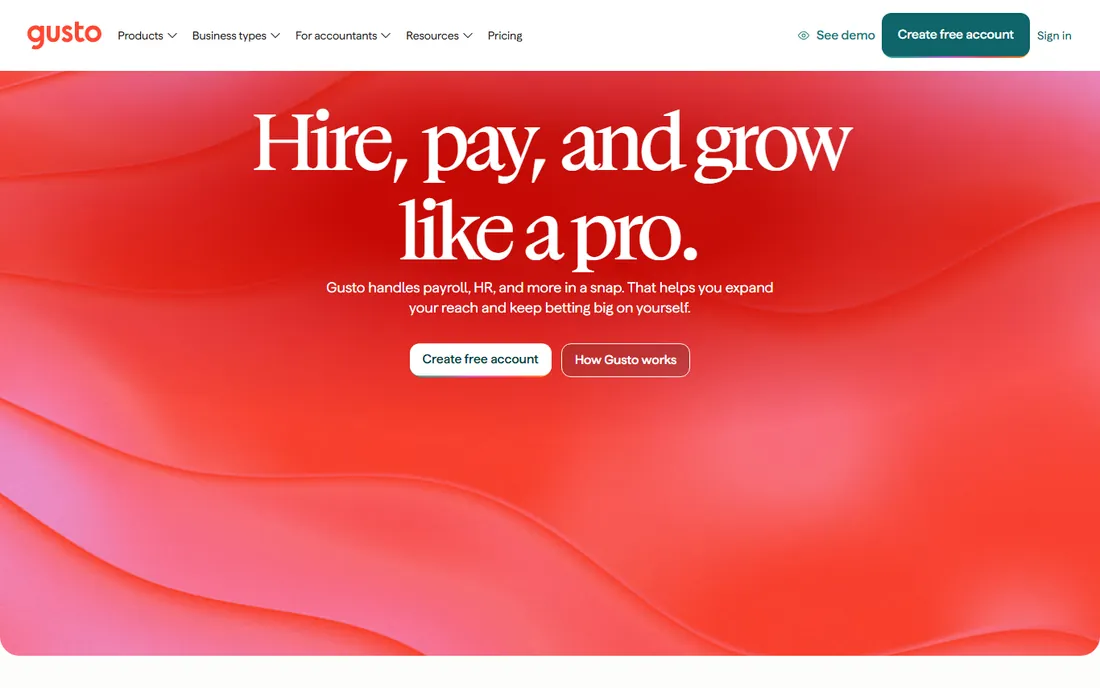
Gusto is the default pick for US small businesses with under 50 people, and the numbers explain why. More than 500,000 businesses run on it. You create a free account, add your team, and run your first payroll. You pay nothing until that first payroll runs, and every plan is month-to-month with no setup fee.
On benefits, Gusto works two ways. As your broker, it administers medical, dental, vision, life and disability plans for nothing beyond the premiums. Keep your own broker and pay $6 per eligible employee per month instead. One $200 annual charge covers HSA, FSA, dependent care FSA and commuter benefits together.
The catch is the plan ladder: Simple is single-state payroll, so a second state forces you to Plus at $80 plus $12 per person. And Gusto is still payroll software first. If you need deep benefits consulting rather than clean administration, a PEO or broker-driven platform serves you better.
What we like- Published pricing with month-to-month terms
- Health insurance admin included at no extra cost when Gusto is your broker
- Setup is fast, often under an hour
Watch out for- Simple plan covers single-state payroll only
- Keeping your own broker costs $6 per eligible employee per month
- Real HR advisory requires the Premium plan
#2
Rippling
Best for: Growing companies that want HR, IT and finance on one employee record
Visit rippling.com
Starting priceSee website (quote-based, per-employee modular pricing)
Free planNo
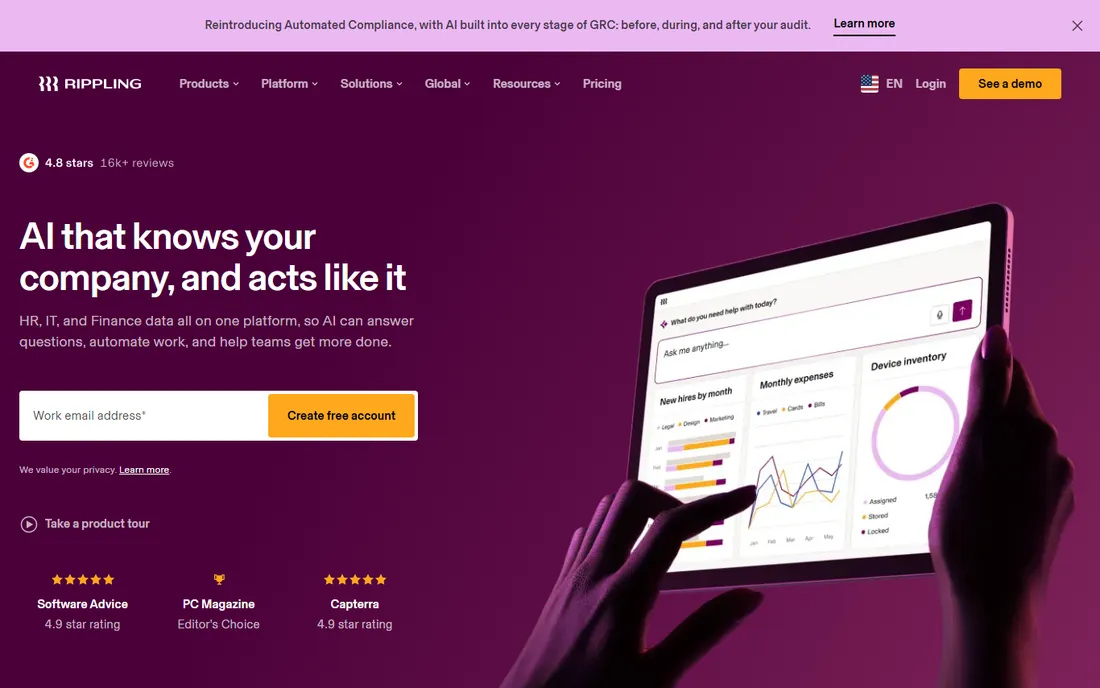
Rippling sells a different idea than Gusto. Instead of payroll with benefits attached, it is a workforce platform where HR, IT and finance share one data layer. Change a job title once and payroll, device permissions, app access and benefits update together. Each product, from payroll to benefits administration to device management, is bought separately on top of the required core platform.
For benefits specifically, that shared record pays off at open enrollment and onboarding. Elections flow into payroll deductions without re-entry, and offboarding revokes access and ends coverage in the same workflow. Companies between 50 and 500 employees that already feel the pain of five disconnected systems get the most from it.
The tradeoff is cost and complexity: modular pricing climbs with every app you switch on, and you cannot get a number without talking to sales. Implementation is also a bigger project than Gusto or BambooHR. Buy Rippling when disconnected systems are the problem, not when all you need is cleaner benefits enrollment.
What we like- One employee record drives HR, IT and finance apps together
- Benefits administration automates open enrollment and new-hire elections
- Strong review scores (4.9 on Capterra and Software Advice)
Watch out for- No published pricing, so budgeting requires a sales call
- Costs stack up as you add modules
- Support responsiveness is a recurring complaint in reviews
Starting priceSee website (quote-based)
Free planNo

Ask HR generalists which system they actually enjoy opening and BambooHR wins the poll most years. It started as core HR software and added payroll, time tracking and benefits administration around the same employee record. Enrollment, life-event changes and carrier connections all happen in the same interface people use for time off and performance reviews.
That simplicity is the whole pitch. A single HR manager can run hiring, onboarding, benefits and payroll without a benefits specialist on staff. The platform serves customers in more than 150 countries, though its benefits administration depth is strongest for US employers.
The catch: benefits and payroll are add-on modules with their own pricing, on top of the core HRIS quote. By the time you price the full stack, BambooHR can cost more than a payroll-first competitor for the same headcount. Get the itemized quote and confirm which benefits features sit in the base package.
What we like- The easiest interface in this category
- Benefits enrollment connects to payroll, time and employee records
- More than 30,000 customers
- Support is fully in-house
Watch out for- Pricing requires a quote call
- Payroll and benefits administration are add-ons to the core HRIS
- Advanced reporting and analytics cost extra
#4
TriNet Zenefits
Best for: Small businesses that want software plus access to real HR experts
Visit zenefits.com
Starting priceSee website (quote-based)
Free planNo
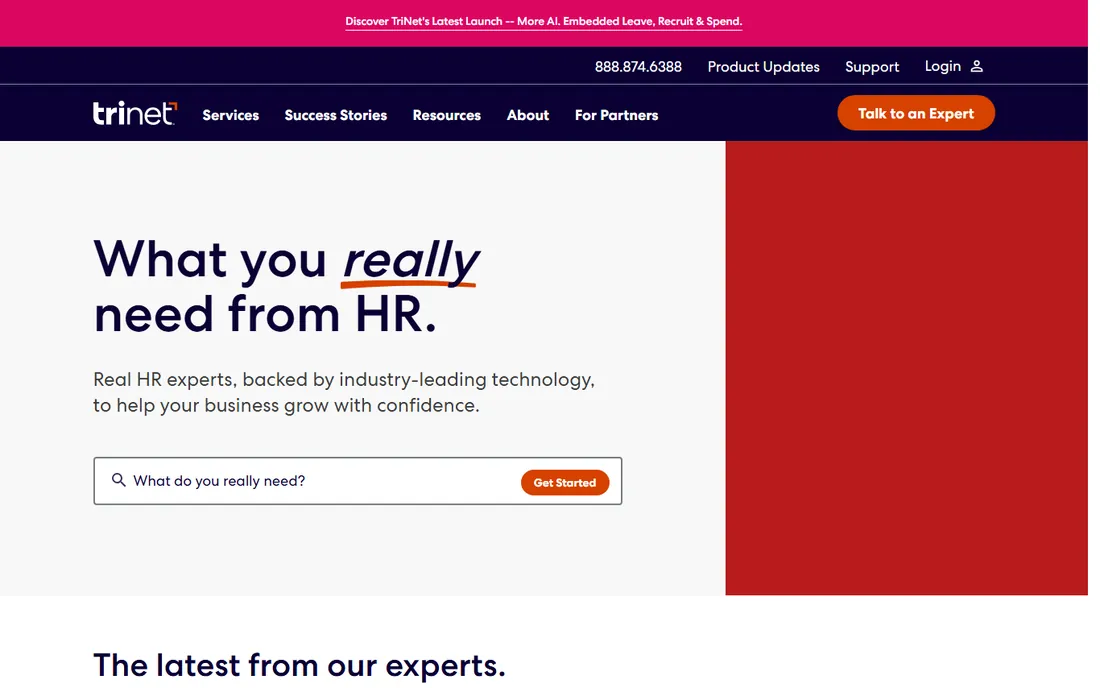
The Zenefits name still exists, but the company is now TriNet. The old Zenefits software is sold as the HR Platform, also called TriNet Zenefits, alongside TriNet's PEO offering. Both live under the same roof now, which matters because the benefits story is completely different between them.
The software route gives you HR, payroll and benefits administration to run yourself. The PEO route makes TriNet the co-employer, letting a 20-person company buy at large-group rates and offload ACA, COBRA and compliance work. For benefits quality per dollar, the PEO is usually the stronger play under 100 people.
The catch is commitment. PEO pricing depends on your industry, location and headcount, and leaving a PEO mid-year creates real administrative pain. Make sure you understand which of the two products a salesperson is quoting before you compare it against anything else on this list.
What we like- The PEO option opens large-group health plan rates to small employers
- HR experts available by phone
- Serves more than 22,000 businesses
Watch out for- Two products (HR Platform software vs PEO) confuse buyers
- The PEO route means co-employment
- Pricing is opaque and varies by industry
#5
Justworks
Best for: Small businesses that want a PEO without a long enterprise sales cycle
Visit justworks.com
Starting price$50/month + $8 per employee/month (Payroll plan)
Free planNo
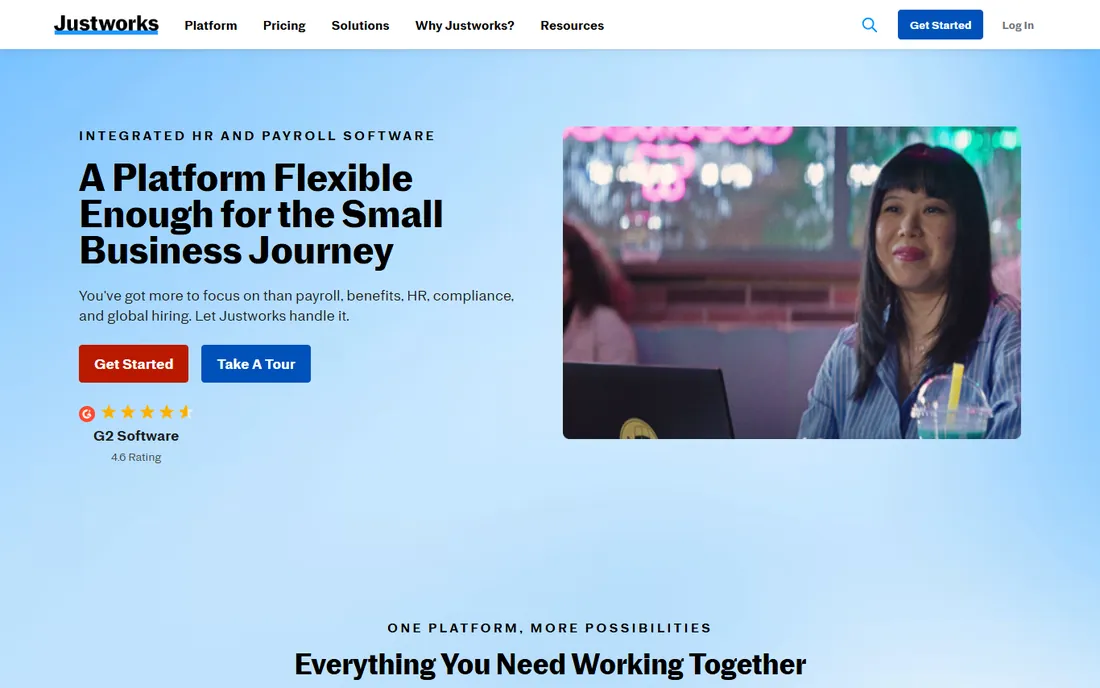
Justworks did for PEOs what Gusto did for payroll: it made buying self-serve. Three published tiers cover the journey from payroll-only to full PEO. The Payroll plan runs $50 a month plus $8 per employee. PEO Basic is $79 per employee per month and PEO Plus is $124, both with access to national carriers and benefits like One Medical and Kindbody on the higher tier.
The company processed over $31 billion in payroll in 2025 and supports more than 4,000 tax localities, so multi-state compliance is handled. Support is a genuine differentiator, with 24/7 coverage on PEO plans.
The math is the catch. Per-employee PEO pricing gets expensive past 30 or so people. A 40-person company pays over $3,000 a month on PEO Basic before premiums. At that size, price Gusto or Rippling plus an independent broker before you commit.
What we like- Rare published pricing for a PEO
- PEO plans include access to carriers like Aetna, Kaiser Permanente and UnitedHealthcare
- No implementation fee
- 24/7 support on PEO plans
Watch out for- The Payroll plan includes no health insurance
- PEO Basic at $79 per employee per month adds up quickly
- Time tracking costs $8 per employee per month extra
#6
Namely
Best for: Midsize companies that want HCM software plus managed services
Visit namely.com
Starting priceSee website (quote-based)
Free planNo
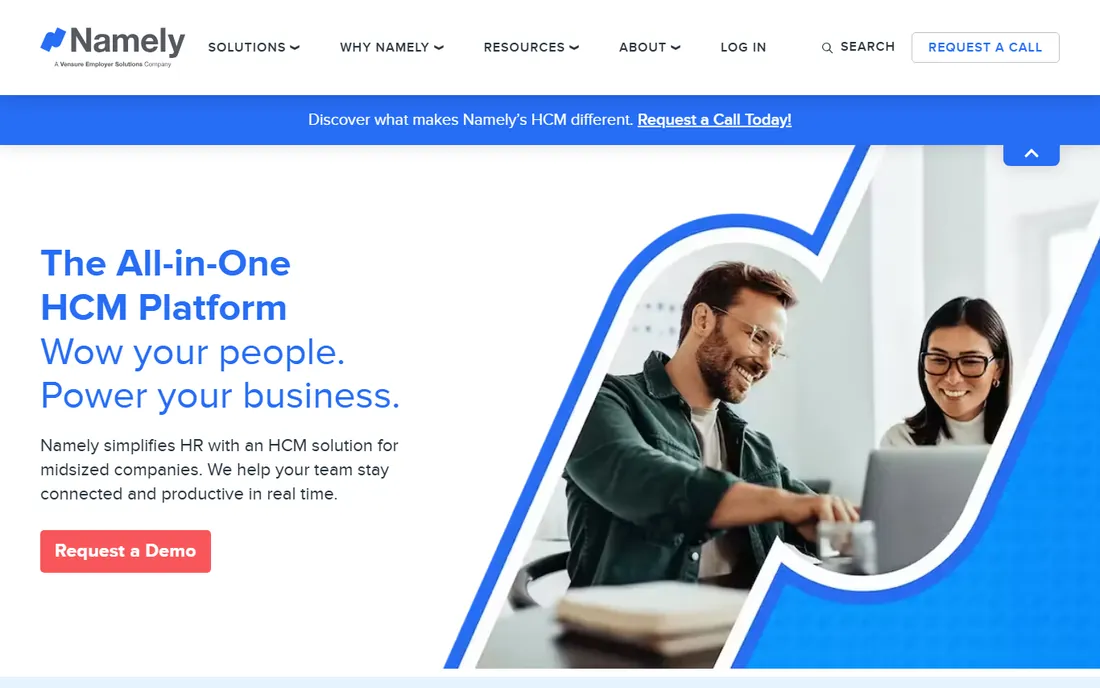
Namely aims at the awkward middle: companies too big for Gusto, too small for Workday. The platform covers core HCM, payroll and time, and benefits administration arrives as an enhanced module. What sets it apart is the managed services layer. Managed Benefits, Managed Payroll and Managed HR let you hand the actual work to Namely specialists instead of staffing it yourself.
For a 150-person company with one HR leader, that matters: open enrollment, carrier renewals, ACA measurement and employee questions get handled by people who do it all day, with solid self-service apps and reporting.
The catch is that Namely is an HCM company first and a benefits company second. Its carrier connections and benefits depth do not match a pure ben-admin platform or a large PEO. And everything is quote-based with a real implementation timeline. Budget six to ten weeks from signature to go-live.
What we like- Managed Benefits puts real specialists on your account
- Modular platform grows with the company
- Strong compliance support for multi-state employers
Watch out for- Quote-only pricing
- Implementation takes weeks, not days
- Smaller carrier network than ADP or TriNet
Starting priceSee website (sold through brokers)
Free planNo
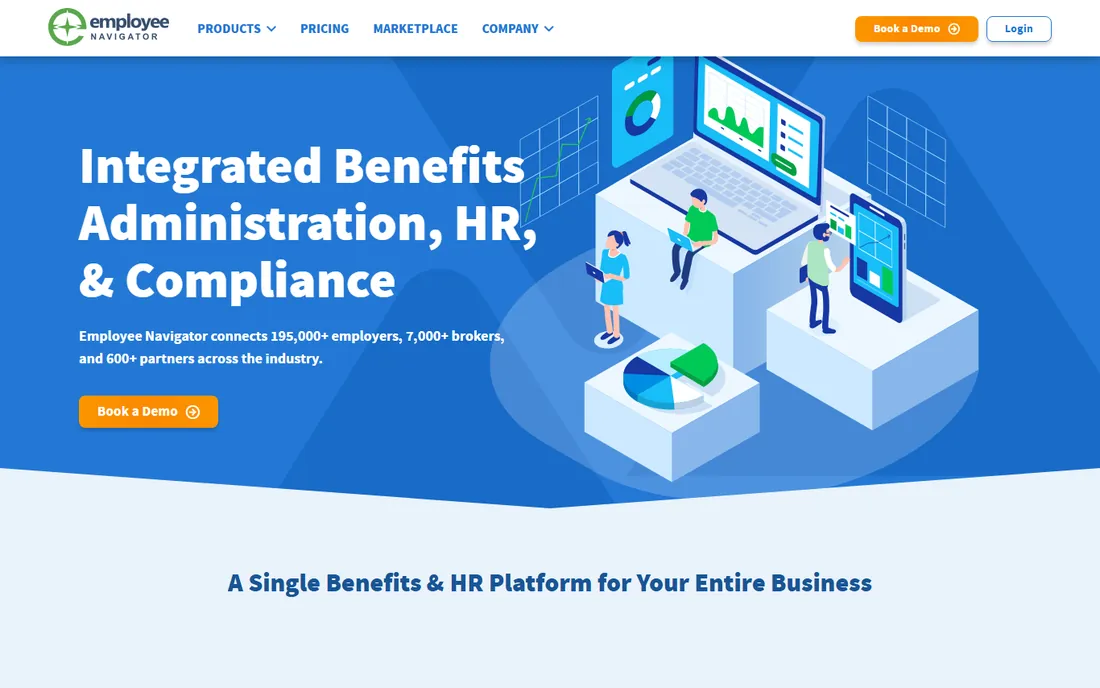
There is a good chance your broker already runs your benefits on Employee Navigator. The platform connects employers, brokers and carriers in one system: online enrollment, plan comparison, carrier EDI feeds, payroll integration and ACA reporting. With 195,000 employers on it, the carrier connections are the deepest of any independent platform here.
Pricing flows through the broker channel. Plans run from Enhanced to Platinum, with 834 EDI feeds around $0.45 per employee per month on lower tiers and included on Platinum; ACA filing starts near $5.20 per form. Your broker typically absorbs or passes through these costs, so ask what you are actually paying.
The catch is the dependency. You cannot buy Employee Navigator directly, and switching brokers often means re-implementing. If you like your broker, it is the best benefits engine in this price range. If you want independence from any single broker, pick a direct platform instead.
What we like- 195,000+ employers and 7,000+ brokers on the platform
- 600+ integrations including major payroll systems
- Deep ACA reporting and COBRA tooling
Watch out for- You need a broker to get it
- Support response times can lag during open enrollment
- The mobile app is weaker than the desktop experience
#8
Benepass
Best for: Global teams that want flexible lifestyle benefits on one card
Visit benepass.com
Starting priceSee website (quote-based)
Free planNo
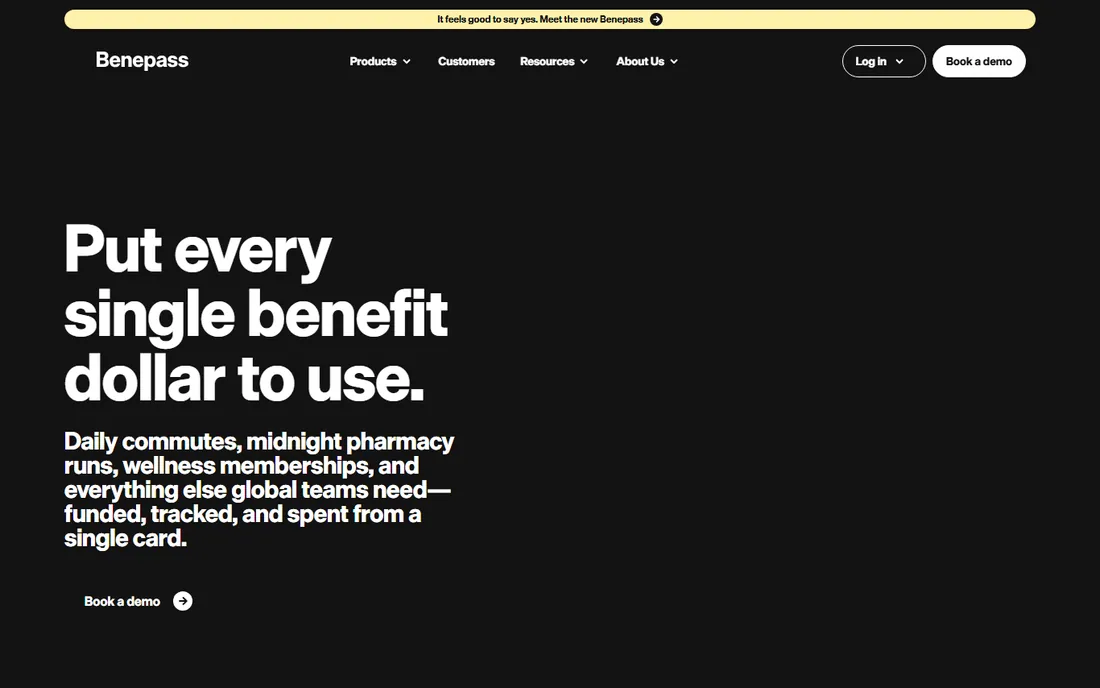
Benepass is not benefits administration in the traditional sense, and that is the point. Instead of managing health insurance enrollment, it funds everything around it: wellness stipends, commuter benefits, childcare, phone, food and professional development. Employees get a Benepass Visa card, tap to pay, and claims reconcile automatically. Pre-tax accounts like FSA and commuter benefits run through the same system.
For distributed and global teams, this solves a real problem. Traditional ben-admin platforms are US-centric. Benepass supports employees in more than 100 countries with localized web and mobile experiences, and admins get real-time spend tracking down to the penny.
The catch is scope. You still need something else for medical, dental and vision enrollment. Benepass replaces the spreadsheet of stipends and the shoebox of receipts, not your health plan administrator. Buy it as a complement to a platform like Gusto or Rippling, not as a substitute.
What we like- One Visa card covers pre-tax and lifestyle benefits
- Works in 100+ countries with 50+ languages
- Penny-precise tracking and reporting
- Over $1 billion in benefits funded
Watch out for- It does not administer health insurance
- Quote-only pricing
- Overkill if you only need US medical, dental and vision
#9
PlanSource
Best for: HR teams that want a dedicated benefits partner rather than just software
Visit plansource.com
Starting priceSee website (quote-based)
Free planNo
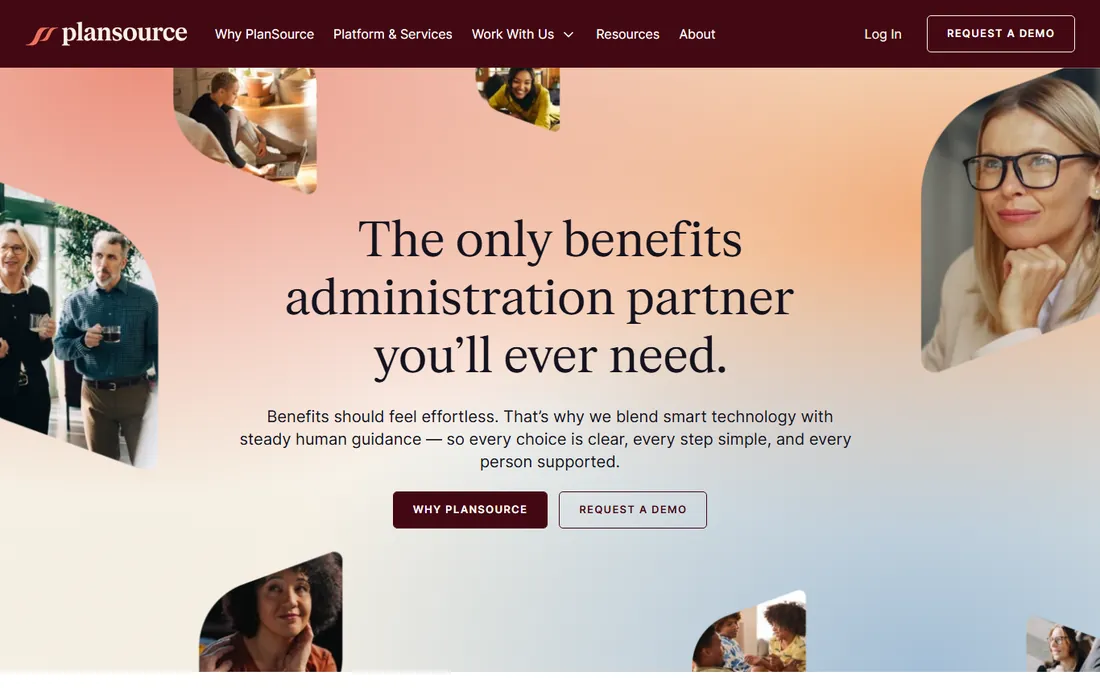
PlanSource does one thing: benefits administration. No payroll, no HRIS, no time tracking. That focus shows in the enrollment experience, carrier connections and compliance tooling. The company positions itself as a partner rather than a vendor, with service teams that stay involved after go-live, and it refreshed its brand and platform in 2026.
It sells to three audiences at once: HR and benefits leaders at employers, brokers and resellers who deploy it for clients, and carriers who connect plans through it. That multi-sided model is why its EDI connections and enrollment data quality tend to be strong.
The catch is that you will always pair PlanSource with something else for payroll and HR. Budget for the integration work and confirm the payroll connection exists for your provider before you sign. It fits companies that already like their HRIS and want a best-of-breed benefits layer on top.
What we like- Benefits-only focus with deep enrollment expertise
- Serves HR leaders, brokers, resellers and carriers
- Strong decision support and employee communication tools
Watch out for- Quote-only pricing
- No payroll or HRIS of its own, so integration is required
- Implementation is a real project
How we chose
We started from the FeaturedCustomers Fall 2026 benefits administration report and cross-checked against G2, Capterra and TrustRadius reviews from the last twelve months. Every price comes from the vendor's own pricing page or published plan structure, checked in October 2026; quote-only vendors are marked as such. We excluded Ease after confirming its announced sunset. Nobody paid for placement, and we did not test-drive any platform.
What to check before you sign
The biggest pricing trap is not the subscription; it is not knowing who pays for what. Broker-sold platforms like Employee Navigator and PlanSource are often paid by the broker or bundled into commission, which makes them look free until you switch brokers. Direct platforms like Gusto and Justworks publish their fees, but premiums sit on top. Ask every vendor for the all-in number: platform fee, per-employee charges, EDI fees, ACA filing fees and broker compensation.
Four specifics separate good contracts from bad ones. First, carrier EDI connections: confirm your actual carriers have live 834 feeds, not manual uploads. Second, ACA measurement and filing: know whether 1094/1095 filing is included or billed per form. Third, COBRA administration: included, extra, or left to you. Fourth, the exit: ask how you export enrollment history after cancellation.
How benefits software actually gets paid for
Most buyers assume they pay for benefits software the way they pay for any SaaS product. Often they do not. In the broker channel, the broker earns commission from carriers and uses part of it to license the ben-admin platform. You get Employee Navigator or a similar system as part of the brokerage relationship. That is why these platforms can be excellent value and also why switching brokers feels like switching software.
Direct platforms flip the model: you pay the subscription and the broker question stays separate. Neither model is automatically cheaper, so compare platform fees plus premiums together, not the platform fee alone.
Frequently asked questions
How much does benefits management software cost?
Direct platforms range from about $55 a month for a one-person company on Gusto Simple to several hundred per employee per year on PEO plans. Broker-sold platforms are typically bundled into the broker relationship. Always add EDI fees, ACA filing charges and insurance premiums to get the real number.
Do I still need a benefits broker if I buy benefits software?
Usually yes. The software administers plans; the broker shops carriers, negotiates rates and advises on plan design. Gusto and Justworks can act as your broker directly. With a broker-sold platform like Employee Navigator, the broker is part of the package by definition.
What is an 834 EDI feed and why does it matter?
An 834 file is the standard electronic enrollment record sent to insurance carriers. With a live EDI feed, enrollments and terminations flow to the carrier automatically. Without one, someone uploads files or faxes forms, which is where enrollment errors come from. Confirm live feeds for your specific carriers before you sign.
Can a small business get large-company insurance rates?
Through a PEO, yes. PEOs like TriNet and Justworks co-employ your workers, which lets them buy health insurance as one large group and pass those rates to small clients. Standalone software does not change your rates. That rate difference is often the real financial case for a PEO.
How long does implementation take?
Payroll-first platforms like Gusto can be live in days. Mid-market HCM and ben-admin platforms like Namely, PlanSource and Employee Navigator typically take six to twelve weeks, including carrier setup and EDI testing. Never plan a go-live during your open enrollment window.
Is Ease still a safe choice?
No. Ease announced it will stop accepting new companies in January 2027 and become read-only in July 2027, with integrations and support ending. Existing customers need a migration plan. New buyers should pick a platform with a future.
Sources we checked (11)
- https://gusto.com/product/pricing
- https://www.rippling.com/pricing
- https://www.justworks.com/pricing
- https://www.bamboohr.com
- https://www.zenefits.com
- https://namely.com/
- https://employeenavigator.com/
- https://benepass.com/
- https://plansource.com/
- https://www.selecthub.com/p/benefits-administration-software/ease/
- https://lifestyle.utv.ie/story/825238/the-top-benefits-administration-software-vendors-according-to-the-featuredcustomers-fall-2026-customer-success-report/
Is your product missing or out of date?
We review this list regularly. Vendors can request a listing, send updated pricing or ask about featured placement.

Shihab Mia · Founder, Rankite
Shihab has spent more than a decade helping SaaS and e-commerce brands grow through search. He writes Rankite's software buying guides from pricing pages, documentation and public user reviews. More about Shihab.