How we make this list: we compare pricing pages, product documentation and public user reviews. Ratings come from G2, Capterra or Trustpilot, with the date we checked them.
Key takeaways
- The best AVD management platforms in 2026 are led by Nerdio Manager, Citrix DaaS, and Parallels RAS for managing Azure Virtual Desktop fleets.
- AVD stands for Azure Virtual Desktop, Microsoft cloud desktop service, and a management platform adds provisioning, autoscaling, image management, and monitoring on top of the native Azure portal.
- Nerdio Manager starts at $6 per user per month, Citrix DaaS at $10 per user per month, and Parallels DaaS at $9 per user per month, before Azure compute costs.
- Azure compute, storage, and networking costs are separate from management platform fees, so total cost depends on host pool size and usage patterns.
- The right platform depends on fleet size, since small teams value simple automation while large enterprises need deep policy, monitoring, and multi cloud support.
Quick comparison
Is your product missing or out of date?
We review this list regularly. Vendors can request a listing, send updated pricing or ask about featured placement.
Starting price$6 per user per month
Free planNo
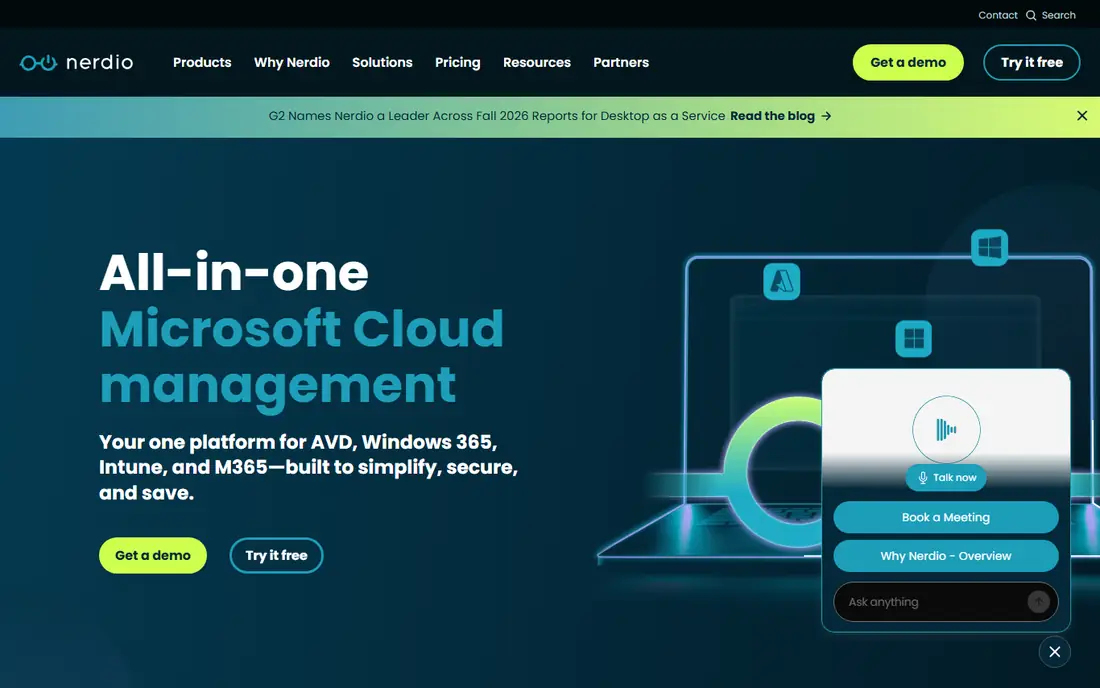
Nerdio Manager is the best fit for AVD automation and cost control, with deep provisioning, autoscaling, image management, and user management built for Azure Virtual Desktop. Its autoscaling shuts down idle session hosts and scales up before peak hours, and users report cost savings up to 75 percent on Azure compute through autoscaling. Its image management updates golden images across host pools, and its deployment can stand up a full AVD environment in hours.
The limits are Azure scope and learning. It is Azure only, its full feature set has a learning curve, and Azure compute costs are separate. For an IT team that runs AVD as its main desktop platform, Nerdio Manager is the best choice.
What we like- Deep AVD automation
- Autoscaling
- Image management
Watch out for- Azure only
- Learning curve
- Azure costs separate
#2Citrix DaaS
Best for: Large multi cloud fleets4.1/5 on
G2 (546 reviews, checked Oct 2026)
Visit citrix.com
Starting price$10 per user per month
Free planNo
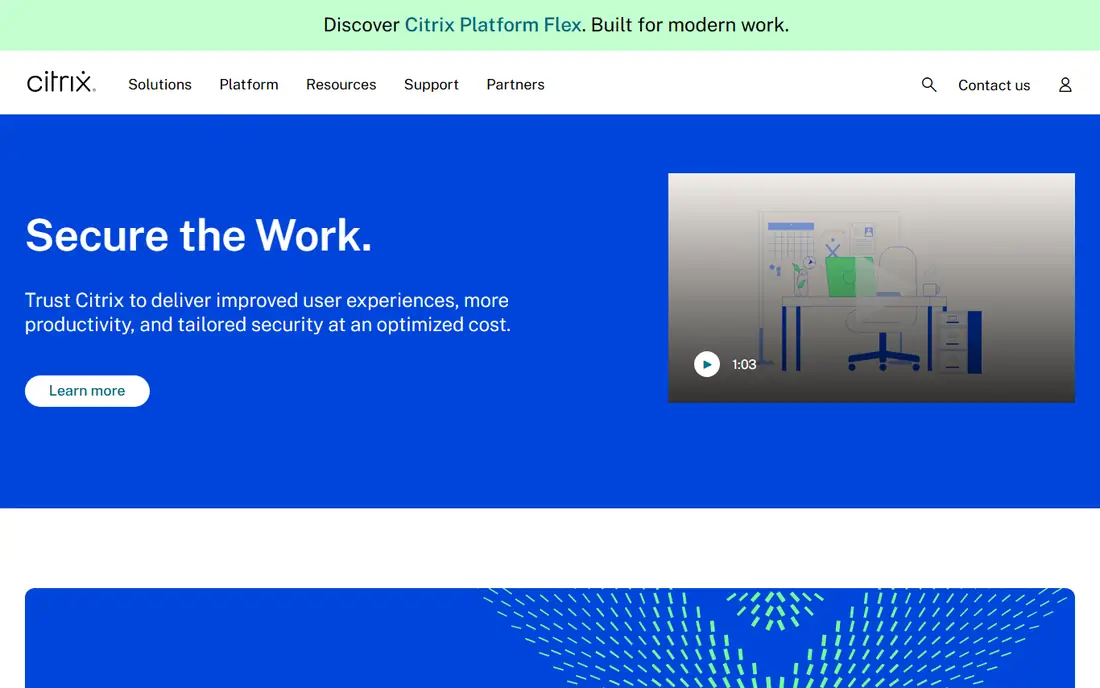
Citrix DaaS suits large multi cloud fleets, with AVD management plus support for on prem, AWS, and Google Cloud desktops under one console. Its HDX protocol delivers strong performance on poor networks, its policy engine controls printers, USB, clipboard, and drive access in detail, and its scale suits regulated enterprises with thousands of desktops.
The limits are price and complexity. It starts at $10 per user per month, setup is complex, and Azure costs are separate. For a large enterprise that needs multi cloud desktops with deep policy control, Citrix DaaS is a strong choice.
What we like- Multi cloud support
- Deep policy
- HDX protocol
Watch out for- Higher price
- Complex setup
- Azure costs separate

#3Parallels RAS
Best for: Simple AVD and app delivery4.2/5 on
G2 (68 reviews, checked Oct 2026)
Visit parallels.com
Starting price$9 per user per month
Free planNo
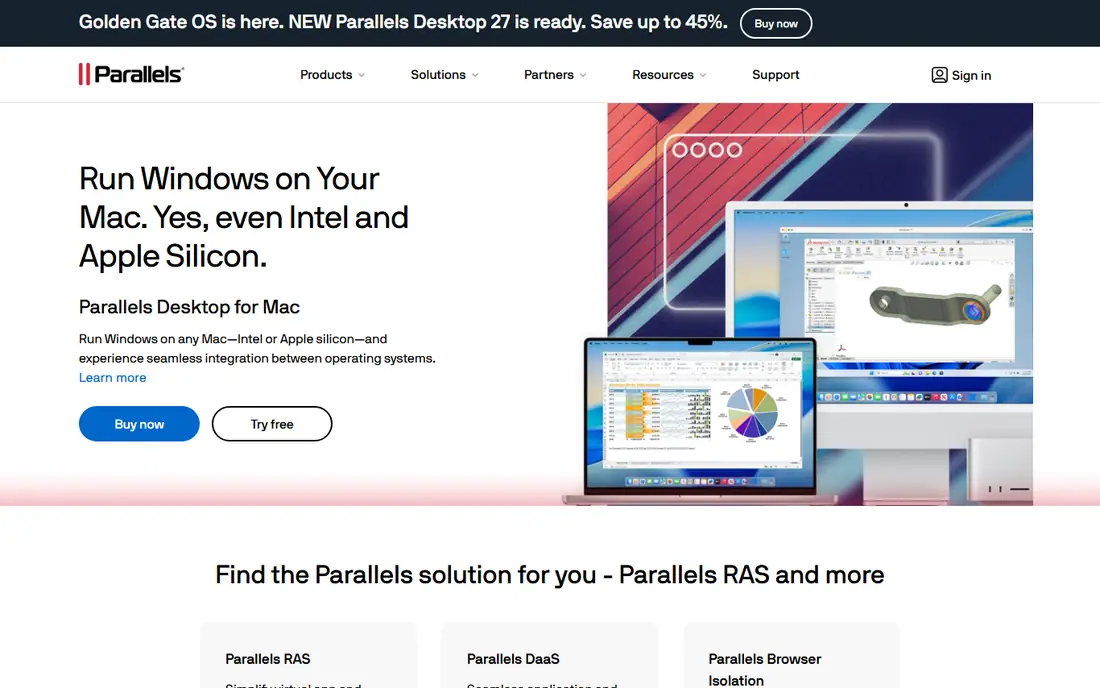
Parallels RAS is the best fit for simple AVD and app delivery, with straightforward provisioning, app publishing, and load balancing for small and mid size fleets. Its setup is simpler than Citrix, its app publishing delivers single apps without full desktops, and its price starts at $9 per user per month for Parallels DaaS.
The limits are scale and policy depth. It suits smaller fleets better than very large ones, its enterprise policy set is thinner than Citrix, and Azure costs are separate. For a mid size team that wants simple AVD management, Parallels RAS is a strong choice.
What we like- Simple setup
- App publishing
- Low cost
Watch out for- Smaller scale
- Fewer enterprise policies
- Azure costs separate
Starting price$5.79 per user per month
Free planNo
Omnissa Horizon 8 suits hybrid AVD and on prem fleets, with support for Azure Virtual Desktop plus on prem Horizon desktops under one platform. Omnissa is the new name for the former VMware end user computing business, and Horizon 8 starts at $5.79 per user per month, the lowest entry price in this guide. Its Blast protocol delivers good performance, and its hybrid support suits teams migrating from on prem to Azure.
The limits are complexity and focus. Its VMware heritage brings complexity, AVD is one of many platforms it supports rather than its sole focus, and Azure costs are separate. For a team with both on prem and Azure desktops, Omnissa Horizon 8 is a strong choice.
What we like- Hybrid support
- Low entry price
- Blast protocol
Watch out for- VMware heritage complexity
- AVD is one of many
- Azure costs separate
Starting priceSee website
Free planNo
Workspot is the best fit for turnkey managed AVD, with a managed service that provisions, updates, and monitors AVD desktops so IT teams do less day to day work. Its deployment is fast, its managed updates keep images current, and its support covers the full desktop stack.
The limits are price and control. Its price is not public, it offers less hands on control than Nerdio, and Azure costs are separate. For a team that wants AVD as a managed service rather than a platform to run, Workspot is a strong choice.
What we like- Turnkey service
- Fast deployment
- Managed updates
Watch out for- Price not public
- Less control
- Azure costs separate
Starting priceSee website
Free planNo
ControlUp suits AVD monitoring and remediation, with real time visibility into session hosts, user sessions, logon times, and app performance, plus automated fixes for common problems. Its dashboards show which host pools struggle, its alerts catch logon failures early, and its remediation scripts fix issues without manual logins.
The limits are scope and price. Its focus is monitoring rather than full provisioning, it pairs best with a provisioning platform like Nerdio, and its price is not public. For a team that already provisions AVD but needs deep monitoring, ControlUp is a strong choice.
What we like- Real time monitoring
- Automated fixes
- AVD focus
Watch out for- Monitoring focus
- Not full provisioning
- Price not public
Starting priceSee website
Free planNo
Lakeside SysTrack is the best fit for digital experience monitoring, with user experience data, app usage tracking, and capacity planning for AVD fleets. Its data shows which apps users actually use, which session hosts run hot, and where capacity can shrink, and its planning tools help teams right size host pools.
The limits are scope and price. Its focus is monitoring rather than provisioning, its price is not public, and setup takes effort. For a team that needs experience data to guide AVD capacity decisions, Lakeside SysTrack is a strong choice.
What we like- User experience data
- App usage
- Capacity planning
Watch out for- Monitoring focus
- Price not public
- Setup effort
Starting priceSee website
Free planNo
eG Innovations suits AVD performance monitoring, with deep performance data across session hosts, Azure infrastructure, Active Directory, and apps, plus root cause analysis when logons slow down. Its multi tier views trace a slow logon from user device through network to session host, and its alerts separate Azure problems from app problems.
The limits are scope and complexity. Its focus is monitoring rather than provisioning, setup is complex, and its price is not public. For a team that needs deep root cause data for AVD performance problems, eG Innovations is a strong choice.
What we like- Deep performance data
- Root cause
- Multi tier views
Watch out for- Monitoring focus
- Complex setup
- Price not public
How we chose
We ranked platforms by AVD provisioning depth, autoscaling, image management, monitoring, security policy, and cost control, favoring platforms built for AVD over generic remote desktop tools. We gave extra weight to autoscaling, since idle session hosts waste Azure spend, and to image management, since stale images create security risk. We also weighed setup ease, since a platform that takes months to deploy delays its value.
Buying guide
Start by sizing your AVD fleet and usage pattern before you choose a platform. Count concurrent users, peak hours, and app types, since a fleet with sharp peaks gains most from autoscaling while a flat fleet gains less. One usage audit beats a feature list alone, since autoscaling savings depend on how much idle time your hosts actually have.
Next, separate platform fees from Azure costs in every quote. Platform fees run $6 to $10 per user per month for the priced tools in this guide, while Azure compute, storage, and networking vary with host size, region, and usage. Ask each vendor for a total cost model at your user count and usage pattern, not just the platform fee.
Finally, test image management and autoscaling in a pilot host pool before you commit. Build a golden image, update it, push it to a test pool, and watch autoscaling respond to a simulated peak. A pilot that proves image updates and scaling work in your tenant avoids a painful rollout later.
Also check security and identity integration, since AVD depends on Entra ID, conditional access, and multi factor authentication. Confirm the platform supports your identity setup, your conditional access policies, and your compliance needs before you sign.
Frequently asked questions
What is an AVD management platform?
An AVD management platform automates Azure Virtual Desktop tasks like provisioning host pools, managing images, autoscaling session hosts, and monitoring user sessions, beyond what the native Azure portal offers. It cuts manual work and Azure costs.
How much does AVD management cost?
Platform fees run $6 to $10 per user per month for priced tools like Nerdio, Citrix, and Parallels, while Azure compute, storage, and networking are separate. Total cost depends on host pool size, region, and usage patterns.
Does Nerdio replace the Azure portal?
No, Nerdio Manager runs on top of Azure and automates portal tasks, but Azure itself still hosts the desktops and bills compute separately. Teams still use Azure for billing, networking, and some advanced settings.
Can Citrix DaaS manage AVD and on prem desktops together?
Yes, Citrix DaaS manages AVD plus on prem, AWS, and Google Cloud desktops under one console, which suits enterprises with mixed fleets. Its HDX protocol also improves performance on poor networks.
Do I need a monitoring tool if I have Nerdio?
Not always, since Nerdio includes monitoring, but dedicated tools like ControlUp, SysTrack, and eG Innovations offer deeper performance and experience data. Large fleets often pair a provisioning platform with a monitoring tool.
What is autoscaling in AVD?
Autoscaling starts and stops session hosts based on demand, shutting down idle hosts at night and scaling up before peak hours. It cuts Azure compute costs, with users reporting savings up to 75 percent in some fleets.
Sources we checked (0)
Is your product missing or out of date?
We review this list regularly. Vendors can request a listing, send updated pricing or ask about featured placement.

Shihab Mia · Founder, Rankite
Shihab has 5+ years in B2B and SaaS SEO. He writes Rankite's software buying guides from pricing pages, documentation and public user reviews. More about Shihab.
 Nerdio Manager
 Omnissa Horizon 8
 Workspot
 ControlUp
 Lakeside SysTrack
 eG Innovations