How we make this list: we compare pricing pages, product documentation and public user reviews. Ratings come from G2, Capterra or Trustpilot, with the date we checked them.
Key takeaways
- HubSpot and Salesforce offer the broadest platforms, but HIPAA-ready setup sits on higher tiers or needs an enterprise build.
- Tebra is the closest fit for a private practice that wants clinical, billing, and growth tools together.
- Mailchimp and Constant Contact suit small teams that mainly need clear email and simple automation.
- Birdeye stands out for multi-location practices that depend on local search and reviews.
Quick comparison
| Tool | Best for | Starting price | Free plan |
|---|
 HubSpot HubSpot | All-in-one healthcare marketing | $15 per seat/month | Yes |
 ActiveCampaign ActiveCampaign | Detailed email automation | $15 per month | Free trial |
 Mailchimp Mailchimp | Simple email campaigns for small practices | See website | Yes |
 Salesforce Health Cloud Salesforce Health Cloud | Large healthcare organizations | See website | Free trial |
 Tebra Tebra | Private practices needing EHR plus marketing | See website | No |
 Birdeye Birdeye | Multi-location reputation and local marketing | See website | No |
 Constant Contact Constant Contact | Beginner-friendly email and social marketing | See website | Free trial |
 Klaviyo Klaviyo | Data-driven email and SMS for consumer brands | See website | Yes |
Is your product missing or out of date?
We review this list regularly. Vendors can request a listing, send updated pricing or ask about featured placement.
Starting price$15 per seat/month
Free planYes
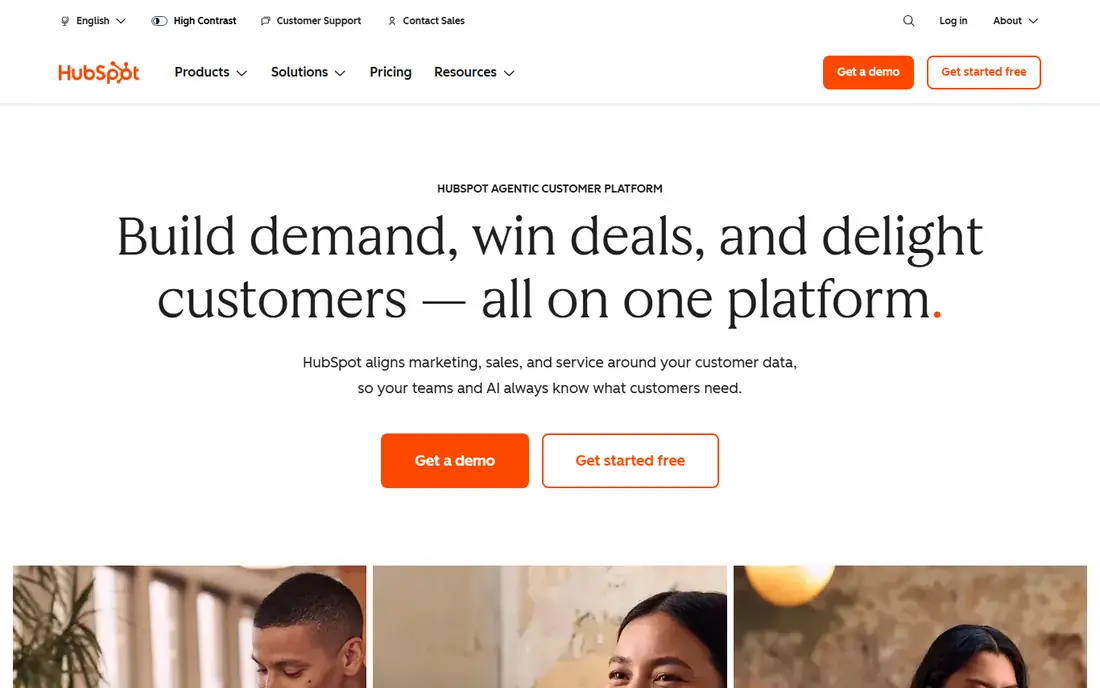
HubSpot suits a clinic or multi-location practice that wants marketing, sales, and service data in one place instead of stitching together separate apps. The Marketing Hub covers email campaigns, landing pages, forms, and automation, while the free CRM keeps contact records organized from the first inquiry. That breadth matters when a practice runs referral outreach, appointment reminders, and follow-up campaigns at the same time.
The catch is the compliance tier. A practice that handles patient data in marketing workflows should confirm which plan supports HIPAA-compliant handling and a business associate agreement before it builds anything around patient information. Smaller teams should also model contact growth, because the headline Starter price is only the start of the total bill. Healthcare marketing tools must support HIPAA-compliant handling where patient data is involved, and no automation shortcut should override that check.
What we like- Free CRM tools to start with
- Strong email, landing page, and workflow automation
- Wide integration catalog for common practice tools
Watch out for- HIPAA-ready controls sit on higher tiers
- Costs can rise as contacts and seats grow
Starting price$15 per month
Free planFree trial
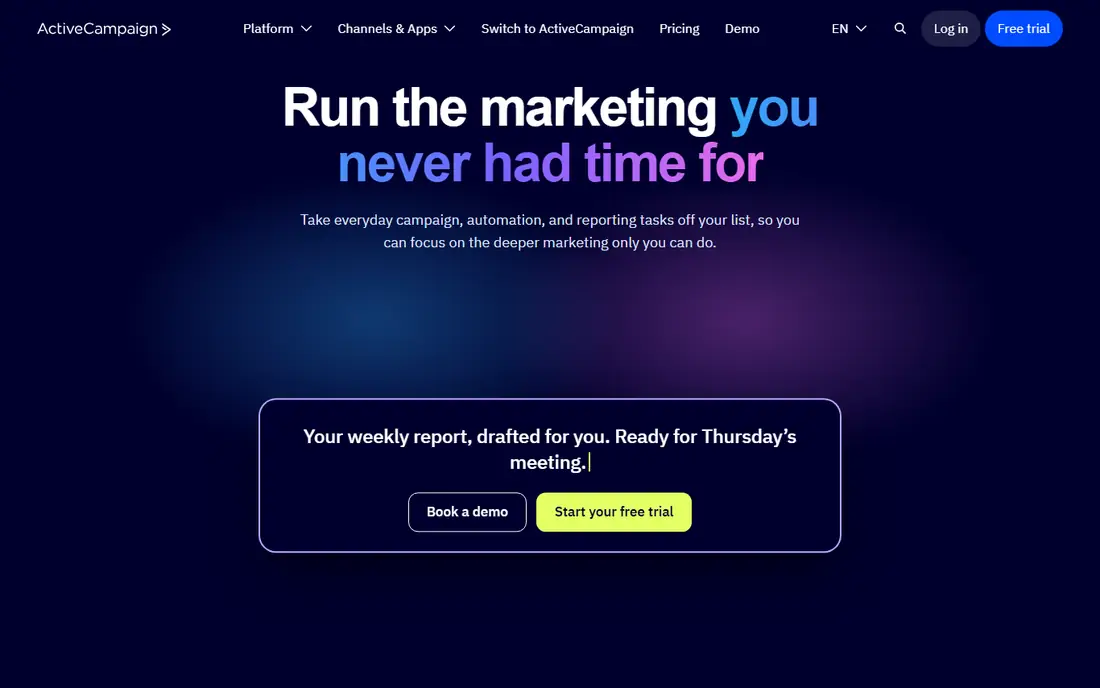
ActiveCampaign is a strong pick for a healthcare marketer who already knows the audience and wants precise follow-up sequences. A new inquiry can trigger a welcome series, a reminder can follow a missed booking, and a lapsed patient contact can receive a timed re-engagement message. The builder makes those branches visible, which helps a small team spot a dead end before a campaign goes live.
The pricing model needs care. Plans scale by contacts, so a list that grows quickly will move the monthly bill upward even if the feature set stays the same. Starter also caps automation actions, so a practice that needs long, branching journeys should budget for Plus or Pro. Keep patient data out of general marketing lists unless the setup has been reviewed for compliance.
What we like- Visual automation builder with branching logic
- Email, SMS, and site tracking in one workflow
- Predictive sending on higher plans
Watch out for- Pricing rises with contact count
- Starter automation limits are tight
#3Mailchimp
Best for: Simple email campaigns for small practices4.4/5 on
G2 (5,436 reviews, checked Oct 2026)
Visit mailchimp.com
Starting priceSee website
Free planYes
Mailchimp fits a small practice that mainly needs clear, regular email communication. Newsletters, service updates, seasonal reminders, and event notices can be built from templates without a long learning curve. Segments let a team send different messages to new inquiries and existing patients, which keeps outreach more relevant than a single blast to everyone.
Mailchimp is not a full practice platform, and that is both its appeal and its limit. A team that wants deep CRM workflows, call tracking, and multi-location reporting will outgrow it sooner than it expects. Before importing any patient-related list, confirm the account settings, consent records, and data handling rules that apply to that use.
What we like- Easy campaign builder and templates
- Free plan for getting started
- Audience segments and basic automation
Watch out for- Advanced automation costs more
- Healthcare compliance needs careful setup
#4Salesforce Health Cloud
Best for: Large healthcare organizations3.8/5 on
G2 (35 reviews, checked Oct 2026)
Visit salesforce.com
Starting priceSee website
Free planFree trial
Salesforce Health Cloud is built for organizations that need patient relationships, care coordination, and marketing in a shared system. It can hold a fuller picture of a person across touchpoints, and its permission model helps larger teams control who sees what. For a hospital group or a large multi-site provider, that structure is often the point of buying Salesforce in the first place.
The trade-off is effort. Setup, training, and ongoing administration take real time, and the total cost goes well beyond a monthly subscription. A small practice will likely find the platform heavier than it needs, while a large organization should budget for implementation help and a phased rollout. Marketing teams should still work with compliance staff on consent and patient data use.
What we like- Healthcare-specific data model
- Strong security and permission controls
- Large ecosystem of related apps
Watch out for- Implementation can be long and costly
- Overkill for a single-location practice
#5Tebra
Best for: Private practices needing EHR plus marketing4.1/5 on
G2 (263 reviews, checked Oct 2026)
Visit tebra.com
Starting priceSee website
Free planNo
Tebra stands apart in this list because it starts from practice operations rather than from marketing alone. Its platform connects electronic health records, billing, scheduling, and reputation and growth tools, so a practice can move from a booked visit to a review request without changing systems. That connection can reduce duplicate data entry for a busy front desk.
The main question to ask in a demo is how much of the marketing work lives inside Tebra and how much still needs a separate email or advertising tool. Pricing is not shown as a simple monthly figure, so a practice should request a written quote that covers the modules it will actually use. Its HIPAA positioning is a plus, but the practice still owns consent and message content.
What we like- Built for independent practices
- Combines EHR, billing, scheduling, and growth tools
- States HIPAA compliance with a business associate agreement where applicable
Watch out for- Pricing is not published on the homepage
- Marketing is part of a broader platform, not a standalone tool
#6Birdeye
Best for: Multi-location reputation and local marketing4.7/5 on
G2 (4,264 reviews, checked Oct 2026)
Visit birdeye.com
Starting priceSee website
Free planNo
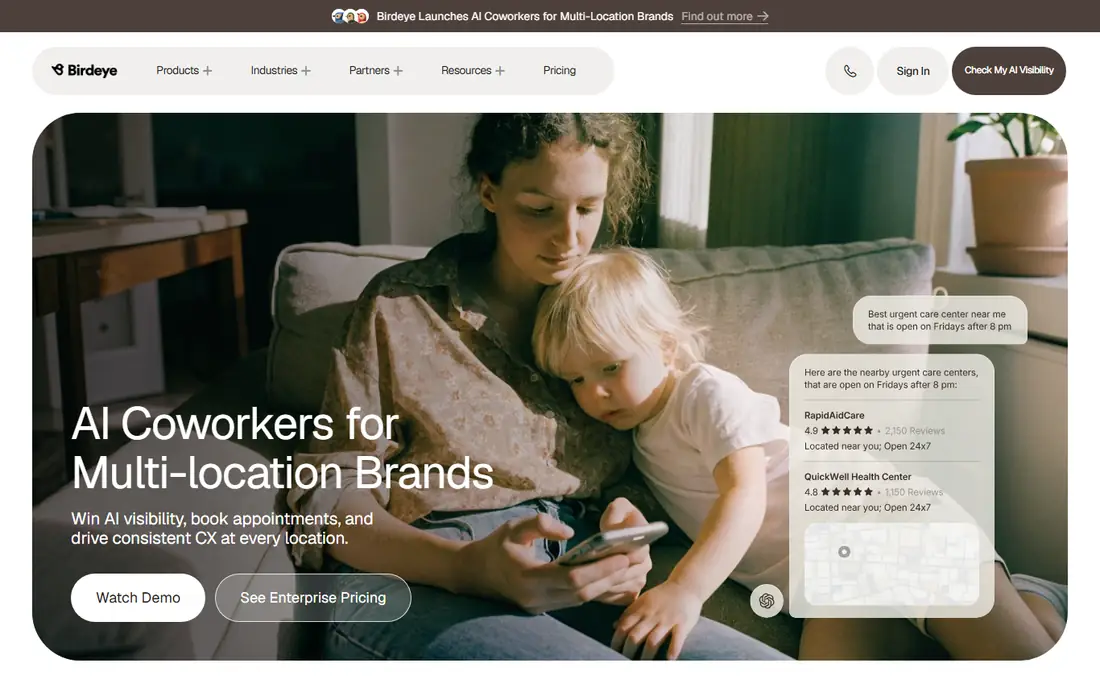
Birdeye helps a practice be found and chosen in local search, which is where many patients start. It brings review requests, business listings, and social publishing into one view, and multi-location groups can keep each site consistent while still publishing locally relevant posts. For a practice with several offices, that control is worth more than another email template.
Birdeye is less of a fit for a solo clinic that only sends a monthly newsletter. The platform is broad, and its price is quoted rather than published, so a small team should ask exactly which modules are included before signing. Review requests also need care: ask every patient in the same fair way, and never offer an incentive in exchange for a positive review.
What we like- Review generation and listings management
- Social publishing across locations
- Healthcare is a named industry focus
Watch out for- Pricing requires a sales conversation
- May be more than a single clinic needs
#7Constant Contact
Best for: Beginner-friendly email and social marketing4.1/5 on
G2 (7,393 reviews, checked Oct 2026)
Visit constantcontact.com
Starting priceSee website
Free planFree trial
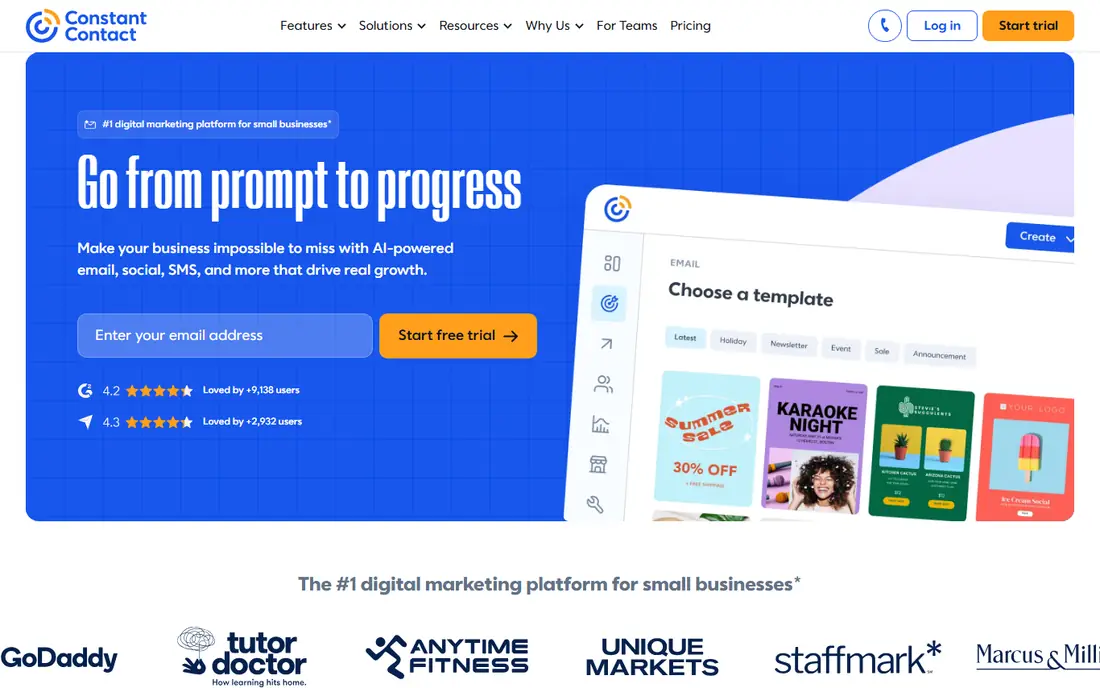
Constant Contact is a practical choice for a practice manager who runs marketing alongside other jobs. The editor is plain, the templates are usable without design help, and social posting sits next to email in the same account. A clinic can announce extended hours, share a health awareness post, and send a reminder email without learning a complex system.
The limit shows up when a team wants long, conditional journeys or detailed revenue reporting. Constant Contact covers common automation, but it does not match the branching depth of ActiveCampaign or HubSpot. Check the current plan price for the actual contact count, and confirm how patient contacts are stored and segmented before any campaign goes out.
What we like- Simple editor and ready templates
- Event and social tools alongside email
- Support aimed at small businesses
Watch out for- Automation depth is limited next to larger platforms
- Costs rise with list size and plan tier
#8Klaviyo
Best for: Data-driven email and SMS for consumer brands4.6/5 on
G2 (1,368 reviews, checked Oct 2026)
Visit klaviyo.com
Starting priceSee website
Free planYes
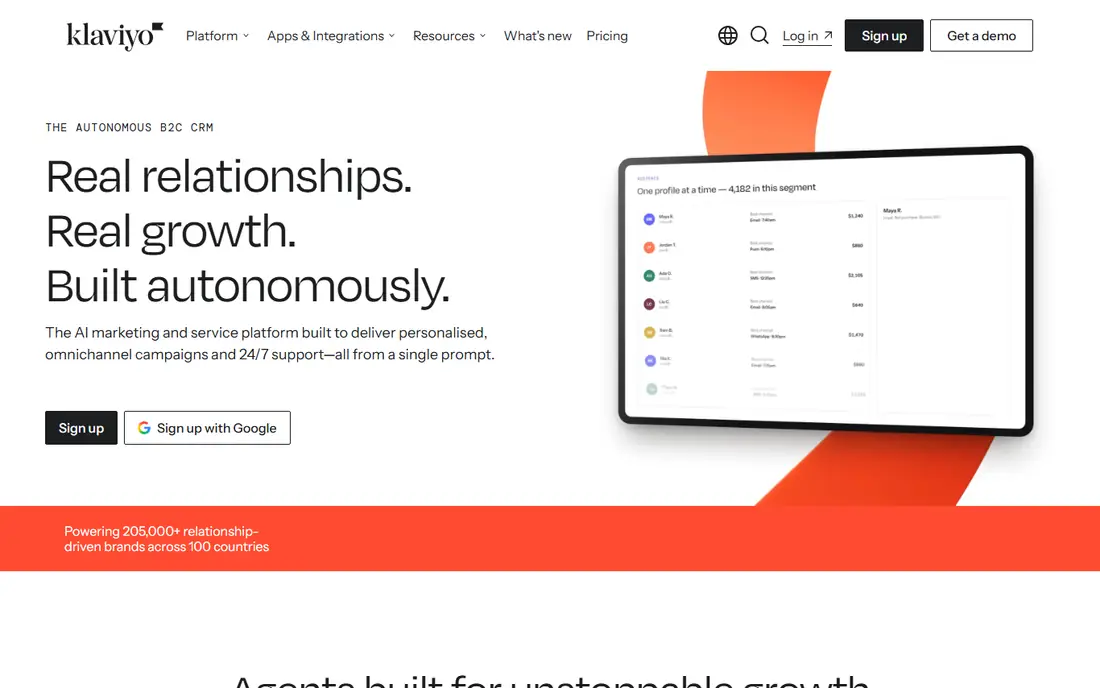
Klaviyo is best known in retail and consumer brands, and it earns a place here for healthcare-adjacent businesses such as wellness clinics, dental product sellers, and telehealth-adjacent services that sell directly to consumers. Its strength is segmentation: behavior, purchase history, and profile details can shape who receives a message and when. That precision can cut wasted sends.
A clinical practice should be cautious. Klaviyo is not a healthcare platform by design, so any use involving patient data needs a careful review of what data flows in, who can access it, and whether the arrangement meets HIPAA requirements. For pure consumer marketing with proper consent, it is capable and fast to set up. For clinical messaging, a healthcare-specific platform is the safer default.
What we like- Strong segmentation from behavior and profile data
- Email, SMS, and push in one profile
- Free plan for small lists
Watch out for- Healthcare use needs careful data review
- SMS costs add up at scale
How we chose
We compared vendor pricing pages, product documentation, and public reviews on G2, Capterra, and Reddit, then checked which features fit a healthcare workflow rather than a generic marketing workflow. We looked at automation depth, segmentation, consent handling, multi-location support, and integration with scheduling and practice systems. We did not claim hands-on testing, and we did not invent ratings, customer counts, or award claims.
Where a price could not be verified on the vendor pricing page during this review, the table says See website. That is a signal to get a written quote for the actual contact count, seat count, and modules before budgeting.
What to check before you automate healthcare marketing
Start with consent and data flow, not with campaign ideas. Map where a contact record comes from, what it contains, who can export it, and how a person can opt out. If patient data is involved, confirm in writing whether the vendor will sign a business associate agreement and which plan that requires. A tool that is excellent for retail email can still be the wrong home for clinical data.
Next, match automation to staff time. A complex journey that no one reviews will send stale messages and create complaints. A simple welcome series, a booking reminder, and a review request, each reviewed monthly, will serve most practices better than ten half-built flows.
Consent comes first
Keep a record of how each contact agreed to receive marketing messages, and separate marketing consent from clinical communication. A patient who agreed to appointment reminders has not automatically agreed to promotional email. When in doubt, ask again and keep the answer on file.
Match the tool to practice size
A solo clinic needs a simple editor and a reliable send. A multi-location group needs location-level reporting, role permissions, and listings control. Buying an enterprise platform for a single office usually adds cost without adding useful work.
Watch the total cost
Check contact pricing, seat pricing, SMS charges, and onboarding fees together. A low starting price can still grow quickly when a list doubles or when SMS is added to every flow.
Frequently asked questions
Do healthcare marketing tools need to be HIPAA compliant?
Not every marketing tool touches protected health information, but any tool that stores or sends patient data should support HIPAA-compliant handling and, where required, a business associate agreement. Check the plan tier, the data flows, and your own policies before importing patient records.
What is the best tool for a small clinic?
Mailchimp or Constant Contact often fits a small clinic that needs email and simple automation, while Tebra fits a clinic that also wants practice management in the same system. The right pick depends on list size, staff time, and whether patient data will be stored in the tool.
Can I automate appointment reminders with these tools?
Yes, in many cases, but appointment reminders and marketing messages should be handled as separate flows with separate consent. Use the practice system or a compliant messaging tool for clinical reminders, and keep promotional content in its own campaign.
Is HubSpot HIPAA compliant?
HubSpot describes HIPAA-related controls on higher tiers, including sensitive data features and a business associate agreement in the right setup. A practice should confirm the exact plan and configuration with HubSpot before using it with patient data.
How much should a practice budget?
Budget for the plan, the contact or seat count, SMS charges, and any onboarding fee. Get a written quote at the expected list size, not just the starting price shown for the smallest tier.
Should a multi-location practice pick Birdeye?
Birdeye is worth a demo if local search, listings, and reviews drive most new patients. Compare it with an all-in-one platform on total cost, because Birdeye may sit alongside an email tool rather than replacing it.
Sources we checked (8)
- https://www.hubspot.com
- https://www.activecampaign.com
- https://mailchimp.com
- https://www.salesforce.com
- https://www.tebra.com
- https://birdeye.com
- https://www.constantcontact.com
- https://www.klaviyo.com
Is your product missing or out of date?
We review this list regularly. Vendors can request a listing, send updated pricing or ask about featured placement.

Shihab Mia · Founder, Rankite
Shihab has 5+ years in B2B and SaaS SEO. He writes Rankite's software buying guides from pricing pages, documentation and public user reviews. More about Shihab.