How we make this list: we compare pricing pages, product documentation and public user reviews. Rankite is independent; if a vendor ever pays for a featured spot, that listing is clearly labeled Partner.
Key takeaways
- Provar is the Salesforce specialist: metadata-based tests survive Salesforce seasonal releases better than DOM-based scripts, but pricing is quote-only and implementation is a project, not a purchase.
- Copado's Robotic Testing suits teams already on Copado DevOps: testing lives inside the release pipeline instead of as a separate tool to maintain.
- ACCELQ, Opkey and Tricentis Testim all do codeless Salesforce automation; the difference is depth of Salesforce-specific support versus breadth across other platforms.
- Katalon is the budget-friendly generalist: published pricing starts at $1,000 per seat per year, and a free plan exists for small teams learning automation.
- None of these tools is a hands-free shortcut: each one needs real test design, real data strategy and regular maintenance, whatever the marketing says.
Salesforce breaks test suites in a particular way. Three seasonal releases a year, constant admin configuration changes, and a UI built on Lightning Web Components that hide behind shadow DOM. A generic web test tool records scripts that fall apart after the next release. The tools below are either built for Salesforce specifically or handle its quirks well enough to be worth a look.
Quick comparison
| Tool | Best for | Starting price | Free plan |
|---|
 Provar Provar | Salesforce-only enterprises with complex orgs | See website | Free trial |
 Copado Robotic Testing Copado Robotic Testing | Teams already running Copado DevOps | See website | Free trial |
 ACCELQ ACCELQ | Large QA teams wanting codeless automation | See website | Free trial |
 Opkey Opkey | Enterprises testing Salesforce alongside Oracle, Workday or SAP | See website | Free trial |
 Tricentis Testim Tricentis Testim | Agile teams that want fast, AI-assisted UI tests | See website | Free trial |
 Katalon Katalon | Teams that want published pricing and a low entry cost | $1,000 per seat/year (~$84 per seat/month) | Yes |
 mabl mabl | Engineering teams embedding tests in CI/CD | See website | Free trial |
 Leapwork Leapwork | Non-technical testers who think in flowcharts | See website | Free trial |
 Testsigma Testsigma | Cloud-first teams that want no infrastructure to manage | See website | Free trial |
Is your product missing or out of date?
We review this list regularly. Vendors can request a listing, send updated pricing or ask about featured placement.
#1
Provar
Best for: Salesforce-only enterprises with complex orgs
Visit provar.com
Starting priceSee website
Free planFree trial
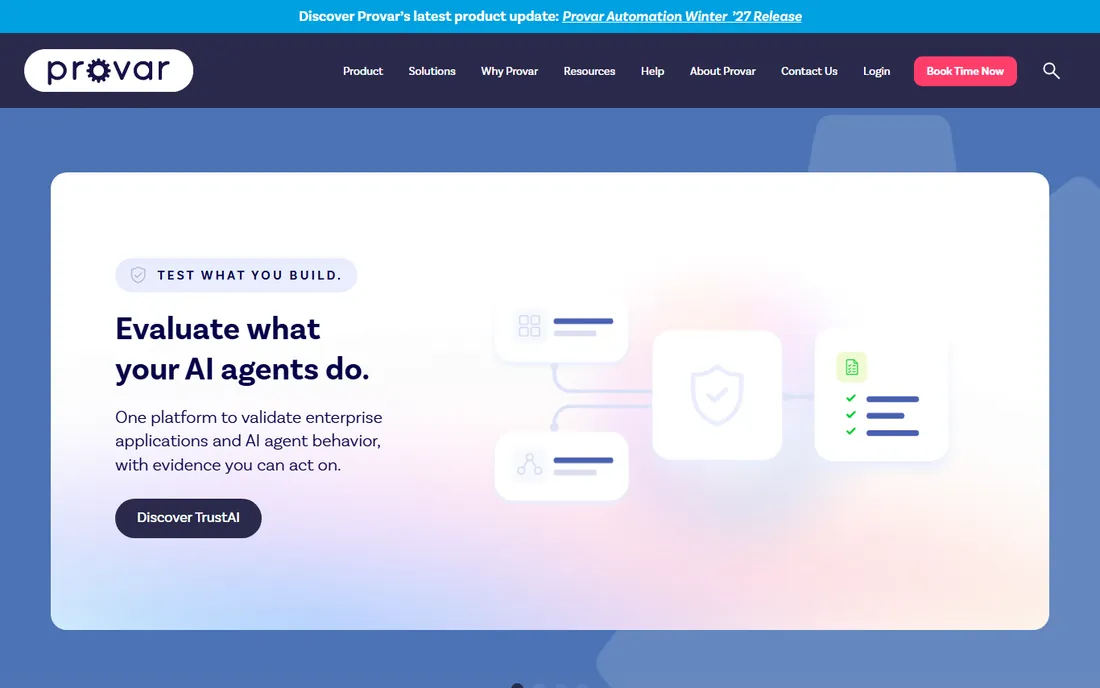
Provar exists because Salesforce testing is different enough to deserve its own tool. Instead of locating elements in the page's DOM, it builds tests from Salesforce metadata, which means tests reference what a field is rather than where it happens to sit in the page. In practice, this is the reason large Salesforce shops pay for Provar: scripts that would die on every seasonal release survive with much less rework.
That specialization has a cost. Provar is a genuine enterprise product with quote-based pricing, and getting a team productive takes real implementation effort: metadata refreshes, test data setup and CI wiring do not configure themselves. It is also Salesforce-centric by design. If you need the same platform to test a .NET desktop app or a mobile native app with equal strength, Provar is the wrong shape.
Buyers with regulated industries and complex Salesforce orgs keep choosing it because of audit trails and release-to-release stability. Teams with simple orgs and one or two testers will find it more tool than they need.
What we like- Salesforce metadata-based authoring
- Resilient to seasonal releases
- Deep DevOps integrations
Watch out for- No published pricing
- Desktop-based setup can be heavy to roll out
#2
Copado Robotic Testing
Best for: Teams already running Copado DevOps
Visit copado.com
Starting priceSee website
Free planFree trial
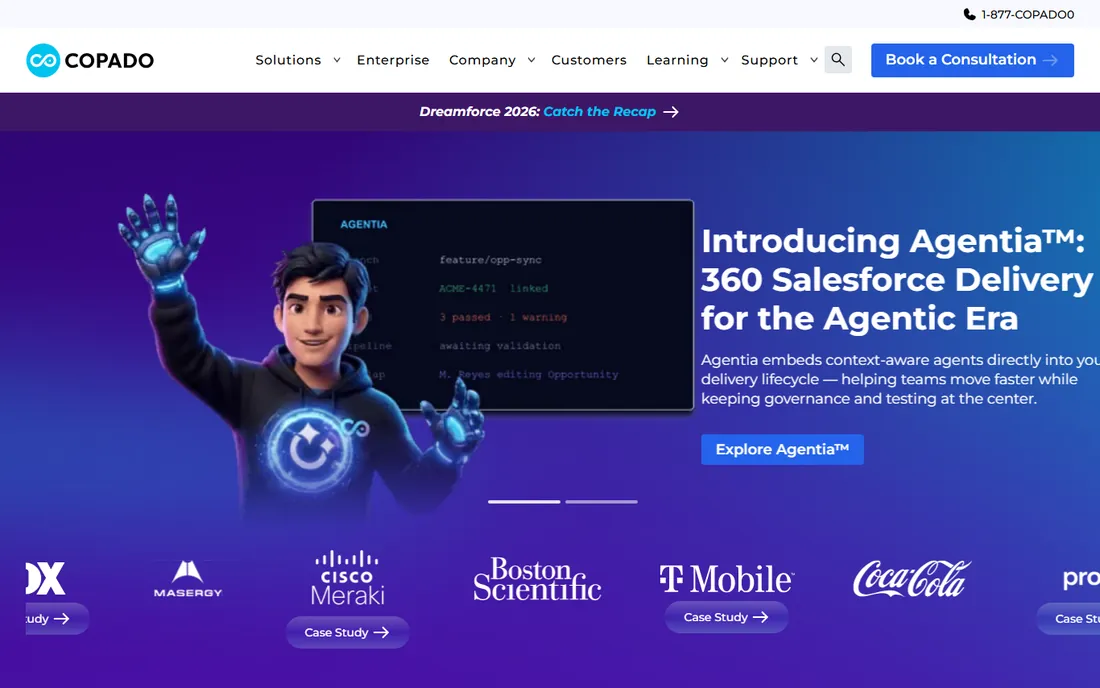
Copado's argument is organizational, not technical: if your releases already flow through Copado, quality data should live in the same pipeline as deployments. Robotic Testing runs inside that world, so a failed test is part of a release story, not a separate system someone checks later. For teams that adopted Copado for CI/CD, that consolidation removes a tool and a handoff.
As a pure test automation product it is not the first name most buyers reach for, and buying it without the rest of the Copado platform makes little sense. Evaluation also runs through sales. The realistic audience is Salesforce release managers who already live in Copado and want testing folded into the same controls, user stories and compliance reporting.
What we like- Testing inside the DevOps pipeline
- Unified release and quality data
- Strong Salesforce context
Watch out for- Pricing not published
- Least attractive as a standalone purchase
Starting priceSee website
Free planFree trial
ACCELQ sits at the enterprise end of no-code testing. Business users and QA engineers write tests in a visual interface while the platform handles web, mobile, API and packaged applications (Salesforce included) from the same test base. Its strength is treating test automation as a managed asset: change management, traceability and reporting are built in rather than bolted on.
The catch is the commercial model. There is no public pricing and no self-serve path; you evaluate through a sales conversation and negotiate. That is fine for a Fortune 1000 QA org but a non-starter for a small consultancy. Also note that "no-code" describes authoring, not test design: someone still has to decide what the tests should do.
For Salesforce shops that also test other enterprise apps, ACCELQ's packaged-app coverage is the selling point. For Salesforce-only teams, a specialist like Provar usually wins.
What we like- Truly codeless authoring
- Covers web, mobile, API and packaged apps
- Strong CI/CD connections
Watch out for- Quote-based enterprise pricing
- Onboarding is a project for large orgs
#4
Opkey
Best for: Enterprises testing Salesforce alongside Oracle, Workday or SAP
Visit opkey.com
Starting priceSee website
Free planFree trial
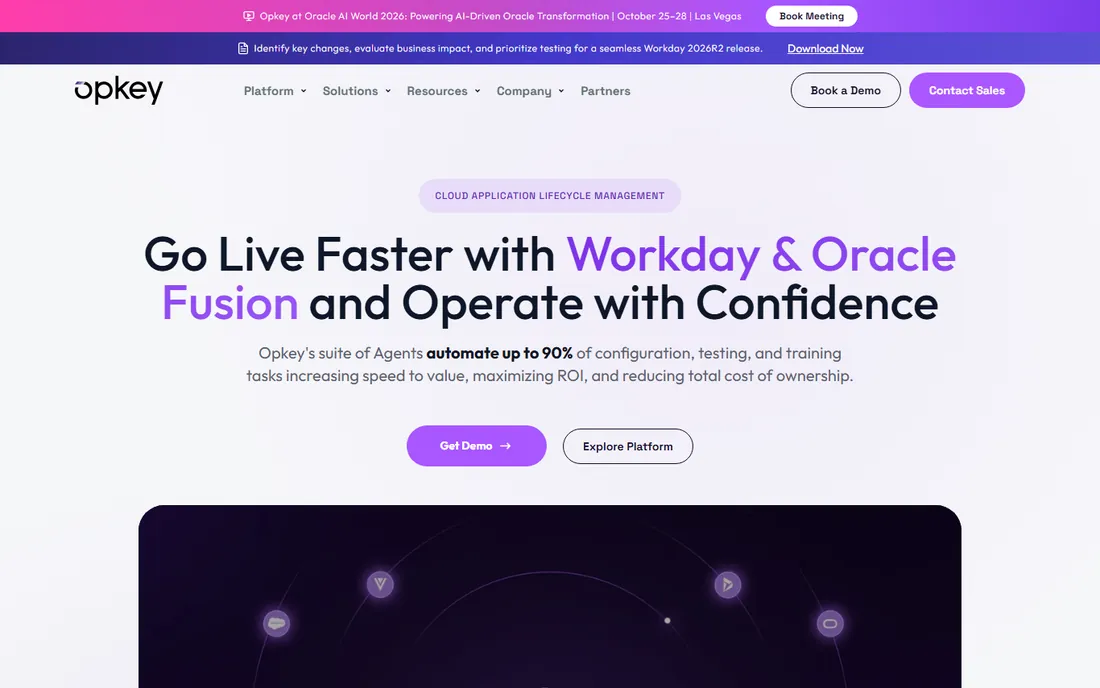
Opkey's distinctive asset is its library of pre-built test cases for packaged enterprise applications. For a team running Salesforce plus an ERP like Oracle or Workday, that library shortens the start of the automation journey: you begin from proven scenarios instead of a blank canvas. Its AI features cover test discovery, self-healing and impact analysis when the application changes.
The tradeoff is focus. Opkey is a lifecycle platform for many enterprise applications, so its Salesforce depth is good but not its defining trait the way it is for Provar. Pricing is quote-based with no self-serve entry, and smaller teams will find the platform oversized. It fits best where one tool must cover several packaged applications under one contract.
What we like- 30,000+ pre-built test cases for packaged apps
- AI test discovery
- No-code creation
Watch out for- No published pricing
- Platform is broad rather than Salesforce-deep
#5
Tricentis Testim
Best for: Agile teams that want fast, AI-assisted UI tests
Visit testim.io
Starting priceSee website
Free planFree trial
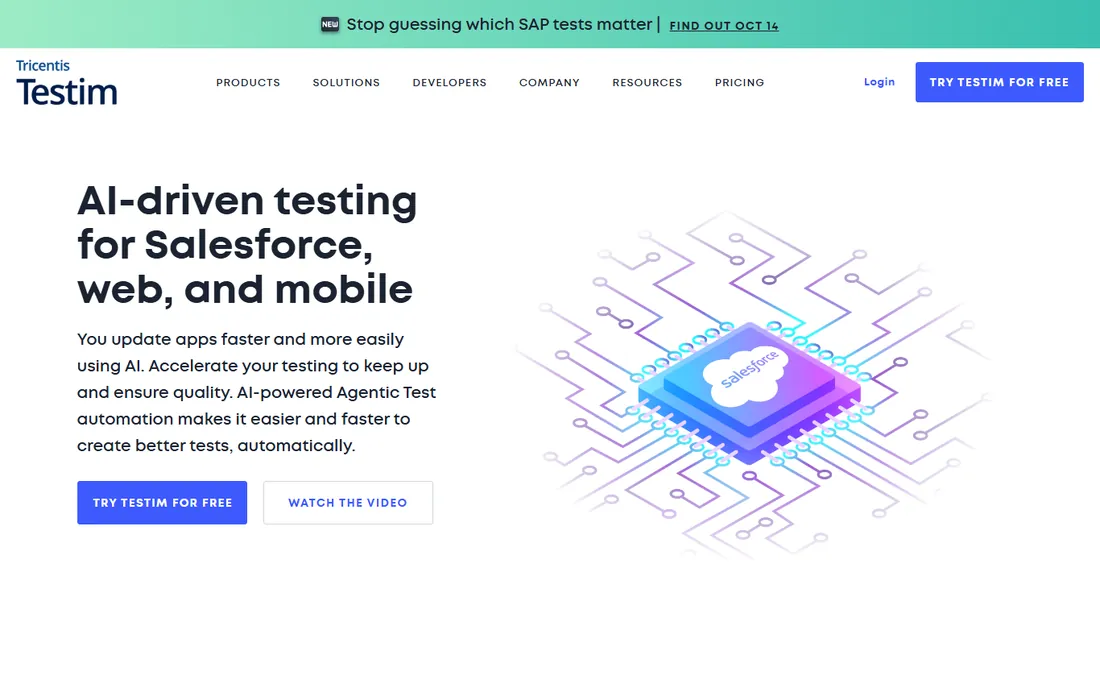
Testim, part of Tricentis, takes the AI angle: record tests quickly, and let the platform's machine learning stabilize them against UI changes. For Salesforce Lightning pages, where dynamic elements are a constant source of flakiness, that stabilization matters. It is one of the faster tools to get value from if your team already knows its way around web automation.
What it does not give you is Salesforce-native behavior like metadata-based authoring or release-aware test maintenance. It treats Salesforce as a web app and tests it as one, which works until you need to test against metadata, flows or Apex-adjacent logic. Pricing is quote-based. It is a strong pick for teams that want UI automation quickly across Salesforce and other web apps, weaker for teams that need Salesforce-specific resilience.
What we like- Fast test creation
- AI stabilization of flaky tests
- Good fit for web-based Salesforce testing
Watch out for- No public pricing
- Broader UI tool, not a Salesforce specialist
#6
Katalon
Best for: Teams that want published pricing and a low entry cost
Visit katalon.com
Starting price$1,000 per seat/year (~$84 per seat/month)
Free planYes
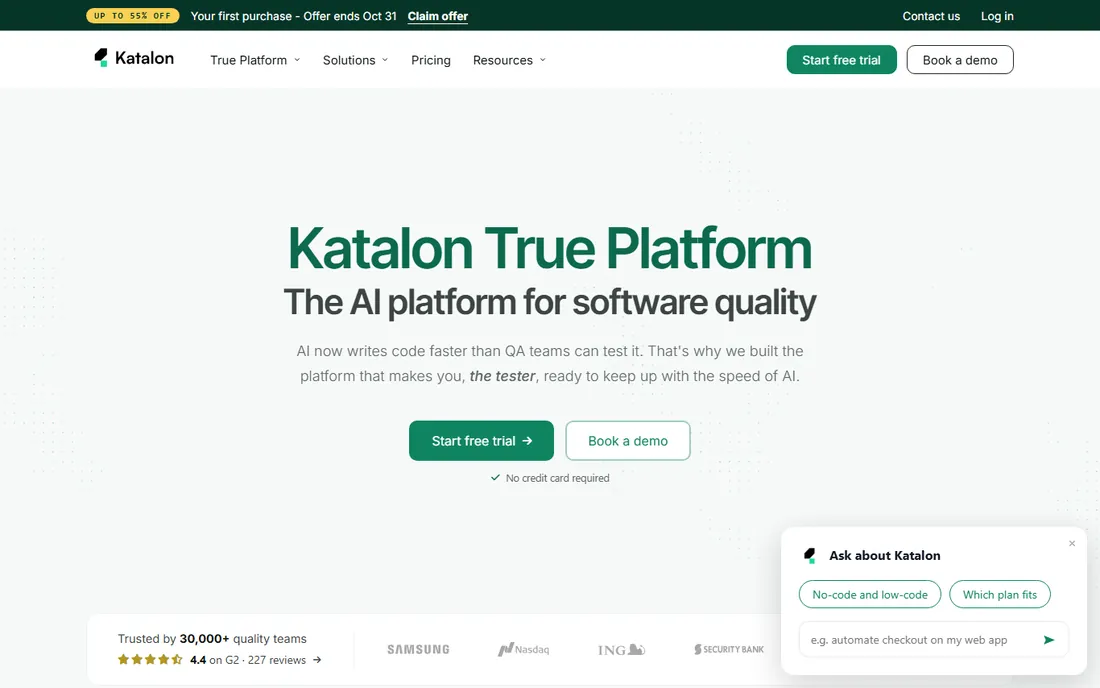
Katalon is the outlier here in how you buy it. Where the others route you through sales, Katalon publishes its prices: the Professional plan is $1,000 per seat per year, there is a free plan for authoring and running tests locally, and a 30-day trial that needs no credit card. For a small consultancy or an internal team automating on a budget, that transparency alone is a reason to shortlist it.
On the technology side it is a general-purpose automation studio: web, mobile, API and desktop, with record-and-playback plus scripting. It will test Salesforce's web UI, but it has no Salesforce-specific intelligence. Tests are DOM-based, so you should expect more maintenance around Salesforce releases than with a metadata-based tool. It also now bundles AI agents for authoring, failure analysis and self-healing, which helps.
Pick Katalon when budget and speed of purchase matter more than Salesforce specialization. Pick a specialist when release-to-release stability is the primary concern.
What we like- Published, affordable pricing
- Free plan exists
- Covers web, mobile, API and desktop
Watch out for- Salesforce support is generic, not metadata-aware
- Some enterprise features need higher tiers
#7
mabl
Best for: Engineering teams embedding tests in CI/CD
Visit mabl.com
Starting priceSee website
Free planFree trial
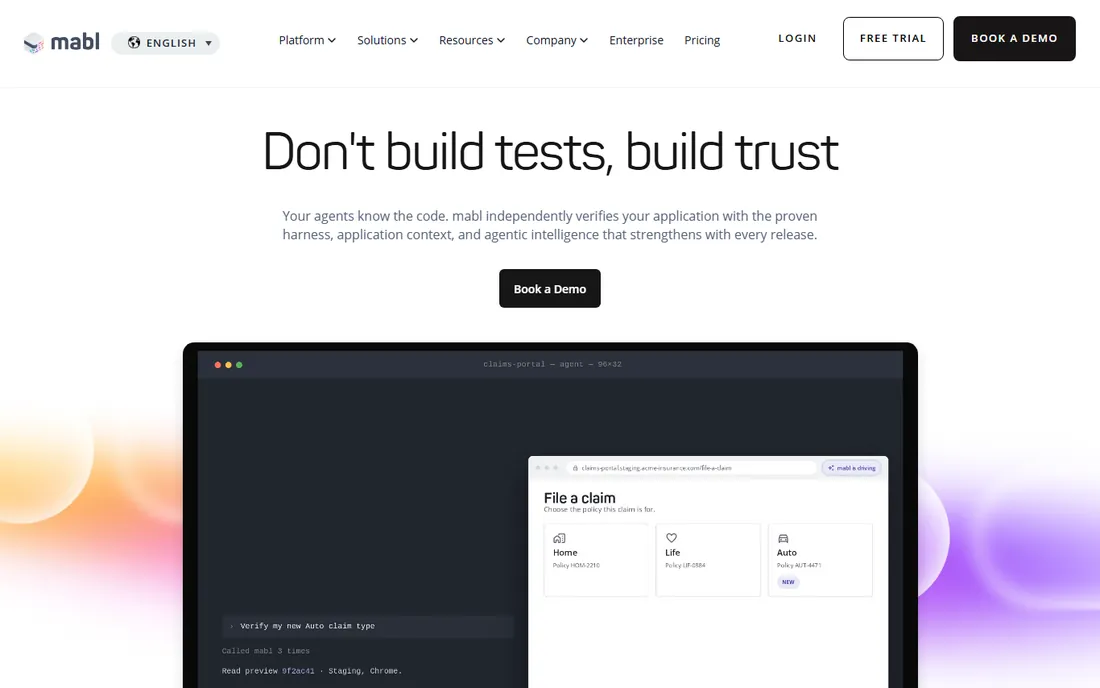
mabl is built for developers and QA engineers who live in CI pipelines. Tests auto-heal when the UI changes, failures come with automatic root-cause summaries, and local and CI runs are unlimited under its model. Cloud executions consume credits (starting at 500 per month on typical plans), which is the meter you negotiate on.
The friction is the buying process: no published prices, no free tier, a 14-day trial, and then a sales conversation. For a team that needs Salesforce UI testing alongside API and accessibility testing in one dashboard, that is often worth it. For a buyer who wants to compare numbers on a spreadsheet before talking to anyone, it is not.
mabl treats Salesforce as one web application among many. It is a good fit for product teams whose Salesforce instance is part of a larger web and API surface.
What we like- AI auto-healing and failure triage
- Unlimited local/CI runs
- Solid API and accessibility coverage
Watch out for- No published pricing
- Cloud runs are credit-based
- No permanent free tier
Starting priceSee website
Free planFree trial
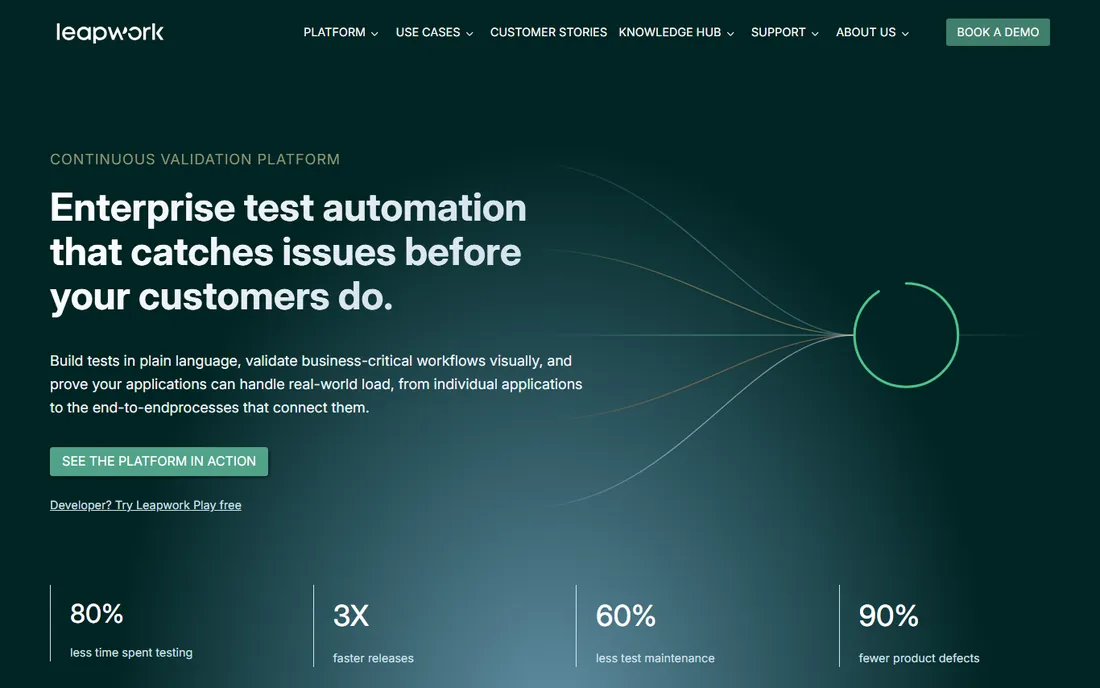
Leapwork's interface is a flowchart: testers build cases as visual flows instead of writing or recording scripts. For teams where domain experts (not programmers) need to create and maintain tests, that design removes the biggest barrier. It automates web, desktop and a long list of applications, Salesforce included.
The honest caveats: pricing is quote-only, and the platform's architecture is Windows-centric, which is fine for desktop-heavy shops but adds friction if your infrastructure is cloud-native. Also, visual flows scale well for business-process tests but can get unwieldy for deeply data-driven scenarios.
It is worth a look when the people who must maintain the tests are functional testers or business analysts rather than engineers.
What we like- Visual flowchart-based test design
- Genuinely usable by non-programmers
- Salesforce covered as a web app
Watch out for- Pricing not published
- Windows-based designer can complicate cloud setups
#9
Testsigma
Best for: Cloud-first teams that want no infrastructure to manage
Visit testsigma.com
Starting priceSee website
Free planFree trial
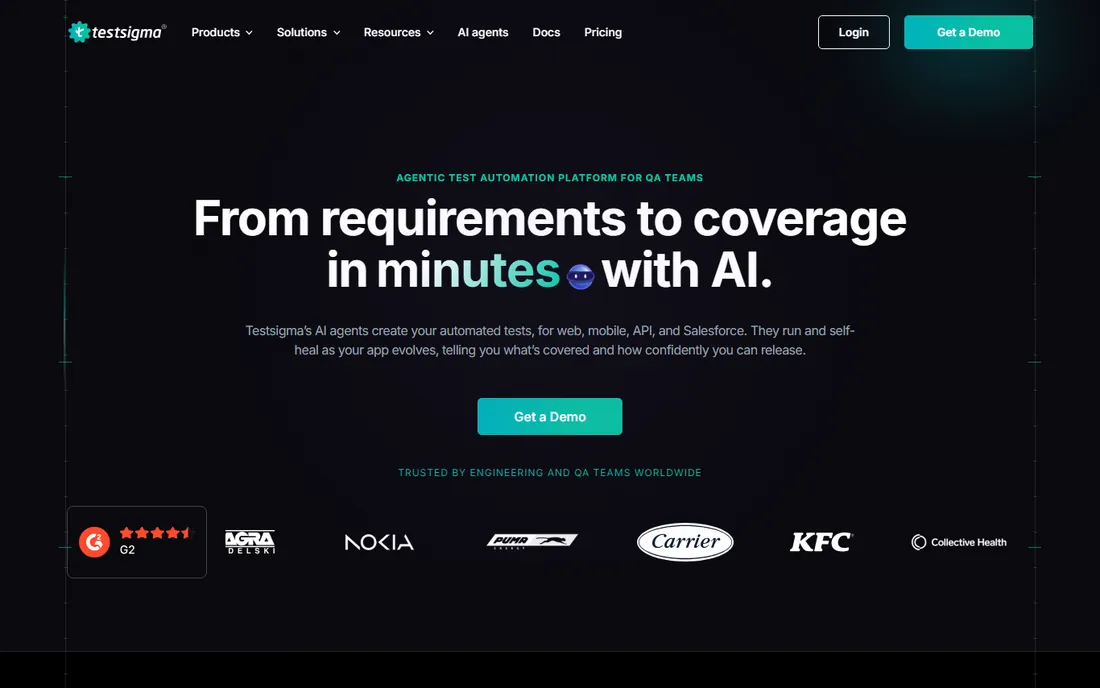
Testsigma's pitch is simplicity: a cloud platform where you write tests in plain English, run them on thousands of browser and device combinations, and never provision execution infrastructure. For teams without a DevOps function to maintain test grids, that removes a real cost.
Pricing is quote-based for both Pro and Enterprise, so you will talk to sales before you know your number. It is also a general platform rather than a Salesforce specialist: good for web and mobile testing of the Salesforce UI, not for metadata-aware regression. The free trial lets you validate fit before the commercial conversation.
What we like- Fully cloud-based, nothing to install
- Plain-English test authoring
- API, mobile and web coverage
Watch out for- No published prices
- Quote-based Pro and Enterprise plans
How we chose
We started from Salesforce-specific automation tools and general codeless platforms with documented Salesforce support. Pricing and plan details came from each vendor's own pricing page where published; where the vendor does not publish prices, we state that plainly instead of repeating third-party estimates. We checked free trials and free tiers against vendor documentation, and weighted each tool for the Salesforce-specific problems that matter: surviving seasonal releases, handling Lightning UI dynamics, and fitting real team structures. No hands-on testing was performed; the recommendations are based on vendor documentation, pricing pages and public product comparisons.
What to look for before you buy
Salesforce test tools fail buyers in predictable ways, so check these before you sign.
Release resilience. Ask how the tool handles Salesforce's three annual releases. Metadata-based tools (Provar) and AI self-healing tools (Testim, mabl, ACCELQ) claim resilience; ask for a concrete answer about what happens to your suite on release weekend, and ask for a reference customer with a similar org size.
Who authors the tests. If your testers are business analysts, a visual or plain-English tool (Leapwork, Testsigma, ACCELQ) is non-negotiable. If they are engineers, a code-friendly or hybrid tool (Katalon, mabl) may be cheaper and more flexible.
Total cost, not list price. Quote-based tools often land at five figures annually once seats and execution capacity are counted. Factor in implementation services, which specialists frequently require. Katalon and Testsigma's trial options let you validate value before the contract conversation.
Test data and org strategy. The tool is half the problem; test data is the other half. Ask each vendor how tests handle sandbox data, scratch orgs and data refreshes, because a great tool with no data strategy still produces flaky suites.
Salesforce testing pricing in plain numbers
Most Salesforce test automation is quote-based: expect to talk to sales for Provar, Copado, ACCELQ, Opkey, Testim, mabl, Leapwork and Testsigma. The only published number in this list is Katalon's $1,000 per seat per year for Professional. Treat third-party price listings for the others as unreliable; get a written quote against your seat count and execution volume before comparing. Free trials are widely available, which is the practical way to compare these tools: run the same regression scenario in two of them and measure maintenance effort over a month.
Frequently asked questions
How often does Salesforce break automated tests?
Three seasonal releases per year plus ongoing admin configuration changes. DOM-based scripts break most often; metadata-based or AI-healed tools reduce but do not eliminate maintenance.
Is Provar worth the price?
For large, complex Salesforce orgs where regression failure is expensive, usually yes. For small orgs with simple processes, the quote-based enterprise pricing is hard to justify against tools like Katalon.
Can I test Salesforce with Selenium for free?
Yes, but you pay in maintenance. Selenium scripts against Lightning UI are notoriously brittle, and someone must maintain the framework, grid and data. Most teams move to a commercial tool after the first release cycle breaks their suite.
Do these tools test Salesforce mobile apps?
Most cover web and mobile web. Native mobile testing varies: check each vendor's mobile story and whether it is included or an add-on.
What is the difference between Copado Robotic Testing and the other tools?
Copado embeds testing inside its DevOps platform, so quality gates live in the release pipeline. The others are test platforms first, with CI/CD integrations. Buy Copado's testing if you already use Copado for releases.
Do any of these tools offer free plans?
Katalon has a genuine free plan. The rest offer free trials (typically 14 to 30 days) and quote-based paid plans.
Sources we checked (6)
- https://katalon.com/pricing
- https://testsigma.com/pricing
- https://www.mabl.com/pricing
- https://www.spotsaas.com/product/accelq/pricing
- https://www.grazitti.com/blog/top-10-salesforce-test-automation-trends-to-watch-in-2026/
- https://www.c-sharpcorner.com/article/software-test-automation-service-vs-salesforce-test-automation-service-whats-the-difference
Is your product missing or out of date?
We review this list regularly. Vendors can request a listing, send updated pricing or ask about featured placement.

Shihab Mia · Founder, Rankite
Shihab has spent more than a decade helping SaaS and e-commerce brands grow through search. He writes Rankite's software buying guides from pricing pages, documentation and public user reviews. More about Shihab.