How we make this list: we compare pricing pages, product documentation and public user reviews. Ratings come from G2, Capterra or Trustpilot, with the date we checked them.
Key takeaways
- The best automated AI trading apps in 2026 split into stock tools that scan and signal, and crypto tools that run bots around the clock.
- Trade Ideas and TrendSpider lead for active stock traders, while Composer and Capitalise.ai suit traders who want to automate rules without writing code.
- 3Commas and Cryptohopper lead for crypto automation, and QuantConnect suits programmers building custom strategies.
- Trading carries real risk of loss, and no app here guarantees profits. This article is general information, not financial advice.
Quick comparison
| Tool | Best for | Starting price | Free plan |
|---|
 Trade Ideas Trade Ideas | AI stock signals for day traders | $127 per month | No |
 TrendSpider TrendSpider | Automated chart analysis | $59 per month | No |
 Composer Composer | No-code stock strategies | Free | Yes |
 Capitalise.ai Capitalise.ai | Plain-English strategy automation | Free | Yes |
 Tickeron Tickeron | AI pattern robots | See website | Free trial |
 3Commas 3Commas | Multi-exchange crypto bots | See website | Yes |
 Cryptohopper Cryptohopper | Cloud crypto strategy bots | $29 per month | Yes |
 QuantConnect QuantConnect | Programmers building algos | Free | Yes |
Is your product missing or out of date?
We review this list regularly. Vendors can request a listing, send updated pricing or ask about featured placement.
The best automated AI trading apps
Starting price$127 per month
Free planNo

Trade Ideas suits active stock traders who want AI-generated ideas before the open. Its Holly engine tests dozens of algorithms against the market each night and surfaces the strongest as a curated watchlist, while real time scanning flags setups during the session. The Standard plan costs 127 dollars per month, or about 89 dollars per month on annual billing, while Premium, which includes Holly, costs 254 dollars per month, or about 178 dollars on annual billing.
The trade is price and complexity. Holly lives only on Premium, and the platform assumes a trader who watches the market daily. Automated execution runs through supported brokers, so check broker compatibility before subscribing. Past signal performance never guarantees future results, and a signal list is a starting point for research, not a promise.
What we like- Holly AI nightly signal engine
- Real time scanning
- Broker integration for automation
Watch out for- Premium tier is costly
- Holly needs the Premium plan
- Steep learning curve
Starting price$59 per month
Free planNo

TrendSpider automates the chart work active traders usually do by hand. It draws trendlines, detects patterns, and watches several timeframes at once, then alerts you when price meets a level you care about. The scanner accepts plain-language conditions, such as a stock near a multi-timeframe trendline, rather than forcing long filter chains. Backtesting and no-code bots are included on all plans, with bot slots and scan frequency rising on higher tiers.
Pricing is the detail to check first. Published October 2026 checks put Standard at 59 to 89 dollars per month depending on billing term, with Premium and higher tiers above that, and a paid 14-day intro period rather than a free trial. Real time US stock data is included for non-professionals, while futures data costs more. TrendSpider fits technical traders who live on charts and less so long-term investors who mainly need fundamentals.
What we like- Automated trendlines and patterns
- Multi-timeframe analysis
- Backtesting and no-code bots
Watch out for- No free tier, only a paid intro period
- Futures data costs extra
- AI messages capped per plan
Starting priceFree
Free planYes
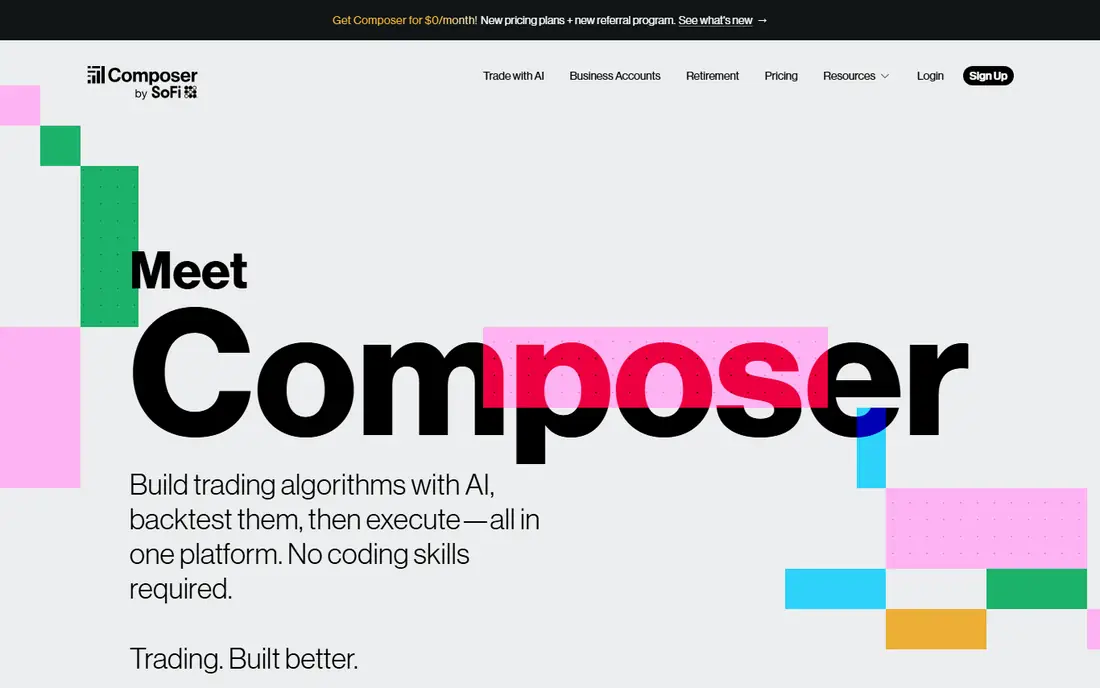
Composer lets traders build automated stock and ETF strategies visually, without writing code. You stack conditions and actions into a strategy, backtest it against history, and let the platform rebalance on your schedule through a supported broker. A free Starter tier covers basic use, while paid tiers add more strategies, backtests, and features.
The trade is scope and cost. Composer covers stocks and ETFs, not crypto or futures, and paid tiers raise the bill for heavy users. Backtests also flatter strategies that fit past data too closely, so paper trade a new strategy before funding it. For a trader who wants automation without code, Composer is the easiest entry point.
What we like- Visual strategy builder
- Automated rebalancing
- Backtesting built in
Watch out for- Paid tiers raise the monthly cost
- US stocks and ETFs only
- Strategies still need your own risk rules
Starting priceFree
Free planYes
Capitalise.ai turns plain-English trading rules into automated strategies. You write conditions such as moving average crosses or RSI levels in normal sentences, backtest them, and connect a supported broker for execution across stocks, forex, and crypto depending on the broker. The base tier is free, with cost depending on broker and plan.
The limits are broker dependence and coverage. Not every market is available through every broker, and advanced features sit on paid plans. Plain-English rules also hide complexity, so a rule that reads simply can still behave badly in fast markets. For a trader who thinks in rules but does not code, Capitalise.ai lowers the barrier sharply.
What we like- Strategies written in plain English
- Broker execution
- Backtesting included
Watch out for- Free tier depends on broker
- Advanced features need paid plans
- Market coverage varies by broker
Starting priceSee website
Free planFree trial
Tickeron scans stocks, crypto, and forex for chart patterns and runs prebuilt AI robots that trade set strategies. Pattern recognition covers formations that take hours to find by hand, and robots package entry, exit, and risk rules into one subscription. A free trial covers basic evaluation before paying.
The trade is pricing clarity and oversight. Published prices differ by robot, timeframe, and plan, so the starting price here is written as See website. Robots also need monitoring, since a strategy that worked last quarter can fail in a new market regime. For a trader who wants ready-made AI strategies across several markets, Tickeron offers the widest menu.
What we like- Pattern recognition across markets
- Prebuilt AI robots
- Wide asset coverage
Watch out for- Published prices differ by robot and plan, so check the pricing page
- Interface is dense
- Robots need monitoring
#63Commas
Best for: Multi-exchange crypto bots4.4/5 on
G2 (23 reviews, checked Oct 2026)
Visit 3commas.io
Starting priceSee website
Free planYes
3Commas is the most popular crypto automation platform for traders who run bots across several exchanges. Dollar-cost averaging bots, grid bots, and smart terminals cover the main bot styles, and paper trading lets you test settings without funds. A free tier covers basic use, while paid plans raise bot counts and features.
The limits are price clarity and risk. Published entry prices differ across sources, so the starting price here is written as See website. Crypto trades around the clock, so a bot can lose money overnight while you sleep, and API keys need tight permissions and IP limits. For a crypto trader who wants one dashboard for several exchanges, 3Commas is the standard pick.
What we like- DCA, grid, and smart terminals
- Many exchange connections
- Paper trading
Watch out for- Published entry prices differ across sources, so check the pricing page
- Crypto markets run 24 hours
- API key security is on you
Starting price$29 per month
Free planYes
Cryptohopper runs crypto strategy bots in the cloud, so your computer does not need to stay on. Its marketplace offers strategies, signals, and templates from other traders, and backtesting plus paper trading let you test before risking funds. The Explorer plan starts at 29 dollars per month, with a free tier for basic evaluation.
The trade is strategy quality. Marketplace strategies differ widely, and a top-rated strategy from last month may fail this month, so treat ratings as history, not a forecast. Exchange trading fees still apply on top of the subscription. For a crypto trader who wants hosted bots plus a marketplace of ideas, Cryptohopper is a solid choice.
What we like- Cloud-hosted bots
- Strategy marketplace
- Backtesting and paper trading
Watch out for- Marketplace strategies vary in quality
- Exchange fees still apply
- Advanced tools need higher tiers
Starting priceFree
Free planYes
QuantConnect suits programmers and quants who want to build, backtest, and deploy custom algorithms. Its cloud environment covers stocks, crypto, forex, and futures with a large historical data library, and strategies can run live through supported brokers. Starting is free, which suits learning and prototyping.
The limits are skill and cost. The workflow is code-first, so non-coders will struggle, and realistic total cost climbs with premium data feeds, compute, and organization features. For a developer who wants full control over every rule and risk check, QuantConnect is the most capable platform here.
What we like- Full coding environment
- Large data library
- Live trading through brokers
Watch out for- Code-first workflow
- Total cost climbs with premium data
- Steep learning curve for non-coders
How we chose
We ranked tools by automation depth, markets covered, backtesting quality, risk controls, ease of setup, and value at entry level pricing. We favored tools that let you test before funding, through paper trading or backtesting, and that expose risk settings such as stop losses and position limits rather than hiding them. We gave extra weight to tools with clear broker or exchange execution, since a signal you cannot act on cleanly has limited value.
We also weighed entry cost honestly. Where published prices conflicted across sources, such as TrendSpider Standard or Tickeron robots, we used the most recent commonly listed figure or wrote See website, so readers check the vendor pricing page rather than trusting a stale number. This article is general information, not financial advice, and no tool here guarantees profits.
Buying guide
Start by naming your market and your strategy. Stock traders should weigh Trade Ideas, TrendSpider, Composer, and Capitalise.ai, while crypto traders should weigh 3Commas and Cryptohopper. Coders should start with QuantConnect. If you cannot describe your strategy in one paragraph, you are not ready to automate it, since automation only scales a rule you already understand.
Next, test before funding. Paper trade every new strategy for at least a few weeks across different market conditions, and compare live behavior against backtests, which often flatter. Set position limits, stop losses, and a maximum daily loss before the first live trade, and keep total automated capital small until the strategy survives real slippage and fees.
Finally, manage risk as a habit. Review bot performance weekly, pause strategies that drift from their backtest, and never fund automation with money you cannot afford to lose. Keep API keys restricted to trading only, with IP limits where the exchange supports them, and withdraw profits on a schedule rather than letting balances compound unchecked. A tool that saves time is valuable, but no automation replaces your own risk judgment.
Frequently asked questions
What is the best automated AI trading app overall?
Trade Ideas suits active stock traders, Composer suits no-code stock strategies, and 3Commas suits multi-exchange crypto bots. The best pick follows your market and whether you code.
Can AI trading apps guarantee profits?
No. No app here guarantees profits, and past performance, whether backtested or live, does not guarantee future results. Treat signals and bots as tools, not promises.
Should I paper trade first?
Yes. Paper trade every new strategy for weeks across different market conditions before funding it, and keep initial live capital small until the strategy survives real slippage and fees.
Do these apps execute trades automatically?
Some do, through a broker or exchange connection, while others only generate signals you act on yourself. Check execution support for your broker or exchange before subscribing.
What are the main risks of trading bots?
Bots can lose money overnight, especially in crypto markets that run around the clock, and strategies can fail when market regimes change. Position limits, stop losses, and weekly reviews reduce but never remove that risk.
Sources we checked (0)
Is your product missing or out of date?
We review this list regularly. Vendors can request a listing, send updated pricing or ask about featured placement.

Shihab Mia · Founder, Rankite
Shihab has 5+ years in B2B and SaaS SEO. He writes Rankite's software buying guides from pricing pages, documentation and public user reviews. More about Shihab.