How we make this list: we compare pricing pages, product documentation and public user reviews. Rankite is independent; if a vendor ever pays for a featured spot, that listing is clearly labeled Partner.
Key takeaways
- The best attendance tracking software for hourly teams pairs a simple time clock with scheduling, so clock-ins can be checked against the schedule automatically.
- Connecteam and Homebase are the value leaders for small businesses, with free tiers for small teams that cover time clocks, schedules and messaging.
- Jibble is the strongest completely free option, with facial recognition and GPS for unlimited users, while When I Work and Deputy add deeper scheduling and compliance.
- If you already run QuickBooks, QuickBooks Time syncs attendance data straight into payroll with almost no setup.
Quick comparison
| Tool | Best for | Starting price | Free plan |
|---|
 Connecteam Connecteam | small businesses wanting an all-in-one employee app | Free (up to 10 users) | Yes |
 Homebase Homebase | hourly teams at restaurants, retail and services | Free (Basic plan) | Yes |
 When I Work When I Work | shift-based teams that live on schedules | From $2.50/user/month | Free trial (14 days) |
 Deputy Deputy | multi-location teams needing compliance controls | See website | Free trial |
 Jibble Jibble | teams that want a genuinely free time clock | Free | Yes (free forever for unlimited users) |
 Buddy Punch Buddy Punch | small businesses wanting a simple, affordable clock | See website | Free trial |
 OnTheClock OnTheClock | small businesses needing payroll-ready timecards | See website | Free trial (30 days) |
 QuickBooks Time QuickBooks Time | teams already running QuickBooks payroll | See website | Free trial |
Is your product missing or out of date?
We review this list regularly. Vendors can request a listing, send updated pricing or ask about featured placement.
The best attendance tracking software
Starting priceFree (up to 10 users)
Free planYes
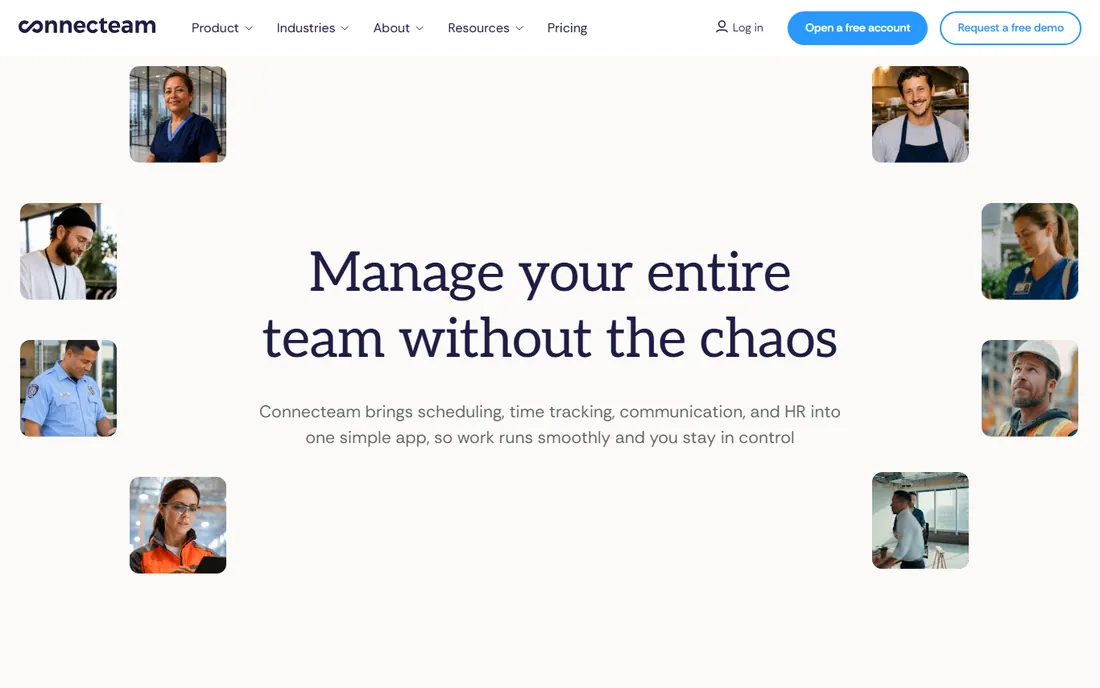
A restaurant owner wants one app where staff clock in, see the schedule and swap shifts. An office manager wants PTO approvals that do not live in email threads. Connecteam serves both from the same platform, which is why it keeps showing up on best-of lists for deskless teams.
The employee time clock supports mobile, desktop, shared kiosk and NFC clock-ins, with GPS stamps and geofencing to confirm people are actually on site. Hours flow into digital timesheets that are payroll-ready, with overtime and break calculations handled automatically. Scheduling, in-app chat, forms and training sit alongside, so the time data lives with the rest of the operation instead of in a separate silo.
The honest catch is scale and depth. Teams over 10 users move to paid plans, and the workforce features stay deliberately simple compared to platforms built for compliance-heavy industries. If you want one friendly app that replaces five scattered tools, it delivers. If you need advanced labor-law automation across many states, look at Deputy instead.
What we like- Free for teams under 10
- Time clock plus scheduling, chat and forms in one app
- Fast setup
Watch out for- Paid tiers needed for larger teams
- Some advanced workforce features are limited
Starting priceFree (Basic plan)
Free planYes
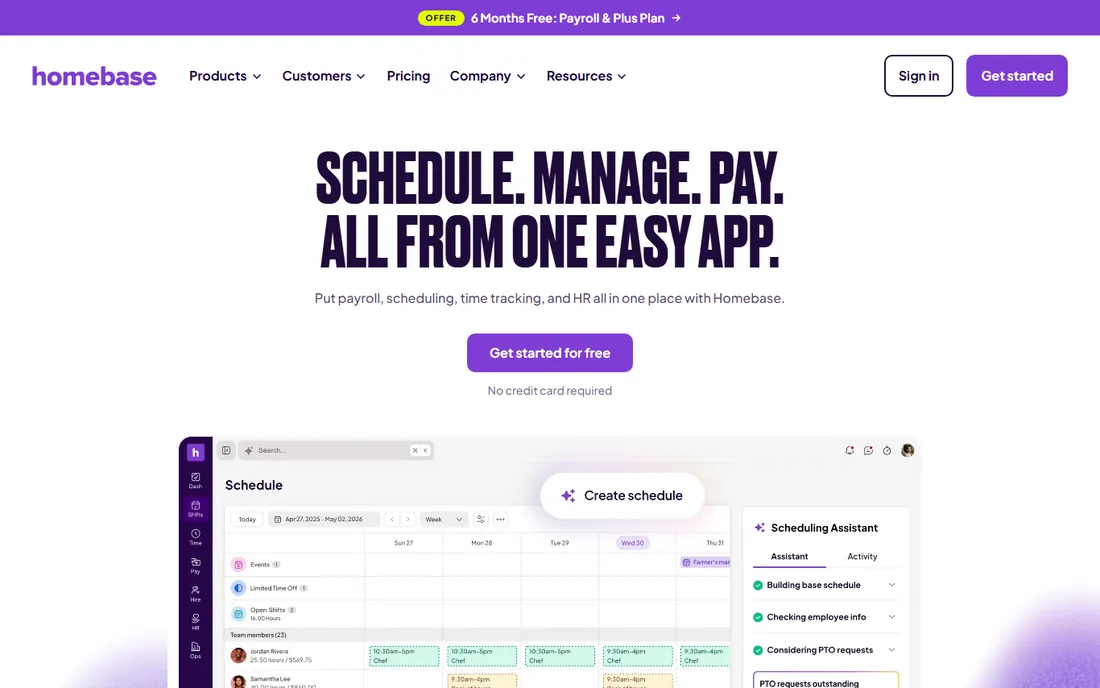
Homebase started with the hourly worker in mind and every feature reflects it. Turn any tablet, phone or POS device into a time clock, catch late clock-ins and early punches automatically, and run schedules against sales data imported from your point of sale. More than 150,000 small businesses use it, mostly in food, retail and services.
The Basic plan is free for one location with up to 10 employees and covers scheduling, time tracking, messaging and timesheets. Paid tiers add advanced time tracking, team communication, PTO management, HR compliance tools and payroll processing as an add-on. Labor cost forecasting and shift reminders come from the same dashboard.
Where it falls short is for teams that outgrow the basics. The free plan's employee cap forces an upgrade as you grow, and the payroll add-on plus higher tiers can push total cost above simpler competitors. But for a restaurant, cafe or shop with hourly staff, the free starting point is one of the best deals in this category.
What we like- Generous free plan for small teams
- Any device becomes a time clock
- Built-in hiring and payroll
Watch out for- Free plan caps at 10 employees
- Advanced HR features cost more
Starting priceFrom $2.50/user/month
Free planFree trial (14 days)
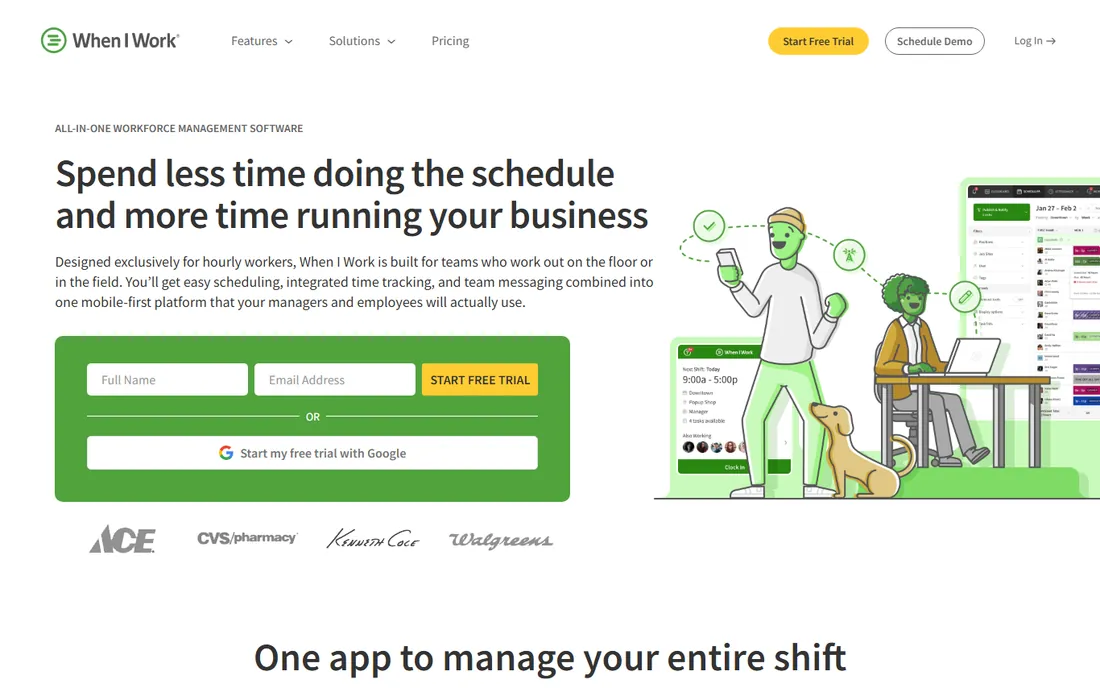
Where Homebase centers the time clock, When I Work centers the schedule and ties attendance to it. Managers build schedules in minutes, offer open shifts from the phone, and employees clock in with GPS verification that confirms they are at the job site. Attendance alerts flag no-shows against the schedule automatically.
The platform handles the full shift workflow: time-off requests, shift swaps, team messaging, labor forecasting and overtime alerts, with payroll integrations for QuickBooks, Gusto, ADP and Rippling. More than 200,000 workplaces use it, and it scales from a single storefront to multi-location operations with centralized control.
The trade-off is that it is a scheduling platform with attendance attached, not a dedicated attendance suite. Reporting depth and compliance tooling do not match Deputy or the enterprise tier of QuickBooks Time. Teams whose main pain is the schedule itself, though, will feel at home immediately.
What we like- Excellent scheduling and shift swapping
- GPS clock-ins tied to schedules
- Scales to 500+ employees
Watch out for- Pricing climbs with features
- Attendance reporting is less deep than dedicated trackers
#4
Deputy
Best for: multi-location teams needing compliance controls
Visit deputy.com
Starting priceSee website
Free planFree trial
Deputy is the pick when attendance tracking is a compliance problem, not just a payroll one. The platform automatically enforces break rules, overtime limits and Fair Workweek requirements based on location-specific labor laws, which matters enormously for multi-location retail, hospitality and healthcare businesses.
Scheduling uses AI-powered demand forecasting to match staffing to expected demand, while the digital time clock supports mobile, kiosk and facial-recognition verification with geofencing. Timesheets sync to payroll providers like Xero, MYOB, QuickBooks and ADP, and a native payroll product now covers shift-based businesses end to end.
This much capability comes with a learning curve and enterprise-style pricing. A single-location cafe will find Deputy heavier than it needs, and buyers should confirm pricing for their team size before committing. For operators running several locations under different labor rules, though, the compliance engine alone can justify the cost.
What we like- Strong compliance engine for breaks and overtime
- AI-powered auto-scheduling
- 390,000+ workplaces
Watch out for- Quote-based pricing for some plans
- More complex than small teams need
#5
Jibble
Best for: teams that want a genuinely free time clock
Visit jibble.io
Starting priceFree
Free planYes (free forever for unlimited users)
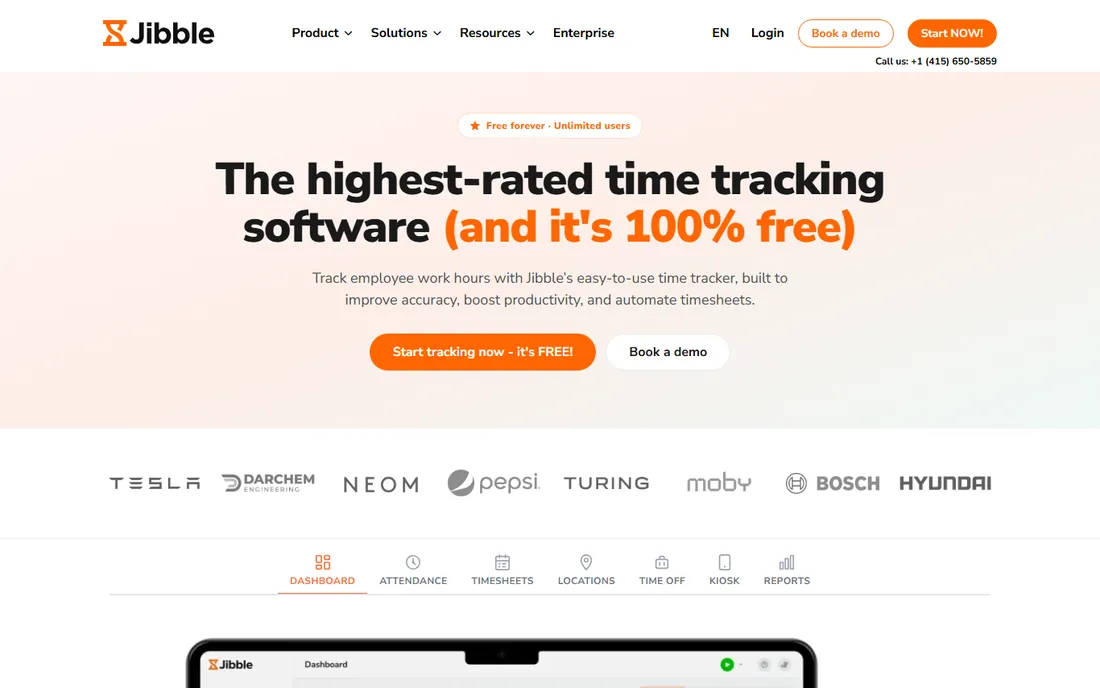
Jibble's pitch is simple: full-featured time tracking that costs nothing, forever, for as many users as you have. Clock in from web, mobile, desktop, a shared kiosk, a Chrome extension or inside Slack and Teams. Facial recognition, selfie capture, geofencing and GPS location stamps come standard, which is remarkable at this price.
Attendance management goes further than a stopwatch. Timesheets auto-populate, overtime calculates automatically, time-off requests and accruals are built in, and exports land in Xero, QuickBooks, Deel and other payroll tools. Real-time dashboards show who is clocked in across locations.
The catch is focus. Jibble does time tracking brilliantly and almost nothing else; there is no serious scheduling engine, no hiring module, no payroll of its own. Teams that need the whole workforce stack will pair it with other tools or pick an all-in-one instead. But if the job is tracking attendance accurately at zero cost, nothing else on this list comes close.
What we like- 100% free for unlimited users
- Facial recognition and GPS included
- Payroll integrations
Watch out for- No native scheduling depth
- Support is self-serve at this price
Starting priceSee website
Free planFree trial
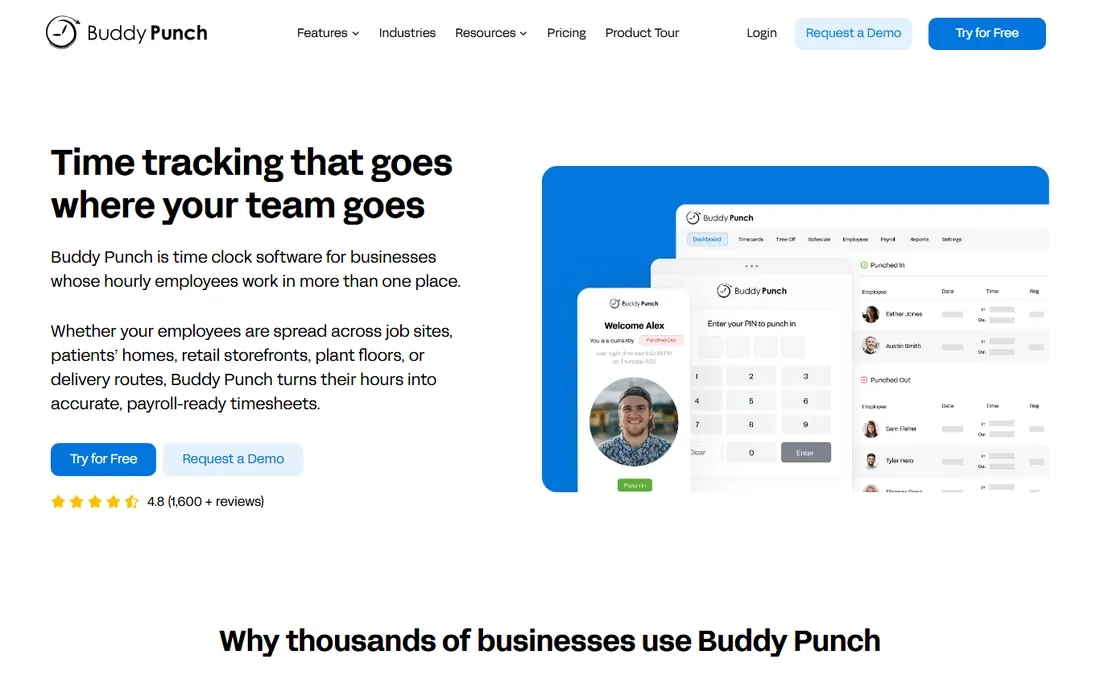
Buddy Punch keeps the time clock deliberately simple: employees punch in and out from a browser or mobile apps with one click, and owners get GPS tracking, geofencing, webcam verification and IP locks to keep everyone honest. Timesheets generate automatically with regular hours, overtime and pay calculated for you.
Scheduling and PTO management are included, and payroll integrations cover QuickBooks, Gusto, ADP and others, with a built-in payroll service for businesses that want it fully automated. The company leans into affordability and highly rated US-based support, positioning itself as the low-cost alternative to bloated workforce suites.
Pricing is not published prominently on the site, so expect a sales conversation or at least a pricing page visit before you know your number. The platform is also lighter on scheduling intelligence than When I Work or Deputy. For a small business that just wants a reliable, affordable clock its team will actually use, that simplicity is the point.
What we like- Very easy for non-technical employees
- Strong accountability features
- US-based support
Watch out for- Pricing details not published on homepage
- Add-ons raise the total
Starting priceSee website
Free planFree trial (30 days)
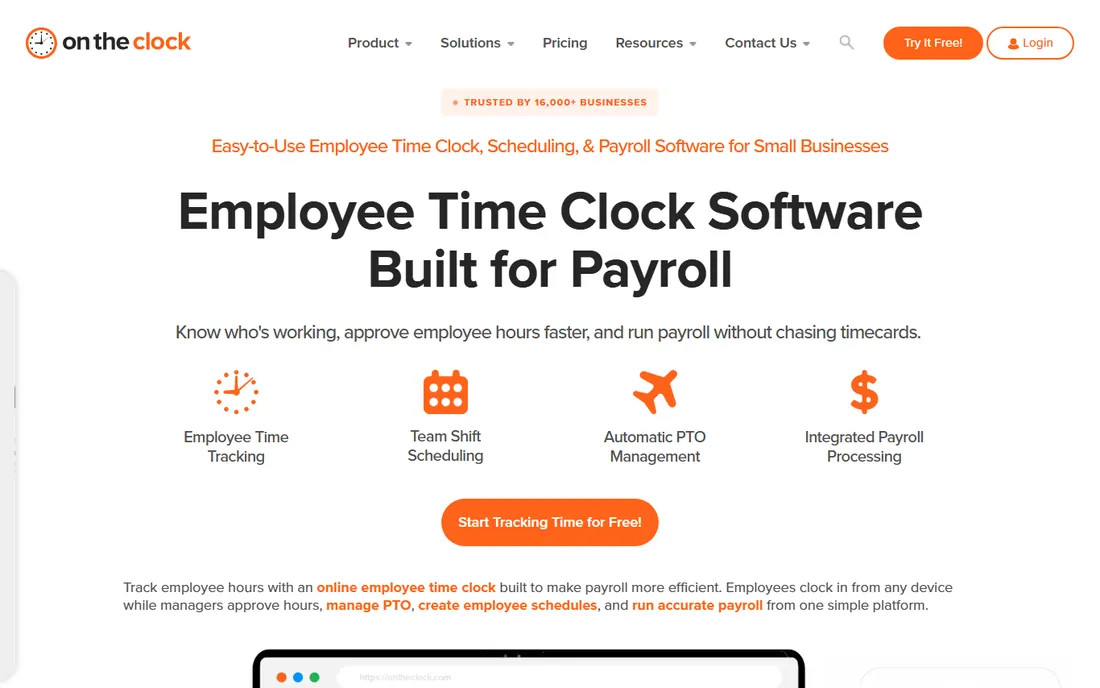
OnTheClock draws a useful line: tracking employee hours for payroll is a different job than tracking billable hours for clients, and it does the first one end to end. Employees clock in from phones, desktops, tablets or kiosks with GPS verification, managers review and approve timecards, and approved hours flow into payroll with almost no manual entry.
The platform also offers its own payroll processing with automatic tax filing, or connects to ADP, Gusto, QuickBooks and Square if you prefer your current provider. Shift scheduling, PTO tracking with accruals, and overtime rules round out a package aimed squarely at small to mid-sized businesses.
There is less here for teams that want scheduling intelligence, team chat or hiring in the same app. The interface is practical rather than polished. But for an owner whose main complaint is payroll taking too long, the promise is concrete: time data arrives payroll-ready, so payday stops being a data-entry project.
What we like- Payroll integrations built in
- Simple per-employee pricing
- Can run payroll in-platform
Watch out for- Fewer workforce extras than all-in-ones
- Design is functional rather than modern
Starting priceSee website
Free planFree trial
QuickBooks Time, formerly TSheets, is the obvious attendance tracker for the millions of businesses already on QuickBooks. Employee time flows straight into QuickBooks Online payroll and invoicing, job costing ties hours to customers and projects, and the QuickBooks Workforce app handles mobile clock-ins with GPS.
Features are solid across the board: a time kiosk app for on-site tablets, geofenced clock-in reminders, scheduling included in every plan, time-off management, photo attachments on timesheets and more than 50 accounting and payroll integrations. It is included with QuickBooks Online Payroll Premium and Elite plans.
Outside the Intuit ecosystem the appeal fades. Pricing is entangled with QuickBooks subscription tiers, making standalone cost comparisons awkward, and teams not on QuickBooks will find friendlier standalone options elsewhere on this list. But if QuickBooks already runs your books, the integration value is hard to argue with.
What we like- Deep QuickBooks integration
- GPS and geofencing
- Scheduling included in all plans
Watch out for- Pricing buried in QuickBooks plan structure
- Less appealing outside the Intuit ecosystem
How we chose
We reviewed vendor pricing pages, product documentation and public customer reviews on G2, Capterra and Reddit to compare clock-in methods, attendance features, payroll integrations and fit for different team types. We looked at what each platform does best, who it is priced for, and where buyers commonly hit limits. We did not run hands-on tests or request demos, and prices above come from vendor pricing pages or published listings current at the time of writing.
How to pick the right attendance tracker for your team
Start with how your team works. Hourly, shift-based teams need schedule-linked attendance: clock-ins verified against the schedule, no-show alerts and overtime rules per location. Office teams mostly need simple clock-ins, PTO approvals and payroll exports. Field teams need GPS verification, geofencing and offline-capable mobile apps. The wrong category here costs you daily frustration no feature list can fix.
Next, check the payroll handoff. Attendance software earns its keep when approved hours flow into payroll without re-entry. Ask whether your payroll provider is a native integration, a manual export, or not supported at all. Businesses on QuickBooks, Gusto, ADP or Rippling should shortlist tools with native sync, and confirm which pay rules carry over.
Test the employee experience with a real crew. If clocking in takes more than a few seconds or the app confuses your least technical employee, adoption dies and you are back to paper. Free trials and free tiers exist precisely for this: run a two-week pilot with one shift, measure how many clock-ins need manual fixing, and only then roll it out company-wide.
Finally, model the cost at your real headcount. Per-user pricing looks cheap at five employees and painful at fifty. Compare two-year totals at your current size and your expected size a year from now, and check whether kiosk hardware, extra locations or payroll add-ons cost more.
Why GPS and geofencing matter for attendance
Buddy punching, off-site clock-ins and early arrivals are where payroll leakage hides, and modern attendance software treats location as evidence. GPS stamps record where each clock-in happened, while geofences restrict clock-ins to approved job sites, flagging anything outside the boundary for review.
For field services, construction and home healthcare, this is the core of the product, not a bonus. Jibble and Buddy Punch include geofencing even at low or no cost, while Deputy and QuickBooks Time tie it into scheduling and job costing. The key question to ask any vendor is how exceptions are handled: does an out-of-bounds clock-in get blocked, flagged for manager review, or silently accepted.
Privacy matters too. Employees accept location tracking far more readily when the rules are clear: tracking only while on the clock, stated in the handbook, and applied evenly. Most tools here record location only during clocked-in time, which is the standard your team should expect.
Frequently asked questions
What is attendance tracking software?
Attendance tracking software records when employees start and stop work, replacing paper timesheets, punch cards and spreadsheets. Modern tools add GPS verification, geofencing, PTO management, scheduling and payroll integrations, so approved hours flow into payroll automatically with overtime and breaks calculated.
Is there free attendance tracking software?
Yes. Jibble is free forever for unlimited users with facial recognition, GPS and payroll integrations. Connecteam is free for teams under 10 users, and Homebase's Basic plan is free for one location with up to 10 employees. Free tiers cover the essentials; paid plans add scheduling depth, compliance tools and multi-location management.
How does GPS attendance tracking work?
Employees clock in from a mobile app that records their location at that moment. Geofencing goes further by defining an approved area around each job site: clock-ins inside the boundary go through, while ones outside it get blocked or flagged for manager review. Most tools only record location while the employee is clocked in.
What is the difference between time tracking and attendance tracking?
Time tracking usually measures hours against projects or clients for billing, while attendance tracking records who showed up, when, and whether it matched the schedule, for payroll and compliance. Many tools do both, but scheduling-centric platforms like When I Work and payroll-centric ones like OnTheClock are attendance-first, while project tools are billing-first.
Can attendance software integrate with my payroll provider?
Most can. Connecteam, Homebase, When I Work, Deputy and Jibble all integrate with major payroll providers like QuickBooks, Gusto, ADP and Rippling. QuickBooks Time has the deepest integration if you run QuickBooks. Before buying, confirm your specific provider is a native integration rather than a manual export.
Do I need physical time clock hardware?
Usually not. Modern attendance software runs on devices you already own: phones, tablets and computers. Shared kiosk mode turns one tablet into a team time clock with PIN, facial recognition or QR code sign-in. Dedicated hardware like wall-mounted terminals still exists for high-traffic sites, but most small businesses never need it.
Sources we checked (10)
- https://connecteam.com/
- https://joinhomebase.com/
- https://wheniwork.com/
- https://deputy.com
- https://www.jibble.io
- https://buddypunch.com/
- https://ontheclock.com/
- https://quickbooks.intuit.com/time-tracking/
- https://joinhomebase.com/pricing
- https://www.ontheclock.com/blog/time-clock-that-works-with-quickbooks
Is your product missing or out of date?
We review this list regularly. Vendors can request a listing, send updated pricing or ask about featured placement.

Shihab Mia · Founder, Rankite
Shihab has spent more than a decade helping SaaS and e-commerce brands grow through search. He writes Rankite's software buying guides from pricing pages, documentation and public user reviews. More about Shihab.