How we make this list: we compare pricing pages, product documentation and public user reviews. Ratings come from G2, Capterra or Trustpilot, with the date we checked them.
Key takeaways
- The best apps to animate photos in 2026 split into two groups: one click face animators for old portraits, and talking photo tools that add speech to a still image.
- MyHeritage Deep Nostalgia leads for old family portraits, while D-ID and HeyGen suit talking photos with realistic lip sync.
- Most apps start free with a small number of animations, then charge a subscription or credits for continued use.
- Only animate photos of people who have agreed to it, and keep old family portraits in private albums unless relatives are comfortable sharing them.
Quick comparison
Is your product missing or out of date?
We review this list regularly. Vendors can request a listing, send updated pricing or ask about featured placement.
The best apps to animate photos
Starting priceSee website
Free planYes
MyHeritage Deep Nostalgia brought photo animation to a wide audience by doing one thing simply: it animates the face in a still family photo so the person blinks, smiles, and turns their head slightly. The result suits old portraits where a small, gentle motion feels right, and it pairs with MyHeritage photo tools that enhance, repair, and colorize the same image before animating it.
The pricing is the friction. A few animations are free per account, but continued use needs a subscription, and published figures for the full plan vary across sources, so the starting price here is written as See website. Deep Nostalgia animates faces only, not scenes, pets, or products, and it needs an account before you can animate anything. For family historians who already use MyHeritage, it is the natural first choice.
What we like- One click face animation built for old portraits
- Enhance and colorize tools in the same place
- Originals stay untouched
Watch out for- Full access needs a genealogy subscription
- Only a few free animations per account
- Faces only, not scenes or pets
Starting priceFree
Free planYes
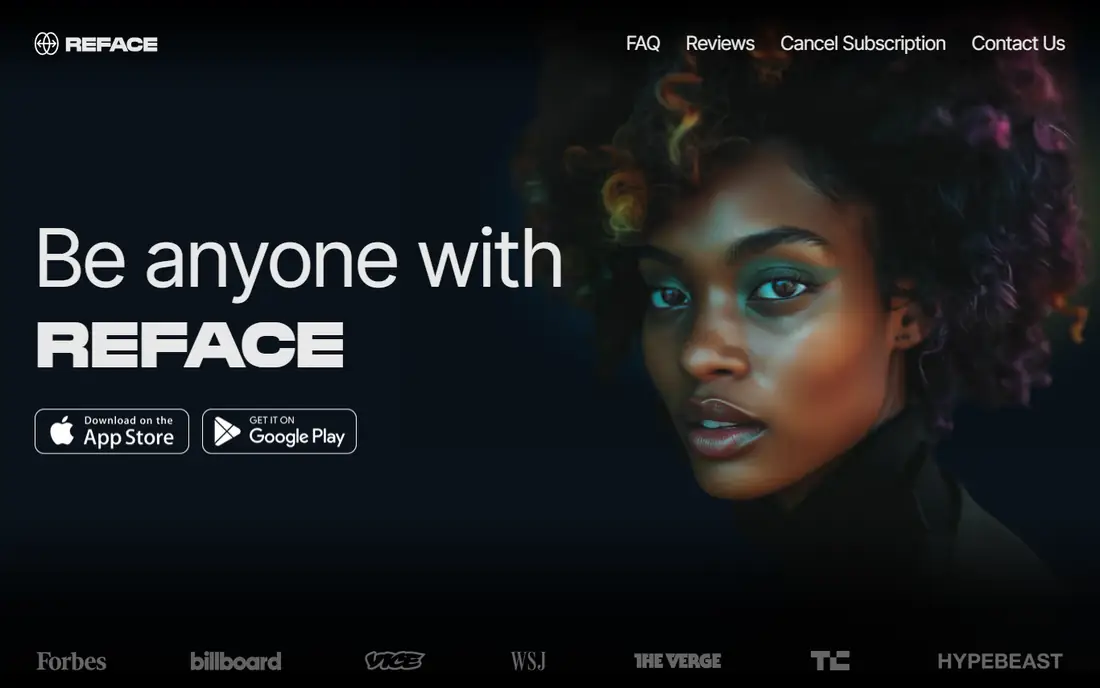
Reface is built for fun. Its Unboring animation feature turns a selfie or portrait into a short clip with motion presets and voice, and the results are made for sharing rather than archiving. The template library is large, so you can try many styles without learning video editing, and exports go straight to social apps.
The free tier covers casual use, with paid upgrades removing limits and watermarks. Motion quality is playful rather than realistic, so Reface suits memes, birthday clips, and social posts more than a careful family archive. If the goal is a quick, shareable animation of a recent photo, Reface is the fastest route on this list.
What we like- Fast face animation with voice and motion presets
- Easy sharing to social apps
- Large template library
Watch out for- Social first, not archival quality
- Paid features vary by region
- Watermark on some free exports
Starting priceFree
Free planYes
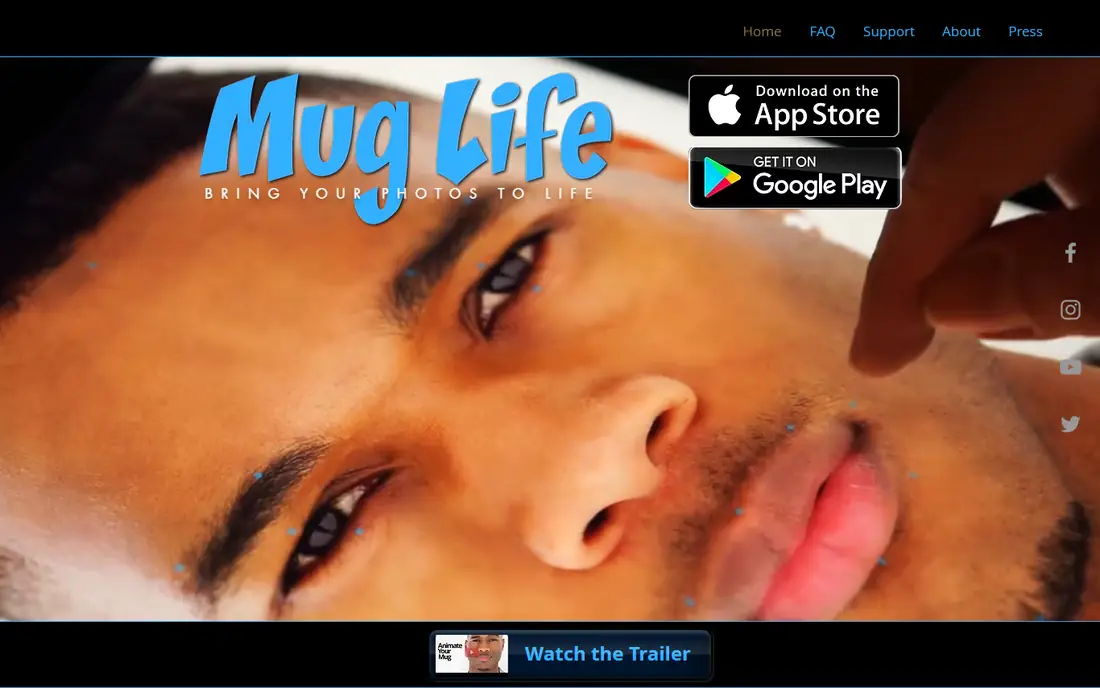
Mug Life turns a face into a 3D animated character that you can pose with custom expressions, blinks, and head turns. The style is cartoonish by design, which makes it a strong pick for memes, jokes, and playful clips rather than realistic portraits. You can save results as video or GIF, both of which share well in chats and feeds.
The free version covers the basics, with paid upgrades adding features and removing limits. Realism is not the point here, so anyone animating a solemn old portrait should look at Deep Nostalgia instead. For creative, funny face animation on a phone, Mug Life earns its place.
What we like- 3D face animation with custom expressions
- Meme friendly exports
- Free version covers the basics
Watch out for- Cartoon style suits jokes more than realism
- Some features need a paid upgrade
- Smaller community than larger apps
Starting priceFree
Free planYes
TokkingHeads is a free first option for animating a face quickly. Upload a photo, pick a motion preset, preview it in real time, and export as video or GIF. The workflow takes minutes and needs no editing skill, which makes it a good test bed before paying for a studio tool.
The limits match the price. Motion is playful rather than photorealistic, voice options are thinner than D-ID or HeyGen, and free use carries limits. For a fast experiment or a one off clip for a chat group, TokkingHeads does the job without a subscription.
What we like- Free core features
- Real time preview
- Quick exports as video or GIF
Watch out for- Playful quality, not photorealistic
- Fewer voice options than talking photo studios
- Ads and limits on free use
Starting priceFree
Free planYes
CapCut Talking Photos turns a still image into a talking clip with an AI voice, then lets you trim, caption, and add effects in the same editor. That combination suits short form social creators who want a finished post, not just a raw animation. The mobile and web apps are fast, and exports cover the formats social platforms expect.
The free tier covers the basics, while CapCut Pro adds advanced editor features. Voice quality varies by language and voice choice, so test a short clip before committing to a long script. For creators who already edit in CapCut, Talking Photos is the most convenient talking photo option on this list.
What we like- Talking photos with AI voice inside a full editor
- Fast mobile and web workflow
- Social exports in common formats
Watch out for- Advanced editor features need CapCut Pro
- Voice quality varies by language
- Social first, not archival

#6D-ID
Best for: Talking photos with lip sync4.6/5 on
G2 (135 reviews, checked Oct 2026)
Visit d-id.com
Starting priceSee website
Free planFree trial
D-ID Creative Reality Studio is the most polished talking photo tool on this list. Upload a photo, add text or audio, and the avatar speaks with lip sync that looks close to real video. The studio suits educators and training creators, while the API serves teams that generate many clips at scale.
Pricing varies by credits, resolution, and API use, so the starting price here is written as See website. Low tiers carry watermarks, and high resolution or heavy API use needs an enterprise plan. For business or education work where a talking photo must look professional, D-ID is the strongest pick.
What we like- Very realistic lip sync
- Studio plus API for larger projects
- Multiple avatar engines and languages
Watch out for- Paid plans needed for serious use
- Watermarks on low tiers
- Enterprise pricing for high resolution and API scale

#7HeyGen
Best for: Business talking avatars4.8/5 on
G2 (1,973 reviews, checked Oct 2026)
Visit heygen.com
Starting priceSee website
Free planFree trial
HeyGen turns a photo into a talking avatar with templates, multi language voices, and brand controls that teams appreciate. The outputs look clean and consistent, which suits product explainers, onboarding clips, and internal training where a presenter is needed but a camera shoot is not practical.
Pricing runs on credits and subscriptions that vary by plan, so the starting price here is written as See website. The free trial is limited, and template driven results can feel similar across videos unless you customize scripts and voices. For business creators who need repeatable, branded talking avatars, HeyGen is a strong alternative to D-ID.
What we like- Polished business outputs
- Templates and multi language voices
- Brand controls for teams
Watch out for- Credit and subscription pricing varies
- Template driven results can feel similar
- Free trial is limited
Starting priceSee website
Free planFree trial
Kaiber takes a different approach from the face animators on this list. It turns any image, including scenes and artwork, into a moving video with style controls, which suits creators who want artistic motion rather than a blinking portrait. Music friendly exports make it a fit for social and music videos.
The trade is realism. Kaiber is weaker for faithful old portraits than Deep Nostalgia, and results vary with the prompt and the input image quality. Credit pricing varies by plan, so the starting price here is written as See website. For creative image to video work beyond faces, Kaiber rounds out the list well.
What we like- Creative motion for scenes, not just faces
- Style controls for artistic clips
- Music and video friendly exports
Watch out for- Less suited to realistic portraits
- Credit pricing varies
- Results vary by prompt and input quality
How we chose
We ranked apps by motion quality for their stated job, ease of use, voice options, export formats, and value at entry level pricing. We favored apps that animate a photo in a few steps without video editing skill, since most buyers want a quick result, and we gave extra weight to tools with realistic lip sync for talking photos.
We also weighed free entry points. A free tier that covers a few real animations scores higher than a demo that shows little, and we noted where free exports carry watermarks. Price conflicts across sources were handled by writing "See website" where published figures disagreed, so readers check the vendor pricing page rather than trusting a stale number.
Buying guide
Start by naming the subject. For an old portrait, pick a face animator such as Deep Nostalgia. For a talking head, pick D-ID or HeyGen. For a scene or artwork, pick a creative image to video tool such as Kaiber. Using the wrong type gives weak results no matter how good the tool is.
Next, check the input quality. A sharp, well lit photo with one clear subject animates far better than a small, blurry one, and group photos often animate less cleanly than single portraits. Enhance or repair the photo first if the tool offers it, then animate.
Finally, respect consent and privacy. Only animate photos of people who have agreed to it, and think twice before uploading family portraits to a free tool, since free tools may store uploads or show them publicly for a short time. Keep sensitive family animations in private albums, and never use animation to put words in the mouth of a real person without their permission.
Frequently asked questions
What is the best app to animate old photos?
MyHeritage Deep Nostalgia is the best pick for old family portraits, since it was built for faces in still family photos and pairs animation with enhance and colorize tools.
Can I animate a photo for free?
Yes, most apps on this list offer a few free animations, though continued use usually needs a subscription or credits, and free exports may carry watermarks.
Do these apps work on pets or scenes?
Face animators work on faces only. For scenes, artwork, or products, use a creative image to video tool such as Kaiber instead.
How long are the animations?
Most face animations run a few seconds, while talking photo tools run as long as the script or audio you provide, within plan limits.
Is it safe to upload family photos to these apps?
Check the privacy terms before uploading, since some free tools store uploads or process them on public models. Only animate photos of people who have agreed to it, and keep sensitive portraits private.
Sources we checked (0)
Is your product missing or out of date?
We review this list regularly. Vendors can request a listing, send updated pricing or ask about featured placement.

Shihab Mia · Founder, Rankite
Shihab has 5+ years in B2B and SaaS SEO. He writes Rankite's software buying guides from pricing pages, documentation and public user reviews. More about Shihab.
 MyHeritage Deep Nostalgia
 Reface
 Mug Life
 TokkingHeads
 CapCut Talking Photos
 Kaiber