How we make this list: we compare pricing pages, product documentation and public user reviews. Ratings come from G2, Capterra or Trustpilot, with the date we checked them.
Key takeaways
- Life360 suits most families as an all-round tracker, with location sharing, driving reports, crash detection, and SOS alerts in one app.
- Bouncie suits families who want car-based data, since its plug-in device tracks the car itself rather than a phone that can be left behind.
- Greenlight suits families who want driving safety plus money management, with driving features bundled into its Infinity and Family Shield plans.
- RoadReady suits learner drivers, logging supervised practice hours required for a license, free of charge.
- Tracking works best as a coaching deal, not surveillance: agree the rules with your teen, explain what is tracked and why, and review reports together.
Quick comparison
Is your product missing or out of date?
We review this list regularly. Vendors can request a listing, send updated pricing or ask about featured placement.
The best apps for tracking teenage drivers
Starting priceFree
Free planYes
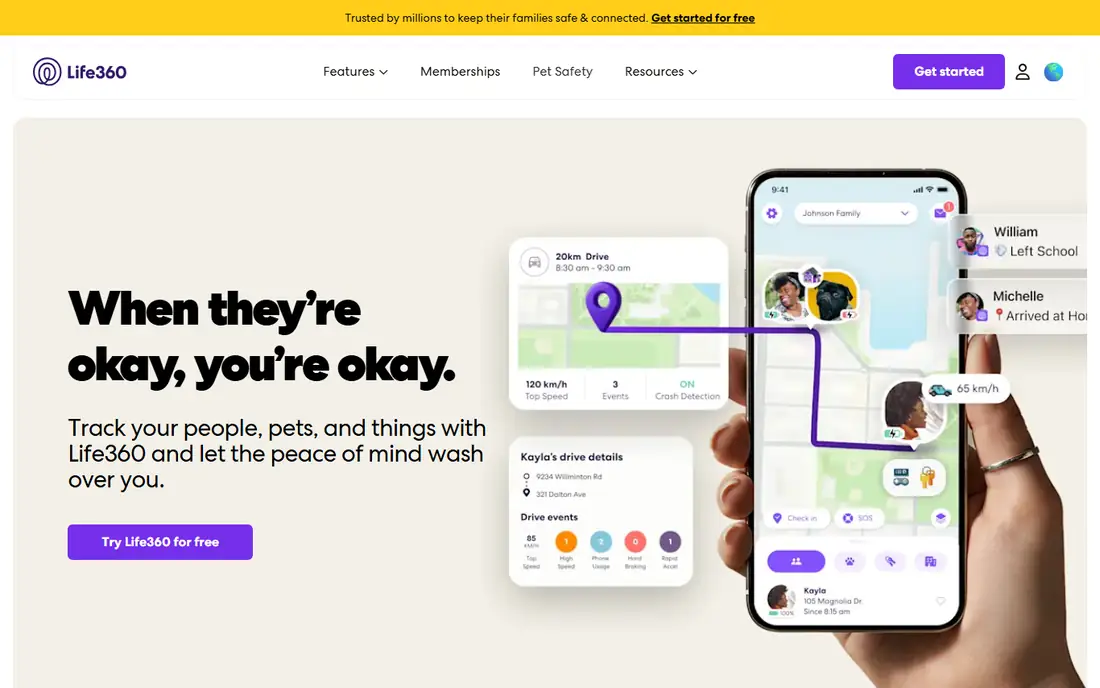
Life360 suits most families as an all-round tracker. Its free tier covers location sharing and basic circles, while paid tiers from $7.99 to $24.99 per month add detailed driving reports, crash detection, emergency dispatch, and SOS alerts, plus check-ins, arrival notifications, and stolen phone protection. For a multi-driver family that wants one central safety app, Life360 is the default.
The limits are phone dependence and price. It tracks the phone rather than the car, so it goes dark for ordinary reasons such as a dead battery or a phone left at a friend's house, and driving reports derive from phone sensors rather than the vehicle. Life360 fits best for families who want broad family safety, not just car data.
What we like- Real-time location sharing
- Detailed driving reports on speed, hard braking, and acceleration
- Crash detection and emergency dispatch on paid tiers
- SOS alerts
Watch out for- Tracks the phone, not the car, so it goes dark when the phone is left behind or out of battery
- Paid tiers from $7.99 to $24.99 per month
- Driving reports derive from phone sensors
Starting price$9.65 per month
Free planNo
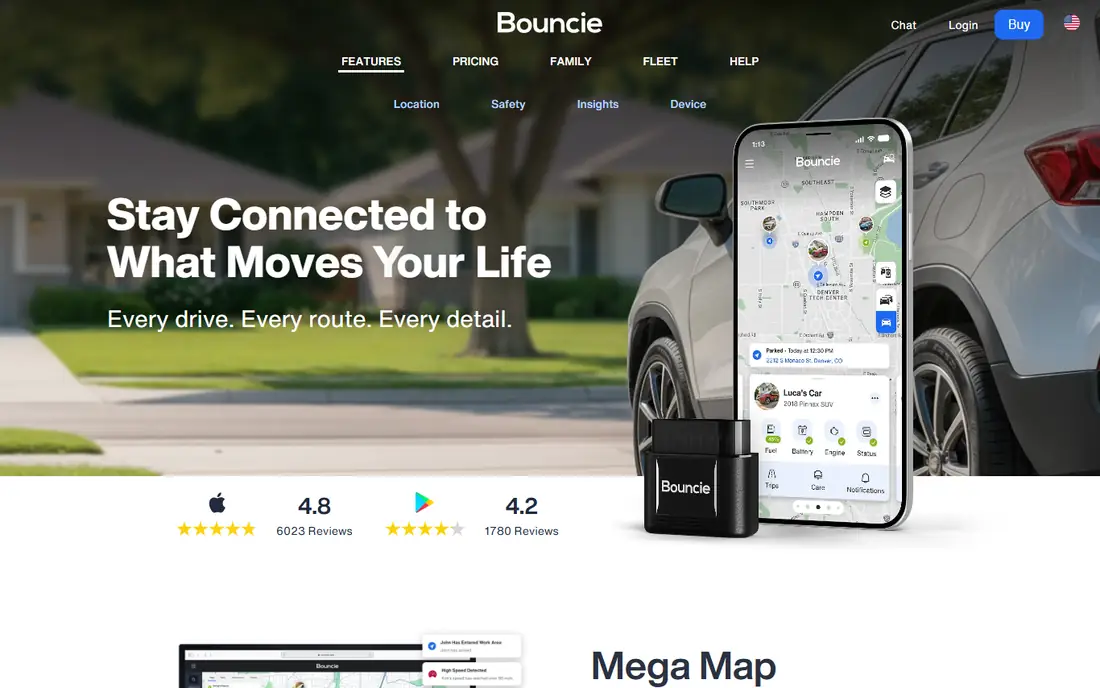
Bouncie suits families who want car-based data. Its plug-in OBD II device tracks the car itself, so visibility does not end when a phone is left behind, and it reports real-time location, trip history, speed, hard braking, idle time, and engine diagnostics, with geofencing and accident alerts. For a family whose concern is the car and how it is driven, Bouncie's vehicle-level data is more reliable than phone sensors.
The trade is cost and scope. The device costs $89.99 plus $9.65 per month per vehicle, it works only on vehicles made after 1996, and it offers no phone-based features for the teen. Bouncie fits best for families who value car data over phone-based family features.
What we like- Plug-in device tracks the car, not the phone
- Real-time location, trip history, and speed tracking
- Engine diagnostics, geofencing, and accident alerts
Watch out for- Requires an $89.99 device purchase plus a monthly plan
- Works only on vehicles made after 1996
- No phone-based features for the teen
Starting price$15.98 per month
Free planNo
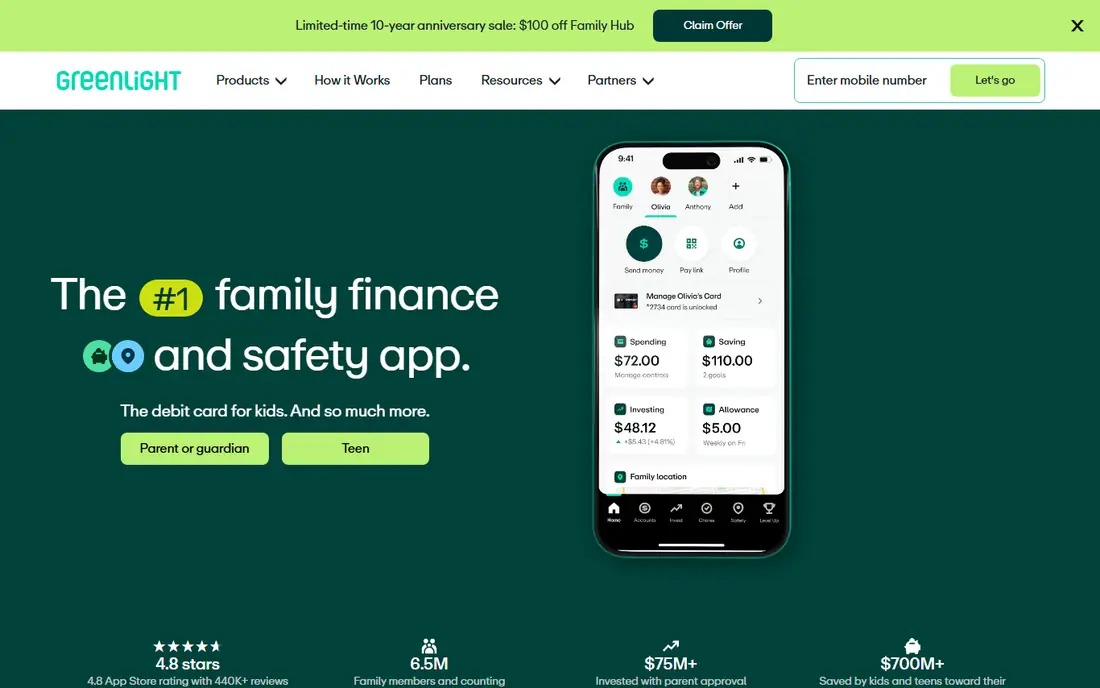
Greenlight suits families who want driving safety plus money management in one subscription. Its driving features cover real-time GPS tracking, crash detection, driving reports, and SOS alerts, while its broader suite covers chore management, allowance, savings goals, and investing features for teens. For a family that wants responsibility lessons on the road and with money, Greenlight is unique.
The limits are price and breadth. Driving features sit only on its Infinity and Family Shield plans at $15.98 and $19.98 per month, there is no free tier, and driving is one feature among many rather than the core product. Greenlight fits best for families already sold on its money tools.
What we like- Real-time GPS tracking, crash detection, driving reports, and SOS alerts
- Bundled money tools for chores, allowance, savings, and investing
- Family-wide safety dashboard
Watch out for- Driving features only on Infinity and Family Shield plans at $15.98 and $19.98 per month
- No free tier
- Broader than driving alone, so driving is one feature among many
Starting priceSee website
Free planNo
Verizon Family Plus suits families already on Verizon. Its location tracking, driving insights, crash detection, and SOS features integrate with the family's Verizon account, so setup is simpler than adding a separate subscription. For a Verizon household that wants safety bundled with its mobile plan, Family Plus is convenient.
The trade is carrier lock-in. It is only useful for Verizon customers, pricing varies by plan, and its features overlap with phone-based trackers such as Life360. Verizon Family Plus fits best for Verizon families who prefer one bill and one account.
What we like- Location tracking and driving insights for Verizon subscribers
- Crash detection and SOS features
- Integrates with the family's Verizon account
Watch out for- Only useful for Verizon customers
- Pricing varies by plan and is not published as a standalone figure
- Features overlap with phone-based trackers
Starting priceFree
Free planYes
RoadReady suits learner drivers. It logs trips and supervised driving time required for a license, tracks weather conditions during practice, and gives parents suggestions for improving a learner's skills. For a family in the permit stage, RoadReady turns a paperwork chore into a coaching tool.
The limits are scope and stage. It focuses on logging rather than live tracking, offers no crash detection or SOS alerts, and becomes less useful once the teen holds a full license. RoadReady fits best as a free companion during the learner phase, alongside a live tracker later.
What we like- Logs supervised driving hours required for a license
- Tracks weather conditions and practice suggestions
- Free to use
- Helps parents coach learner drivers
Watch out for- Focused on logging, not live tracking
- No crash detection or SOS alerts
- Less useful once the teen holds a full license
Starting priceSee website
Free planNo
FamiSafe suits families who want driving reports plus broader device controls. Its driving features report speed limits, total distance, and real-time location, with instant alerts for speeding or sudden braking and weekly reports for pattern review, while its screen-time and content controls cover the same devices. For a family managing both driving and device use, FamiSafe bundles both jobs.
The trade is scope creep and trust. Broader parental controls may feel intrusive to older teens, and driving data derives from phone sensors rather than the car. FamiSafe fits best for families with younger teens who need both driving and device oversight.
What we like- Speed, distance, and real-time location reporting
- Instant alerts for speeding or sudden braking
- Weekly driving reports
- Screen-time and content controls for the same devices
Watch out for- Pricing varies by plan
- Broader parental controls may feel intrusive to older teens
- Driving data derives from phone sensors
Starting priceFree
Free planYes
iSharing suits families who want simple location sharing without complexity. Its free app covers real-time location updates and high speed alerts on both iPhone and Android, with an easy setup that needs no hardware, and it covers the person when they are not in the car, which no vehicle tracker does. For a family that mainly wants to know where their teen is, iSharing is enough.
The limits are analytics depth. It offers fewer driving analytics than Life360 or Bouncie, no crash detection, and premium features need a paid plan. iSharing fits best as a simple, low-cost location sharer.
What we like- Simple real-time location sharing for iPhone and Android
- High speed alerts
- Easy setup with no hardware
- Covers the person, not just the car
Watch out for- Fewer driving analytics than Life360 or Bouncie
- No crash detection
- Premium features need a paid plan
Starting priceFree
Free planYes
SAFE 2 SAVE suits families who want to reward safe driving rather than police it. Its points system trades safe driving for discounts at local businesses, it discourages phone use behind the wheel, and it is free to use. For a teen who responds better to incentives than surveillance, SAFE 2 SAVE changes the conversation from punishment to reward.
The limits are monitoring depth. Rewards depend on local business participation, it offers no live location tracking for parents, and it is less useful as a monitoring tool than Life360 or Bouncie. SAFE 2 SAVE fits best as a complement to a tracker, not a replacement.
What we like- Rewards safe driving with points redeemable for discounts at local businesses
- Discourages phone use behind the wheel
- Free to use
Watch out for- Rewards depend on local business participation
- No live location tracking for parents
- Less useful as a monitoring tool than Life360 or Bouncie
How we chose
We compared these apps on tracking accuracy, driving report depth, crash and SOS features, price, and whether they track the phone or the car, since that distinction decides reliability. Pricing figures come from vendor pages and current comparison guides checked in October 2026, and any figure we could not confirm is marked as See website. We did not claim hands-on testing. Instead we weighed public documentation, pricing pages, and user reviews, plus the practical difference between phone-based and vehicle-based tracking.
What to check before you pick
Start with the stage. Learner drivers benefit most from RoadReady's practice logging, while newly licensed teens benefit most from live tracking with crash detection. Next, decide phone versus car: phone apps are cheaper and cover the person, while plug-in devices track the car reliably even when the phone is forgotten. Finally, compare costs per vehicle versus per family, since Bouncie charges per vehicle while Life360 covers a family circle.
Privacy, consent, and teen safety
Tracking works best as a coaching deal, not secret surveillance. Talk with your teen about what is tracked and why, agree the rules together, and review driving reports together as coaching, not as a gotcha. Location tracking laws vary by state, and consent rules differ for minors versus adults, so check your state's rules before installing a tracker on an adult child's device. Use reports to coach: praise safe weeks, discuss specific events such as hard braking, and agree on consequences in advance rather than reacting in anger. The goal is a safe driver, not a watched one, and trust built now lasts longer than any app.
Apps that are no longer available
Older lists still recommend TrueMotion Family, DriveScribe, and MamaBear, but a guide checked in October 2026 reports all three are no longer available. Do not buy or install them from old links. The tools above replace them: Life360 and iSharing for phone-based tracking, Bouncie for car-based tracking, and RoadReady for practice logging.
Frequently asked questions
What is the best app for tracking a teenage driver?
Life360 is the best all-round choice for most families, with location sharing, driving reports, crash detection, and SOS alerts. Bouncie is better for car-based data, since it tracks the vehicle rather than a phone.
Should I tell my teen I am tracking them?
Yes. Tracking works best as an agreed coaching deal, not secret surveillance. Explain what is tracked and why, agree the rules together, and review reports together. Secret tracking damages trust and may raise legal issues for adult children.
Do these apps lower insurance costs?
Some insurers offer discounts for safe driving programs, and apps that monitor behavior can support those discounts. Ask your insurer which programs qualify, since discounts vary by carrier and state.
Is phone-based tracking reliable?
Phone-based tracking works well but goes dark when the phone is left behind, out of battery, or has location permission revoked. Car-based devices such as Bouncie track the vehicle itself and stay reliable in those cases.
What is the cheapest way to track a teen driver?
RoadReady is free for practice logging, Life360 and iSharing offer free tiers for location sharing, and SAFE 2 SAVE is free for rewarding safe driving. Paid driving reports and crash detection need a subscription.
Can I track my teen without an app?
A plug-in device such as Bouncie tracks the car without relying on a phone, and some insurers offer plug-in telematics programs. Phone apps remain the cheapest route for location sharing.
Sources we checked (8)
- https://www.life360.com
- https://www.bouncie.com
- https://greenlight.com
- https://www.verizon.com
- https://www.roadreadyapp.com
- https://famisafe.wondershare.com
- https://www.isharingsoft.com
- https://www.safe2save.com
Is your product missing or out of date?
We review this list regularly. Vendors can request a listing, send updated pricing or ask about featured placement.

Shihab Mia · Founder, Rankite
Shihab has 5+ years in B2B and SaaS SEO. He writes Rankite's software buying guides from pricing pages, documentation and public user reviews. More about Shihab.
 Life360
 Bouncie
 Greenlight
 Verizon Family Plus
 RoadReady
 FamiSafe
 iSharing
 SAFE 2 SAVE