How we make this list: we compare pricing pages, product documentation and public user reviews. Ratings come from G2, Capterra or Trustpilot, with the date we checked them.
Key takeaways
- The strongest free starting points are the tools already on the phone: Apple Find My for iPhone households, Google Find Hub for Android households, and Google Maps location sharing for mixed households.
- Life360 and iSharing offer the most complete free family maps, with place alerts and driving summaries, while paid tiers mainly add longer history and extra safety services.
- Temporary sharing tools such as Glympse and WhatsApp live location suit short trips and meetups better than a permanent family map.
- Parental tools such as FamiSafe and GeoZilla add controls and alerts for children, but they work best when children know sharing is on and understand why.
- No free app replaces a phone call, a charged battery, or a clear family agreement about when location sharing should be on or off.
Quick comparison
Is your product missing or out of date?
We review this list regularly. Vendors can request a listing, send updated pricing or ask about featured placement.
The best free phone tracking apps
Starting price$0
Free planYes
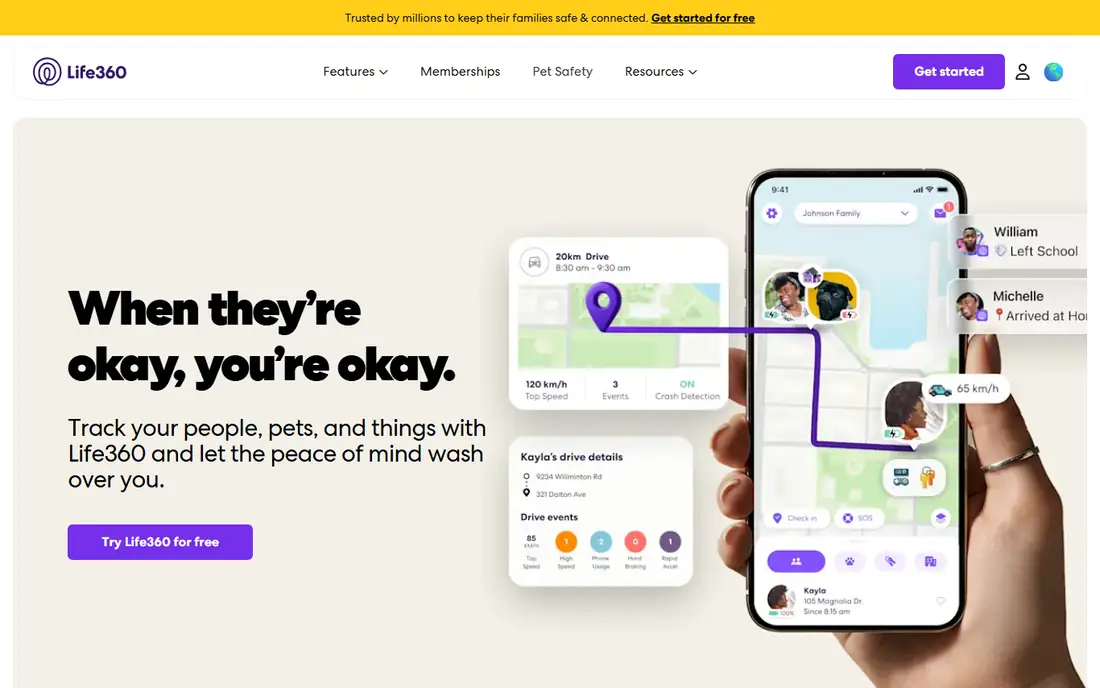
Life360 fits families who want one shared map for parents, teens, and other relatives, with a clear invite system for a private Circle. Each member who joins can be seen on the same map, and the free plan covers the core job: knowing where family members are, getting an alert when someone arrives at or leaves a saved place, and checking a short history. The driving summary also gives parents a weekly view of trips without turning the app into a full driving monitor.
The free plan is deliberately limited. Silver starts at $9.99 per month, Gold at $16.99 per month, and Platinum at $24.99 per month in the US, based on the vendor pricing page, and those tiers add longer history, more place alerts, crash detection, and roadside help. Families who only need coordination for school runs and commutes may never need to pay.
What we like- Free real-time family map
- 2 place alerts and 2 days of history on the free plan
- SOS alerts and a family driving summary included
Watch out for- Longer history and unlimited place alerts need a paid plan
- Some safety features vary by region
Starting price$0
Free planYes
Apple Find My suits households where most people use an iPhone, iPad, or Mac. Family Sharing lets each person choose to share a location with the group, and sharing can be set for an hour, until the end of the day, or indefinitely. The same app also finds a lost device, plays a sound on a nearby device, and helps locate AirTag items, so it covers both people and belongings in one place.
The limit is the platform boundary. An Android phone cannot join the same People view in the same way, so mixed households often need Google Maps sharing alongside Find My. A person can stop sharing at any time, which makes it a good fit for adults who want to coordinate, not for anyone who wants to watch another adult in secret.
What we like- Built into Apple devices at no extra cost
- Location sharing with family and friends
- Lost mode, remote lock, and item finding with AirTag
Watch out for- People sharing works best inside the Apple system
- Android family members need a different tool
Starting price$0
Free planYes
Google Find Hub, formerly Find My Device, is the first tool to set up on an Android phone, because it answers a simple question after a phone goes missing: where was it last seen, and can it be locked. A signed-in Google account shows phones, tablets, headphones, and supported trackers on a map, plays a sound on a nearby device, and lets the owner secure or erase a device from another device or a browser. Location data in the Find Hub network is encrypted, according to Google documentation.
For families, Find Hub works best as a safety net for personal devices, with live location sharing added for coordination when needed. It does not offer the driving reports or place alert depth of Life360 or iSharing. It is free, it is already tied to the account most Android users have, and it should be checked while the phone is safe, not after it is already lost.
What we like- Free for Android devices and accessories
- Offline finding for supported devices
- Remote lock and erase for a lost phone
Watch out for- Built mainly for your own devices, not as a full family dashboard
- Location sharing is a separate step from device finding
Starting price$0
Free planYes
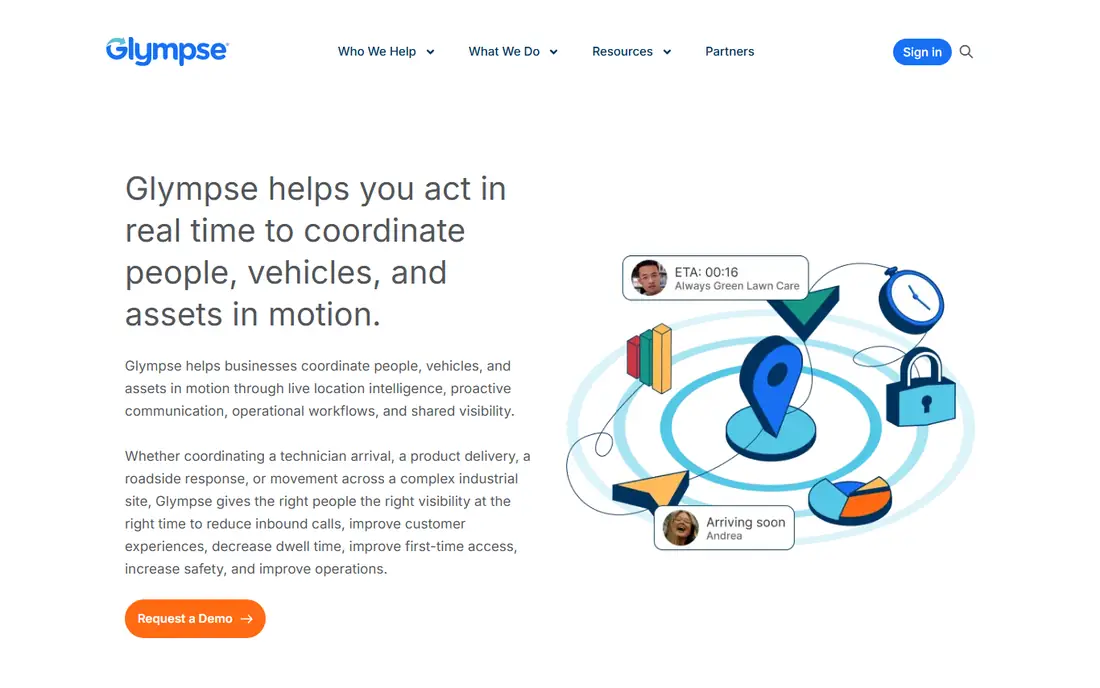
Glympse fits a different need from the family apps above: a short, clear share for one journey. A sender picks a contact, sets a time limit, and sends a link that shows a live location on a map. When the time ends, or when the sender arrives, the share stops. That design suits airport pickups, school runs, deliveries, and friends meeting in an unfamiliar city.
The trade-off is that Glympse is not a good replacement for a daily family map. There is no ongoing Circle to check each morning, and repeated one-off shares become tedious for steady check-ins. Paid business options add branded shares, but personal users can use basic sharing free.
What we like- Shares expire automatically
- Recipients do not need the app to view a share
- Works across iPhone and Android
Watch out for- Not built for permanent family monitoring
- Business features are paid and priced separately
Starting priceSee website
Free planYes
iSharing is a strong free alternative for families who want more than a built-in tool, without paying at the start. The free plan covers basic real-time sharing, private circles, panic alerts, and messaging, while paid Silver, Gold, and Platinum tiers add more place alerts, longer history, driving reports, and web access. The vendor site describes a 1-year history on Platinum and 90-day history on Gold, which shows how much of the value sits in the paid tiers for families who want records.
iSharing uses a consent model: a person is invited by phone number or email, accepts, and then appears on the map. That matters for teens and adult relatives, because the arrangement stays visible. Location sharing needs Wi-Fi on and location set to always for the best results, and families should agree on alert rules before turning on many place alerts.
What we like- Free basic real-time sharing, circles, and messaging
- Place alerts and driving reports
- SOS with audio on paid tiers
Watch out for- Full history and some alerts sit behind paid tiers
- Free tier includes ads in the app stores listing
Starting priceSee website
Free planYes
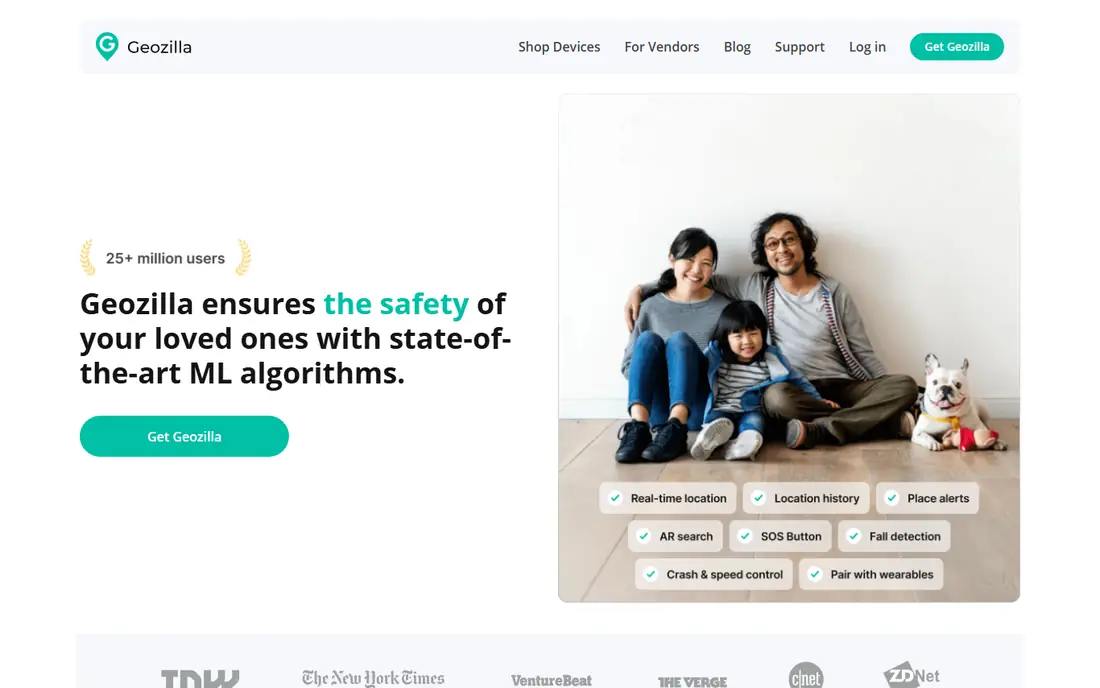
GeoZilla suits families who want a dedicated family map with driving context, but who do not want constant background updates draining a phone. The vendor describes a significant location change mode that wakes the app when a person moves a meaningful distance, plus a manual refresh for a fresh location. That approach can help battery life, while still supporting place alerts, location history, and crash detection.
The limit is precision timing. A battery-friendly mode may not update as often as a continuous tracker, so a family should not treat a single map pin as proof of an exact moment or place. GeoZilla also pairs with GPS trackers for pets, bags, and cars. Check the current premium offer in the app before paying.
What we like- Free to start with family circles and location alerts
- Crash detection and driver safety reports
- Battery-friendly location updates
Watch out for- Premium features and pricing vary in the app
- Some advanced history needs a paid plan
Starting price$4.99 per month (billed annually)
Free planFree trial
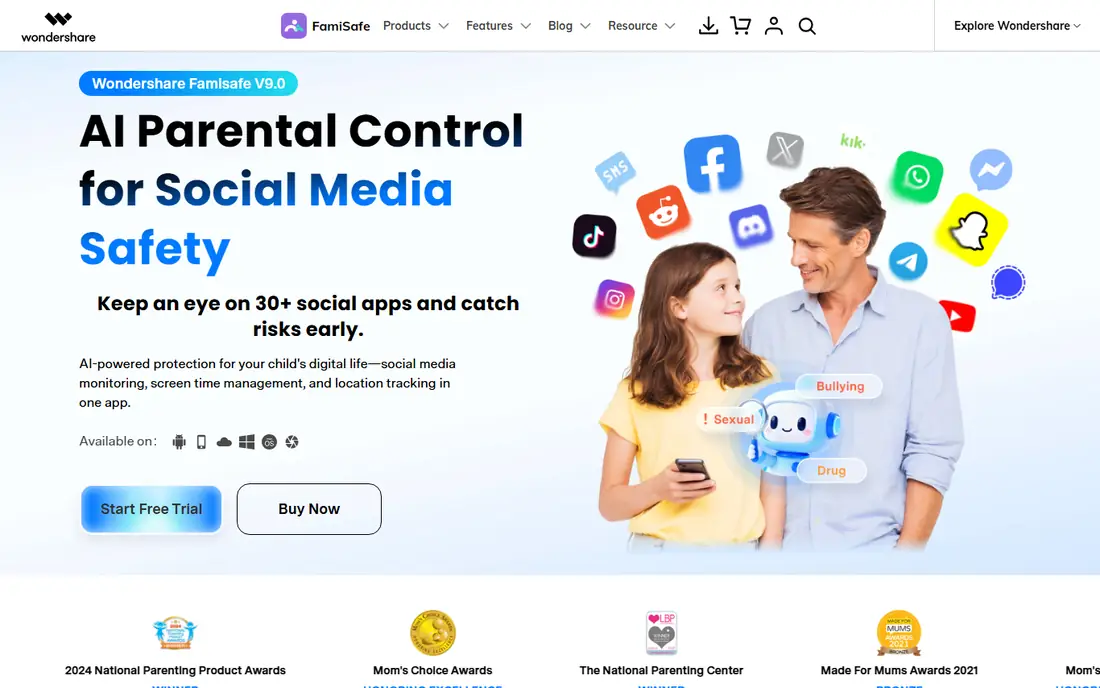
FamiSafe fits parents who want location tracking as part of a wider set of rules for a child's phone, rather than a standalone map. The app covers real-time location, safe zone alerts, and history, alongside screen time limits, app blocking, and web filtering. The vendor homepage lists a yearly plan at $4.99 per month billed annually, with monthly and quarterly options also listed in reviews of the vendor pricing page. A trial or money-back period lets a parent check setup before committing.
Parents should set expectations with children before installing it. FamiSafe is a parental control tool for a child's own device, managed by a parent, and it works best when the child knows what is monitored and why. It is not a tool for tracking another adult. Setup takes longer than a simple family map, because permissions must be set on both devices.
What we like- Live GPS tracking, safe zones, and location history
- Screen time, app rules, and web filtering in one parental app
- SOS alerts for children
Watch out for- No ongoing free plan for full use
- Some features are more limited on iOS than on Android
Starting price$0
Free planYes
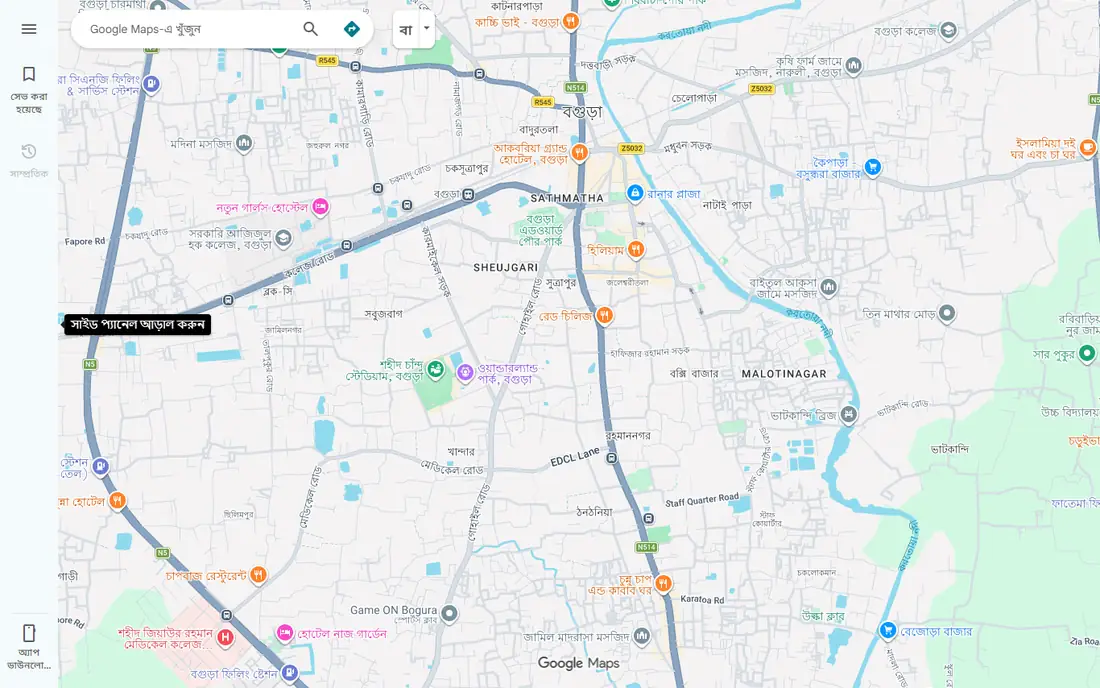
Google Maps location sharing is the simplest option for mixed households and friend groups. A person opens Maps, taps the profile picture, chooses location sharing, picks contacts, and sets a duration from one hour to until turned off. Recipients with a Google account can view the live location in Maps or through a shared link, even if they do not have the same phone brand.
That simplicity is also the limit. There are no place alerts as rich as Life360, no driving summaries, and no child safety dashboard. For a family that only needs to know when someone is on the way home, that is enough. For alerts, history, and rules, a dedicated family app will fit better.
What we like- Free and already installed on most phones
- Works on iPhone and Android
- Share for a set time or until turned off
Watch out for- No driving reports, history, or parental controls
- Sharing can be stopped by the person sharing at any time
Starting price$0
Free planYes
Samsung Find suits households that already use Galaxy phones, tablets, and wearables. A Samsung account shows registered devices on a map, helps ring a nearby device, and supports remote lock and data protection for a lost phone. Offline finding uses nearby Galaxy devices in the SmartThings Find network, which can help when a lost device has no direct connection.
The limit is clear: a mixed household will still need a cross-platform tool for people sharing. Set it up before a device goes missing, and confirm that location and offline finding are turned on.
What we like- Free for Samsung account holders
- Finds Galaxy phones, tablets, watches, and buds
- Offline finding through nearby Galaxy devices
Watch out for- Only useful inside the Samsung system
- Location sharing features depend on the device and account setup
Starting price$0
Free planYes
WhatsApp live location fits friends and family who already chat in WhatsApp and need a short share without installing another app. A person opens a chat, shares a live location, picks a duration, and contacts in that chat can follow the journey on a map. The share is encrypted in transit as part of WhatsApp messaging, and it stops when the time ends or when the sender stops it.
It is not a family tracking system. There is no Circle, no arrival alert, and no record to review later. That is a strength for privacy, because the share is narrow and temporary. Use it for a single trip, and use a family app for ongoing coordination.
What we like- Free inside a chat app most people already use
- Live location for up to 8 hours
- End-to-end encrypted sharing
Watch out for- No place alerts, history, or family dashboard
- Sharing ends after the chosen time and must be restarted
How we chose
We compared vendor homepages and pricing pages, app store listings, and public reviews on G2, Capterra, and Reddit, with a focus on what the free plan actually includes. A tool made this list only if it is a real product today, if its location sharing is based on consent or on finding the owner's own device, and if its free or trial option covers a useful job without a payment first. We excluded tools marketed for secret surveillance, tools that promise to track a phone by number alone without consent, and tools whose homepage did not load or did not match the product. Prices were taken from vendor pages where they were shown, and written as See website where a price could not be confirmed on the vendor site at the time of writing.
What to check before you pick a free tracker
A free plan can look generous and still miss the feature a family needs most. Start with the job, not the app list. Check how many place alerts the free plan allows, how many days of history are kept free, and whether the app works the same on iPhone and Android.
Consent, privacy, and the law
Only use these tools for your own devices, for children in your care under your local rules, or for adults and older children who have agreed to share. Tracking another adult's phone without consent is illegal in many places, and it can also break trust in a family or relationship even where a specific law is unclear. Talk about who can see a location, when sharing should be off, and how alerts will be used. A child or teen who understands the reason for sharing is more likely to keep it on than one who feels watched without discussion.
Battery, permissions, and accuracy
Location accuracy depends on GPS, Wi-Fi, mobile signal, and permissions on each phone. A phone with location set to only while using the app, or with no signal, will show an old or approximate pin. Check permissions after install, keep phones charged for important trips, and treat a map pin as a guide, not as proof that a person has entered a building.
When to pay, and when to stay free
Stay free when the job is coordination: knowing someone is on the way, sharing a trip, or finding a lost phone. Consider a paid tier when the family needs longer history, unlimited place alerts, crash dispatch, or roadside help often enough to justify the cost. Compare the annual price, and check whether one plan covers the whole family.
Frequently asked questions
Is a free phone tracking app really free?
Yes, for the core job in most cases here, because the free plan covers basic sharing or device finding. Paid tiers add history, alerts, and safety services, so a family should check the free limits before they rely on a feature that may sit behind a paywall.
Can I track a phone without the other person knowing?
No, and you should not try. The legitimate tools on this list require an invite, an account sign-in, or the owner's own device setup. Secret tracking apps are excluded from this list, and tracking another adult without consent is illegal in many places.
Which free app is best for iPhone and Android together?
Google Maps location sharing and Life360 both work across iPhone and Android, and iSharing and GeoZilla also support both systems. Google Maps is simplest for a one-off share, while Life360 and iSharing suit ongoing family circles.
Do these apps drain the battery?
Location sharing uses GPS and data, so it can add battery use, especially with frequent updates. Battery-friendly modes, such as GeoZilla's significant change mode, reduce updates, while continuous family maps use more power. Keep location permissions correct and charge phones before long trips.
Can a child turn off location sharing?
In most family and sharing tools, yes, because the person sharing controls their own device. Parental tools may add controls, but no app should be treated as a guarantee of safety. Talk with children about why sharing is on, and agree on check-in rules for trips and late arrivals.
What should I do first if a phone is lost?
Use Find My on Apple or Find Hub on Android from another device, play a sound if the phone is nearby, and lock it if it may be in someone else's hands. If the phone cannot be found, use remote erase for sensitive data, contact the carrier if needed, and change passwords for accounts that were signed in on the device.
Sources we checked (10)
- https://www.life360.com/plans-pricing
- https://www.apple.com
- https://www.google.com/android/find
- https://glympse.com
- https://isharingsoft.com
- https://www.geozilla.com
- https://famisafe.wondershare.com/pricing
- https://maps.google.com
- https://www.samsung.com/us/support/answer/ANS10002019/
- https://www.whatsapp.com
Is your product missing or out of date?
We review this list regularly. Vendors can request a listing, send updated pricing or ask about featured placement.

Shihab Mia · Founder, Rankite
Shihab has 5+ years in B2B and SaaS SEO. He writes Rankite's software buying guides from pricing pages, documentation and public user reviews. More about Shihab.
 Life360
 Apple Find My
 Google Find Hub
 Glympse
 iSharing
 GeoZilla
 FamiSafe
 Google Maps Location Sharing
 Samsung Find
 WhatsApp Live Location