How we make this list: we compare pricing pages, product documentation and public user reviews. Ratings come from G2, Capterra or Trustpilot, with the date we checked them.
Key takeaways
- Tableau is the strongest choice for visual exploration and analyst-led discovery on large datasets.
- Power BI suits organisations already running Microsoft 365, with low per-user pricing and strong Excel integration.
- Looker Studio is the best free starting point for dashboards on Google data sources.
- ThoughtSpot suits business users who want to ask questions in plain language and get charts back.
- Metabase is the best open-source option for small teams that want self-hosted dashboards without enterprise pricing.
Data analytics tools turn raw data into charts, dashboards and answers. The platforms below range from analyst workhorses to business-user search tools, and from free starters to enterprise suites. The right pick depends on who builds dashboards, how much data you hold, and whether your team lives in Microsoft, Google or neither.
Pricing in this category usually runs per user per month, with viewer roles cheaper than creator roles. Free tiers exist for Looker Studio and Metabase's open-source edition, while enterprise platforms quote by deployment. Prices below are marked "See website" where tiers and viewer-versus-creator pricing change often.
Quick comparison
| Tool | Best for | Starting price | Free plan |
|---|
 Tableau Tableau | Visual data exploration | See website | Free trial |
 Microsoft Power BI Microsoft Power BI | Microsoft ecosystem teams | See website | Yes |
 Looker Studio Looker Studio | Free Google dashboards | Free | Yes |
 Qlik Sense Qlik Sense | Associative exploration | See website | Free trial |
 Domo Domo | All-in-one business cloud | See website | Free trial |
 Sisense Sisense | Embedded analytics | See website | Free trial |
 ThoughtSpot ThoughtSpot | Natural language search | See website | Free trial |
 Metabase Metabase | Open-source dashboards | See website | Yes |
Is your product missing or out of date?
We review this list regularly. Vendors can request a listing, send updated pricing or ask about featured placement.
The best data analytics apps
#1Tableau
Best for: Visual data exploration4.4/5 on
G2 (3,787 reviews, checked Oct 2026)
Visit tableau.com
Starting priceSee website
Free planFree trial
Tableau is the analyst's favourite for a reason. Drag-and-drop exploration turns a dataset into charts quickly, and the visual language makes patterns easy to spot. Tableau Public gives a free way to learn and publish, while Tableau Cloud and Server serve enterprise teams with governance, scheduling and row-level security. The community shares workbooks and tutorials at a scale no rival matches.
The cost is the catch. Creator licences are priced per user, and a team with many builders pays accordingly. Viewers cost less, so most organisations mix roles. For teams where analysts drive discovery and visuals matter, Tableau remains the standard.
What we like- Best-in-class visual exploration
- Huge community and learning resources
- Handles large datasets well
Watch out for- Creator pricing adds up for large teams
- Learning curve for advanced calculations
Starting priceSee website
Free planYes
Power BI is the obvious pick for organisations already on Microsoft 365. Desktop authoring is free, Pro licences are priced low per user, and sharing runs through the Power BI service with Teams and SharePoint integration. The DAX formula language gives analysts strong modelling power, and Excel users find the concepts familiar.
Sharing is where costs appear. Free desktop users cannot publish to shared workspaces without a Pro licence, and Premium capacity is a bigger step up. For Microsoft shops that want capable analytics at a modest per-user price, Power BI is the value leader.
What we like- Low per-user pricing
- Deep Excel and Teams integration
- Strong data modelling with DAX
Watch out for- Full sharing needs paid licences
- Advanced features favour Windows users
Starting priceFree
Free planYes
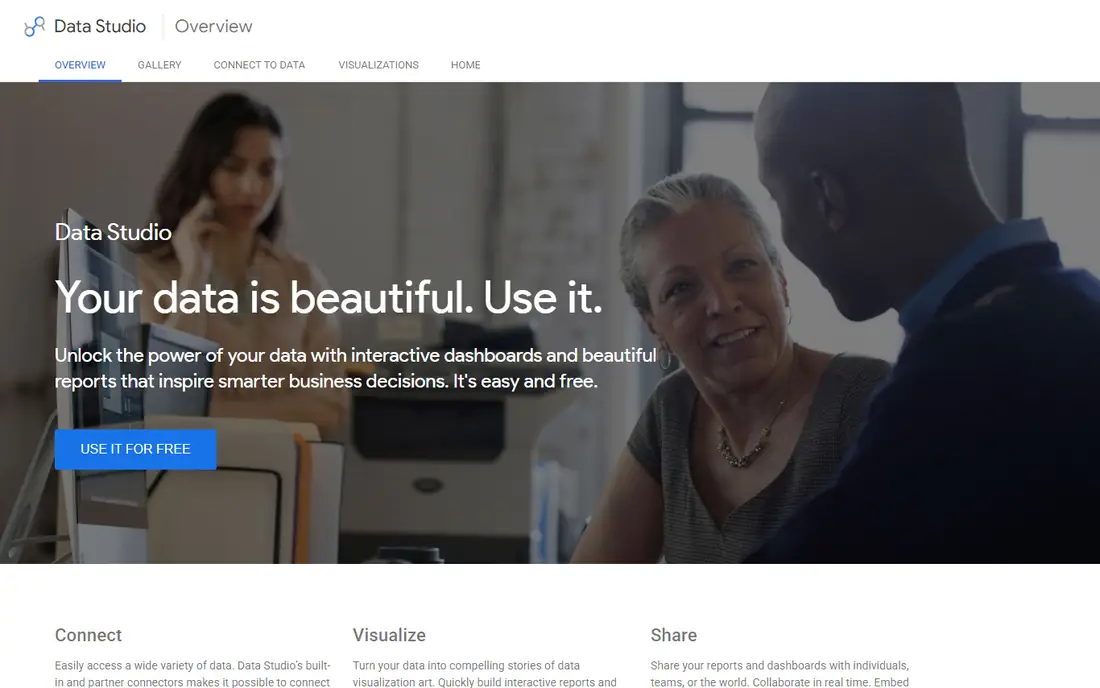
Looker Studio, formerly Google Data Studio, is the free way to build dashboards on Google data. Connectors for Sheets, Analytics, Ads and BigQuery are built in, and sharing works by link, like a Google Doc. Small businesses and marketers use it for client and campaign dashboards without paying for a BI platform.
Advanced features lag the paid platforms. Blending many sources, handling huge datasets and building complex calculations all hit limits sooner. For a free dashboard tool on Google data, nothing else in this guide comes close.
What we like- Free for core use
- Easy Google Sheets, Analytics and Ads connectors
- Simple sharing by link
Watch out for- Fewer advanced analytics features
- Performance can lag on very large datasets
#4Qlik Sense
Best for: Associative exploration4.4/5 on
G2 (929 reviews, checked Oct 2026)
Visit qlik.com
Starting priceSee website
Free planFree trial
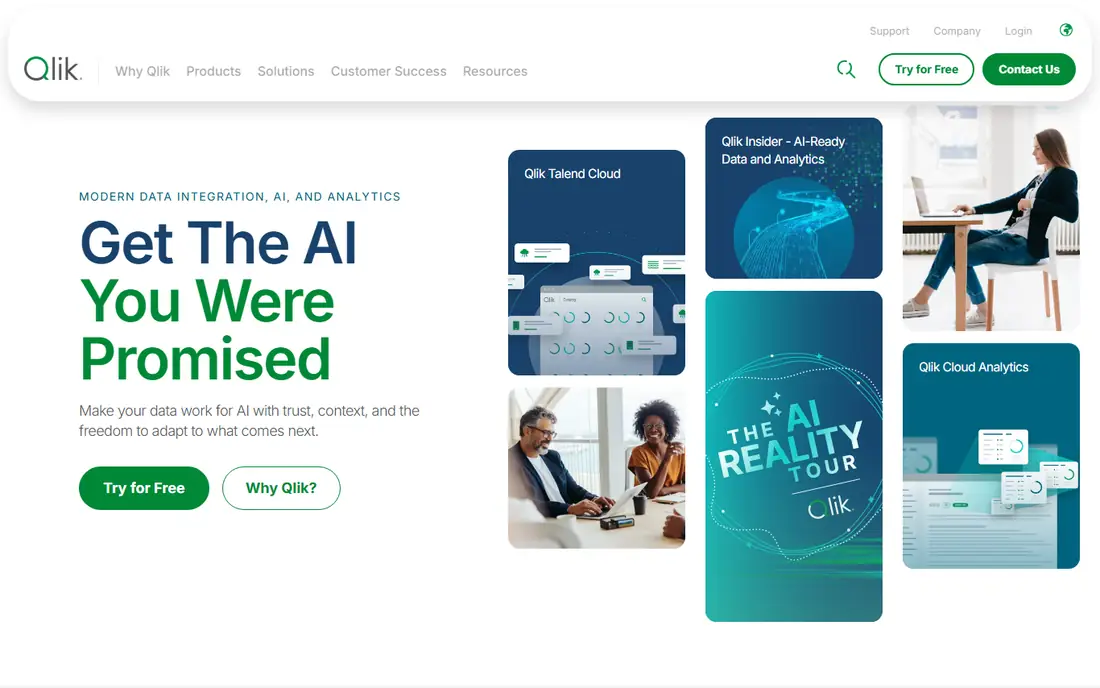
Qlik Sense uses an associative engine, which means clicking a value instantly shows what is related and what is excluded across the whole dataset. Analysts use that to explore freely without writing queries, and the approach surfaces patterns that fixed dashboards hide. Deployment runs in cloud or on-premise, with governance tools for enterprise teams.
The interface takes time to learn, and pricing for larger deployments comes by quote. For organisations that value free-form exploration over fixed reports, Qlik Sense offers a different and powerful way to interrogate data.
What we like- Associative engine shows related and unrelated data as you click
- Strong on-premise and cloud options
- Good governance
Watch out for- Interface takes learning
- Pricing is quote-based for larger deployments
#5Domo
Best for: All-in-one business cloud4.3/5 on
G2 (1,086 reviews, checked Oct 2026)
Visit domo.com
Starting priceSee website
Free planFree trial
Domo bundles data connectors, a data store, visualisation and app building into one cloud platform. Hundreds of connectors pull from common business systems, and the mobile experience is among the best here for executives checking dashboards on the go. Prebuilt apps give quick starts for sales, marketing and finance views.
The breadth costs money, with quote-based pricing that suits mid-size and larger companies better than small teams. For an organisation that wants one platform from ingestion to dashboard, Domo removes several tools from the stack.
What we like- Data integration, warehousing and visualisation in one platform
- Many prebuilt connectors
- Mobile apps are strong
Watch out for- Pricing is quote-based and can be high
- Smaller teams may not need the full platform
#6Sisense
Best for: Embedded analytics4.2/5 on
G2 (1,063 reviews, checked Oct 2026)
Visit sisense.com
Starting priceSee website
Free planFree trial
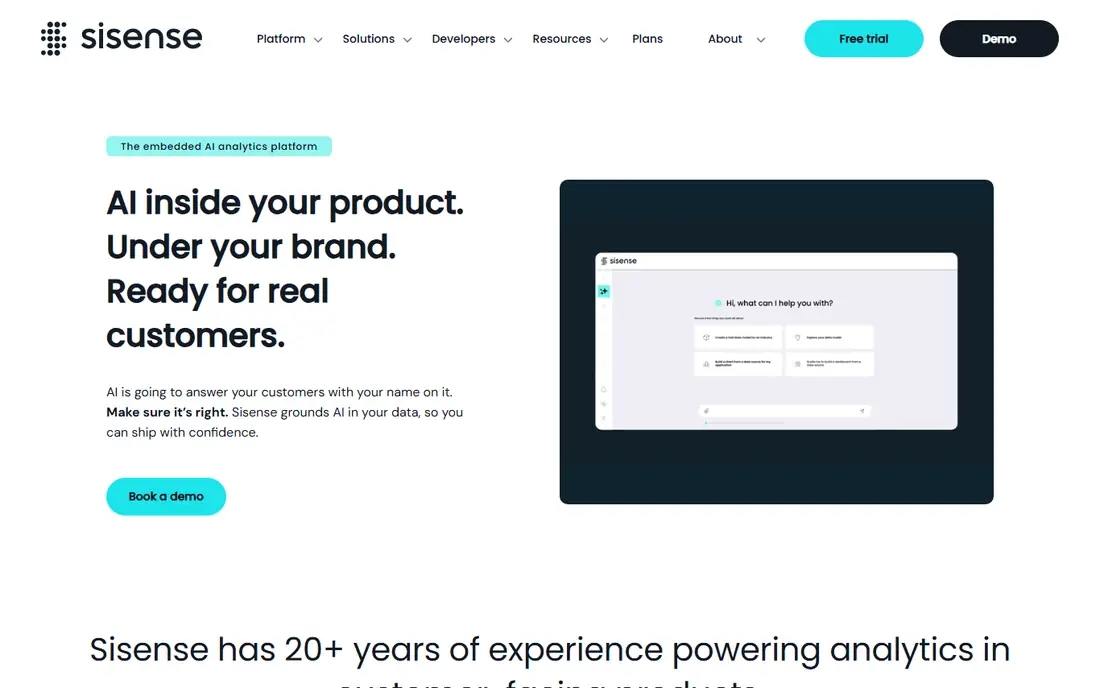
Sisense is popular with software companies that embed dashboards inside their own products. Its engine handles large, complex datasets, and embedded analytics can be white-labelled to match a product's look. Deployment runs in cloud or on-premise, and the platform scales from a single team to enterprise use.
Pricing comes by quote, and non-technical builders face a learning curve with the data modelling layer. For product teams that need analytics inside their app, Sisense is the most proven choice in this guide.
What we like- Strong embedded analytics for products
- Handles large and complex datasets
- Flexible deployment
Watch out for- Quote-based pricing
- Builder learning curve for non-technical users
Starting priceSee website
Free planFree trial
ThoughtSpot lets business users type questions like "sales by region last quarter" and get a chart back, without SQL or a dashboard builder. AI features suggest questions, explain changes and spot anomalies. The approach works best when data is well modelled, since the search layer depends on clean definitions underneath.
Pricing targets mid-size and enterprise teams, so small businesses may find it steep. For organisations that want more people asking questions of data directly, rather than waiting on analysts for every report, ThoughtSpot changes how analytics gets used.
What we like- Search-style analytics in plain language
- AI answers with charts
- Good for business users without SQL
Watch out for- Requires well-modelled data to shine
- Pricing is enterprise-oriented
#8Metabase
Best for: Open-source dashboards4.4/5 on
G2 (147 reviews, checked Oct 2026)
Visit metabase.com
Starting priceSee website
Free planYes
Metabase is the open-source analytics tool that small teams actually adopt. The free edition runs self-hosted, connects to common databases, and lets non-technical users build questions and dashboards with a visual builder. Setup takes minutes, and the interface is friendly enough for business users to explore without SQL.
Paid cloud and enterprise tiers add SSO, advanced permissions and usage analytics. Very large deployments need more tuning than a hosted platform. For a startup or small team that wants real dashboards without an enterprise contract, Metabase is the best free path.
What we like- Open-source edition is free and self-hosted
- Simple question builder for non-technical users
- Fast setup
Watch out for- Advanced features need paid cloud or enterprise tiers
- Scaling needs more care than hosted rivals
How we chose
We compared platforms on their published features, pricing pages, documentation and public reviews from analysts and business users. We favoured tools with strong visualisation, a clear builder story for their target user, and connectors for common data sources. Prices were marked "See website" where per-user, viewer and enterprise pricing varies. We did not claim hands-on testing.
Start with who builds. If analysts build and business users view, Tableau or Power BI with mixed creator and viewer roles fits. If business users should ask questions themselves, ThoughtSpot or Metabase's question builder fits better. If the product itself needs embedded charts, Sisense leads.
Then check your data. Google-centric teams get the most from Looker Studio free, while Microsoft shops get the most from Power BI. Large or messy datasets need the engines in Tableau, Qlik or Sisense. Finally, run a pilot on one real dataset with real users before buying, since dashboard tools reveal their weaknesses only under real questions.
A pilot project beats a feature checklist when choosing an analytics platform. Pick one real business question, such as why churn rose last quarter or which channel brings the best customers, and build the answer in each shortlisted tool during its trial. Time how long each step takes: connecting data, cleaning it, building the chart and sharing it with a colleague who was not involved. The tool that answers the question fastest with the least help from specialists usually wins, even if its feature list looks shorter. Also test the tool on your messiest data, not a clean sample, since real company data has duplicates, missing values and odd formats. A platform that handles that mess without constant IT help will serve the whole company better than a powerful tool only analysts can run.
Frequently asked questions
What is the best data analytics tool for beginners?
Looker Studio is the easiest free start, especially for Google data, with simple drag-and-drop dashboards. Metabase is the best beginner-friendly self-hosted option, with a visual question builder that needs no SQL. Both let a small team build useful dashboards without training.
Is Tableau better than Power BI?
Tableau leads on visual exploration and analyst workflows, while Power BI leads on price and Microsoft integration. Organisations on Microsoft 365 usually get more value from Power BI, while analyst-heavy teams that prioritise visualisation often prefer Tableau. Trial both with your own data before deciding.
Can I use data analytics tools for free?
Yes. Looker Studio is free for core use, Metabase's open-source edition is free to self-host, and Power BI Desktop is free for authoring. Paid tiers add sharing, governance and advanced features, but a small team can start free on all three.
What is embedded analytics?
Embedded analytics puts dashboards and charts inside another product, such as a SaaS app, so customers see insights without opening a separate BI tool. Sisense is a leading choice for this, with white-labelling and APIs for product teams. It differs from internal BI, which serves a company's own staff.
Do I need SQL to use these tools?
Not always. ThoughtSpot and Metabase let business users ask questions or build charts without SQL, while Tableau and Power BI reward analysts who know modelling and formulas. SQL still helps for complex data preparation, but most tools here let non-technical users start without it.
How do analytics tools connect to my data?
Most platforms offer connectors for databases, spreadsheets, cloud warehouses and business apps, plus file uploads for one-off data. Check that your specific sources are supported before buying, and confirm whether live queries or scheduled imports fit your data size and freshness needs.
Sources we checked (8)
- https://www.tableau.com
- https://powerbi.microsoft.com
- https://lookerstudio.google.com
- https://www.qlik.com
- https://www.domo.com
- https://www.sisense.com
- https://www.thoughtspot.com
- https://www.metabase.com
Is your product missing or out of date?
We review this list regularly. Vendors can request a listing, send updated pricing or ask about featured placement.

Shihab Mia · Founder, Rankite
Shihab has 5+ years in B2B and SaaS SEO. He writes Rankite's software buying guides from pricing pages, documentation and public user reviews. More about Shihab.