How we make this list: we compare pricing pages, product documentation and public user reviews. Ratings come from G2, Capterra or Trustpilot, with the date we checked them.
Key takeaways
- Google News is the best free starting point for broad daily news, with Full Coverage for comparing sources on big stories.
- Apple News is the best pick for Apple owners, while Flipboard and SmartNews suit visual browsing and fast offline reading.
- Feedly and Inoreader give source-by-source RSS control, and Ground News adds bias data and coverage-gap alerts.
- Microsoft Start works as a free morning briefing with weather and finance beside the news.
Quick comparison
| Tool | Best for | Starting price | Free plan |
|---|
 Google News Google News | Broad daily news with no setup | See website | Yes |
 Apple News Apple News | Apple users who want curated stories | See website | Yes |
 Feedly Feedly | Source-by-source control with RSS | See website | Yes |
 Flipboard Flipboard | Visual magazine-style browsing | See website | Yes |
 SmartNews SmartNews | Fast offline mobile reading | See website | Yes |
 Ground News Ground News | Bias data and coverage gaps | See website | Yes |
 Inoreader Inoreader | RSS automation and filters | See website | Yes |
 Microsoft Start Microsoft Start | A daily briefing with weather and finance | See website | Yes |
Is your product missing or out of date?
We review this list regularly. Vendors can request a listing, send updated pricing or ask about featured placement.
The best apps
Starting priceSee website
Free planYes
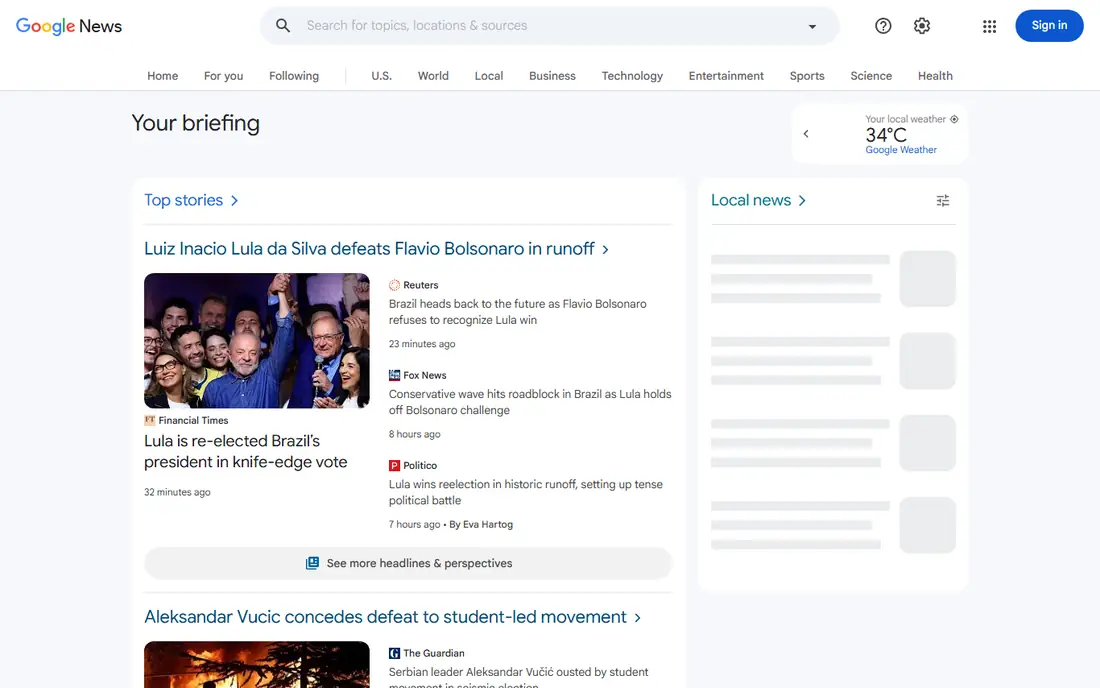
Google News is the easiest daily news app to start with. Open it and you get top stories, local news, and topics you follow, with no setup beyond a Google account. Full Coverage pulls many sources on a major story into one view, which helps you compare angles fast.
Personalization is the catch. The more you click one type of story, the more similar stories appear, so your feed can narrow over time. Follow a mix of topics and sources on purpose, and check Full Coverage on big stories to widen the view.
What we like- Free and cross-platform
- Full Coverage shows many sources on one story
- Local news options
Watch out for- Personalization can narrow your feed
- No magazine bundle like Apple News Plus
#2
Apple News
Best for: Apple users who want curated stories
Visit apple.com
Starting priceSee website
Free planYes
Apple News gives iPhone, iPad, and Mac owners a calm, curated daily feed. Editors and algorithms surface top stories, and the layout is clean for long reads. News Plus, the paid tier, adds magazines and selected newspapers in one subscription.
It stays inside Apple hardware. Android and Windows readers cannot use it as a main app, and the paid tier adds cost if you already pay for newspapers elsewhere. For Apple owners who want one daily feed, it is still a strong, low-effort pick.
What we like- Clean curated feed on Apple devices
- Audio stories
- News Plus adds magazines and papers
Watch out for- Apple devices only
- News Plus is a paid add-on
- Android users cannot use it
Starting priceSee website
Free planYes
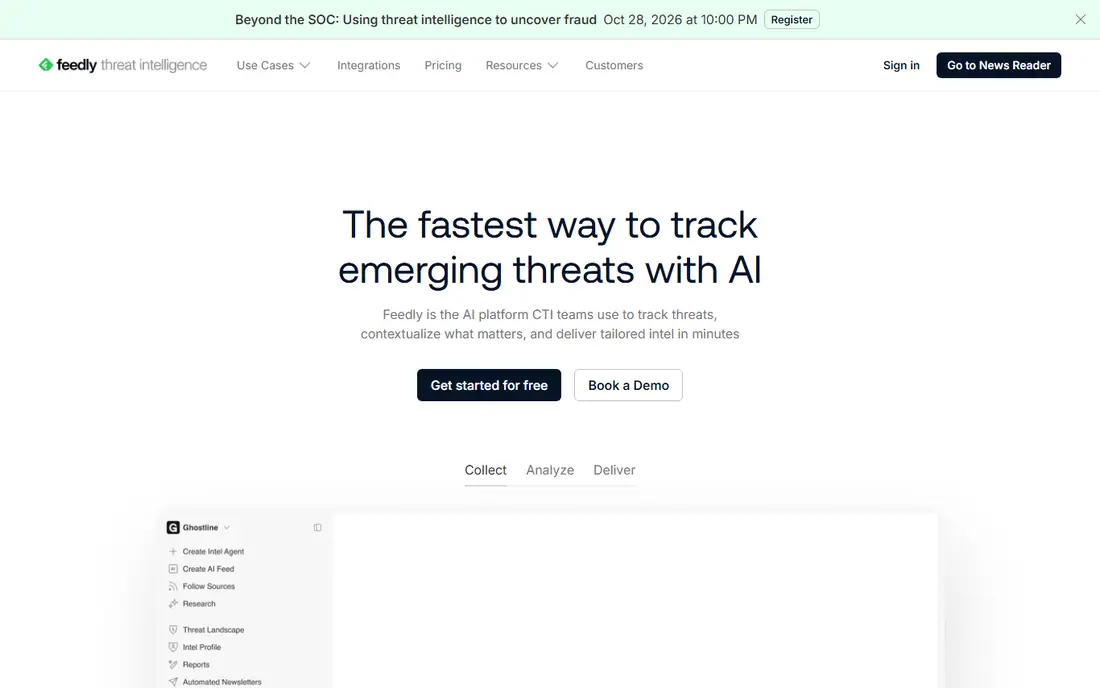
Feedly suits readers who want control over sources. Instead of an algorithm picking stories, you follow publications, blogs, and topics by RSS, and Feedly gathers them in one feed. Boards let you save and organize stories for work or study.
Setup takes effort. New RSS users must find feeds and learn boards, and the free tier limits the number of feeds and some AI features. If you read many niche sources each day, that control is worth the setup.
What we like- Follow exact sources by RSS
- Boards and AI summaries on paid plans
- Good for research
Watch out for- Free tier limits feeds and features
- Setup takes time for new RSS users
Starting priceSee website
Free planYes
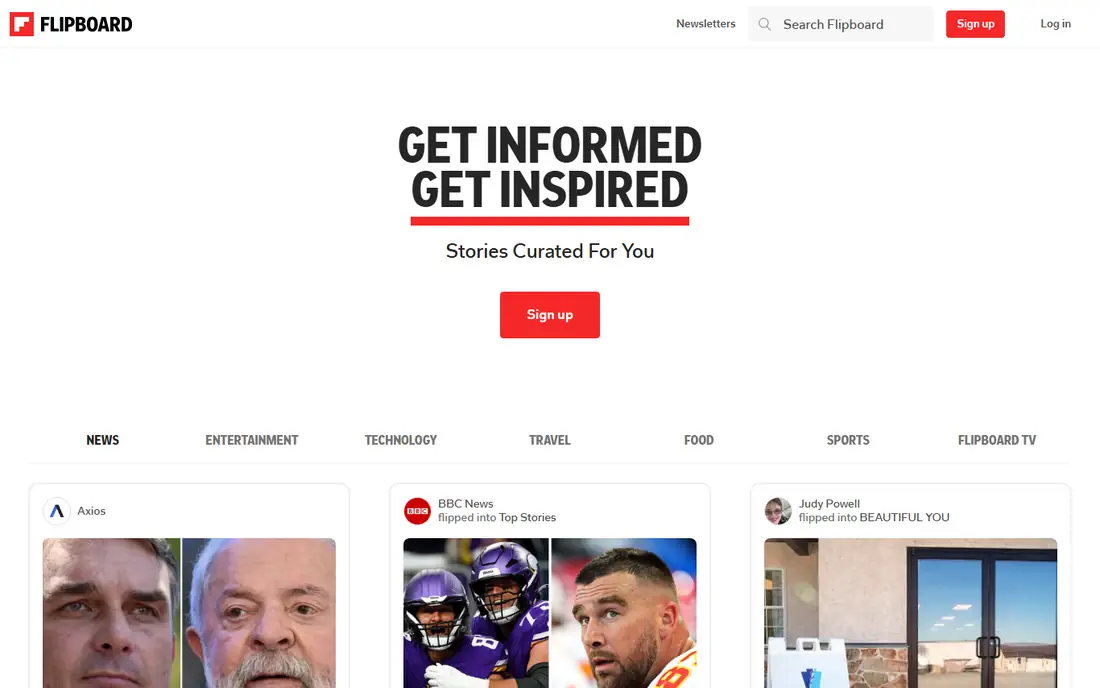
Flipboard turns news into a magazine. You follow topics, and stories appear as visual cards you can flip through, which suits casual browsing on a phone or tablet. Smart Magazines gather stories on a niche without manual feed setup.
It favors popular and visual stories over deep source control. Readers who want every post from a specific blog will prefer Feedly or Inoreader. For relaxed daily browsing, Flipboard is pleasant and fast to start.
What we like- Magazine layout for topics
- Easy topic follows
- Good for visual browsing
Watch out for- Curation can favor popular stories
- Less control than RSS apps
Starting priceSee website
Free planYes
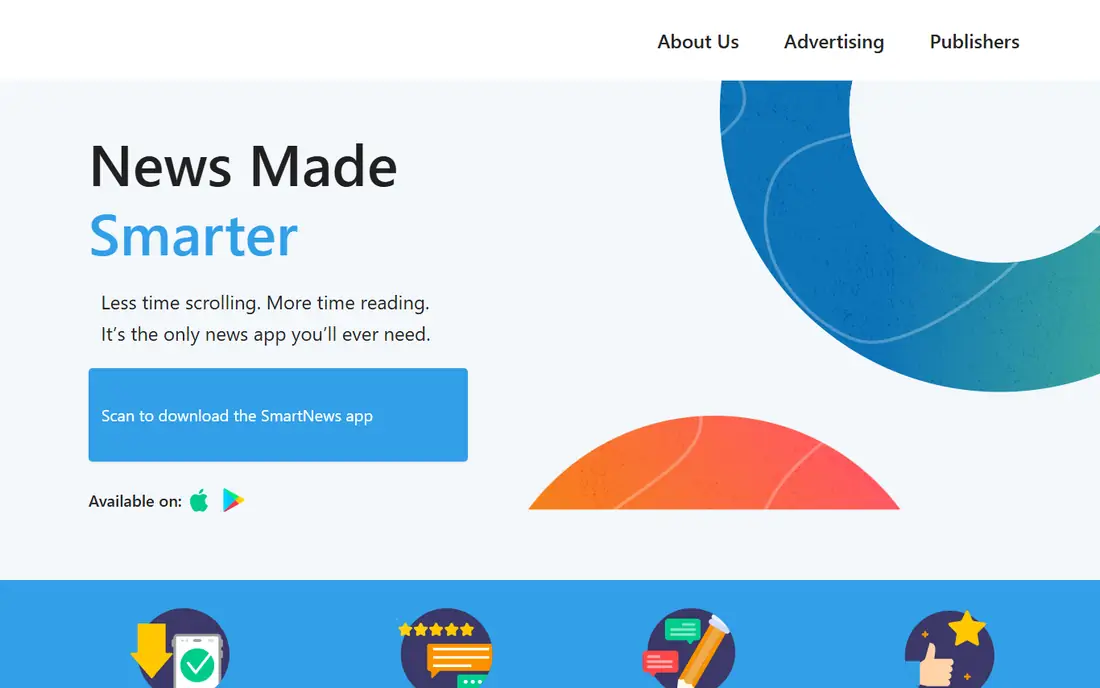
SmartNews is built for fast mobile reading. Stories load quickly, and offline reading helps on commutes and flights. Trending, local, and topic sections give a quick daily catch-up without following many sources by hand.
Control is lighter than in Feedly. You pick topics more than exact feeds, and the free tier includes ads. If speed and offline access matter most, SmartNews is a practical daily app.
What we like- Fast loading and offline reading
- Trending and local sections
- Clean mobile design
Watch out for- Less source control than RSS apps
- Ads on the free tier
Starting priceSee website
Free planYes
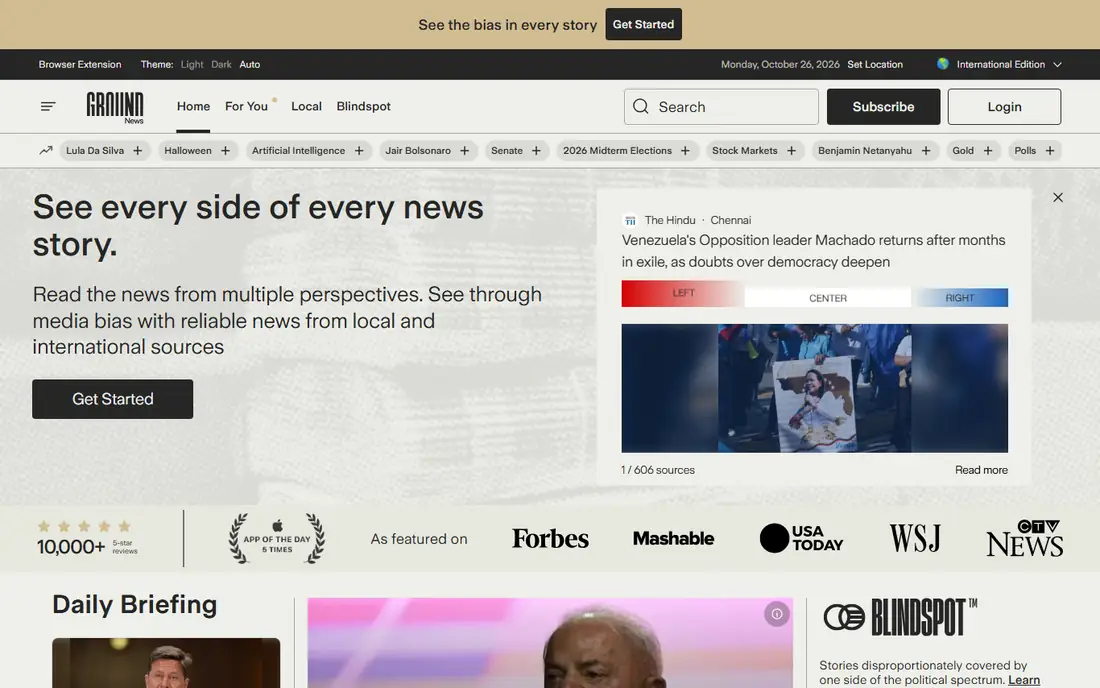
Ground News helps readers see framing, not just headlines. For major stories, it shows coverage from left, center, and right sources side by side, plus factuality ratings and Blindspot alerts for stories one side ignores. That view is useful during elections and major events.
The interface is denser than Google News or Apple News, and full features need a paid plan. Readers who want a quick headline scan may find it heavy. For media literacy and balanced reading, it is the most distinctive app here.
What we like- Shows left, center, and right coverage side by side
- Blindspot alerts
- Factuality ratings
Watch out for- Full features need a paid plan
- Interface is denser than simple news apps
Starting priceSee website
Free planYes
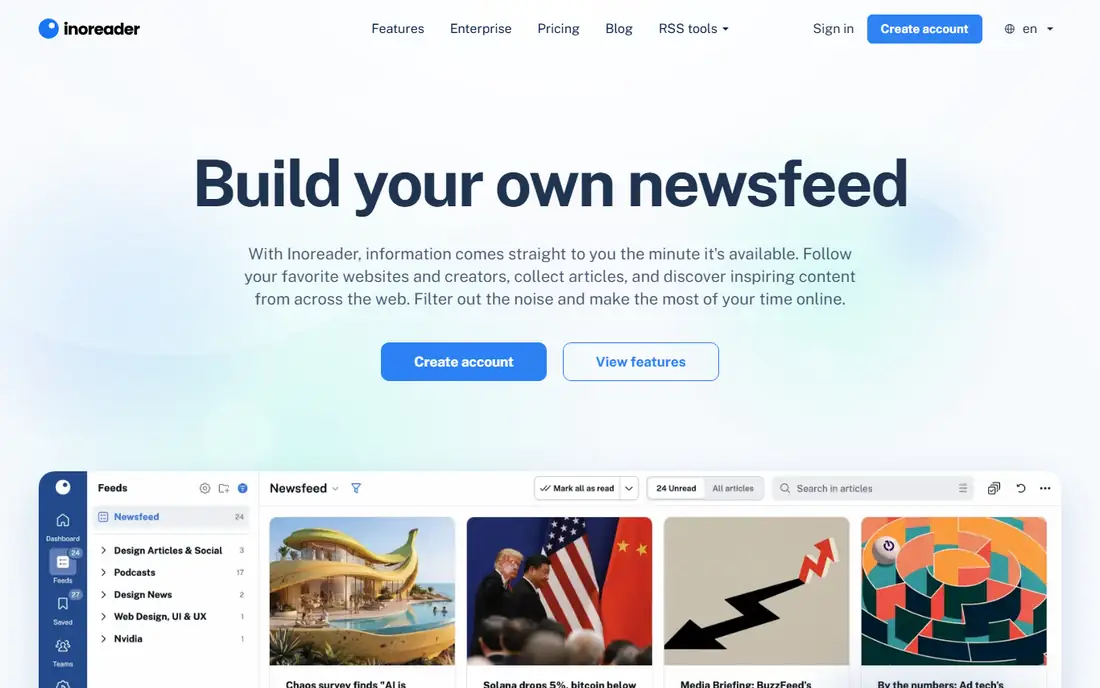
Inoreader is the power-user RSS app. Rules can filter, tag, and forward stories by keyword, author, or source, which helps researchers and professionals track niche topics. It also handles newsletters and social feeds beside RSS.
Rules take time to learn, and the best automation sits on paid plans. Casual readers will find Feedly simpler. If you track many sources and want automation to sort them, Inoreader earns its complexity.
What we like- Powerful rules and filters
- Offline reading
- Broad feed and newsletter support
Watch out for- Learning curve for rules
- Best features need a paid plan
#8
Microsoft Start
Best for: A daily briefing with weather and finance
Visit msn.com
Starting priceSee website
Free planYes
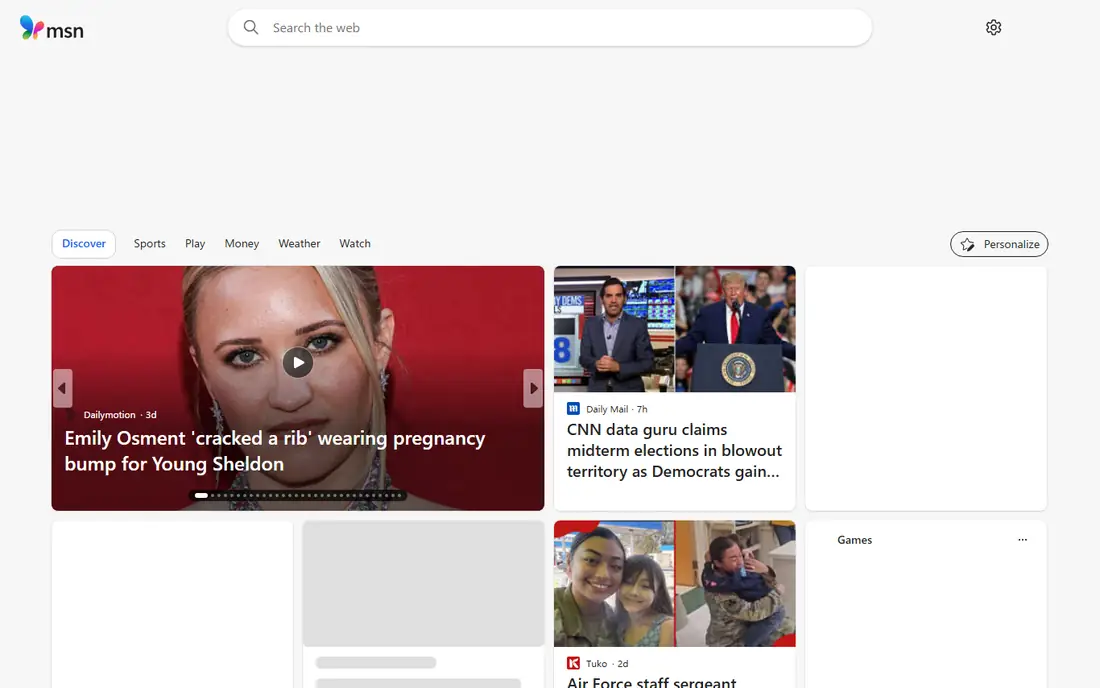
Microsoft Start gives a broad daily briefing in one feed. News sits beside weather, finance, and sports, which suits readers who want a morning update without opening four apps. It works on web, Windows, and mobile, and it is free.
The feed can feel broad, with ads and popular stories mixed in. Source control is lighter than in RSS apps. As a free morning briefing, it works well, especially for Windows users who already see it on their devices.
What we like- Free daily briefing
- Weather, finance, and sports beside news
- Windows and mobile apps
Watch out for- Feed can feel broad and ad-heavy
- Less source control than RSS
How we chose
We compared pricing pages, help documentation, and public reviews on G2, Capterra, and Reddit, and we checked each app for feed control, offline reading, alerts, source breadth, and platform coverage. We favored apps with clear free limits, reliable alerts, and a way to see more than one source on a story. We did not rank on total downloads alone, since a popular feed can still narrow your view.
We also weighed reading style. A headline scanner, a magazine browser, and a researcher need different tools, even if all three read news daily. Each pick below names its style first, so you can test the app that matches your morning routine.
Building a news routine that stays broad and calm
Follow at least three kinds of sources. Add one national paper, one local source, and one international source, plus a topic feed for your work or hobby. That mix keeps a single algorithm from setting your whole agenda. Check Full Coverage or Ground News on major stories before forming a firm view.
Limit alerts to breaking news and your top topics. Too many alerts train you to ignore them, and a noisy feed pushes outrage over understanding. Read one long article each day, not just headlines, and save stories you want to revisit instead of skimming them twice.
Avoiding a narrow feed
Audit your follows each month. Remove sources you never open, and add one source you disagree with but trust for facts. RSS apps make this audit easy, since you see the full source list. Algorithm feeds need more deliberate checks.
Local news deserves a slot
National feeds miss school boards, road work, and local elections. Add a local paper or a local section in Google News, Apple News, or NewsBreak-style local coverage where available. Local stories affect daily life more directly than most national headlines.
Test two apps for one week each before you settle, since feed feel matters more than feature lists. Use one broad feed for headlines and one control tool for topics you follow closely, such as work or a hobby. That pair covers speed and depth without forcing one app to do both jobs well. Keep alerts on only for breaking news and your top topic, and turn off the rest.
Save stories you want to finish, and delete saved stories you skip twice, since a growing save list becomes its own burden. A short saved list you actually return to beats a long archive you never open. Review saved items each Sunday, keep the best three, and clear the rest.
If a feed leaves you anxious, shorten reading windows and mute topics that repeat the same story all day.
Frequently asked questions
What is the best news app for iPhone?
Apple News is the best native pick for iPhone owners, with a clean curated feed and optional News Plus magazines. Google News is the best cross-platform alternative if you also use Android or Windows.
What is the best free news app?
Google News is the best free news app for most readers, since it needs no payment and covers local, national, and world news. Feedly and SmartNews also offer useful free tiers.
Which news app shows bias?
Ground News shows left, center, and right coverage side by side, with factuality ratings and Blindspot alerts. It is the best pick for readers who want to compare framing on the same story.
Is RSS still useful for news?
Yes, for readers who follow many niche sources. Feedly and Inoreader gather exact feeds you choose, without an algorithm reordering them. That control is hard to get from a general news feed.
How do I avoid news overload?
Limit alerts, pick a morning and evening reading window, and read one long article per day instead of endless headlines. A smaller, trusted source list beats a large, noisy feed.
Sources we checked (8)
- https://news.google.com/
- https://www.apple.com/apple-news/
- https://feedly.com/
- https://flipboard.com/
- https://www.smartnews.com/
- https://ground.news/
- https://www.inoreader.com/
- https://www.msn.com/
Is your product missing or out of date?
We review this list regularly. Vendors can request a listing, send updated pricing or ask about featured placement.

Shihab Mia · Founder, Rankite
Shihab has 5+ years in B2B and SaaS SEO. He writes Rankite's software buying guides from pricing pages, documentation and public user reviews. More about Shihab.