How we make this list: we compare pricing pages, product documentation and public user reviews. Ratings come from G2, Capterra or Trustpilot, with the date we checked them.
Key takeaways
- Rocket Money suits hands-off detection, since its free tier scans linked accounts and finds recurring charges automatically.
- Bobby, Subby, and LowerMySubs suit privacy-first users, since they track subscriptions manually without bank connections.
- TrackMySubs suits small businesses and teams that need shared tracking and reminders.
- Trim, PocketGuard, and Emma suit users who want cancellation help alongside broader budgeting and spending tools.
Quick comparison
| Tool | Best for | Starting price | Free plan |
|---|
 Rocket Money Rocket Money | Automatic detection | Free | Yes |
 Bobby Bobby | Simple manual tracking | Free | Yes |
 Subby Subby | Lightweight Android tracking | Free | Yes |
 TrackMySubs TrackMySubs | Team and business tracking | Free | Yes |
 LowerMySubs LowerMySubs | Free private audit | Free | Yes |
 Trim Trim | Negotiation plus tracking | See website | Yes |
 PocketGuard PocketGuard | Spending plus subscriptions | Free | Yes |
 Emma Emma | Budgeting plus subscriptions | Free | Yes |
Is your product missing or out of date?
We review this list regularly. Vendors can request a listing, send updated pricing or ask about featured placement.
The best apps to cancel subscriptions for free
Starting priceFree
Free planYes
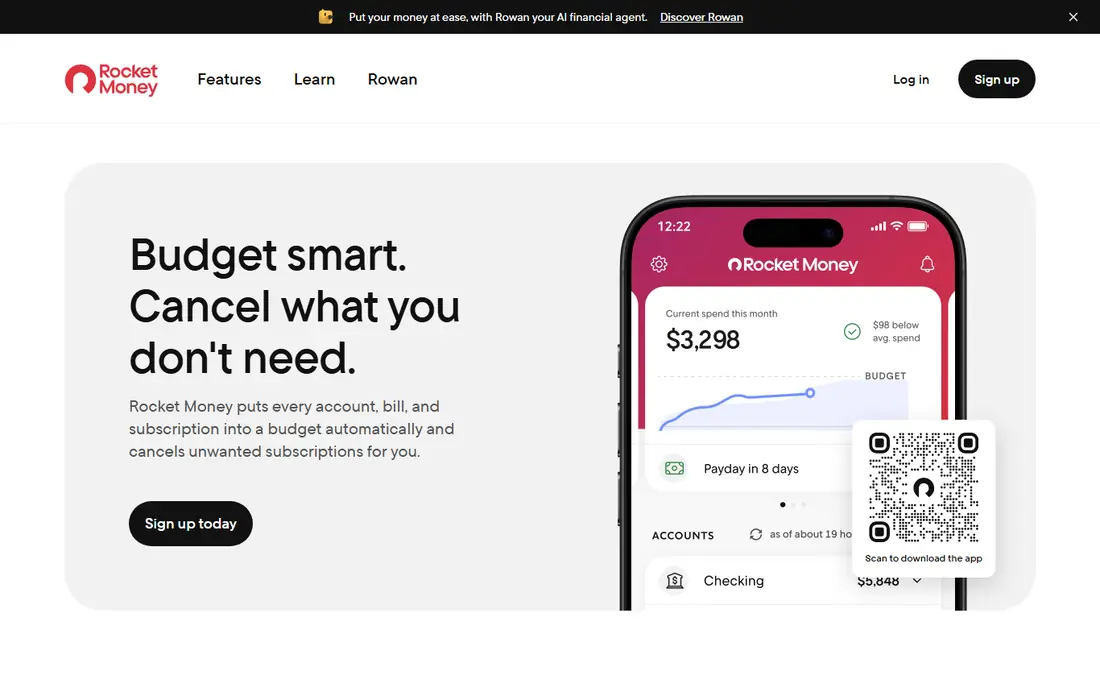
Rocket Money, formerly Truebill, scans linked bank and card accounts to find recurring charges, then shows them in one dashboard with monthly totals. That automatic detection is its main advantage, since many users discover subscriptions they had forgotten. The free tier tracks subscriptions and spending, which is enough for an honest audit of where your money goes, and Premium pricing runs on a $7 to $14 per month sliding scale in recent guides.
The honest catch is that the free tier tracks but does not cancel for you. Cancelling on the free plan is manual work, while Premium adds a cancellation service where the Rocket Money team contacts providers on your behalf, plus bill negotiation. The free tier also requires granting a third party read access to your financial accounts. Rocket Money suits users who want automatic detection and are comfortable linking accounts, and who do not mind cancelling manually if they stay free.
What we like- Auto-detects recurring charges
- Clear dashboard
- Monthly totals
Watch out for- Cancellation service needs Premium
- Free tier needs bank linking
Starting priceFree
Free planYes
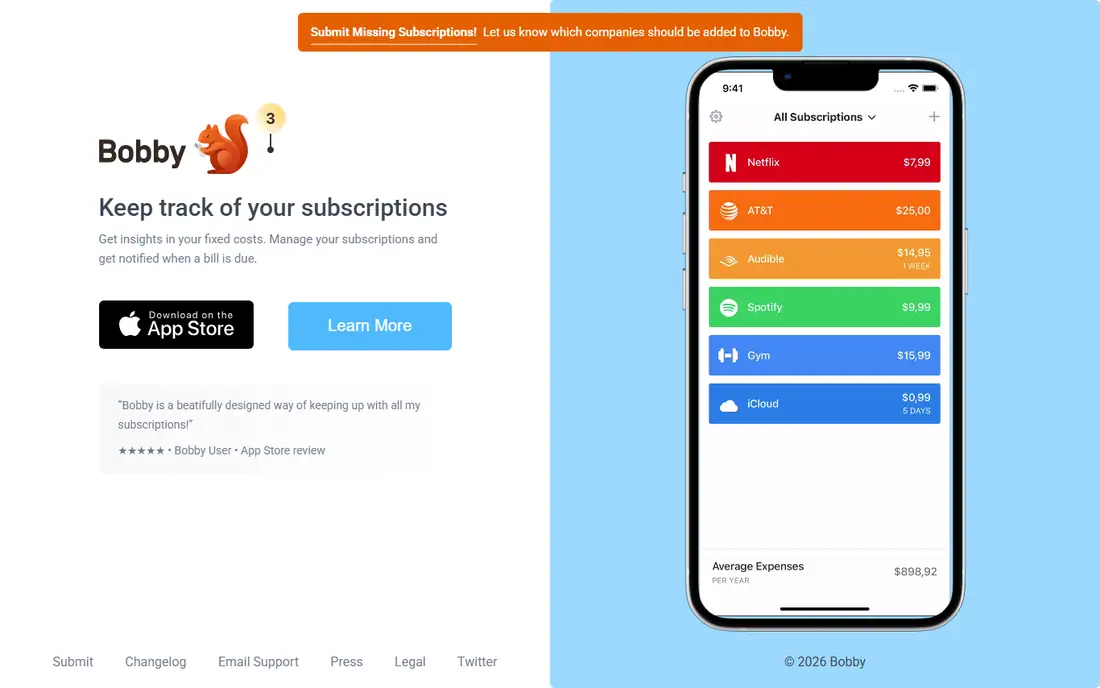
Bobby is a clean, simple manual subscription tracker for iOS. You add each subscription with its cost and renewal date, and Bobby shows upcoming renewals and monthly totals in a tidy view. The free tier covers manual tracking and renewal reminders, while Bobby Pro costs around $1.99 as a one-time purchase, adding widgets, extra themes, and export. There are no ongoing fees, which makes Bobby one of the cheapest options over time.
Bobby does not auto-detect anything, so you must enter every subscription yourself, and it offers no cancellation guidance or service. It suits iOS users who want a private, simple list without bank connections. If you have many subscriptions or often forget them, Rocket Money's detection will serve you better. Bobby is best for users with a short, stable subscription list who value privacy and simplicity.
What we like- Clean manual tracker
- Renewal reminders
- Cheap one-time Pro upgrade
Watch out for- IOS only
- No auto-detection
- No cancellation service
Starting priceFree
Free planYes
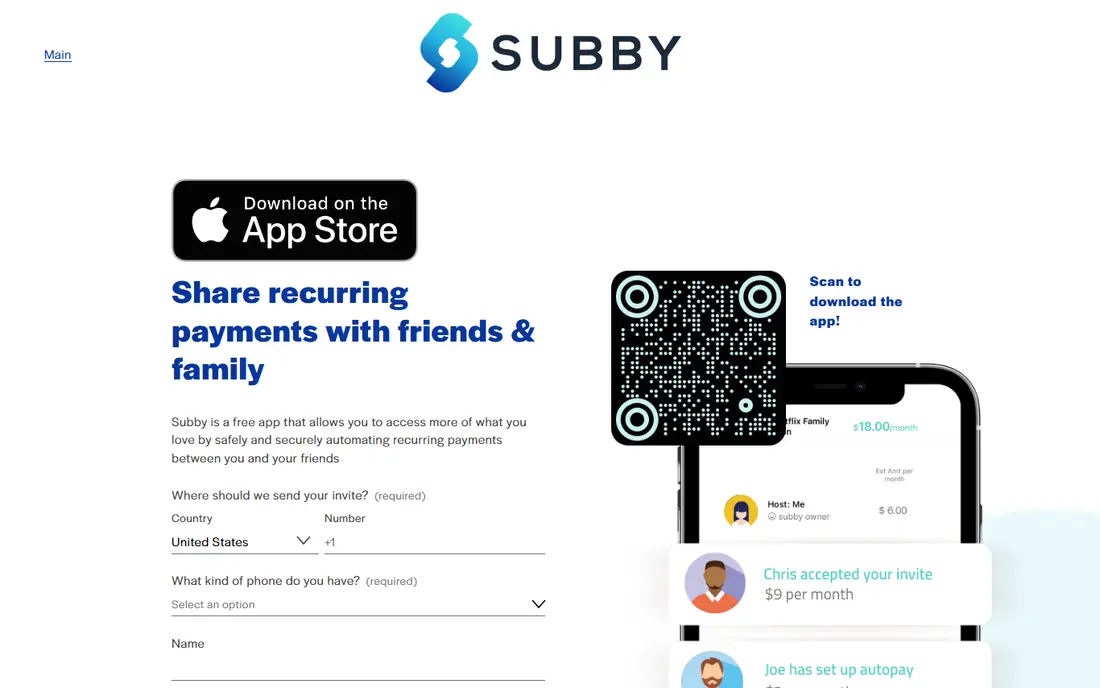
Subby is a purpose-built, lightweight subscription tracker for Android, focused on manual tracking with renewal reminders and spending totals. The free tier covers the core job: list your subscriptions, see what they cost monthly and yearly, and get reminded before renewals. Its small size and simple design suit users who want a tracker that stays out of the way and does not demand bank access or subscriptions of its own.
Subby offers manual entry only, with no auto-detection and no cancellation service, so it suits users who already know their subscriptions and want reminders rather than discovery. Android users who prefer privacy-first tracking will find Subby a good match for Bobby on iOS. Pair Subby with a yearly manual audit of bank statements, so forgotten subscriptions still surface even without auto-detection.
What we like- Purpose-built for Android
- Lightweight
- Renewal reminders
Watch out for- Manual entry only
- Smaller feature set than Rocket Money
Starting priceFree
Free planYes
TrackMySubs suits small businesses and teams that need shared subscription tracking, with team access, renewal reminders, and Zapier integrations for connecting other tools. A business can track software subscriptions across staff, see renewal dates in one place, and avoid paying for seats nobody uses. The free tier covers basic tracking, while paid tiers add capacity and features for larger teams.
The business focus adds complexity for personal users, who may find Bobby or Subby simpler for a household list. TrackMySubs suits freelancers, startups, and small teams managing business software subscriptions. Set renewal reminders a week before each charge, so the team has time to decide whether to keep, downgrade, or cancel. Shared visibility alone often cuts waste, since unused seats become obvious.
What we like- Team access
- Reminders
- Zapier integrations
Watch out for- Business focus adds complexity for personal use
- Paid tiers for larger teams
Starting priceFree
Free planYes
LowerMySubs offers a completely free, private subscription audit without requiring a bank login. You scan a bank statement or audit manually, and LowerMySubs helps you find recurring charges and build a cancellation plan. That privacy-first design suits users who refuse to link financial accounts to a third-party app but still want a structured audit. There are no tiers, upsells, or ongoing fees.
LowerMySubs is an audit tool rather than an ongoing tracker, so it lacks renewal reminders and continuous monitoring. It suits users who want a one-time free cleanup and are willing to repeat the audit every few months. Combine it with Bobby or Subby for ongoing reminders, so the audit results stay current. For a free, private first step, LowerMySubs is hard to beat.
What we like- Completely free
- Private by design
- No bank login needed
Watch out for- Manual audit only
- No ongoing tracking app features
Starting priceSee website
Free planYes
Trim combines subscription tracking with a bill negotiation service covering hundreds of negotiable services, plus spending analysis that flags recurring charges. The free tier helps you see subscriptions, while negotiation and deeper cancellation help sit behind paid features with terms that have changed over time, so check current terms before signing up. Trim suits users who want to lower bills as well as cancel subscriptions, since negotiation can save money on services worth keeping.
Trim's negotiation focus means pure cancellation is less central than at Rocket Money, and free tier limits apply. It suits users with large cable, internet, or phone bills worth negotiating alongside subscription cleanup. Start with its spending analysis to find forgotten subscriptions, then decide whether negotiation or cancellation saves more on each one. Always confirm negotiation fees before accepting a deal.
What we like- Bill negotiation service
- Subscription tracking
- Spending analysis
Watch out for- Negotiation terms vary
- Cancellation help sits behind paid features
Starting priceFree
Free planYes
PocketGuard is a budgeting app with a subscription list and a signature "In My Pocket" view that shows what is safe to spend after bills and subscriptions. The free tier covers subscription tracking and basic budgeting, which helps users see how subscriptions affect monthly cash flow, not just their total cost. That context matters, since a subscription that looks small alone may strain a tight budget alongside others.
Cancellation on the free tier is manual, and full features need a paid plan, so PocketGuard suits users who want budgeting context around their subscriptions rather than a dedicated cancellation service. Link accounts for automatic detection, or enter subscriptions manually if you prefer privacy. Review the "In My Pocket" figure after each cancellation, since visible savings reinforce the habit of auditing regularly.
What we like- "In My Pocket" safe-to-spend view
- Subscription list
- Budgeting tools
Watch out for- Cancellation is manual on free tier
- Full features need paid plan
Starting priceFree
Free planYes
Emma is a budgeting app with subscription tracking built in, showing recurring charges alongside spending categories, budgets, and account balances. The free tier covers subscription detection from linked accounts and basic budgeting, which suits users who want one app for money management rather than a standalone tracker. Emma's categories make it easy to see which subscriptions fall under entertainment, work, or household spending.
Cancellation is manual on the free tier, and the best features need paid plans, so Emma suits users who want budgeting context first and cancellation help second. If your main goal is cancelling many subscriptions quickly, Rocket Money Premium may serve you better. Emma is best for users building a broader budgeting habit, with subscription cleanup as one part of better money management.
What we like- Subscription tracking inside budgeting
- Spending categories
- Free tier
Watch out for- Cancellation is manual
- Best features need paid plans
How we chose
We compared subscription tools on free tier usefulness, auto-detection, cancellation help, privacy, reminders, and price, using vendor pages, pricing pages, and comparison guides from 2026. The reference buyer was a US consumer who wants to cancel subscriptions without paying, so genuinely free features mattered more than premium cancellation services. A key honesty note applies across this list: most free tiers track subscriptions but do not cancel them for you, so free cancellation usually means manual cancellation with the app's help. Tools were judged on how well they support that manual process, not on paid concierge features.
How to cancel subscriptions for free
Audit first with a free tool
Run a free audit with Rocket Money free, LowerMySubs, or your bank statements before cancelling anything. List every recurring charge, its cost, and its renewal date, then total the monthly and yearly cost. Many users find forgotten subscriptions worth $20 to $50 a month, which makes the audit itself valuable. Save the list, since it becomes your cancellation checklist and your baseline for future audits.
Cancel directly with each provider
For each unwanted subscription, cancel directly through the provider's website, app store settings, or account page. App store subscriptions cancel in Apple Settings or Google Play, while merchant-billed subscriptions cancel on the merchant site. Screenshot confirmation pages, and check your next statement to confirm charges stopped. Direct cancellation is free everywhere, and it works even when apps only track rather than cancel.
Set renewal reminders for the rest
For subscriptions you keep, set renewal reminders a week before each charge, using Bobby, Subby, or TrackMySubs. A reminder gives you time to reconsider before money leaves your account, which prevents passive renewals of services you no longer use. Review kept subscriptions quarterly, and cancel anything unused for two months. Renewal reminders turn a one-time audit into an ongoing habit that saves money every year.
Watch for retention offers and confirmations
Providers often offer discounts when you cancel, which can be worth taking if you genuinely use the service. Accept a retention offer only if the lower price fits your budget and you still need the service, not because the offer feels like a win. After cancelling, confirm by email and check statements for one more cycle, since some providers bill once more before stopping. Keep confirmation emails until charges clearly end.
Frequently asked questions
Can I really cancel subscriptions for free?
Yes, by cancelling directly with each provider, which costs nothing. Free apps help you find and track subscriptions, but most do not cancel for you without a paid plan. The free process is: audit with a free tool, cancel directly with providers, and set renewal reminders. Paid concierge cancellation saves time, but it is a convenience, not a requirement.
Which free app finds forgotten subscriptions best?
Rocket Money free, since it scans linked accounts and auto-detects recurring charges. LowerMySubs offers a free private audit without bank linking, which suits privacy-conscious users. Bobby and Subby track only what you enter, so they miss forgotten subscriptions. If discovery matters most, start with Rocket Money free or a manual bank statement review.
Do I need to link my bank account to track subscriptions?
No. Bobby, Subby, and LowerMySubs track manually without bank access, which suits privacy-first users. Bank linking enables auto-detection in Rocket Money, PocketGuard, and Emma, at the cost of sharing read access with a third party. Choose manual tracking if privacy matters most, and bank linking if discovery matters most. Never share full login credentials outside secure, read-only connections.
How often should I audit subscriptions?
Audit every three months, and set renewal reminders for everything you keep. Quarterly audits catch new subscriptions, price rises, and services you stopped using. A yearly audit alone misses too much, since subscriptions accumulate quietly. Tie audits to a routine, such as the start of each quarter, so they actually happen.
What should I do if charges continue after cancelling?
Contact the provider with your cancellation confirmation, and dispute the charge with your bank or card issuer if the provider refuses a refund. Screenshot the cancellation page and save confirmation emails, since proof speeds up disputes. Check whether the charge comes from a different billing entity, such as an app store versus the merchant. Escalate to your card issuer promptly, since dispute windows close after a set period.
Sources we checked (0)
Is your product missing or out of date?
We review this list regularly. Vendors can request a listing, send updated pricing or ask about featured placement.

Shihab Mia · Founder, Rankite
Shihab has 5+ years in B2B and SaaS SEO. He writes Rankite's software buying guides from pricing pages, documentation and public user reviews. More about Shihab.