How we make this list: we compare pricing pages, product documentation and public user reviews. Ratings come from G2, Capterra or Trustpilot, with the date we checked them.
Key takeaways
- Slack remains the best team chat app for most companies, with the deepest integrations and a familiar channel model.
- Microsoft Teams is the obvious choice for organisations already on Microsoft 365, with meetings and chat in one app.
- Discord suits communities and gaming-adjacent teams, with excellent voice channels and a free tier.
- Google Chat is the simplest option for Workspace teams that want chat without another subscription.
- Self-hosted options like Mattermost and Rocket.Chat give control over data for regulated or privacy-conscious teams.
Quick comparison
| Tool | Best for | Starting price | Free plan |
|---|
 Slack Slack | Best all-round team chat | Free | Yes |
 Microsoft Teams Microsoft Teams | Microsoft 365 organisations | Free | Yes |
 Discord Discord | Communities and voice | Free | Yes |
 Google Chat Google Chat | Google Workspace teams | Free | Yes |
 Mattermost Mattermost | Self-hosted team chat | Free | Yes |
 Rocket.Chat Rocket.Chat | Open-source team chat | Free | Yes |
 Twist Twist | Async-first communication | See website | Free trial |
 Zulip Zulip | Threaded team chat | Free | Yes |
Is your product missing or out of date?
We review this list regularly. Vendors can request a listing, send updated pricing or ask about featured placement.
The best apps for team communication
#1Slack
Best for: Best all-round team chat4.5/5 on
G2 (39,944 reviews, checked Oct 2026)
Visit slack.com
Starting priceFree
Free planYes
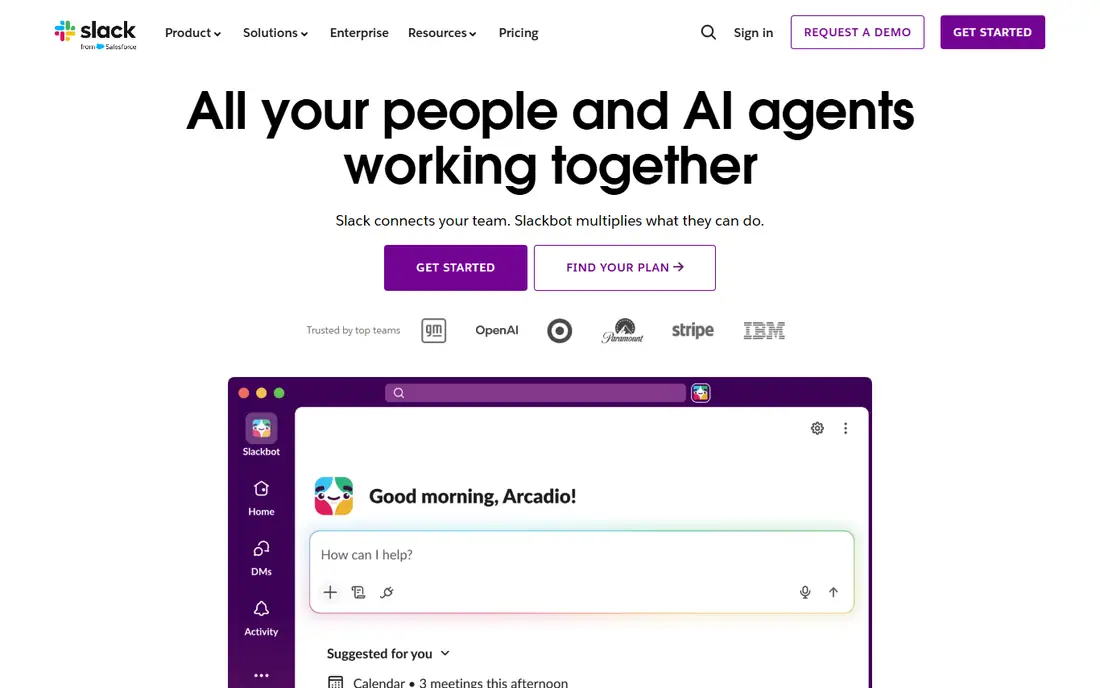
Slack is the team chat app most companies compare everything else against. Channels organise conversations by team, project or topic, threads keep replies tidy, and huddles offer quick voice chats without scheduling a meeting. The integration library is the deepest available, connecting to Google Drive, GitHub, Salesforce, Asana and thousands of other tools, so notifications and files flow into chat naturally.
Search is strong, with filters for people, channels and files, and the mobile and desktop apps are polished. Canvas documents, workflow automation and AI summaries on paid plans add more depth for larger teams. The free plan covers basic chat, though message history is limited to recent messages.
Slack's weakness is cultural as much as technical: constant notifications can fragment attention, and per-user pricing adds up for large teams. Used with clear channel norms and notification settings, though, Slack remains the best all-round team communication app.
What we like- Deepest integration library
- Familiar channels and threads
- Excellent search and huddles
Watch out for- Message history limited on free plan
- Costs rise with team size
- Can encourage always-on culture
#2Microsoft Teams
Best for: Microsoft 365 organisations4.4/5 on
G2 (19,330 reviews, checked Oct 2026)
Visit microsoft.com
Starting priceFree
Free planYes
Microsoft Teams combines chat, video meetings, file storage and Office apps in one place, which makes it the natural choice for organisations already paying for Microsoft 365. Channels work like Slack's, meetings run natively with recording and transcription, and files live in SharePoint and OneDrive behind the scenes.
For enterprises, Teams offers strong security, compliance and admin controls, plus integration with Outlook calendars and the wider Microsoft ecosystem. A free version covers chat and meetings for small teams, while the full experience comes with a Microsoft 365 subscription.
The interface packs a lot in and can feel cluttered, and some teams find its chat less fluid than Slack's. But if your organisation already runs on Microsoft, Teams avoids a second subscription and keeps communication where work already happens.
What we like- Built into Microsoft 365
- Meetings, chat and files in one app
- Strong enterprise security
Watch out for- Interface can feel cluttered
- Chat is less fluid than Slack for some teams
#3Discord
Best for: Communities and voice4.6/5 on
G2 (43 reviews, checked Oct 2026)
Visit discord.com
Starting priceFree
Free planYes

Discord started for gamers but has grown into a general community platform, and many small teams and creator groups now use it for work. Servers organise channels by topic, roles control permissions, and voice channels let people drop in and out of conversation without a call, which suits creative and community teams.
The free tier is generous, covering unlimited messages, voice and video, screen sharing and file uploads up to a size limit. Bots and integrations add moderation, polls, scheduling and more, and the mobile app is excellent.
Discord is less business-focused than Slack or Teams: admin controls, compliance exports and enterprise support are thinner, and the interface feels informal for some workplaces. But for communities, startups and creative teams that value voice and a free tier, Discord is hard to beat.
What we like- Free with excellent voice channels
- Flexible servers and roles
- Huge community ecosystem
Watch out for- Less business-focused
- Admin and compliance tools are thinner than Slack or Teams
Starting priceFree
Free planYes
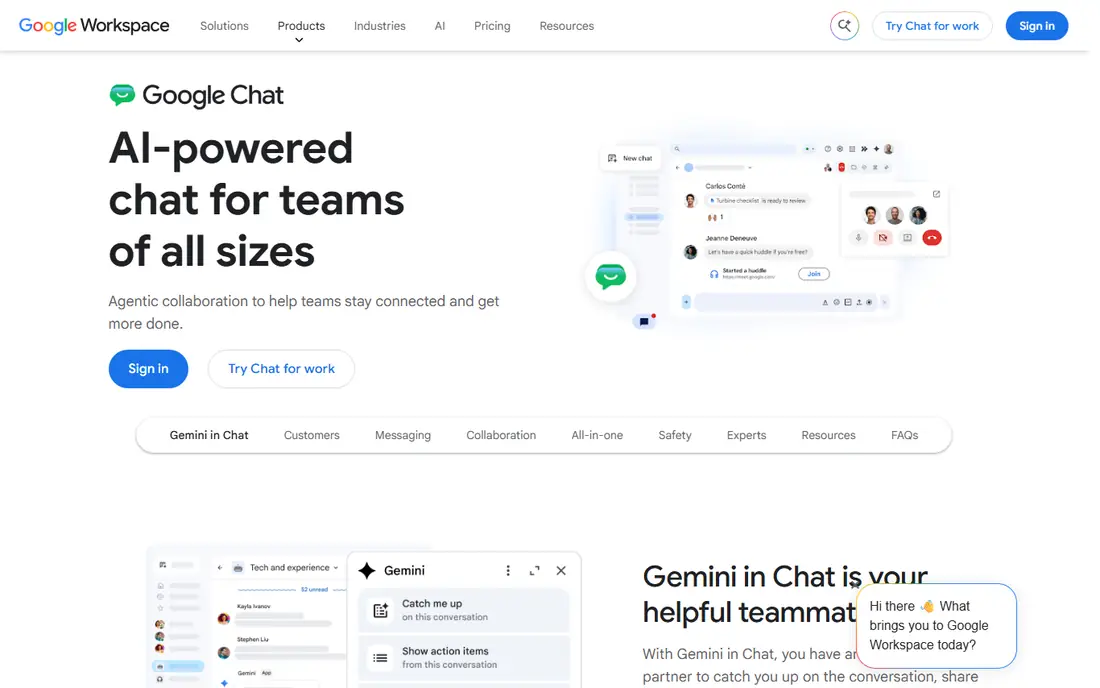
Google Chat is the chat tool inside Google Workspace, and its appeal is simplicity. Direct messages and Spaces, for team projects, sit alongside Gmail, Calendar and Drive, so Workspace users can chat without learning a new app or paying extra. Threads, file sharing and basic bots cover daily needs.
Spaces support shared files, tasks and conversations in one place, which works well for small project teams. Search covers messages and files, and the mobile app is clean and fast. For a small business already on Workspace, Chat is the path of least resistance.
Integration depth is shallower than Slack's, and large organisations may miss advanced admin, workflow and compliance features. But if your team lives in Gmail and Drive, Google Chat keeps communication close to the work without another subscription.
What we like- Included with Google Workspace
- Simple and fast
- Spaces for team projects
Watch out for- Fewer integrations than Slack
- Less depth for large organisations
Starting priceFree
Free planYes
Mattermost is an open-source, self-hosted team chat platform that looks and feels much like Slack, with channels, threads, file sharing and integrations. The key difference is control: you run it on your own servers, so your data never leaves your infrastructure, which matters for defence, healthcare, finance and other regulated industries.
The free, self-hosted edition covers the core chat experience, while paid editions add enterprise features like advanced permissions, compliance exports and high availability. Integrations cover GitLab, Jira, Jenkins and other developer tools, reflecting Mattermost's popularity with engineering teams.
Running your own server takes effort: updates, backups and scaling are your job. Mobile apps are good but less polished than Slack's. For teams that need data control above all, Mattermost is the best self-hosted option.
What we like- Self-hosted for full data control
- Open source
- Slack-like channels and integrations
Watch out for- Needs server management
- Mobile apps less polished than Slack
#6Rocket.Chat
Best for: Open-source team chat4.2/5 on
G2 (374 reviews, checked Oct 2026)
Visit rocket.chat
Starting priceFree
Free planYes
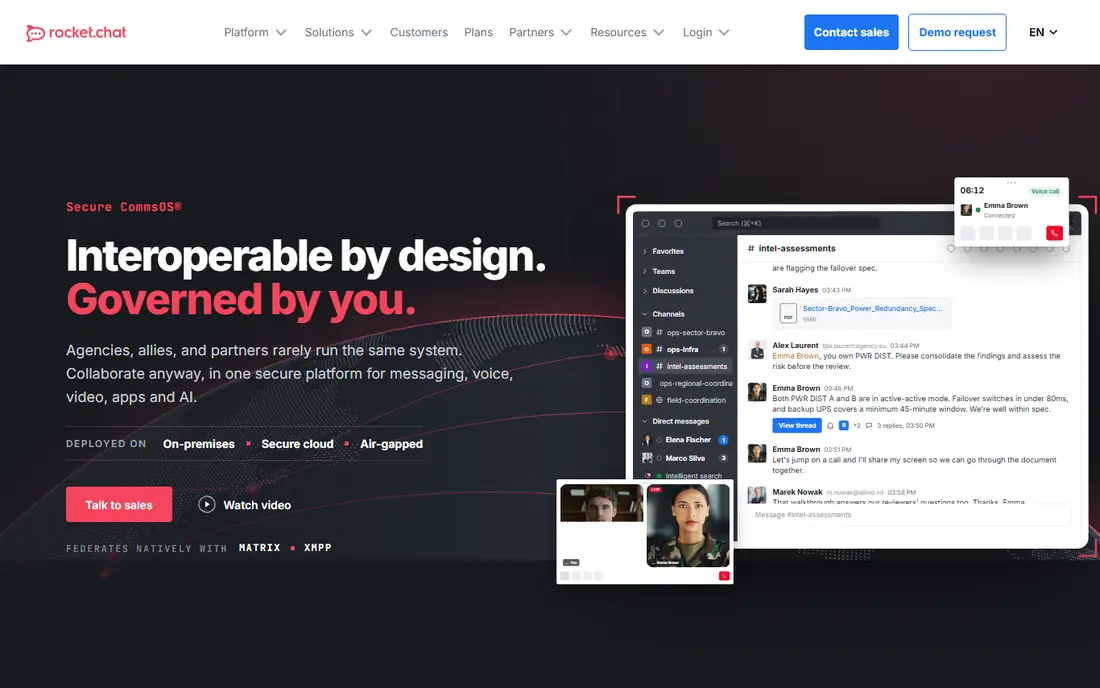
Rocket.Chat is another open-source team chat platform, with channels, threads, video calls and file sharing, plus an omnichannel feature that brings customer live chat, WhatsApp, SMS and social messages into the same workspace as team chat. That combination suits companies that want internal and customer communication in one system.
Customisation is deep: themes, integrations, bots and apps let teams shape Rocket.Chat to their workflow, and self-hosting gives full data control. A cloud-hosted option removes the server work for teams that prefer it, with paid plans adding enterprise features.
Setup and maintenance are the trade-off for self-hosting, and the interface is less refined than Slack's. But for organisations that want open-source flexibility and omnichannel messaging, Rocket.Chat is a strong, cost-effective choice.
What we like- Open source and self-hosted
- Omnichannel messaging including live chat
- Flexible customisation
Watch out for- Setup and maintenance needed
- Interface less refined than Slack
#7Twist
Best for: Async-first communication4.1/5 on
G2 (34 reviews, checked Oct 2026)
Visit twist.com
Starting priceSee website
Free planFree trial
Twist, from the makers of Todoist, is built for async-first communication: instead of a stream of messages that demand immediate attention, conversations live in threads organised by topic, so team members can catch up on their own schedule. That design suits distributed teams across time zones, where real-time chat creates pressure to always be online.
The interface is calm and clean, with channels for teams and threads for discussions, plus integrations with Todoist, Google Drive and other tools. Notifications are less aggressive by design, which helps deep work.
The ecosystem is smaller than Slack's, and teams that rely on real-time chat and voice may find Twist slow. A free trial lets you test whether the async model fits your team. For distributed teams drowning in chat noise, Twist offers a genuinely different, calmer way to communicate.
What we like- Threaded, calm design reduces notification overload
- Good for distributed teams
- Clean interface
Watch out for- Smaller ecosystem
- Real-time chat feels secondary
#8Zulip
Best for: Threaded team chat4.6/5 on
G2 (117 reviews, checked Oct 2026)
Visit zulip.com
Starting priceFree
Free planYes
Zulip organises chat by streams and topics, so every message belongs to a topic within a channel. That structure keeps long-running discussions coherent in a way that flat channels cannot, which is why Zulip is popular with open-source projects, research groups and engineering teams with many parallel conversations.
The free cloud plan covers small teams, and self-hosting is available for organisations that want data control. Features include message editing, reactions, code highlighting, integrations and a powerful search that understands topics. The mobile and desktop apps are solid.
The topic model takes a few days to learn, and the integration library is smaller than Slack's. But for teams whose chats sprawl across many subjects, Zulip's threading is the best organisational system available.
What we like- Topic-based threading keeps conversations organised
- Open source
- Self-hosting available
Watch out for- Unusual model takes getting used to
- Smaller integration library
How we chose
We compared apps on chat organisation, voice and video, integrations, search, admin controls, pricing and ease of adoption. Free plan details were checked against vendor sites, and where a tool offers only a trial we say so. We also read public user reviews to confirm which apps teams actually enjoy using daily and which ones create notification fatigue.
Reducing chat overload
The best communication app is the one your team uses calmly. Set norms: urgent matters go to a specific channel or a call, routine updates live in threads, and nobody is expected to reply instantly outside work hours. Mute non-essential channels, use threads for replies, and move long discussions to a document when chat stops being the right medium. A weekly review of channels, archiving dead ones, keeps the workspace tidy.
Choose by workflow, not fashion
Slack suits most companies, Teams suits Microsoft shops, and Google Chat suits Workspace teams. Self-hosted options suit regulated industries, Discord suits communities, and Twist or Zulip suit teams that want calmer, threaded communication. Pick the app that matches how your team already works, not the one with the longest feature list.
Frequently asked questions
What is the best team communication app overall?
Slack is the best all-round choice for most companies, thanks to its integrations, search and familiar channel model. Microsoft Teams is best for Microsoft 365 organisations, and Google Chat is best for Google Workspace teams.
Is Slack free?
Yes, Slack has a free plan covering basic chat, though message history is limited to recent messages and some features need paid plans. Small teams can use the free tier indefinitely, while larger teams usually need a paid plan for full history and admin controls.
Can I self-host a team chat app?
Yes. Mattermost, Rocket.Chat and Zulip all offer self-hosted editions, giving you full control over data and infrastructure. Self-hosting needs server management, so budget time for updates and backups.
Is Discord good for work teams?
Discord works well for small teams, communities and creative groups, thanks to its free tier and excellent voice channels. Larger businesses may miss Slack's or Teams' admin, compliance and integration depth.
How do I reduce notification overload in team chat?
Mute non-essential channels, use threads for replies, set notification schedules, and agree team norms about response times. Async-first tools like Twist also help by designing notifications to be less urgent.
What is the difference between Slack and Microsoft Teams?
Slack is a chat-first app with the deepest integration library, while Teams bundles chat, meetings and Office apps in one Microsoft 365 platform. Choose Slack for chat depth and integrations, Teams for Microsoft integration and meetings.
Sources we checked (8)
- https://slack.com
- https://www.microsoft.com/en-us/microsoft-teams/group-chat-software
- https://discord.com
- https://chat.google.com
- https://mattermost.com
- https://www.rocket.chat
- https://twist.com
- https://zulip.com
Is your product missing or out of date?
We review this list regularly. Vendors can request a listing, send updated pricing or ask about featured placement.

Shihab Mia · Founder, Rankite
Shihab has 5+ years in B2B and SaaS SEO. He writes Rankite's software buying guides from pricing pages, documentation and public user reviews. More about Shihab.