How we make this list: we compare pricing pages, product documentation and public user reviews. Ratings come from G2, Capterra or Trustpilot, with the date we checked them.
Key takeaways
- Routinery and Structured lead for people who want a routine that runs in order, with timers and a visible timeline for the day.
- Todoist and TickTick fit readers who treat a routine as a set of repeatable tasks, with calendars, reminders and habit tracking in the same place.
- Sunsama costs more, but it suits professionals who plan work and personal tasks together on a calendar each morning.
- Habitica and Fabulous use motivation in different ways, one through game-like rewards and the other through guided coaching journeys.
- Free plans are useful for a trial, yet most of the stronger routine features, such as unlimited routines or detailed statistics, sit behind a paid plan.
Quick comparison
| Tool | Best for | Starting price | Free plan |
|---|
 Routinery Routinery | Timed step-by-step routines | See website | Yes |
 Structured Structured | Visual daily timelines | See website | Yes |
 Todoist Todoist | Repeatable task routines | $5 per user/month | Yes |
 TickTick TickTick | Tasks, calendar and habits together | $35.99 per year | Yes |
 Sunsama Sunsama | Guided daily work planning | $20 per user/month | Free trial (14 days) |
 Habitica Habitica | Game-like habit motivation | $4.99 per user/month | Yes |
 Streaks Streaks | Simple Apple habit tracking | $5.99 one-time purchase | No |
 Fabulous Fabulous | Guided morning and evening routines | See website | Yes |
 Habitify Habitify | Flexible habit tracking by time of day | $4.99 per month | Yes |
Is your product missing or out of date?
We review this list regularly. Vendors can request a listing, send updated pricing or ask about featured placement.
The best apps for routine
Starting priceSee website
Free planYes
Routinery turns a morning or evening routine into a sequence that starts, times each step and moves to the next one without extra decisions. That structure helps when the problem is not knowing what to do, but starting and staying with it until the routine is finished. The app reads steps aloud in some setups, shows progress on a calendar and lets you skip a step on a day when time is short, which keeps a routine usable on imperfect days.
The honest catch is scope. Routinery is built for routines, not for managing a large work project with files, comments and deadlines. People who want one app for both routines and team work will still need a second tool. For a personal routine that repeats each day, though, the timer-first design is a clear strength, and the free version is enough to learn whether that style fits.
What we like- Clear routine timer for each step
- Ready-made routine templates
- Works across phone, tablet and watch
Watch out for- Less suited to complex project work
- Paid features are needed for the full routine library
Starting priceSee website
Free planYes
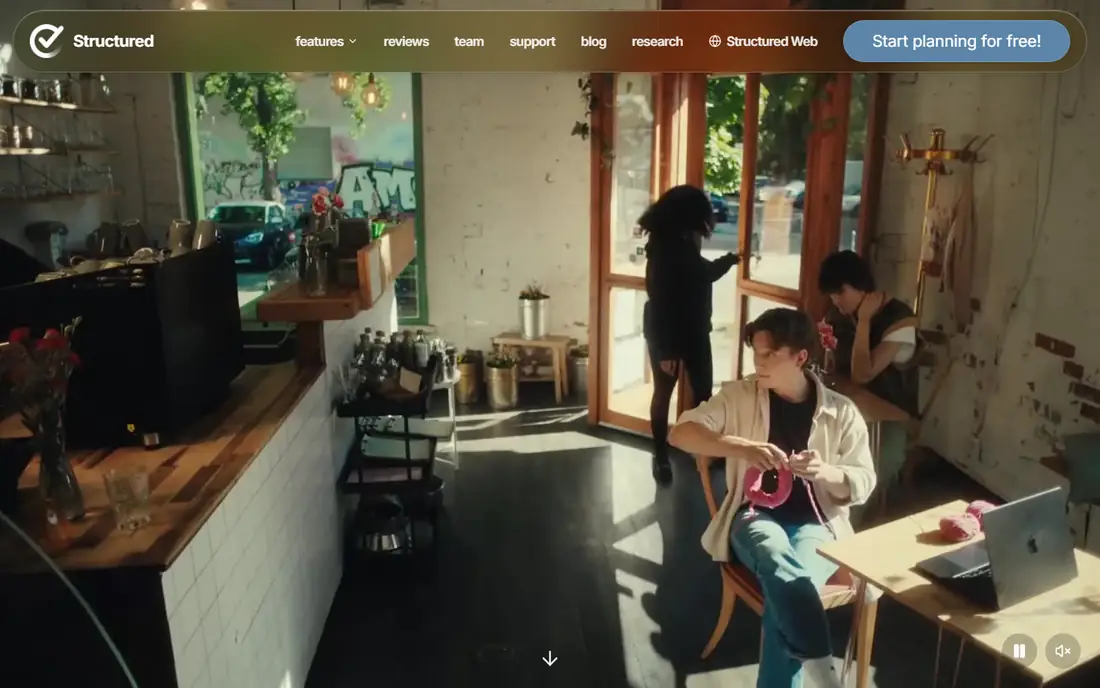
Structured places tasks and calendar events on one timeline, so the day reads from top to bottom in time order. That view makes gaps, overlaps and overfull afternoons easy to spot before the day starts. You can create a task in seconds, move it by dragging it to a new time and check the week ahead without opening a separate calendar.
The limit is depth. Structured does not try to replace a project manager with boards, dependencies and team reporting. It works best as a daily planner that sits beside work tools, not as the place where all work lives. For readers who think in blocks of time and want a calm, visual plan, that focus is a benefit rather than a gap.
What we like- Clean timeline that shows the whole day at a glance
- Calendar import
- Available on phone, computer and watch
Watch out for- Pro features are shown in the app and vary by region
- Task management is lighter than a full project app
#3Todoist
Best for: Repeatable task routines4.5/5 on
G2 (832 reviews, checked Oct 2026)
Visit todoist.com
Starting price$5 per user/month
Free planYes
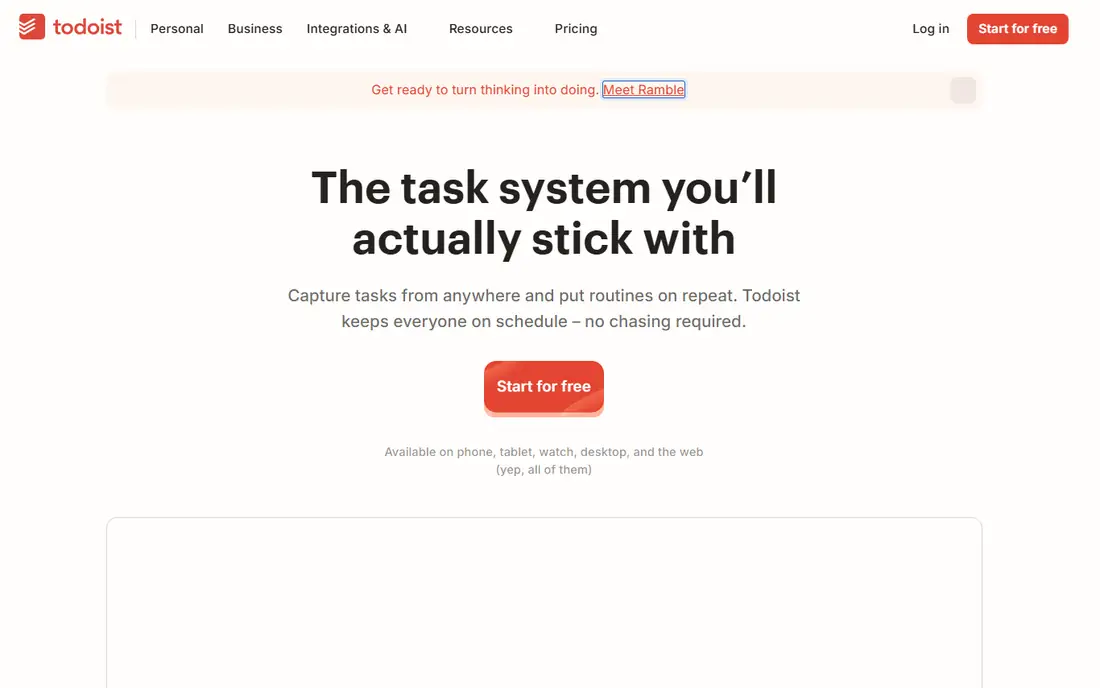
Todoist treats a routine as a set of tasks that repeat on a schedule, which suits readers who already plan in lists. You can type a task such as a weekday workout or a weekly review, set it to repeat and let the app bring it back at the right time. Projects, labels and filters help separate work routines from home routines, and the Today and Upcoming views keep the current day short and readable.
The trade-off is that Todoist shows completion, not the richer habit data that a dedicated tracker provides, such as streak charts by time of day or detailed habit notes. It also rewards steady capture more than timed execution, so a person who needs a step timer may pair it with a clock or a routine app. As a dependable base for daily routines, it remains one of the simplest options to start and keep using.
What we like- Fast natural-language task entry
- Strong recurring task options
- Wide platform and integration support
Watch out for- Habit statistics are limited compared with a dedicated habit app
- Some advanced views need a paid plan
#4TickTick
Best for: Tasks, calendar and habits together4.5/5 on
G2 (113 reviews, checked Oct 2026)
Visit ticktick.com
Starting price$35.99 per year
Free planYes
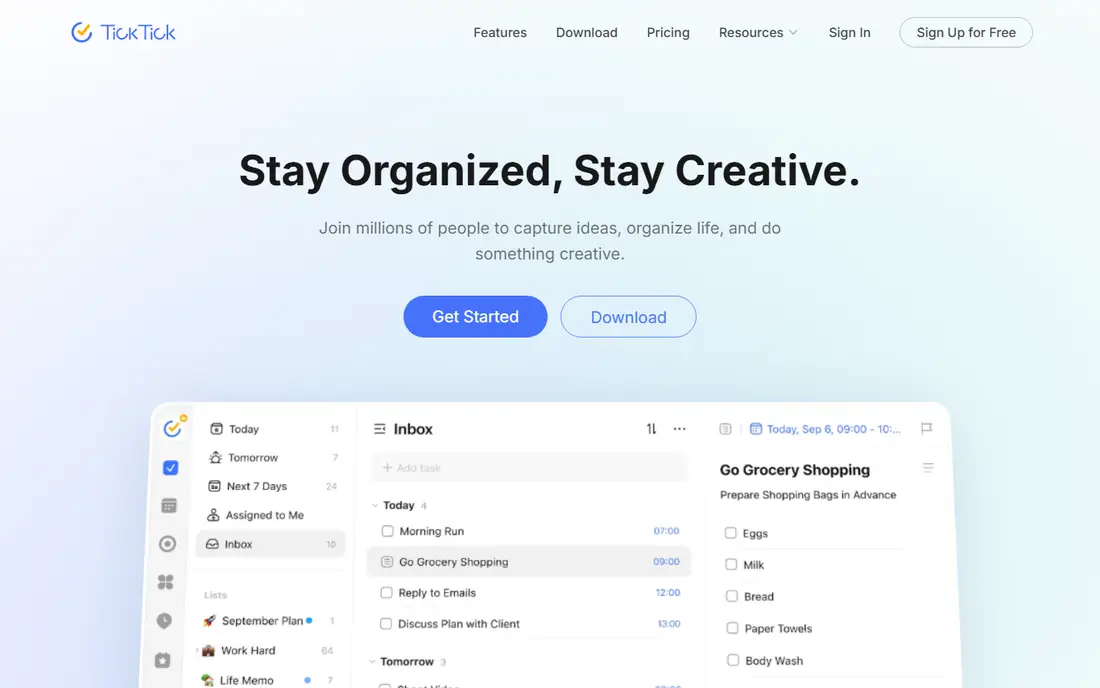
TickTick covers more of a routine in one place than most apps on this list. Tasks sit beside a calendar, habits have their own tracker with statistics, and a Pomodoro timer helps with focused work blocks. That combination suits readers who do not want to switch between a task app, a habit app and a timer during the day. Calendar views from daily to yearly also help with planning a routine across a week or a month.
The breadth brings a learning curve. New users may need a few days to decide which views and features they actually need, and to turn off the rest. The free plan covers a useful set of habits and tasks, while Premium adds more habits, longer history and extra calendar options. For a single-app routine, TickTick is a strong value choice.
What we like- Tasks, calendar, habit tracker and Pomodoro timer in one app
- Flexible calendar views
- Good free version
Watch out for- The range of features can feel busy at first
- Some habit limits apply on the free plan
Starting price$20 per user/month
Free planFree trial (14 days)
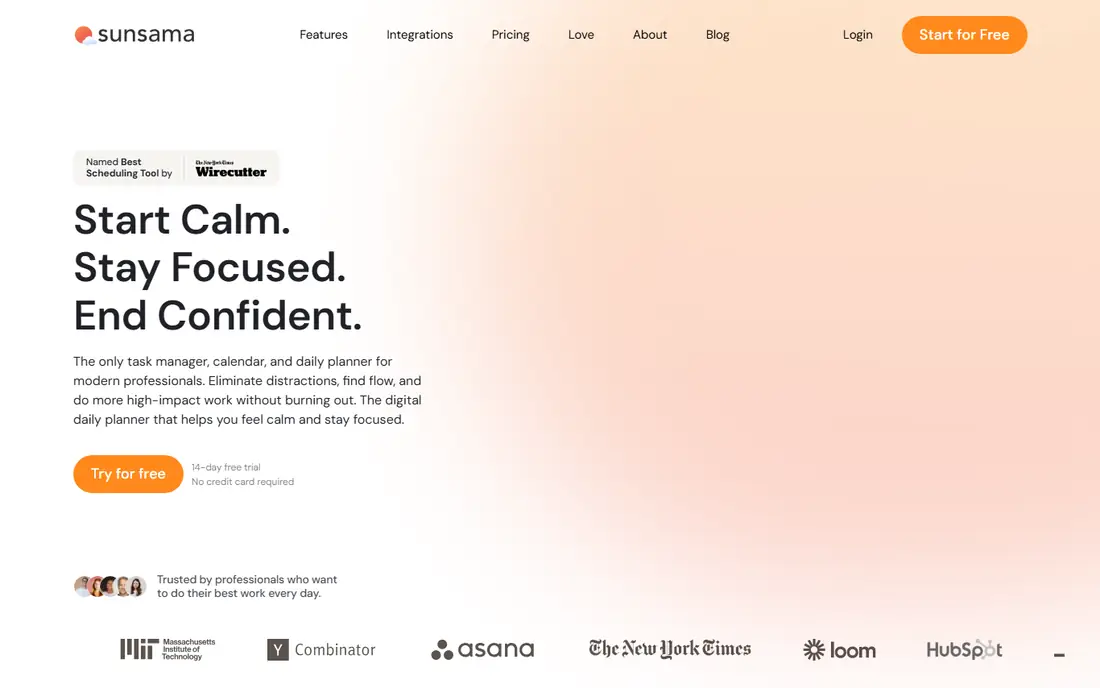
Sunsama is aimed at professionals who open several work tools each morning and need one realistic plan for the day. It guides you through choosing tasks, estimating time and placing them on a calendar, then helps you close the day with a short review. Tasks can be pulled in from tools such as Asana, Trello and email, which reduces copying between apps.
The price is the main barrier for personal use. At a professional monthly rate, Sunsama only makes sense if the daily planning ritual saves real time or prevents missed work each week. It is also heavier than a simple routine timer, so readers who only need a morning sequence will find it too much. For busy workdays, the guided structure is its main reason to choose it.
What we like- Guided start-of-day planning ritual
- Pulls tasks from other work tools
- Timeboxing on a calendar
Watch out for- Higher price than most routine apps
- No free forever plan
#6Habitica
Best for: Game-like habit motivation4.0/5 on
G2 (3 reviews, checked Oct 2026)
Visit habitica.com
Starting price$4.99 per user/month
Free planYes
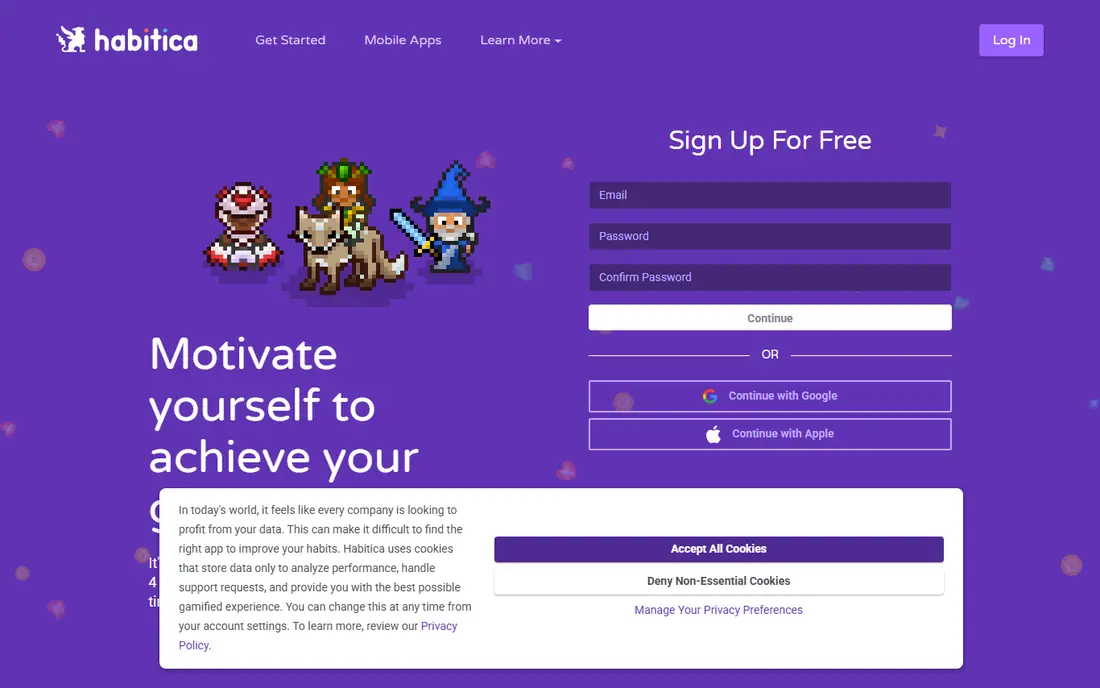
Habitica turns habits, daily tasks and to-dos into a role-playing game, with an avatar that gains rewards for completed work and loses health when habits are missed. That external reward system helps readers who find a plain checklist easy to ignore. Parties and quests add accountability, since other players can see progress and share the same goals.
The game theme is also the risk. Readers who prefer a quiet, professional planner may find avatars and quests distracting, and the social features depend on finding a group that stays active. Habitica works best when motivation, not organisation, is the main problem, and when a playful approach makes a routine easier to return to each day.
What we like- Game rewards for completing habits
- Social parties and quests
- Works on web and mobile
Watch out for- Game style will not suit every reader
- Some social features need other players to work well
Starting price$5.99 one-time purchase
Free planNo
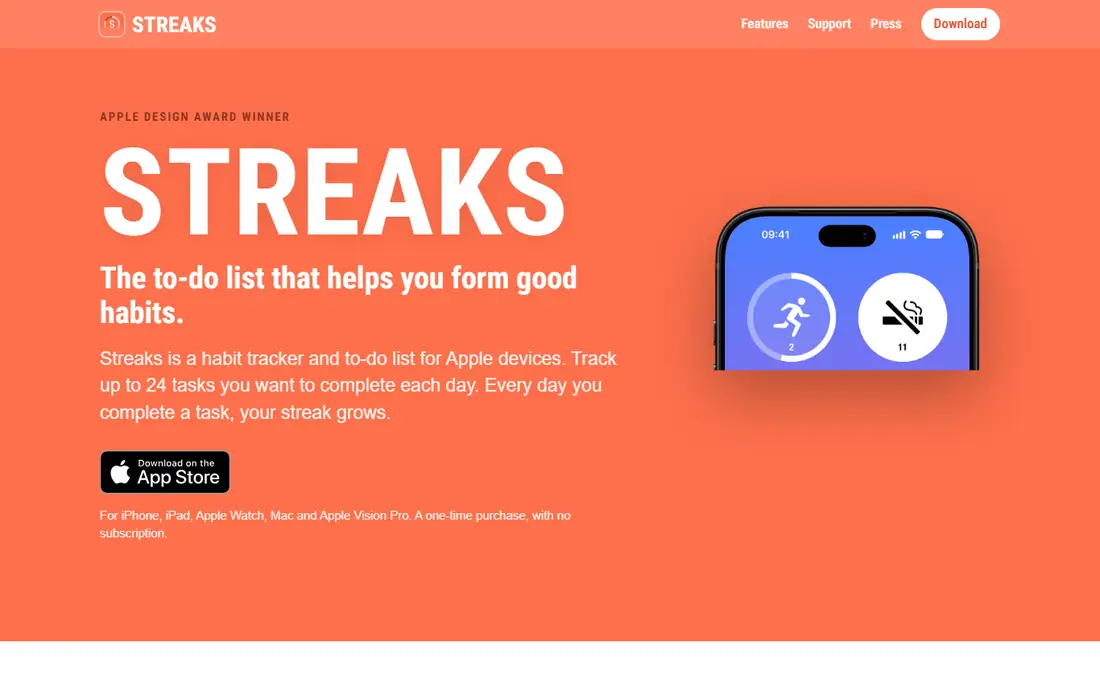
Streaks keeps habit tracking deliberately simple. You choose up to 24 habits, set when each one repeats and check them off from a widget, watch or phone screen. Apple Health can log fitness habits automatically, which removes manual entry for steps, workouts and similar activities. The one-time purchase also appeals to readers who dislike another monthly bill.
The clear limit is platform. Streaks is built for iPhone, iPad, Mac and Apple Watch, so Android and Windows users need a different app. It also lacks the guided routines, coaching content and team features found elsewhere on this list. For Apple users who want a clean streak tracker and nothing extra, that simplicity is the point.
What we like- One-time purchase with no subscription
- Apple Health integration
- Supports up to 24 habits
Watch out for- Apple devices only
- No Android or web version
Starting priceSee website
Free planYes
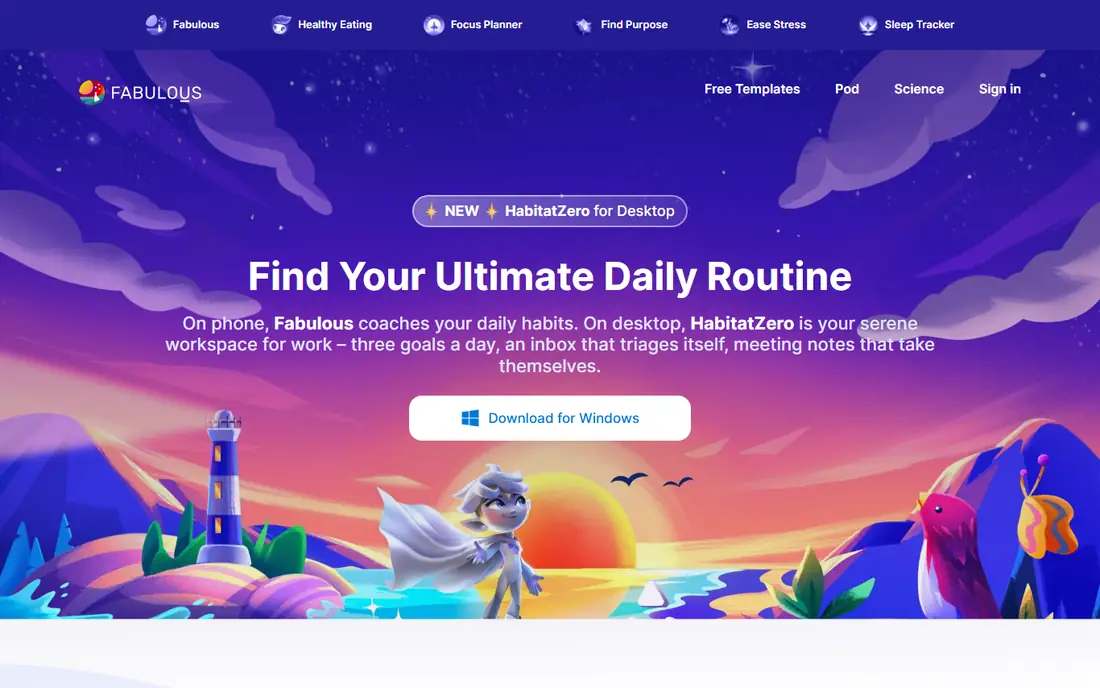
Fabulous builds routines as guided journeys rather than as a blank checklist. It starts with a small morning routine, adds steps over time and offers short coaching sessions, focus tools and habit science explanations along the way. That guided path helps readers who have tried planners before and stopped because they did not know where to start or how to build up slowly.
The guided style will not suit readers who already know their routine and only need a timer or a list. Some users may also find the coaching tone too structured for their taste. Fabulous fits best when the goal is to build a new routine from scratch, with daily prompts and a clear next step, rather than to manage an existing complex schedule.
What we like- Guided journeys for morning, evening and focus routines
- Coaching library
- Community support
Watch out for- Coaching content may feel prescriptive
- Full access needs a subscription
Starting price$4.99 per month
Free planYes
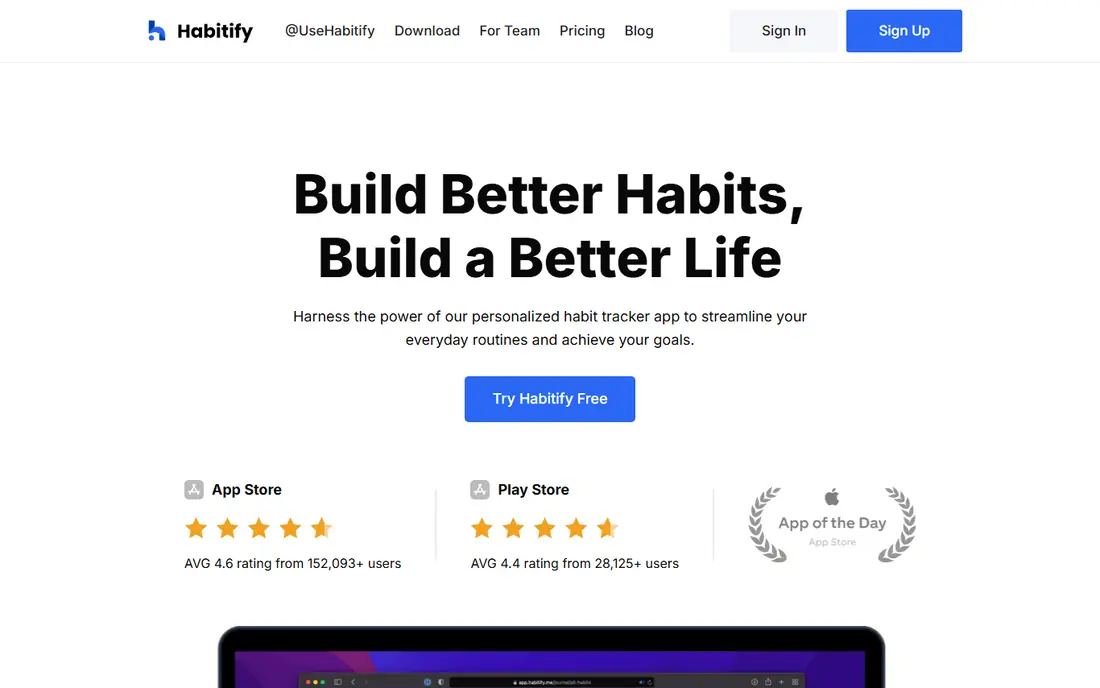
Habitify groups habits by time of day or life area, which makes a daily routine easier to scan than a long alphabetical list. Morning habits sit together, evening habits sit together, and progress charts show patterns across weeks. That grouping helps readers spot which part of the day breaks down most often, and adjust that block rather than rebuilding the whole routine.
Habitify is a tracker first, not a step timer or a full planner. Readers who need timed steps should look at Routinery, and readers who need work task management should look at Todoist or TickTick. As a focused habit tracker with clear statistics, Habitify is easy to use daily and flexible enough for changing schedules.
What we like- Habits grouped by morning, afternoon and evening
- Detailed progress statistics
- Clean mobile design
Watch out for- Paid plan needed for unlimited habits
- Routine timing features are lighter than Routinery
How we chose
We compared pricing pages, product documentation and public reviews on G2, Capterra and Reddit, and we checked each vendor homepage for the product it describes. We favoured apps that cover a routine in a distinct way, from timed steps and visual timelines to task lists, game rewards and guided journeys, rather than listing nine similar checklists. Pricing was taken from vendor pages and public pricing summaries where a vendor page did not show a simple monthly figure, and we marked those cases as See website rather than guessing a number. Company-size fit mattered less here than personal fit, since most of these apps are bought by individuals, so we weighed ease of daily use, platform support and whether the free plan gives a fair trial.
What to check before you pay
A routine app fails most often for a simple reason: it does not match how you already think about your day. A timeline thinker will struggle with a long task list, while a list thinker may find a timeline fussy. Start with that match, then check platform, price and the one feature you will use every day.
Match the app to your routine style
If your routine is a sequence with set times, choose a timer or timeline app. If it is a set of tasks that repeat, choose a task app with strong recurring options. If motivation is the gap, choose a game or guided app. A short trial with your real morning routine will tell you more than a feature list.
Check the free plan limits
Free plans differ in habit counts, history and routine limits. Use the free version for at least a week with your actual routine, and check whether the paid feature you want is the one you keep hitting. Paying for a feature you use once a month is rarely worth it.
Keep the system small
One routine app used daily beats three apps opened once a week. Avoid adding a second tracker, a second timer and a second calendar at the same time. Pick one home for the routine, and let other tools feed into it only if that link is simple and reliable.
Frequently asked questions
What is the best app for routine planning?
The best app depends on your routine style. Routinery suits timed sequences, Structured suits visual timelines, and Todoist or TickTick suit repeatable task routines. Try the free plan of the closest match for a week before paying.
Is there a good free routine app?
Yes. Routinery, Structured, Todoist, TickTick, Habitica and Habitify all offer free plans, though each limits some features. TickTick and Todoist give the broadest free task and habit coverage, while Routinery gives a useful free routine timer.
Can one app handle habits and tasks?
Yes, TickTick is the closest single-app option here, with tasks, calendar, habit tracking and a focus timer. Todoist handles tasks well and habits in a simpler way. A dedicated habit app will usually give better statistics than a general task app.
Do I need a paid plan for a daily routine?
Not always. A simple routine with a few habits can run well on a free plan. Paid plans matter more when you need unlimited habits, longer history, calendar sync or advanced statistics. Start free and upgrade only when you hit a clear limit.
Which routine app is best for Apple users?
Streaks is the simplest Apple-only choice, with a one-time purchase and Apple Health support. Structured also works well across Apple devices, with a watch app and a clean timeline. Android users should look at Routinery, TickTick or Habitify instead.
How long should I trial a routine app?
A week is enough to test setup and daily use, but two weeks gives a better view of weekends and busy days. Use your real routine during the trial, not a test list, and note whether you open the app without prompting by the second week.
Sources we checked (9)
- https://www.routinery.app
- https://structured.app
- https://todoist.com
- https://ticktick.com
- https://sunsama.com
- https://habitica.com
- https://streaks.app
- https://www.thefabulous.co
- https://habitify.me
Is your product missing or out of date?
We review this list regularly. Vendors can request a listing, send updated pricing or ask about featured placement.

Shihab Mia · Founder, Rankite
Shihab has 5+ years in B2B and SaaS SEO. He writes Rankite's software buying guides from pricing pages, documentation and public user reviews. More about Shihab.