How we make this list: we compare pricing pages, product documentation and public user reviews. Ratings come from G2, Capterra or Trustpilot, with the date we checked them.
Key takeaways
- Solo operators and small service crews should start with Jobber or Joist, which cover scheduling, quotes and invoicing at the lowest entry prices.
- Residential builders and remodelers running multi-month projects need Buildertrend, JobTread or Contractor Foreman, which handle budgets, selections and change orders.
- Large service operations with many technicians should evaluate ServiceTitan, which is priced by quote and built for scale.
- Watch the total cost, not just the subscription: per-user seats, card processing around 2.9 percent plus 30 cents, and ACH fees add up fast.
Quick comparison
| Tool | Best for | Starting price | Free plan |
|---|
 Jobber Jobber | Solo and small service crews | $29 per month | No |
 Housecall Pro Housecall Pro | Home service teams | $59 per month | No |
 Buildertrend Buildertrend | Residential builders | See website | No |
 Contractor Foreman Contractor Foreman | Budget-conscious general contractors | $49 per month | No |
 JobTread JobTread | Builders wanting job costing | $199 per month | No |
 ServiceTitan ServiceTitan | Large service operations | See website | No |
 Workiz Workiz | Phone-heavy service trades | See website | No |
 Joist Joist | Simple estimates and invoicing | $10 per month | No |
Is your product missing or out of date?
We review this list regularly. Vendors can request a listing, send updated pricing or ask about featured placement.
The best app for contractors
#1Jobber
Best for: Solo and small service crews4.6/5 on
G2 (530 reviews, checked Oct 2026)
Visit getjobber.com
Starting price$29 per month
Free planNo
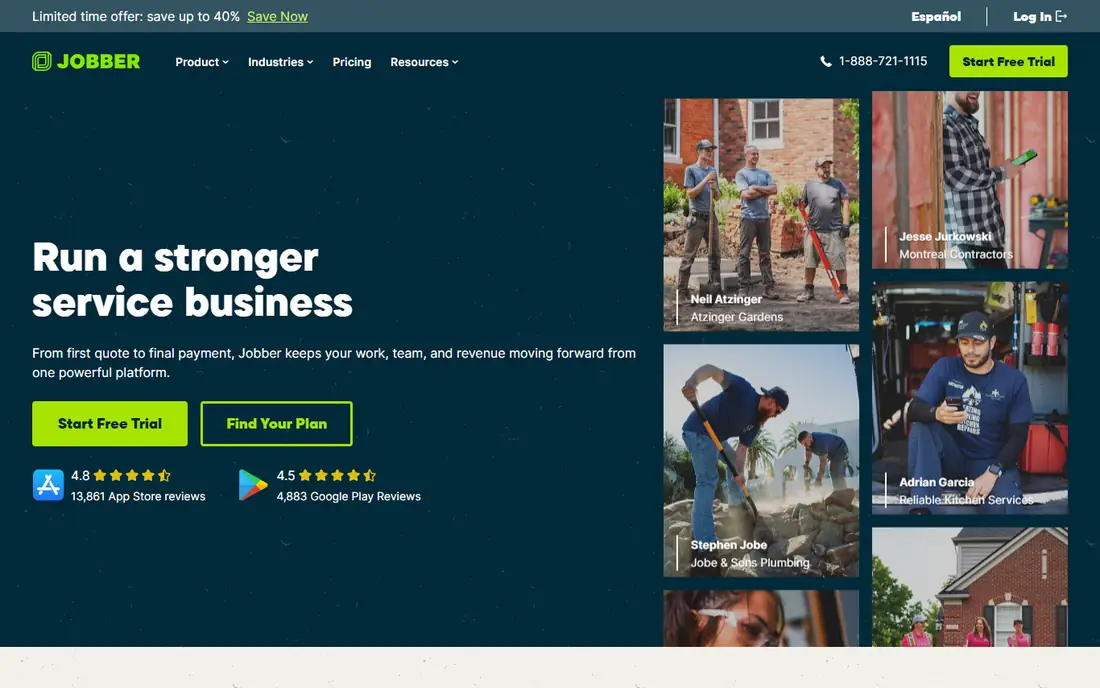
Jobber is the default first system for solo operators and small service crews running one-visit jobs such as lawn care, cleaning and handyman work. Core starts at $29 per month on annual billing, or $49 month to month, for 1 user, covering scheduling, quotes, invoicing and customer records in a clean interface that crews learn fast. Route optimization and time tracking are included, and QuickBooks sync keeps accounting tidy.
The limits are tiering: marketing automation sits on the Grow plan, and Plus at $399 per month on annual billing is sold through a sales conversation. There is no free tier, only a 14-day trial, and no offline mode. For a solo operator or small crew that wants one app covering the core job lifecycle, Jobber is the best starting point.
What we like- Clean interface and simple workflow
- Core from $29 per month on annual billing for 1 user
- Route optimization and time tracking
- QuickBooks sync
Watch out for- No free tier, only a 14-day trial
- Key features sit on higher tiers
- Plus at $399 per month on annual billing is sold through sales
- No offline mode
Starting price$59 per month
Free planNo
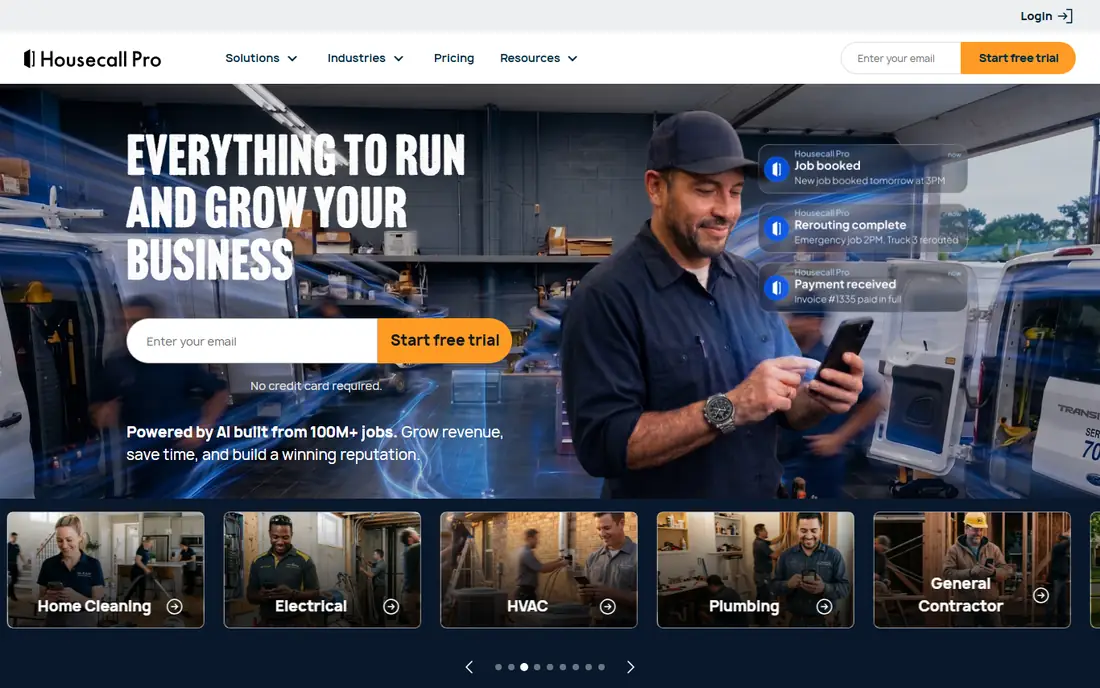
Housecall Pro is the closest full alternative to Jobber for home service teams, running from $59 to $299 per month on annual billing. It covers scheduling, estimates, dispatch, invoicing and payments, with two-way QuickBooks sync on Essentials and up and marketing automation on Essentials and up, both areas where it beats Jobber's tiering. Its published card processing rate of 2.59 percent sits below the typical 2.9 percent plus 30 cents range.
The downsides are a higher entry price than Jobber, no free tier, and user reports of more app bugs than Jobber's mobile app. There is no offline mode either. For a growing home service team that wants two-way accounting sync and marketing automation without jumping to enterprise pricing, Housecall Pro is the strongest pick.
What we like- Full field service close to Jobber
- From $59 per month on annual billing
- Two-way QuickBooks sync on Essentials and up
- Marketing automation on Essentials and up
Watch out for- No free tier
- Published rate of 2.59 percent card processing still adds up
- Some users report more app bugs than Jobber
- No offline mode
Starting priceSee website
Free planNo
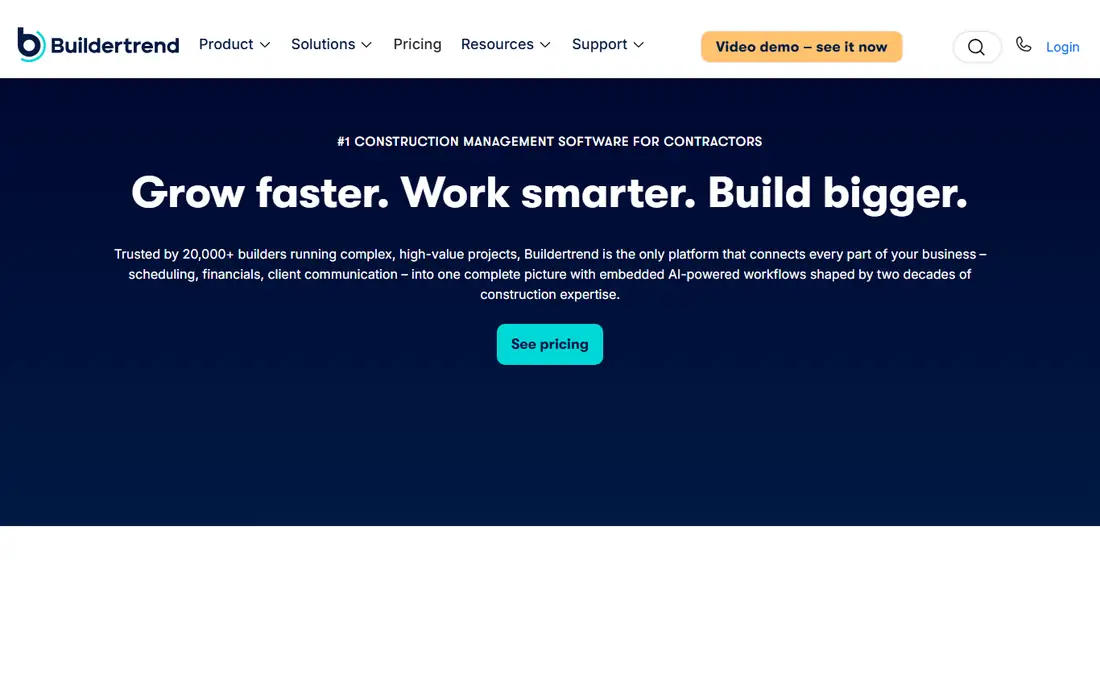
Buildertrend is built for residential builders and remodelers running multi-month projects, not one-visit service jobs. Its client portal, selections, change orders, scheduling and budget tracking match how a build actually runs, with homeowners approving choices and seeing progress in one place. That project depth is why it remains the most cited platform for residential construction.
Buildertrend no longer publishes a price and quotes each company individually after a call, though one October 2026 comparison lists from $449 per month on annual billing. Confirm pricing directly before budgeting. For a residential builder or remodeler who needs project management rather than dispatch, Buildertrend is the category standard.
What we like- Built for residential construction projects
- Client portal, selections and change orders
- Scheduling and budget tracking
- Widely used by remodelers
Watch out for- No published price, quoted individually after a call
- One comparison lists from $449 per month on annual billing
- Heavier than service apps for one-visit jobs
Starting price$49 per month
Free planNo
Contractor Foreman is the budget pick for small general contractors who want a wide module set at a flat company price, starting from $49 per month billed annually for 1 user. It covers estimates, scheduling, job costing, documents, time tracking and client management in one system, which suits GCs juggling several small projects who cannot justify Buildertrend's quoted pricing.
The interface is less polished than Jobber or Buildertrend, and some modules feel less deep than specialist tools. Support quality varies by plan. For a small GC who needs breadth on a budget and can accept a plainer interface, Contractor Foreman delivers the most function per dollar on this list.
What we like- From $49 per month billed annually for 1 user
- Wide module set at a flat company price
- Covers estimates, scheduling, job costing and documents
Watch out for- Interface is less polished than Jobber or Buildertrend
- Some modules feel less deep than specialists
- Support quality varies by plan
#5JobTread
Best for: Builders wanting job costing4.9/5 on
G2 (108 reviews, checked Oct 2026)
Visit jobtread.com
Starting price$199 per month
Free planNo
JobTread is the pick for builders who care most about the money side: estimating, budgets and job costing with every feature on one plan, priced at $199 per month plus $20 per month per additional internal user. That single-plan structure avoids the tier guessing of rivals, and the financial tracking is strong enough that builders cite it as the reason they switched.
The entry price is higher than Contractor Foreman, there is no free tier, and the product is less suited to one-visit service dispatch than Jobber or Housecall Pro. For a residential builder or remodeler whose biggest pain is knowing whether each job actually made money, JobTread is the best financial control room on this list.
What we like- Estimating, budgets and job costing with every feature on one plan
- $199 per month plus $20 per additional internal user
- Strong financial tracking
Watch out for- Higher entry price than Contractor Foreman
- No free tier
- Less suited to one-visit service dispatch
Starting priceSee website
Free planNo
ServiceTitan is the enterprise pick for large service operations with many technicians, offering deep reporting, dispatch, marketing tools and operations management that smaller apps cannot match. It is the platform large HVAC, plumbing and electrical companies standardize on when a dozen or more technicians need coordinated scheduling, pricing and follow-up.
Pricing is quote-based only, and comparisons put per-technician pricing at roughly $245 to $500 per month, making it far more expensive than Jobber or Housecall Pro. It is overkill for a solo operator. For a large service company that has outgrown small-business tools, ServiceTitan is the platform built for that scale.
What we like- Built for large service operations
- Deep reporting and dispatch
- Enterprise operations and marketing tools
- Scales to many technicians
Watch out for- Quote-based pricing only
- Per-technician pricing in comparisons runs $245 to $500 per month
- Overkill and overpriced for solo operators
#7Workiz
Best for: Phone-heavy service trades4.5/5 on
G2 (247 reviews, checked Oct 2026)
Visit workiz.com
Starting priceSee website
Free planNo
Workiz is built for phone-heavy service trades, with a built-in phone system and call tracking tied to jobs, so a call becomes a booked visit without retyping. Comparisons put it around $225 per month for 3 users, and the dispatch and scheduling tools cover the standard field service workflow. For trades that still get most jobs by phone, the integrated phone system is a real differentiator.
Pricing is quote-based, the ecosystem is smaller than Jobber's or Housecall Pro's, and phone features add cost for crews that book mostly online. For a service business where the phone still rings all day, Workiz turns those calls into scheduled, trackable work better than any app here.
What we like- Built-in phone system for phone-heavy trades
- Dispatch and scheduling
- Roughly $225 per month for 3 users in comparisons
- Call tracking tied to jobs
Watch out for- Quote-based pricing
- Smaller ecosystem than Jobber or Housecall Pro
- Phone features add cost for crews that book online
#8Joist
Best for: Simple estimates and invoicing4.1/5 on
G2 (31 reviews, checked Oct 2026)
Visit joist.com
Starting price$10 per month
Free planNo
Joist is the paperwork-only pick: simple estimates and invoices from $10 per month, with plans running to about $32 per month depending on tier. It sets up in minutes and suits contractors who already have work lined up and just need professional-looking estimates, invoices and payment links without learning a full field service platform.
There is no scheduling or dispatch depth, no project management, and integrations are limited compared with full platforms. For a contractor whose only gap is paperwork, Joist is the cheapest credible fix. For anyone who also needs dispatch, crew tracking or job costing, step up to Jobber, Housecall Pro or JobTread.
What we like- From $10 per month
- Simple estimates and invoices
- Fast to set up
- Good for paperwork-only needs
Watch out for- No scheduling or dispatch depth
- No project management
- Limited integrations compared with full platforms
How we chose
We split contractor apps by job type first, since a one-visit service crew and a residential builder need different software. Service apps were judged on scheduling, dispatch, invoicing and payments, while builder apps were judged on estimates, budgets, selections, change orders and job costing. Prices come from October 2026 comparisons checked against vendor pricing pages: Jobber Core $29 per month annual, Housecall Pro $59 to $299 per month annual, Contractor Foreman from $49 per month annual, JobTread $199 per month, Joist $10 per month, with Buildertrend, ServiceTitan and Workiz quote-based.
We also counted total cost: per-user seats, card processing around 2.9 percent plus 30 cents per transaction, and ACH fees near 1 percent. Those charges compound fast on large jobs, so a cheaper subscription with expensive processing can cost more than a pricier plan with better rates. No app here was used hands-on on a real job site for this guide.
What to check before you commit
Start with the one job you need the software to do, then match it to the table. If that job is dispatching technicians, choose a service app. If it is tracking whether a build made money, choose a builder app. Buying the wrong category is the most common and most expensive mistake, since migrating job history later is painful.
Then check the total cost: seats, processing fees, ACH fees and the integrations you actually need. Run the free trial on a real job, not a demo, and confirm the mobile app works where your crews work, including in areas with weak signal. Finally, confirm the accounting sync direction, since one-way sync creates reconciliation work that two-way sync avoids.
Frequently asked questions
What is the best app for a solo contractor?
Jobber Core at $29 per month on annual billing is the best solo starting point, covering scheduling, quotes and invoicing in a clean interface. Joist at $10 per month suits contractors who only need estimates and invoices. Housecall Pro becomes better once a team grows and needs two-way QuickBooks sync.
What is the best app for residential builders?
Buildertrend is the category standard for residential builders and remodelers, with a client portal, selections and change orders. JobTread at $199 per month is the best single-plan alternative for builders focused on job costing, and Contractor Foreman from $49 per month is the budget pick for small GCs.
How much does contractor software cost?
Entry prices run from $10 per month for Joist and $29 per month for Jobber Core to $59 per month for Housecall Pro, $199 per month for JobTread, and quote-based pricing for Buildertrend, ServiceTitan and Workiz. Add per-user seats, card processing near 2.9 percent plus 30 cents, and ACH fees near 1 percent to get the true monthly cost.
Do contractor apps work offline?
Most major contractor apps, including Jobber and Housecall Pro, lack a true offline mode, so crews need signal to sync jobs. Check offline behavior on the trial before committing, especially for rural work or basements and new builds with weak coverage.
Can contractor apps replace QuickBooks?
They reduce bookkeeping work but do not replace accounting software for most businesses. Jobber offers one-way sync on some plans, Housecall Pro offers two-way sync on Essentials and up, and all of these apps pair with QuickBooks or similar tools for taxes and financial reporting.
Should a small crew buy ServiceTitan?
Usually not. ServiceTitan is built and priced for large service operations, with per-technician pricing in comparisons running $245 to $500 per month. A crew under about 10 technicians will get more value from Jobber, Housecall Pro or Workiz and can migrate later if growth demands it.
Sources we checked (0)
Is your product missing or out of date?
We review this list regularly. Vendors can request a listing, send updated pricing or ask about featured placement.

Shihab Mia · Founder, Rankite
Shihab has 5+ years in B2B and SaaS SEO. He writes Rankite's software buying guides from pricing pages, documentation and public user reviews. More about Shihab.