How we make this list: we compare pricing pages, product documentation and public user reviews. Ratings come from G2, Capterra or Trustpilot, with the date we checked them.
Key takeaways
- Firebase is the default starting point: free, Google-backed, covering analytics, crash reporting and more.
- Mixpanel and Amplitude lead product analytics with funnels, cohorts and retention built for mobile.
- UXCam, Smartlook, Glassbox and Contentsquare show what users actually do: session replays, heatmaps and journey analysis.
- Instabug adds bug reporting and user feedback alongside stability monitoring.
Quick comparison
| Tool | Best for | Starting price | Free plan |
|---|
 Firebase Firebase | Free all-in-one Google stack | See website | Yes |
 Mixpanel Mixpanel | Event-based product analytics | See website | Yes |
 Amplitude Amplitude | Deep product insights | See website | Yes |
 UXCam UXCam | Mobile session replay | See website | No |
 Smartlook Smartlook | Session replay and funnels | See website | No |
 Glassbox Glassbox | Enterprise digital experience | See website | No |
 Contentsquare Contentsquare | Experience analytics at scale | See website | No |
 Instabug Instabug | Bug reporting and stability | See website | Yes |
Is your product missing or out of date?
We review this list regularly. Vendors can request a listing, send updated pricing or ask about featured placement.
The best analytics for iOS app
iOS app analytics splits into quantitative (events, funnels, retention) and qualitative (session replays, heatmaps). Most serious apps run one of each. Eight tools.
Starting priceSee website
Free planYes
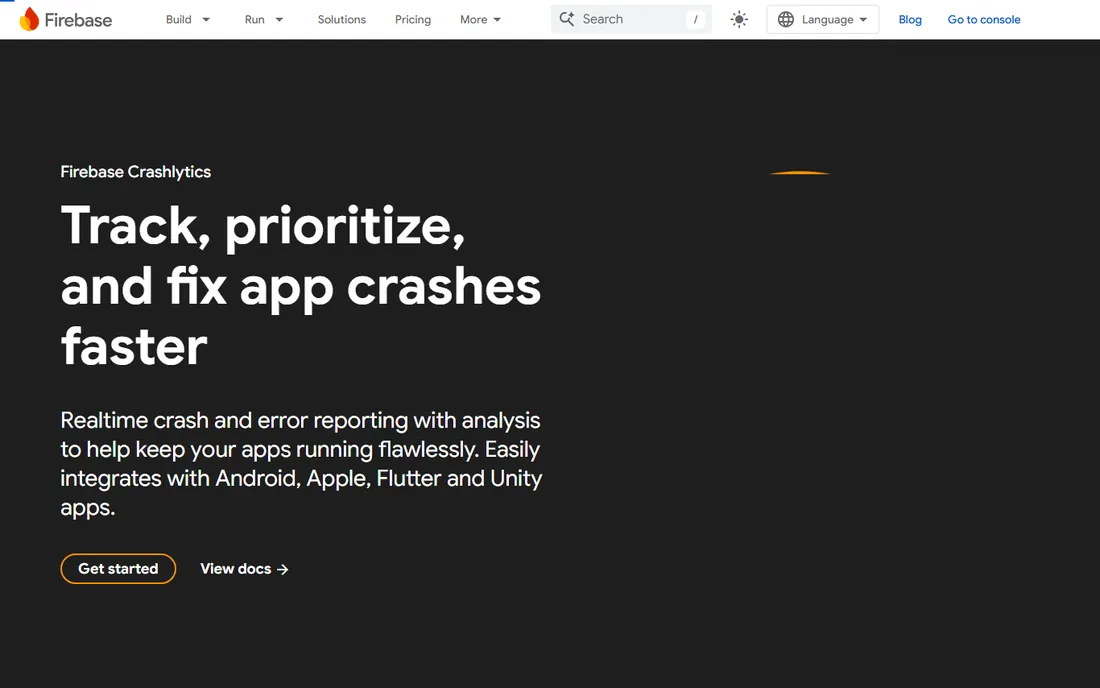
Firebase gives iOS developers analytics, Crashlytics crash reporting, push messaging and remote config in one free-to-start platform. The integration effort is minimal and the price is right.
Power users graduate to dedicated analytics. Firebase fits indie developers and startups needing solid basics at zero cost.
What we like- Free tier covers analytics, crash reporting, messaging and more
- Google-backed
- Easy iOS SDK integration
Watch out for- Analytics depth trails Mixpanel and Amplitude
- Data lives in Google's ecosystem
Starting priceSee website
Free planYes
Mixpanel answers product questions: where do users drop off, which cohorts retain, what drives conversion. The free tier is genuinely useful, and iOS integration is mature.
Volume pricing needs modeling. Mixpanel fits product teams optimizing activation, retention and monetization funnels.
What we like- Powerful event, funnel and cohort analysis
- Generous free tier
- Real-time data
- Strong mobile SDKs
Watch out for- Event-based pricing can surprise at scale
- The learning curve is real
Starting priceSee website
Free planYes
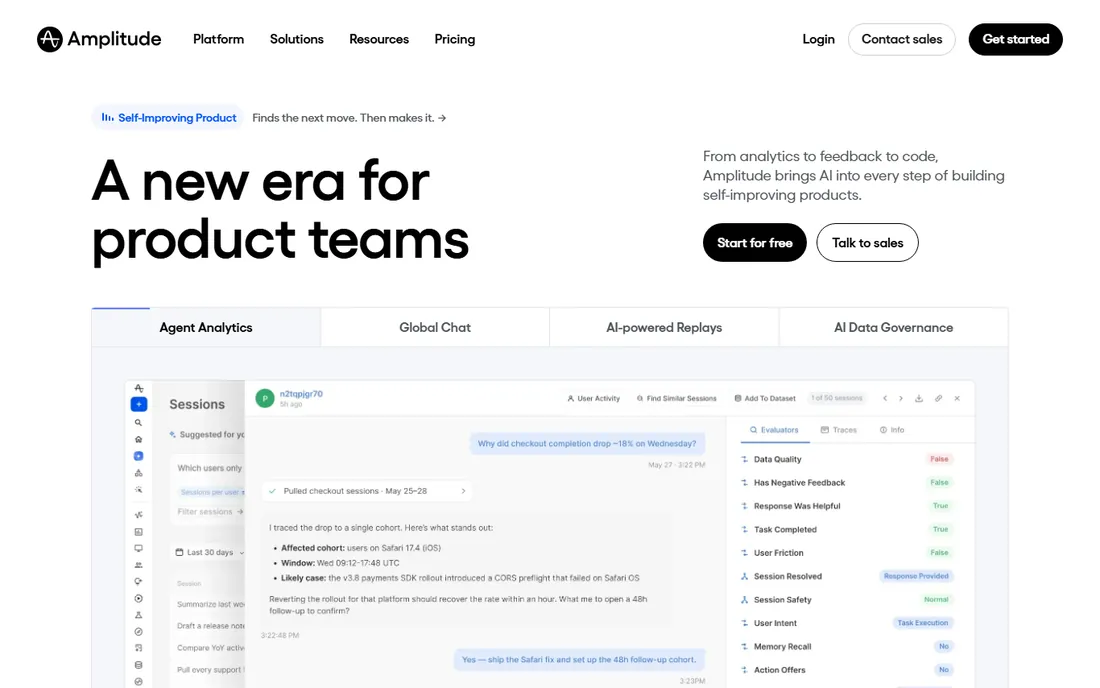
Amplitude digs into user behavior: path analysis, predictive cohorts and experimentation for iOS apps with complex journeys. The free tier supports early-stage products.
It rewards disciplined event taxonomy. Amplitude fits data-mature product teams investing in behavioral insight.
What we like- Deep behavioral analytics with free starter tier
- Strong experimentation
- Good for complex user journeys
Watch out for- Enterprise pricing at scale
- Setup and taxonomy discipline required
Starting priceSee website
Free planNo
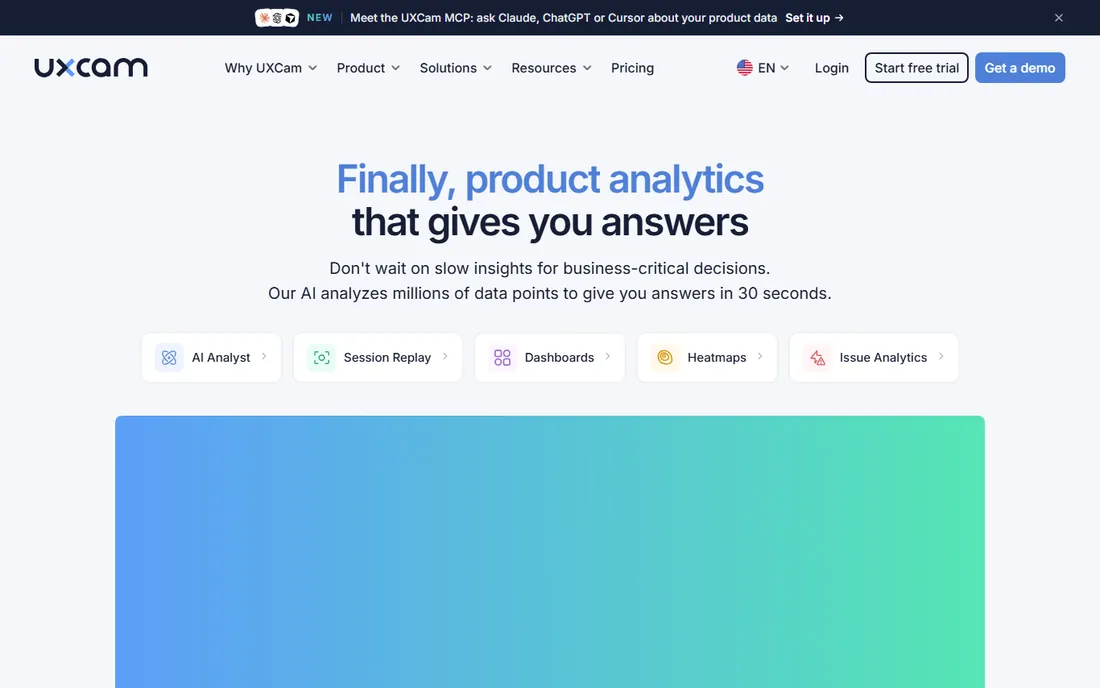
UXCam shows what users do in your iOS app: session replays, touch heatmaps and journey analysis reveal friction that event data misses. The mobile focus shows in SDK quality.
It complements rather than replaces Mixpanel. UXCam fits app teams optimizing onboarding and in-app UX.
What we like- Purpose-built mobile session replay
- Heatmaps and user journeys
- Issue detection
- Focused on app UX
Watch out for- Qualitative focus means pairing with quantitative analytics
- Pricing is custom
Starting priceSee website
Free planNo

Smartlook combines always-on session recordings with funnels, heatmaps and events for iOS and web. The unified view suits teams with both app and site.
Heavy-traffic apps watch costs. Smartlook fits teams wanting qualitative and quantitative insight in one tool.
What we like- Session recordings plus funnels and heatmaps
- Covers mobile and web
- Always-on recording
Watch out for- Recording volume pricing needs watching
- Mobile depth trails UXCam
Starting priceSee website
Free planNo

Glassbox analyzes digital journeys at enterprise scale: session capture, struggle analytics and performance monitoring for iOS apps where experience issues cost revenue.
Small teams should look elsewhere. Glassbox fits large enterprises, especially in finance and retail, optimizing high-value mobile journeys.
What we like- Enterprise digital experience analytics
- Session replay with struggle detection
- Strong in regulated industries
Watch out for- Enterprise pricing
- Overkill for small apps
Starting priceSee website
Free planNo
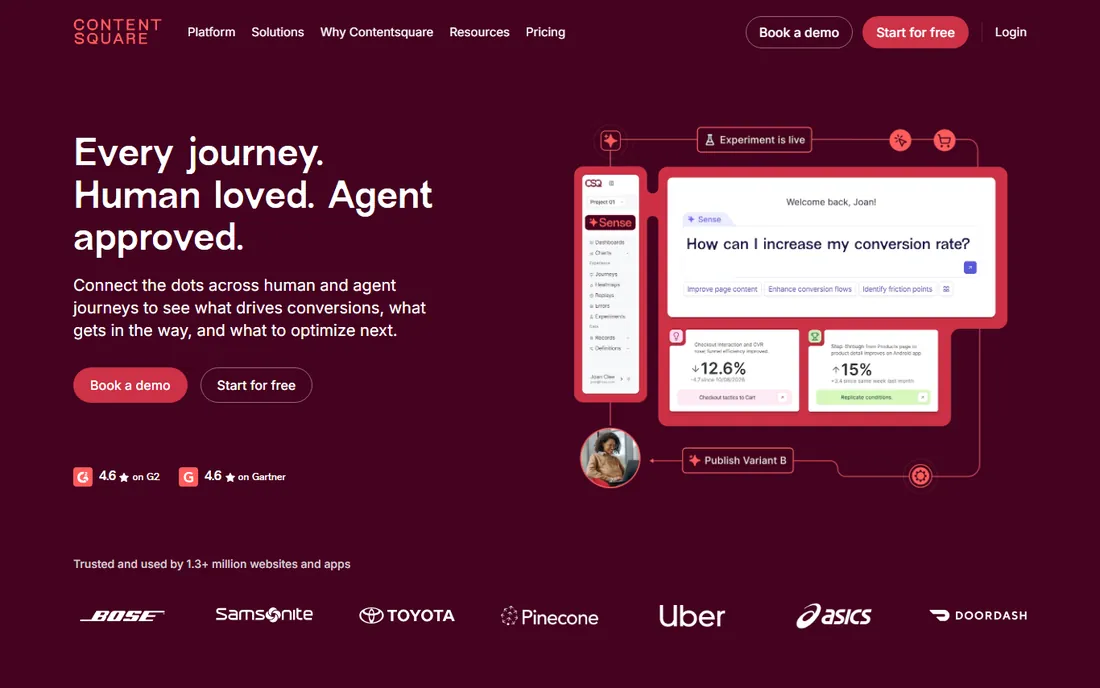
Contentsquare quantifies experience: which app zones drive engagement, where journeys break, how content performs. The analytics depth suits large digital teams.
It is an enterprise investment. Contentsquare fits large brands optimizing mobile experience with dedicated analytics resources.
What we like- Comprehensive experience analytics: zone-based heatmaps, journey analysis, merchandising insights
- Strong enterprise base
Watch out for- Enterprise pricing and implementation
- The platform is broad
Starting priceSee website
Free planYes
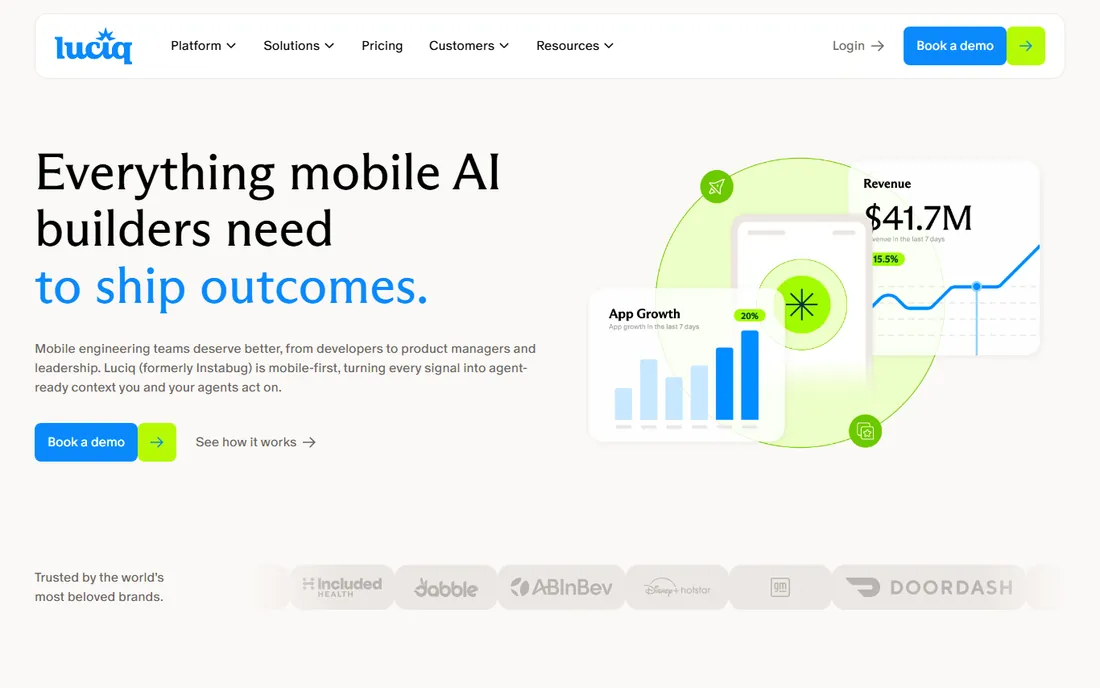
Instabug turns users into QA: shake-to-report bugs with annotated screenshots, logs and device data, plus crash reporting and in-app surveys. Developers get reproducible bug reports instead of vague complaints.
It is stability-first, not analytics-first. Instabug fits iOS teams prioritizing crash-free releases and user feedback.
What we like- In-app bug reporting with screenshots and logs
- Crash reporting
- User feedback and surveys
- Limited free plan
Watch out for- Analytics depth is secondary to stability tooling
- Advanced features need learning
The metrics that matter at each stage of an app
Early-stage apps drown in data they cannot act on. The metrics worth tracking change as the product matures, and the analytics setup should change with them.
Pre-launch and beta. Focus on stability and core flow completion. Crash-free rate, onboarding completion and the percentage of testers who complete the primary action tell you whether the app is ready. Funnel analysis on the first-run experience matters more than any growth metric at this stage. Session replays are gold here: watching ten real sessions surfaces more than a dashboard of aggregates.
Growth stage. Shift to acquisition efficiency and activation. Track install-to-registration, registration-to-first-value, and retention at day one, day seven and day thirty. Cohort analysis shows whether product changes actually move retention or just shuffle noise. This is when teams typically add a dedicated product analytics tool alongside Firebase, because the questions get harder: which acquisition channels bring users who stay, and which onboarding variants produce week-four retention.
Scale stage. Unit economics and engagement depth take over. Average revenue per user, paywall conversion, feature adoption and win-back rates drive decisions. At this point event volume makes pricing a real line item, so audit which events you actually query and stop tracking the rest. Data retention policies matter too: decide how long you keep raw events before they become a cost and a liability.
Mature apps. The focus narrows to preventing churn and expanding revenue per user. Predictive cohorts, churn-risk scoring and experimentation velocity separate good teams from great ones. Qualitative tools stay relevant throughout: even at scale, watching sessions from a struggling segment explains the "why" behind a metric shift faster than any query.
One constant across stages: instrument the business goal first. Vanity metrics like total downloads or screen views feel good and decide nothing. Every event you track should connect to activation, retention, revenue or referral.
What to check before you buy
Decide your question mix. Funnel and retention questions need Mixpanel or Amplitude; "why do users struggle" needs session replay from UXCam or Smartlook.
Check iOS SDK quality: lightweight, privacy-compliant capture matters on Apple platforms. Verify App Tracking Transparency compatibility and data handling. Confirm the pricing model against your MAU and event volume. Finally, check integrations with your crash reporting and marketing attribution tools.
How we chose
We selected mobile analytics tools with real iOS customer bases and live SDKs, spanning quantitative and qualitative approaches, using vendor sites, documentation and public reviews. Pricing is quote or volume-based across most of the category, so prices are See website. We did not instrument apps.
Avoiding the most common mobile analytics mistakes
Most iOS analytics setups fail in predictable ways. Knowing the traps saves months of bad data.
Tracking everything. Developers instrument every button "just in case" and end up with thousands of events nobody queries. The cost is real: event volume drives pricing on most platforms, and a bloated taxonomy makes analysis slower. Start with twenty to thirty events tied to activation, retention and revenue, and add more only when a decision needs them.
Ignoring privacy from day one. App Tracking Transparency, Apple's privacy nutrition labels and regional regulations mean your data collection needs a legal basis and clear disclosure. Retrofitting consent after launch is painful. Define what you collect, why, and how long you keep it before writing the first tracking call.
No event naming standard. When one developer writes "purchase_completed" and another writes "PurchaseComplete", your funnels break. Publish a naming convention (lowercase snake_case is the common choice), document every event in a tracking plan, and review new events in pull requests.
Confusing correlation with causation. A metric moved after a release, so the release caused it. Maybe. Seasonality, marketing campaigns, App Store featuring and OS updates all move metrics. Use cohorts, holdouts and proper experiment design before claiming wins.
Never watching real sessions. Dashboards aggregate; aggregates hide. A five percent drop in checkout completion could be a confusing error message, a broken layout on one device size, or a payment SDK failing silently. Ten session replays from affected users usually identify the cause in an afternoon.
Settling and forgetting. Analytics needs maintenance: OS updates change behavior, new features need instrumentation, and old events go stale. Schedule a quarterly tracking audit where the team reviews the event list, removes dead weight and fixes naming drift.
Frequently asked questions
What is the difference between Firebase and Mixpanel?
Firebase is a free all-in-one app platform with basic analytics; Mixpanel is a dedicated product analytics tool with deeper funnel, cohort and retention analysis.
Do I need session replay if I have event analytics?
They answer different questions. Events tell you what happened and how many; replays show you why by revealing the user's actual experience.
How does iOS privacy affect app analytics?
App Tracking Transparency limits cross-app tracking; first-party in-app analytics remain viable. Choose tools with privacy-compliant SDKs and clear data policies.
What is the best free iOS analytics tool?
Firebase offers the most complete free stack. Mixpanel and Amplitude have generous free tiers for product analytics; Instabug's free plan covers bug reporting.
How do UXCam and Smartlook differ?
UXCam is mobile-focused with deep session replay and UX analysis. Smartlook covers mobile and web with recordings plus funnels in one platform.
What should I track in my iOS app?
Activation events, core action completion, retention cohorts, crash-free rate, screen flows and drop-off points. Start with the metrics tied to your business goals.
How much does iOS app analytics cost at scale?
It depends on the pricing model. Event-volume pricing means costs grow with monthly active users and events per user; a mid-size app can run from a few hundred to several thousand dollars monthly. Audit which events you actually query and drop the rest, because most apps track far more than they analyze. Usage alerts and per-project budgets prevent surprise bills.
Should I use one analytics tool or several?
Most serious apps use two: a quantitative tool for funnels and retention plus a qualitative tool for session replays and heatmaps. They answer different questions, and the combination is standard practice. Avoid running two tools that do the same job; duplicate SDKs bloat the app and create conflicting numbers that waste meeting time.
How do I track marketing campaign attribution for my app?
Use a mobile measurement partner or the attribution features in your analytics platform, combined with Apple's SKAdNetwork for iOS campaigns. First-party event data tells you what users do after install; attribution tells you which campaign brought them. Keep the two systems consistent on event definitions or your ROAS numbers will never reconcile.
Sources we checked (8)
- https://firebase.google.com/products/crashlytics
- https://mixpanel.com
- https://amplitude.com
- https://uxcam.com
- https://www.smartlook.com/
- https://www.glassbox.com/solutions/
- https://contentsquare.com
- https://instabug.com/
Is your product missing or out of date?
We review this list regularly. Vendors can request a listing, send updated pricing or ask about featured placement.

Shihab Mia · Founder, Rankite
Shihab has 5+ years in B2B and SaaS SEO. He writes Rankite's software buying guides from pricing pages, documentation and public user reviews. More about Shihab.