How we make this list: we compare pricing pages, product documentation and public user reviews. Ratings come from G2, Capterra or Trustpilot, with the date we checked them.
Key takeaways
- Business intelligence tools and product analytics tools answer different questions, so pick the category before you pick a vendor.
- Free plans from Google Analytics, Mixpanel, Amplitude, and PostHog cover a small team well, while BI tools charge per seat and scale with readers.
- Seat pricing punishes wide dashboard sharing: count every viewer, not only the people who build reports.
- A governed metric layer, as in Looker, matters most when many teams must agree on one definition of revenue or churn.
- Usage-based pricing is cheapest at low volume but needs a billing cap, since event counts can spike with a release or a traffic surge.
Quick comparison
| Tool | Best for | Starting price | Free plan |
|---|
 Tableau Tableau | Visual BI for analysts | $15 per user/month | Free trial |
 Microsoft Power BI Microsoft Power BI | Microsoft shops and sharing | $14 per user/month | Yes |
 Google Analytics Google Analytics | Free web and app measurement | $0 per month | Yes |
 Mixpanel Mixpanel | Event funnels and retention | $0 per month | Yes |
 Amplitude Amplitude | Behavioral analytics at scale | $0 per month | Yes |
 PostHog PostHog | Analytics plus experiments in one place | $0 per month | Yes |
 Looker Looker | Governed metrics for data teams | See website | No |
 Qlik Sense Qlik Sense | Associative exploration | See website | Free trial |
 Domo Domo | Data products and embedded dashboards | See website | Free trial |
Is your product missing or out of date?
We review this list regularly. Vendors can request a listing, send updated pricing or ask about featured placement.
The best analytics companies
#1Tableau
Best for: Visual BI for analysts4.4/5 on
G2 (3,787 reviews, checked Oct 2026)
Visit tableau.com
Starting price$15 per user/month
Free planFree trial
Tableau remains a leading choice for teams that care about how a dashboard looks and how freely analysts can explore data. Its Standard edition starts at $15 per user per month billed annually, with Creator licenses at $75 per user per month for full authoring, Explorer at $42 for browser editing, and Viewer at $15 for reading. Tableau Desktop is now free for local work, and Prep Builder helps analysts clean data with visible steps.
The catch is licensing math. A team with one Creator, two Explorers, and ten Viewers pays far more than the $15 starting figure suggests, and Enterprise edition doubles many role prices. Tableau also requires an annual contract for Cloud. If your main need is a few polished dashboards for executives, Tableau is strong. If you need hundreds of casual readers, model the full seat mix before you commit.
What we like- Strong visual exploration
- Tableau Desktop and Prep Builder
- Large community and learning resources
Watch out for- Role-based licensing adds up
- Every deployment needs at least one Creator license
#2Microsoft Power BI
Best for: Microsoft shops and sharing4.5/5 on
G2 (1,661 reviews, checked Oct 2026)
Visit microsoft.com
Starting price$14 per user/month
Free planYes
Power BI is the practical pick for companies already on Microsoft 365. Power BI Desktop is free for building reports locally, Pro costs $14 per user per month billed annually for sharing, and Premium Per User costs $24 per user per month for larger models, more refreshes, and paginated reports. Many Microsoft 365 E5 plans already include Pro, which can cut the bill to zero for covered users.
The limit mirrors Tableau: sharing costs seats. Every viewer of a Pro report needs Pro, and every viewer of Premium Per User content needs Premium Per User, unless the workspace sits on Fabric capacity. Fabric capacity starts at a much higher monthly cost, but it allows free viewers at larger tiers. Count readers first, then decide whether per-user or capacity pricing wins for your audience size.
What we like- Low Pro price
- Desktop free for local building
- Deep Microsoft 365 and Fabric links
Watch out for- Viewers need paid seats unless you buy capacity
- Premium Per User also charges every viewer
Starting price$0 per month
Free planYes
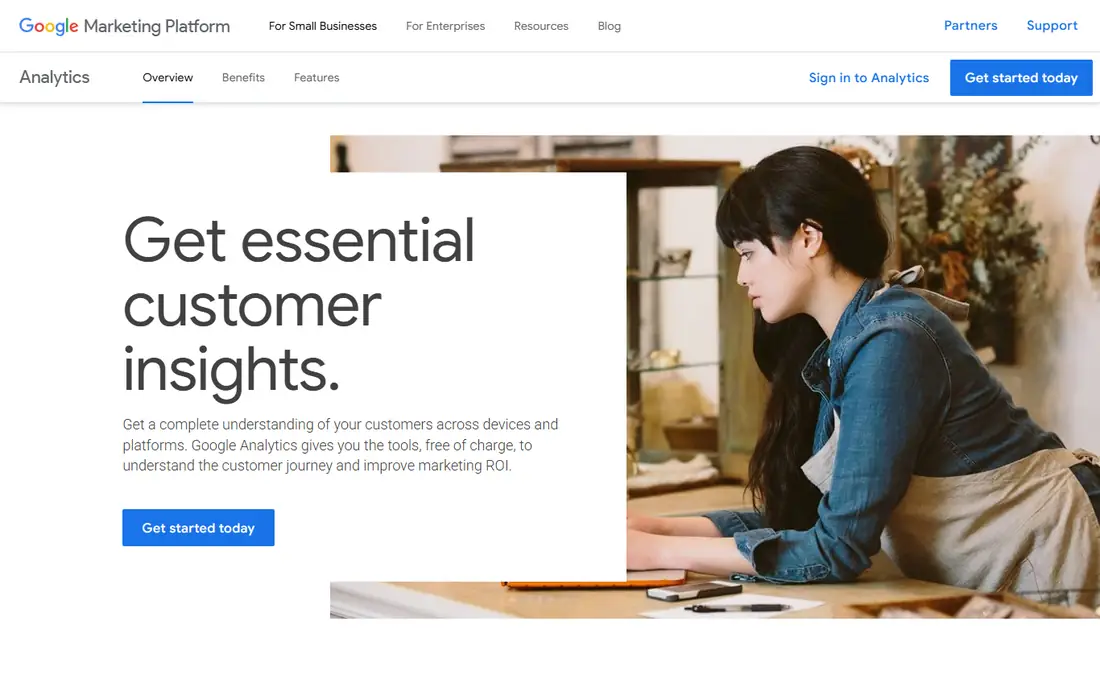
Google Analytics 4 is the default free tool for measuring websites and apps. Google states that it gives users the tools free of charge to understand the customer journey, and standard GA4 has no subscription or traffic fee. It tracks events, audiences, and conversions across web and app, and it connects to Google Ads, Search Console, and BigQuery for deeper analysis.
The honest limit is scale and setup. Standard properties face retention limits, sampling on large explorations, and caps on custom dimensions and exports, which is why large companies buy Analytics 360 by quote. GA4 also needs careful event design: a messy event plan produces messy reports, no matter how good the tool is. For most small and mid-size sites, though, free GA4 plus a clear event plan covers the core questions.
What we like- Free standard GA4
- Cross-platform measurement
- Links to Google Ads and BigQuery
Watch out for- Sampling and retention limits on large data
- Setup and event design take real work
#4Mixpanel
Best for: Event funnels and retention4.5/5 on
G2 (1,375 reviews, checked Oct 2026)
Visit mixpanel.com
Starting price$0 per month
Free planYes
Mixpanel is a product analytics tool built around events: what users do, in what order, and whether they return. Its free plan covers up to 1 million monthly events, and its Growth plan bills usage beyond that free allowance, with rates that fall as volume rises. Funnels, retention, flows, and cohorts are its core strengths, and its query speed helps product teams test a change and see the result quickly.
The catch is scope and scale. Mixpanel is not a general BI tool for finance, sales, or warehouse reporting, and its event-based bill can grow fast once an app passes a few million events a month. Teams that only need web pageviews should stay with GA4. Teams that need to know which onboarding steps lead to paid conversion will get more from Mixpanel's funnel and retention views.
What we like- Free plan up to 1 million events per month
- Clear funnel, retention, and flow reports
- Fast queries
Watch out for- Usage costs rise steeply at high volume
- Not built for general BI on finance or warehouse data
#5Amplitude
Best for: Behavioral analytics at scale4.5/5 on
G2 (2,997 reviews, checked Oct 2026)
Visit amplitude.com
Starting price$0 per month
Free planYes
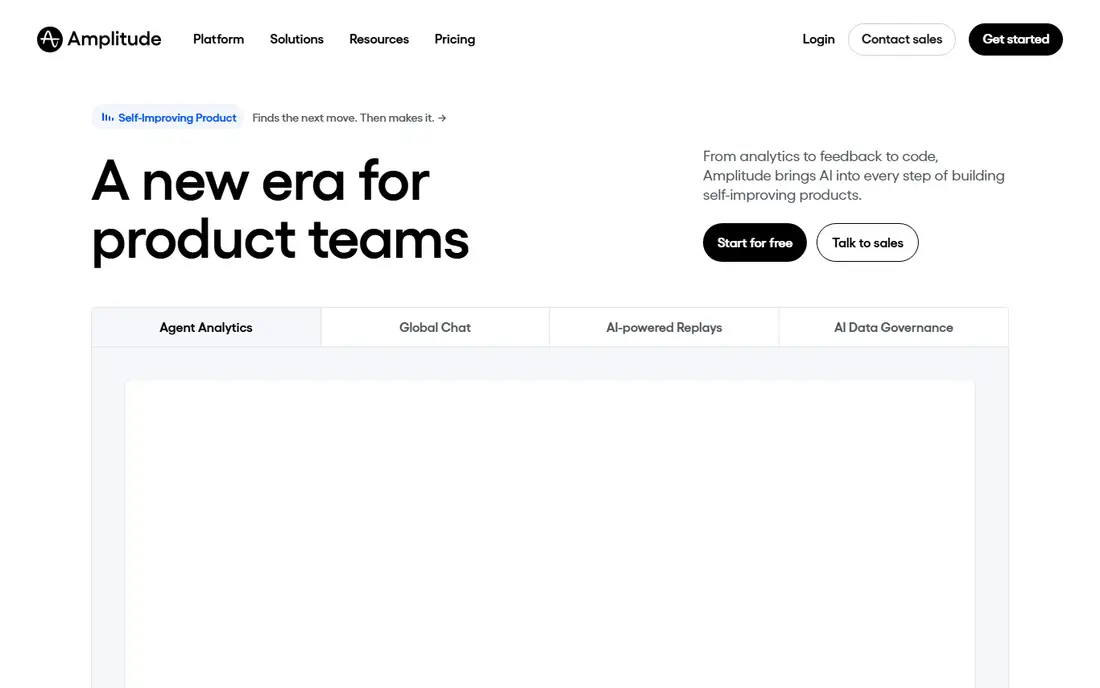
Amplitude competes directly with Mixpanel but leans further into behavioral analysis, experimentation, and AI-assisted insight. Its free plan covers 2 million events per month, with session replay, cohort tools, and basic experimentation included, and its Plus plan starts at $0 with usage scaling up to 70 million events. Growth and Enterprise plans add advanced exploration, monitoring, permissions, and governance for larger teams.
The limit is pricing clarity at scale. Once a team passes the self-serve tiers, pricing becomes a sales quote, and event guardrails can matter for apps with very active power users. Amplitude also suits product teams more than finance or operations teams that need warehouse BI. For a product-led company that wants deep journey analysis plus experiments in one place, Amplitude is a strong finalist to test against Mixpanel.
What we like- Free plan up to 2 million events per month
- Session replay and experimentation
- Behavioral cohorts and alerts
Watch out for- Paid Growth and Enterprise plans are quote-based
- High event counts per user can trigger overage terms
#6PostHog
Best for: Analytics plus experiments in one place4.5/5 on
G2 (1,053 reviews, checked Oct 2026)
Visit posthog.com
Starting price$0 per month
Free planYes
PostHog is the all-in-one option for teams that want product analytics, session replay, feature flags, surveys, error tracking, and a data warehouse under one roof. Every product has a monthly free allowance, including 1 million analytics events, 5,000 session recordings, and 1 million feature flag requests, with no seat fees and no credit card needed to start. That breadth lets a small team replace several tools with one account and one SDK.
The catch is billing complexity. Each product meters separately, so a team that turns on analytics, replay, flags, and surveys gets four bills in one invoice, and events from identified users carry an extra person-profile charge beyond the base event rate. PostHog lets teams cap each product, and that cap is worth setting before a launch. For teams that use two or more of its products, the combined value often beats buying each tool separately.
What we like- Free tier across analytics, replay, flags, and surveys
- No seat fees
- Open-source core with self-host option
Watch out for- Each product bills separately
- Identified-user event costs add to the base rate
Starting priceSee website
Free planNo
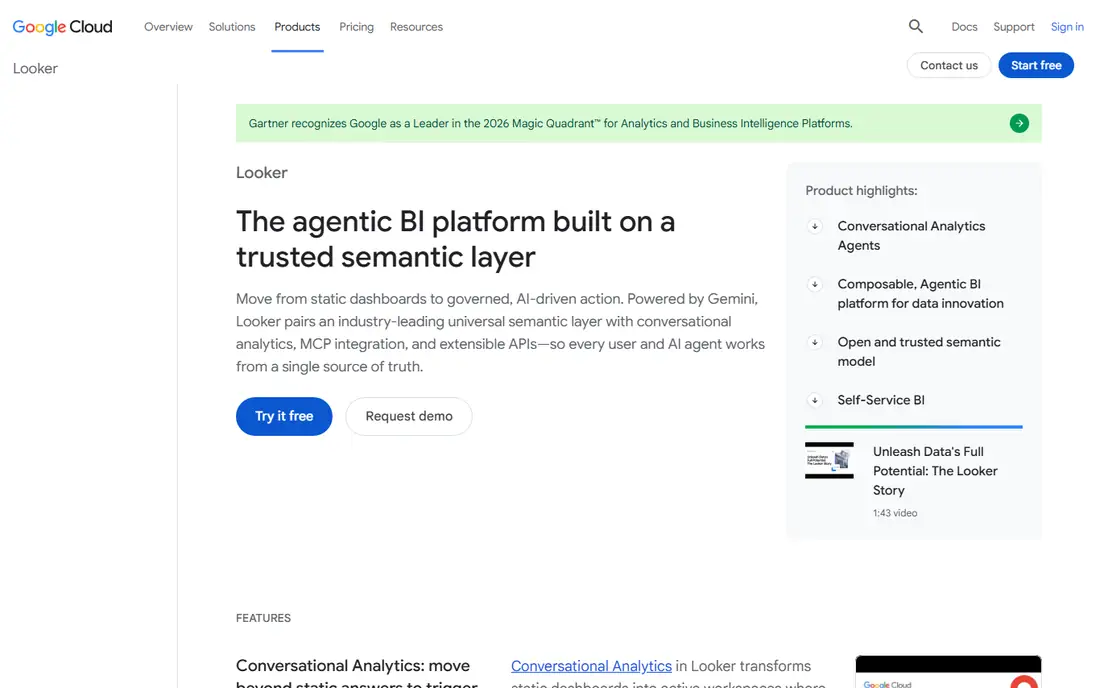
Looker, now Looker on Google Cloud, is the pick when metric trust matters more than quick charts. Its LookML layer defines business logic once, so revenue, churn, and active users mean the same thing in every dashboard, report, and AI query. That single definition helps finance, product, and sales stop arguing about numbers and start acting on them. Looker also supports conversational analytics, embedded dashboards, and a wide set of data sources through Google Cloud.
The trade-off is effort and price. Looker pricing has platform and user components and requires a sales quote, with Standard, Enterprise, and Embed editions on annual commitment. A team also needs someone who can model data in LookML, which is a real skill. Companies without a data team should start with a simpler BI tool. Companies with a warehouse and many stakeholders will gain the most from Looker's governance.
What we like- LookML semantic layer for one metric definition
- Strong BigQuery link
- Conversational analytics and embedded options
Watch out for- Quote-based pricing
- Needs data modeling skill
- Heavier setup than a dashboard-only tool
#8Qlik Sense
Best for: Associative exploration4.4/5 on
G2 (929 reviews, checked Oct 2026)
Visit qlik.com
Starting priceSee website
Free planFree trial
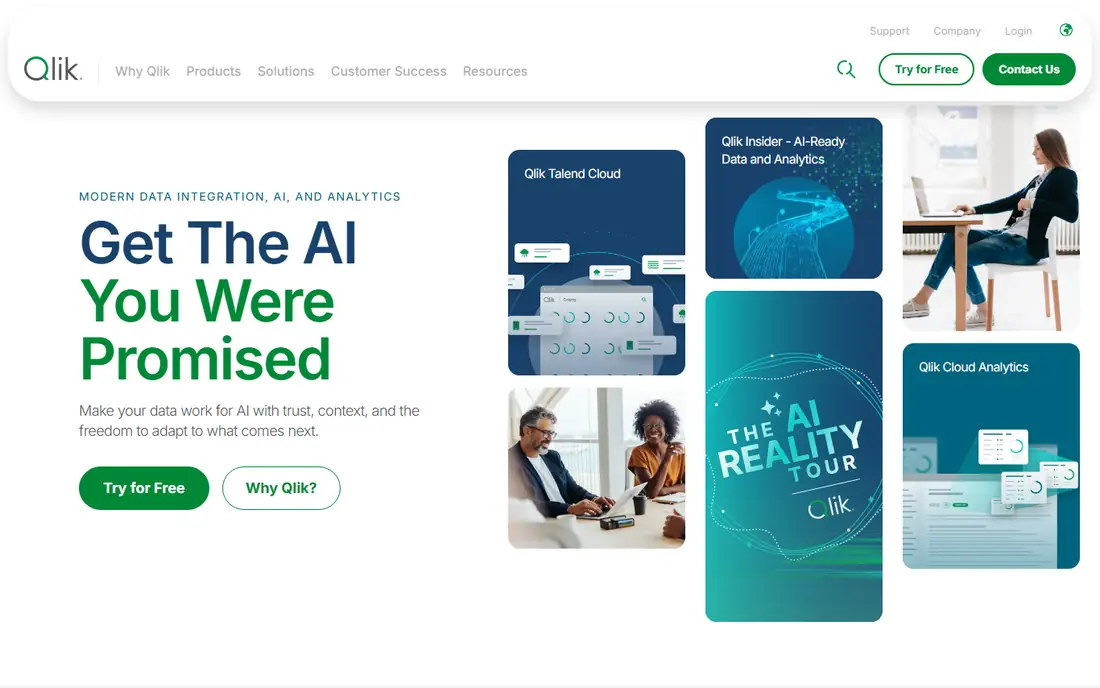
Qlik Sense stands apart through its associative engine, which indexes relationships across tables so users can explore data in any direction without building a query first. That approach surfaces connections and gaps that a fixed dashboard might hide, and it handles large in-memory models well. Qlik offers more than 200 connectors, AI-assisted insight, and enterprise security and governance for regulated teams.
The limit is learning curve and total cost. Advanced modeling uses Qlik script, which takes time to learn, and add-ons for machine learning, printing, and geoanalytics cost extra. Published Business pricing has been reported at $30 per user per month, but current terms should be confirmed on a quote, since Qlik's site now routes buyers to sales for many editions. For analysts who explore complex, multi-source data daily, Qlik's engine is a real advantage. For casual dashboard readers, a simpler tool will be faster to adopt.
What we like- Associative engine links data without fixed queries
- Strong data modeling
- Many connectors
Watch out for- Steeper learning curve for scripting
- Advanced modules add cost
#9Domo
Best for: Data products and embedded dashboards4.3/5 on
G2 (1,086 reviews, checked Oct 2026)
Visit domo.com
Starting priceSee website
Free planFree trial
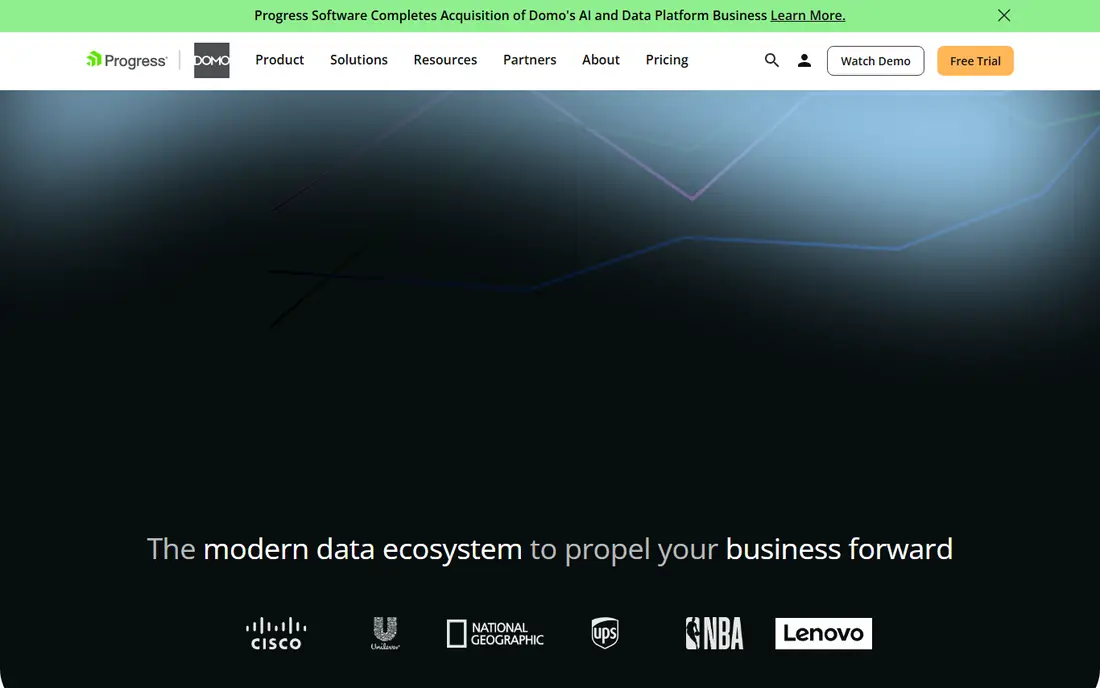
Domo positions itself as an AI and data products platform rather than a chart tool alone. It connects data from many sources, prepares it, builds dashboards, and lets teams ship embedded analytics and data products to customers or partners. Its AI agents cover use cases such as benefits questions, support ticket priority, and competitive research, which shows how far Domo has moved beyond static reporting.
The catch is fit and price. Domo pricing is quote-based, and its breadth can be more than a small team needs when a simple BI tool would answer the same questions faster. Domo fits best when a company wants to build data products for others, embed analytics in a product, or give many teams governed access to one platform. Teams that only need internal dashboards should compare Domo's quote against Power BI and Tableau before committing.
What we like- Connectors and data prep in one platform
- Embedded analytics
- AI agents and data products
Watch out for- Quote-based pricing
- Breadth can overwhelm a team that only needs simple dashboards
How we chose
We compared tools on question type, data sources, governance, sharing cost, free plan limits, and team fit. We read vendor pricing pages, documentation, and homepages, checked public reviews on G2, Capterra, and Reddit, and looked at features such as event tracking, funnel and retention reports, semantic layers, embedded analytics, and warehouse connections. We favored tools in active use today, and we mixed BI platforms with product analytics tools so readers can see when a dashboard tool, a product analytics tool, or a governed metric layer is the right answer.
Choosing by question, not by brand
Start with the question you ask most often. If the question is how many visitors converted and from which channel, GA4 answers it free. If the question is which onboarding steps predict retention, Mixpanel or Amplitude answers it. If the question is what revenue, churn, and headcount look like this quarter, a BI tool such as Power BI, Tableau, or Qlik answers it. If the question is how to give every team one trusted definition, Looker answers it.
Count readers, events, and models
BI pricing scales with readers, product analytics pricing scales with events, and governed BI also scales with modeling work. List every person who will read a dashboard, estimate monthly events from your app or site, and count the data sources you must connect. Then test the top two tools on real data for two weeks. A trial that only shows sample data hides the setup work, the event design, and the query speed on your own tables.
Governance and data quality
A dashboard is only as good as its definitions. Agree on how revenue, active users, and conversion are defined before you build, and write those definitions down in the tool. Check who can edit a metric, who can see sensitive data, and how changes are reviewed. Tools with a semantic layer make this easier, but even a simple BI tool benefits from a short metric dictionary and a named owner for each key number.
When to pair two tools
Many companies need both a BI tool and a product analytics tool. GA4 plus Power BI is a common pair for marketing and finance reporting, while Mixpanel or Amplitude plus Tableau covers product behavior and executive dashboards. Pairing tools adds cost and integration work, so only add a second tool when one tool clearly cannot answer a recurring question. Start with one, prove the value, then add the second with a clear owner and a clear question it must answer.
Frequently asked questions
What is the difference between BI and product analytics?
BI tools report on business data such as sales, finance, and operations, usually from a warehouse or spreadsheet. Product analytics tools track user events inside a website or app, such as signups, feature use, and retention. Many companies use both, since BI answers how the business performed and product analytics answers how users behaved.
Is Google Analytics enough for a small business?
For web measurement, often yes. GA4 covers traffic, conversions, audiences, and channel performance free of charge. It does not replace a BI tool for finance reporting, and it does not match Mixpanel or Amplitude for deep funnel and retention analysis. Start with GA4, then add a second tool only when a question keeps going unanswered.
How much does Power BI really cost for a team?
Pro costs $14 per user per month billed annually, but every viewer needs a seat unless you buy capacity. A team of 3 builders and 50 readers on Pro pays for 53 seats, not 3. Fabric capacity can be cheaper for very large reader counts, but it starts at a much higher monthly cost, so model both before you buy.
Can I start with a free analytics tool and upgrade later?
Yes, and that path works well for product analytics. Mixpanel, Amplitude, and PostHog all offer free tiers that cover early-stage volume, and you can upgrade when events grow. For BI, free Desktop tools help you build, but sharing still needs paid seats, so budget for readers from the start.
Do I need Looker if I already use Power BI or Tableau?
Not always. Power BI and Tableau can serve most dashboard needs. Looker adds value when many teams must share one metric definition, when governance and AI queries matter, or when your warehouse is already on Google Cloud. Without those needs, Looker adds modeling work without a clear payoff.
What should I check before signing an analytics contract?
Confirm the billing unit, whether it is seats, events, or capacity, and set a cap or alert for usage-based tools. Check data retention, export options, and what happens to your data if you cancel. Also confirm which features sit behind higher tiers, since AI features, governance, and embedded analytics often cost extra.
Sources we checked (9)
- https://www.tableau.com
- https://www.microsoft.com/en-us/power-platform/products/power-bi
- https://marketingplatform.google.com/about/analytics/
- https://www.mixpanel.com
- https://www.amplitude.com
- https://www.posthog.com
- https://cloud.google.com/looker
- https://www.qlik.com
- https://www.domo.com
Is your product missing or out of date?
We review this list regularly. Vendors can request a listing, send updated pricing or ask about featured placement.

Shihab Mia · Founder, Rankite
Shihab has 5+ years in B2B and SaaS SEO. He writes Rankite's software buying guides from pricing pages, documentation and public user reviews. More about Shihab.