How we make this list: we compare pricing pages, product documentation and public user reviews. Ratings come from G2, Capterra or Trustpilot, with the date we checked them.
Key takeaways
- Zapier is the easiest switch for non-technical teams, with 9,000 plus apps and a free plan for simple workflows.
- Make usually costs less than Zapier for multi-step workflows with branching, and its free plan has no time limit.
- Activepieces is the closest open-source match to n8n, with an MIT-licensed core you can host yourself.
- Windmill and Node-RED suit engineering teams that prefer code, scripts, and full control over their servers.
- Pipedream has pivoted toward AI agent integrations, so check its current workflow offering before migrating.
Quick comparison
| Tool | Best for | Starting price | Free plan |
|---|
 Zapier Zapier | Non-technical teams needing app breadth | $19.99 per month | Yes |
 Make Make | Visual multi-step workflows | $9 per month | Yes |
 Activepieces Activepieces | Open-source self-hosted automation | See website | Yes |
 Windmill Windmill | Code-first engineering teams | See website | Yes |
 Pipedream Pipedream | Developer API and agent integrations | See website | Yes |
 Microsoft Power Automate Microsoft Power Automate | Microsoft 365 organizations | $15 per user per month | Free trial |
 Node-RED Node-RED | Free event-driven flows and IoT | $0 | Yes |
 Gumloop Gumloop | AI agents for business teams | $37 per month | Free trial |
Is your product missing or out of date?
We review this list regularly. Vendors can request a listing, send updated pricing or ask about featured placement.
The best alternatives to n8n for workflow automation
#1Zapier
Best for: Non-technical teams needing app breadth4.5/5 on
G2 (2,088 reviews, checked Oct 2026)
Visit zapier.com
Starting price$19.99 per month
Free planYes
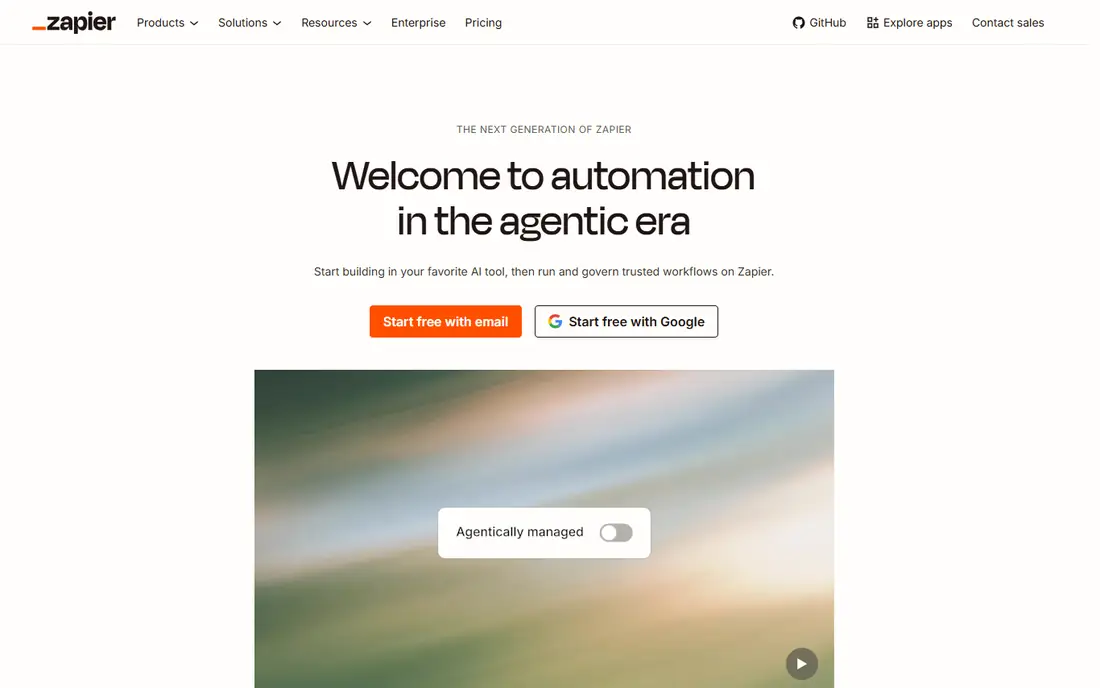
Zapier is the default answer when the team building automations does not write code. Its catalog covers more than 9,000 apps, so the connection you need usually exists already, and a simple two or three step workflow can be live in minutes. The platform now leans into AI orchestration, letting teams start a workflow in Claude, ChatGPT, or Cursor and run it under Zapier governance with audit logs and permission controls.
That breadth comes with a pricing model to watch. Zapier bills by tasks, and multi-step workflows burn through tasks faster than newcomers expect. The free plan covers 100 tasks a month, which suits testing and tiny personal automations, while paid plans start at 19.99 dollars a month billed annually for the Professional tier.
The honest catch is cost at volume. A workflow with five steps running thousands of times a month can cost several times more on Zapier than on Make or a self-hosted tool. If your team values speed of setup and app coverage above per-run cost, Zapier is still the easiest n8n alternative to adopt.
What we like- 9,000 plus connected apps
- Very fast setup
- AI agent governance and MCP support
Watch out for- Costs climb with task volume
- Complex branching costs more than on Make
#2Make
Best for: Visual multi-step workflows4.6/5 on
G2 (347 reviews, checked Oct 2026)
Visit make.com
Starting price$9 per month
Free planYes

Make is the visual builder that n8n users most often land on. Its canvas shows data flowing between modules, which makes branching, filtering, iterators, and error handling easier to reason about than a linear list of steps. Teams that build workflows with ten or more steps, routers, and data transformations usually find Make more natural than Zapier.
The homepage promises a free plan with no time limit and no credit card required, plus 3,500 plus apps out of the box and custom API connections for anything else. Paid plans start at 9 dollars a month billed annually, and the credit-based pricing tends to work out cheaper than Zapier for complex scenarios.
The tradeoff is catalog size and a steeper learning curve for advanced features like array mapping and custom functions. Make also runs only in its cloud, so teams that need self-hosting must look elsewhere. For visual builders who want power without servers, Make is the strongest pick.
What we like- Visual builder with branching and data tools
- Free plan has no time limit
- 3,500 plus apps
Watch out for- Smaller app catalog than Zapier
- Learning curve for advanced functions
#3Activepieces
Best for: Open-source self-hosted automation4.8/5 on
G2 (142 reviews, checked Oct 2026)
Visit activepieces.com
Starting priceSee website
Free planYes
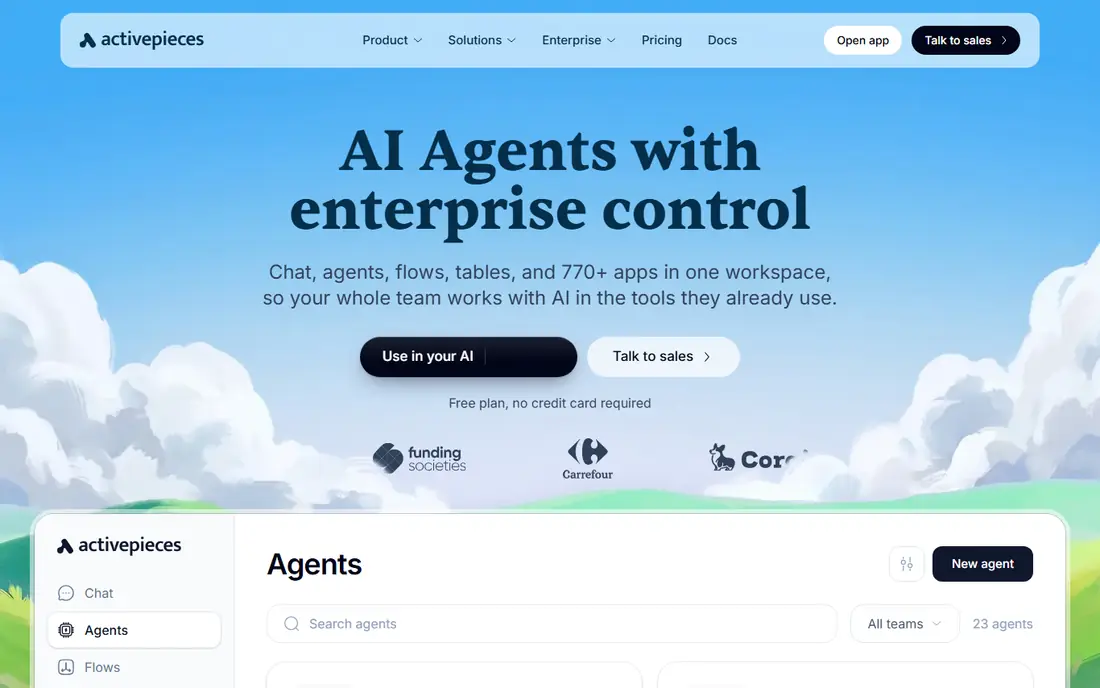
Activepieces is the closest philosophical match to n8n: a visual workflow builder under a real open-source license. The core is MIT-licensed, every integration piece is open source, and you can run it on your own servers or fully air-gapped. That matters for teams that picked n8n partly to avoid vendor lock-in.
The builder covers the essentials well, with branching, retries, waitpoints, subflows, error handling, and human approvals, plus inline TypeScript for steps that need code. The homepage lists 770 plus open-source pieces and notes that logic inside a flow is free, with billing based on how often flows run.
The catch is maturity. The catalog is smaller than n8n or Zapier, and cloud pricing has shifted across plans over the past year, so verify current prices before committing. If open source and self-hosting are non-negotiable, Activepieces is the first tool to test.
What we like- MIT-licensed core
- Self-host with Docker or Kubernetes
- 770 plus open-source pieces
Watch out for- Smaller integration catalog than n8n
- Cloud pricing has changed several times
Starting priceSee website
Free planYes
Windmill takes a different approach from the visual tools on this list. It is a code-first platform where workflows are built from scripts in Python, TypeScript, Go, and other languages, with a visual layer on top for flows, apps, and agents. That makes it a natural home for engineering teams that already think in code and want version control, review, and rollback for their automations.
The runtime is a selling point: the homepage calls it the fastest self-hostable orchestration engine, scaling from a single VPS to large Kubernetes clusters. Every run keeps its inputs, logs, and result, and failures alert the team with the context needed to fix them. A free open-source edition exists for self-hosting.
The tradeoff is audience. Windmill assumes engineering skill, so business teams without developers will struggle where Make or Zapier would succeed. Enterprise features like SAML, audit logs, and Git sync sit behind paid plans. Choose Windmill when your automations are really internal software.
What we like- Scripts, flows, apps, and agents in one runtime
- Very fast self-hosted engine
- Git-style review flow
Watch out for- Built for engineers, not business users
- Enterprise features need a paid plan
#5Pipedream
Best for: Developer API and agent integrations4.6/5 on
G2 (16 reviews, checked Oct 2026)
Visit pipedream.com
Starting priceSee website
Free planYes
Pipedream used to be the developer-first workflow tool, and its current homepage shows a pivot: it now presents itself as the integration layer for AI agents, with managed auth, 10,000 plus tools across 3,000 plus APIs, and an MCP server that agents can call. For teams building AI agents that need to act across user accounts, that positioning is genuinely useful.
The platform still offers full access in development with no credit card, and paid plans start only when you move to production. Its raw API proxy and prebuilt tools save real integration work for developers shipping agent features.
The caution is scope. If you want a classic visual workflow replacement for n8n, Pipedream's current shape may not match what you remember, and some comparison guides flag a shutdown notice for its older workflow product. Verify the current workflow offering and pricing on a trial before migrating production flows.
What we like- 10,000 plus prebuilt tools across 3,000 plus APIs
- Managed auth and MCP support
- Free in development
Watch out for- Product has pivoted toward AI agent integrations
- Classic workflow pricing is unclear
Starting price$15 per user per month
Free planFree trial
Power Automate is the obvious n8n alternative inside a Microsoft shop. It connects to more than 1,400 prebuilt connectors, including Dynamics 365, SAP, and Salesforce, and it adds desktop flows that automate older Windows applications without APIs. If your company already pays for Microsoft 365, Power Automate often arrives partly licensed already.
The platform covers cloud flows, desktop RPA, and AI-assisted flow building, with templates for common scenarios like approvals and notifications. Sharing and ownership controls let teams co-own flows rather than depending on one builder.
The drawbacks are licensing complexity and ecosystem fit. Pricing depends on license type, and the 15 dollar per user per month figure is a starting point, not a full quote. Outside Microsoft tools, the connector catalog and community are thinner than Zapier or Make. Pick it when Microsoft is already your stack.
What we like- Deep Microsoft 365 and Dynamics integration
- Desktop RPA for legacy apps
- 1,400 plus connectors
Watch out for- Licensing is complex
- Weakest outside the Microsoft ecosystem
#7Node-RED
Best for: Free event-driven flows and IoT4.5/5 on
G2 (25 reviews, checked Oct 2026)
Visit nodered.org
Starting price$0
Free planYes
Node-RED is the free, community-driven option. Built on Node.js and maintained under the OpenJS Foundation, it lets anyone wire together hardware, APIs, and online services in a browser-based flow editor. The community has built more than 5,000 nodes and flows, and the current version is 5.0.9.
Its sweet spot is event-driven work: home automation, industrial control, sensor data, and edge devices. Because it is free software with no vendor plan, your only cost is hosting, which can be a Raspberry Pi or a small server.
The limits are support and business breadth. There is no hosted cloud or vendor support contract, the interface feels dated next to Make, and connectors for business apps like CRMs are thinner than on commercial tools. Node-RED fits hobbyists, IoT teams, and engineers who want zero license cost and full control.
What we like- Completely free open-source software
- 5,000 plus community nodes
- Great for IoT and edge devices
Watch out for- No vendor support or hosted option
- Interface feels dated
- Business app connectors are thin
#8Gumloop
Best for: AI agents for business teams4.8/5 on
G2 (7 reviews, checked Oct 2026)
Visit gumloop.com
Starting price$37 per month
Free planFree trial
Gumloop is the agent-era entry on this list. Instead of step-by-step workflows, teams describe a job and build an agent that carries it out, using a real browser that signs in with saved logins, fills forms, and hands off to a human when a site needs it. The homepage stresses that understanding the task is the only prerequisite, with no learning curve for the person building.
For business teams, that model removes the need to map every step in advance. Agents run on triggers, share work across the org, and are governed by spend caps, approvals, and plain-English guardrails that block or log risky actions. A 14-day free trial lets teams test it before paying.
The catch is fit. Gumloop is agent-first, so teams that need deterministic, auditable step-by-step workflows may prefer Make or Windmill. Credit-based pricing also needs monitoring, since agent runs vary in cost. Choose Gumloop when the job is better described than diagrammed.
What we like- Agents non-technical staff can build
- Browser agents that sign in and act
- Spend controls and guardrails
Watch out for- Agent-first, not a classic workflow tool
- Credit costs need monitoring
How we chose
We compared tools that cover the same buyer need as n8n: moving data and work between apps without manual effort. Pricing and free tiers were checked against vendor homepages and pricing pages on 27 October 2026, and any figure we could not verify is listed as See website. We opened each homepage to confirm it loads and belongs to the product. Public reviews, documentation, and integration counts informed the strengths and weaknesses, and we did not claim hands-on testing.
What to check before you switch
Start by counting your real workload in the new tool's unit. Zapier bills tasks, Make bills operations and credits, Activepieces bills runs, and Gumloop bills agent credits. Those units are not comparable, so run your last month of n8n executions through each pricing page before choosing.
Next, test the connectors you actually use. A catalog of 9,000 apps means little if your CRM's trigger is missing or its actions are shallow. Build your three most important workflows on a trial and watch for missing triggers, polling delays, and error handling gaps.
Finally, decide who owns the automations. Visual tools suit business teams, code-first tools suit engineers, and self-hosted tools need someone to patch and back up the server. The cheapest tool on paper becomes expensive if nobody on your team can maintain it.
Frequently asked questions
Which n8n alternative is closest to n8n itself?
Activepieces is the closest match, with a visual builder, an MIT-licensed core, and self-hosting. Windmill is closer for teams that prefer code, while Make is closer for teams that want a polished visual builder without servers.
Is there a completely free n8n alternative?
Yes. Node-RED is free open-source software with no vendor plan, and Activepieces and Windmill both have free self-hosted editions. Your only cost is the server you run them on, plus your time for updates and backups.
Why is Zapier more expensive than Make for complex workflows?
Zapier bills per task, and every step in a workflow counts as a task, so multi-step flows burn through allowances quickly. Make bills operations and credits differently, and its visual branching usually works out cheaper for complex scenarios. Always model your own volume before choosing.
Has Pipedream shut down?
No, Pipedream is still operating, but it has pivoted toward AI agent integrations with managed auth and MCP support. Its older workflow product positioning has changed, so check the current offering and pricing on a trial before migrating production workflows from n8n.
Can I self-host an n8n alternative?
Yes. Activepieces, Windmill, and Node-RED all offer self-hosted editions, with Activepieces and Node-RED free to run yourself. Self-hosting removes per-run fees but adds server, update, and security work your team must staff.
How hard is migrating workflows from n8n?
Simple workflows migrate in hours by rebuilding them in the new builder, since no tool imports n8n workflows directly. Complex flows with custom code, webhooks, and error handling take longer, so run both tools in parallel for a few weeks and migrate your most critical workflows first.
Sources we checked (8)
- https://zapier.com
- https://make.com
- https://activepieces.com
- https://windmill.dev
- https://pipedream.com
- https://powerautomate.microsoft.com
- https://nodered.org
- https://gumloop.com
Is your product missing or out of date?
We review this list regularly. Vendors can request a listing, send updated pricing or ask about featured placement.

Shihab Mia · Founder, Rankite
Shihab has 5+ years in B2B and SaaS SEO. He writes Rankite's software buying guides from pricing pages, documentation and public user reviews. More about Shihab.