How we make this list: we compare pricing pages, product documentation and public user reviews. Ratings come from G2, Capterra or Trustpilot, with the date we checked them.
Key takeaways
- Zapier is the easiest Make alternative, with the largest app library at over 7,000 integrations.
- n8n is the best pick for technical teams, with free self-hosting and native AI agent nodes.
- Pabbly Connect suits high-volume automation on a fixed budget, starting at $16 per month billed annually.
- Microsoft Power Automate fits Microsoft 365 enterprises at $15 per user per month.
- Make itself starts at $9 per month billed annually for 10,000 credits, so alternatives must beat it on ease, control, or volume.
- Pricing models differ sharply, so compare tasks, operations, and executions at your real workflow volume.
Quick comparison
| Tool | Best for | Starting price | Free plan |
|---|
 Zapier Zapier | Easiest setup, most apps | $19.99/month | Yes |
 n8n n8n | Self-hosted and AI workflows | Free | Yes |
 Pabbly Connect Pabbly Connect | Fixed-budget high volume | $16/month | No |
 Microsoft Power Automate Microsoft Power Automate | Microsoft 365 enterprises | $15/user/month | No |
 Activepieces Activepieces | Open-source extensibility | $25/month | Yes |
 IFTTT IFTTT | Personal and IoT automations | $2.99/month | Yes |
 Workato Workato | Enterprise large-scale automation | See website | No |
 Relay.app Relay.app | AI human-in-the-loop workflows | $19/month | Yes |
Is your product missing or out of date?
We review this list regularly. Vendors can request a listing, send updated pricing or ask about featured placement.
The best alternatives to Make for workflow automation
#1Zapier
Best for: Easiest setup, most apps4.5/5 on
G2 (2,088 reviews, checked Oct 2026)
Visit zapier.com
Starting price$19.99/month
Free planYes
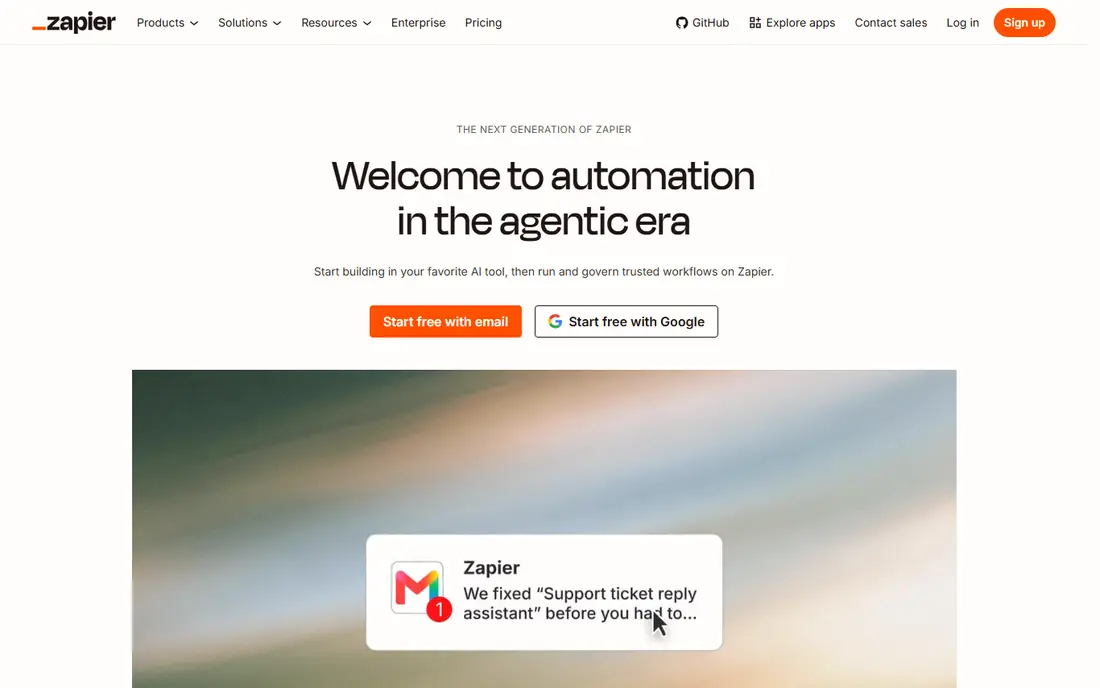
Zapier is the easiest Make alternative and the safest pick for non-technical teams. It connects over 7,000 apps with a linear builder that anyone can learn in an afternoon, and its template library covers most common workflows, from lead routing to spreadsheet updates. Filters, Paths, and Formatter steps do not count toward task usage, since only successful action steps consume tasks, which narrows the cost gap with Make in practice.
Pricing starts at $19.99 per month for 750 tasks, with a free plan covering 100 tasks per month. That task model gets expensive fast at moderate to high volume: Make offers 10,000 credits at $9 per month billed annually, a 3 to 5 times cost advantage at equivalent volume in published comparisons. Teams with simple workflows and niche app needs should still pick Zapier for its library and ease, while high-volume teams should look at n8n or Pabbly Connect.
What we like- Largest app library at 7,000 plus apps
- Simplest setup
- Huge template library
- Reliable for common workflows
Watch out for- Expensive at volume
- 750 tasks for $19.99 per month
- No custom code in most plans
- Limited branching depth
#2n8n
Best for: Self-hosted and AI workflows4.7/5 on
G2 (319 reviews, checked Oct 2026)
Visit n8n.io
Starting priceFree
Free planYes
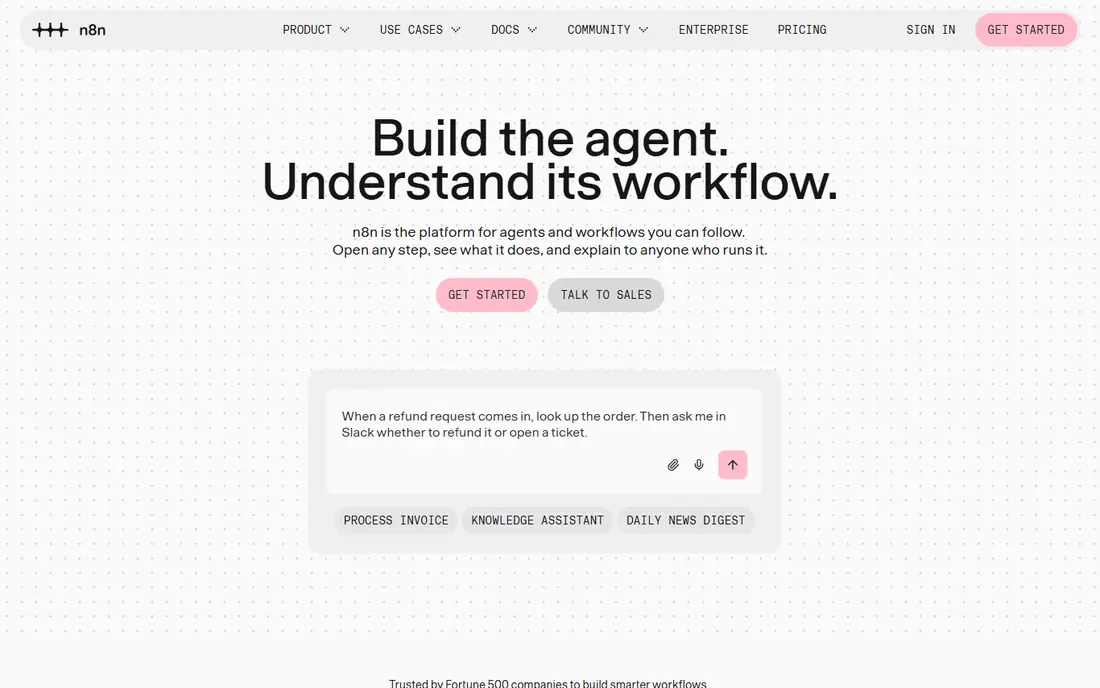
n8n is the best Make alternative for technical teams and the strongest AI workflow story of 2026. It ships native LLM agent nodes, MCP tool support, and full LangChain integration that neither Zapier nor Make matches for developer use cases. Self-hosting is free forever with unlimited workflows, and code nodes run JavaScript or Python at any step, with access to raw API responses and headers.
Cloud pricing starts near 20 to 24 euros per month for 2,500 executions, with a 14-day trial, while self-hosting costs only server fees. The native node count sits near 400 to 1,200 depending on the source, below Zapier, but the HTTP Request node connects to virtually any API, which closes the gap fast. Teams with technical capacity, high-volume automations, or data that must stay on their own servers should pick n8n first.
What we like- Free self-hosting with unlimited workflows
- JavaScript and Python at every node
- Native AI agent nodes
- LangChain support
Watch out for- Needs Node.js or Docker for self-hosting
- Fewer native nodes than Zapier
- Cloud pricing in euros
- Steeper learning curve
#3Pabbly Connect
Best for: Fixed-budget high volume4.1/5 on
G2 (30 reviews, checked Oct 2026)
Visit pabbly.com
Starting price$16/month
Free planNo

Pabbly Connect suits teams that want high-volume automation on a fixed budget. It connects over 2,000 apps, and pricing starts at $16 per month billed annually, which undercuts Zapier sharply at volume. Agencies like the predictable billing, since task counts do not spike the monthly bill the way Zapier tasks can.
The main catch is plan gating: multi-step workflows sit on the Ultimate plan only, so teams that need complex branching must pay for the top tier. The interface is less polished than Make visual canvas, and the ecosystem is smaller than Zapier. For teams running many simple multi-app workflows on a fixed budget, Pabbly Connect is a strong Make alternative, while teams that need deep branching should compare n8n instead.
What we like- Low fixed price for high volume
- 2,000 plus integrations
- One-time payment options on some plans
- Good for agencies
Watch out for- Multi-step workflows locked to Ultimate plan
- Smaller ecosystem than Zapier
- Interface less polished than Make
#4Microsoft Power Automate
Best for: Microsoft 365 enterprises4.4/5 on
G2 (1,092 reviews, checked Oct 2026)
Visit microsoft.com
Starting price$15/user/month
Free planNo
Microsoft Power Automate fits enterprises already running Microsoft 365. It connects over 1,000 apps, with deep links to Outlook, Teams, SharePoint, Excel, and Dynamics, plus desktop flows that automate legacy Windows apps. Governance, data loss prevention, and admin controls suit regulated enterprises that need IT oversight of automations.
Pricing starts at $15 per user per month, with premium connectors and attended desktop flows on higher plans. Outside the Microsoft ecosystem the value drops, since Google Workspace and niche SaaS integrations are thinner than Zapier. Enterprises standardized on Microsoft should default to Power Automate, while mixed-stack teams should prefer Zapier or n8n.
What we like- Deep Microsoft 365 integration
- 1,000 plus connectors
- Desktop flows for legacy apps
- Enterprise governance
Watch out for- Limited value outside Microsoft ecosystem
- Premium connectors need higher plans
- Desktop flows need setup
Starting price$25/month
Free planYes
Activepieces is an open-source automation platform that suits teams wanting extensibility without vendor lock-in. It offers over 683 integrations, and developers can build custom pieces for internal tools, which makes it a good fit for product teams with niche APIs. The visual builder is approachable, and the open-source model means workflows can run on your own infrastructure.
Cloud pricing starts at $25 per month for Plus, with a free plan limited to 2 active flows, so serious use needs the paid tier. The integration library is smaller than Zapier, and the community is younger than n8n. Teams that want open-source freedom with a simpler setup than self-hosted n8n should test Activepieces, while teams that need the largest app library should pick Zapier.
What we like- Open source
- 683 plus integrations
- Easy to extend with custom pieces
- Cloud free plan available
Watch out for- Cloud free plan limits to 2 active flows
- Smaller library than Zapier
- Plus plan needed for serious use
#6IFTTT
Best for: Personal and IoT automations4.5/5 on
G2 (117 reviews, checked Oct 2026)
Visit ifttt.com
Starting price$2.99/month
Free planYes
IFTTT, short for If This Then That, is the cheapest Make alternative for personal and smart home automation. It connects over 1,000 services, and simple applets link triggers to actions, such as saving email attachments to cloud storage or turning on lights at sunset. The Pro plan costs $2.99 per month, the lowest paid price on this list.
IFTTT offers no multi-step branching on any plan tier, so it cannot replace Make for business workflows with routing, aggregation, and error handling. Data transformation is limited, and business integrations are thinner than Zapier. For personal automations and IoT routines, IFTTT is unbeatable on price and simplicity, but business teams should look elsewhere on this list.
What we like- Cheapest paid plan here
- 1,000 plus services
- Great for personal and smart home automations
- Simple applets
Watch out for- No multi-step branching on any plan
- Weak for business workflows
- Limited data transformation
#7Workato
Best for: Enterprise large-scale automation4.7/5 on
G2 (843 reviews, checked Oct 2026)
Visit workato.com
Starting priceSee website
Free planNo
Workato suits enterprises running large-scale automation across departments. It connects over 1,200 apps with enterprise governance, recipe lifecycle management, and data flows that handle high volumes reliably. IT teams get audit logs, role controls, and environment management that smaller tools lack, which matters for regulated companies.
Pricing is custom with no published standard rates, and the sales process is enterprise-grade, so small teams should not start here. Implementation takes time and planning, and the platform is overkill for simple two-app workflows. Large organizations that outgrow Zapier or Make on governance and scale usually land on Workato or Microsoft Power Automate.
What we like- Enterprise-grade automation and integration
- 1,200 plus connectors
- Strong governance
- Handles large-scale data flows
Watch out for- No published standard pricing
- Enterprise sales process
- Overkill for small teams
- Implementation takes time
Starting price$19/month
Free planYes
Relay.app fits teams that want AI in workflows with a human approval step built in. An AI agent can draft, summarize, or classify, and a person approves before the workflow continues, which suits content review, support triage, and operations checks. The visual builder is clean, and the free plan lets small teams test the model before paying.
Pricing starts at $19 per month, but native integrations number only about 150, the fewest on this list, so teams with niche app needs should check coverage first. Relay is a newer vendor, and AI credit costs need watching at scale. Teams that want AI plus human judgment in one workflow will find Relay the most focused Make alternative, while teams that need broad app coverage should pick Zapier.
What we like- AI steps with human approval built in
- Clean visual builder
- Good for content and ops workflows
- Free plan available
Watch out for- Fewest native integrations here at about 150
- Newer vendor
- AI costs need watching at scale
How we chose
We compared Make alternatives on app coverage, builder depth, pricing model, self-hosting, AI features, and fit for team size. Make itself, formerly Integromat, offers a visual canvas builder with over 3,000 apps, starting at $9 per month billed annually for 10,000 credits under the credit model adopted in August 2025. We therefore weighted cost at real workflow volume and flagged where pricing counts tasks, operations, or executions differently. Prices come from vendor pricing pages and published comparisons from 2026, and they change often, so confirm the current price before purchase.
How to choose the right Make alternative
Start with volume and technical skill. Non-technical teams should default to Zapier for its library and ease, while technical teams should test n8n self-hosted first, since unlimited workflows at server cost beat every paid plan at volume. High-volume teams on a fixed budget should compare Pabbly Connect against n8n cloud, and Microsoft shops should test Power Automate before anything else.
Next, model the pricing unit honestly. Zapier counts tasks, Make counts credits per module, and n8n cloud counts executions per workflow run, so a 5-step scenario running 100 times costs 500 Make credits but only 100 n8n executions. Count your real runs, steps, and apps, then price each finalist at that volume. Finally, test error handling and branching with a real workflow, since a tool that cannot route failures cleanly will cost more in manual fixes than it saves in subscription fees.
Frequently asked questions
What is Make?
Make, formerly Integromat, is a visual workflow automation platform that connects over 3,000 apps with a canvas builder supporting branching, routing, aggregation, and error handling. Pricing starts at $9 per month billed annually for 10,000 credits.
Is there a free Make alternative?
n8n self-hosted is free forever with unlimited workflows, and Activepieces, Relay.app, Zapier, and IFTTT all offer free plans with limits on tasks, flows, or executions.
Which Make alternative is cheapest?
n8n self-hosted is cheapest overall at server cost only. Among hosted tools, IFTTT Pro at $2.99 per month is cheapest for personal use, while Pabbly Connect at $16 per month billed annually is cheapest for high-volume business automation.
Is Zapier better than Make?
Zapier is easier and has more integrations, but Make costs less at volume and offers deeper branching and data control on its visual canvas. Teams with simple workflows usually prefer Zapier, while power users needing value prefer Make or n8n.
Does n8n replace Make for AI workflows?
Yes, n8n is the strongest AI workflow option here, with native LLM agent nodes, MCP tool support, and LangChain integration that neither Zapier nor Make matches for developer use cases.
Can I migrate workflows from Make?
Most tools here support manual rebuilds, and some offer import help or migration services. Rebuild your most complex scenario first, test it with real data, and keep Make live until the new workflows prove reliable.
Sources we checked (0)
Is your product missing or out of date?
We review this list regularly. Vendors can request a listing, send updated pricing or ask about featured placement.

Shihab Mia · Founder, Rankite
Shihab has 5+ years in B2B and SaaS SEO. He writes Rankite's software buying guides from pricing pages, documentation and public user reviews. More about Shihab.