How we make this list: we compare pricing pages, product documentation and public user reviews. Ratings come from G2, Capterra or Trustpilot, with the date we checked them.
Key takeaways
- AI pricing is the real price gap here: some tools include AI in the base plan, while others charge a per user AI add-on that can double the bill for a team.
- Notion suits docs first teams with deep databases, while ClickUp suits teams that live in tasks and projects and want AI inside that work.
- Taskade is the only tool here with flat pricing that covers up to 10 seats for one monthly price, which makes it the cheapest AI option for a small team.
- Privacy splits the list: Anytype keeps data local first, while Notion, ClickUp, and Coda keep data in the cloud with team controls.
- Motion suits solo professionals who want AI scheduling, while Microsoft Loop suits teams already paying for Microsoft 365.
Quick comparison
| Tool | Best for | Starting price | Free plan |
|---|
 Notion Notion | Docs first teams | $10 per user per month | Yes |
 ClickUp ClickUp | Task and project teams | $7 per user per month | Yes |
 Coda Coda | Docs that act like apps | $10 per Doc Maker per month | Yes |
 Taskade Taskade | Small teams on a flat price | $10 per month | Yes |
 Motion Motion | Solo professionals | $19 per user per month | No |
 Anytype Anytype | Local first privacy | Free | Yes |
 Mem Mem | Personal knowledge capture | $15 per month | No |
 Microsoft Loop Microsoft Loop | Microsoft 365 teams | Free | Yes |
Is your product missing or out of date?
We review this list regularly. Vendors can request a listing, send updated pricing or ask about featured placement.
#1Notion
Best for: Docs first teams4.6/5 on
G2 (13,834 reviews, checked Oct 2026)
Visit notion.so
Starting price$10 per user per month
Free planYes
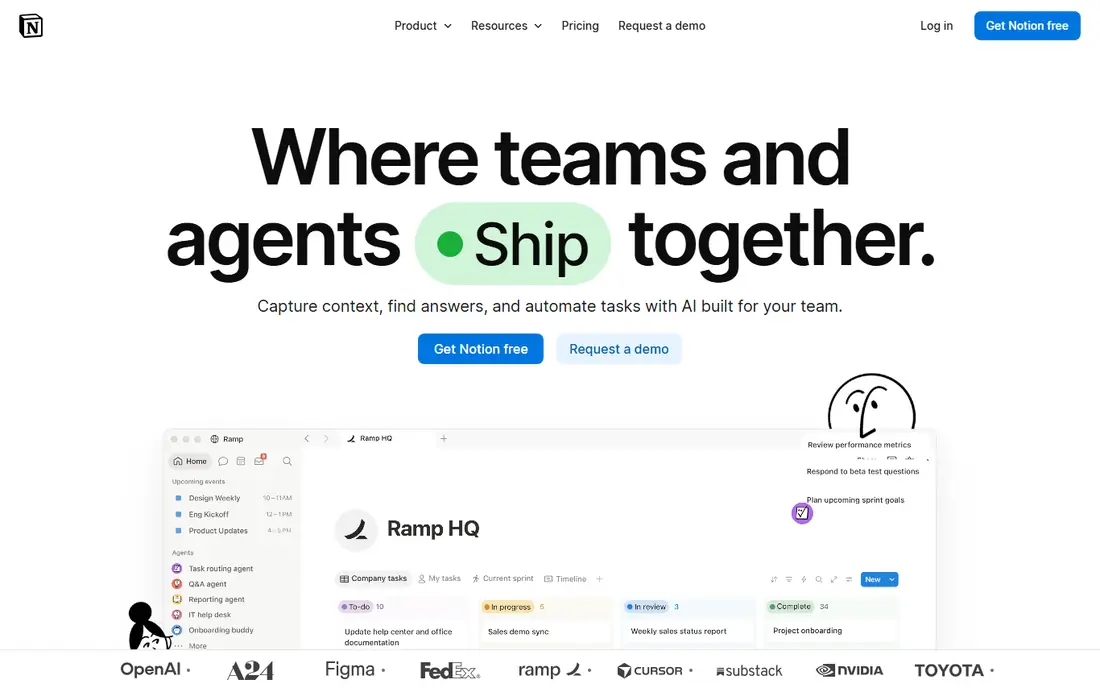
Notion is the docs first workspace that most teams compare everything else against, with pages, databases, wikis, and projects in one surface. The Plus plan runs $10 per user per month billed annually, with unlimited blocks and file uploads, while the Business plan runs $20 per user per month and includes AI features. Sources differ on whether AI is a $10 per user per month add-on on Plus or included only on Business, so confirm the current rule before budgeting, since the difference changes a 10 person bill by a large amount.
The trade off is structure against simplicity. Notion can do almost anything, which means new teams spend time setting it up, and offline use stays limited compared with local first tools. Notion fits docs first teams that want flexible databases, strong templates, and one home for notes, wikis, and projects.
What we like- Flexible databases
- Strong templates
- Workspace search
- Large integration set
- Free plan for individuals
Watch out for- AI pricing varies by plan and source
- Learning curve for new teams
- Offline use is limited
- Performance slows on very large workspaces
#2ClickUp
Best for: Task and project teams4.6/5 on
G2 (14,878 reviews, checked Oct 2026)
Visit clickup.com
Starting price$7 per user per month
Free planYes
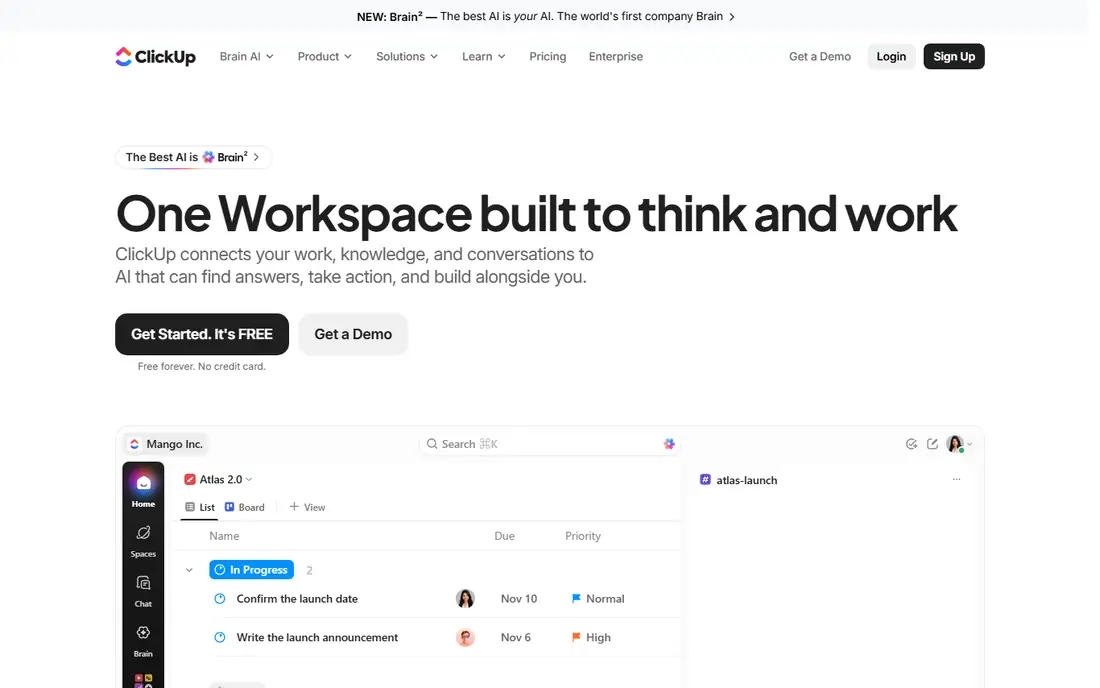
ClickUp is the task first workspace, with tasks, docs, whiteboards, goals, and dashboards in one app. The Unlimited plan runs $7 per user per month billed annually, while the Business plan runs $12 per user per month with more automation and permissions. ClickUp Brain, the AI layer, is sold as an add-on reported at $5 to $9 per user per month depending on source, so a team that wants AI should price the base plan plus the add-on together rather than reading the headline price alone.
The trade off is power against polish. ClickUp covers more project workflows than Notion, but the interface can feel busy and setup takes longer. ClickUp fits teams that live in tasks and projects and want AI summarization, action extraction, and search inside that work.
What we like- Deep task and project management
- Docs, whiteboards, and dashboards in one place
- Free plan is usable
- Wide integration set
Watch out for- AI is a paid add-on on most plans
- Interface can feel busy
- Setup takes time for large teams
- Some AI features vary by plan
Starting price$10 per Doc Maker per month
Free planYes
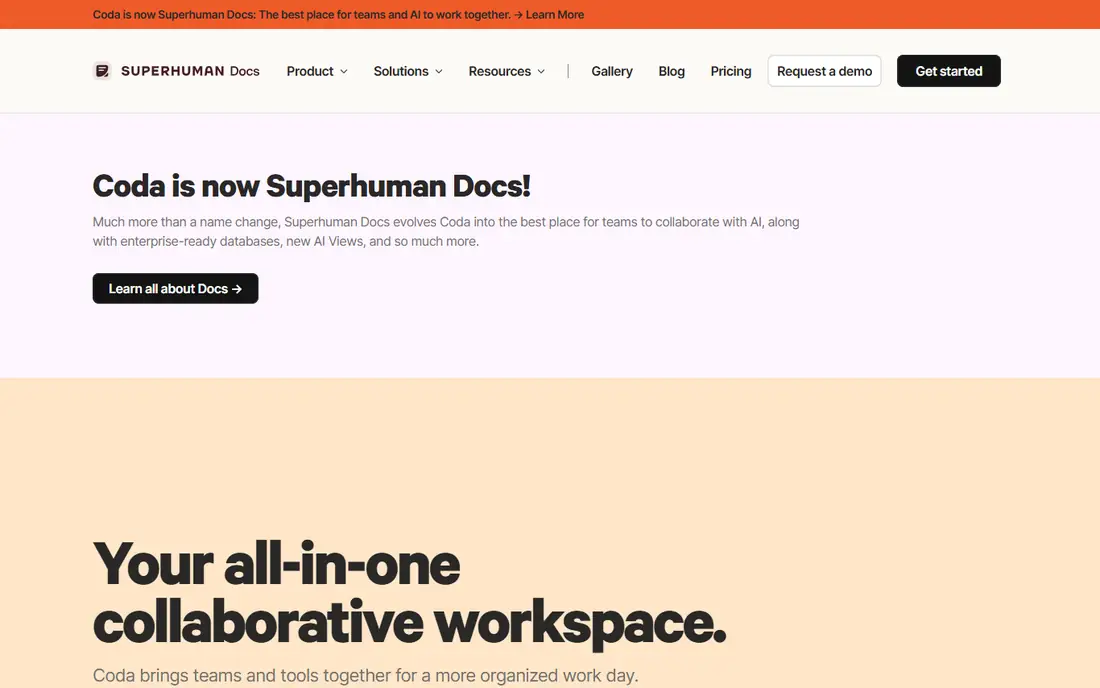
Coda turns docs into apps, with tables, formulas, buttons, and Packs that pull in data from other tools. The Pro plan runs $10 per Doc Maker per month billed annually, while the Team plan runs $30 per Doc Maker per month, and editors on paid plans cost nothing, which keeps the bill low when a small group builds for many readers. Coda AI is included on paid tiers in most reports, with stronger governance at higher tiers.
The trade off is power against ease. Coda beats Notion on computation and automation, but the learning curve is just as steep, and per Doc Maker pricing needs care when many people build. Coda fits operations and product teams that want docs that act like internal tools.
What we like- Powerful tables and formulas
- Packs integrations
- Automation
- Editors are free on paid plans
- Strong for internal tools
Watch out for- Per Doc Maker pricing confuses first time buyers
- Learning curve is steep
- AI rules vary by tier
- Small teams may pay for makers they rarely use
#4Taskade
Best for: Small teams on a flat price4.5/5 on
G2 (81 reviews, checked Oct 2026)
Visit taskade.com
Starting price$10 per month
Free planYes
Taskade is the AI first workspace built around tasks, with custom AI agents, app building from prompts, and automations included in the base price rather than sold as an add-on. The Pro plan runs $10 per month billed annually and covers up to 10 seats, while the Business plan runs $25 per month for unlimited seats. That flat structure makes Taskade the cheapest AI option in this guide for a small team, since Notion Business for 10 users runs about $200 per month by comparison.
The trade off is depth against price. Taskade docs and databases are lighter than Notion and Coda, so documentation heavy teams may feel the limits. Taskade fits small, action oriented teams that want AI agents, tasks, and video calls for one flat monthly price.
What we like- Flat price covers up to 10 seats on Pro
- AI agents included
- Video calls built in
- 100 plus integrations
- Simple task first design
Watch out for- Docs are lighter than Notion
- Database depth is lower
- Large teams need the Business plan
- AI credits have limits on some tiers
Starting price$19 per user per month
Free planNo
Motion is the AI scheduling workspace, using AI to plan your day around tasks, meetings, and priorities instead of leaving you to drag blocks by hand. The Individual plan is reported at $19 per user per month billed annually, while team plans are reported lower per user with more workload features, so confirm the current team price before buying for a group. There is no free plan, only a trial, which makes Motion a paid only choice from the start.
The trade off is scheduling strength against breadth. Motion plans days better than any tool here, but it is not a docs or database tool, so teams that need wikis and deep databases should pair it with another app. Motion fits solo professionals and small teams whose main pain is planning time, not storing docs.
What we like- AI auto scheduling
- Calendar and task planning in one view
- Team workload view on Business
- Google Calendar and Zoom integrations
Watch out for- No free plan
- Price varies by plan and source
- Task depth is lighter than ClickUp
- Docs features are limited
Starting priceFree
Free planYes
Anytype is the privacy first workspace, storing your objects locally and syncing peer to peer with end to end encryption, rather than holding everything on a vendor cloud. The core product is free, with paid options for extra remote storage and team features reported by some sources, so solo users can run it at no cost. It covers notes, tasks, sets, and relations in an object based model that feels close to Notion without the cloud dependency.
The trade off is privacy against team polish. Anytype gives you ownership and offline speed, but team admin controls and AI features trail Notion and ClickUp. Anytype fits privacy minded individuals and small teams that want local first notes and tasks without giving up the workspace model.
What we like- Local first storage
- End to end encryption
- Open source
- Peer to peer sync
- No vendor lock-in on your notes
Watch out for- Team features are lighter than Notion
- AI features are limited
- Onboarding is less polished
- Large team admin controls are thin
Starting price$15 per month
Free planNo
Mem is the memory based workspace for personal knowledge, built to capture notes fast and surface them later through AI search rather than manual folder sorting. Pricing is reported at $15 per month for individuals, with no permanent free plan, so it is a paid choice for people who want that capture flow. Mem suits writers, researchers, and founders who collect a lot of notes and want to find them again without building a database first.
The trade off is capture speed against team structure. Mem is strong for one person and weak for a team wiki or project tracker, and the per person price adds up for groups. Mem fits individuals who value fast capture and AI recall over shared databases and team admin.
What we like- Fast capture
- Memory based organization
- AI search across notes
- Simple daily flow
- Good for personal knowledge
Watch out for- No permanent free plan
- Team features are limited
- Pricing is per person
- Less suited to structured team databases
Starting priceFree
Free planYes
Microsoft Loop is the Microsoft workspace built from live components that stay in sync across Teams, Outlook, and Loop pages, so a table edited in chat updates everywhere. Loop is free with a Microsoft account, while Copilot AI inside Microsoft 365 is a separate paid license reported at $30 per user per month for business customers, so teams that already pay for Microsoft 365 get the most value. Loop covers pages, tables, task lists, and voting components in a clean, simple surface.
The trade off is ecosystem fit against maturity. Loop is younger and thinner than Notion, but it is the natural pick for teams already standardized on Microsoft 365. Loop fits Microsoft shops that want live components and AI inside the tools they already use.
What we like- Free with a Microsoft account
- Live components in Teams and Outlook
- Copilot AI for Microsoft 365 customers
- Familiar Microsoft security controls
Watch out for- Full AI needs a paid Copilot license
- Feature set is younger than Notion
- Offline use is limited
- Best value only inside Microsoft 365
How we chose
We compared published pricing pages and third party workspace comparisons from 2026, recording base prices and AI add-on rules separately, since the AI charge is where headline prices mislead. We favored tools with distinct strengths, docs first work, task first work, docs as apps, flat team pricing, AI scheduling, local first privacy, fast capture, and Microsoft ecosystem fit, and we flagged where prices conflict across sources by writing See website or noting the range. We weighed AI inclusion, free plan depth, and team controls separately, since no single tool leads on all three.
Start with how your team works: docs first teams should shortlist Notion and Coda, task first teams should shortlist ClickUp and Taskade, and privacy minded solo users should shortlist Anytype. Next, price the AI honestly: add any per user AI add-on to the base plan for your real headcount, since a $7 base plan plus a $9 AI add-on costs more than a $10 flat plan for 10 seats. Then check free plan depth: Notion, ClickUp, Coda, Taskade, Anytype, and Loop all offer free entry, while Motion and Mem do not. Finally, test one real project during trial, since setup time, search quality, and AI output quality vary more than feature lists suggest. A tool that fits your workflow, your real AI bill, and your privacy needs will last longer than the tool with the longest feature list.
Frequently asked questions
What is the best all-in-one AI workspace tool overall?
Notion suits docs first teams, ClickUp suits task first teams, Taskade suits small teams on a budget, and Anytype suits privacy minded users, so the best pick depends on workflow and headcount.
Is there a free all-in-one AI workspace tool?
Yes. Notion, ClickUp, Coda, Taskade, Anytype, and Microsoft Loop all offer free plans, while Motion and Mem are paid only with trials.
Why does AI pricing differ so much between tools?
Some tools include AI in the base plan, while others sell AI as a per user add-on, and a few sell AI only on higher tiers, so the same 10 person team can pay $10 or $200 per month for AI depending on the vendor.
Is Anytype really free?
The core Anytype product is free for local first use, with paid options for extra remote storage and team features, so solo users can run it at no cost.
Should a small team pick Taskade over Notion?
Taskade wins on flat price for up to 10 seats with AI included, while Notion wins on database depth and templates, so pick Taskade for budget and action, and Notion for documentation depth.
Does Microsoft Loop need a paid plan for AI?
Loop itself is free with a Microsoft account, but full Copilot AI inside Microsoft 365 needs a separate paid Copilot license, so check your current Microsoft 365 plan before assuming AI is included.
Sources we checked (0)
Is your product missing or out of date?
We review this list regularly. Vendors can request a listing, send updated pricing or ask about featured placement.

Shihab Mia · Founder, Rankite
Shihab has 5+ years in B2B and SaaS SEO. He writes Rankite's software buying guides from pricing pages, documentation and public user reviews. More about Shihab.