How we make this list: we compare pricing pages, product documentation and public user reviews. Ratings come from G2, Capterra or Trustpilot, with the date we checked them.
Key takeaways
- Otter.ai has the most usable free plan for meetings, with 300 transcription minutes a month and a 30-minute cap per conversation.
- Notta costs about the same as Otter for Pro but gives 1,800 monthly minutes, 5-hour recordings, and 58 languages.
- Fireflies.ai offers unlimited transcription on its free tier, capped by storage, and the deepest CRM and workflow integrations.
- Plaud is the pick when meetings happen away from a laptop, since its hardware recorders capture rooms, calls, and walks.
- Recording note: always tell people you are recording and get consent where the law requires it, since some US states require every party to agree.
Quick comparison
| Tool | Best for | Starting price | Free plan |
|---|
 Otter.ai Otter.ai | Everyday meeting transcription | $8.33/user/month (billed annually) | Yes |
 Notta Notta | Multilingual transcription and long recordings | $8.17/user/month (billed annually) | Yes |
 Fireflies.ai Fireflies.ai | Sales teams and CRM workflows | $10/user/month (billed annually) | Yes |
 Plaud Plaud | In-person and phone capture with hardware | $159 device + plan | Yes |
 Descript Descript | Recording plus text-based editing | $16/user/month (billed annually) | Yes |
 Fathom Fathom | Free meeting notes with AI summaries | $16/user/month (billed annually) | Yes |
 Granola Granola | Bot-free notes that stay private | See website | Yes |
 Krisp Krisp | Noisy rooms and bot-free note-taking | $8/user/month (billed annually) | Free trial (7 days) |
Is your product missing or out of date?
We review this list regularly. Vendors can request a listing, send updated pricing or ask about featured placement.
The best AI voice recorder apps
#1Otter.ai
Best for: Everyday meeting transcription4.4/5 on
G2 (505 reviews, checked Oct 2026)
Visit otter.ai
Starting price$8.33/user/month (billed annually)
Free planYes
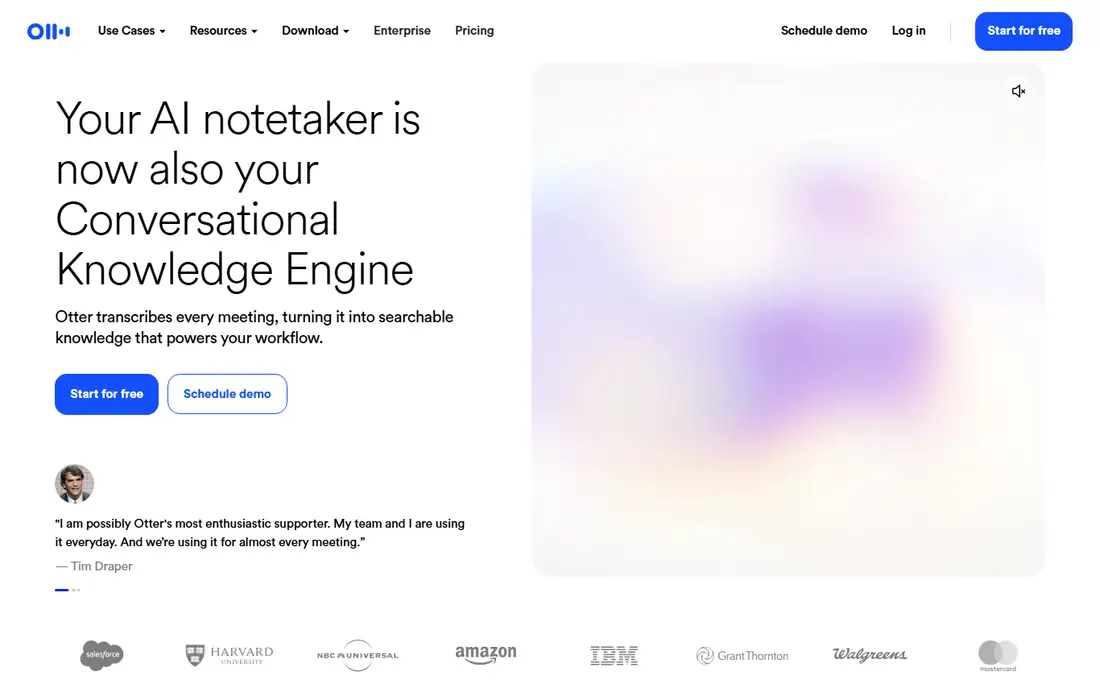
Otter.ai is the default recommendation for most people, and the free plan is why. The Basic plan gives 300 transcription minutes a month, live transcription, automated summaries, and integrations with Zoom, Google Meet, Teams, and Slack. The desktop app records without sending a bot into the call, which matters when clients dislike visible bots.
Paid plans scale cleanly. Pro, at $8.33 per user a month billed annually, raises the limit to 1,200 minutes a month and 90 minutes per conversation, plus imports and more integrations. Business, listed on the homepage from $19.99 a month, adds 6,000 minutes, 4-hour conversations, collaborative editing, and unlimited file imports. Otter AI Chat then answers questions across your whole meeting history.
The limits to watch are language coverage and minute caps. Otter transcribes far fewer languages than Notta, and heavy users will hit the Pro cap quickly. For English-language meetings at normal volume, though, Otter's free tier is the best starting point in this list.
What we like- 300 free minutes a month
- Live transcription with speaker labels
- Otter AI Chat searches across meetings
Watch out for- Free conversations cap at 30 minutes
- Only a few transcription languages compared with Notta
#2Notta
Best for: Multilingual transcription and long recordings4.3/5 on
G2 (347 reviews, checked Oct 2026)
Visit notta.ai
Starting price$8.17/user/month (billed annually)
Free planYes
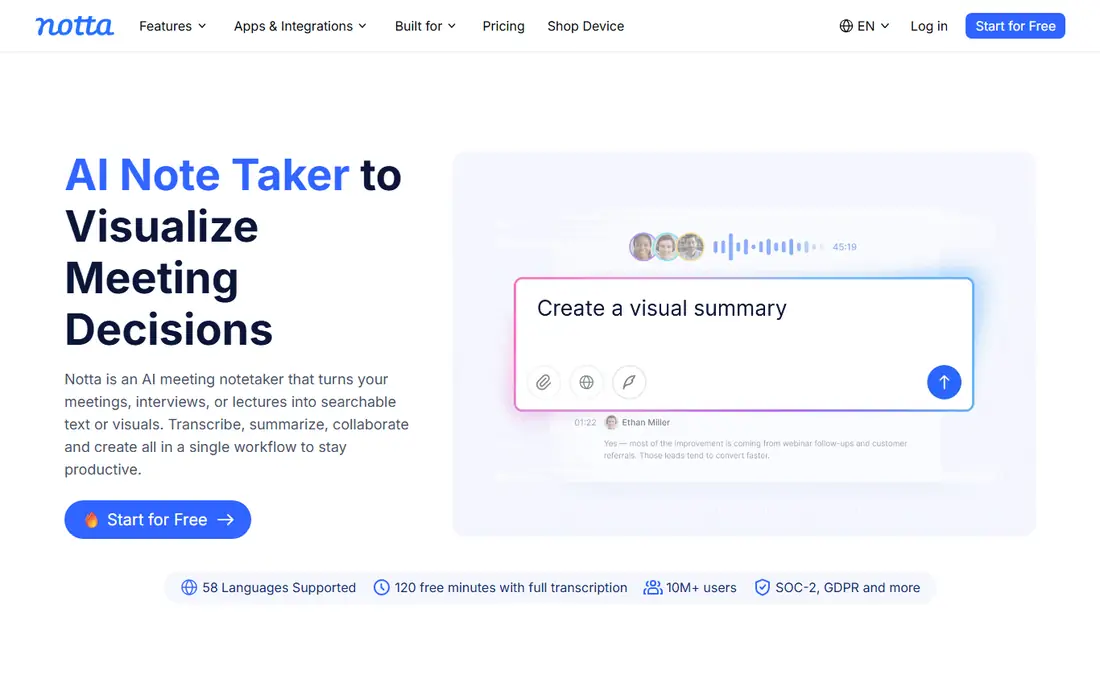
Notta is the better buy once you pass Otter's free tier. Pro costs about $8.17 a month billed annually and includes 1,800 transcription minutes, recordings up to five hours, 100 file imports a month, and 100 AI summaries. Business, at about $16.67 a month, removes the transcription cap. The language list covers 58 languages, which makes Notta the pick for multilingual teams and international interviews.
The free plan is the weak spot. It gives 120 minutes a month but cuts every recording at three minutes, so it covers voice notes, not meetings. Notta also sells a dedicated recorder, the Notta Memo, for people who want hardware capture with the same transcription backend. Security credentials include SOC 2 and ISO 27001, which helps for corporate buyers.
Choose Notta over Otter if you record long sessions, work in several languages, or transcribe lots of uploaded files. Choose Otter if you want the most generous free tier and mostly meet in English.
What we like- 58 transcription languages
- Pro allows 5-hour recordings and 1,800 minutes
- Bilingual summaries and file imports
Watch out for- Free plan caps each recording at 3 minutes
- The homepage defaults to Japanese for some visitors
#3Fireflies.ai
Best for: Sales teams and CRM workflows4.7/5 on
G2 (754 reviews, checked Oct 2026)
Visit fireflies.ai
Starting price$10/user/month (billed annually)
Free planYes
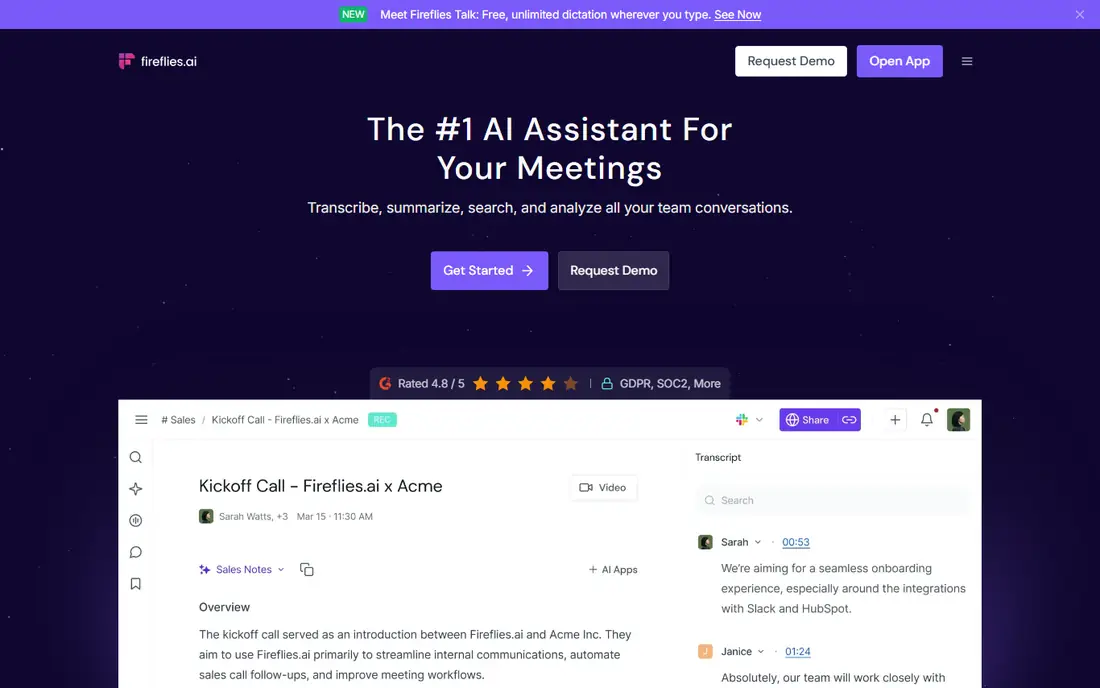
Fireflies.ai stands out for teams that live in their CRM. It transcribes, summarizes, and analyzes meetings, then pushes notes, tasks, and call logs into Salesforce, HubSpot, Asana, Slack, and more than 100 other tools. AI Skills automatically extract details, draft follow-up emails, and score candidates, and channels organize meetings by team or project.
The free tier offers unlimited transcription, limited by storage rather than minutes, which is generous for a solo user or a small team testing the product. Pro, at $10 per seat a month billed annually, adds AI Skills and deeper integrations, while Business at $19 adds sentiment and team analytics. The homepage claims 95 percent transcription accuracy and support for more than 100 languages.
The catch is the credit system. Some AI features consume credits on top of the subscription, so heavy users should check the pricing page carefully before committing. For sales and customer-facing teams, though, the CRM depth is unmatched in this list.
What we like- Unlimited transcription on the free tier, capped by storage
- 100+ integrations including Salesforce and HubSpot
- AI Skills extract tasks and insights
Watch out for- Heavy users hit the AI-credit system on top of the subscription
- The feature set can feel large for solo users
#4
Plaud
Best for: In-person and phone capture with hardware
Visit plaud.ai
Starting price$159 device + plan
Free planYes
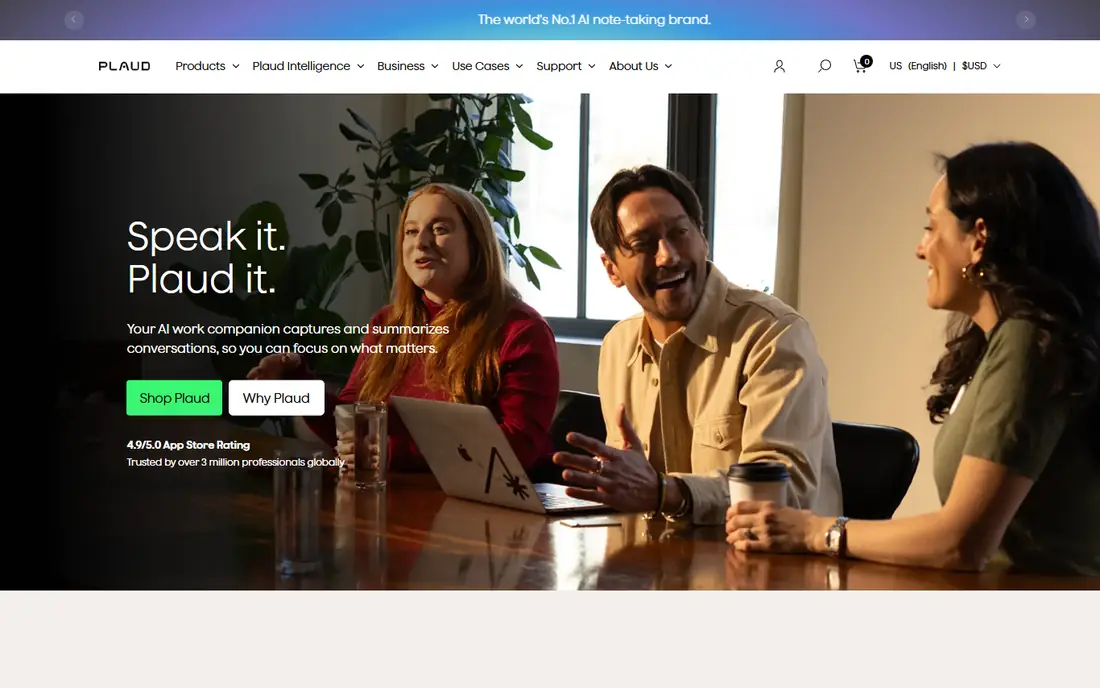
Plaud is the only pick here that starts with hardware. The Plaud Note, from $159, is a thin card-sized recorder with dual microphones, and the Note Pro and NotePin add more microphones or a wearable form. Press to record, and the Plaud app transcribes and summarizes, with a free tier of 300 minutes a month.
That hardware matters when meetings have no video link: interviews, clinic visits, workshops, client lunches, and phone calls. The Note attaches magnetically to a phone for call recording, a use case most software-only tools cannot cover. Plaud's app supports a wide set of languages, and the company notes that conversation data is not used for training unless you opt in.
The cost is the obvious drawback. You pay for the device and then for a plan if you exceed the free minutes, and CRM integration runs through Zapier rather than native connectors. If almost every meeting is on Zoom or Meet, a software tool is cheaper. If your important conversations happen in person, Plaud is the practical pick.
What we like- Hardware recorders capture rooms, calls, and walks without a laptop
- Phone-call recording via a magnetic attachment
- Wide language coverage
Watch out for- You must buy a device
- The subscription adds ongoing cost
- CRM sync runs through Zapier only
#5Descript
Best for: Recording plus text-based editing4.6/5 on
G2 (928 reviews, checked Oct 2026)
Visit descript.com
Starting price$16/user/month (billed annually)
Free planYes
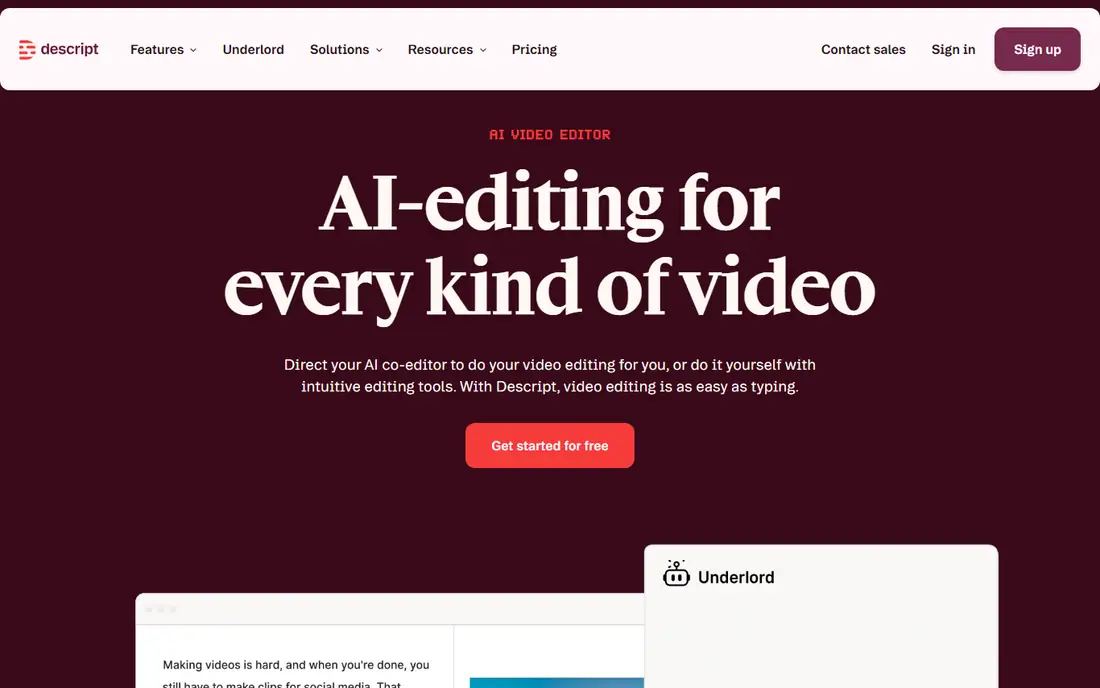
Descript is a recorder and an editor in one product. Record or upload audio or video, get an instant transcript, and then cut, trim, and rearrange the recording by deleting or moving words in the text. For podcasters, course creators, and content teams, that workflow replaces hours of timeline work, and the Underlord AI agent can turn a raw recording into a tight cut.
Studio Sound removes background noise and enhances voices in one click, and the app supports 25 languages. The free plan covers one hour of transcription a month with a watermark, Hobbyist at $16 a month billed annually covers 10 hours plus AI credits, and Creator at $24 covers 30 hours. Security includes SOC 2 Type II, SAML SSO, and GDPR compliance.
Descript is not the cheapest transcription tool, and it is more than most meeting users need. If the recording is raw material for something you will publish, though, no other tool here turns audio into a finished edit as fast.
What we like- Edit audio and video by editing the transcript text
- Studio Sound cleans up noisy audio
- A free plan with no card required
Watch out for- Overkill if you only need transcripts
- Hobbyist plan covers just 10 hours a month
- AI features consume credits
#6Fathom
Best for: Free meeting notes with AI summaries5.0/5 on
G2 (7,076 reviews, checked Oct 2026)
Visit fathom.video
Starting price$16/user/month (billed annually)
Free planYes
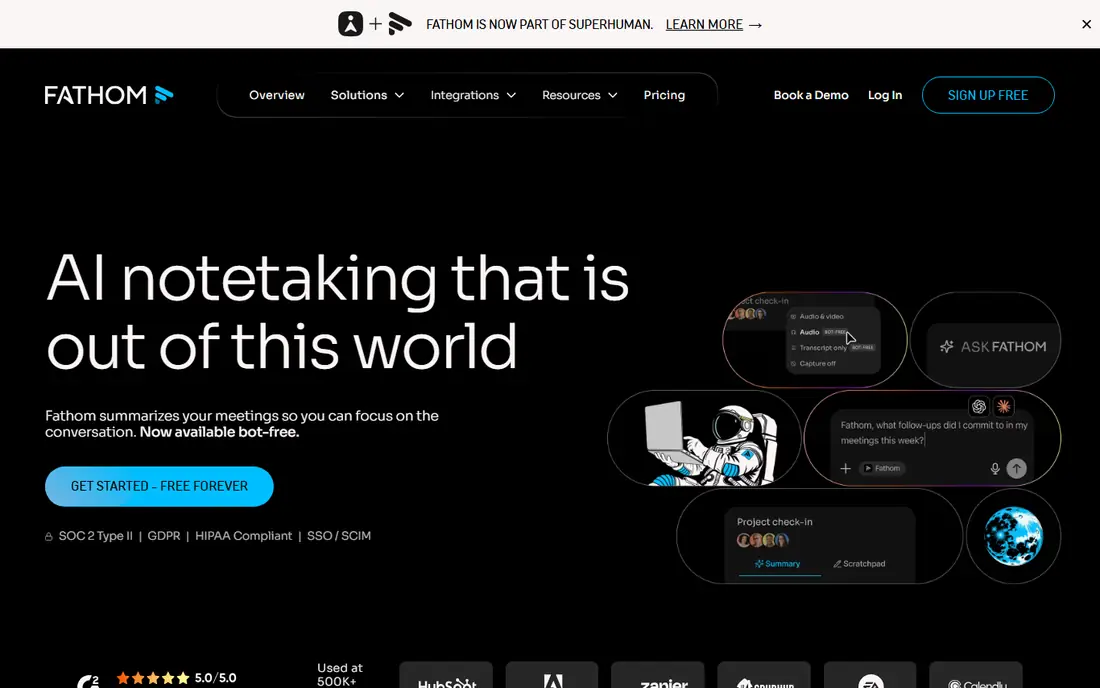
Fathom gives you unlimited recording and transcripts on its free plan, with AI summaries capped at 5 a month. You can capture with a bot or bot-free, get instant summaries and action items after each call, and sync notes into Slack, Salesforce, HubSpot, Notion, and Asana. Ask Fathom searches across your whole call history, and the homepage reports users save hours a week on follow-up work.
Paid plans start around $16 a month and add unlimited AI summaries, custom summary formats, and team features such as AI Scorecards for coaching. The product covers Zoom, Google Meet, and Microsoft Teams, and it works for sales, customer success, marketing, and recruiting teams alike.
The free tier's summary cap is the main limit, and the paid entry price sits above Otter and Notta. If you record a lot but only need a handful of AI summaries, Fathom's free plan is excellent. If you need a summary after every call, compare the paid price against Otter Pro first.
What we like- Free plan with unlimited recording and transcripts
- Bot or bot-free capture
- Ask Fathom searches across calls
Watch out for- Free AI summaries cap at 5 a month
- Paid plans start higher than Otter and Notta
Starting priceSee website
Free planYes
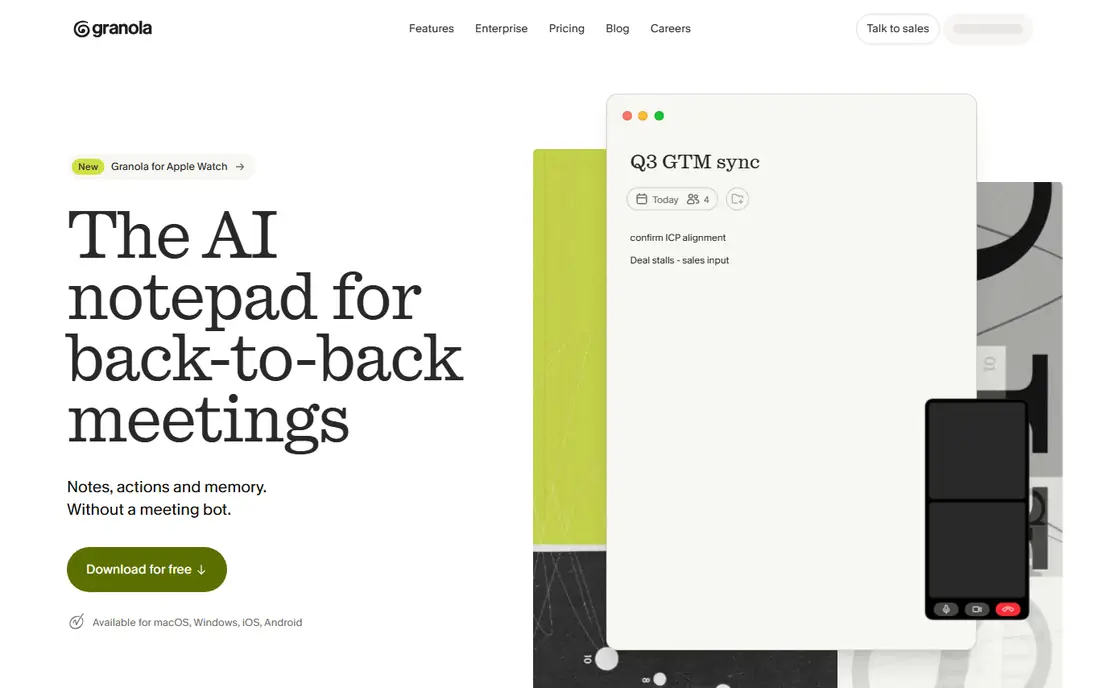
Granola takes a different stance from most meeting bots: it never joins your call. Instead, it transcribes in the background on your device while you take your own notes, then uses the meeting context to write clear notes personal to you. Your notes stay private by default, and you choose what to share and with whom.
Calendar sync prepares a brief before every external meeting, with attendees, past discussion, and what matters now, and the mobile app covers in-person meetings, walking meetings, and coffee catch-ups. The free tier offers unlimited meeting notes, but viewing and working with notes older than 30 days requires an upgrade, and paid plans run around $14 a month based on current listings.
Granola suits people who dislike bots in their meetings and want notes that feel like their own, not a bot's transcript. Teams that need admin controls, CRM sync, and shared channels should look at Fireflies or Otter Business instead.
What we like- No bot joins your meeting
- Notes are private by default
- Calendar sync and pre-meeting briefs
Watch out for- Free tier limits access to notes older than 30 days
- Fewer enterprise controls than Fireflies or Otter Business
#8Krisp
Best for: Noisy rooms and bot-free note-taking4.7/5 on
G2 (1,598 reviews, checked Oct 2026)
Visit krisp.ai
Starting price$8/user/month (billed annually)
Free planFree trial (7 days)
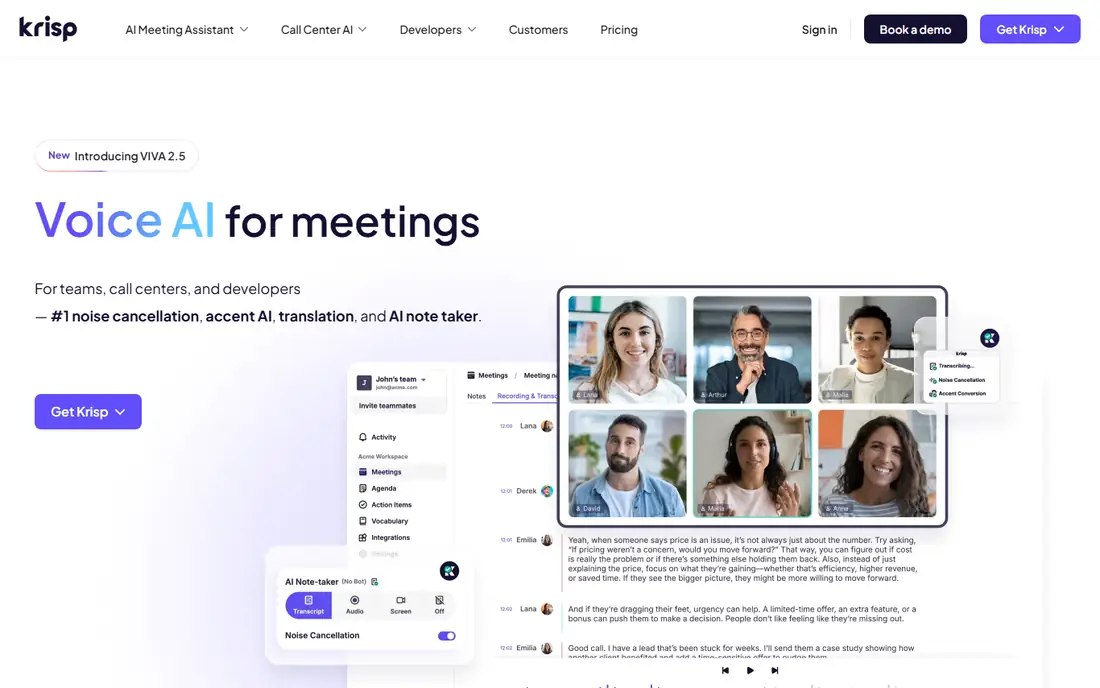
Krisp started as a noise cancellation tool and grew into a full voice AI platform. Its AI Meeting Assistant records without a bot, transcribes, and writes notes, while its noise cancellation strips background sound before transcription, which helps accuracy in loud rooms. Accent conversion and translation add support for global teams, and custom vocabulary covers up to 750 terms and abbreviations.
The Core plan runs about $8 a month billed annually, with a 7-day free trial instead of a permanent free tier. Krisp works at the audio level, so it integrates with Zoom, Google Meet, Teams, Slack Huddles, Discord, and any other calling app, and it syncs notes to Salesforce, HubSpot, and Slack. Security includes SOC 2, GDPR, HIPAA, and PCI-DSS credentials.
Krisp is the pick if your calls happen in noisy places or you already want its noise cancellation. If you need a free tier for light use, Otter or Fathom fits better, and Krisp's transcription language list is shorter than Notta's.
What we like- Industry-leading noise cancellation
- Bot-free note-taking plus accent conversion
- Works with any calling app
Watch out for- No permanent free tier, only a 7-day trial
- Transcription is strongest in English, with 15 more languages server-side
How we chose
We compared pricing pages, product documentation, and public reviews on G2, Capterra, and Reddit, and we opened each tool's official homepage to confirm it is live and belongs to that product. We weighted free-tier usefulness, minute limits, language coverage, and whether the tool captures meetings with or without a bot. We left out tools that only transcribe uploads without live recording, and we treated vendor accuracy claims with care, since real-world results vary with accents, crosstalk, and background noise.
How to pick the right recorder
Start from where your meetings happen
If most meetings are on Zoom, Meet, or Teams, a software tool such as Otter, Notta, or Fathom covers you for free or a few dollars a month. If your important conversations happen in person or on the phone, Plaud's hardware or Krisp's mobile app is the better fit. Do not pay for hardware you will rarely use.
Check the minute math before you pay
Free tiers look similar until you read the caps. Otter gives 300 minutes with a 30-minute conversation limit, Notta gives 120 minutes with a 3-minute cap, and Fireflies gives unlimited transcription capped by storage. Estimate your monthly meeting hours, then pick the plan that covers them without overage or credit surprises.
Decide how you feel about bots
Some clients and companies dislike a visible bot joining calls. Otter, Fathom, Granola, and Krisp all offer bot-free recording, while Fireflies and Notta lean on bot-based capture. If bot policy matters at your company, confirm it before rolling a tool out to a team.
Get consent and protect the transcript
Tell participants you are recording, and check your local consent law before recording calls, since some states require all parties to agree. Treat transcripts as sensitive documents: they contain names, deals, and personal details, so use the tool's sharing controls and delete recordings you no longer need.
Frequently asked questions
What is the best free AI voice recorder app?
Otter.ai has the most usable free plan for meetings, with 300 minutes a month and 30-minute conversations. Fireflies.ai offers unlimited transcription on its free tier, capped by storage, and Fathom gives unlimited recording with 5 AI summaries a month. Pick Otter for simplicity, Fireflies for volume, and Fathom for summary quality.
Is Otter.ai or Notta better?
Otter wins on its free tier and simplicity for English meetings. Notta wins on paid value, with 1,800 Pro minutes, 5-hour recordings, and 58 languages for about the same monthly price. If you record long sessions or work in several languages, Notta is the better buy.
Do I need a Plaud device, or is software enough?
Software is enough if your meetings happen on video calls. A Plaud device earns its price when you record in person, on the phone, or on the move, where software tools cannot capture clean audio. If you only need one or two in-person recordings a month, your phone plus Otter or Notta is a cheaper test.
Are AI meeting transcripts accurate?
On clean audio with one speaker at a time, accuracy is high, often in the high 80s to mid 90s percent range. Accents, crosstalk, background noise, and technical terms lower accuracy, so always skim the transcript before sharing it or quoting from it. Custom vocabulary features in Krisp and other tools help with names and jargon.
Is it legal to record meetings with an AI recorder?
It depends on where you and the other participants are. Some US states require only one party's consent, while others require every party to agree, and company policy may add its own rules. Tell participants you are recording, get consent when required, and check your employer's policy before recording work calls.
Which AI recorder works best for sales teams?
Fireflies.ai fits sales teams best, thanks to its CRM integrations, AI Skills, and conversation analytics. Otter Business is a strong alternative if your team wants AI chat across meetings and CRM sync at a lower entry price. Both beat general-purpose recorders for follow-up automation.
Sources we checked (8)
- https://otter.ai/pricing
- https://www.notta.ai/en/pricing
- https://fireflies.ai/pricing
- https://www.plaud.ai
- https://www.descript.com/pricing
- https://fathom.video/pricing
- https://www.granola.ai
- https://krisp.ai/pricing
Is your product missing or out of date?
We review this list regularly. Vendors can request a listing, send updated pricing or ask about featured placement.

Shihab Mia · Founder, Rankite
Shihab has 5+ years in B2B and SaaS SEO. He writes Rankite's software buying guides from pricing pages, documentation and public user reviews. More about Shihab.