How we make this list: we compare pricing pages, product documentation and public user reviews. Ratings come from G2, Capterra or Trustpilot, with the date we checked them.
OpusClip is the best AI video clipping tool for most buyers in 2026, with moment detection, a virality score, captions and direct posting from 15 dollars a month. Vizard is the best value pick: its 29 dollar Creator plan covers 600 source minutes a month. Buyers on a tight budget should try 2short.ai, which starts at 9.90 dollars a month.
Key takeaways
- OpusClip leads on clip quality and publishing features, with paid plans from 15 dollars a month.
- Vizard gives the most source minutes per dollar, with 600 minutes on its 29 dollar Creator plan.
- 2short.ai is the cheapest paid entry at 9.90 dollars a month, but it needs captioned YouTube videos.
- Most tools bill by source minutes, while Klap and SendShort bill by finished clips, so compare them on your own workload.
- Free plans suit testing, but watermarks, 720p caps and short storage limits make them a poor fit for regular posting.
Most AI video clipping tools charge by the amount of source video you process, not by the number of clips you keep. OpusClip, Vizard, Quso.ai, Spikes Studio and Choppity all use minutes or credits, where one credit covers about one minute of uploaded video. Klap and SendShort charge per finished clip instead. 2short.ai charges by hours of AI analysis. Before you compare prices, work out your monthly upload minutes, because the cheapest plan on paper can be the most expensive for your volume.
How many clips will you get from one long video?
A 60 minute podcast episode will usually yield 8 to 15 usable short clips, and a two hour episode can yield 20 to 40. The exact count depends on how much of the conversation has clear hooks, strong opinions or self contained stories, and on the clip length you set. Virality scoring returns fewer, stronger clips, while topic based cutting returns more clips that need manual review. Plan your monthly quota around the clips you will actually post, not the number a tool generates.
What should you check before you pay?
Check four things before you pay for any AI clipping tool. First, confirm the billing unit and the allowance on the plan you will buy, because credits, minutes, hours and clips are not the same thing. Second, check the free plan limits, since watermarks, 720p export caps and three day storage windows are common. Third, check the longest video the plan accepts, because some entry plans cap uploads at 45 or 60 minutes. Fourth, check whether the tool posts directly to TikTok, Reels and Shorts or only exports files.
| Tool |
Starting price |
Free plan |
Billing unit |
Entry paid allowance |
Max export |
| OpusClip |
15 dollars per month |
Yes, 60 minutes a month |
1 credit per source minute |
150 minutes a month |
1080p on Free |
| Vizard |
29 dollars per month |
Yes, 60 minutes a month |
1 credit per source minute |
600 minutes a month |
4K on paid plans |
| Quso.ai |
29 dollars per month |
Yes, 75 credits a month |
1 credit per source minute |
100 credits a month |
1080p on paid plans |
| 2short.ai |
9.90 dollars per month |
Yes, 30 minutes a month |
Hours of AI analysis |
5 hours a month |
1080p, no watermark |
| Klap |
29 dollars per month |
1 free video only |
Per finished clip |
100 clips a month |
4K on Pro |
| Spikes Studio |
32.99 dollars per month |
Yes, 30 minutes a month |
Minutes per month |
300 minutes a month |
1080p on paid plans |
| Choppity |
24 dollars per month |
Yes, 1 hour a month |
Hours of AI analysis |
3 hours a month |
4K on paid plans |
| SendShort |
29 dollars per month |
No free plan |
Per finished short |
50 shorts a month |
2K on Professional |
Prices were checked 11 Nov 2026. OpusClip prices were read on its pricing page the same day, and the rest come from third-party reviews of vendor pricing pages in October and early November 2026.
Worked example: what 4 podcast episodes a month cost
Take a creator who records four 60 minute episodes a month, or 240 minutes of source video, and posts 10 clips from each, or 40 clips a month. OpusClip Starter at 15 dollars covers only 150 minutes, so Pro at 29 dollars is needed. Vizard Creator at 29 dollars covers 600 minutes, or 14.50 dollars a month on yearly billing. Quso.ai Lite at 29 dollars covers only 100 credits, so Essential at 39 dollars is needed. 2short.ai Pro at 19.90 dollars covers 15 hours, the cheapest monthly price here. Klap Basic at 29 dollars covers 100 clips but caps each video at 45 minutes. Spikes PRO+ covers 300 minutes at 32.99 dollars a month, or 14.09 dollars a month yearly. Choppity Starter at 24 dollars covers only 3 hours, so Creator at 32 dollars is needed. SendShort Professional at 29 dollars covers 50 shorts. For this workload, 2short.ai Pro is cheapest monthly and Vizard Creator is cheapest yearly.
Quick comparison
| Tool | Best for | Starting price | Free plan |
|---|
 OpusClip | Podcasters and marketers who want ranked clips, captions and direct posting in one tool | $15 per month (Starter; Pro is $29 per month, or $14.50 per month billed yearly) | Yes, $0 with 60 credits a month and watermarked 1080p exports that expire after 3 days |
 Vizard | Creators who process many hours of video and want the lowest cost per source minute | $29 per month (Creator; $14.50 per month billed yearly) | Yes, $0 with 60 credits a month, 720p exports with a watermark, and 3 day storage |
 Quso.ai | Creators who want clipping, scheduling and analytics in one social media suite | $29 per month (Lite; $19 per month billed yearly) | Yes, $0 with 75 credits a month, 720p exports with a watermark, and 7 day data retention |
 2short.ai | YouTube creators who want the cheapest paid clipping plan | $9.90 per month (Lite) | Yes, $0 with 30 minutes of AI video analysis a month |
 Klap | Creators and agencies who want to budget by finished clips instead of source minutes | $29 per month (Basic; $14 per month billed yearly) | No recurring free plan; 1 free video with no credit card required |
 Spikes Studio | Streamers and podcasters who want AI B-roll, templates and a scheduler at a low yearly price | $32.99 per month (PRO+; $14.09 per month billed yearly) | Yes, $0 with up to 30 minutes of video a month, 720p exports with a watermark, and 7 day storage |
 Choppity | Small teams who want clipping, captioning and scheduling with a transcript editor | $24 per month (Starter; $16.80 per month billed yearly) | Yes, $0 with 1 hour of AI video analysis a month, 2 GB storage, and projects kept 3 days |
 SendShort | Creators who want clipping, faceless videos and scheduling in one short form workflow | $29 per month (Professional, the first plan that clips long videos; Starter is $19 per month but does not include it) | No free plan and no free trial; refunds only within 24 hours of payment |
Is your product missing or out of date?
We review this list regularly. Vendors can request a listing, send updated pricing or ask about featured placement.
#1OpusClip
Best for: Podcasters and marketers who want ranked clips, captions and direct posting in one tool4.6/5 on
G2 (123 reviews, checked Oct 2026)
Visit opus.pro
Starting price$15 per month (Starter; Pro is $29 per month, or $14.50 per month billed yearly)
Free planYes, $0 with 60 credits a month and watermarked 1080p exports that expire after 3 days
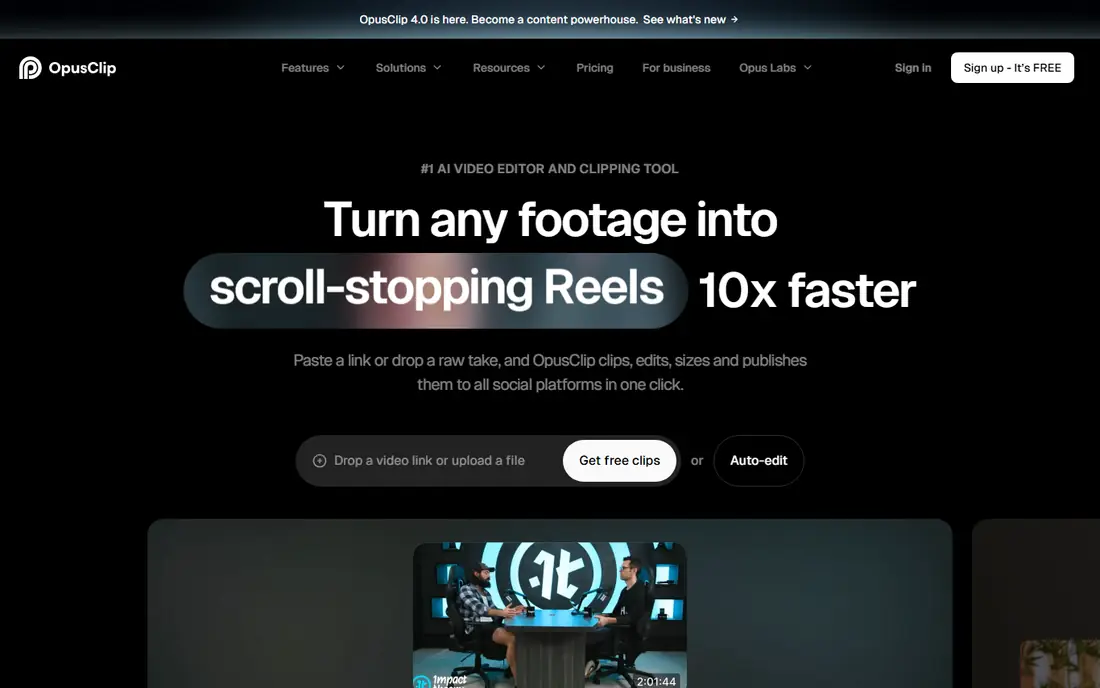
OpusClip is the most complete clipper in this list. You upload a long video or link a YouTube account, and it finds moments, scores each one for virality, reframes the speaker to vertical and adds animated captions with keyword highlights. The editor trims by transcript and sets clip length from under a minute to 15 minutes. Pro adds two seats, more aspect ratios, a scheduler and 100 GB of storage. One credit covers one minute of source video.
What we like- Virality score ranks clips by likely performance
- Captions, auto reframe and filler removal are built in
- Pro exports to Premiere Pro and DaVinci Resolve
Watch out for- Starter exports only in 9:16 and has no social scheduler
- Credits are spent on source minutes, so long episodes burn through a plan fast
- The yearly Pro price has varied between visits
#2Vizard
Best for: Creators who process many hours of video and want the lowest cost per source minute4.7/5 on
G2 (425 reviews, checked Oct 2026)
Visit vizard.ai
Starting price$29 per month (Creator; $14.50 per month billed yearly)
Free planYes, $0 with 60 credits a month, 720p exports with a watermark, and 3 day storage
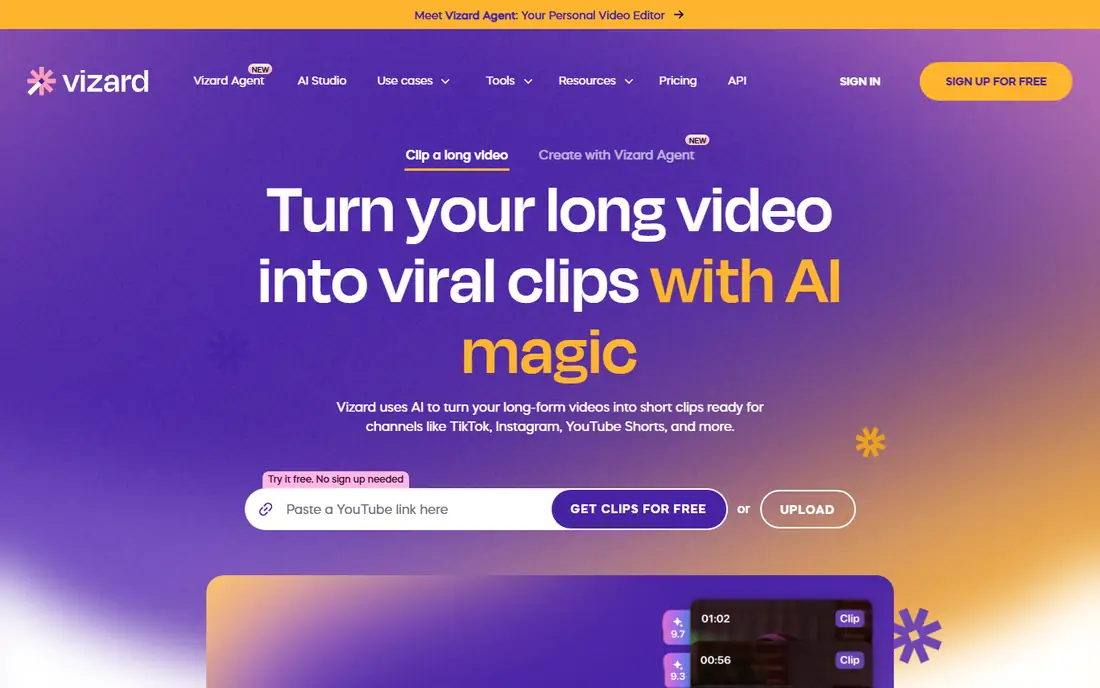
Vizard turns podcasts, webinars and streams into captioned vertical clips with auto reframe and AI B-roll. Its main strength is value: Creator at 29 dollars a month includes 600 credits, while OpusClip Pro at the same price includes 300, so Vizard costs about half as much per source minute. Business at 39 dollars a month adds a shared workspace, a brand kit and 20 accounts. One credit covers one minute of uploaded video.
What we like- Creator includes 600 source minutes a month, far more than rivals at the same price
- 4K export and no watermark from the first paid plan
- Scheduling to 6 social accounts
Watch out for- The vendor pricing page renders prices with scripts, so the figures here are third-party reported from October 2026 reviews
- A second, slower AI model on the upload screen can cost extra credits
- The free plan caps exports at 10 minutes
#3Quso.ai
Best for: Creators who want clipping, scheduling and analytics in one social media suite5.0/5 on
G2 (1 reviews, checked Oct 2026)
Visit quso.ai
Starting price$29 per month (Lite; $19 per month billed yearly)
Free planYes, $0 with 75 credits a month, 720p exports with a watermark, and 7 day data retention
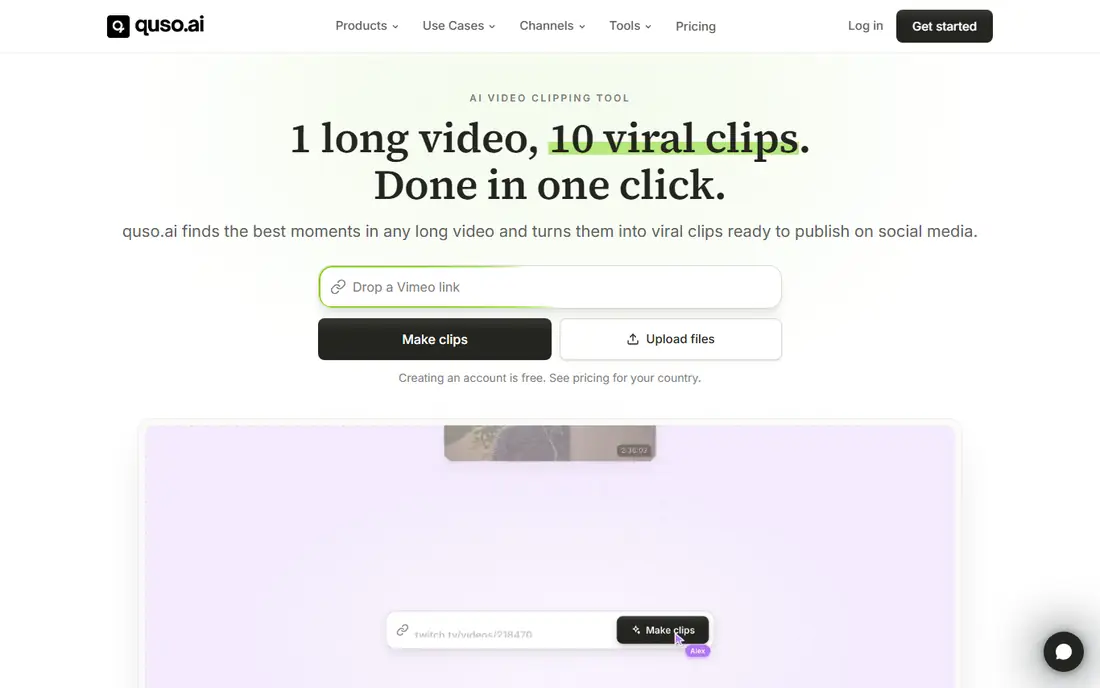
Quso.ai, formerly Vidyo.ai, started as a clipping tool and grew into a wider social media suite. It cuts long videos into captioned clips, then schedules them and tracks performance from the same account. The clipper handles uploads and links in several aspect ratios, and the editor removes filler and silence from the Essential plan. Prices are third-party reported, checked 11 Nov 2026. One credit covers about one minute of processed video.
What we like- Essential adds scheduling to 7 platforms and a content planner
- Yearly billing doubles the monthly credit allowance
- Captions and dubbing are included
Watch out for- Lite covers only 100 credits a month, which is low for the price, so most regular posters need Essential at 39 dollars
- The free plan publishes to TikTok only
- The vendor help pages disagree on the Growth plan credit limit
#42short.ai
Best for: YouTube creators who want the cheapest paid clipping plan4.5/5 on
G2 (5 reviews, checked Oct 2026)
Visit 2short.ai
Starting price$9.90 per month (Lite)
Free planYes, $0 with 30 minutes of AI video analysis a month
2short.ai is the simplest tool in this list. You paste a YouTube link, its AI reads the captions and the transcript, finds the strongest moments and cuts them into short clips. Paid plans add analysis hours and faster exports: Lite at 9.90 dollars a month for 5 hours, Pro at 19.90 dollars for 15 hours and Premium at 49.90 dollars for 50 hours. Prices are third-party reported, checked 11 Nov 2026, and no yearly option was listed. It is a poor fit for Zoom recordings or files without captions.
What we like- Lowest paid entry in this list at 9.90 dollars a month
- Every plan has full access to all features, so plans differ mainly in analysis hours
- Exports are 1080p with no watermark
Watch out for- It only processes videos with captions, which in practice means YouTube videos
- There is no direct social publishing, so you download and post by hand
- The vendor page disagrees with itself on the free allowance: the plan card says 30 minutes and a banner says 15 minutes
#5
Klap
Best for: Creators and agencies who want to budget by finished clips instead of source minutes
Visit klap.app
Starting price$29 per month (Basic; $14 per month billed yearly)
Free planNo recurring free plan; 1 free video with no credit card required
Klap takes long video from a YouTube link, a file upload or a URL from Vimeo, Twitch, Google Drive, Zoom, Loom or Riverside, then cuts vertical clips with auto captions, a virality score and speaker tracking reframing. The pricing model is the main difference from the rest of this list: you pay for clips out, not minutes in. Basic covers 100 clips a month, Pro covers 300 and Pro+ covers 1,000. Prices are third-party reported, checked 11 Nov 2026, and all plans include unlimited social accounts and analytics.
What we like- Per clip pricing makes monthly output easy to plan
- Captions in 52 languages and AI dubbing in 29 languages
- 4K export from the Pro plan
Watch out for- Basic caps each video at 45 minutes, so hour long episodes need Pro
- There is no native mobile app
- Third-party reads report the yearly Basic price as both 14 dollars and 14.50 dollars a month
#6
Spikes Studio
Best for: Streamers and podcasters who want AI B-roll, templates and a scheduler at a low yearly price
Visit spikes.studio
Starting price$32.99 per month (PRO+; $14.09 per month billed yearly)
Free planYes, $0 with up to 30 minutes of video a month, 720p exports with a watermark, and 7 day storage
Spikes Studio finds moments in long videos and turns them into captioned vertical clips, with templates, music and GIFs on the PRO+ plan. It supports captions in over 99 languages and takes uploads up to 10 GB. The free Basic plan is thin and watermarked, so most buyers will need PRO+. Prices are third-party reported, checked 11 Nov 2026. Confirm how the annual charge is applied before you pay.
What we like- PRO+ includes AI B-roll, animated captions, a social scheduler and clip analytics
- It handles Twitch VODs, webinars and podcasts, including very long videos
- The yearly rate is far below the monthly rate
Watch out for- The monthly price is more than double the yearly equivalent, so it is priced as a yearly tool
- The pricing page does not state whether minutes mean source video or finished clips
- Its help centre link returned a 404 in October 2026
#7
Choppity
Best for: Small teams who want clipping, captioning and scheduling with a transcript editor
Visit choppity.com
Starting price$24 per month (Starter; $16.80 per month billed yearly)
Free planYes, $0 with 1 hour of AI video analysis a month, 2 GB storage, and projects kept 3 days
Choppity takes a long recording or a YouTube link, and its AI clipper picks the best moments, cuts them into vertical clips, reframes them to 9:16 and adds animated captions. A keyword and topic search lets you clip specific moments instead of relying only on the AI picks. Starter covers 3 hours a month, Creator covers 5 hours with bulk uploads and API access, and Team covers 5 hours per seat with a shared workspace. Prices are third-party reported, checked 11 Nov 2026.
What we like- Transcript based editing and a profanity censor are built in
- Bulk uploads and an API arrive on the Creator plan
- Yearly billing takes 30 percent off every paid plan
Watch out for- Paid plans cover only 3 to 5 hours of analysis a month, which is low for heavy posters
- The scheduler publishes directly to YouTube only, according to third-party reviews
- The vendor pages disagree on whether free exports carry a watermark
#8
SendShort
Best for: Creators who want clipping, faceless videos and scheduling in one short form workflow
Visit sendshort.ai
Starting price$29 per month (Professional, the first plan that clips long videos; Starter is $19 per month but does not include it)
Free planNo free plan and no free trial; refunds only within 24 hours of payment
SendShort captions videos, cuts long ones into shorts and generates faceless videos from a text prompt, which makes it broader than a pure clipper. Long video to shorts is included from Professional, which covers 50 shorts a month of up to 3 minutes each, with auto B-roll, AI voice over, silence cutting and translation. Business covers unlimited shorts under fair use, with 4K export and 10 automated series. Prices are third-party reported, checked 11 Nov 2026.
What we like- Covers the full short form chain from clipping to captions, B-roll, hook titles and scheduling
- Captions in more than 100 languages
- 4K export at 60 frames per second on the Business plan
Watch out for- The 19 dollar Starter plan does not clip long videos, so the real entry price for this job is 29 dollars
- There is no free trial to test clip quality
- The vendor pages disagree on whether the AI agent and API sit on Professional or Business
Frequently asked questions
How much does the best AI video clipping tool cost?
OpusClip, the top pick in this guide, costs 15 dollars a month for Starter or 29 dollars a month for Pro, with a free plan at 0 dollars. Vizard Creator costs the same 29 dollars a month for twice the source minutes. The cheapest paid entry in this list is 2short.ai Lite at 9.90 dollars a month. Prices were checked 11 Nov 2026, and yearly billing cuts most by 30 to 50 percent.
Do AI video clipping tools work with podcasts?
Yes, podcasts are one of the best inputs for AI clipping tools. The AI reads the transcript, finds self contained stories, strong opinions and clear hooks, then cuts them into vertical clips with captions. Video podcasts work best, because the reframing keeps the speaker in frame. Audio only shows need a waveform or image layer, which Spikes Studio handles with podcast to video features.
Can I use an AI video clipping tool for free?
Yes, most tools in this list have a free plan, including OpusClip, Vizard, Quso.ai, 2short.ai, Spikes Studio and Choppity. Free plans usually cap you at 30 to 75 minutes a month, add a watermark, limit exports to 720p and delete projects within days. Klap gives one free video instead of a monthly plan, and SendShort has no free plan or trial. Treat free plans as a test, not a posting workflow.
How long should an AI generated clip be?
Most clips perform best between 30 and 90 seconds, which is long enough for one idea and short enough to hold attention on TikTok, Reels and Shorts. Podcast stories can run to 2 or 3 minutes, and some tools allow clip lengths up to 15 minutes. Start with 30 to 60 second clips, watch retention on each platform, then let the data set your length.
Will AI clips match my brand style?
Most paid plans let you set brand colours, fonts and caption styles, and several tools offer brand templates that apply your look to every clip. OpusClip, Vizard, Quso.ai and Spikes Studio all include brand controls on paid plans, while Klap and Choppity add templates and custom fonts from their mid tiers. Check your plan includes the template features before you pay, since free plans rarely do.
Sources we checked (8)
- https://opus.pro/pricing
- https://vizard.ai/pricing
- https://quso.ai/pricing
- https://2short.ai/en/pricing
- https://klap.app/pricing
- https://spikes.studio/pricing
- https://choppity.com/pricing
- https://sendshort.ai/pricing
Is your product missing or out of date?
We review this list regularly. Vendors can request a listing, send updated pricing or ask about featured placement.

Shihab Mia · Founder, Rankite
Shihab has 5+ years in B2B and SaaS SEO. He writes Rankite's software buying guides from pricing pages, documentation and public user reviews. More about Shihab.