How we make this list: we compare pricing pages, product documentation and public user reviews. Ratings come from G2, Capterra or Trustpilot, with the date we checked them.

Key takeaways
- The category splits into three jobs: avatar-led UGC ads, scored static and video variants, and full editing with AI help.
- Credit systems matter more than headline prices, because a short ad can cost a full minute of credits on some plans.
- Creatify and Arcads suit volume testing for paid social, while HeyGen and Synthesia suit presenter-led ads and explainers.
- CapCut Commerce Pro and Canva suit teams that already edit in those systems and want ads without adding another app.
- Every AI ad still needs a human check for claims, pricing, product accuracy, music rights, and platform ad rules before it runs.
Quick comparison
| Tool | Best for | Starting price | Free plan |
|---|
 Creatify Creatify | URL-to-UGC video ads | $10 per month (billed annually) | Yes |
 AdCreative.ai AdCreative.ai | Scored ad variants at volume | $39 per month | Free trial (7 days) |
 CapCut Commerce Pro CapCut Commerce Pro | Ecommerce ads inside CapCut | $25.99 per month | Yes |
 Arcads Arcads | High-volume UGC testing | $110 per month | No |
 HeyGen HeyGen | Realistic avatar presenters | $29 per month | Yes |
 Synthesia Synthesia | Corporate presenter videos | $29 per month | Yes |
 VEED VEED | Browser editing and captions | $10 per user/month (billed annually) | Yes |
 InVideo InVideo | Prompt-led video drafts | $20 per seat/month (billed annually) | Yes |
 Canva Canva | Template-led social ads | See website | Yes |
Is your product missing or out of date?
We review this list regularly. Vendors can request a listing, send updated pricing or ask about featured placement.
The best AI video ad creation software
Starting price$10 per month (billed annually)
Free planYes
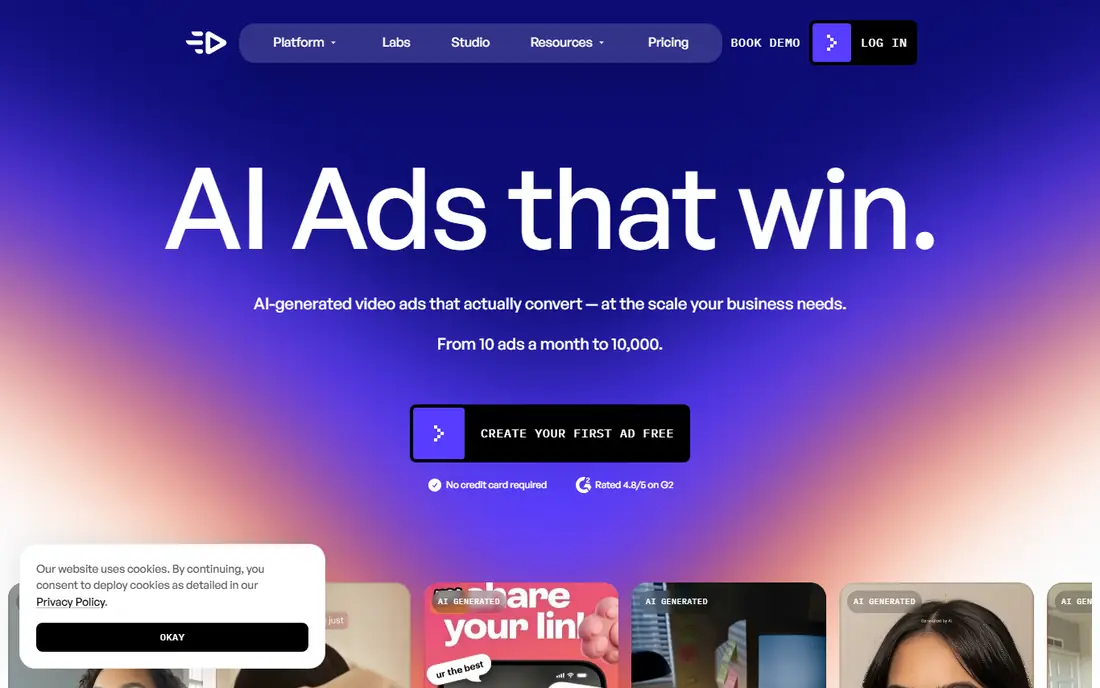
Creatify starts where many ecommerce teams already have content: the product page. Paste a link, and the tool pulls product details to draft avatar-led video ads with scripts, voices, and templates, which shortens the path from a new product to a first testable ad. Batch mode then turns one idea into several actor and hook variations, which is the workflow paid social teams actually use when they need to find a winner fast.
The credit math needs attention before subscribing. The Standard plan lists 55 credits per month, and higher resolution, longer clips, and premium models use more credits, so a month of heavy testing can cost more than the headline price suggests. Creatify also produces drafts, not finished campaigns. A reviewer should still check product claims, prices, and landing page alignment before any ad gets budget behind it.
What we like- Paste a product link to start
- Large actor library
- Batch mode for variant testing
Watch out for- Credits expire after two months on listed plans
- Output quality depends on the product page
- Video only, no static ad suite
Starting price$39 per month
Free planFree trial (7 days)
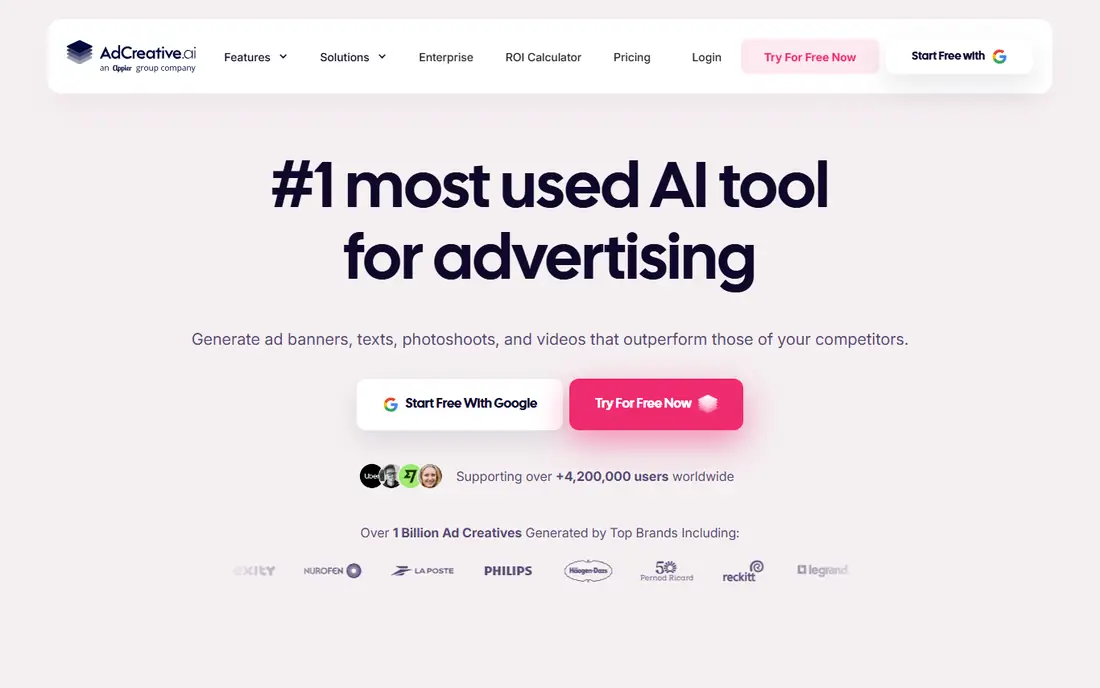
AdCreative.ai is built for teams that need many variants of one message, sized for Meta, Google, LinkedIn, and other placements. Feed it a logo, colors, fonts, and product images, and it returns batches of creatives that can be compared before launch. The creative score gives a rough ranking of which variants look most likely to perform, which helps when a team faces 50 options and can only test a handful.
The limits sit in the credit model. Starter costs $39 per month and includes 10 download credits, with unlimited generation but a charge on download, so the plan suits small tests rather than daily production. Video generation and creative scoring require Professional at $249 per month. Teams should count downloads per campaign, not generations, when they compare AdCreative.ai with a flat video tool.
What we like- Batch variant generation
- Creative scoring before launch
- Brand kit controls
Watch out for- Starter plan covers static only
- Download credits run out fast
- Video needs the Professional plan
Starting price$25.99 per month
Free planYes
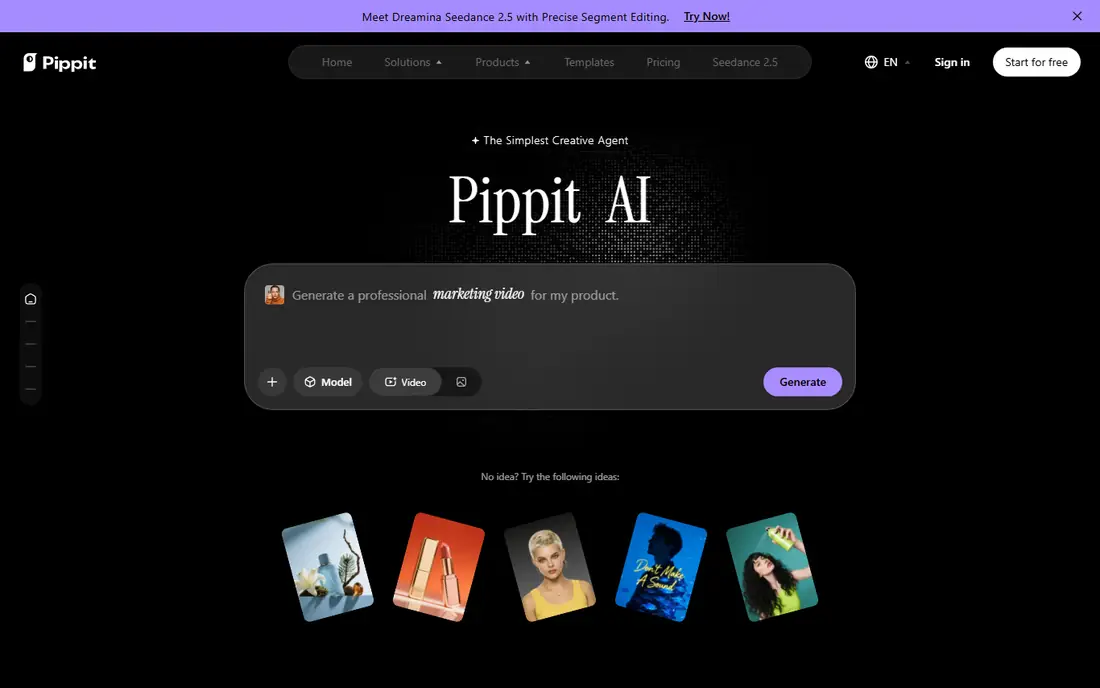
CapCut Commerce Pro suits sellers who already edit short video in CapCut and want commerce features without learning a new editor. Product links can become video drafts, avatars can present a script, and the same workspace handles captions, music, scheduling, and publishing to social accounts. That closed loop matters for small teams, because exporting between three apps is where ad production usually slows down.
The trade-off is that CapCut Commerce Pro starts from templates and existing assets more than from fully generated scenes. Teams that want original, cinematic footage will still need a generation tool or real footage. The monthly plan lists 1,800 credits, and the yearly plan lists 21,600 credits per year, so heavy video months should be planned against that allowance rather than assumed to be unlimited.
What we like- Link-to-video for products
- Editing, captions, and publishing in one place
- Large template and asset library
Watch out for- Editor-first rather than pure generation
- Credit limits shape monthly output
- US availability has shifted over time
Starting price$110 per month
Free planNo
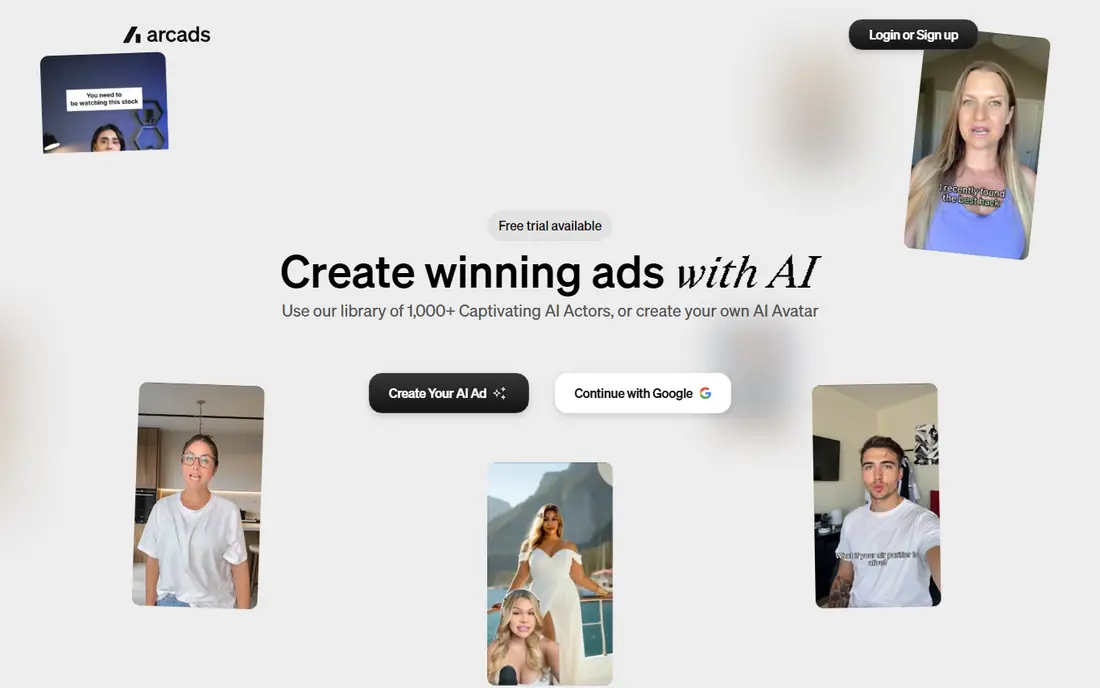
Arcads focuses on one job and does it directly: turn a script into a talking-head UGC ad with an actor who looks like an everyday creator filming on a phone. Performance teams use it to test the same hook across many faces, because the actor, the delivery, and the first three seconds often matter more than a polished edit. Batch creation makes that kind of test practical in an afternoon rather than a week of creator outreach.
Price is the barrier. Starter is listed at $110 per month, and talking actor video is billed per minute per actor with length rounded up, so a 15-second ad can cost the same as a 60-second ad in credits. That math still beats hiring creators for dozens of variants, but it punishes teams that only need a few ads per month. Arcads fits teams with a steady testing cadence, not occasional one-off ads.
What we like- Large library of UGC-style actors
- Fast script-to-video turnaround
- Batch creation across actors
Watch out for- No free plan
- High entry price
- Talking video billed per minute per actor, rounded up
#5HeyGen
Best for: Realistic avatar presenters4.8/5 on
G2 (1,973 reviews, checked Oct 2026)
Visit heygen.com
Starting price$29 per month
Free planYes
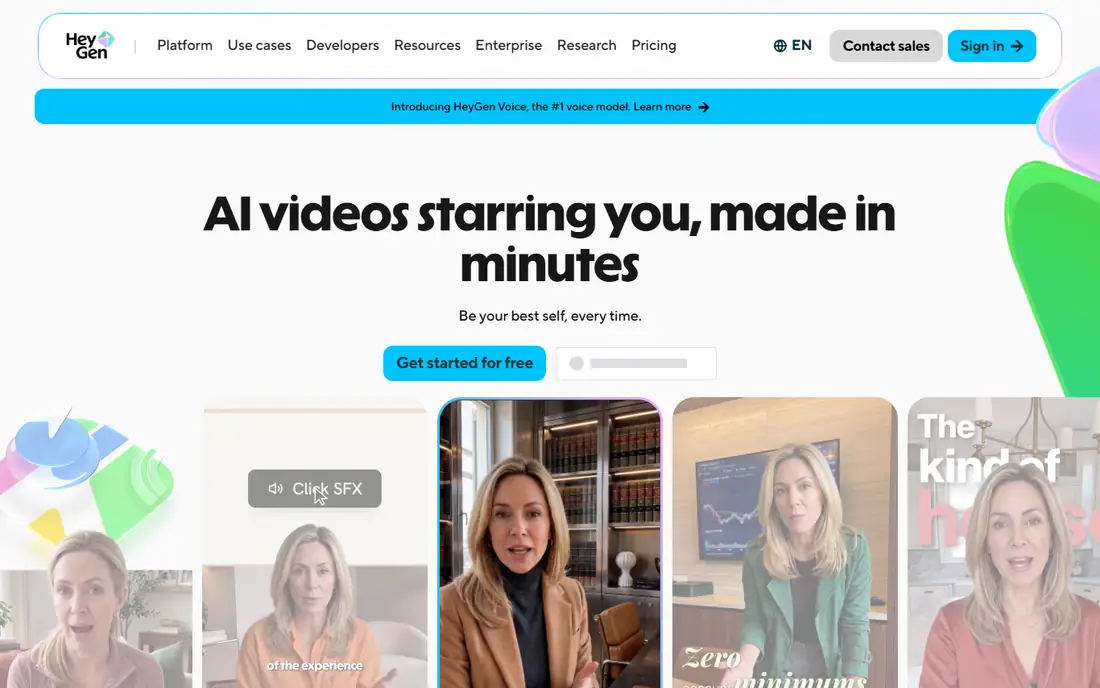
HeyGen gives marketers a presenter without a shoot. Pick an avatar, paste a script, and generate a talking-head ad or explainer, then translate it into other languages while keeping the voice close to the original speaker. That combination suits product demos, app walkthroughs, and localized social ads where the same message must run in several markets. The free plan covers three videos per month up to one minute, watermarked, which is enough to judge avatar quality.
The credit system is the catch to model. Creator costs $29 per month, or $24 per month billed annually, for 600 credits, and premium avatar rendering uses roughly 20 credits per finished minute, so high-end output costs more per minute than the plan price implies. Teams should also budget for re-renders, since changes to a scene can spend credits again. For short social ads, HeyGen is efficient. For long, frequently revised videos, the meter adds up.
What we like- Large avatar library
- Translation into many languages
- Voice cloning on paid plans
Watch out for- Premium avatar minutes burn credits fast
- Edits that re-render scenes cost credits
- Free videos carry a watermark
#6Synthesia
Best for: Corporate presenter videos4.6/5 on
G2 (2,804 reviews, checked Oct 2026)
Visit synthesia.com
Starting price$29 per month
Free planYes

Synthesia suits ads and explainers that need to look like a company video rather than a creator post. A presenter delivers a script in a clean studio style, with brand colors, backgrounds, and captions controlled from one workspace. That tone fits B2B software, finance, education, and service brands where trust matters more than a casual phone-shot look. The free Basic tier gives a small monthly allowance, watermarked, for testing.
The limit is feel and metering. Synthesia will not naturally produce the rough, handheld UGC style that performs on TikTok, and teams that want that style should shortlist Arcads or Creatify instead. Paid plans are also credit-metered, with Starter at $29 per month, or $18 per month billed annually, so teams should map expected video minutes per month before comparing it with a flat-rate editor.
What we like- Clean presenter style for business video
- Brand controls
- Strong language coverage
Watch out for- Less UGC in feel than Arcads or Creatify
- Minutes are credit-metered
- Enterprise controls sit on higher tiers
#7VEED
Best for: Browser editing and captions4.6/5 on
G2 (2,175 reviews, checked Oct 2026)
Visit veed.io
Starting price$10 per user/month (billed annually)
Free planYes
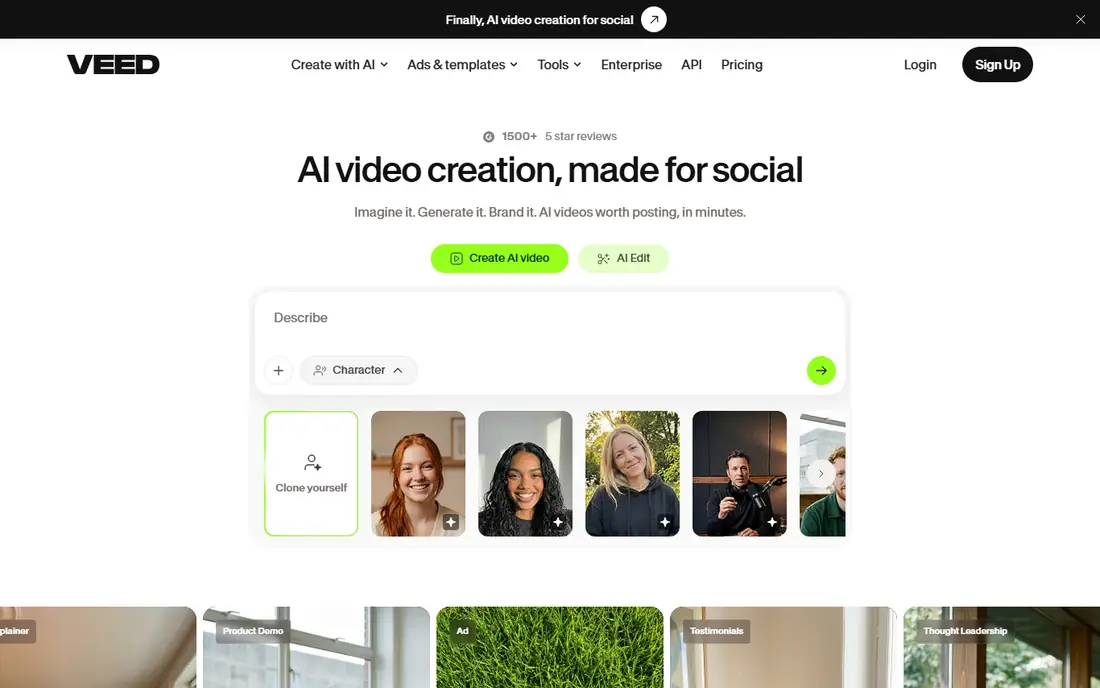
VEED fits teams that already have footage, product clips, or screen recordings and need to turn them into ads fast. The browser editor handles trimming, captions, text, stock, and resizing for each placement, and auto-subtitles save the most tedious step in short-form production. Collaboration in the browser also helps when a copywriter, an editor, and a media buyer all need to touch the same ad.
VEED is not a pure ad generator. It will not invent a UGC presenter or score dozens of variants the way AdCreative.ai does, so teams that need volume generation should pair it with a generator or pick a different lead tool. Free exports are watermarked and capped at 720p, and paid AI features are metered, so heavy subtitle or translation months should be checked against plan limits.
What we like- Full browser editor
- Strong auto-subtitles
- No software install needed
Watch out for- AI generation is narrower than avatar tools
- Free exports carry a watermark
- AI features are metered
#8InVideo
Best for: Prompt-led video drafts4.2/5 on
G2 (183 reviews, checked Oct 2026)
Visit invideo.io
Starting price$20 per seat/month (billed annually)
Free planYes
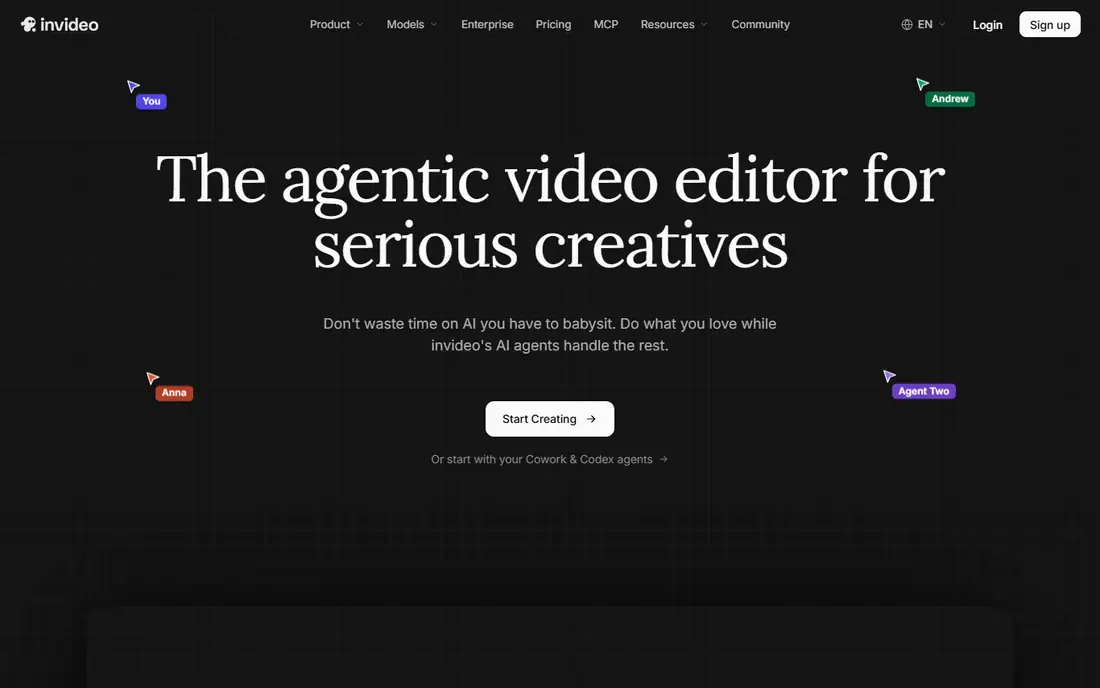
InVideo turns a written prompt into a first video draft, then lets the user revise it by chatting with the editor instead of cutting on a timeline. That workflow suits small marketing teams that need a decent ad draft in an hour and do not have a dedicated editor. Templates and stock footage cover common ecommerce and service formats, so a team can start from a structure rather than a blank project.
The draft is the starting point, not the finished ad. Generated scenes, voice pacing, and product details still need a human pass, and the free plan watermarks exports with weekly limits. Paid plans start at $20 per seat per month billed annually, so a team of five pays per seat even when only two people edit each week. InVideo earns its place when speed to a first draft matters most.
What we like- Prompt-to-video drafts with chat editing
- Large template and stock library
- Simple learning curve
Watch out for- Free exports carry a watermark
- Output still needs human editing
- Per-seat pricing adds up for teams
#9Canva
Best for: Template-led social ads4.7/5 on
G2 (7,678 reviews, checked Oct 2026)
Visit canva.com
Starting priceSee website
Free planYes
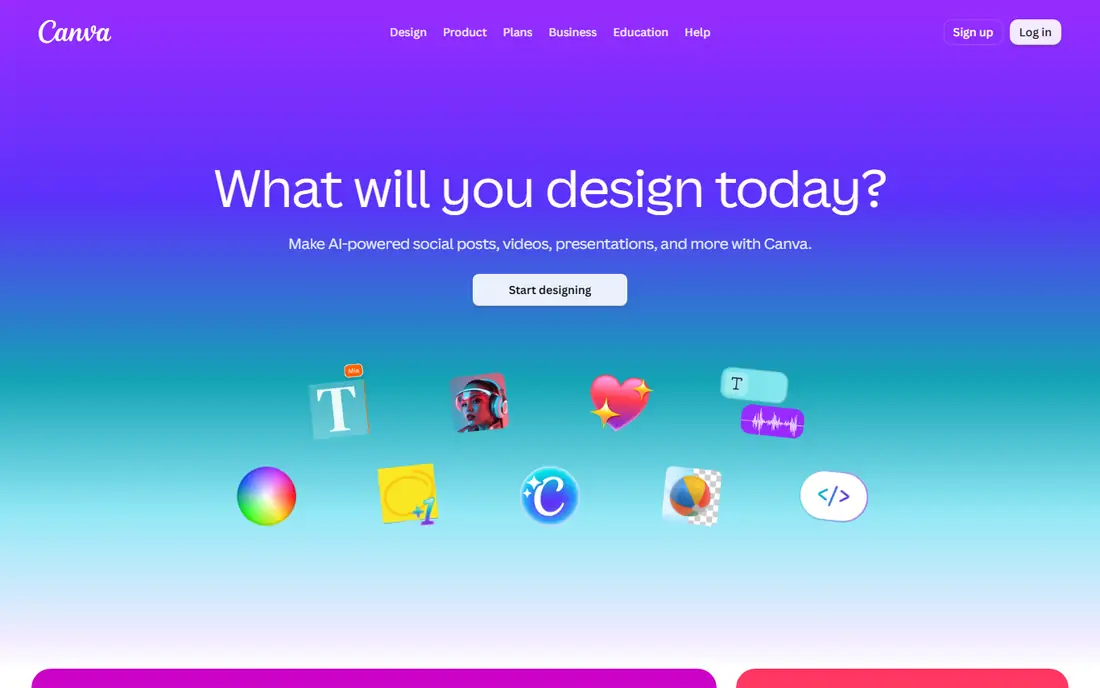
Canva suits teams that already design social posts, decks, and brand assets in one place and want video ads without adding a specialist tool. Templates cover common ad formats, the brand kit keeps colors and fonts consistent, and one design can be resized for feed, story, and short-form placements in minutes. For a small business owner or a solo marketer, that familiarity often beats a more powerful tool that no one opens.
The limits appear at volume and at video depth. Canva is a design suite with video features, not a dedicated ad generator, so it will not batch dozens of avatar variants or score creative performance. AI video clip allowances are limited, and the timeline editor is basic compared with VEED or CapCut. Canva is the right pick when ads are mostly templated and brand-led, and the wrong pick when the goal is rapid UGC testing.
What we like- Huge template library
- Brand kit controls
- Easy resizing across placements
Watch out for- AI video clips are limited
- Not built for high-volume UGC testing
- Advanced video editing is basic
How we chose
We compared vendor pricing pages, product documentation, and public reviews on G2, Capterra, and Reddit, and we weighed output type, credit limits, editing control, and fit by team size. We favored tools that produce video ads for paid social and search, and we left out general image generators and long-form film tools that do not serve ad workflows. Prices change often in this category, so check the vendor pricing page at checkout, especially for credit allowances.
Start by naming the ad format before comparing prices. A UGC talking-head ad, a scored static variant set, and a polished brand film are different jobs, and no single tool in this list wins all three. Write down how many finished ads the team needs per month, how many variants per idea, and how much human editing time is available, then test that exact volume in a trial.
Watch the credit meter
Translate every plan into cost per finished ad. Count credits per ad at the length, resolution, and avatar tier the team will actually use, then multiply by the number of ads that will be discarded in testing. A cheap headline price with a tight credit cap often costs more per winning ad than a higher plan with room to iterate. Ask whether unused credits roll over, whether re-renders cost credits, and whether exports carry a watermark on the plan being considered.
Keep claims and rights under human control
AI tools can invent product benefits, misread packaging, and reuse music or likeness in ways that break platform rules. Keep a short pre-publish checklist: product claim matches the landing page, price and offer are current, music is licensed for ads, actor likeness use is covered, and any required disclosures are visible. That check takes minutes and prevents the most common reason AI ads get rejected or pulled.
Frequently asked questions
What is the best AI video ad creation software for a small ecommerce brand?
Creatify is a strong starting point when the team sells products online and needs UGC-style video fast from a product link. CapCut Commerce Pro suits teams that already edit in CapCut, while AdCreative.ai suits teams that need many scored variants across placements.
How much should a team budget per month?
Budget by finished ads, not by subscription price alone. A solo brand may run on $10 to $39 per month plus ad spend, while a team testing dozens of variants weekly can pass $110 to $249 per month in credits and plan fees before media spend.
Do AI video ads need a human editor?
Yes, for most campaigns. AI tools produce strong drafts, but product accuracy, claims, pacing, captions, and brand voice still need a human pass. The best workflow treats AI output as a first draft and reserves human time for review and final polish.
Can AI ads replace creator-made UGC ads completely?
Not for every brand. AI actors work well for volume testing and for messages that do not depend on a real customer story. Real creator content still suits founder stories, product demonstrations that need hands-on proof, and brands where authenticity is the main selling point.
What export sizes do these tools cover?
Most tools in this guide export vertical 9:16 for short-form feeds, square 1:1 for feeds, and horizontal 16:9 for YouTube and web. Check the specific plan before buying, because some lower plans cap resolution or length, and some charge more credits for 4K or longer clips.
Are AI-generated ads allowed on Meta and TikTok?
Both platforms allow AI-assisted creative, but ads must follow each platform's rules on claims, disclosures, and restricted content. Check the current ad policy for the placement, keep disclosures visible where required, and keep records of music and likeness rights for every ad that runs.
Sources we checked (9)
- https://creatify.ai/pricing/
- https://www.adcreative.ai/pricing/
- https://commercepro.capcut.com/pricing/
- https://www.arcads.ai/pricing/
- https://www.heygen.com/pricing/
- https://www.synthesia.io/pricing/
- https://www.veed.io/pricing/
- https://invideo.io/pricing/
- https://www.canva.com/pricing/
Is your product missing or out of date?
We review this list regularly. Vendors can request a listing, send updated pricing or ask about featured placement.

Shihab Mia · Founder, Rankite
Shihab has 5+ years in B2B and SaaS SEO. He writes Rankite's software buying guides from pricing pages, documentation and public user reviews. More about Shihab.