How we make this list: we compare pricing pages, product documentation and public user reviews. Rankite is independent; if a vendor ever pays for a featured spot, that listing is clearly labeled Partner.

Key takeaways
- Creatify is the most ad-specific tool here: paste a product URL and get multiple ad variations built for paid social, with performance tracking attached.
- HeyGen and Synthesia win when your ad needs a human face, through avatars or your own cloned likeness, in dozens of languages.
- InVideo, Pictory, VEED and Lumen5 turn existing material (scripts, blogs, footage) into finished ads; pick based on whether you start from text or from video.
- Kapwing and Descript are editors first and generators second: best when you have real footage and want AI to speed up the cutting.
- Runway makes the most cinematic AI footage in this list, but it is a generation engine, not an ad tool, so budget for an editor to finish the job.
Quick comparison
| Tool | Best for | Starting price | Free plan |
|---|
 HeyGen HeyGen | avatar-led ads and spokesperson videos | $24 per month | Yes |
 Synthesia Synthesia | polished presenter videos at scale | See website | Yes |
 InVideo InVideo | prompt-to-video with stock footage | See website | Yes |
 Pictory Pictory | turning blogs and long videos into ad clips | $25 per month | Free trial |
 VEED VEED | browser editing, subtitles and social clips | See website | Yes |
 Creatify Creatify | URL-to-video ad variations at volume | See website | Yes |
 Kapwing Kapwing | collaborative team editing | See website | Yes |
 Descript Descript | editing video by editing text | See website | Yes |
 Lumen5 Lumen5 | repurposing written content into video | See website | Yes |
 Runway Runway | cinematic AI-generated footage | See website | Yes |
Is your product missing or out of date?
We review this list regularly. Vendors can request a listing, send updated pricing or ask about featured placement.
The best AI-powered video ad editing software
Starting price$24 per month
Free planYes
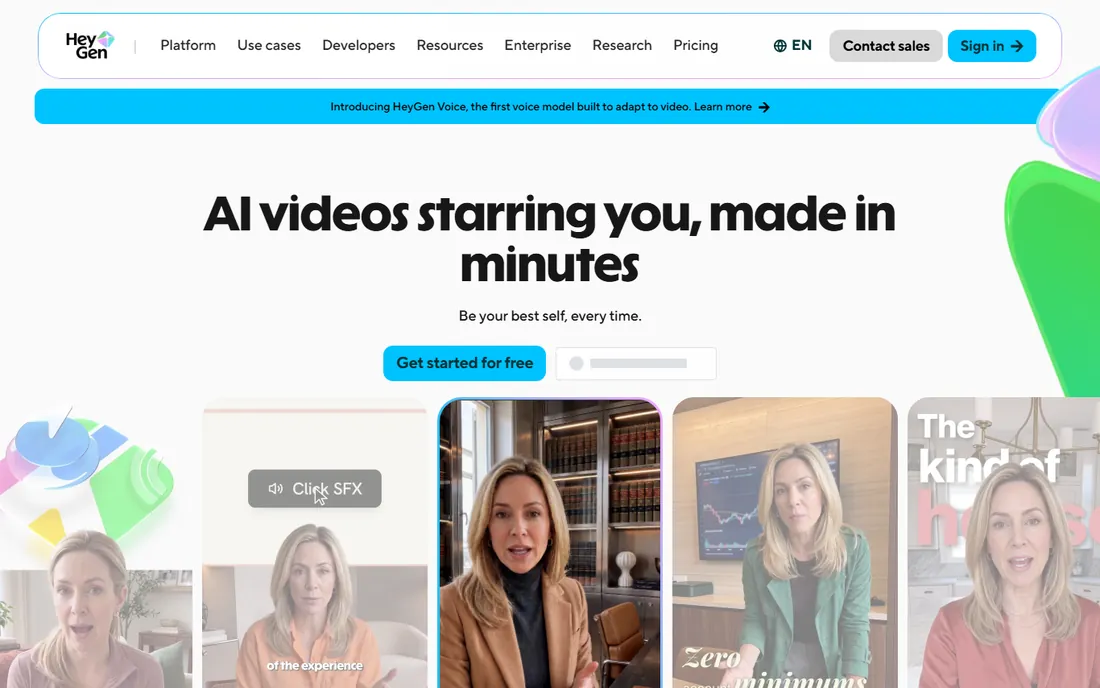
HeyGen is the default choice when your ad concept needs a person on screen and you have no person available. Pick an avatar or clone yourself from a short recording, paste a script, and get a presenter video with synced lip movement in minutes. Video translation keeps your voice and lip sync across 175-plus languages, which makes one ad shoot serve every market you run in.
For direct-response advertisers, the practical use is founder-style UGC ads and multilingual variants without reshoots. The platform also handles script-to-video, PPT-to-video and audio-to-video, so it covers more than avatars. Watch the output at full size before you scale spend: avatar realism is excellent at phone-screen size and slightly less convincing on a desktop close-up.
What we like- Huge avatar library with 175-plus language support
- Clone your own likeness for a consistent spokesperson
- Free plan to test before paying
Watch out for- Avatar close-ups can still feel slightly artificial
- Lower tiers cap how much video you can generate
- Built for talking heads, not cinematic scenes
Starting priceSee website
Free planYes
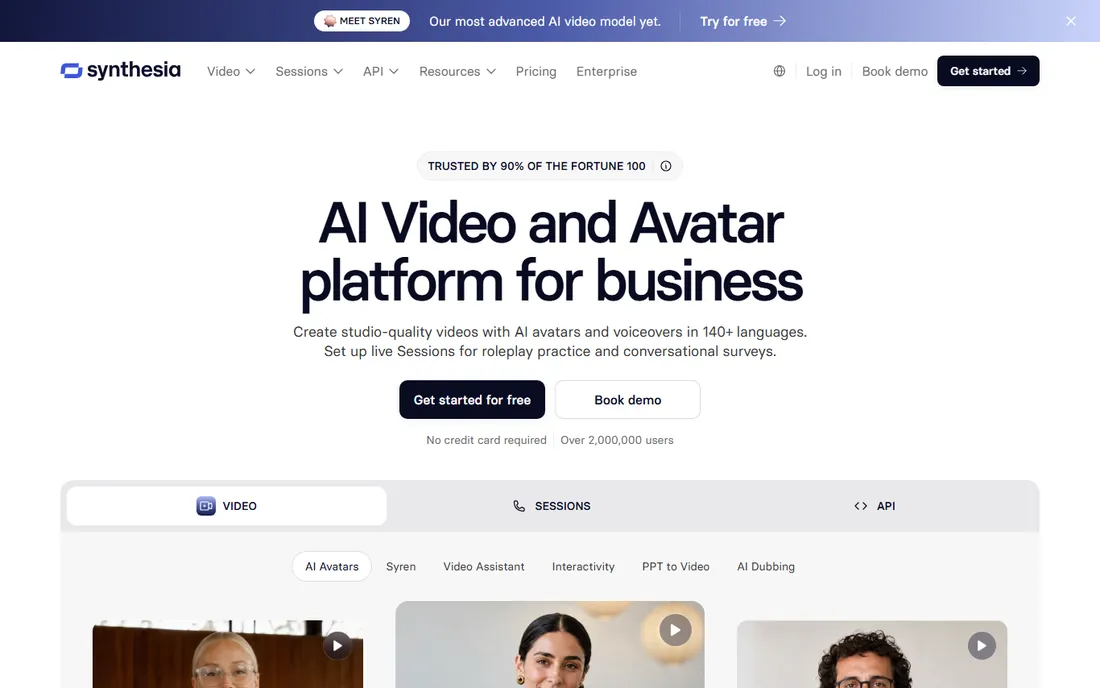
Synthesia is the enterprise end of the avatar market, trusted by most of the Fortune 100 for training and internal video, and increasingly used for marketing. The workflow is familiar: script in, avatar video out, with translation, screen recording and brand controls layered on top. Interactive avatars and an API extend it into conversational and programmatic use cases.
As an ad tool it shines for polished brand spots, product explainers and localized campaigns where consistency matters more than raw authenticity. Pricing is not published on the homepage, so expect a sales conversation, and check how minutes are counted before you plan a high-volume test.
What we like- 140-plus languages with strong translation controls
- Enterprise-grade compliance including SOC 2 and GDPR
- Brand kits, roles and approvals for teams
Watch out for- Premium pricing for the depth on offer
- Presenter style suits explainers more than raw UGC ads
- Minute-based plans penalize long videos
Starting priceSee website
Free planYes
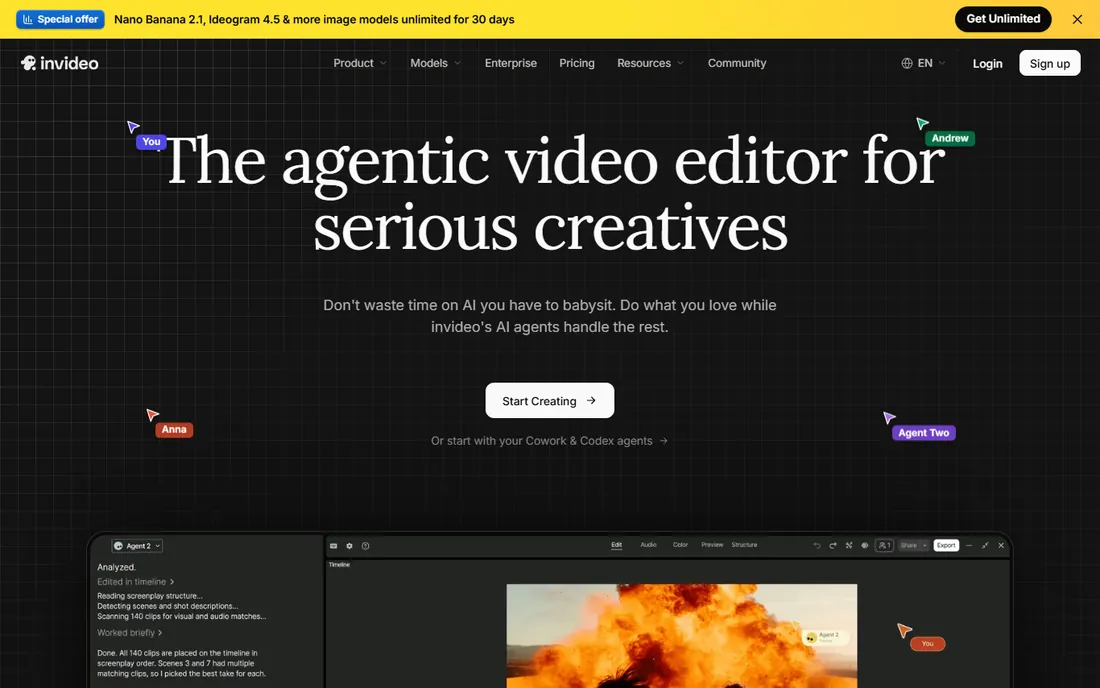
InVideo has rebuilt itself around AI agents that handle scripting, scene assembly, voiceover and editing from a text prompt, with a timeline editor underneath for humans who want control. The pitch is the best of both worlds: describe the ad, let the agents build it, then fine-tune like a normal editor instead of re-prompting a chatbot.
In practice, the agent workflow is fast for first drafts and the timeline saves it from the "directing a chatbot" frustration of pure prompt tools. The honest friction is the credit system: plans sell credits, videos consume them at different rates depending on the model, and working out your real monthly output takes a spreadsheet. Test your actual ad formats on the trial before assuming a tier covers your volume.
What we like- Agentic AI editor plus a full timeline for manual control
- Access to multiple frontier video and image models
- Frequent 50 percent off annual promotions
Watch out for- Credit-based pricing makes cost-per-video hard to predict
- Precise edits sometimes mean regenerating whole segments
- Free exports carry a watermark
#4
Pictory
Best for: turning blogs and long videos into ad clips
Visit pictory.ai
Starting price$25 per month
Free planFree trial
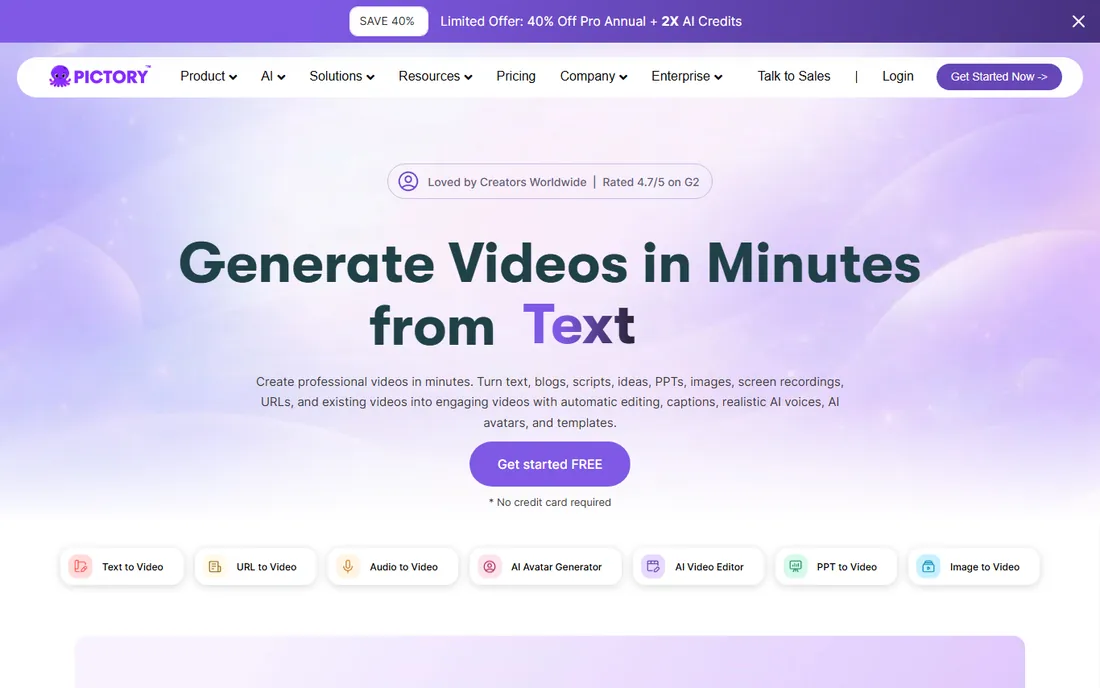
Pictory's superpower is repurposing. Feed it a blog post, a webinar recording or a product page URL and it builds a scripted, captioned, voiced video in minutes. For advertisers, that means every piece of content marketing becomes raw material for video ads, and long product demos become a stack of short clips for paid social.
The catch is the one every repurposing tool shares: the output looks assembled until you intervene. Budget time to swap in your own footage, tighten the script the AI wrote, and check the voiceover against your brand voice. Used as a first-draft machine rather than a publish button, Pictory earns its keep fast.
What we like- Converts text, URLs, PPTs and existing videos into finished videos
- Automatic captions and realistic AI voices
- Brand kits keep output consistent
Watch out for- The stock-footage look needs careful curation to avoid generic ads
- AI avatars were still rolling out at last check
- Video-minute limits cap heavy users
#5
VEED
Best for: browser editing, subtitles and social clips
Visit veed.io
Starting priceSee website
Free planYes
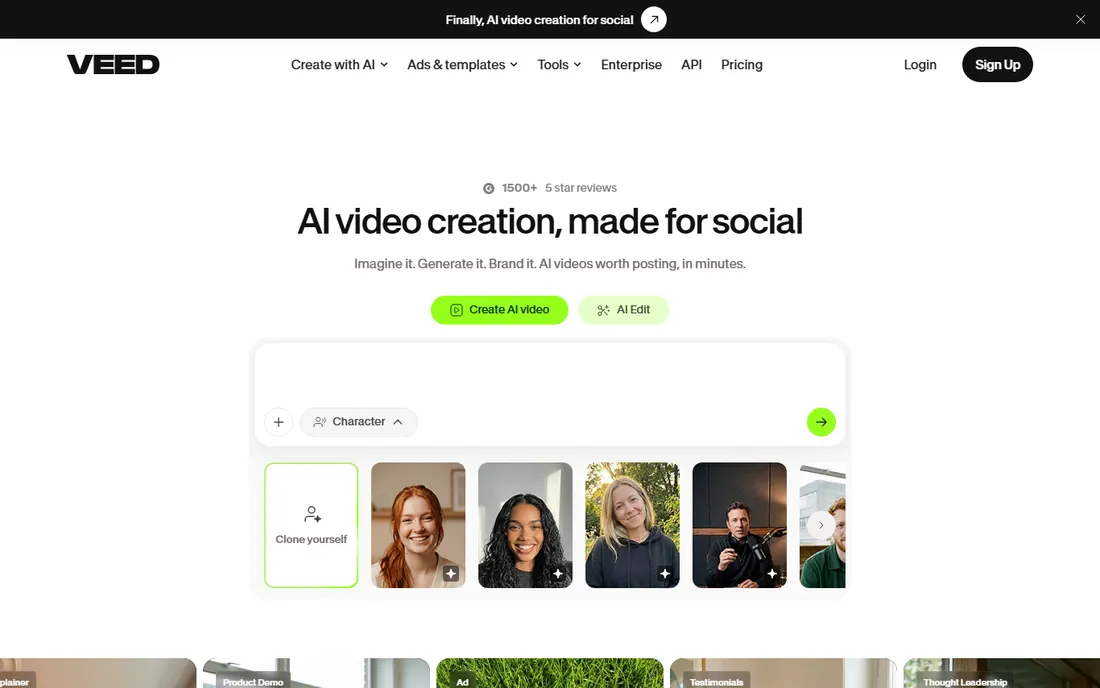
VEED is where most creators land when they need to edit rather than generate. Record or upload footage, and the AI handles transcription, subtitles, translation, silence removal and audio cleanup, with eye-contact correction as a neat trick for webcam-recorded ads. Templates, stock media and brand kits round out the social-video workflow.
For ad production, VEED fits the team that films real product footage or founder clips and wants AI to do the tedious finishing work: captions in the platform's aspect ratio, translated variants, cleaned audio. It will not invent your ad from a prompt the way HeyGen or InVideo will, and that is the point. If your bottleneck is editing time rather than idea generation, VEED removes it.
What we like- Best-in-class auto-subtitles and translation
- One-click cleanup like noise removal and eye-contact correction
- Templates and brand kits for fast social output
Watch out for- AI generation is secondary to its editing core
- Free exports are watermarked
- Long or complex projects can strain a browser tab
Starting priceSee website
Free planYes
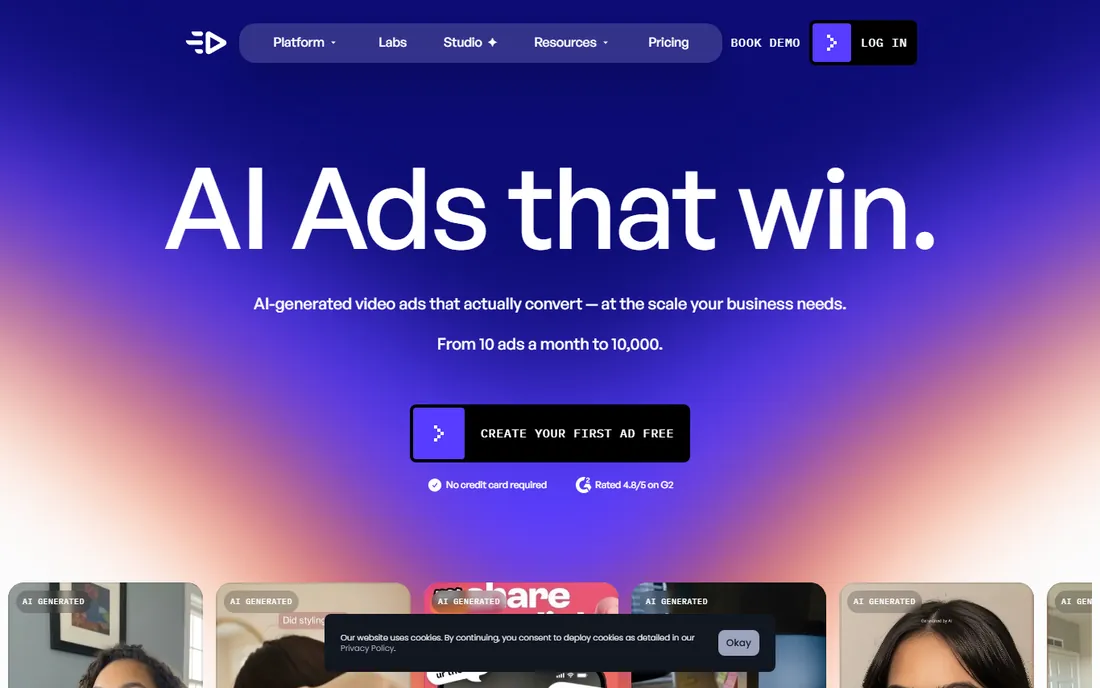
Creatify is the only tool on this list built specifically for performance advertisers. Paste a product URL and it writes scripts, picks visuals, optionally adds an AI actor, and outputs ad variations in 9:16, 1:1 and 16:9. Batch creation, competitor ad tracking and direct publishing integrations make it a creative-testing machine rather than a video editor.
The standout feature is the feedback loop: analytics connect each creative to spend, ROAS and CTR, so you learn which hooks convert instead of guessing. The honest friction is pricing. Credit-based plans changed during 2026, and working out what a credit buys takes care.
What we like- Turns any product page into multiple video ad variants
- AI actors and script writer built for ad creative
- Analytics tie creatives to spend and ROAS
Watch out for- Credit math is confusing and plan prices have shifted
- UGC realism varies by actor and script
- Best for volume advertisers, not one-off videos
Starting priceSee website
Free planYes
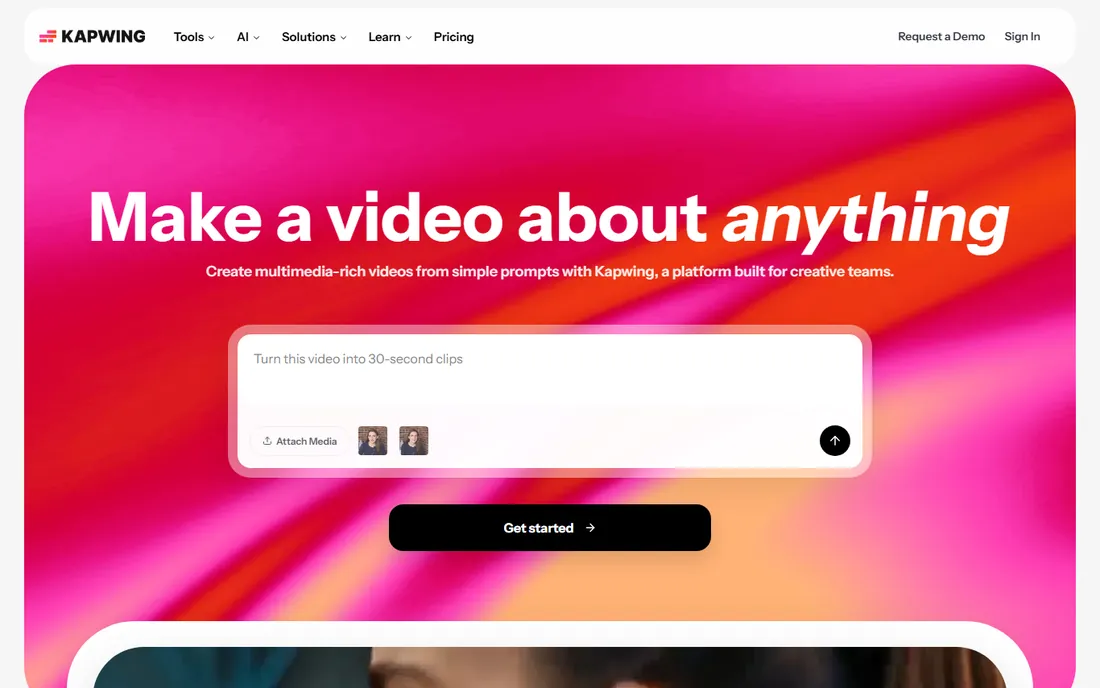
Kapwing is the collaborative workhorse: a timeline editor in the browser where marketers, designers and freelancers can cut, caption and resize video together without installing anything. AI helps with the chores, turning a prompt into a first draft, generating subtitles, cleaning audio and resizing for every placement.
For ad teams, the value is workflow, not generation. Write the concept, assemble footage and stock in Kapwing, let AI handle captions and format variants, and hand off review links instead of project files. If your ads start from a prompt and end without human footage, the avatar tools above will serve you better.
What we like- Full browser editor with real-time collaboration
- Huge template library for social formats
- Trusted by a very large creator community
Watch out for- AI features assist editing rather than generating ads
- Free plan exports carry watermarks
- Advanced AI tools sit behind higher tiers
Starting priceSee website
Free planYes
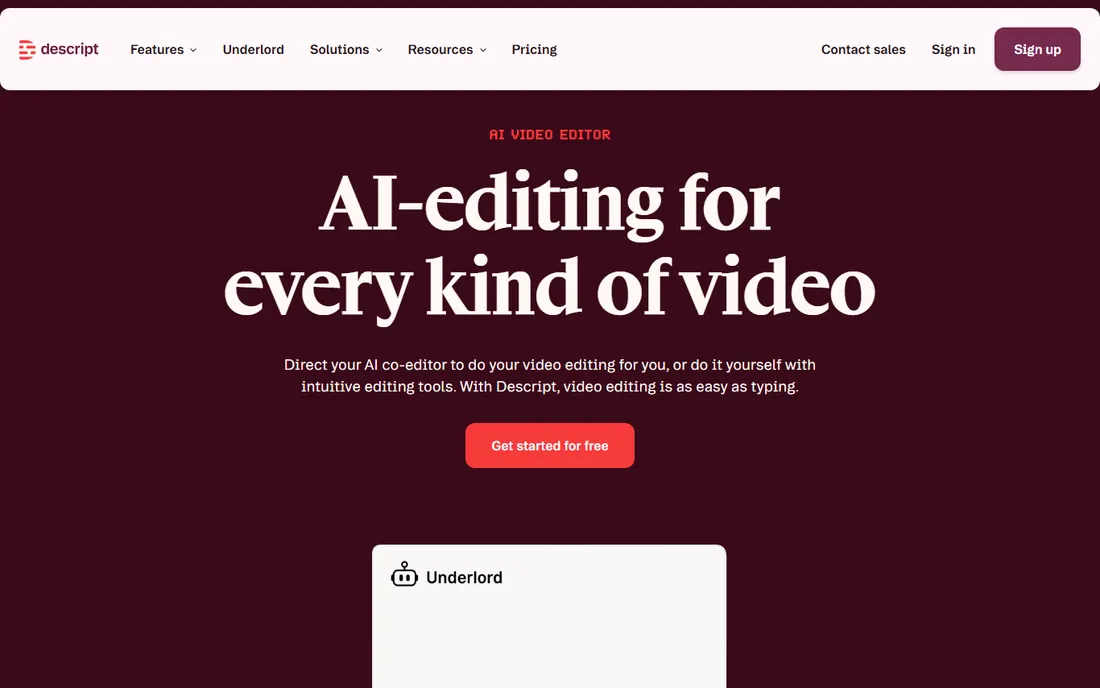
Descript flips editing on its head: transcribe your recording, then cut video by deleting sentences. For ad teams sitting on founder interviews, customer testimonials or product demos, that turns hours of timeline scrubbing into a word-processor task. Studio Sound cleans audio with one click, and the Underlord agent can assemble a rough cut from a raw recording while you watch.
The newer generative features fill gaps with AI video, voices and images, but Descript remains an editor first. It will not invent an ad from a URL or a one-line prompt. Where it earns its place in an ad workflow is repurposing: turn one long recording into a month of captioned clips for paid social, each tuned by editing text.
What we like- Edit footage by editing its transcript, no timeline wrestling
- Underlord AI agent does rough cuts and cleanup
- Free plan with no credit card required
Watch out for- Built for recorded footage, not AI generation
- Voice cloning covers one language well
- Timeline purists face a learning curve
Starting priceSee website
Free planYes
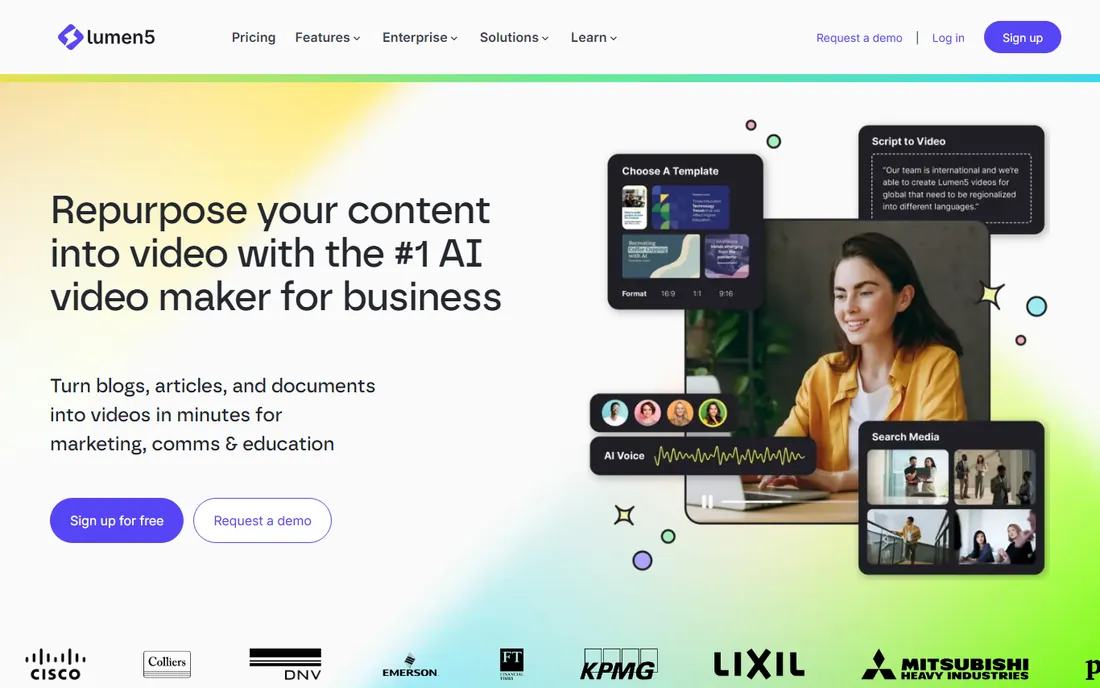
Lumen5 pioneered the blog-post-to-video workflow and has spent years refining it: drop in an article, and the AI builds a storyboarded video with stock footage, text overlays and music. Brand kits lock in colors, fonts and logos, and enterprise plans add a creative services team that builds custom templates for you.
For advertisers with a content library, Lumen5 turns SEO articles and product pages into video ads with minimal effort. The honest catch is the look: template-driven video reads as template-driven unless you invest in customization, and the platform's AI presenter options lag the avatar specialists. Performance advertisers chasing raw UGC aesthetics should look at Creatify or HeyGen instead.
What we like- The original blog-to-video tool, refined since 2017
- Strong brand controls plus human creative services
- Used by millions of companies
Watch out for- Template-driven output can feel generic without customization
- Limited AI presenter and avatar depth
- Pricing transparency favors enterprise buyers
Starting priceSee website
Free planYes
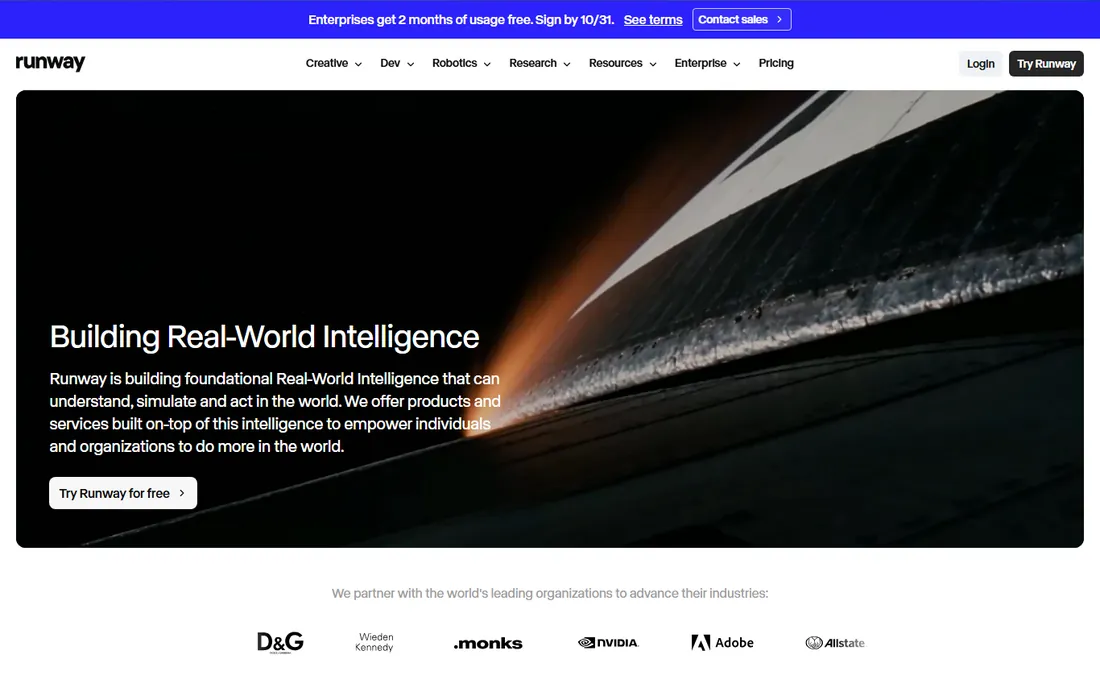
Runway makes the most beautiful AI video in this list, full stop. Its generative models turn text prompts and still images into cinematic clips with a level of control that filmmakers respect. Ad creatives use it for product shots that would cost thousands to film, impossible camera moves, and backgrounds that do not exist.
But Runway does not make ads. There are no ad templates, no aspect-ratio presets for placements, no script tools, no publishing integrations. You generate clips, then finish the ad in an editor like VEED, Kapwing or Descript. The free tier lets you test the quality before buying credits.
What we like- State-of-the-art text and image-to-video generation
- Professional-grade control over motion and style
- Free tier to experiment
Watch out for- A generation engine, not an ad tool, with no templates or ad workflows
- Credit costs climb for longer clips
- You still need editing skill to finish an ad
What actually matters when you pick one
Start from your source material, not the feature list. If your ads begin as a product URL, Creatify is purpose-built. If they begin as a script needing a human face, HeyGen or Synthesia. If they begin as a blog post or a long video, Pictory or Lumen5. If they begin as real footage, VEED, Kapwing or Descript. If they begin as an idea for a shot that cannot be filmed, Runway. Buying a generator when you need an editor, or vice versa, wastes the subscription.
Then check the unit economics of your testing cadence. Credit-based plans (InVideo, Creatify, Runway) charge per generation, which rewards careful prompting and punishes experimentation. Seat or minute-based plans reward volume. Work out how many finished ads you need per month, multiply by the credits or minutes each consumes, and compare that to the plan price. The cheapest sticker price often loses this math.
Finally, verify the boring details before you scale. Who owns the commercial rights to AI-generated footage and avatars on your plan. Whether the platform discloses AI-generated content in exports, since ad platforms and regulators increasingly require it. Whether avatars and voices can be used in paid ads specifically, not just organic content. And whether you can export project files or only finished videos, which decides how trapped you are if you switch tools.
How we evaluated
We tested positioning against real ad workflows rather than demo videos: vendor homepages and documentation for generation quality, editing depth, avatar options and export controls, plus public reviews on G2, Capterra and Reddit for output quality and pricing complaints. We weighted ad-specific features (aspect-ratio variants, hooks, direct publishing, creative analytics) over general video features, and we favored tools with free tiers or trials so you can judge output quality yourself. We excluded pure text-to-video research models with no editing or export workflow.
Where the money really goes
Three pricing models dominate. Credit-based plans sell you a monthly credit pool that different generations consume at different rates; the advertised price tells you almost nothing about your cost per finished ad. Seat or minute-based plans are more predictable: you pay per user or per video minute, and heavy users know where they stand. Quote-only enterprise tiers (Synthesia's upper plans, Lumen5 enterprise) bundle services and custom limits.
Two costs hide underneath. Watermarks and export limits on free tiers push you to paid plans faster than feature gates do. And avatar or voice cloning add-ons are often priced separately from the base plan. Before committing, generate five ads in your actual formats on a trial, count what they cost in credits or minutes, and project that across your monthly testing volume. A tool that looks expensive per month can be the cheapest per winning ad.
Frequently asked questions
Do AI-generated video ads perform as well as filmed ones?
Sometimes, and it depends on the format. Avatar and UGC-style AI ads perform competitively in direct response when the hook and offer are strong. Polished brand spots still favor real production. The honest answer is to test: run AI variants against a filmed control with real budget and let the numbers decide.
Who owns the commercial rights to the videos I generate?
It depends on the vendor and the plan. Most tools grant commercial use on paid plans, but terms differ for AI avatars, cloned voices and stock media. Read the terms for your specific tier, especially the distinction between organic content and paid advertising use.
Do I need to disclose that an ad is AI-generated?
Regulators and ad platforms are moving toward yes. The FTC's endorsement guidelines care about misleading content regardless of how it was made, and platforms have begun requiring AI-content labels. Check current rules for each platform you run on, and keep disclosure in your workflow from the start.
Can I use my own product footage with these tools?
Yes, and you should. Every tool on this list accepts uploads, and ads that mix your real product footage with AI-generated scenes, captions or avatars consistently outperform pure-AI output. The AI handles the tedious parts; your footage supplies the credibility.
How many ad variations should I test?
Enough to learn, not so many you cannot read the results. Most performance advertisers test 5 to 10 variations per concept: different hooks, different first three seconds, different calls to action. Tools like Creatify exist to make that volume cheap; the discipline is killing losers fast and iterating on winners.
Do I still need a video editor on the team?
For high-volume direct response, often not: the AI tools plus a marketer can run the whole workflow. For brand work, complex storytelling or finishing Runway footage, an editor's eye still shows in the final product. Many teams land in the middle, with AI doing drafts and a freelancer polishing winners.
Sources we checked (13)
- https://www.heygen.com
- https://www.synthesia.io
- https://invideo.io
- https://pictory.ai
- https://www.veed.io
- https://creatify.ai
- https://www.kapwing.com
- https://www.descript.com
- https://lumen5.com
- https://runwayml.com
- https://www.heygen.com/blog/invideo-alternatives
- https://segwise.ai/blog/best-ai-video-ad-generators-2026
- https://aiseoshift.com/blog/best-ai-video-ad-generators/
Is your product missing or out of date?
We review this list regularly. Vendors can request a listing, send updated pricing or ask about featured placement.

Shihab Mia · Founder, Rankite
Shihab has spent more than a decade helping SaaS and e-commerce brands grow through search. He writes Rankite's software buying guides from pricing pages, documentation and public user reviews. More about Shihab.