How we make this list: we compare pricing pages, product documentation and public user reviews. Ratings come from G2, Capterra or Trustpilot, with the date we checked them.

Key takeaways
- FitRoom and Fotor lead for realistic outfit swaps, with presets for suits, dresses, streetwear, and casual looks.
- For online sellers, a tool that keeps fabric detail, logos, and patterns intact matters more than a large preset library.
- Prompt-based tools give more creative control, but they also need clearer photos and more tries to get a clean result.
- Free credits are useful for a test, but regular use usually needs a paid plan, a credit pack, or a subscription.
- Only upload photos you have the right to edit, and avoid using these tools to create misleading images of other people.
Quick comparison
| Tool | Best for | Starting price | Free plan |
|---|
 FitRoom FitRoom | Realistic virtual try-on | See website | Yes |
 Fotor Fotor | Guided outfit changes with presets | Free | Yes |
 insMind insMind | Fast outfit swaps for sellers | Free | Yes |
 Picsart Picsart | Creative edits with manual control | Free | Yes |
 YouCam YouCam | Mobile outfit ideas and trends | See website | Yes |
 LightX LightX | Quick mobile try-on edits | Free | Yes |
 Vidnoz Vidnoz | Video and photo outfit changes | Free | Yes |
 MindPic MindPic | Free browser outfit swaps | Free | Yes |
Is your product missing or out of date?
We review this list regularly. Vendors can request a listing, send updated pricing or ask about featured placement.
Starting priceSee website
Free planYes
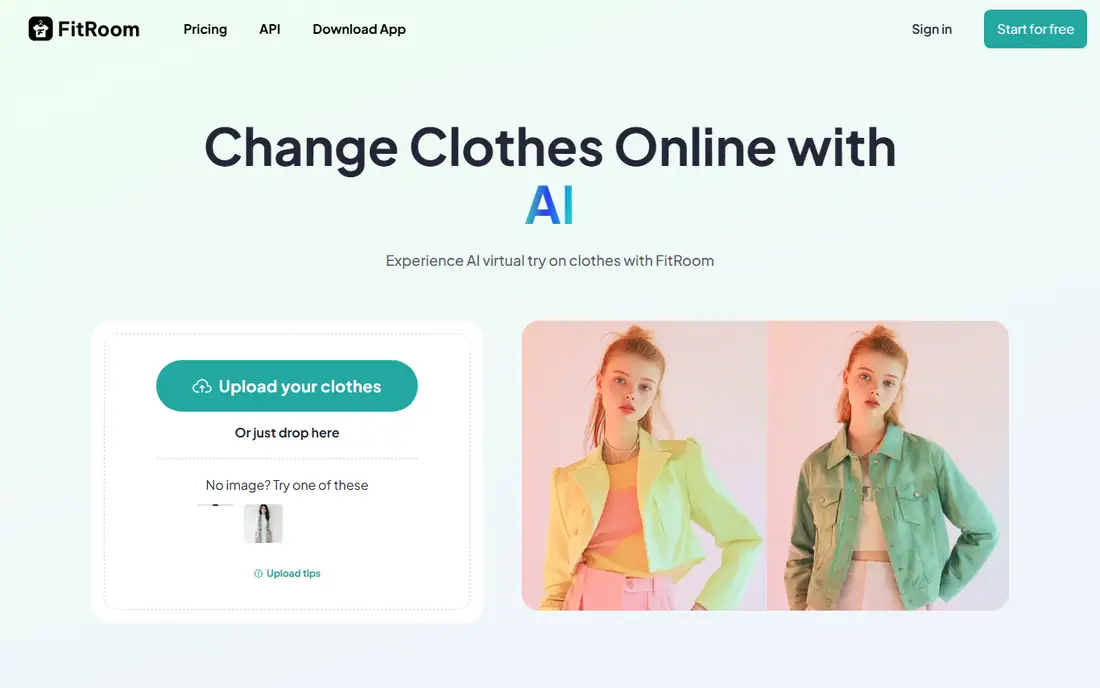
FitRoom is built around one job: show how an outfit could look on a person in a photo. Upload a portrait, pick a preset outfit or upload an outfit image, and generate a preview. The tool pays attention to body shape, pose, and lighting, which is why it is often named first for shoppers who want to preview a purchase and for sellers who want on-model images without a photo shoot.
The catch is input quality. A cropped, blurry, or oddly posed photo will produce a weaker swap, no matter how good the model is. Use a straight-on, well-lit, full-body photo and a clear outfit reference for the best result. FitRoom is a strong pick for realistic previews, but it is not a general photo editor, so pair it with another app if you also need background or colour edits.
What we like- Fitting-room style workflow
- Presets plus outfit uploads
- Focus on realistic fit, texture, and lighting
Watch out for- Best results need a clear, full-body photo
- Paid features matter for frequent use
#2Fotor
Best for: Guided outfit changes with presets4.2/5 on
G2 (342 reviews, checked Oct 2026)
Visit fotor.com
Starting priceFree
Free planYes
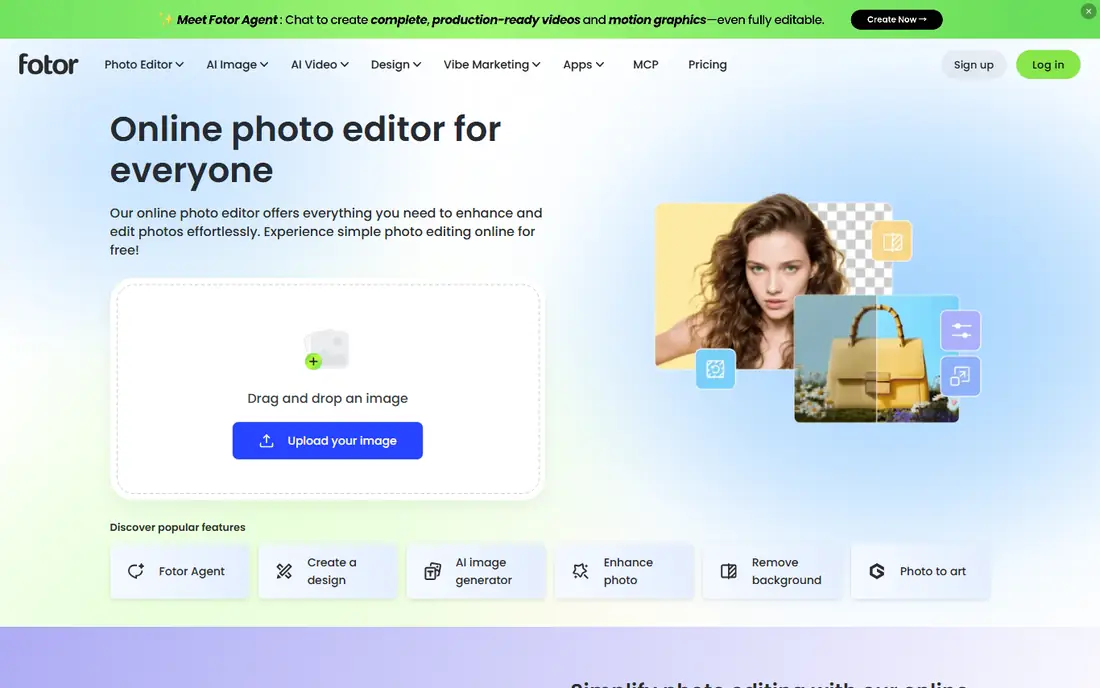
Fotor suits people who want guidance rather than a blank prompt box. Pick a category, such as a business suit, streetwear, or a casual outfit, or write a prompt for a custom look. The tool then adapts clothing texture, lighting, and patterns to the pose in the photo. That guided flow helps beginners, and the wider Fotor editor covers cropping, background changes, and retouching after the swap.
Free use is a real starting point, with free credits for new users, but regular outfit work will use credits faster than occasional edits. Fotor also works well for sellers who want a product image on a model, because it aims to keep logos and fabric detail visible. Check the commercial terms for your plan before using generated images in a store listing.
What we like- Preset outfits for tops, bottoms, and full looks
- Prompt control for custom outfits
- Broader photo editing in the same account
Watch out for- Free credits limit heavy use
- Very detailed patterns can still need a second try
Starting priceFree
Free planYes

insMind is a practical choice when speed matters more than fine control. Upload a photo, choose a style, and generate a new outfit in a few steps. It covers the styles most people actually try, from everyday casual looks to formal wear and costumes, which makes it useful for social posts, lookbook ideas, and quick product previews.
As with most swap tools, a clear photo gives a cleaner result than a busy background or a side pose. insMind is less of a deep editor than Fotor or Picsart, so if you need to fix hands, faces, or backgrounds after a swap, plan to finish the image elsewhere. For a fast, low-friction swap, it earns its place.
What we like- Quick full-outfit and partial swaps
- Casual, formal, costume, and seasonal styles
- Simple browser workflow
Watch out for- Results vary with pose and lighting
- Advanced use may need a paid plan
#4Picsart
Best for: Creative edits with manual control4.5/5 on
G2 (797 reviews, checked Oct 2026)
Visit picsart.com
Starting priceFree
Free planYes
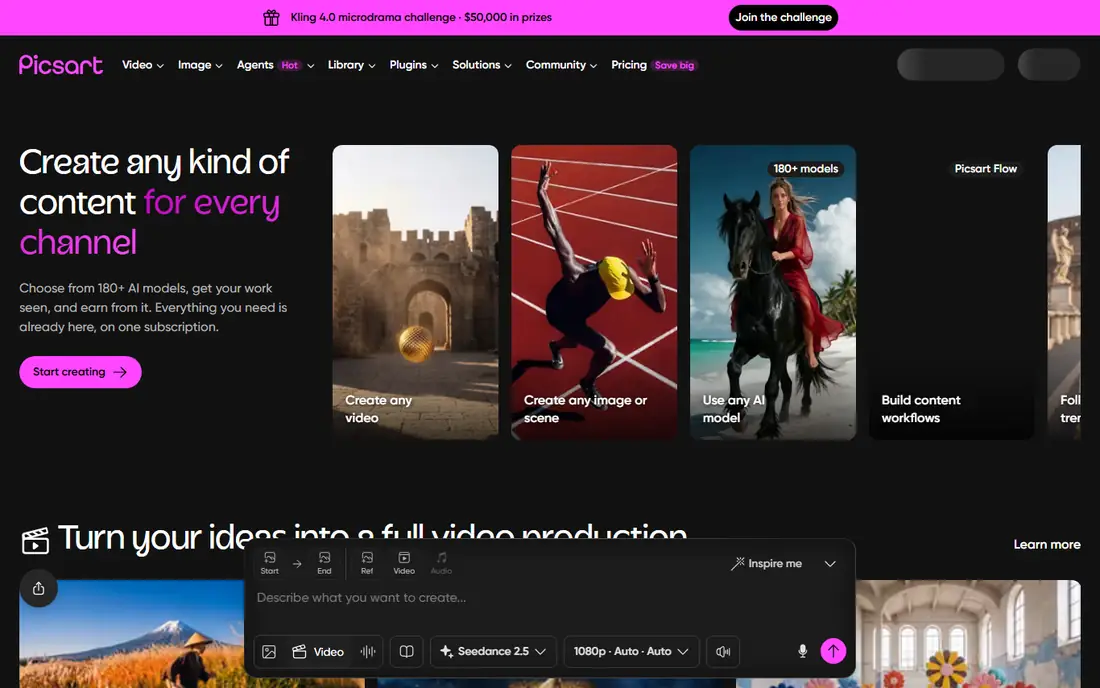
Picsart fits creators who want an outfit change inside a larger edit. Swap or restyle clothing, then adjust colour, add text, change a background, or build a collage in the same app. That breadth is useful for social content, where an outfit preview is only one part of a post. Manual brush tools also help when an automatic swap leaves an edge or a detail that needs fixing.
The trade-off is specialisation. A dedicated try-on tool may give a more realistic fit on the first try, while Picsart may need more manual cleanup. If you already use Picsart for photos and video, adding outfit edits there keeps your workflow in one place. If you only need try-on, start with FitRoom or Fotor instead.
What we like- Large editing toolkit beyond outfit swaps
- Brush and manual controls
- Strong social and creator community
Watch out for- Outfit change is one feature among many, not a specialist try-on
- Some AI features need a paid plan
Starting priceSee website
Free planYes
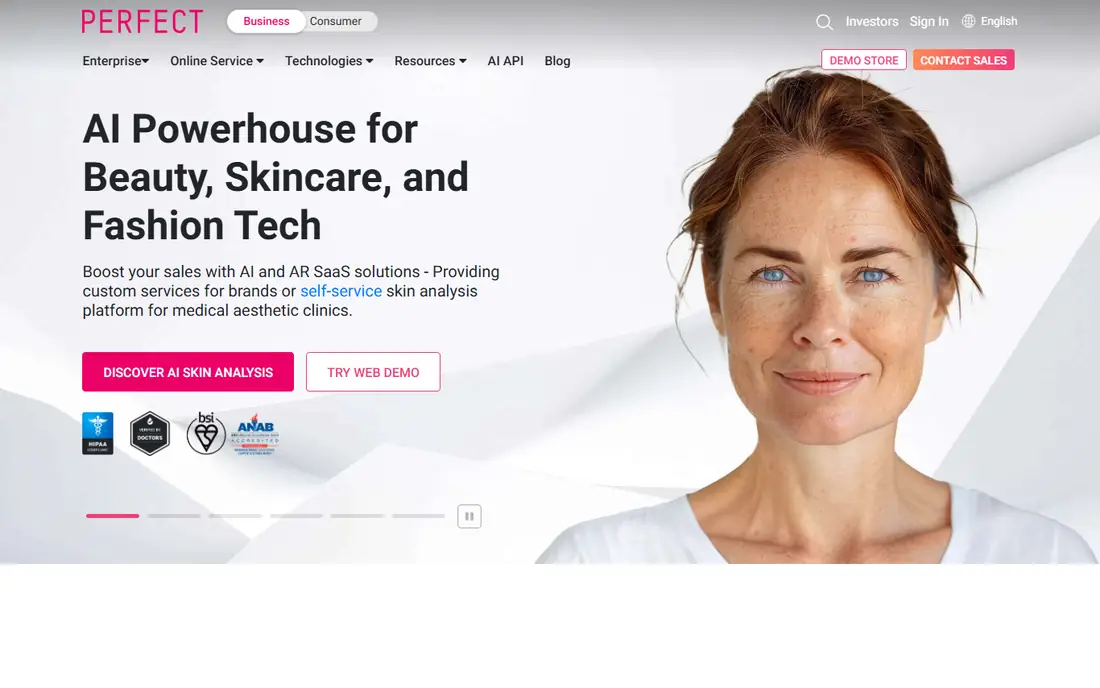
YouCam, from Perfect Corp, is aimed at mobile users who want outfit inspiration fast. Try trend looks, preview styles, and share results without moving files to a computer. That phone-first flow suits shoppers and creators who do most of their photo work on a mobile device and want a quick answer to a simple question: does this style suit this photo?
Pricing and free access vary, and public comparisons note that some plans do not include a daily free credit, so check the current app terms before you rely on it daily. YouCam is also more of an inspiration and preview tool than a seller-grade product image tool. Use it to explore ideas, then use a specialist tool for a final store image.
What we like- Mobile-first workflow
- Trend outfit ideas
- Easy sharing to social apps
Watch out for- No daily free credit on some plans, according to public comparisons
- Best on a phone rather than a desktop
Starting priceFree
Free planYes
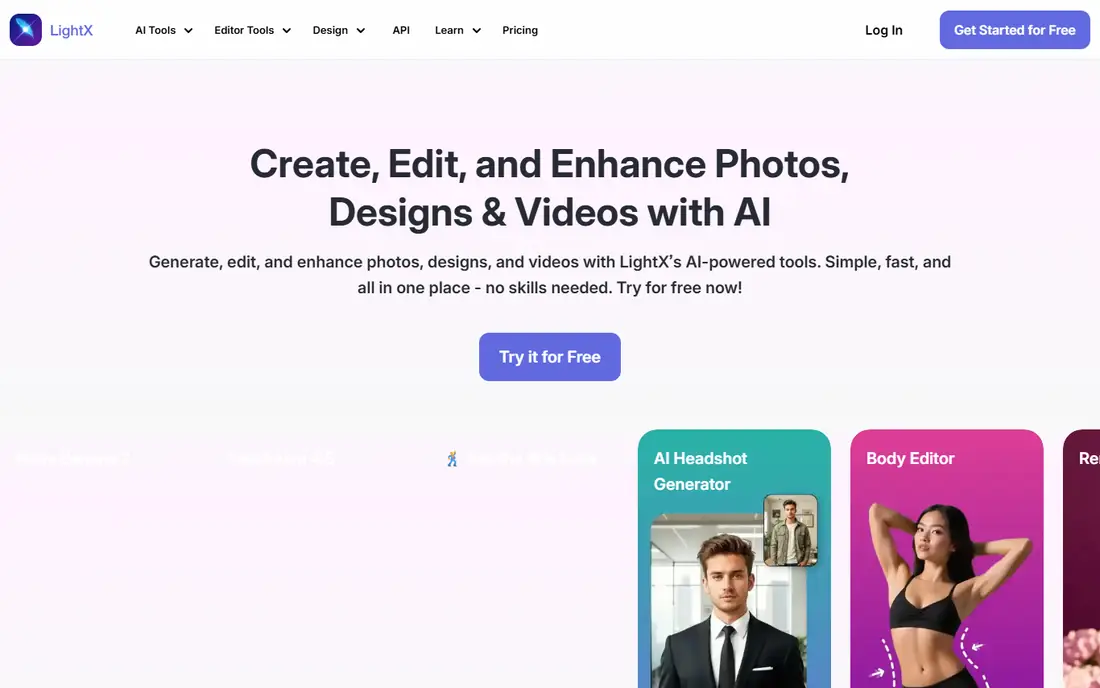
LightX is a good pick for a quick check on a phone. Upload a photo, pick an outfit direction, and generate a preview without a long setup. Shoppers who want to compare two or three styles before ordering will find that speed useful, and the simple interface keeps the focus on the result rather than on settings.
LightX is not built for batch product work or for very detailed garment rendering. Sellers who need many consistent on-model images should look at FitRoom or Fotor first. For personal previews and social ideas, LightX is a light, fast option that does not ask for much learning time.
What we like- Fast mobile outfit changes
- Simple interface
- Useful for quick previews before buying
Watch out for- Less depth for sellers who need batch work
- Quality depends on the source photo
#7Vidnoz
Best for: Video and photo outfit changes4.9/5 on
G2 (16 reviews, checked Oct 2026)
Visit vidnoz.com
Starting priceFree
Free planYes

Vidnoz stands out because it covers both photos and video, which matters for creators who post reels, shorts, and stills from the same shoot. Change an outfit in a photo for a thumbnail, then try a similar change in a short clip, without learning a second tool. That pairing saves time for fashion creators and small sellers who make video ads.
Video work is slower and more demanding than a single photo swap, so expect longer waits and more retries for moving footage. Free use is a useful test, but regular video use will hit limits sooner than occasional photo use. Start with photos to learn the tool, then test one short video before planning a full campaign around it.
What we like- Photo and video outfit tools in one place
- Useful for creators who make both formats
- Browser-based start
Watch out for- Video swaps need more processing time
- Free tier limits apply to heavier use
Starting priceFree
Free planYes

MindPic is the easiest tool to test on this list. Open it in a browser, upload a photo, and generate an outfit swap without installing an app or, in many cases, creating an account. Public comparisons report free, watermark-free output with a daily limit, which makes it attractive for sellers and individuals who want a clean result without paying first.
The limits are real: there is no dedicated mobile app yet, and the automated flow gives less manual control than Picsart or Fotor. If a swap needs a small fix, you may need a second editor. Still, for a first test, a one-off preview, or a small batch of product images, MindPic is a low-risk place to start.
What we like- Browser-based with no download
- Watermark-free output reported for free use
- Simple, no-registration start
Watch out for- No mobile app yet, so phone users must use a mobile browser
- Less manual control than a full editor
How we chose
We compared tools that can change clothes in a photo, rather than general image generators that only create a new person from scratch. We checked vendor homepages, feature pages, and public reviews, and we favoured tools with a clear try-on or outfit swap workflow, a free way to test, and a distinct audience, from shoppers to sellers to creators. We did not claim hands-on testing, and we note where pricing is unclear, so readers should check the vendor site before buying credits or a plan.
How to get a believable outfit swap
Start with the photo, not the tool. A straight-on, well-lit, full-body shot with a plain background gives every tool a better chance. Avoid sunglasses, heavy shadows, and cropped limbs in the first test, since those details often cause odd results around faces and hands.
Pick the right outfit reference
Use a clear outfit image when the tool allows uploads, and match the style to the pose. A formal suit works better on a standing portrait than on a seated, cropped photo. If the tool offers presets, try the closest preset first, then adjust with a prompt or a second preset, rather than starting with a complex custom description.
Check the details before you publish
Look closely at collars, sleeves, hands, patterns, and text on clothing. AI swaps often fail on small details, and a flaw that is invisible at thumbnail size can stand out at full size. For store images, check fabric texture and logos against the real garment, and do not publish a preview as if it were a photograph of the real product on a real model without a clear label.
Use these tools responsibly
Only edit photos of yourself, or photos you have permission to edit, and avoid creating images that mislead others about a person. For sellers, label AI-generated model images where a marketplace or a customer could reasonably expect a real photograph. That honesty protects both the seller and the buyer.
Frequently asked questions
What is the best ai tool to change clothes in photo for realistic results?
FitRoom is a strong first pick for realistic try-on, because it focuses on fit, texture, and lighting. Fotor is close behind and adds a broader editor. Try both with the same photo, since results vary by pose and outfit.
Can I change clothes in a photo for free?
Yes, for a limited number of swaps. Fotor, insMind, Picsart, LightX, Vidnoz, and MindPic offer free starts or free credits, and FitRoom and YouCam offer free tiers or trials depending on the current plan. Regular use usually needs a paid plan or credits.
Do I need a full-body photo for an outfit swap?
A full-body, well-lit photo gives the best result, especially for full outfits. A cropped photo can work for a top-only change, but the tool has less information about fit and pose. Use the clearest photo you have for the first test.
Can sellers use AI outfit swaps for product listings?
Yes, many sellers use them for on-model previews, but check the tool's commercial terms and label AI-generated images where needed. Keep fabric detail, colour, and logos accurate to the real garment, and do not present a preview as a real photograph without disclosure.
Why do some outfit swaps look wrong around hands and collars?
AI models struggle with small, complex areas such as hands, collars, and layered clothing, especially in busy or low-light photos. A clearer photo, a simpler outfit, and a second generation often help. If the flaw remains, finish the image in a manual editor or choose a different photo.
Sources we checked (8)
- https://fitroom.app
- https://www.fotor.com
- https://www.insmind.com
- https://picsart.com
- https://www.perfectcorp.com
- https://lightxeditor.com
- https://www.vidnoz.com
- https://mindpic.ai
Is your product missing or out of date?
We review this list regularly. Vendors can request a listing, send updated pricing or ask about featured placement.

Shihab Mia · Founder, Rankite
Shihab has 5+ years in B2B and SaaS SEO. He writes Rankite's software buying guides from pricing pages, documentation and public user reviews. More about Shihab.