How we make this list: we compare pricing pages, product documentation and public user reviews. Ratings come from G2, Capterra or Trustpilot, with the date we checked them.

Key takeaways
- A YouTube AI stack splits by stage: research and ideas, scripting, voice, editing, thumbnails, and repurposing into Shorts, and one tool per stage beats a crowded stack.
- Most tools offer usable free tiers, so beginners can start at zero cost with vidIQ, TubeBuddy, CapCut, and Descript free plans before paying.
- AI does not automatically block monetization, but YouTube requires disclosure for realistic synthetic or altered content, and repetitive mass produced videos risk demonetization.
- Voice cloning and AI avatars need consent, since cloning a real person voice or face without permission creates legal and platform trouble.
- Pick one tool per workflow stage, measure watch time and click through rate, and drop tools that do not move those numbers.
Quick comparison
| Tool | Best for | Starting price | Free plan |
|---|
 vidIQ vidIQ | YouTube SEO and growth ideas | Free | Yes |
 TubeBuddy TubeBuddy | Thumbnail and title A/B testing | See website | Yes |
 Descript Descript | Text based video editing | $16 per month | Yes |
 Pictory Pictory | Blog to video repurposing | $19 per month | No |
 Opus Clip Opus Clip | Long video to Shorts | $15 per month | Yes |
 ElevenLabs ElevenLabs | AI voiceover and dubbing | $5 per month | Yes |
 InVideo AI InVideo AI | Script to video generation | $20 per month | Yes |
 CapCut CapCut | Editing and AI effects | Free | Yes |
Is your product missing or out of date?
We review this list regularly. Vendors can request a listing, send updated pricing or ask about featured placement.
The best AI tools for YouTube content creation
#1vidIQ
Best for: YouTube SEO and growth ideas4.5/5 on
G2 (34 reviews, checked Oct 2026)
Visit vidiq.com
Starting priceFree
Free planYes
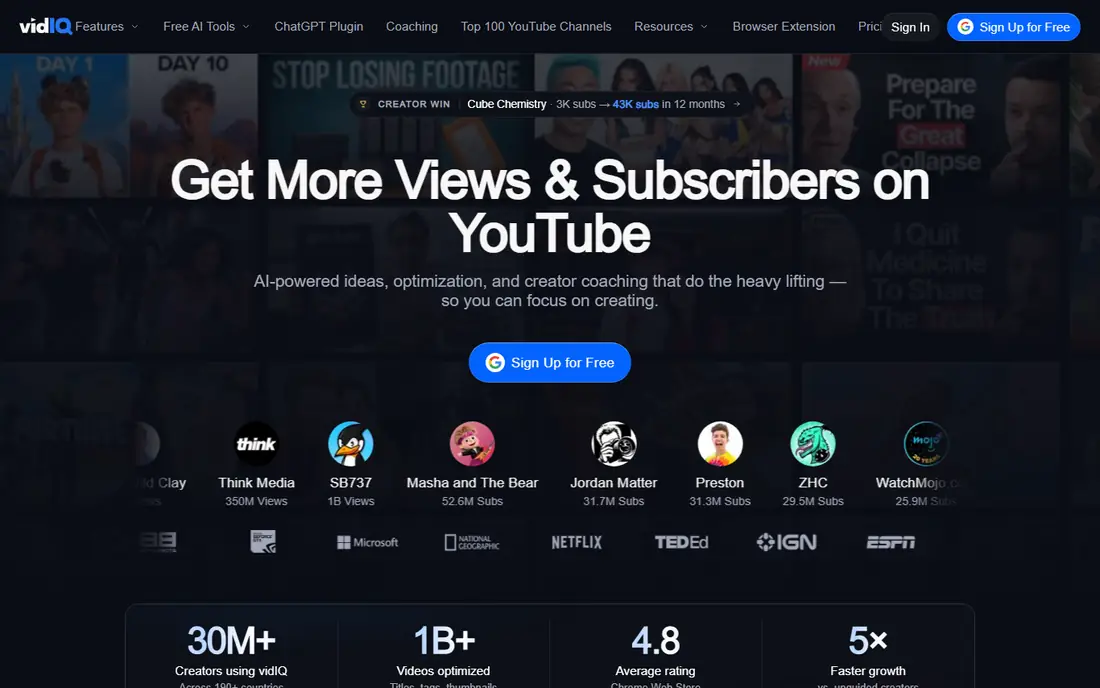
vidIQ is the research pick for YouTube growth, with AI keyword research showing search volume and competition before you film, daily video ideas tailored to your channel, and channel audits that flag weak titles and descriptions. The free tier includes AI credits for basic use, and paid plans start near 7.50 dollars a month on some listings, though other sources list higher Boost and Max tiers, so check the current pricing page. For creators deciding what to make next, vidIQ answers the most valuable question first.
The limits are advice quality and price spread. AI suggestions can regress to the mean, recommending safe topics every rival already covers, and paid tier pricing varies enough across sources to require a pricing page check. vidIQ fits creators who want data led topic ideas and SEO guidance inside YouTube Studio.
What we like- AI keyword research and daily video ideas
- Channel audits
- Free tier with AI credits
Watch out for- Paid tiers vary by source
- AI advice can regress to the mean
- Best features need paid plans
Starting priceSee website
Free planYes
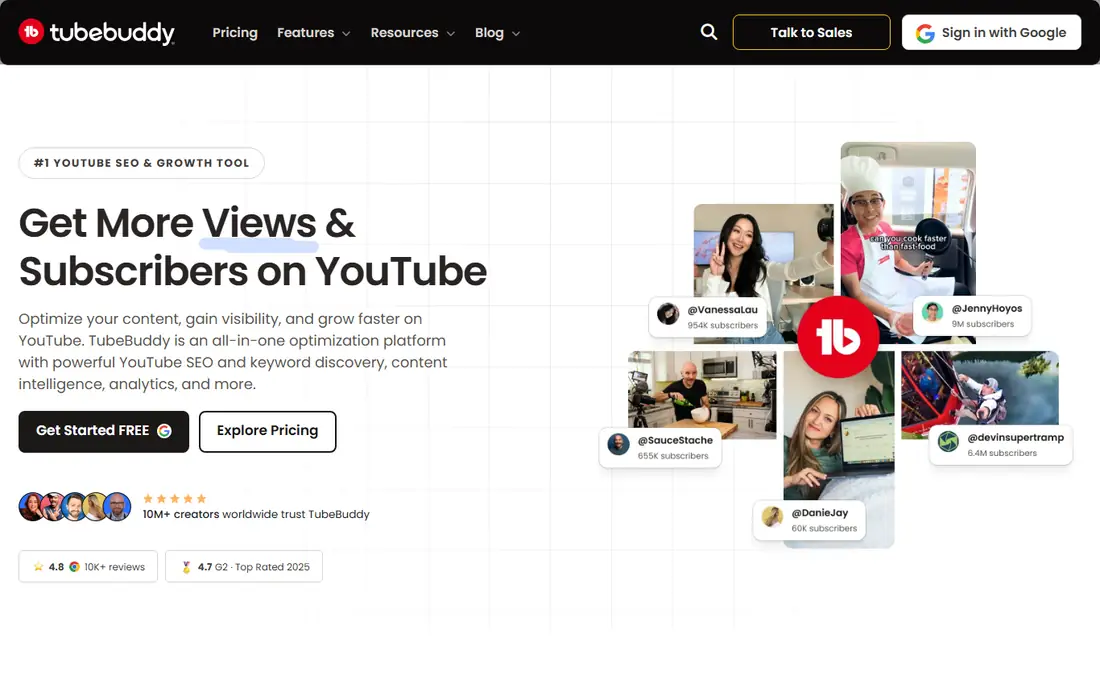
TubeBuddy is the browser extension for YouTube Studio optimization, with tag suggestions, best time to publish data, and A/B testing for thumbnails and titles that auto picks the winner. That testing feature is its main edge over vidIQ: instead of guessing which thumbnail wins clicks, you run both and let data decide. A free tier covers basic tools, while paid pricing is reported anywhere from 3 to 12 dollars a month depending on source and billing, so confirm before budgeting.
The trade off is opacity and timing. Keyword scores can feel hard to interpret, and A/B testing pays off most once a channel has enough traffic for tests to reach significance. TubeBuddy fits established creators who want to lift click through rate through systematic thumbnail and title tests.
What we like- A/B testing for thumbnails and titles
- Tag suggestions
- Best time to publish data
Watch out for- Keyword scores can feel opaque
- Entry price varies by source
- Best once channel is established
#3Descript
Best for: Text based video editing4.6/5 on
G2 (928 reviews, checked Oct 2026)
Visit descript.com
Starting price$16 per month
Free planYes
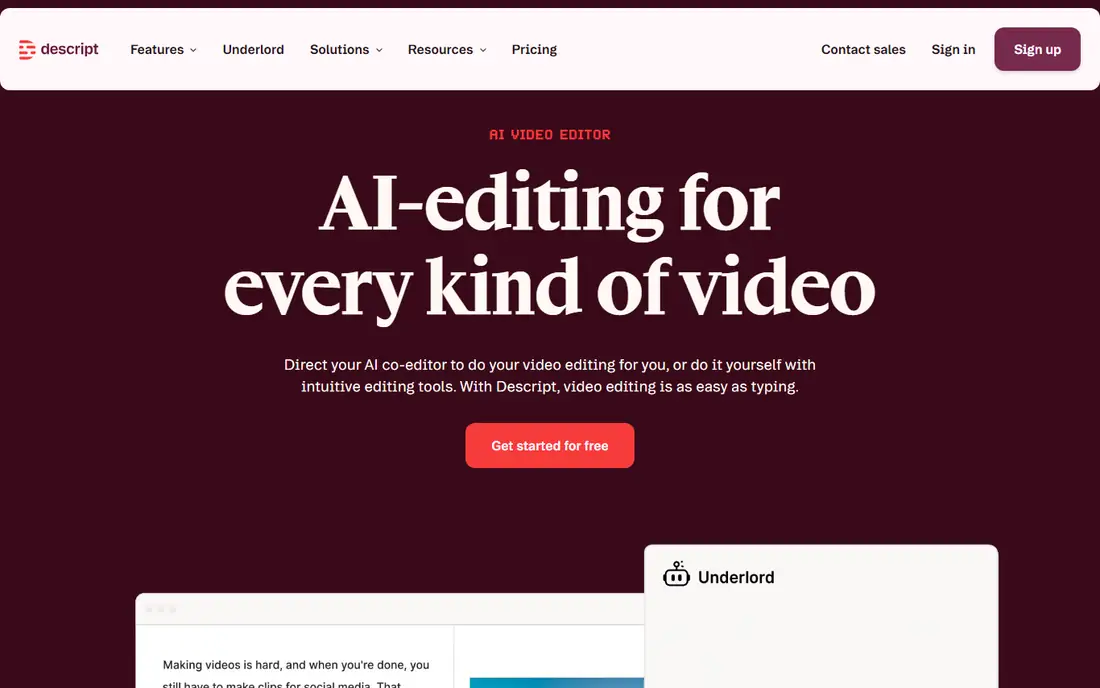
Descript lets creators edit video by editing a transcript, deleting words to cut footage, removing filler words automatically, and fixing voice mistakes with Overdub. That text based workflow is far faster than timeline scrubbing for talking head videos, podcasts, and tutorials. Pricing starts near 16 dollars a month billed annually, with a free tier covering about an hour a month with watermarks, and higher Creator tiers near 24 to 35 dollars depending on source.
The limits are complexity and free tier size. Descript struggles with complex multi track edits, and the free hour runs out fast for regular creators. Descript fits talking head educators, podcasters, and tutorial creators who edit speech heavy video and want the fastest path from raw recording to publish.
What we like- Edit video by editing text
- Filler word removal
- Overdub voice fixes
Watch out for- Fails at complex edits
- Free tier limited to about an hour a month
- Higher tiers cost more
#4Pictory
Best for: Blog to video repurposing4.6/5 on
G2 (81 reviews, checked Oct 2026)
Visit pictory.com
Starting price$19 per month
Free planNo
Pictory turns written content into video, converting blog posts and scripts into narrated videos with stock footage, captions, and music. That makes it the repurposing pick for bloggers and faceless channels that need many videos from existing text without filming. Pricing starts near 19 dollars a month on some listings, with other sources listing 25 to 29 dollars, so check the current page, and access is trial only with no permanent free plan.
The trade off is ceiling. Pictory format suits straightforward explainers but feels limited for personality driven channels, and heavy users hit plan limits fast. Pictory fits creators and brands repurposing written content into video at volume.
What we like- Turns scripts and articles into video with stock footage
- Fast faceless video creation
- Simple workflow
Watch out for- Trial only, no free plan
- Format has a low ceiling
- Price varies by source
#5Opus Clip
Best for: Long video to Shorts4.6/5 on
G2 (7 reviews, checked Oct 2026)
Visit opus.pro
Starting price$15 per month
Free planYes
Opus Clip turns long videos into Shorts automatically, finding highlight moments, adding captions, reframing for vertical format, and scoring clips for viral potential. For creators with a back catalog of long videos, it multiplies output without new filming, and the free tier offers monthly credits with watermarks. Paid Starter pricing runs near 15 dollars a month, with Pro tiers near 29 dollars depending on source.
The limits are judgment and credits. Opus Clip cannot follow a slow build or nuanced argument as well as a human editor, and credits run out fast on long videos. Opus Clip fits creators repurposing long videos into Shorts at scale who accept AI clip choices as drafts to review.
What we like- Automatic long to short clipping
- Captions and reframing
- Free tier with monthly credits
Watch out for- Cannot follow a slow build well
- Free tier is watermarked
- Credits run out on long videos
#6ElevenLabs
Best for: AI voiceover and dubbing4.5/5 on
G2 (1,239 reviews, checked Oct 2026)
Visit elevenlabs.io
Starting price$5 per month
Free planYes
ElevenLabs offers the most human sounding AI voiceover on this list, with voice cloning, narration, and dubbing across many languages. Faceless channels use it for narration, global creators use it for dubbing, and educators use it for consistent voice across lessons. Pricing starts near 5 to 6 dollars a month for Starter, with higher tiers at 22 and 99 dollars, and a free tier with a monthly character allowance for non commercial use.
The trade off is credits and consent. Credits run out faster than many buyers expect, and voice cloning requires consent from the voice owner, since cloning a real person without permission creates legal trouble. ElevenLabs fits creators who need natural narration or dubbing and respect voice consent rules.
What we like- Most human sounding AI voiceover
- Voice cloning
- Dubbing in many languages
Watch out for- Credits run out faster than expected
- Free tier is non commercial
- Cloning needs consent
Starting price$20 per month
Free planYes
InVideo AI generates videos from text prompts, with avatars, voices, stock footage, and templates for faceless channels and marketing videos. Paid plans start near 20 dollars per seat a month billed annually, with a free tier that is watermarked, and pricing varies by region. For creators who need many videos without filming, InVideo turns a script into a finished video in minutes.
The limits are quality variance and watermarks. Output quality depends heavily on prompt quality, and free videos carry watermarks that suit testing but not publishing. InVideo fits faceless channels and marketers who need fast script to video output at volume.
What we like- Text to video with avatars and voices
- Fast faceless video creation
- Large template library
Watch out for- Free tier is watermarked
- Paid price varies by region
- Quality varies by prompt
Starting priceFree
Free planYes
CapCut is the free editing pick for YouTube creators, with a generous free tier covering AI effects, auto captions, templates, and vertical reframing on mobile and desktop. Shorts creators especially benefit, since CapCut templates and caption styles match short form trends closely. Pro pricing varies by region, so check the local price, but the free tier alone covers many creators fully.
The trade off is originality and Pro gating. Template heavy output can look generic, and some AI features need Pro. CapCut fits beginners and Shorts creators who want capable free editing with AI effects without paying for a full editor.
What we like- Generous free tier
- AI effects, captions, and templates
- Fast mobile and desktop editing
Watch out for- Pro price varies by region
- Some AI features need Pro
- Template heavy output can look generic
How we chose
We compared published pricing pages and third party YouTube tool comparisons from 2026 across research, scripting, voice, editing, and repurposing stages. We favored tools with usable free tiers, clear pricing, and a distinct job in the workflow, and we flagged where prices conflict across sources by writing See website. We treated vendor growth claims with caution, since watch time and click through rate depend on content quality more than tool choice, and we weighed YouTube disclosure and monetization rules as a real selection factor.
How to choose AI tools for YouTube content creation
Start from your workflow, not from tool lists. Pick one tool per stage: vidIQ or TubeBuddy for research, Descript or CapCut for editing, ElevenLabs for voice, and Opus Clip for Shorts. Next, test free tiers on a real video and measure watch time and click through rate before paying, since a tool that does not move those numbers is only a cost. Then check YouTube rules for your content type: disclose realistic synthetic or altered content where required, keep AI output original and useful, and never clone a voice or face without consent. Finally, avoid tool sprawl: a beginner stack of vidIQ, Canva, and CapCut costs zero to start, while a faceless stack near 80 to 100 dollars a month needs real output volume to justify it.
Frequently asked questions
Does using AI make a YouTube video ineligible for monetization?
No, not automatically. Monetization depends on original value, while realistic synthetic or altered content needs disclosure, and repetitive mass produced videos with little original value risk demonetization.
When must I disclose AI generated content on YouTube?
YouTube requires disclosure for certain realistic content that is meaningfully altered or synthetically generated, such as realistic depictions of real people, events, or places that did not occur, while brainstorming, scripts, captions, and minor production help do not automatically need the same disclosure.
Can I clone someone voice for narration?
Only with that person consent. Cloning a real person voice or face without permission creates legal trouble and platform risk, even when the tool makes it technically easy.
Which AI tool is best for YouTube SEO?
vidIQ leads on AI keyword research and daily ideas, while TubeBuddy leads on thumbnail and title A/B testing, so many creators test both free tiers and keep the one that fits their workflow.
What is the cheapest way to start with AI YouTube tools?
Start free with vidIQ, TubeBuddy, CapCut, and Descript free tiers, then add one paid tool at a time only when free limits block real output.
Do AI tools guarantee channel growth?
No. Tools speed research, editing, and repurposing, but watch time, click through rate, and audience fit still depend on content quality, topic choice, and consistency.
Sources we checked (0)
Is your product missing or out of date?
We review this list regularly. Vendors can request a listing, send updated pricing or ask about featured placement.

Shihab Mia · Founder, Rankite
Shihab has 5+ years in B2B and SaaS SEO. He writes Rankite's software buying guides from pricing pages, documentation and public user reviews. More about Shihab.