How we make this list: we compare pricing pages, product documentation and public user reviews. Ratings come from G2, Capterra or Trustpilot, with the date we checked them.
Key takeaways
- Buffer and SocialBee give small teams the lowest friction start, with clear per-channel or flat monthly pricing and a free plan or trial to test the workflow.
- Hootsuite and Sprout Social cost more per seat, but they suit larger teams that need approvals, listening, reporting, and a shared inbox in one place.
- Predis.ai stands apart because it builds ads and short video first, while the other tools here focus mainly on planning, publishing, and measurement.
- AI captions save drafting time, but every draft still needs a human check for tone, facts, claims, and platform rules before it goes live.
- The bill depends on how a vendor counts usage, so count channels, seats, and brands before comparing headline prices.
Quick comparison
| Tool | Best for | Starting price | Free plan |
|---|
 Buffer Buffer | Solo creators and small teams | $5 per channel/month (billed annually) | Yes |
 Hootsuite Hootsuite | Larger teams and listening | $99 per user/month (billed annually) | Free trial |
 Sprout Social Sprout Social | Teams that need reporting and inbox | $79 per seat/month (billed annually) | Free trial |
 Later Later | Visual planning and creator work | $18.75 per month (billed annually) | Free trial |
 Predis.ai Predis.ai | AI ads and short video | $19 per month (billed annually) | Free trial |
 SocialBee SocialBee | Evergreen content and categories | $29 per month | Free trial |
 ContentStudio ContentStudio | Agencies and bulk scheduling | $19 per month | Free trial |
 Vista Social Vista Social | Agencies that want AI help at scale | $99 per month | Free trial |
Is your product missing or out of date?
We review this list regularly. Vendors can request a listing, send updated pricing or ask about featured placement.
The best AI tools for social media content creation
#1Buffer
Best for: Solo creators and small teams4.3/5 on
G2 (1,041 reviews, checked Oct 2026)
Visit buffer.com
Starting price$5 per channel/month (billed annually)
Free planYes
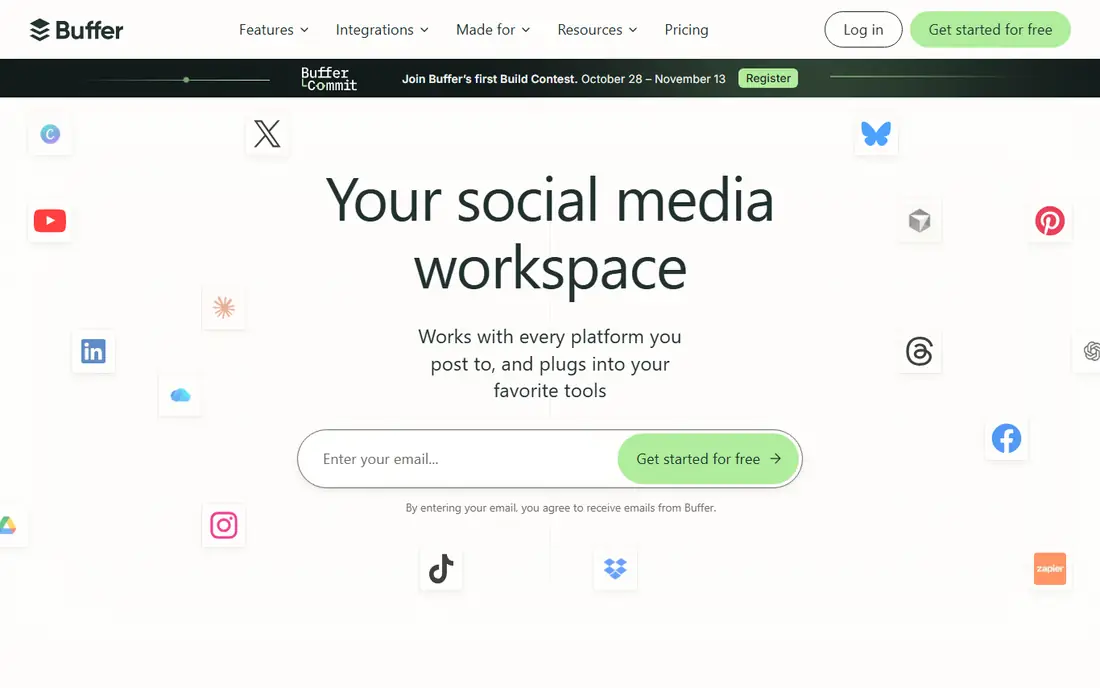
Buffer works best when the job is plain and repeatable: draft a post, shape it for each network, put it in a queue, and check what performed. The interface stays close to that job, so a new user can set up channels and a first week of posts without a long onboarding call. Its AI Assistant helps turn one idea into platform-specific drafts, which cuts the blank-page problem for a solo marketer who posts daily.
The catch is arithmetic. Buffer charges per channel, so one brand with Facebook, Instagram, LinkedIn, TikTok, and YouTube costs more than the headline price suggests. Teams should map every page and profile first, then price the real set. Reporting is useful for spotting top posts, but brands that need competitor tracking, social listening, or approval chains will outgrow Buffer sooner than a larger suite. For a small team that values speed over depth, that trade is usually worth it.
What we like- Simple calendar and queue
- AI Assistant for drafts and rewrites
- Free plan for up to three channels
Watch out for- Per-channel pricing grows with each account
- Advanced reporting sits on higher plans
- No built-in listening depth for large brands
#2Hootsuite
Best for: Larger teams and listening4.3/5 on
G2 (7,433 reviews, checked Oct 2026)
Visit hootsuite.com
Starting price$99 per user/month (billed annually)
Free planFree trial
Hootsuite fits teams that treat social as a shared operation rather than a single queue. Scheduling, a shared calendar, and AI-assisted drafting sit next to listening streams, so a team can spot a rising topic, draft a response, and route it for approval without leaving the platform. That breadth matters for brands with several accounts, regions, or product lines, where one missed mention can turn into a support problem.
The price reflects that scope. At $99 per user per month on annual billing, three seats cost far more than a flat team plan elsewhere, and some features only open on higher tiers. Smaller teams should test whether they truly use listening, reporting, and approvals, or whether they are paying for a control room they rarely enter. When the answer is yes, Hootsuite gives a single place to plan, publish, listen, and report, which can replace two or three separate tools.
What we like- Wide network coverage and scheduling
- Listening and trend tools
- Strong analytics and reporting options
Watch out for- Per-user pricing rises fast with each seat
- Entry plan limits some advanced features
- Setup takes more time than simpler tools
#3Sprout Social
Best for: Teams that need reporting and inbox4.4/5 on
G2 (6,880 reviews, checked Oct 2026)
Visit sproutsocial.com
Starting price$79 per seat/month (billed annually)
Free planFree trial
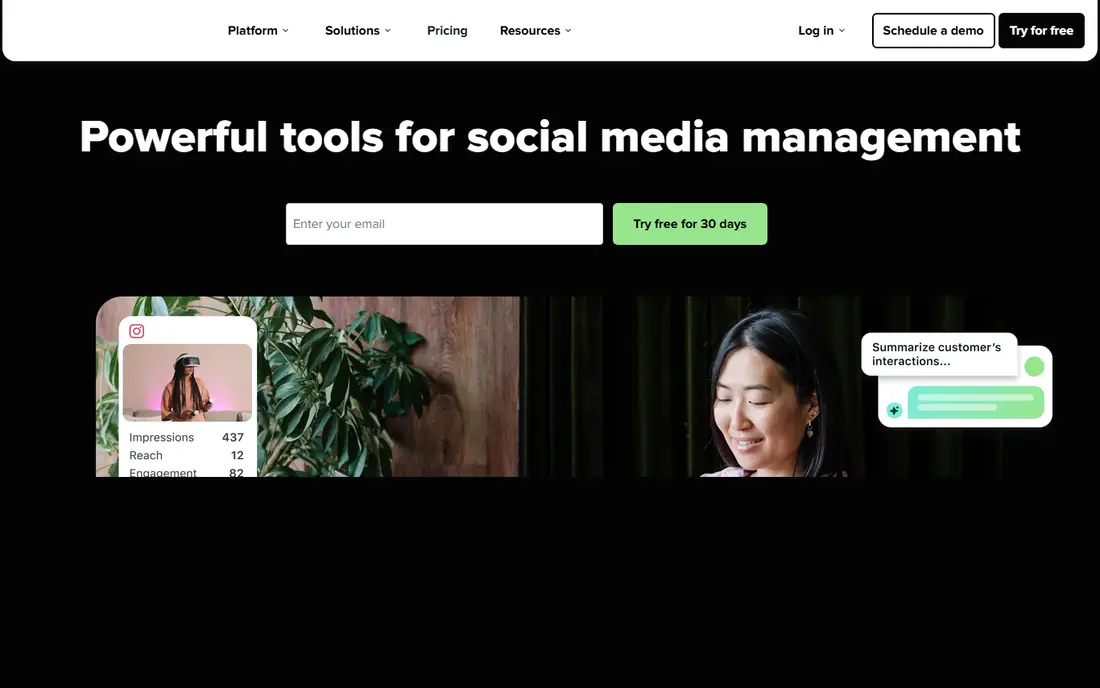
Sprout Social earns its place for teams that live in replies and reports. The Smart Inbox pulls comments and messages into one stream, which helps a support-minded team answer faster and avoid duplicate replies. Publishing and AI Assist sit in the same flow, so a caption draft can move from idea to scheduled post with fewer handoffs. Managers also get reports that are easy to present, with post performance, audience growth, and publishing patterns laid out in plain charts.
That polish comes at a per-seat price, and the entry tier covers five profiles, which can force an upgrade for brands with many accounts. Sprout also offers a 30-day trial rather than a lasting free plan, so a buyer should use the trial to test the inbox on real volume, not just a handful of posts. If the team answers a lot of social messages and reports to clients or leadership each month, Sprout often pays for itself in time saved. If publishing is the only job, a cheaper scheduler may do.
What we like- Strong inbox and publishing workflow
- Detailed reports that clients understand
- AI Assist for captions and replies
Watch out for- Per-seat pricing adds up for large teams
- No free plan, only a trial
- Some premium reports require higher tiers
#4Later
Best for: Visual planning and creator work4.5/5 on
G2 (384 reviews, checked Oct 2026)
Visit later.com
Starting price$18.75 per month (billed annually)
Free planFree trial
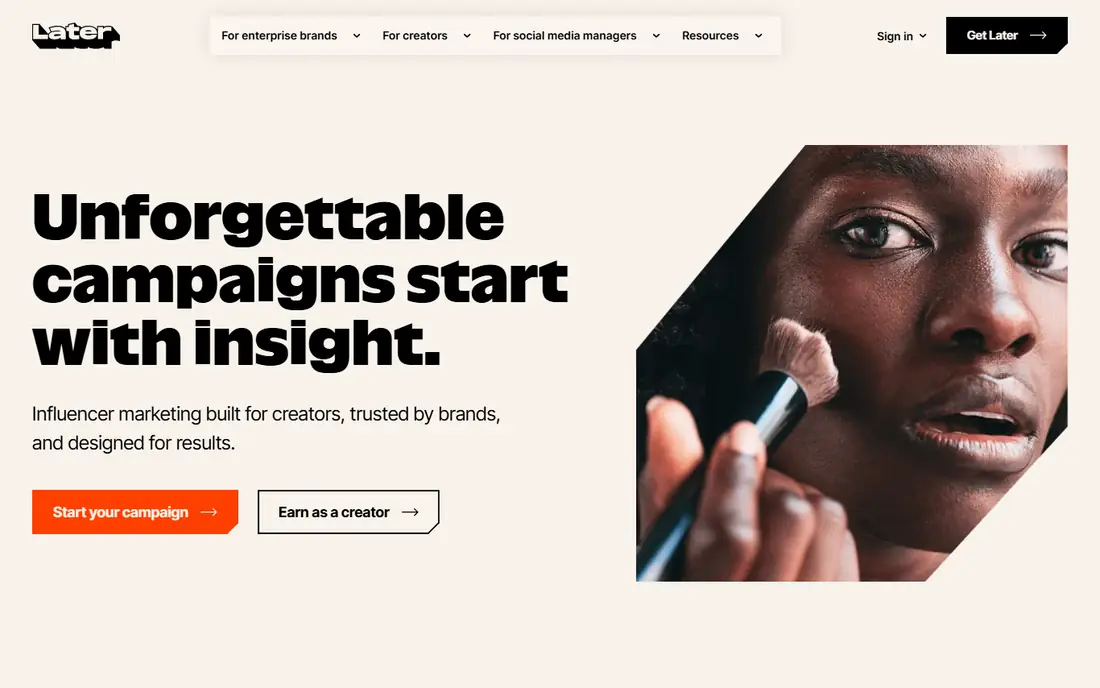
Later started as a visual planner, and that strength still shows. A creator or small brand can drag posts onto a calendar, preview how an Instagram grid will look, and keep a link in bio page tied to recent posts. That visual step matters when the feed itself is part of the brand, as it is for food, travel, fashion, and home goods. Later also covers influencer work, with creator search and campaign tools that help a brand move from discovery to a brief without a separate platform.
Lower plans cap posts per profile, so a high-volume account should check that limit before committing. Later also fits brands and creators better than a corporate team that needs deep listening or a shared support inbox. For a team that plans visually, posts often, and wants one place for scheduling plus link in bio, Later gives a clear, affordable path. Heavy publishers should price the next tier, not just the entry price.
What we like- Visual calendar and feed preview
- Link in bio tools
- Creator and influencer features for brands
Watch out for- Post limits on lower plans
- Some networks have narrower feature support
- Influencer tools suit brands more than solo creators
Starting price$19 per month (billed annually)
Free planFree trial
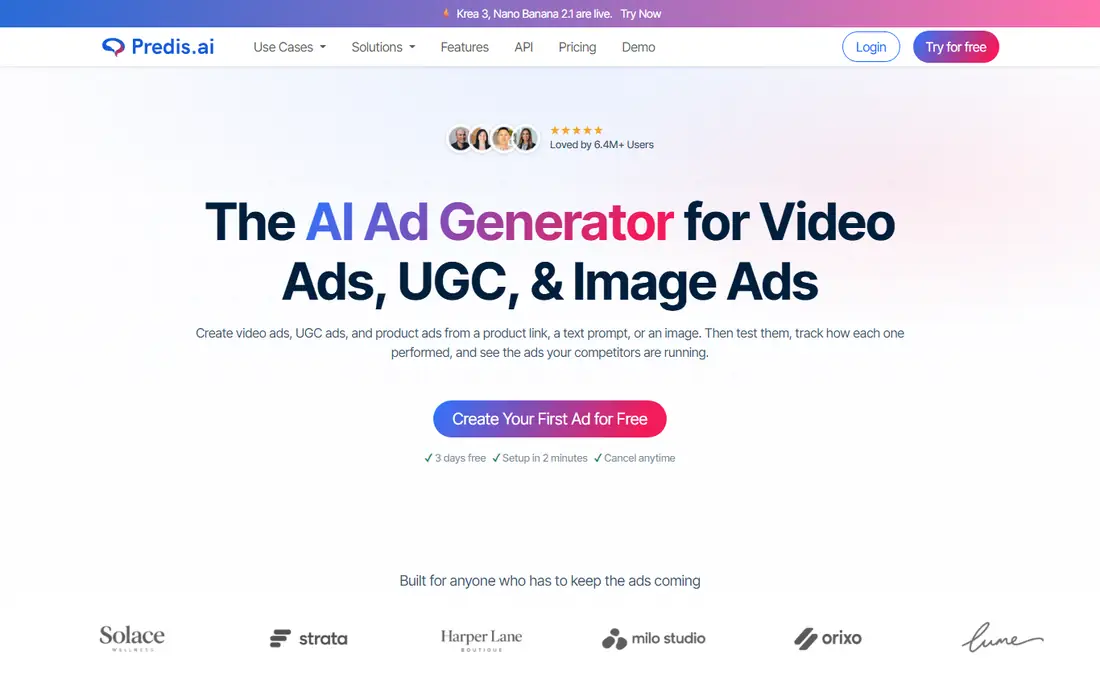
Predis.ai takes a different starting point from the schedulers on this list. Give it a product link, a prompt, or an image, and it returns ad creatives, headlines, captions, and short video options sized for each platform. That makes it useful for a store or agency that needs many variants for paid social and wants to test hooks quickly. Brand kits carry colors, tone, and logo across outputs, which helps a small team keep ads looking related even when volume is high.
Credits are the limit to watch. Each generation uses credits, and video uses more than a static image, so a team that tests heavily can burn through a monthly allowance. AI copy can also invent a claim or a price if the prompt is vague, so every ad needs a fact check before spend goes behind it. Predis.ai is best as a creation engine paired with a scheduler or a publishing tool, rather than a full replacement for planning, approvals, and reporting.
What we like- Generates image and video ads from a link or prompt
- Brand kits keep output consistent
- Competitor ad insight included
Watch out for- Credit limits shape how much you can generate
- Output still needs editing for accuracy
- Scheduling is secondary to creation
#6SocialBee
Best for: Evergreen content and categories4.7/5 on
G2 (477 reviews, checked Oct 2026)
Visit socialbee.com
Starting price$29 per month
Free planFree trial
SocialBee suits a business with content that stays useful for months. Tips, FAQs, product explainers, and seasonal reminders can live in categories, and SocialBee recycles them on a schedule instead of letting them sit in a document. That system helps a coach, clinic, restaurant, or local service stay present without writing a fresh post every day. Its AI tools generate captions, hashtags, and images from a prompt, and Copilot can build a posting plan from a website or a short brief.
The entry Bootstrap plan covers five profiles, which fits one brand well but forces agencies to a higher tier quickly. Analytics history is also shorter on that plan, so a team that reports over a full year should check the tier that keeps two years of data. SocialBee rewards a buyer who plans in categories and reuses good content. A team that only posts breaking news will get less value from the evergreen engine.
What we like- Category-based evergreen scheduling
- AI post generation and Copilot planning
- Workspaces for clients or brands
Watch out for- No lasting free plan, only a 14-day trial
- Analytics history is shorter on the entry plan
- Some advanced features need higher tiers
#7ContentStudio
Best for: Agencies and bulk scheduling4.6/5 on
G2 (355 reviews, checked Oct 2026)
Visit contentstudio.io
Starting price$19 per month
Free planFree trial
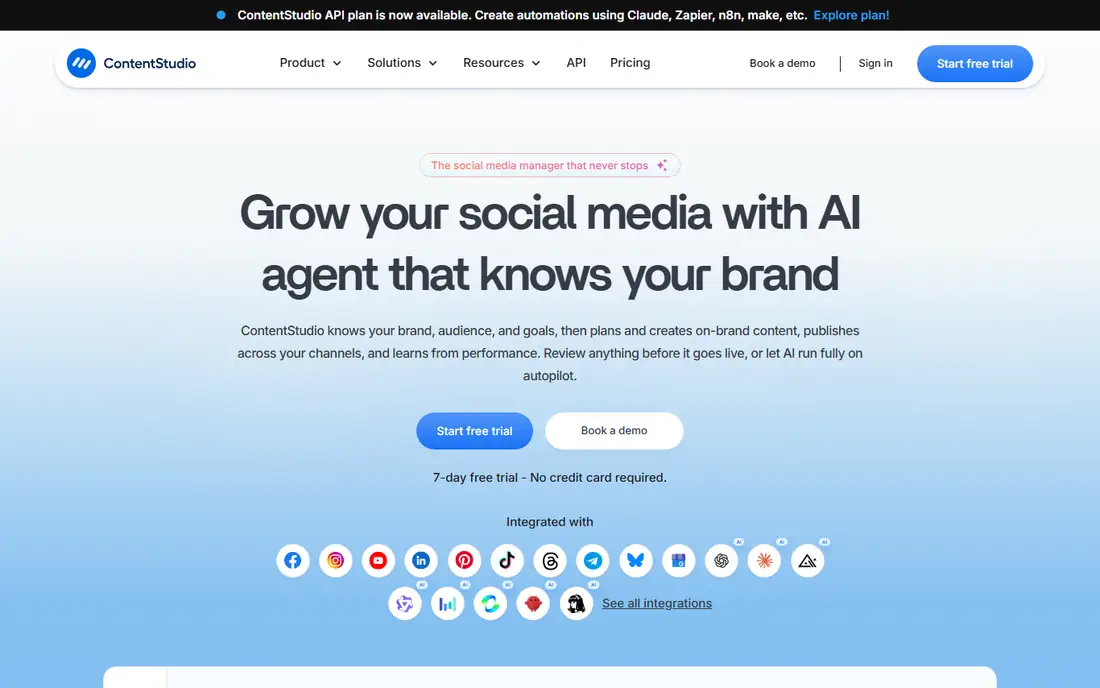
ContentStudio aims at teams that manage content at volume. Bulk scheduling by CSV upload lets an agency load weeks of posts in one pass, and content categories plus evergreen campaigns keep good posts in rotation. Its AI agent work focuses on brand, audience, and goals, then plans and creates drafts that a human can review before publishing. That review step matters, because autopilot publishing without a check can send a wrong date, price, or tone live.
The trial lasts seven days, which is short for testing bulk workflows, approvals, and reporting on real client work. New users should use that week with a real content set, not demo posts, to see whether categories and approvals fit their process. ContentStudio also packs many features into one dashboard, so the first week can feel busy. For an agency that schedules in bulk and manages several clients, that depth is a strength once the team learns the layout.
What we like- AI planning and captions across many networks
- Bulk scheduling by CSV upload
- Agency workspaces and approvals
Watch out for- Short 7-day trial
- Interface has many features to learn
- Higher plans needed for larger agency volume
#8Vista Social
Best for: Agencies that want AI help at scale4.8/5 on
G2 (1,136 reviews, checked Oct 2026)
Visit vistasocial.com
Starting price$99 per month
Free planFree trial
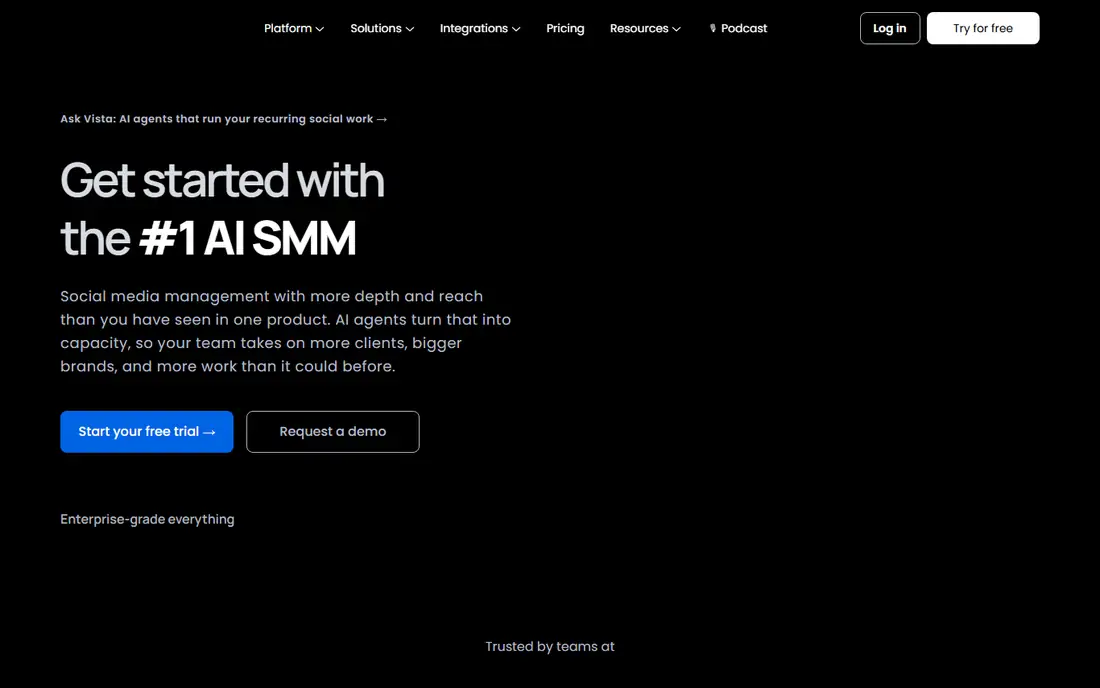
Vista Social positions itself as an AI command center for social teams, with agents that handle recurring tasks and a single place for publishing, engagement, listening, and reporting. That pitch fits an agency or a growing brand that repeats the same weekly work: draft, approve, publish, reply, report, repeat. Centralizing those steps can cut tab switching and give a manager one view of every client or brand.
The $99 per month entry price is higher than Buffer, Later, or ContentStudio, so a solo creator may pay for capacity they do not need. Vista Social also offers a trial rather than a free plan, so a buyer should test AI-assisted workflows on a real calendar before paying. When a team manages many profiles and wants AI help with routine work while keeping human approval, Vista Social is a credible step up from a basic scheduler.
What we like- AI agents for recurring social work
- Publishing, engagement, and analytics in one place
- Review and listening tools
Watch out for- No free plan, only a trial
- Entry price is higher than simple schedulers
- Smaller teams may not use the full feature set
How we chose
We compared pricing pages, product documentation, and public reviews on G2, Capterra, and Reddit, and we checked each vendor homepage to confirm the product still exists and matches its category. We favored tools with a clear AI creation feature, not just a scheduler with a caption button, and we weighed how each vendor bills: per channel, per seat, per brand, or as a flat plan. We also looked at limits that change real cost, such as post caps, profile counts, credit allowances, and analytics history. No tool here was chosen for a single feature alone; each one had to serve a distinct buyer, from a solo creator to an agency team.
What to check before you pay
A good AI social tool should reduce drafting time without creating a review burden that eats the saving. Start with a one-week test using real posts, real images, and real replies, and count how many AI drafts you publish with only light edits. If most drafts need a rewrite, the tool is not learning your voice, and a simpler scheduler plus a separate writing tool may serve you better.
Count the real bill
List every channel, seat, brand, and workspace you need, then price that exact set on each vendor page. A $5 per channel plan can beat a $29 flat plan for one brand, and lose for five brands. Check whether annual billing locks you in, whether extra users cost more, and whether AI generation is capped by credits or by plan. Ask what happens when you hit a cap mid-month, because a paused queue is a visible failure.
Check approvals and brand control
If more than one person touches content, approvals, roles, and a shared asset library matter more than a new AI feature. Confirm who can publish, who can only draft, and whether a client can approve from a link without a login. Check data export too: you should be able to take your scheduled posts, media, and reports with you if you switch. A tool that traps your content calendar is a poor long-term choice, even at a low price.
Keep AI output honest
AI captions and video scripts can sound confident while getting a price, date, or product detail wrong. Build a short checklist for every post: claim, price, link, image rights, and platform format. Keep a human in the loop for regulated claims, health advice, and financial promises. The best workflow here is AI for the first draft and a person for the final check, every time.
Frequently asked questions
Do I need an AI tool, or just a scheduler?
A scheduler is enough if you already have copy and images ready and only need to publish on time. An AI tool helps when drafting is the bottleneck, when you need many variants for ads, or when you post across several networks with different formats. Try a trial with your real workload and measure drafts published per hour before you decide.
Will AI captions sound like my brand?
They can get close with a brand kit, examples, and tone settings, but early drafts often sound generic. Feed the tool your best past posts, set banned phrases and claims to avoid, and edit the first twenty drafts carefully. Over time, the output improves, but a human edit stays necessary for voice and accuracy.
Can these tools post to TikTok, Instagram, and LinkedIn?
Most tools on this list publish to the major networks, including Facebook, Instagram, TikTok, LinkedIn, YouTube, and X, but feature depth varies by network. Check each vendor page for the exact networks you use, and test short video, carousels, and first comments during the trial, since those formats fail most often.
How much should a small team budget per month?
A solo creator can often start under $30 per month, while a small team with several brands should budget $50 to $150 per month before AI credits or extra seats. Price your exact channels and seats, not the headline plan, and add a buffer for a higher tier if post limits or analytics history matter to you.
Is a free plan enough to start?
A free plan works for learning the calendar and publishing a few channels, but it usually limits profiles, posts, AI generations, and reports. Use it to test the workflow, then move to a paid plan when volume, approvals, or reporting become regular needs. A trial on a paid tier gives a truer test than a free plan alone.
Do AI tools replace a social media manager?
No. AI speeds drafting, resizing, and scheduling, but strategy, community replies, crisis judgment, and brand decisions still need a person. The strongest setup pairs a skilled manager with AI for routine drafts, so the manager spends more time on ideas, replies, and results, and less time on formatting.
Sources we checked (8)
- https://buffer.com/pricing
- https://www.hootsuite.com/plans
- https://sproutsocial.com/pricing
- https://later.com/pricing
- https://predis.ai/pricing
- https://socialbee.com/pricing
- https://contentstudio.io/pricing
- https://vistasocial.com/pricing
Is your product missing or out of date?
We review this list regularly. Vendors can request a listing, send updated pricing or ask about featured placement.

Shihab Mia · Founder, Rankite
Shihab has 5+ years in B2B and SaaS SEO. He writes Rankite's software buying guides from pricing pages, documentation and public user reviews. More about Shihab.