How we make this list: we compare pricing pages, product documentation and public user reviews. Ratings come from G2, Capterra or Trustpilot, with the date we checked them.
GitHub Copilot Business is the best AI tool for DevOps for most teams, because it covers code, tests, and pipeline changes in the tools developers already use, at 19 dollars per user per month. Teams that live in GitLab should pick GitLab Duo Pro instead, while Datadog Bits AI is the stronger choice for incident investigation.
This guide covers AI-first tools only. That means AI code assistance, AI incident response, AI observability and root-cause analysis, and AI-assisted pipelines. It does not re-list general DevOps platforms such as Jenkins or Argo CD, and GitHub Copilot appears here as an AI coding tool, not as the GitHub platform. Every price below comes from the vendor pricing page, checked on 11 November 2026.
Key points before the detailed list:
- GitHub Copilot Business costs $19 per user per month, with a free plan for limited individual use.
- GitLab Duo Pro is a $19 per user per month add-on, and it needs a GitLab Premium or Ultimate base plan.
- Datadog Bits AI starts at $500 per month for 500 AI Credits on annual billing, with about 6.5 credits per investigation.
- Harness AI and Cortex do not publish paid prices, so both need a sales quote before you can budget.
AI helps DevOps teams most in three places. It writes and reviews code, it investigates alerts and finds root causes, and it drafts pipeline fixes and status updates. Pick the tool that matches the bottleneck your team feels daily, not the one with the longest feature list. A team buried in pull requests needs code help first, while a team woken by pages needs incident AI first.
Data access is the main risk. These tools read code, logs, and incident history, so check where data is stored, how long it is kept, and whether it trains vendor models. Ask for SSO, audit logs, and clear retention terms before a pilot. Pricing also varies by model, with per-seat plans, per-credit bundles, and quotes, so compare the cost at your real usage level, not the headline price.
A 10-engineer team faces very different bills across this list, because the vendors count different things. The worked example below uses the published starting price for each tool, before data, hosts, or add-ons. Treat the quote-only tools as unknown until sales replies, and treat the credit tools as estimates that move with alert volume.
GitHub Copilot Business: 10 seats at $19 per user per month is $190 per month; GitLab Duo Pro: 10 add-on seats at $19 is $190 per month, plus 10 GitLab Premium seats at $29, a combined $480 per month; Harness AI: quote, with a free tier at $0 to start; Datadog Bits AI: $500 per month for 500 AI Credits on annual billing, plus Datadog platform costs; Dynatrace Davis AI: Full-Stack Monitoring at $58 per 8 GiB host per month, so 10 hosts cost $580 per month before AI units; PagerDuty Advance: 10 Professional seats at $21 per user per month is $210 per month, plus the Advance add-on, whose price is not published; New Relic AI: Standard starts at $10 for the first full platform user plus $99 for each of the other 9, which is $901 per month before data ingest; Cortex: quote, with no published starting price.
| Tool |
Best for |
Starting price (checked 11 Nov 2026) |
Free plan |
| GitHub Copilot |
AI code assistance in the editor and pull requests |
$19 per user per month (Business) |
Free plan with limited use |
| GitLab Duo |
AI coding and security inside GitLab pipelines |
$19 per user per month (Duo Pro add-on) |
Limited use included for Premium and Ultimate customers |
| Harness AI (AIDA) |
AI pipeline help, deployment insight, and cost policy |
quote (paid plans); Free tier $0 |
Free tier |
| Datadog Bits AI |
Autonomous alert investigation and code fixes |
$500 per month for 500 AI Credits (annual billing) |
14-day trial; Datadog free tier up to 5 hosts |
| Dynatrace Davis AI |
Causal root-cause analysis across logs and traces |
$58 per month per 8 GiB host (Full-Stack) |
No free tier; 15-day trial |
| PagerDuty Advance |
Generative AI for incidents, status updates, and SRE agents |
$21 per user per month (Professional) plus Advance add-on, price not published |
Free plan up to 5 users |
| New Relic AI |
AI assistant and incident agent on observability data |
$10 first user, $99 per additional user (Standard) |
Free tier, 100 GB per month |
| Cortex |
AI-assisted service catalog, ownership, and scorecards |
quote |
No free plan; free trial available |
Quick comparison
| Tool | Best for | Starting price | Free plan |
|---|
 GitHub Copilot | Teams that write code in GitHub and want AI help in the editor, terminal, and pull requests | $19 per user per month (Business); Pro from $10 per user per month | Free plan with limited use; no credit card required |
 GitLab Duo | Teams already on GitLab Premium or Ultimate that want AI across code, review, and security | $19 per user per month (Duo Pro add-on; GitLab Premium base from $29 per user per month) | Limited Duo Code Suggestions and Chat included for Premium and Ultimate customers; no standalone free plan |
 Harness AI (AIDA) | Teams running Harness pipelines that want AI help with failed builds, deployments, and cloud costs | quote (paid plans; Free tier $0) | Free tier with 2,000 Harness Cloud credits per month |
 Datadog Bits AI | Teams already on Datadog that want autonomous investigation of alerts | $500 per month for 500 AI Credits (annual billing); $1.30 per credit on demand | 14-day trial; Datadog free tier covers up to 5 hosts |
 Dynatrace Davis AI | Large teams with complex hybrid estates that need causal root-cause analysis | $58 per month per 8 GiB host (Full-Stack Monitoring); Agentic Operations $0.10 per AI unit | No free tier; 15-day trial |
 PagerDuty Advance | On-call teams that want generative AI for status updates, incident summaries, and SRE diagnostics | $21 per user per month (Professional, annual billing); Advance add-on price not published on the current pricing page | Free plan for up to 5 users |
 New Relic AI | Teams on New Relic that want plain-language queries and AI incident help on observability data | $10 for the first full platform user, $99 per additional user (Standard); AI features need the Advanced Compute add-on, price on request | Free tier with 100 GB data ingest per month and one full platform user |
 Cortex | Platform teams that need a live service catalog, ownership answers, and production readiness scorecards | quote | No free plan; free trial available |
Is your product missing or out of date?
We review this list regularly. Vendors can request a listing, send updated pricing or ask about featured placement.
#1GitHub Copilot
Best for: Teams that write code in GitHub and want AI help in the editor, terminal, and pull requests4.4/5 on
G2 (397 reviews, checked Oct 2026)
Visit github.com
Starting price$19 per user per month (Business); Pro from $10 per user per month
Free planFree plan with limited use; no credit card required
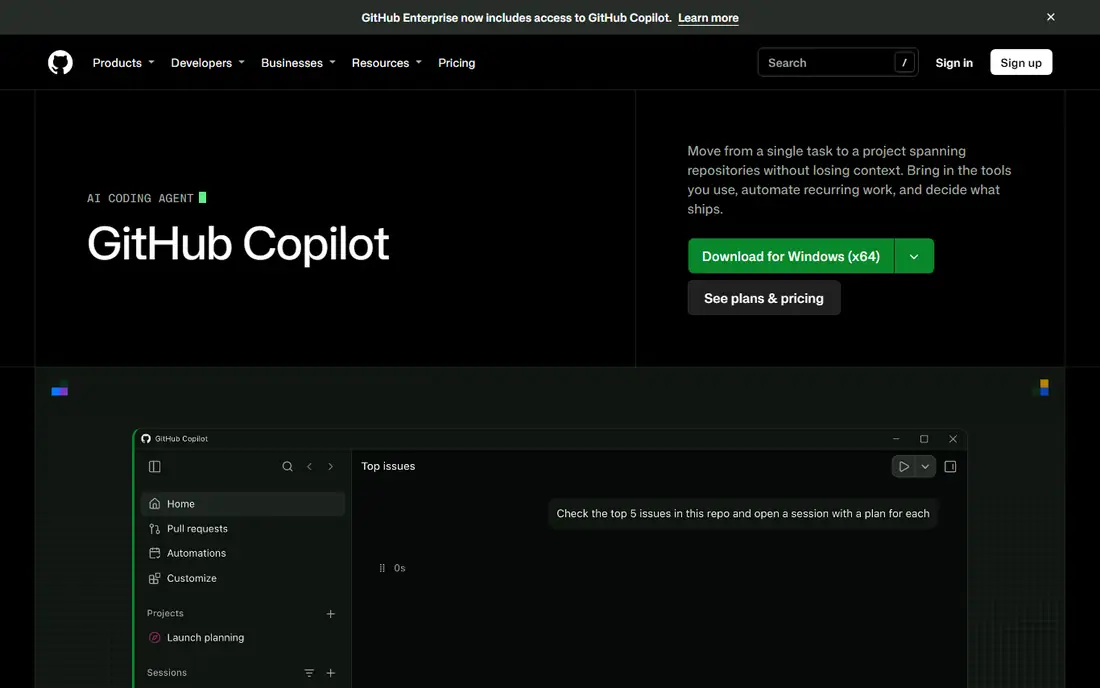
Copilot works inside the editor, the command line, and pull requests, so it meets developers where code and review already happen. It drafts code, tests, and pipeline changes from natural language prompts, and its cloud agent can turn an issue into a pull request for review. The credit model needs care, because heavy agent use burns through the monthly allowance fast, and teams should set spending controls before they roll it out widely.
What we like- Works in the editor, CLI, and pull requests
- Cloud agent turns issues into pull requests
- Strong model choice
Watch out for- Credit use can burn through the monthly allowance fast on heavy agent work
- New self-serve Copilot Business sign-ups for some orgs were paused in April 2026
#2
GitLab Duo
Best for: Teams already on GitLab Premium or Ultimate that want AI across code, review, and security
Visit about.gitlab.com
Starting price$19 per user per month (Duo Pro add-on; GitLab Premium base from $29 per user per month)
Free planLimited Duo Code Suggestions and Chat included for Premium and Ultimate customers; no standalone free plan
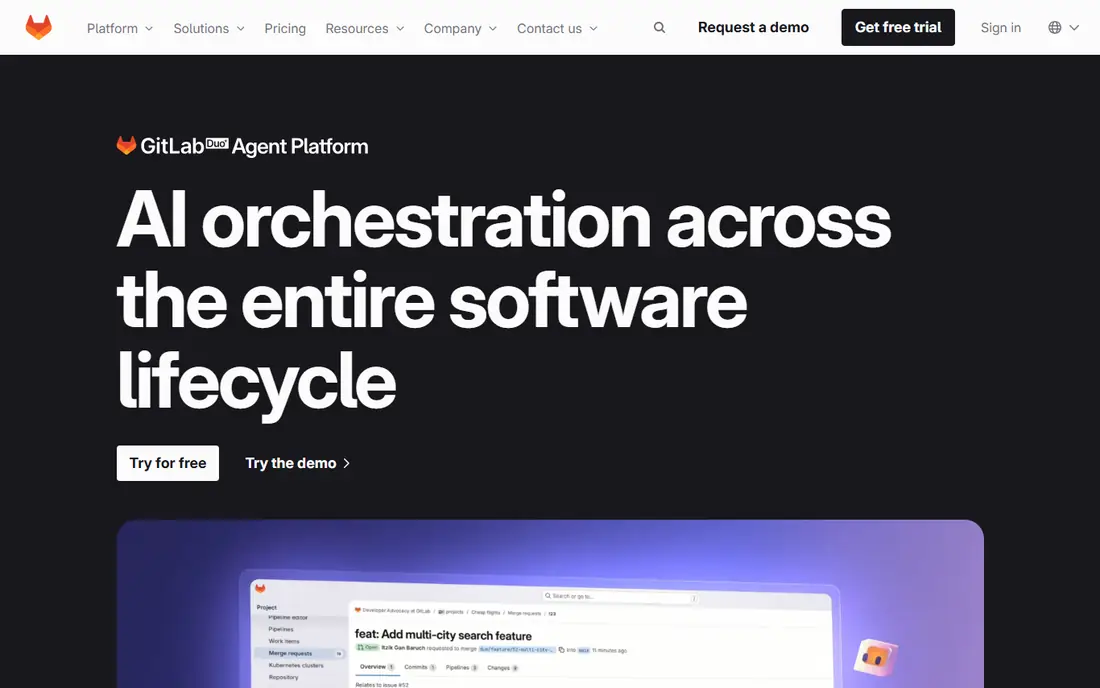
Duo sits inside GitLab, so its suggestions draw on merge requests, pipelines, and security findings without a separate tool to open. It writes and reviews code, explains vulnerabilities, and drafts fixes that stay in the same workflow as the pipeline that flagged them. The catch is cost stacking, because Duo Pro is an add-on on top of Premium or Ultimate, and agent work also draws down GitLab Credits, so the monthly bill has two moving parts.
What we like- Native to merge requests, pipelines, and security scans
- Multi-model choice
- Agent platform for whole-workflow tasks
Watch out for- Total cost stacks, because the add-on sits on top of a paid base plan and agent work also uses GitLab Credits
#3
Harness AI (AIDA)
Best for: Teams running Harness pipelines that want AI help with failed builds, deployments, and cloud costs
Visit harness.io
Starting pricequote (paid plans; Free tier $0)
Free planFree tier with 2,000 Harness Cloud credits per month
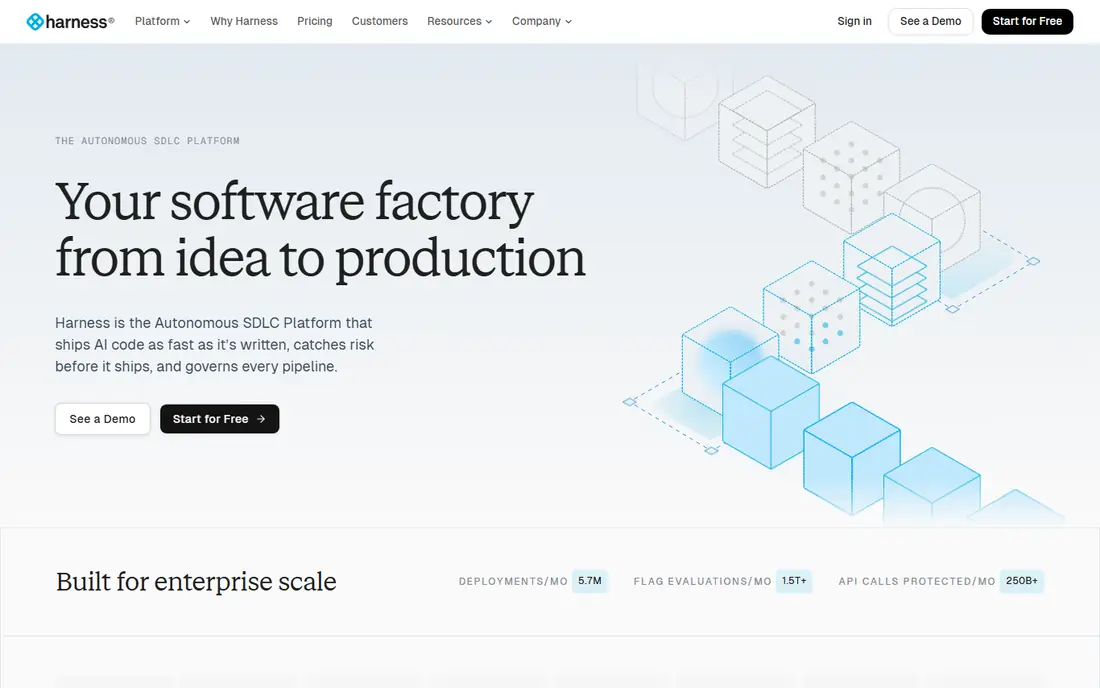
Harness AI, first launched as AIDA, works across pipelines, deployments, and cloud costs instead of living in one module. It explains failed builds, suggests pipeline fixes, and turns plain language into cost policies, which saves time during releases. The main drawback is pricing opacity, because paid plans are sold by quote and module licensing makes it hard to forecast spend without a sales conversation.
What we like- Built into CI, CD, and cost tools rather than bolted on
- Explains failed deployments in plain language
- AI cost policies from natural language
Watch out for- Paid prices are not published, so budgeting needs a sales quote
- The module list keeps growing, which adds learning time
#4
Datadog Bits AI
Best for: Teams already on Datadog that want autonomous investigation of alerts
Visit datadoghq.com
Starting price$500 per month for 500 AI Credits (annual billing); $1.30 per credit on demand
Free plan14-day trial; Datadog free tier covers up to 5 hosts
Bits Investigation acts as an always-on agent that picks up alerts, gathers telemetry, and returns an evidence-backed root cause without waiting for a human to start digging. It can also propose code fixes through Bits Code, which shortens the path from alert to repair. The risk is cost control, because credits reset each month without rollover, and a noisy alert stream can burn through the bundle before the month ends.
What we like- Investigates alerts on its own with native telemetry access
- Proposes code fixes through Bits Code
- Chat, investigation, and code fixes share one credit pool
Watch out for- Credits reset each month with no rollover, so unused credits are lost
- It needs Datadog platform costs on top
#5
Dynatrace Davis AI
Best for: Large teams with complex hybrid estates that need causal root-cause analysis
Visit dynatrace.com
Starting price$58 per month per 8 GiB host (Full-Stack Monitoring); Agentic Operations $0.10 per AI unit
Free planNo free tier; 15-day trial
Davis AI uses a causal model of the environment, so it traces a problem to its root cause instead of listing every alert that fired at the same time. It works across logs, traces, and infrastructure in one view, and its agentic features can run multi-step investigations on their own. The drawback is the commitment model, because everything draws down from an annual platform spend, and the minimum commitment is not published, so small teams cannot size the deal from the pricing page alone.
What we like- Causal AI traces problems to a root cause instead of listing alerts
- One agent covers the full stack
- Unlimited seats with no per-user fee
Watch out for- Everything draws down from an annual commitment whose minimum is not published
- AI unit costs are averages, so agent bills vary
#7
New Relic AI
Best for: Teams on New Relic that want plain-language queries and AI incident help on observability data
Visit newrelic.com
Starting price$10 for the first full platform user, $99 per additional user (Standard); AI features need the Advanced Compute add-on, price on request
Free planFree tier with 100 GB data ingest per month and one full platform user
New Relic AI sits on top of a broad observability platform, so its assistant and incident agent can query logs, traces, and errors in plain language. It helps teams find the cause of a slow transaction without writing a query from scratch. The drawback is the add-on cost, because the newest AI features need Advanced Compute, which has no public unit price, and full platform seats on Pro cost 349 dollars per user per month on an annual commitment.
What we like- No per-host charges, so container-heavy stacks do not inflate the bill
- Generous free tier
- AI assistant queries logs, traces, and errors in plain language
Watch out for- Advanced Compute, needed for the newest AI features, has no public unit price
- Pro full platform seats cost $349 per user per month on annual billing
#8
Cortex
Best for: Platform teams that need a live service catalog, ownership answers, and production readiness scorecards
Visit cortex.io
Starting pricequote
Free planNo free plan; free trial available
Cortex keeps a live catalog of every service, its owner, and its production readiness score, and its AI features answer ownership questions across thousands of repositories. Scorecards grade each service against standards for on-call cover, security, and reliability, which gives platform teams a clear list of what to fix first. The drawback is pricing, because Cortex does not publish a price list, so teams must go through sales to learn what their service count will cost.
What we like- Live catalog maps ownership across thousands of repos
- Scorecards grade readiness, security, and on-call cover
- AI features help roll out coding agents with standards
Watch out for- No published price list, so costs need a sales proposal
- Value depends on keeping the catalog and scorecards current
Frequently asked questions
What is the best AI tool for DevOps for a small team?
Small teams should start with GitHub Copilot Pro at 10 dollars per user per month, because it adds AI help to code and reviews without a platform migration. Add Datadog Bits AI or PagerDuty Advance only when incident volume, not code volume, becomes the bigger cost.
Do AI DevOps tools replace SREs?
No, these tools assist engineers rather than replace them, because every suggestion, fix, and root cause still needs a human to check it before it reaches production. They cut the time spent on routine investigation and drafting, but accountability for a deploy or a fix stays with the team that ships it.
How much does AI for DevOps cost per month?
A 10-engineer team can start near 190 dollars per month with Copilot Business, while a full observability setup with AI can pass 500 dollars per month before data and host charges. The honest way to budget is to trial one tool for a month, measure credit or investigation use, and then compare that real number against the next option.
Can AI DevOps tools work with our existing stack?
Most of these tools plug into tools teams already run, including GitHub, GitLab, Slack, and common observability platforms, so a rip-and-replace migration is rarely needed. The exception is the platform-bound AI, such as Duo and Bits, which only works well when its host platform already holds your code or telemetry.
Is our code safe with AI DevOps tools?
Your code and logs are safe only as far as the vendor terms allow, so read the data retention, model training, and residency clauses before you connect a production repository. Prefer vendors that offer SSO, audit logs, and a clear statement that customer data is not used to train shared models, and keep secrets out of prompts and logs.
Sources we checked (9)
- https://github.com/features/copilot
- https://docs.github.com/en/copilot/get-started/plans
- https://about.gitlab.com/gitlab-duo/
- https://www.harness.io/
- https://docs.datadoghq.com/account_management/billing/ai_credits/
- https://www.dynatrace.com/pricing/
- https://www.pagerduty.com/
- https://newrelic.com/info/pricing
- https://www.cortex.io/
Is your product missing or out of date?
We review this list regularly. Vendors can request a listing, send updated pricing or ask about featured placement.

Shihab Mia · Founder, Rankite
Shihab has 5+ years in B2B and SaaS SEO. He writes Rankite's software buying guides from pricing pages, documentation and public user reviews. More about Shihab.