How we make this list: we compare pricing pages, product documentation and public user reviews. Ratings come from G2, Capterra or Trustpilot, with the date we checked them.
Key takeaways
- Cursor is the best AI tool for professional developers who want an AI editor with deep codebase understanding.
- GitHub Copilot suits teams already on GitHub, with broad editor support and a low entry price.
- Claude Code is best for large, repo-wide tasks where reasoning depth matters more than a flat fee.
- Windsurf offers a Cursor-style editor at a lower price.
- Lovable, Bolt.new, v0, and Replit suit founders and non-developers who want a working app from a prompt.
- AI code still needs review, since generated code can contain bugs, security flaws, and outdated libraries.
- Prices vary by plan and billing, and several tools meter by usage, so check the pricing page before you build something big.
Quick comparison
| Tool | Best for | Starting price | Free plan |
|---|
 Cursor Cursor | Professional developers, AI editor | $20 per month | Yes |
 GitHub Copilot GitHub Copilot | GitHub teams, broad editor support | $10 per month | Yes |
 Claude Code Claude Code | Large repo-wide tasks | See website | No |
 Windsurf Windsurf | Cursor-style editing at lower cost | $15 per month | Yes |
 Lovable Lovable | Founders building from prompts | $25 per month | Yes |
 Bolt.new Bolt.new | Fast web app prototypes | $20 per month | Yes |
 v0 v0 | Polished React interfaces | $30 per user per month | Yes |
 Replit Replit | Browser IDE with deployment | $20 per month | Yes |
Is your product missing or out of date?
We review this list regularly. Vendors can request a listing, send updated pricing or ask about featured placement.
#1Cursor
Best for: Professional developers, AI editor4.6/5 on
G2 (326 reviews, checked Oct 2026)
Visit cursor.com
Starting price$20 per month
Free planYes
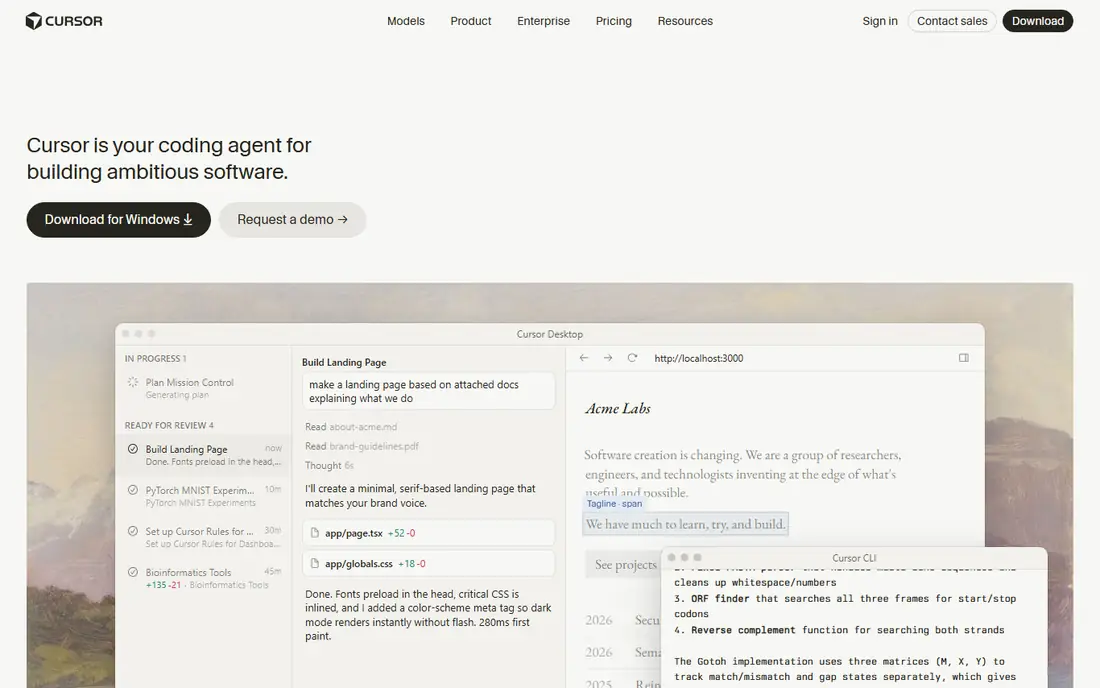
Cursor is an AI-first code editor built on a familiar editor base, and it is the most popular choice among startup developers. It understands a whole codebase, suggests edits inline, and runs agent tasks that change several files at once. A free plan lets you try it, and the Pro plan starts near $20 per month, with higher tiers for heavy use.
Costs can rise with heavy agent use, and model pricing varies by plan, so check the current page. Cursor assumes you can already set up a project and review code, so it suits developers more than complete beginners. For professional developers building fast, Cursor is the leading pick.
What we like- Deep codebase understanding
- Agent edits across files
- Fast for startups
Watch out for- Usage costs can rise
- Model pricing varies
- Best for people who already code
#2GitHub Copilot
Best for: GitHub teams, broad editor support4.4/5 on
G2 (397 reviews, checked Oct 2026)
Visit github.com
Starting price$10 per month
Free planYes
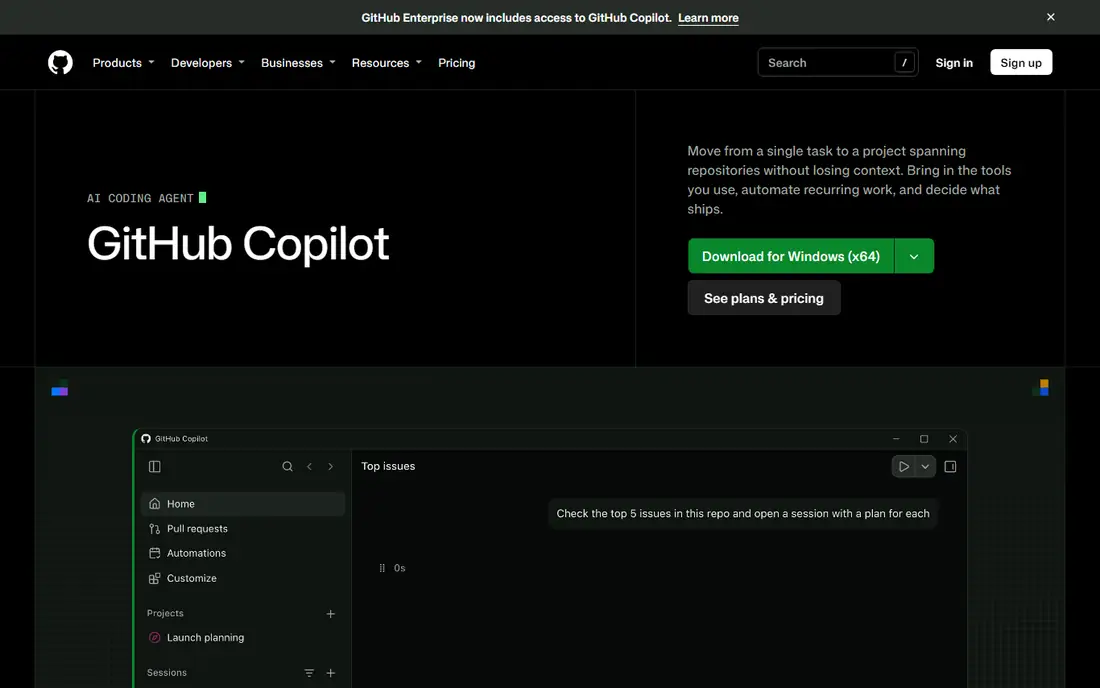
GitHub Copilot is the most widely used AI coding assistant, built into VS Code, JetBrains, Neovim, and Xcode. It completes code as you type, answers questions about your code, and runs agent tasks in newer plans. A free tier offers limited completions each month, and the Pro plan starts at $10 per month, which makes it the cheapest entry among major editors.
Agent behavior trails Cursor on some multi-file tasks, and heavy use draws on usage credits. Copilot fits best inside the Microsoft and GitHub ecosystem, where procurement and compliance are simpler. For teams already on GitHub, Copilot is the natural choice.
What we like- Works in many editors
- Huge install base
- Low entry price
Watch out for- Agent features trail Cursor for some tasks
- Usage credits on higher use
- Microsoft ecosystem focus
#3Claude Code
Best for: Large repo-wide tasks4.7/5 on
G2 (125 reviews, checked Oct 2026)
Visit claude.com
Starting priceSee website
Free planNo
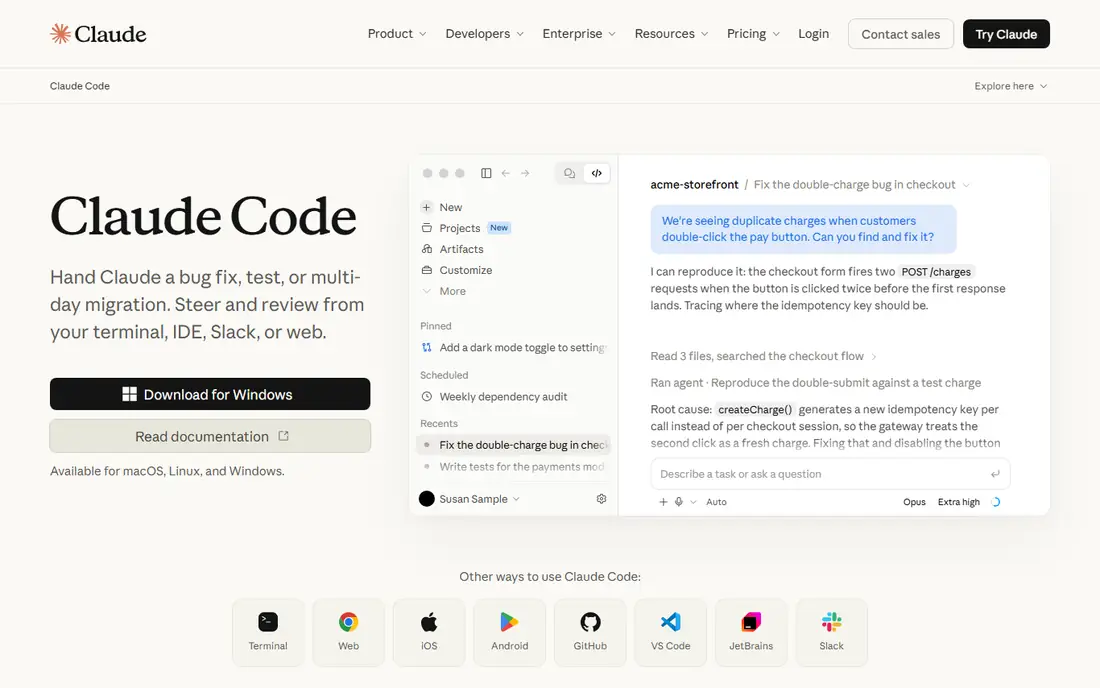
Claude Code is Anthropic terminal-first coding agent that works across a whole repository. It plans multi-step tasks, edits many files, runs tests, and explains its reasoning, which suits large refactors and complex features. Access comes through Anthropic Pro and Max plans or API usage billing, and heavy repo-scale work costs more than flat-fee tools.
There is no simple flat price, and costs are harder to predict than Cursor or Copilot. The terminal-first feel suits experienced developers more than beginners. For senior engineers tackling large, complex codebases, Claude Code reasoning depth is worth the variable cost.
What we like- Strong reasoning on long tasks
- Repo-scale work
- Terminal and editor support
Watch out for- Usage-based billing can cost more
- No simple flat price
- Terminal-first feel
#4Windsurf
Best for: Cursor-style editing at lower cost4.2/5 on
G2 (56 reviews, checked Oct 2026)
Visit windsurf.com
Starting price$15 per month
Free planYes
Windsurf is an AI editor similar to Cursor, with agent workflows, multi-file edits, and codebase understanding, at a lower Pro price near $15 per month. A free tier lets you test it before paying. Teams that want Cursor-style editing without the higher price often shortlist Windsurf first.
Ownership changed during 2026, which creates some uncertainty about the roadmap, and the plugin ecosystem is smaller than Cursor or Copilot. Some advanced features trail Cursor. For developers who want agent editing on a budget, Windsurf is good value.
What we like- Lower price than Cursor
- Similar agent editor feel
- Free tier available
Watch out for- Ownership changed during 2026
- Smaller ecosystem
- Some features trail Cursor
#5Lovable
Best for: Founders building from prompts4.6/5 on
G2 (456 reviews, checked Oct 2026)
Visit lovable.dev
Starting price$25 per month
Free planYes
Lovable turns a plain-language prompt into a working web app with a real codebase, hosted and ready to share. Founders use it to build a minimum viable product without setting up an environment, and GitHub sync lets a developer take over the code later. A free tier lets you try it, and the Pro plan starts near $25 per month with monthly credits.
Credits limit how much you can build each month, and top-ups add cost. Complex apps with payments, accounts, and tricky logic will eventually need someone who understands the code to debug them. For founders who want a working prototype fast, Lovable is a top pick.
What we like- Prompt to working app
- GitHub sync
- Good for MVPs
Watch out for- Credit limits
- Complex apps need real code skills
- Costs rise with top-ups
#6Bolt.new
Best for: Fast web app prototypes4.3/5 on
G2 (94 reviews, checked Oct 2026)
Visit bolt.new
Starting price$20 per month
Free planYes
Bolt.new, from StackBlitz, is the fastest path from an idea to a working preview in a browser. You describe the app, and it generates, runs, and shows it at once, with no local setup. A free tier lets you test it, and the Pro plan starts near $20 per month with a token allowance.
Token costs add up on larger projects, since each prompt and fix spends tokens, and bigger apps can strain the approach. Generated code still needs review for bugs and security. For rapid prototypes and demos, Bolt.new is hard to beat for speed.
What we like- Very fast idea to preview
- Browser based
- Good for prototypes
Watch out for- Token costs add up
- Larger projects strain the model
- Needs code review
#7v0
Best for: Polished React interfaces4.5/5 on
G2 (28 reviews, checked Oct 2026)
Visit v0.dev
Starting price$30 per user per month
Free planYes
v0, from Vercel, generates polished React and Next.js interfaces from prompts, with deployment to Vercel built in. UI quality is a strength, with clean layouts and modern styling that need less cleanup than many prompt builders. A free tier lets you try it, and paid plans start near $30 per user per month.
v0 focuses on front-end interfaces rather than full back-end apps, so you may pair it with another tool for data and accounts. The per-user price is higher than some rivals, and extra credits cost more. For teams that need polished interfaces fast, v0 is a strong pick.
What we like- Polished React and Next.js output
- Vercel deployment
- Strong UI quality
Watch out for- Front-end focus
- Higher per-user price
- Extra credits cost more
#8Replit
Best for: Browser IDE with deployment4.4/5 on
G2 (417 reviews, checked Oct 2026)
Visit replit.com
Starting price$20 per month
Free planYes
Replit combines a browser IDE with an AI agent that builds, runs, and deploys apps from a prompt. Beginners avoid local setup entirely, and teams can collaborate in the same workspace. A free tier covers starter use, and the Core plan starts near $20 per month with agent credits included.
Agent usage beyond the included credits costs extra on a pay-as-you-go basis, which can surprise builders on big requests. Large apps may hit performance limits, and the workflow is browser only. For beginners and small teams who want to build and ship without local tools, Replit is a complete package.
What we like- Full browser IDE
- Agent builds and deploys
- Good for beginners and teams
Watch out for- Agent usage beyond credits costs extra
- Performance limits on large apps
- Browser only
How we chose
We compared editor quality, agent ability, codebase understanding, prompt-to-app output, deployment options, and pricing structure. We also weighed how easily each tool exports code, since an app you cannot move to another platform is a risky place to build a business. Tools that only generate snippets scored lower than tools that edit whole codebases or deploy working apps. We favored tools with free tiers and noted where usage metering changes the real cost. We did not test any tool hands-on for a full project, and prices reflect published rates that vendors change often.
Buying guide: what to check before you pay
First, decide whether you write code or not. Coders should pick an editor like Cursor or Copilot, while non-coders should pick a prompt builder like Lovable or Replit. Next, check the billing model. Flat plans suit steady work, while credit and token plans suit bursts but can spike on big projects. Check whether you can export the code to GitHub, since that protects your work if you switch tools. Review AI output carefully, since generated code can contain bugs, insecure patterns, and outdated libraries, and never paste secrets or keys into a prompt. Finally, test with a small real project before you commit, since demo apps always look smoother than production code. Build one feature end to end, including data storage and user accounts if your app needs them, since those parts reveal limits that a landing page demo never shows.
Frequently asked questions
Can AI tools build a complete app without coding skills?
Yes, for simple to moderate apps, prompt builders like Lovable, Bolt.new, and Replit can produce a working app. Complex apps with payments, accounts, and tricky logic will eventually need someone who understands the code.
Is AI-generated code safe to use?
Not without review. AI code can contain bugs, security flaws, and outdated libraries, so review it, run tests, and scan for secrets before you ship it to users.
Which AI coding tool is cheapest?
GitHub Copilot Pro starts at $10 per month, which is the lowest entry among major editors. Free tiers from Cursor, Windsurf, and Replit also let you start at no cost.
Do I own the code AI tools generate?
In most cases yes, since the output is generated for your project, but check each vendor terms for your plan, especially on free tiers and team plans.
Will AI tools replace learning to code?
No, the builders who improve fastest read the AI output, ask why it chose an approach, and refactor it. Tools speed up work, but understanding code still matters for debugging and design.
Sources we checked (0)
Is your product missing or out of date?
We review this list regularly. Vendors can request a listing, send updated pricing or ask about featured placement.

Shihab Mia · Founder, Rankite
Shihab has 5+ years in B2B and SaaS SEO. He writes Rankite's software buying guides from pricing pages, documentation and public user reviews. More about Shihab.