How we make this list: we compare pricing pages, product documentation and public user reviews. Ratings come from G2, Capterra or Trustpilot, with the date we checked them.
ChatGPT is the best AI tool for beginners overall, because it is free to start, handles writing, images and voice in one place, and has the largest library of guides. Claude is the best pick for careful writing, with thoughtful answers and long document handling. Perplexity is the best pick for research, because every answer carries citations you can check.
Key takeaways
- ChatGPT, Claude, Gemini and Perplexity all have free tiers, so a beginner can start with no payment and learn what each tool does best.
- The standard paid tier is $20 a month across ChatGPT Plus, Claude Pro, Perplexity Pro and Copilot Pro, with Gemini AI Pro at $19.99.
- Free tiers have tight limits in 2026, and all four vendors tightened free message caps during the year to push daily users toward paid plans.
- Canva and Grammarly are the best beginner tools for design and writing help, because they work inside apps you already use.
- Prices conflict across sources for Grammarly and Notion, because monthly and annual billing show different figures, so check the billing toggle before you pay.
How we picked
We picked AI tools with a free tier a beginner can actually use, a clear paid upgrade, and a simple interface that does not need setup or training, and we checked prices from vendor pricing pages and independent comparisons on 13 Nov 2026. We ranked ease of use first, then free tier generosity, then breadth of tasks, and we flagged every price that conflicts between sources. Every price below is third-party reported from those sources, because monthly and annual billing show different figures for the same plan.
| Tool | Best for | Starting price | Free plan |
| ChatGPT | All-round AI for beginners | Free; Plus $20 per month | Yes |
| Claude | Careful writing and long documents | Free; Pro $20 per month | Yes |
| Google Gemini | Google users and free research tools | Free; AI Pro $19.99 per month | Yes |
| Perplexity | Cited research answers | Free; Pro $20 per month | Yes |
| Microsoft Copilot | Windows and Microsoft 365 users | Free; Pro $20 per month | Yes |
| Canva | Easy AI design | Free; Pro $15 per month | Yes |
| Grammarly | Everyday writing help | Free; Pro $12 per month | Yes |
| Notion | Notes and workspace with AI | Free; Plus $10 per member per month | Yes |
An AI tool costs nothing to start, because all eight tools here have free tiers, and the standard paid tier is $20 a month across ChatGPT Plus, Claude Pro, Perplexity Pro and Copilot Pro, with Gemini AI Pro at $19.99. Cheaper entry tiers exist: ChatGPT Go is listed at $8 a month, Google AI Plus at $4.99, and Claude Pro drops to $17 a month on annual billing. A beginner who pays for one $20 plan a month spends $240 a year, so start free, use the free tier for a few weeks, and pay only when you hit a limit that slows your work, such as the daily message cap or the upload limit.
Start with one AI tool, because learning one interface well beats collecting five logins you barely use. ChatGPT is the best first tool for most beginners, because it covers writing, images, voice and research in one place, and almost every tutorial online uses it. Add a second tool only when you hit a real gap: Perplexity when you need cited research, Canva when you need design, or Grammarly when you write every day. Keep the free tiers of the others for occasional use, and do not pay for two $20 plans until one of them earns its keep every week.
Free AI tools are safe for everyday questions, drafts and learning, but they are not the place for sensitive information, because free tiers may use your inputs to improve their models and their privacy terms vary. Do not paste passwords, medical records, financial details or confidential work documents into any AI tool, free or paid, unless you have checked its data policy. The tools here all publish privacy pages, and paid business plans usually offer stronger data controls. For a beginner, the practical rule is simple: use AI for drafts and ideas, keep private data out, and check important facts against a source you trust.
Quick comparison
| Tool | Best for | Starting price | Free plan |
|---|
 ChatGPT | All-round AI for beginners | Free; Plus $20 per month, third-party reported, checked 13 Nov 2026 | Yes, free tier with GPT model access |
 Claude | Careful writing and long documents | Free; Pro $20 per month, $17 on annual billing, third-party reported, checked 13 Nov 2026 | Yes, free tier for light daily use |
 Google Gemini | Google users and free research tools | Free; AI Pro $19.99 per month, third-party reported, checked 13 Nov 2026 | Yes, free tier with Deep Research and image generation |
 Perplexity | Cited research answers | Free; Pro $20 per month, $17 on annual billing, third-party reported, checked 13 Nov 2026 | Yes, free tier with a few Pro searches per day |
 Microsoft Copilot | Windows and Microsoft 365 users | Free; Pro $20 per month, third-party reported, checked 13 Nov 2026 | Yes, free tier with web search and citations |
 Canva | Easy AI design | Free; Pro $15 per month per user, third-party reported, checked 13 Nov 2026 | Yes, free tier with basic design tools |
 Grammarly | Everyday writing help | Free; Pro $12 per month on annual billing, third-party reported, checked 13 Nov 2026 | Yes, free tier with basic grammar checks |
 Notion | Notes and workspace with AI | Free; Plus $10 per member per month on annual billing, third-party reported, checked 13 Nov 2026 | Yes, free tier for one person |
Is your product missing or out of date?
We review this list regularly. Vendors can request a listing, send updated pricing or ask about featured placement.
#1ChatGPT
Best for: All-round AI for beginners4.6/5 on
G2 (3,089 reviews, checked Oct 2026)
Visit chatgpt.com
Starting priceFree; Plus $20 per month, third-party reported, checked 13 Nov 2026
Free planYes, free tier with GPT model access
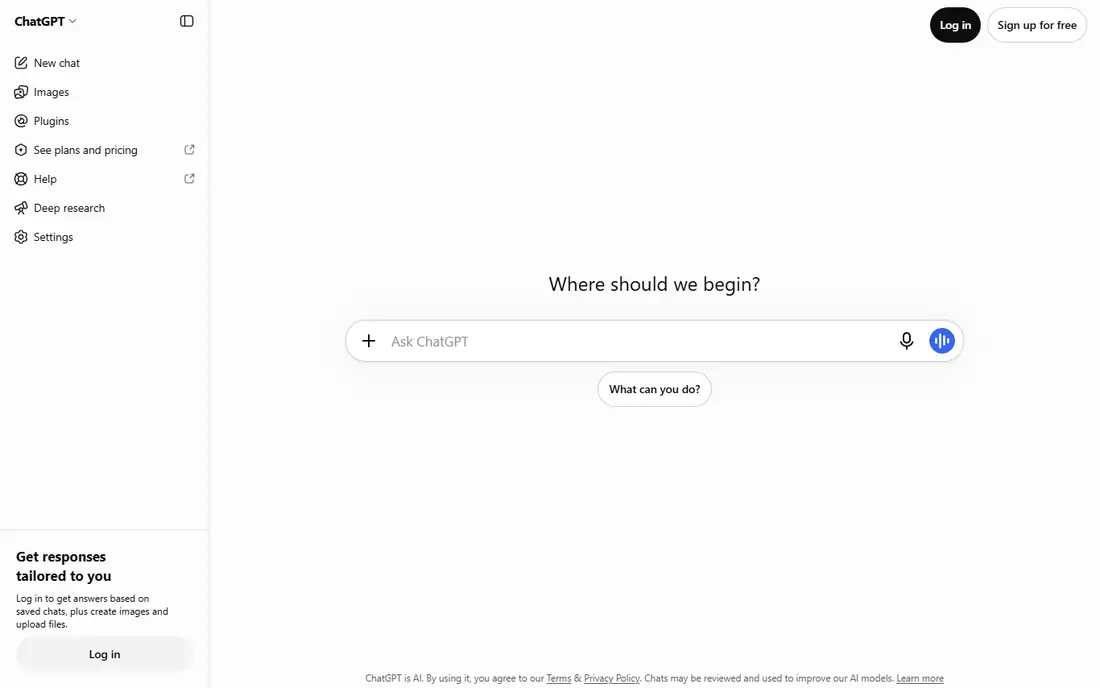
ChatGPT is the best AI tool for beginners overall. It handles writing, images, voice and research in one place, so a beginner can learn one tool instead of five, and almost every tutorial online uses ChatGPT, which makes help easy to find. The free tier covers unlimited text chats with the standard model, with limits on uploads, image creation and deep research, which is enough to learn what the tool can do. Plus costs $20 a month and raises those limits, while a cheaper Go tier is listed at $8 a month. Pick ChatGPT first, and add a specialist tool only when you hit a gap it cannot fill.
What we like- Broadest ecosystem with writing, image generation, voice and deep research, free tier includes unlimited text chats with limits on uploads and images, largest library of tutorials and guides online, Go tier at $8 a month for light users
Watch out for- Free tier is very limited on the newest model, and the Pro tier starts at $100 a month, which is far beyond what a beginner needs
#2Claude
Best for: Careful writing and long documents4.6/5 on
G2 (488 reviews, checked Oct 2026)
Visit claude.com
Starting priceFree; Pro $20 per month, $17 on annual billing, third-party reported, checked 13 Nov 2026
Free planYes, free tier for light daily use
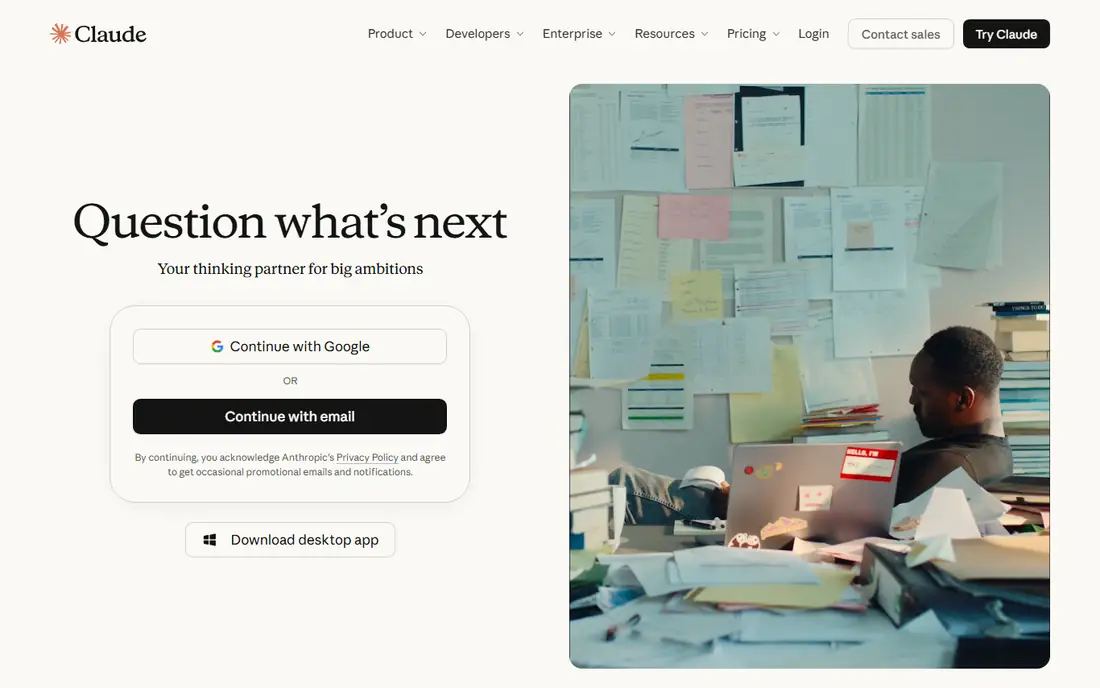
Claude is the best pick for beginners who mainly write. Its answers are thoughtful and careful, and its 200,000 token context window lets you paste in long documents and ask for edits, summaries or analysis without splitting them up. The free plan covers light daily use, and Pro costs $20 a month, or $17 a month on annual billing, for about five times the usage. ChatGPT Plus remains stronger for image generation and voice, while Gemini adds cloud storage. Pick Claude when your main job is writing, editing or analysing long documents, and pick ChatGPT when you want images and voice in the same place.
What we like- Best writing quality of the chatbots here, 200,000 token context window handles long documents, thoughtful and careful answers with fewer confident errors, Pro costs about five times the free usage allowance
Watch out for- Weaker than ChatGPT for image generation and voice, and the free tier is about five times smaller than Pro, so daily users hit the cap within weeks
#3Google Gemini
Best for: Google users and free research tools4.4/5 on
G2 (635 reviews, checked Oct 2026)
Visit gemini.google.com
Starting priceFree; AI Pro $19.99 per month, third-party reported, checked 13 Nov 2026
Free planYes, free tier with Deep Research and image generation
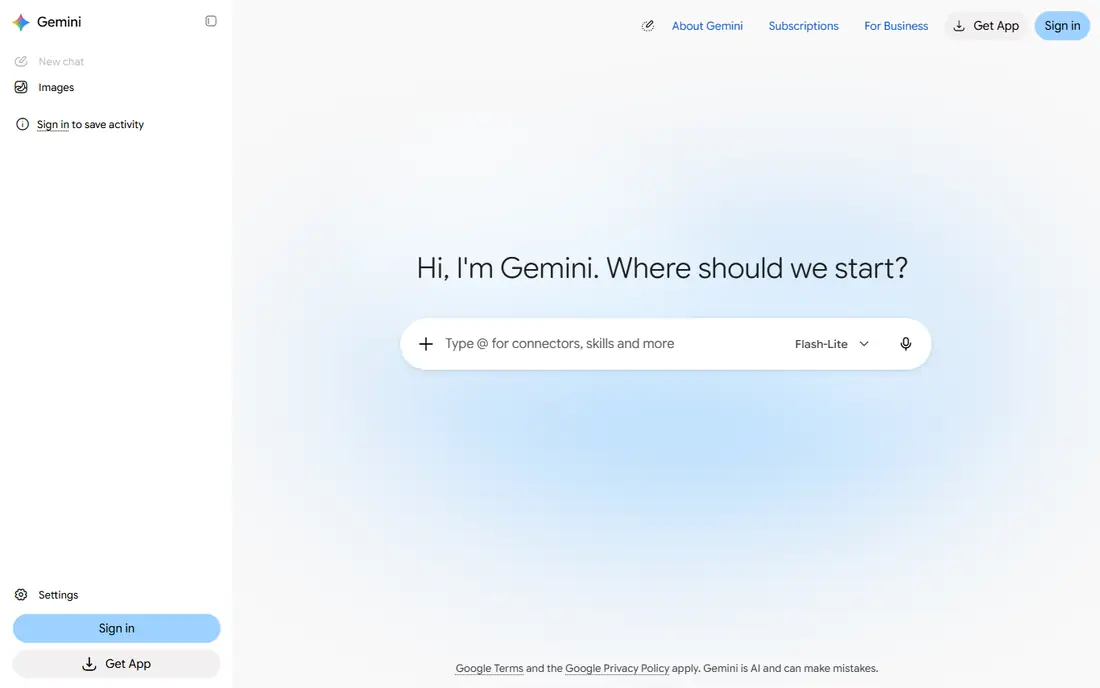
Google Gemini is the best pick for beginners who already live in Google. Its free tier is the most generous here by feature count, giving away Deep Research, image generation, Gemini Live, Canvas and Gems, and it works natively inside Gmail, Docs and Drive, so you can draft and summarise without leaving your inbox. AI Pro costs $19.99 a month and adds a 1,000,000 token context window, 5 TB of storage, and family sharing for up to five other people. Note that Google tightened the free tier in October 2026, so heavy users will feel the limits. Pick Gemini when your work already sits in Google Workspace, and pick ChatGPT when you want the widest tutorial support.
What we like- Most generous free tier here by feature count, with Deep Research, image generation, Gemini Live, Canvas and Gems included, native to Gmail, Docs and Drive, 1,000,000 token context window, family sharing for up to five others on AI Pro
Watch out for- Free tier was tightened in October 2026 to a lighter model, and the AI Plus tier at $4.99 is easy to miss behind the Pro upsell
#4Perplexity
Best for: Cited research answers4.4/5 on
G2 (361 reviews, checked Oct 2026)
Visit perplexity.ai
Starting priceFree; Pro $20 per month, $17 on annual billing, third-party reported, checked 13 Nov 2026
Free planYes, free tier with a few Pro searches per day
Perplexity is the best pick for beginners who need research they can trust. Unlike a chatbot that answers from memory, Perplexity searches the web and puts citations on every answer, so you can click through to the source and check the claim before you use it. The free tier handles most casual research, with a few Pro searches a day, and Pro costs $20 a month, or $17 on annual billing, for more searches and model choice. It does not produce your deliverables the way ChatGPT or Claude do, so pair it with a writing tool. Pick Perplexity when your question is what is true and where it was published.
What we like- Every answer carries citations you can click to check, fastest way to research a question with sources, free tier gives away citations on every answer, Pro adds more searches and model choice
Watch out for- It is an answer engine, not a writing tool, so it does not produce your deliverables, and the free tier gives only a few Pro searches a day
Starting priceFree; Pro $20 per month, third-party reported, checked 13 Nov 2026
Free planYes, free tier with web search and citations
Microsoft Copilot is the best pick for beginners who work in Windows and Office. It is built into Windows, Edge and Microsoft 365, so you can ask questions, draft emails and summarise documents without opening a new app, and the free tier includes web search with citations. Copilot Pro costs $20 a month and adds priority access and faster responses during busy times. For image work and long-form writing, ChatGPT is stronger, and for cited research, Perplexity is more focused. Pick Copilot when your day already runs on Microsoft tools, and pick ChatGPT when you want the broadest single AI app.
What we like- Built into Windows, Edge and Microsoft 365, free tier includes web search with citations, Pro adds priority access and faster responses, familiar interface for Office users
Watch out for- Less capable than ChatGPT for image work and long writing, and the business tier for Microsoft 365 costs $30 per user a month, which is steep for a beginner
#6Canva
Best for: Easy AI design4.7/5 on
G2 (7,678 reviews, checked Oct 2026)
Visit canva.com
Starting priceFree; Pro $15 per month per user, third-party reported, checked 13 Nov 2026
Free planYes, free tier with basic design tools
Canva is the best pick for beginners who need design without learning a design tool. Its Magic Studio AI writes text, generates images and suggests layouts inside a template library that covers social posts, presentations, flyers and resumes, so a beginner can produce a decent design in minutes. The free tier covers most everyday design, and Pro costs $15 a month per user, or $12 a month on annual billing according to one comparison, so check the toggle before you pay. Pick Canva when you need visuals for social media, school or a small business, and pair it with ChatGPT for the words that go in the design.
What we like- Easiest design tool here for a beginner, with Magic Studio AI for text, images and layouts, huge template library, free tier covers most everyday design, Pro is $15 a month per user
Watch out for- AI features are spread across plans and some need Pro, and the annual price of $12 a month conflicts with the $15 monthly figure, so check the billing toggle
#7Grammarly
Best for: Everyday writing help4.7/5 on
G2 (14,073 reviews, checked Oct 2026)
Visit grammarly.com
Starting priceFree; Pro $12 per month on annual billing, third-party reported, checked 13 Nov 2026
Free planYes, free tier with basic grammar checks
Grammarly is the best pick for beginners who write every day and want help inside the apps they already use. It checks spelling and grammar in email, Docs and the browser, so you do not need to open a separate tool, and Pro adds tone, clarity and AI drafting. Pro is listed at $12 a month on annual billing, or $144 a year, but monthly billing is listed at $30 a month, so the gap is large and worth checking before you subscribe. For long documents and creative writing, Claude or ChatGPT are stronger. Pick Grammarly when you want quiet, always-on writing help, and pick a chatbot when you want to draft from scratch.
What we like- Works inside email, Docs and the browser, so it helps where you already write, free tier covers spelling and basic grammar, Pro adds tone, clarity and AI drafting, $12 a month on annual billing
Watch out for- Prices conflict across sources, with Pro listed at $12 a month on annual billing and $30 a month on monthly billing, and the AI drafting is weaker than a full chatbot for long documents
#8Notion
Best for: Notes and workspace with AI4.6/5 on
G2 (13,834 reviews, checked Oct 2026)
Visit notion.com
Starting priceFree; Plus $10 per member per month on annual billing, third-party reported, checked 13 Nov 2026
Free planYes, free tier for one person
Notion is the best pick for beginners who want one place for notes, tasks and docs with AI on top. It is free for one person, and Plus costs $10 a member a month on annual billing, or $12 on monthly billing. The catch is AI: Notion retired the standalone AI add-on in 2025 and moved full Notion AI, including Agents, AI Meeting Notes and Enterprise Search, into the Business tier at $20 a member a month, while Free and Plus get only a trial. That doubles the cost for a beginner who wants AI inside Notion. Pick Notion for organised notes and a tidy workspace, and use ChatGPT or Claude free for the AI drafting itself.
What we like- Notes, tasks and docs in one workspace, free for one person, Plus at $10 a member a month on annual billing, clean interface that beginners learn quickly
Watch out for- Full Notion AI lives on the Business tier at $20 a member a month, while Free and Plus get only a trial of AI, so a beginner who wants AI in Notion must pay double the Plus price
Frequently asked questions
What is the best free AI tool for beginners?
ChatGPT is the best free AI tool for beginners, because its free tier covers unlimited text chats and it handles writing, images and voice in one place. Claude is best for careful writing, Gemini has the most generous free features, and Perplexity is best for cited research. Start with ChatGPT free, and add a second tool only when you hit a gap it cannot fill.
Do I need to pay for an AI tool as a beginner?
No. All eight tools here have free tiers, and a beginner can learn a great deal without paying. Pay $20 a month only when you hit a limit that slows your work, such as the daily message cap, the upload limit, or the number of Pro searches. Most beginners should use the free tiers for a few weeks before they decide which tool earns a subscription.
Which AI tool is easiest for someone who has never used AI?
ChatGPT is the easiest first AI tool, because you type a question and get an answer, and almost every tutorial online uses it. Canva is the easiest for design, because its templates and AI suggestions do most of the work. Start with one tool, ask it simple questions, and learn by using it for real tasks rather than reading about it.
Is ChatGPT or Claude better for beginners?
ChatGPT is better for most beginners, because it covers writing, images, voice and research in one place and has the largest library of guides. Claude is better for careful writing and long documents, thanks to its 200,000 token context window and thoughtful answers. Both have free tiers and both cost $20 a month for Pro, so try both free and keep the one that fits your work.
Can AI tools replace learning to write?
No. AI tools can draft, edit and summarise, but they cannot replace your judgment, your knowledge or your voice, and they sometimes state wrong facts with confidence. Use AI to draft faster and to check your work, then read the result, fix the errors, and keep the parts that sound like you. Grammarly and Claude help most with editing, while Perplexity helps most with checking facts.
Sources we checked (13)
- https://chatgpt.com
- https://claude.com
- https://gemini.google.com
- https://www.perplexity.ai
- https://copilot.microsoft.com
- https://www.canva.com
- https://www.grammarly.com
- https://www.notion.com
- https://aionx.co/ai-comparisons/ai-pricing-comparison/
- https://personalaiuse.com/articles/claude-pro-review/
- https://www.aitools-directory.com/blog/ai-assistant-pricing-compared-2026/
- https://www.g2.com/compare/canva-vs-grammarly
- https://spokdom.com/notion-pricing-explained-is-it-worth-it/
Is your product missing or out of date?
We review this list regularly. Vendors can request a listing, send updated pricing or ask about featured placement.

Shihab Mia · Founder, Rankite
Shihab has 5+ years in B2B and SaaS SEO. He writes Rankite's software buying guides from pricing pages, documentation and public user reviews. More about Shihab.