How we make this list: we compare pricing pages, product documentation and public user reviews. Ratings come from G2, Capterra or Trustpilot, with the date we checked them.
Key takeaways
- ChatGPT with image generation is the easiest start for most beginners, since it works in plain conversation.
- Midjourney leads on artistic quality, while Ideogram leads on readable text inside posters and logos.
- Adobe Firefly suits commercial work, with training on licensed content and indemnification on paid plans.
- Leonardo AI, Canva, Gemini, and Microsoft Designer all offer free entry points for casual creators.
- AI images can contain errors, odd hands, and garbled text, and commercial rights vary by plan, so check the terms before publishing client work.
Quick comparison
| Tool | Best for | Starting price | Free plan |
|---|
 ChatGPT ChatGPT | Easiest conversational image creation | $20 per month | Yes |
 Midjourney Midjourney | Artistic quality and style | $10 per month | No |
 Ideogram Ideogram | Readable text in images | See website | Yes |
 Adobe Firefly Adobe Firefly | Commercially safe images | See website | Yes |
 Leonardo AI Leonardo AI | Game and design assets | $10 per month | Yes |
 Canva Canva | Social graphics with AI images | Free | Yes |
 Google Gemini Google Gemini | Images inside Google apps | See website | Yes |
 Microsoft Designer Microsoft Designer | Free images from Microsoft | Free | Yes |
Is your product missing or out of date?
We review this list regularly. Vendors can request a listing, send updated pricing or ask about featured placement.
The best AI text to image apps for beginners
#1ChatGPT
Best for: Easiest conversational image creation4.6/5 on
G2 (3,089 reviews, checked Oct 2026)
Visit chatgpt.com
Starting price$20 per month
Free planYes
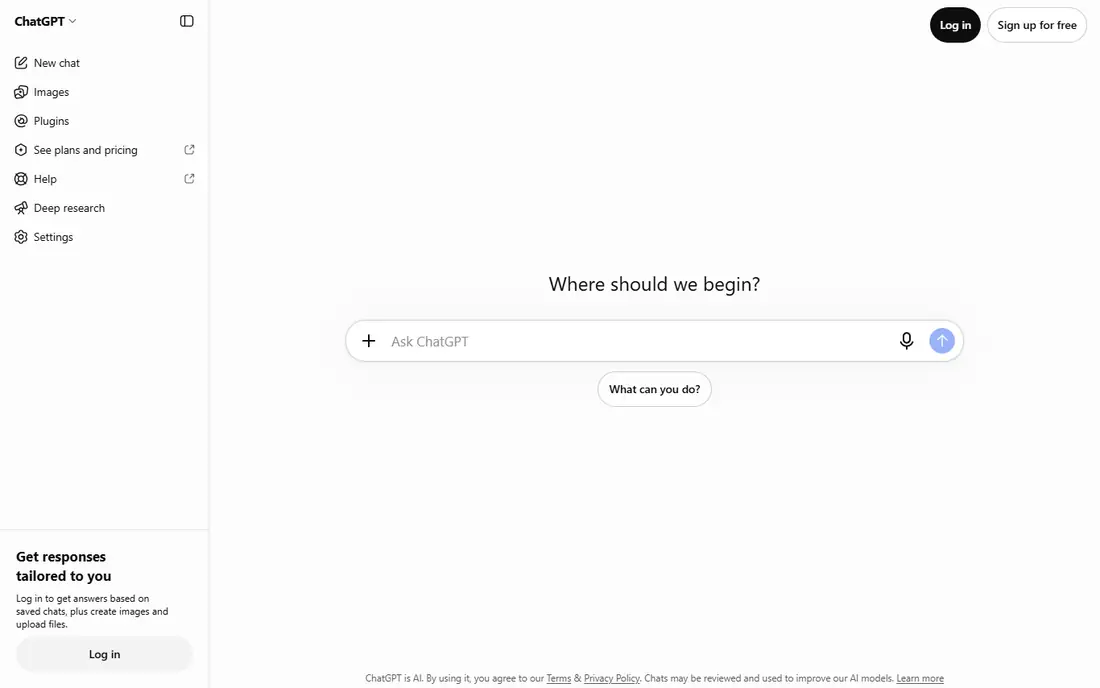
ChatGPT, with its built in image generation, is the most beginner friendly option on this list. There is no special prompt language to learn: describe the image, and if the result is close but not right, reply with a change such as "make the sky warmer" or "add a dog in the foreground." That conversational loop is far easier for a newcomer than parameter panels and style codes.
The free tier covers casual use with limits, while ChatGPT Plus at $20 per month raises those limits substantially. Commercial use is allowed under OpenAI's terms for paid plans, but free tier terms differ, so check the current terms before client work. For a beginner who wants good images with the least learning, ChatGPT is the first app to try.
What we like- Describe images in plain language and refine by chatting
- Strong prompt following and text rendering
- One app covers chat, images, and editing
Watch out for- Free tier limits image generations
- Less style control than Midjourney
- Output quality varies by prompt
#2Midjourney
Best for: Artistic quality and style4.4/5 on
G2 (102 reviews, checked Oct 2026)
Visit midjourney.com
Starting price$10 per month
Free planNo
Midjourney remains the benchmark for beautiful AI images. Its outputs show strong composition, lighting, and style coherence, which suits concept art, illustrations, book covers, and thumbnails. The web app now lets users generate without Discord, and style references plus character consistency help keep a series of images visually matched.
Midjourney starts at about $10 per month with no permanent free tier, so it is a paid commitment from day one. It is also less literal than ChatGPT: a detailed prompt may return a gorgeous image that misses a specific detail. For a beginner who cares most about how good the image looks, Midjourney is worth the subscription.
What we like- Best artistic quality and style coherence
- Web app now replaces the old Discord only workflow
- Style references and character consistency
Watch out for- No free tier
- Text inside images still lags Ideogram
- Less literal prompt following than ChatGPT
Starting priceSee website
Free planYes
Ideogram is the specialist pick when an image must contain readable words: posters, flyers, logos, social graphics, and memes. Other generators still garble text, while Ideogram renders it cleanly in most cases. Its Magic Prompt feature rewrites a plain description into a stronger prompt automatically, which helps beginners who do not yet know prompt craft.
The free tier covers casual use with a daily image allowance, while paid pricing varies by source, so check the current plans on the Ideogram site. For a beginner making graphics with words in them, Ideogram beats every general tool on this list.
What we like- Best text rendering inside images
- Clean, polished look for posters and logos
- Magic Prompt improves plain descriptions automatically
Watch out for- Narrower artistic range than Midjourney
- Published paid prices vary by source
- Fewer advanced controls
Starting priceSee website
Free planYes
Adobe Firefly is the safest choice for commercial work. It is trained on licensed content and public domain material rather than scraped web images, and Adobe offers indemnification on paid plans, which matters for client and brand work. Firefly lives inside Photoshop, Illustrator, and Adobe Express, so designers can generate, edit, and lay out in one workflow.
The trade is creative range. Firefly's images are polished but less striking than Midjourney's at its best, and its credit system takes a moment to understand. A free tier with limited monthly credits covers trials, while paid pricing varies by source and plan. For a beginner doing client or brand work, Firefly's legal safety outweighs its creative limits.
What we like- Trained on licensed Adobe Stock and public domain content
- Commercial indemnification on paid plans
- Built into Photoshop and Express
Watch out for- Creative ceiling is lower than Midjourney
- Credit system can confuse newcomers
- Published prices vary by source
#5Leonardo AI
Best for: Game and design assets4.5/5 on
G2 (32 reviews, checked Oct 2026)
Visit leonardo.ai
Starting price$10 per month
Free planYes
Leonardo AI suits creators making game assets, characters, and design concepts. Its character reference feature keeps a character's look consistent across images, which is hard in most generators, and its free tier of 150 tokens per day covers daily casual use. A large library of community models adds styles without prompt expertise.
The token system needs a little learning, since different image sizes and models cost different token amounts. Paid plans start at $10 per month for heavier use. For a beginner interested in game art or consistent characters, Leonardo is the best free leaning option.
What we like- Generous free tier of 150 tokens per day
- Character reference keeps characters consistent
- Strong for game art and product concepts
Watch out for- Token system takes learning
- Paid plans start at $10 per month
- Community features can distract newcomers
#6Canva
Best for: Social graphics with AI images4.7/5 on
G2 (7,678 reviews, checked Oct 2026)
Visit canva.com
Starting priceFree
Free planYes
Canva is where many beginners already make social posts, presentations, and flyers, and its AI image tools sit inside that same editor. Generate an image, drop it into a template, add text, and export, all without leaving the app. The free tier includes AI generation with limits, which is enough for casual social content.
Canva's generator is not as strong as Midjourney or ChatGPT on detailed or artistic prompts, and text inside generated images is weaker than Ideogram. For a beginner whose goal is a finished social graphic rather than a standalone artwork, Canva's all in one workflow is the practical pick.
What we like- Free tier includes AI image generation
- Images drop straight into social templates
- Huge template library for non designers
Watch out for- Image quality trails dedicated generators
- Text rendering is weaker than Ideogram
- Best features need a Pro plan
Starting priceSee website
Free planYes
Google Gemini generates images through its Imagen models, with a free tier for casual use and higher limits on paid Google AI plans, whose pricing varies by plan and region. Photorealism is a strength, especially for product style shots and everyday scenes, and images fit naturally into Google Docs, Slides, and other Workspace apps.
Style control is thinner than Midjourney, and content policies can refuse prompts that other tools accept. For a beginner already inside Google's ecosystem, Gemini is a convenient, low friction option that needs no new account or app.
What we like- Free tier for casual generation
- Strong photorealism through Imagen models
- Fits Google Docs, Slides, and Workspace workflows
Watch out for- Paid pricing varies by Google AI plan
- Style control is thinner than Midjourney
- Output policies can refuse some prompts
Starting priceFree
Free planYes
Microsoft Designer offers free AI image generation to anyone with a Microsoft account, with a simple prompt box and style suggestions that help beginners get started. Generated images feed into social post templates and design layouts, similar to Canva's workflow.
Daily limits apply to free generation, and quality varies more by prompt than with ChatGPT or Midjourney. Controls are basic. For a beginner who wants free images with no new subscription and already uses Microsoft tools, Designer is a solid zero cost start.
What we like- Free image generation with a Microsoft account
- Simple prompt box with style suggestions
- Results feed into social templates
Watch out for- Daily generation limits apply
- Quality varies by prompt
- Fewer controls than dedicated generators
How we chose
We ranked apps by beginner ease first: plain language prompts, conversational refinement, and a working free tier scored highest. Image quality came next, with Midjourney leading on art and Ideogram on text. Commercial terms mattered too, since beginners often do not realize free tier images may carry different rights than paid plan images.
We marked pricing as "See website" wherever published figures conflicted across sources, since AI pricing moves fast in 2026. We also stated limits plainly: AI images can contain errors in hands, faces, and text, and likeness consent matters when generating images of real people. Never present an AI image as a real photograph.
Buying guide
Start free and compare. Run the same three prompts through ChatGPT, Ideogram, and one of the free options like Canva or Designer, then judge which output style fits your work. A single app rarely wins every prompt type: posters favor Ideogram, art favors Midjourney, and quick edits favor ChatGPT's conversational loop.
Next, check the terms for your use case. If images will appear in client work, advertising, or products, confirm commercial rights on your exact plan, and prefer Firefly or a paid plan with clear terms. If images are only for personal or social use, a free tier is usually enough. Keep an eye on monthly credit or token limits, since hitting a cap mid project is frustrating.
Finally, learn prompt basics before paying. Name the subject, setting, lighting, and style in one or two sentences, then refine one detail at a time. Beginners improve fastest by iterating on one image rather than generating dozens of new ones. Once free limits feel tight every week, a $10 to $20 monthly plan is the right next step.
Frequently asked questions
What is the best AI text to image app for a complete beginner?
ChatGPT is the easiest start, since it accepts plain language and lets users refine images by chatting. Ideogram is best when the image must contain readable text, and Midjourney is best for pure artistic quality.
Are AI image apps free?
Several offer free tiers, including ChatGPT, Ideogram, Firefly, Leonardo, Canva, Gemini, and Microsoft Designer. Free tiers limit daily generations or credits, and paid plans from about $10 to $20 per month raise those limits.
Can I use AI generated images commercially?
Usually yes on paid plans, but terms vary by app and tier, and free tiers often restrict commercial use or keep images public. Adobe Firefly is the safest choice for commercial work. Always check the current terms for your exact plan.
Why do AI images sometimes look wrong?
Models can garble hands, faces, and text, and they may ignore parts of a detailed prompt. Shorter, clearer prompts with one subject and one setting work better than long lists of details. Regenerate or refine rather than accepting the first result.
Do I own the images an AI app generates?
Ownership and rights depend on the app's terms and your plan, and the law in this area is still developing. For client or brand work, use a paid plan with clear commercial terms and keep records of the prompts and outputs.
Sources we checked (0)
Is your product missing or out of date?
We review this list regularly. Vendors can request a listing, send updated pricing or ask about featured placement.

Shihab Mia · Founder, Rankite
Shihab has 5+ years in B2B and SaaS SEO. He writes Rankite's software buying guides from pricing pages, documentation and public user reviews. More about Shihab.