How we make this list: we compare pricing pages, product documentation and public user reviews. Ratings come from G2, Capterra or Trustpilot, with the date we checked them.
Key takeaways
- A good AI stack covers chat, research, writing, images, meetings, and automation, not just one chatbot.
- ChatGPT and Claude anchor the stack for general work and coding.
- Perplexity answers research questions with sources.
- Midjourney leads for images, while Notion AI organizes docs.
- Zapier connects AI to the apps where work actually happens.
Quick comparison
| Tool | Best for | Starting price | Free plan |
|---|
 ChatGPT ChatGPT | General AI assistant | Free; Plus from $20 per month | Yes |
 Claude Claude | Coding and long writing | Free; Pro from $20 per month | Yes |
 Perplexity Perplexity | Research with sources | Free; Pro from $20 per month | Yes |
 Midjourney Midjourney | AI images | From $10 per month | Free trial |
 Notion AI Notion AI | Docs and knowledge | Free; AI from $10 per user per month | Yes |
 Grammarly Grammarly | Writing polish | Free; Pro from $12 per month | Yes |
 Otter.ai Otter.ai | Meeting notes | Free; Pro from $16.99 per month | Yes |
 Zapier Zapier | AI automation | Free; Starter from $19.99 per month | Yes |
Is your product missing or out of date?
We review this list regularly. Vendors can request a listing, send updated pricing or ask about featured placement.
#1ChatGPT
Best for: General AI assistant4.6/5 on
G2 (3,089 reviews, checked Oct 2026)
Visit chatgpt.com
Starting priceFree; Plus from $20 per month
Free planYes
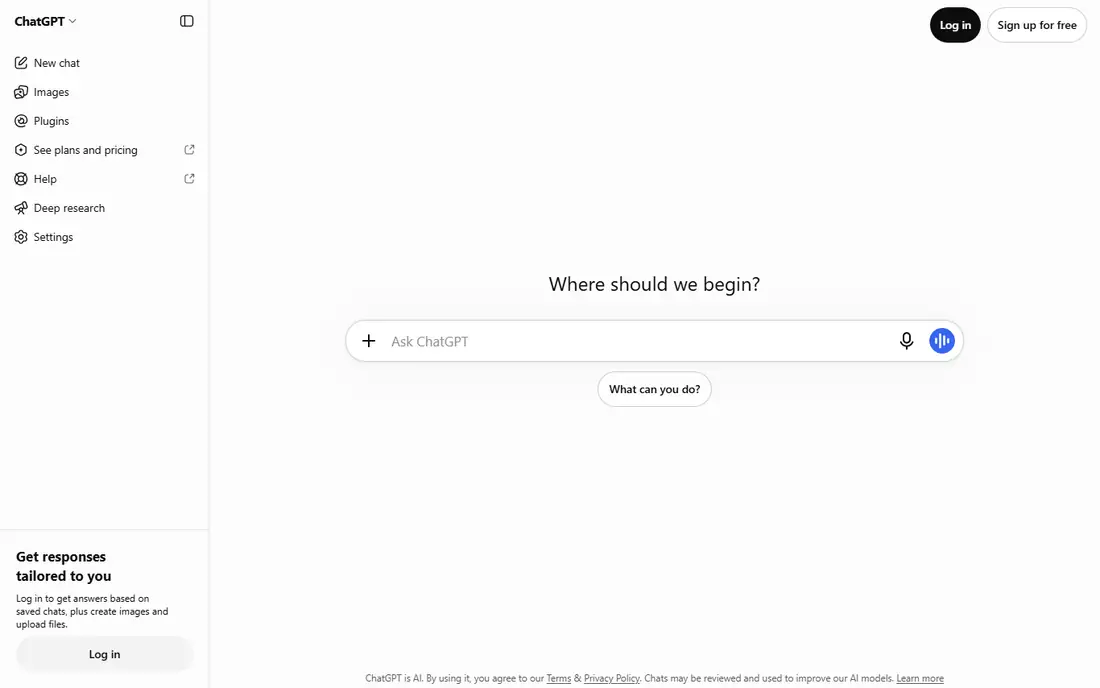
ChatGPT anchors most AI stacks as the general assistant. It drafts, brainstorms, explains, codes, and analyzes, with image generation built in and the broadest ecosystem of apps and integrations. Free access covers casual use, while Plus at $20 a month adds higher limits and newer models.
Answers need fact-checking, especially for citations and numbers, and model behavior shifts with updates. For the one AI tool every stack needs first, ChatGPT is the default starting point.
What we like- Most versatile AI assistant
- Broadest app and plugin ecosystem
- Image generation built in
- Fastest feature shipping
Watch out for- Answers need fact-checking
- Plus at $20 a month
- Model behavior changes with updates
#2Claude
Best for: Coding and long writing4.6/5 on
G2 (488 reviews, checked Oct 2026)
Visit claude.ai
Starting priceFree; Pro from $20 per month
Free planYes
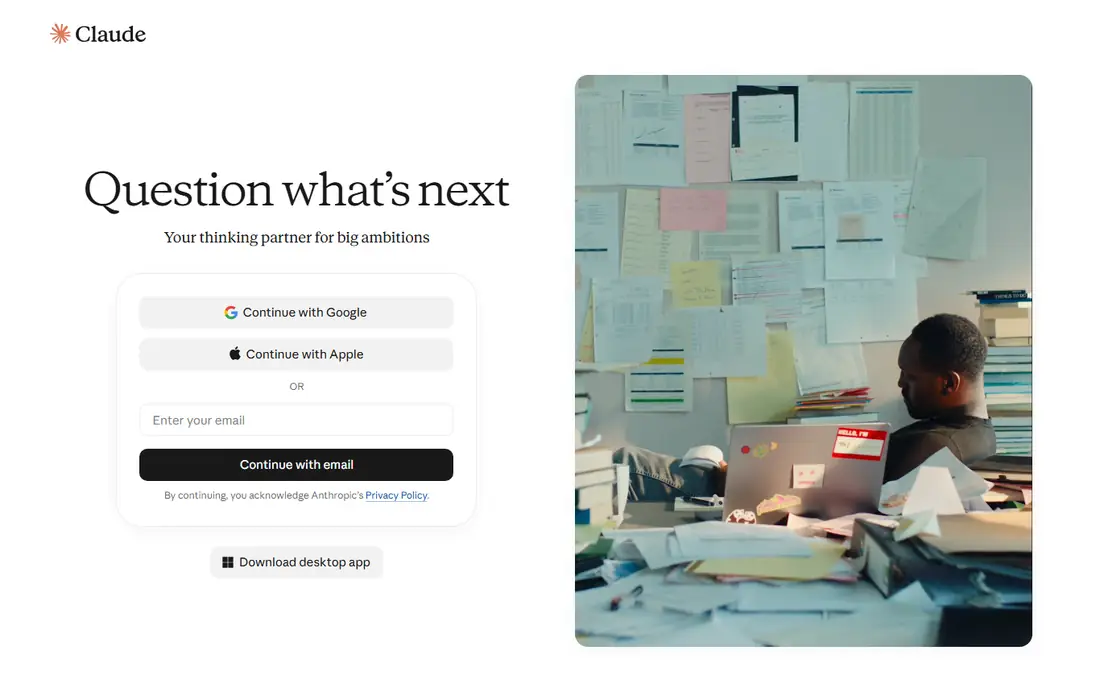
Claude is the second anchor for stacks that code or write long documents. It excels at coding assistance, long-document analysis, and careful reasoning, with a large context window that holds whole codebases and reports. Pro costs $20 a month, with a free tier for casual use.
The ecosystem is smaller than ChatGPT, and usage limits frustrate heavy users. For a stack that includes serious coding or writing, Claude complements ChatGPT rather than duplicating it.
What we like- Best coding and long-document work
- Careful reasoning
- Large context for whole codebases and reports
Watch out for- Smaller ecosystem than ChatGPT
- Usage limits frustrate heavy users
- Fewer consumer integrations
#3Perplexity
Best for: Research with sources4.4/5 on
G2 (361 reviews, checked Oct 2026)
Visit perplexity.ai
Starting priceFree; Pro from $20 per month
Free planYes
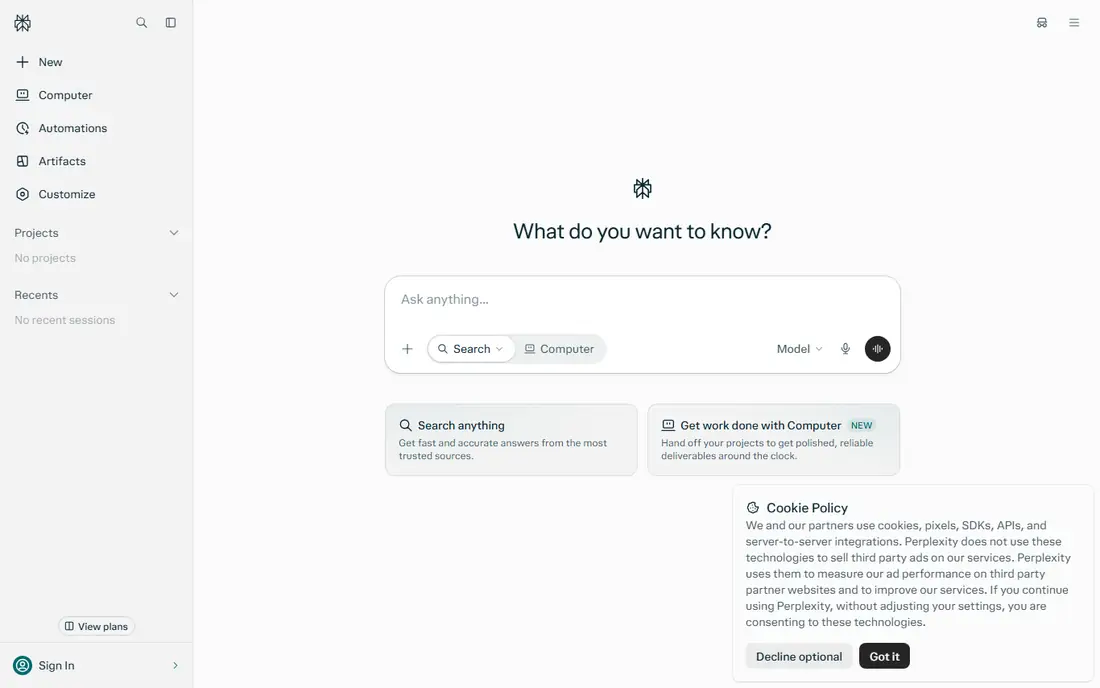
Perplexity covers the research slot in the stack. Ask a question and get an answer with cited sources from the live web, which suits market research, fact-checking, and staying current. Pro at $20 a month adds stronger models and more searches.
Answers still need verification, since sources can be misread, and depth varies by topic. For a stack that needs current information rather than training-data knowledge, Perplexity replaces the search tab.
What we like- Answers with cited sources
- Real-time web search
- Clean research workflow
- Pro adds stronger models
Watch out for- Pro at $20 a month
- Answers still need verification
- Depth varies by topic
Starting priceFrom $10 per month
Free planFree trial
Midjourney leads the image slot in the stack. Image quality and style control beat general chatbots for illustration, concept art, and marketing visuals, and the community shares styles and prompts that accelerate learning. Plans start at $10 a month.
The Discord-based workflow confuses some users, and commercial terms vary by plan, so check licensing for client work. For a stack that needs standout visuals, Midjourney is the image tool to pair with a chatbot.
What we like- Best image quality and style control
- Strong community and styles
- Fast iteration
Watch out for- From $10 a month
- Discord-based workflow confuses some users
- Commercial terms vary by plan
Starting priceFree; AI from $10 per user per month
Free planYes
Notion AI brings AI inside the docs and knowledge base where a team already works. It drafts, summarizes, and answers from team notes, turning scattered pages into a searchable knowledge layer. The free Notion tier covers basic docs, while AI adds $10 per user per month.
Output needs editing, and coding help trails Claude. For a team whose knowledge lives in Notion, Notion AI is the stack layer that makes that knowledge usable.
What we like- AI inside docs, wikis, and databases
- Summaries and drafting where notes live
- Team knowledge base
Watch out for- AI costs $10 per user per month on top of Notion
- Output needs editing
- Weaker than Claude for coding
Starting priceFree; Pro from $12 per month
Free planYes
Grammarly polishes writing everywhere it happens, from email to docs to social posts. Grammar, tone, and clarity suggestions catch errors chatbots miss when drafting, and team style guides keep company writing consistent. The free tier covers basic corrections, while Pro at $12 a month adds tone, clarity, and AI writing help.
Suggestions need judgment, since style rules vary, and AI writing features overlap with chatbots. For a stack that ships a lot of writing, Grammarly is the quality gate before anything goes out.
What we like- Catches grammar, tone, and clarity issues everywhere you write
- Browser and app integrations
- Team style guides
Watch out for- Pro at $12 a month
- Suggestions need judgment
- AI writing features overlap with chatbots
#7Otter.ai
Best for: Meeting notes4.4/5 on
G2 (505 reviews, checked Oct 2026)
Visit otter.ai
Starting priceFree; Pro from $16.99 per month
Free planYes
Otter.ai covers the meeting slot in the stack. It transcribes meetings automatically, identifies speakers, summarizes action items, and builds a searchable history of decisions. Calendar integrations join meetings without manual setup, and the free tier covers basic use.
Pro costs $16.99 a month, accuracy varies with audio quality, and sensitive meetings need a privacy review before recording. For a team drowning in meetings, Otter.ai turns talk into usable notes and action items.
What we like- Automatic meeting transcription and summaries
- Speaker identification
- Searchable meeting history
- Calendar integrations
Watch out for- Pro at $16.99 a month
- Accuracy varies with audio quality
- Privacy needs review for sensitive meetings
#8Zapier
Best for: AI automation4.5/5 on
G2 (2,088 reviews, checked Oct 2026)
Visit zapier.com
Starting priceFree; Starter from $19.99 per month
Free planYes
Zapier connects AI to the apps where work actually happens. Automations move data between tools, trigger AI actions on new inputs, and remove repetitive copying between systems, all without code. The free tier covers simple automations, while Starter at $19.99 a month raises task limits.
Complex automations need planning, and task limits cap heavy use. For a stack that should do work rather than just answer questions, Zapier is the layer that turns AI output into action.
What we like- Connects AI to thousands of apps
- Automates repetitive workflows
- AI actions inside automations
- No code needed
Watch out for- Starter at $19.99 a month
- Complex automations need planning
- Task limits cap heavy use
How we chose
We compared tools on role coverage, quality, pricing, and integration, using vendor pages and published information from 2026. We favored tools US users can use today that fill a distinct slot in a stack. We did not claim hands-on testing of every tool, and where prices varied by plan we quoted the standard figure. A stack is personal: start with the roles you use daily, then add tools only for gaps that cost real time.
Start with roles, not tools. List the work you do daily: chatting, researching, writing, designing, meeting, and automating. Assign one tool per role, starting free, and upgrade only the roles you use heavily. A solo creator needs ChatGPT, Perplexity, and Midjourney first, while a team needs Notion AI, Otter.ai, and Zapier sooner.
Then watch for overlap and cost creep. ChatGPT, Claude, and Perplexity all answer questions, so paying $20 a month for all three only makes sense if each earns its slot. Audit the stack quarterly: cancel tools you open less than weekly, and keep the ones that save measurable time. Also set data rules: decide which tools may see company data, since free tiers and different vendors carry different privacy terms.
Finally, build habits around the stack, not just subscriptions. A chatbot helps only if you prompt well and verify outputs, a meeting tool helps only if action items get followed up, and automation helps only if workflows are maintained. Review the stack monthly at first, keep what works, and drop what does not. The best AI tool stack is the smallest one that covers your real work.
Common mistakes waste stack budgets. Users subscribe to every hyped tool and use three, or buy the same capability twice across tools. Start with two anchors, add one tool per real gap, and measure time saved before adding more. A lean stack used daily beats a large stack ignored.
Prompt skill matters more than tool count. A well-written prompt with context, examples, and constraints produces better output from any chatbot than a vague prompt from the most expensive model. Invest an hour learning prompting basics, save reusable prompts for repeated tasks, and share the best ones with your team, since prompt quality compounds across every tool in the stack.
Security review belongs in stack decisions for teams. Check each vendor data retention, training use, and admin controls before connecting company systems, and prefer business tiers with zero-retention options for sensitive work. A tool that trains on your inputs may leak confidential strategy into future outputs, so read the data policy, not just the feature list, before rolling a tool out company-wide.
A practical starting budget helps teams decide. Give each team member one paid anchor, such as ChatGPT Plus or Claude Pro, plus shared team tools for docs and meetings, and let individuals request extra tools with a one-line justification tied to hours saved. This keeps stack costs visible and tied to real work rather than letting subscriptions accumulate silently across the company.
Finally, schedule a stack review alongside budget reviews, so tool decisions get the same scrutiny as other spending. A quarterly hour spent canceling unused tools and consolidating overlapping ones often saves more than any single tool earns, and it keeps the stack lean as new tools launch monthly.
Frequently asked questions
What is the best AI tool stack for beginners?
ChatGPT for general work, Perplexity for research, and Grammarly for polish, all free to start. Add Claude for coding or Midjourney for images when those needs arise.
Do I need both ChatGPT and Claude?
Not always. ChatGPT covers general work alone, but Claude excels at coding and long documents, so teams that code or write long reports benefit from both.
How much does a full AI tool stack cost?
From free for basic tiers to about $100 a month for paid plans across several tools. Audit quarterly and cancel tools you rarely use.
What AI tool is best for research?
Perplexity, for answers with cited sources from the live web. Verify sources before citing them, since AI can misread source material.
Can AI tools replace human work entirely?
No. AI drafts, summarizes, and automates, but human judgment, verification, and relationships remain essential. Treat AI output as a first draft, not a final answer.
How do I keep AI tool costs down?
Start free, pay only for roles you use heavily, and audit quarterly. Avoid paying for the same capability twice across overlapping tools.
Sources we checked (8)
- https://chatgpt.com
- https://claude.ai
- https://www.perplexity.ai
- https://www.midjourney.com
- https://www.notion.so
- https://www.grammarly.com
- https://otter.ai
- https://zapier.com
Is your product missing or out of date?
We review this list regularly. Vendors can request a listing, send updated pricing or ask about featured placement.

Shihab Mia · Founder, Rankite
Shihab has 5+ years in B2B and SaaS SEO. He writes Rankite's software buying guides from pricing pages, documentation and public user reviews. More about Shihab.