How we make this list: we compare pricing pages, product documentation and public user reviews. Ratings come from G2, Capterra or Trustpilot, with the date we checked them.
Key takeaways
- Ideogram is the strongest tool for accurate text rendering, with a dedicated typography module that keeps spacing, alignment and font styling consistent.
- Canva is the easiest entry point, combining text effects with a full design editor for complete graphics around typography.
- Adobe Express turns plain text into themed effects such as neon, chrome or shadowed lettering, inside the Adobe ecosystem.
- Recraft generates text designs as true vector output, which matters for logos and print work that must scale.
- Runway animates a finished title image with cinematic motion, but it is not a typography tool, so make the title first elsewhere.
Quick comparison
| Tool | Best for | Starting price | Free plan |
|---|
 Ideogram Ideogram | Accurate text rendering | See website | Yes |
 Canva Canva | Easy text effects plus editor | See website | Yes |
 Adobe Express Adobe Express | Themed text effects | $9.99 per month | Yes |
 CapCut CapCut | Animated text for video | See website | Yes |
 Recraft Recraft | Vector text designs | See website | Yes |
 Adobe Firefly Adobe Firefly | AI text effects in Adobe | $9.99 per month | Yes |
 Runway Runway | Cinematic motion on titles | $12 per user/month | Yes |
 Kittl Kittl | Logo and poster typography | See website | Yes |
Is your product missing or out of date?
We review this list regularly. Vendors can request a listing, send updated pricing or ask about featured placement.
The best AI text effects apps for designers
Starting priceSee website
Free planYes
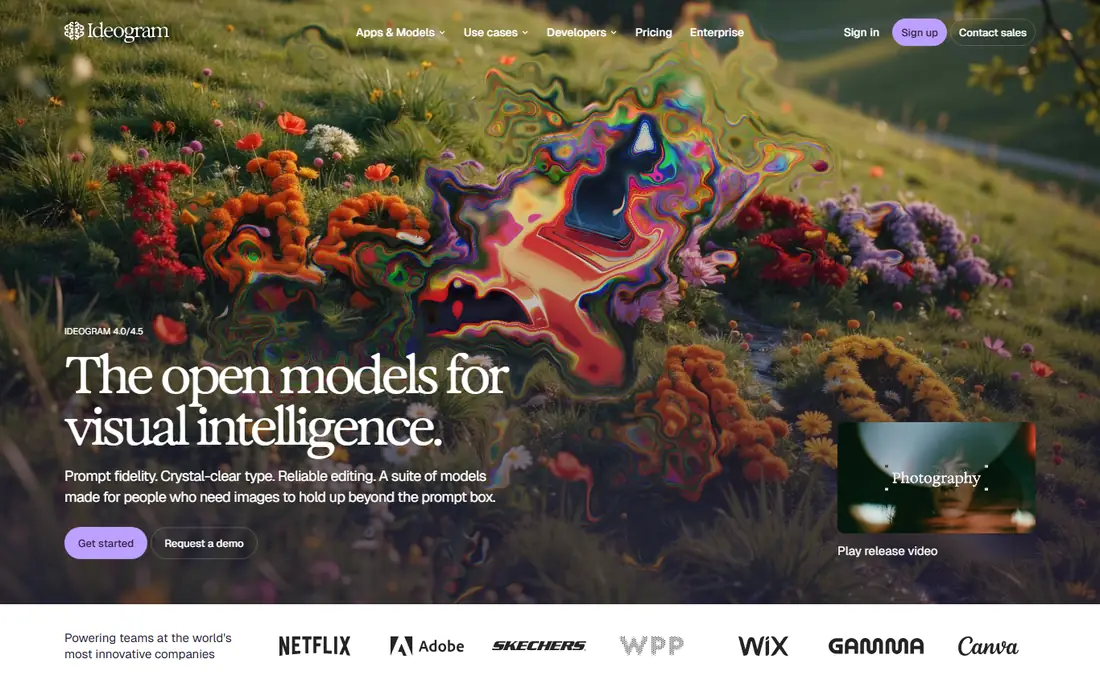
Ideogram is widely considered the strongest tool for accurate text rendering. It uses a dedicated typography module that keeps spacing, alignment and font styling consistent, which is where most AI image generators fail, garbling letters or inventing spellings.
That accuracy makes it best for logos, quote graphics and marketing posters with readable text. The free tier limits weekly credits with a slower queue, so heavy users need a paid plan. For designers who need AI-generated text that actually spells correctly, Ideogram is the first tool to try.
What we like- Strongest text accuracy among AI generators
- Dedicated typography module
- Good for logos and posters
Watch out for- Free tier limits weekly credits with a slower queue
- Editing needs another tool
- Pricing varies
#2Canva
Best for: Easy text effects plus editor4.7/5 on
G2 (7,678 reviews, checked Oct 2026)
Visit canva.com
Starting priceSee website
Free planYes
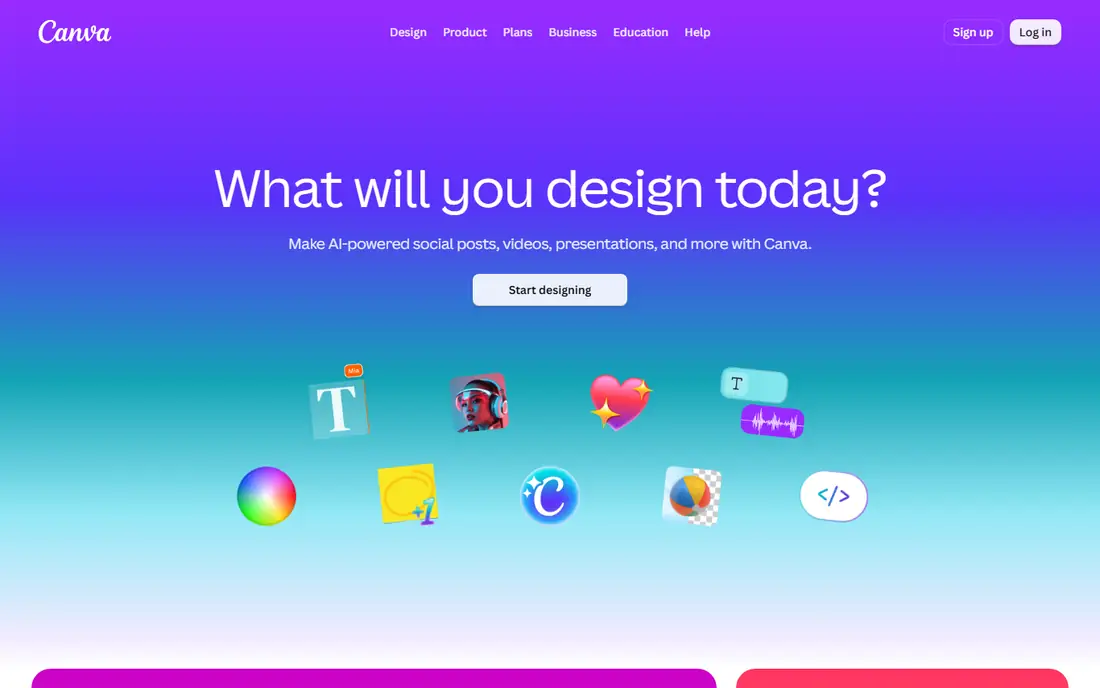
Canva, with its Magic Studio AI features, is the easiest entry point for designers who have never used an AI design tool. It combines text effects with a full design editor, so you can build a complete graphic around your typography, from social posts to presentations, without switching tools.
The free tier is generous, with paid plans adding more AI credits. Generated text is less precise than Ideogram, so check spelling carefully on AI-generated graphics. For quick social graphics with styled text, Canva is the most practical all-round tool.
What we like- Easiest entry point for beginners
- Text effects plus full design editor
- Generous free tier
Watch out for- Paid plans add more AI credits
- Less precise than Ideogram for generated text
- Templates can look generic
#3Adobe Express
Best for: Themed text effects4.5/5 on
G2 (855 reviews, checked Oct 2026)
Visit adobe.com
Starting price$9.99 per month
Free planYes
Adobe Express turns plain text into themed effects like neon, chrome or shadowed lettering, in a browser-based editor that connects to the wider Adobe ecosystem. It suits branded visuals and polished text effects without a steep learning curve, and it includes AI templates, text-to-image generation and brand kit management.
The free tier covers basic use, while Premium costs $9.99 a month, with some sources listing $11.99, so confirm current pricing. For designers already in the Adobe ecosystem, Express is the fastest route to polished text effects.
What we like- Themed effects such as neon, chrome and shadowed lettering
- Browser-based
- Adobe ecosystem integration
Watch out for- Full features may require an Adobe account
- Premium costs $9.99 a month
- Less vector control than Illustrator
Starting priceSee website
Free planYes
CapCut AI text generator is built into its video editor, making it a strong pick when text design goes into video rather than a static image. It combines text styling with animation presets for video titles, intros and short-form content, so a title can slide, fade or pop in time with the edit.
It is less useful when you only need a static graphic, since its strengths are motion and video workflow. For creators making Reels, TikToks and YouTube Shorts with animated titles, CapCut is the best text-effects choice.
What we like- AI text generator built into a video editor
- Animation presets for titles and intros
- Strong for short-form video
Watch out for- Less useful for static graphics
- Free tier limits some features
- Export quality varies by plan
#5Recraft
Best for: Vector text designs4.7/5 on
G2 (456 reviews, checked Oct 2026)
Visit recraft.ai
Starting priceSee website
Free planYes
Recraft stands out because it can generate text designs as true vector output instead of flat raster images. That matters when a design must scale, such as a logo that appears on a business card and a billboard, since vectors stay sharp at any size and remain editable after generation.
It suits logo work and designs that need to scale without losing quality. The interface is less familiar than Canva, and free tier limits apply. For designers who need scalable, editable text designs, Recraft is the only tool here with native vector output.
What we like- True vector output, editable after generation
- Scales to print and billboard size
- Good for logos
Watch out for- Interface is less familiar than Canva
- Free tier limits apply
- Fewer templates than rivals
#6Adobe Firefly
Best for: AI text effects in Adobe4.4/5 on
G2 (373 reviews, checked Oct 2026)
Visit adobe.com
Starting price$9.99 per month
Free planYes
Adobe Firefly is an AI-powered creation tool offering text effects, text-to-image generation, text-to-video, sound effects and more, built for creators and design teams moving from idea to final product. Its text effects feature turns plain text into styled lettering, and its commercial safety focus suits brand work.
Starting price is $9.99 a month, with Firefly Pro at higher tiers adding more credits and third-party models. For designers who want AI text effects inside the Adobe workflow, Firefly pairs naturally with Express and Illustrator.
What we like- Text effects, text-to-image and text-to-video in one AI tool
- Commercial safety focus
- Adobe integration
Watch out for- Starting price $9.99 a month
- Firefly Pro costs more
- Needs an Adobe account
#7Runway
Best for: Cinematic motion on titles4.1/5 on
G2 (105 reviews, checked Oct 2026)
Visit runwayml.com
Starting price$12 per user/month
Free planYes
Runway is not primarily a typography tool, and that is the point. It is one of the best tools for animating a finished image: adding cinematic motion, atmosphere, camera movement and visual polish to something already created with exact typography elsewhere, such as Ideogram, Adobe Express, Kittl or Canva.
Its Gen-4 video system creates short videos from image and text prompts, and the Standard plan costs $12 per user per month billed annually, with 625 monthly credits. When prompting, instruct it not to change the spelling, since AI video tools can alter letters. For cinematic title motion, Runway is the best finishing tool, used after the typography is done.
What we like- Cinematic motion, atmosphere and camera movement
- Gen-4 video system
- Good for finished title images
Watch out for- Not a typography tool
- AI video can change spelling, so make the title first
- Credits limit output
#8Kittl
Best for: Logo and poster typography4.7/5 on
G2 (43 reviews, checked Oct 2026)
Visit kittl.com
Starting priceSee website
Free planYes
Kittl is a design tool with strong typography features for logos, posters and apparel graphics, offering vintage and modern text styles, warping and layering in a browser-based editor. It suits designers who want hands-on control over lettering, rather than fully AI-generated text.
Pricing varies by plan, and its AI generation is thinner than Ideogram. For logo and poster typography where the designer controls every letter, Kittl is a strong, focused tool, and it pairs well with Runway for animated titles.
What we like- Strong typography tools for logos and posters
- Vintage and modern text styles
- Browser-based editor
Watch out for- Pricing varies by plan
- Less AI generation than Ideogram
- Learning curve for advanced features
How we chose
We compared tools on text accuracy, vector output, animation, ease of use and price, using vendor pages and current comparisons. Accuracy leads for AI-generated text, vector output leads for print and logos, and motion leads for video titles. Where prices conflicted, such as Adobe Express at $9.99 versus $11.99, we noted the range or wrote See website. We did not claim hands-on testing, and we weighted designer control, since AI text effects still need a human eye on spelling and spacing.
Getting clean text from AI tools
Always check spelling letter by letter before publishing AI-generated text, since even the best tools garble words on complex layouts. Generate the title image first, then animate it, rather than asking a video tool to invent text. For print, export vectors from Recraft or Illustrator, not raster images, since vectors scale cleanly.
Keep a consistent type system: one display font for titles, one body font for text, and a limited colour palette. AI effects such as neon and chrome look best when used sparingly, on short titles, rather than on long paragraphs. Finally, test readability at the size your audience will see it, since a neon effect that looks great full-screen can vanish on a phone. Export a test at the actual delivery size before finalising a design, since small text effects often need simplification.
Frequently asked questions
What is the best AI text effects app for designers?
Ideogram is best for accurate AI-generated text, Canva is best for easy all-round graphics, Adobe Express is best for themed effects in the Adobe ecosystem, and Recraft is best for scalable vector text designs. Runway is best for animating a finished title.
Can AI generate text without spelling errors?
Ideogram is the most accurate, but no AI tool is perfect. Always check spelling letter by letter, and for critical work, create the text in a design tool and use AI only for effects or motion, not for inventing letters. A second pair of eyes catches errors you stop seeing after staring at a design.
What is the best free AI text effects tool?
Canva free tier is best for general use, Ideogram free tier is best for accurate generated text with limited weekly credits, and CapCut free tier is best for animated video titles. Check free tier limits on resolution and credits before committing to a final design.
Should I use vector or raster for text designs?
Use vector for logos, print and anything that must scale, since vectors stay sharp at any size and remain editable. Recraft generates true vector output, while most AI image tools produce raster images that blur when enlarged. For web graphics viewed at one size, raster is fine, but keep the original file for future edits.
Can Runway create text from a prompt?
Runway can generate video from text prompts, but it is not a typography tool, and AI video can change spelling. The reliable workflow is to create exact title text in Ideogram, Adobe Express, Kittl or Canva first, then upload the finished image to Runway for motion. Add the instruction not to change spelling in your prompt as an extra safeguard.
How much does Adobe Express cost?
Adobe Express has a free tier, and Premium costs $9.99 a month on some listings, with $11.99 cited elsewhere. Confirm current pricing on Adobe site before subscribing, since prices vary by region and plan. Students and teachers may qualify for discounted Adobe plans, so check education pricing if eligible.
Sources we checked (9)
- https://ideogram.ai
- https://www.canva.com
- https://www.adobe.com
- https://www.capcut.com
- https://www.recraft.ai
- https://runwayml.com
- https://www.kittl.com
- https://www.neolemon.com/blog/best-ai-tools-for-animated-text-effects-and-neon-typography/
- https://www.needsomefun.net/ai-text-design-generators/
Is your product missing or out of date?
We review this list regularly. Vendors can request a listing, send updated pricing or ask about featured placement.

Shihab Mia · Founder, Rankite
Shihab has 5+ years in B2B and SaaS SEO. He writes Rankite's software buying guides from pricing pages, documentation and public user reviews. More about Shihab.