How we make this list: we compare pricing pages, product documentation and public user reviews. Ratings come from G2, Capterra or Trustpilot, with the date we checked them.
Key takeaways
- Fathom has the strongest free plan in the category: unlimited recordings and transcripts, with advanced AI summaries capped at five calls a month.
- Otter Pro at 8.33 dollars per user per month on annual billing is the cheapest complete solo plan, and Fireflies at 10 dollars suits teams that live in their CRM.
- Granola is the bot free option, capturing from your device instead of joining the call, at 14 dollars per user per month for teams.
- Consent comes before convenience: recording laws differ by state and country, several US states require every participant to agree, and telling attendees they are recorded is both a legal duty in those places and basic professional conduct.
Quick comparison
| Tool | Best for | Starting price | Free plan |
|---|
 Fathom Fathom | Free recording without a minute cap | $16 per user per month | Yes |
 Otter.ai Otter.ai | Live transcription and searchable meetings | $8.33 per user per month | Yes |
 Fireflies.ai Fireflies.ai | Team libraries and CRM sync | $10 per user per month | Yes |
 Granola Granola | Bot free notes from your own device | $14 per user per month | Yes |
 tl;dv tl;dv | Reviewing and clipping recorded calls | $18 per user per month | Yes |
 Read AI Read AI | Meeting summaries with engagement metrics | $15 per user per month | Yes |
 Tactiq Tactiq | Lightweight notes inside Google Meet and Zoom | $8 per user per month | Yes |
Is your product missing or out of date?
We review this list regularly. Vendors can request a listing, send updated pricing or ask about featured placement.
The best AI note taker apps
#1Fathom
Best for: Free recording without a minute cap5.0/5 on
G2 (7,076 reviews, checked Oct 2026)
Visit fathom.ai
Starting price$16 per user per month
Free planYes
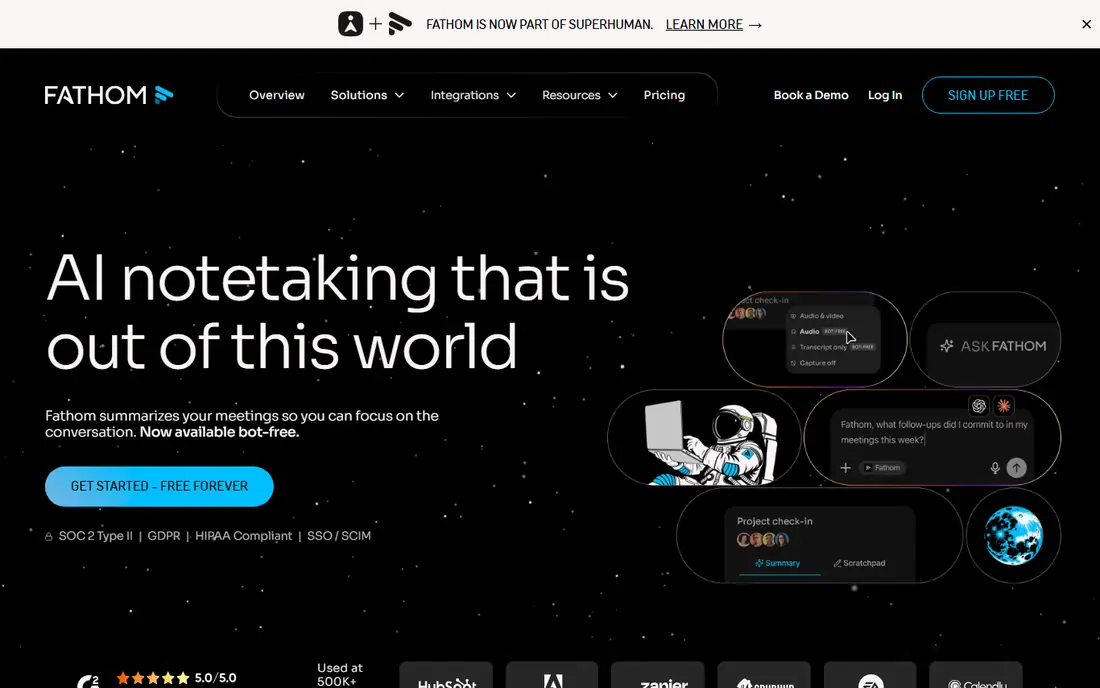
What we like- Fathom's free plan records and transcribes unlimited meetings, which no rival here matches, with clips and instant summaries included and advanced AI summaries covering your first five calls a month. Premium at 16 dollars per user per month on annual billing removes the caps and adds the sales workflow features, CRM sync with Salesforce and HubSpot, that its Business tier builds on. It offers bot or bot free capture per meeting on supported setups, and paid plans carry a 90 day money back guarantee.
Watch out for- The free plan's five advanced summaries a month make it function partly as a long trial for heavy users. Fathom's centre of gravity is sales calls, so academic, legal, and research users get less tailored tooling. Like every bot based tool, it announces itself in the meeting, which some sensitive conversations will not accept.
#2Otter.ai
Best for: Live transcription and searchable meetings4.4/5 on
G2 (505 reviews, checked Oct 2026)
Visit otter.ai
Starting price$8.33 per user per month
Free planYes
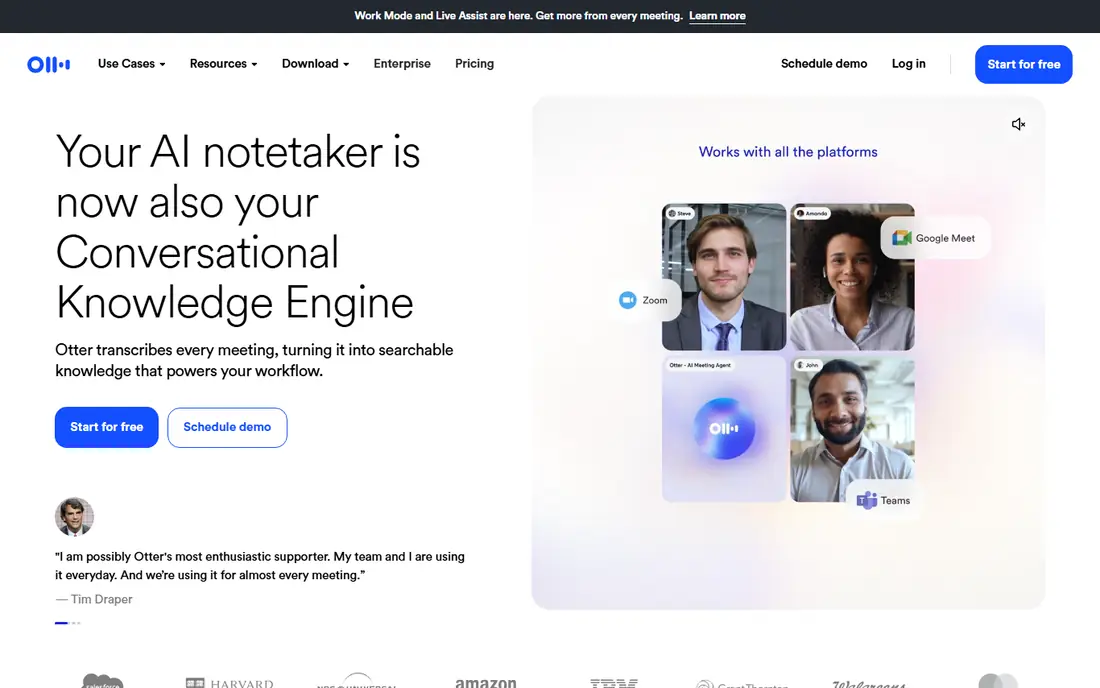
What we like- Otter is the category's familiar name: live transcription as the meeting happens, a searchable library across your meetings, speaker identification, and an assistant that can join Zoom, Meet, and Teams calls automatically from your calendar. Pro costs 8.33 dollars per user per month on annual billing, 16.99 monthly, lifting the free plan's caps of 300 minutes a month and 30 minutes per conversation to 1,200 minutes. For an individual professional, it is the cheapest complete package here.
Watch out for- The free plan's 30 minute per conversation cap cuts off exactly the meetings that matter most, and only your 25 most recent conversations are kept on free. Transcription accuracy drops with overlapping speech, heavy accents, and poor audio, like every tool here, so summaries of a messy call need checking against the recording. Business features and admin controls sit on the 19.99 dollar tier.
#3Fireflies.ai
Best for: Team libraries and CRM sync4.7/5 on
G2 (754 reviews, checked Oct 2026)
Visit fireflies.ai
Starting price$10 per user per month
Free planYes
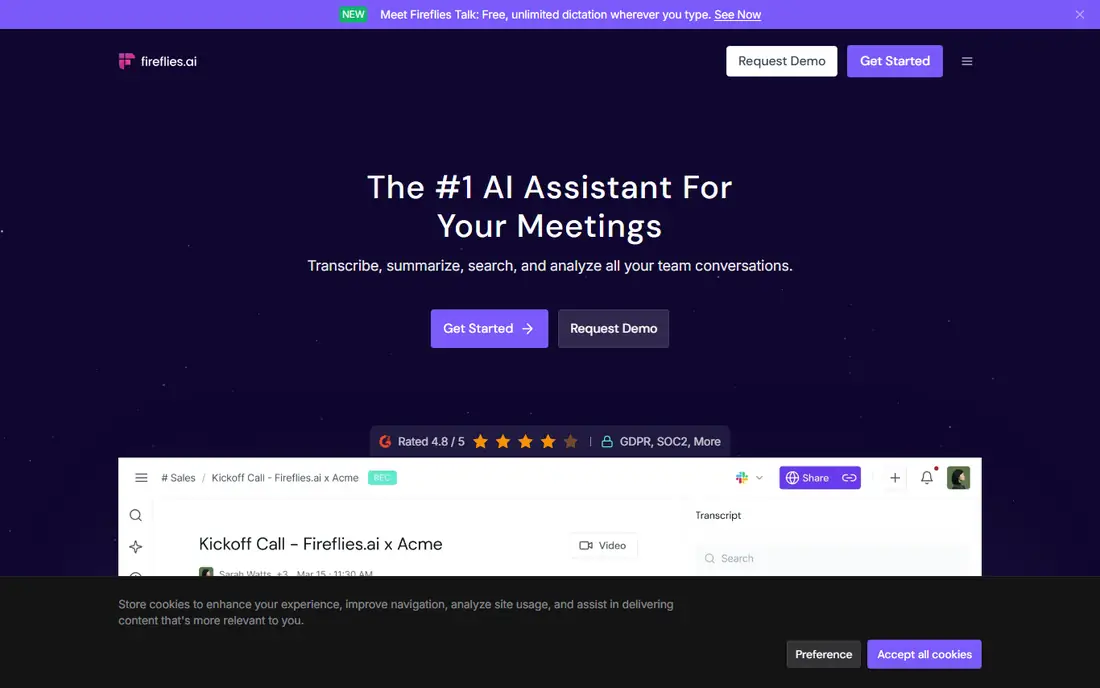
What we like- Fireflies is built for teams that treat meetings as a shared searchable asset: unlimited transcription on the free plan with conditions, a soundbite and topic library across the company, and deep integrations that push notes and action items into HubSpot, Salesforce, and Slack. Pro is 10 dollars per seat per month on annual billing. Its AskFred assistant answers questions across your meeting history, which is where a team's archive becomes genuinely useful.
Watch out for- The free plan's limits hide in the details: storage capped at 400 minutes per team, no video, and unlimited transcription tied to calendar auto join being on for newer accounts. Advanced AI features run on a separate credit allowance, so heavy users pay past the sticker price. Fireflies' bot is conspicuous in calls, which is good for consent and occasionally awkward with clients.
Starting price$14 per user per month
Free planYes
What we like- Granola records the audio from your own device and never sends a bot into the call, then blends your own rough notes with the transcript to produce a clean record, which is why it suits back to back and sensitive meetings where a named bot changes the room. Business costs 14 dollars per user per month, and the free plan covers unlimited notes with history limited to 30 days. Its note enhancement model, your scribbles expanded rather than replaced, respects how people actually take notes.
Watch out for- Bot free capture puts consent entirely on the user: nothing in the call announces a recording, so the legal and ethical duty to tell attendees is yours alone, and in all party consent jurisdictions recording without that step is unlawful. Granola dropped its solo paid tier in 2026, so individuals face the free plan or a team product. Platform coverage has historically centred on Mac, so check your exact setup.
#5tl;dv
Best for: Reviewing and clipping recorded calls4.7/5 on
G2 (537 reviews, checked Oct 2026)
Visit tldv.io
Starting price$18 per user per month
Free planYes
What we like- Tl
- Dv is built around watching less meeting: unlimited video recordings and transcription in more than 30 languages on the free plan, timestamps and clips you can share into Slack or a CRM, and AI notes on ten meetings a month before Pro at 18 dollars per user per month on annual billing lifts them. Sales and product teams use it to turn user calls into shareable evidence. Its async review culture fit makes it the favourite of distributed teams.
Watch out for- Free recordings carry a three month storage limit, so the archive you build evaporates unless you pay. AI notes beyond ten meetings a month need Pro, and the per user price is the highest entry here beside Read AI. Like Fathom and Fireflies, it joins as a bot by default, with desktop capture as the alternative.
#6
Read AI
Best for: Meeting summaries with engagement metrics
Visit read.ai
Starting price$15 per user per month
Free planYes
What we like- Read AI adds measurement to notes: alongside transcripts and summaries it scores engagement and sentiment, tracks talk time, and searches across meetings, messages, and documents as one memory. Pro is 15 dollars per user per month on annual billing, and the free plan covers five meetings a month up to an hour each. Managers and coaches who review how meetings run, not just what was decided, get the most from it.
Watch out for- Five free meetings a month is a taster, not a plan. Engagement scoring of colleagues is the feature most likely to need a company policy conversation before rollout, since people reasonably ask what is being measured and why. Its metrics are model judgements, useful as prompts for reflection and wrong often enough that they should never feed a performance process unchecked.
#7
Tactiq
Best for: Lightweight notes inside Google Meet and Zoom
Visit tactiq.io
Starting price$8 per user per month
Free planYes
What we like- Tactiq works through a browser extension rather than a calendar bot fleet: it transcribes Google Meet, Zoom, and Teams calls in the window you are already in, with 10 free transcripts and 5 AI credits a month, and Pro at 8 dollars per user per month on annual billing. The extension model suits people who join calls from links rather than owning the calendar invite. Setup takes minutes and there is no separate app to learn.
Watch out for- Extension capture depends on your browser and the meeting running in it, so dial in and native app users fall outside its net. Its team library, analytics, and CRM depth trail Fireflies and Fathom. AI credits meter the summaries, so the real monthly cost follows your meeting load like its rivals.
How we chose
We picked the note takers a US professional would realistically shortlist in late 2026, across bot based and bot free capture, free heavy and team first pricing, and general and sales led design. Prices and free limits were taken from vendor pricing pages in October 2026 and cross checked against three independent comparisons the same month, because this category reprices and re limits constantly. We excluded pure dictation apps, which transcribe your own voice rather than meetings, and the meeting assistants bundled inside Zoom, Google, and Microsoft suites, which are chosen with the suite rather than against this list.
How to choose the right AI note taker app
Start with consent and capture, not features. Decide whether a visible bot is acceptable in your meetings: for client, sales, and external calls it usually is, and it carries the notice for you; for sensitive internal conversations, a bot free tool such as Granola may fit, provided your process includes announcing the recording yourself and your jurisdiction allows the recording at all. Write the rule down, including retention: how long recordings and transcripts live, who can search them, and what happens when someone asks for deletion.
Then test accuracy on your own worst meeting, overlapping voices, accents, and a bad microphone included, and judge the summary against the recording, because every tool here summarises confidently and errs quietly. Count your real meeting hours against the free limits before paying: Fathom's unlimited free recording suits individuals, while teams should model Fireflies or tl;dv seats against archive and integration needs. Finally, check where transcripts are stored and which subprocessors process them, since meeting content is among the most sensitive text a company produces. Prices are October 2026 published figures and this category changes them often.
Frequently asked questions
Is it legal to record a meeting with an AI note taker?
It depends where the participants are. US federal law and most states allow one party consent, meaning you may record a conversation you are part of; states including California, Florida, Illinois, and Washington require all parties to consent, and cross border calls can import stricter rules, as GDPR does in Europe. The safe professional practice is to announce the recording, let the tool appear visibly, and stop if anyone objects. This guide is information, not legal advice; employers should set a written policy.
What is the difference between bot and bot free note takers?
A bot based tool, such as Fathom or Fireflies by default, joins the call as a named participant, which makes the recording visible to everyone. A bot free tool such as Granola captures audio from your own device, so nobody sees anything, which is more discreet and more dangerous: the duty to inform attendees rests entirely on you. Both produce similar transcripts; the difference is consent mechanics and how the room feels.
Which free plan is actually usable long term?
Fathom's, for individuals: unlimited recordings and transcripts with five advanced AI summaries a month covers a moderate meeting load indefinitely. Fireflies' free transcription is generous but storage capped, and tl;dv's free recordings expire after three months. Otter's free plan suits occasional short meetings only, given the 300 minute and 30 minute per call caps. Read the limit that binds your pattern, not the headline.
How accurate are AI transcripts and summaries?
Good audio in a quiet call transcribes at a level most readers find workable, and every tool here degrades with overlap, accents, jargon, and bad microphones. Summaries are the riskier layer: they compress, and compression drops caveats and occasionally assigns a decision to the wrong person. Treat summaries as a first draft of the record, check action items and numbers against the transcript, and keep the recording for anything that will be disputed later.
Can these tools handle confidential meetings?
Only under your organisation's policy and the vendor's enterprise terms: data processing agreements, retention controls, regional storage, and whether your audio trains models, which the business tiers here contractually exclude. Many companies ban recording for legal, HR, and board conversations regardless of tool. When in doubt, the absence of a recording is a feature: take manual notes and let the meeting stay in the room.
Sources we checked (0)
Is your product missing or out of date?
We review this list regularly. Vendors can request a listing, send updated pricing or ask about featured placement.

Shihab Mia · Founder, Rankite
Shihab has 5+ years in B2B and SaaS SEO. He writes Rankite's software buying guides from pricing pages, documentation and public user reviews. More about Shihab.