How we make this list: we compare pricing pages, product documentation and public user reviews. Ratings come from G2, Capterra or Trustpilot, with the date we checked them.
Key takeaways
- Topaz Gigapixel AI leads on overall upscaling quality, especially for photos, with face recovery and detail controls.
- Adobe Super Resolution leads on convenience for Lightroom and Photoshop users, with upscaling built into tools they already own.
- Upscayl leads on free, open-source upscaling, with local processing and no upload needed.
- VanceAI and Let's Enhance suit web-based batch work for sellers and marketers who need many images quickly.
- HitPaw FotorPea suits all-round photo enhancement, combining upscaling with denoise and color tools.
- Honest limit: upscalers sharpen and invent plausible detail, but they cannot recover detail that was never in the original file.
Quick comparison
Is your product missing or out of date?
We review this list regularly. Vendors can request a listing, send updated pricing or ask about featured placement.
AI upscalers enlarge images far beyond what old resize tools could do, using models trained on millions of photos to guess plausible detail. A small product photo can become a marketplace listing image, and an old family photo can become a printable portrait. The eight tools below cover desktop quality, built-in convenience, free open source, and web batch work, and the right pick depends on your image type, volume, and budget.
How we chose
We started from the upscaling tools photographers and sellers actually use in 2026, drawing on vendor pages, photographer guides, and comparison tests. We favored tools with clean detail, low artifact levels, and batch options, and we excluded phone-only filters with no real resolution gain. Prices vary by license and credit pack, so where a figure is not confirmed on a vendor page, we use "See website" and flag the gap. Upscaling results also depend heavily on the source image, so we judge tools on typical photos rather than cherry-picked demos.
Buying guide
Start with your image type. Photos, anime, and illustrations need different models: Topaz and Adobe handle photos best, while Bigjpg and Waifu-style models suit anime and line art. Using a photo model on anime often creates muddy textures, and using an anime model on photos creates plastic skin, so match the model to the image.
Next, decide between desktop and web. Desktop tools such as Topaz Gigapixel and Upscayl process locally, which keeps private photos off servers and avoids upload waits, but they need a decent GPU for speed. Web tools such as VanceAI and Let's Enhance work from any device and handle batches easily, but they upload your images and charge per image or per month.
Then check batch and output controls. Sellers need batch processing, output size presets, and format options, while single-image users care more about face recovery and artifact controls. Test each tool on your hardest image, such as a noisy low-light photo or a compressed JPEG, since easy images look good everywhere.
Finally, set honest expectations. Upscalers cannot recover a license plate, a face, or text that was never captured in the original pixels. They sharpen edges and invent plausible texture, which looks great for display and print but does not create forensic evidence. For legal, medical, or identification use, never rely on upscaled detail as fact.
One more practical check matters: output file size and format. Upscaled images grow large fast, especially at 4x or 6x, and marketplace or web uploads may compress them again. Export at the size your destination actually needs, use PNG for graphics and JPEG for photos, and keep the original file untouched so you can re-process it later with a better model.
Frequently asked questions
Can AI upscalers really add detail to a blurry photo?
They add plausible detail, not true detail. Models guess what sharp texture should look like based on training data, which looks convincing for display but cannot recover information that was never recorded, such as unreadable text or a distant face.
Which upscaler is best for old family photos?
Topaz Gigapixel AI leads for old photos, with face recovery that rebuilds facial features, plus denoise for scanned prints. Adobe Super Resolution is a strong second for Lightroom users who already own it.
Is there a good free AI upscaler?
Yes. Upscayl is free and open source with local processing, and Bigjpg offers free anime upscaling. Free web tiers from VanceAI, Let's Enhance, and Icons8 cover occasional use with limits on resolution or monthly images.
How large can I upscale an image?
Most tools offer 2x, 4x, and sometimes 6x or 8x. Beyond 4x, gains shrink and artifacts grow, so 2x or 4x suits most uses. For print, target 300 DPI at the final print size rather than chasing maximum multiples.
Do upscalers work on video?
Some vendors offer video upscaling, such as Topaz Video AI, but the tools on this list are photo-focused. Video upscaling needs far more processing and separate software.
Sources
- Vendor pages for Topaz Gigapixel AI, Adobe Super Resolution, Upscayl, VanceAI, Let's Enhance, HitPaw FotorPea, Icons8, and Bigjpg
- Third-party 2026 comparisons and tests of AI upscaling tools
- Photographer guides on upscaling quality, artifacts, and print sizing
Starting priceSee website
Free planFree trial
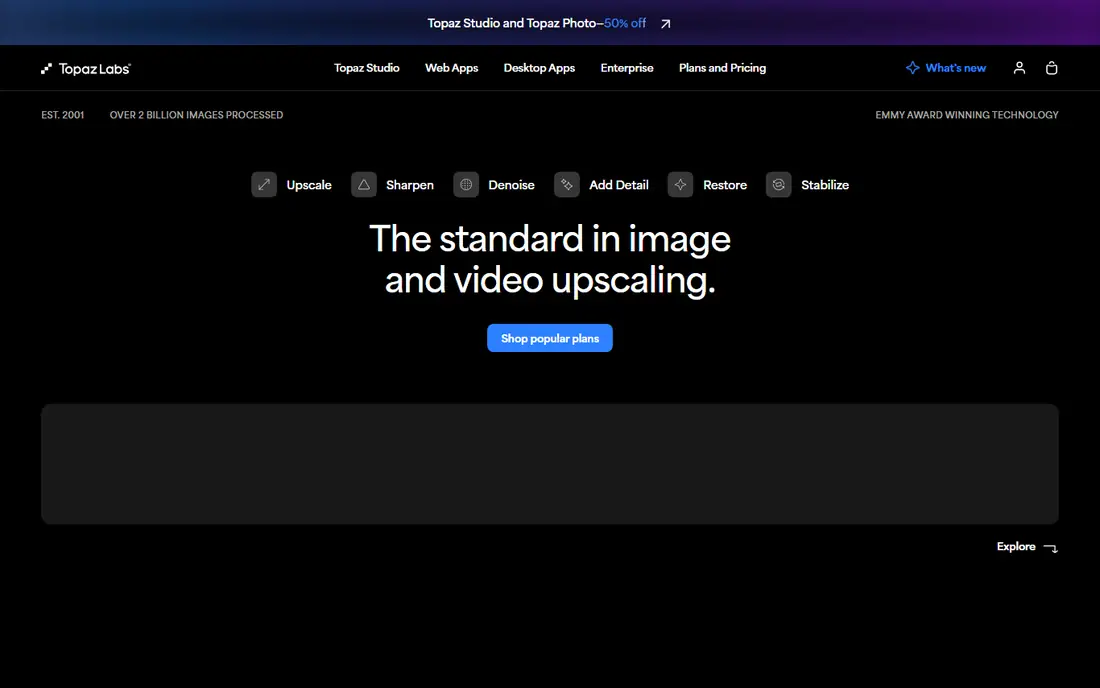
Topaz Gigapixel AI is the quality benchmark for photo upscaling, with models for general photos, faces, and low-resolution sources, plus controls for suppressing noise, removing compression artifacts, and recovering facial detail. Photographers use it to turn small or old images into printable files, and its face recovery feature rebuilds soft or noisy faces more convincingly than rivals.
Speed depends on your GPU, and large batches take time on weaker machines. The one-time license price is higher than web subscriptions, though it avoids ongoing fees. Topaz Gigapixel AI suits photographers and print users who want the best photo quality and who have a capable computer.
What we like- Best photo quality
- Face recovery
- Detailed controls for artifacts
Watch out for- Needs a decent GPU for speed
- One-time price is higher
- Batch setup takes learning
Starting priceSee website
Free planFree trial
Adobe Super Resolution, built into Lightroom, Lightroom Classic, and Adobe Camera Raw, doubles image resolution with one click inside a workflow photographers already use. Raw files benefit most, since Super Resolution works from raw data, and the result stays in your catalog with full editing history.
It requires a Creative Cloud subscription, limits each pass to 2x, and offers fewer model choices than Topaz. Adobe Super Resolution suits Lightroom and Photoshop subscribers who want convenient upscaling without a separate app, and who accept 2x steps for larger enlargements.
What we like- Built into Lightroom and Camera Raw
- Clean workflow
- No extra app to learn
Watch out for- Needs a Creative Cloud subscription
- 2x limit per pass
- Fewer model choices
Starting priceFree
Free planFree
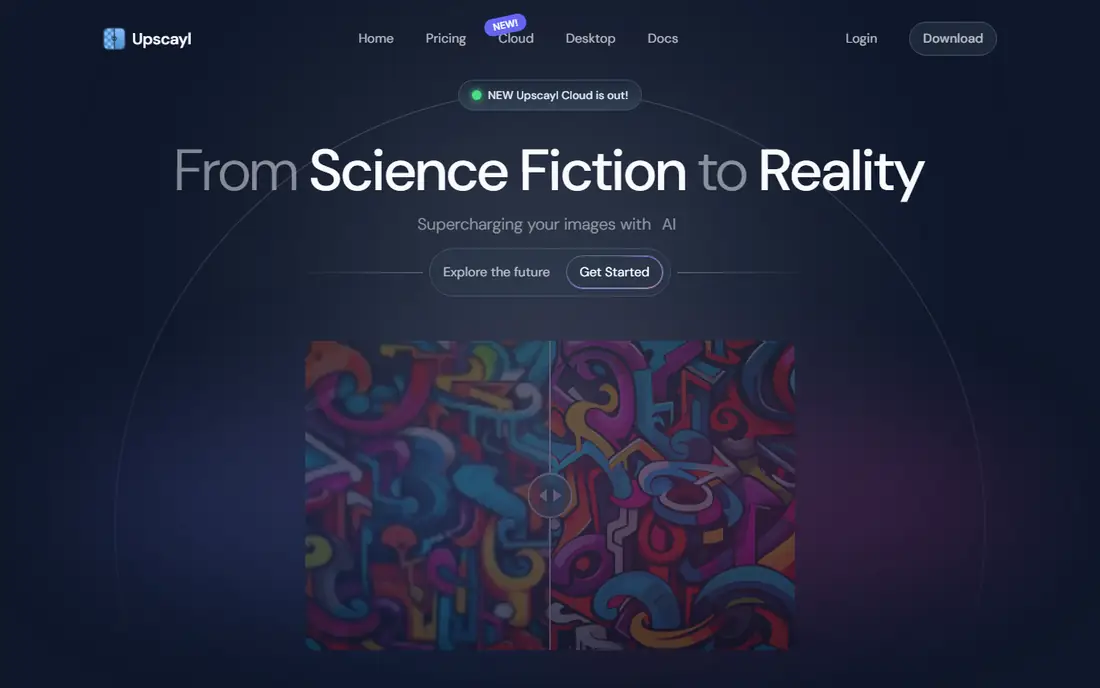
Upscayl is the best free upscaler, offering open-source models with local processing on your own computer. Photos never upload to a server, which suits private images, and the model list covers general photos, digital art, and anime. The price is zero, with no credits or subscriptions.
Local processing needs a decent GPU for reasonable speed, the interface is basic, and batch tools are thinner than paid rivals. Upscayl suits budget users, privacy-conscious photographers, and anyone who wants capable upscaling without paying or uploading images.
What we like- Completely free and open source
- Local processing keeps photos private
- Many models
Watch out for- Needs a decent GPU
- Interface is basic
- Batch tools are thinner
Starting priceSee website
Free planFree plan
VanceAI is a web suite that pairs upscaling with denoise, sharpening, background removal, and portrait retouching, which suits sellers and marketers who enhance many images in one place. Batch processing handles product catalogs, and the web interface works from any device without installs.
The free tier limits resolution and monthly credits, uploads are required, and quality varies by model choice. VanceAI suits web-first users who want batch upscaling plus other photo tools in one subscription, and who accept upload-based processing.
What we like- Web-based batch upscaling
- Many AI photo tools
- Easy workflow
Watch out for- Free tier limits resolution and credits
- Uploads needed
- Quality varies by model
Starting priceSee website
Free planFree plan
Let's Enhance focuses on batch work for sellers, with presets for marketplace sizes, an API for automated pipelines, and tools for color and lighting correction alongside upscaling. E-commerce teams use it to standardize large catalogs quickly, with consistent output sizes across listings.
The free tier is limited, pricing is credit-based which adds up at volume, and single-image quality trails Topaz Gigapixel. Let's Enhance suits sellers and agencies processing many product images who value batch automation over maximum single-image quality.
What we like- Batch processing for catalogs
- API for automation
- Good for e-commerce images
Watch out for- Free tier is limited
- Pricing is credit-based
- Photo quality trails Topaz
Starting priceSee website
Free planFree trial
HitPaw FotorPea, formerly HitPaw Photo Enhancer, combines upscaling with denoise, color correction, scratch repair, and face enhancement in a simple interface. That breadth suits users who want one app for general photo rescue, from old scans to noisy phone photos, without buying several tools.
Upscaling quality alone trails Topaz, pricing varies by plan and platform, and there is no Linux version. HitPaw FotorPea suits casual photographers and families restoring old photos who want an easy all-rounder rather than a specialist upscaler.
What we like- Upscaling plus denoise, color, and repair
- Simple interface
- Batch support
Watch out for- Upscaling alone is not best-in-class
- Pricing varies by plan
- Windows and Mac only
Starting priceSee website
Free planFree plan
Icons8 Smart Upscaler is a quick web tool for occasional upscales: upload an image, pick a scale, and download the result in seconds. Its simplicity suits users who need one image enlarged without installing software or learning settings, and the free tier covers casual use.
Controls are limited, batch processing is basic, and quality, while good, does not match Topaz for demanding photos. Icons8 Smart Upscaler suits occasional users who want the fastest path from small image to larger image in a browser.
What we like- Fast web upscaling
- Simple interface
- Free tier for occasional use
Watch out for- Limited controls
- Batch is basic
- Quality is good but not top-tier
Starting priceFree
Free planFree plan
Bigjpg uses models tuned for anime, comics, and illustrations, where it preserves clean lines and flat colors better than photo-focused tools. The free tier handles small images, and noise reduction settings help with compressed web art. For anime fans and illustrators, it is the specialist pick.
Photo quality is weaker than Topaz or Adobe, the tool is web-only, and larger images need paid plans. Bigjpg suits anime and illustration users who want clean line preservation, and it pairs well with a photo upscaler for mixed libraries.
What we like- Best for anime and line art
- Free tier
- Noise reduction for illustrations
Watch out for- Photo quality is weaker
- Web-only
- Larger images need paid plans
Is your product missing or out of date?
We review this list regularly. Vendors can request a listing, send updated pricing or ask about featured placement.

Shihab Mia · Founder, Rankite
Shihab has 5+ years in B2B and SaaS SEO. He writes Rankite's software buying guides from pricing pages, documentation and public user reviews. More about Shihab.
 Topaz Gigapixel AI
 Adobe Super Resolution
 Upscayl
 VanceAI
 Let's Enhance
 HitPaw FotorPea
 Icons8 Smart Upscaler
 Bigjpg