How we make this list: we compare pricing pages, product documentation and public user reviews. Ratings come from G2, Capterra or Trustpilot, with the date we checked them.
Key takeaways
- Midjourney still leads on artistic image quality, while Adobe Firefly leads on commercially safe output for client work.
- Ideogram is the best pick when an image must contain readable text, and Recraft is the best pick for true vector-style illustration.
- Leonardo AI and NightCafe give free users daily credits, which suits casual creators who do not want a subscription.
- Free plans cap generations, so match the tool to how many images you make each week before committing.
Quick comparison
| Tool | Best for | Starting price | Free plan |
|---|
 Midjourney Midjourney | High-end artistic images and illustration | $10/month | No |
 Adobe Firefly Adobe Firefly | Commercially safe images for professional design work | See website | Yes |
 Leonardo AI Leonardo AI | Game art, concept art, and character-consistent illustration | Free; paid from $10/month | Yes |
 Ideogram Ideogram | Images where words must read correctly | See website | Yes |
 Recraft Recraft | Vector-style illustration and brand graphics | See website | Yes |
 Canva AI Canva AI | Fast all-in-one design with AI images built in | Free; Pro $144/year | Yes |
 ChatGPT with DALL-E ChatGPT with DALL-E | Story-driven illustration and brainstorming ideas | See website | Yes |
 Microsoft Designer Microsoft Designer | Free everyday image generation with a Microsoft account | Free with a Microsoft account | Yes |
 NightCafe NightCafe | Casual art creation with daily free credits | Free; paid plans available | Yes |
Is your product missing or out of date?
We review this list regularly. Vendors can request a listing, send updated pricing or ask about featured placement.
The best AI drawing apps
#1Midjourney
Best for: High-end artistic images and illustration4.4/5 on
G2 (102 reviews, checked Oct 2026)
Visit midjourney.com
Starting price$10/month
Free planNo
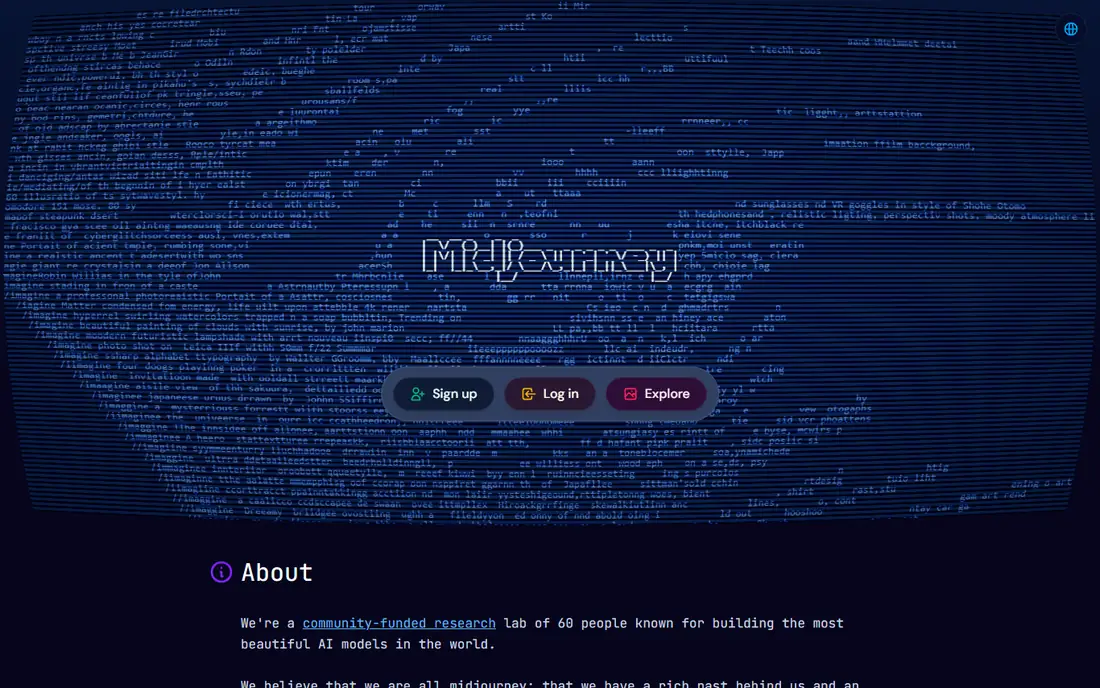
Midjourney remains the quality benchmark for AI art. Skin texture, lighting, and composition hold up better than most rivals, and style controls let illustrators steer results toward a consistent look across a series. The community galleries also teach prompting faster than any manual, since you can see the prompts behind images you admire.
There is no free plan, so the $10 monthly Basic plan is the entry point, and new users must learn its particular workflow. For artists and designers whose images are the product, the quality gap justifies the cost. For casual use, a free tool below is the smarter start.
What we like- Best overall artistic quality
- Strong style control
- Active community for learning prompts
Watch out for- No free plan
- Web and Discord workflows confuse some new users
#2Adobe Firefly
Best for: Commercially safe images for professional design work4.4/5 on
G2 (373 reviews, checked Oct 2026)
Visit firefly.adobe.com
Starting priceSee website
Free planYes
Firefly's advantage is trust. Adobe trained it on licensed stock and public domain material, which gives agencies and in-house teams more confidence using outputs in client work. Integration with Photoshop, Illustrator, and Express means generated art moves straight into editing, retouching, and layout without file juggling.
Artistic range is narrower than Midjourney's, and the free credit allowance runs out quickly for heavy users. For commercial design where licensing clarity matters more than experimental style, Firefly is the responsible pick.
What we like- Trained on licensed content
- Integrates with Photoshop, Illustrator, and Express
- Clear commercial terms
Watch out for- Free generation allowance is limited
- Artistic range is narrower than Midjourney
#3Leonardo AI
Best for: Game art, concept art, and character-consistent illustration4.5/5 on
G2 (32 reviews, checked Oct 2026)
Visit leonardo.ai
Starting priceFree; paid from $10/month
Free planYes
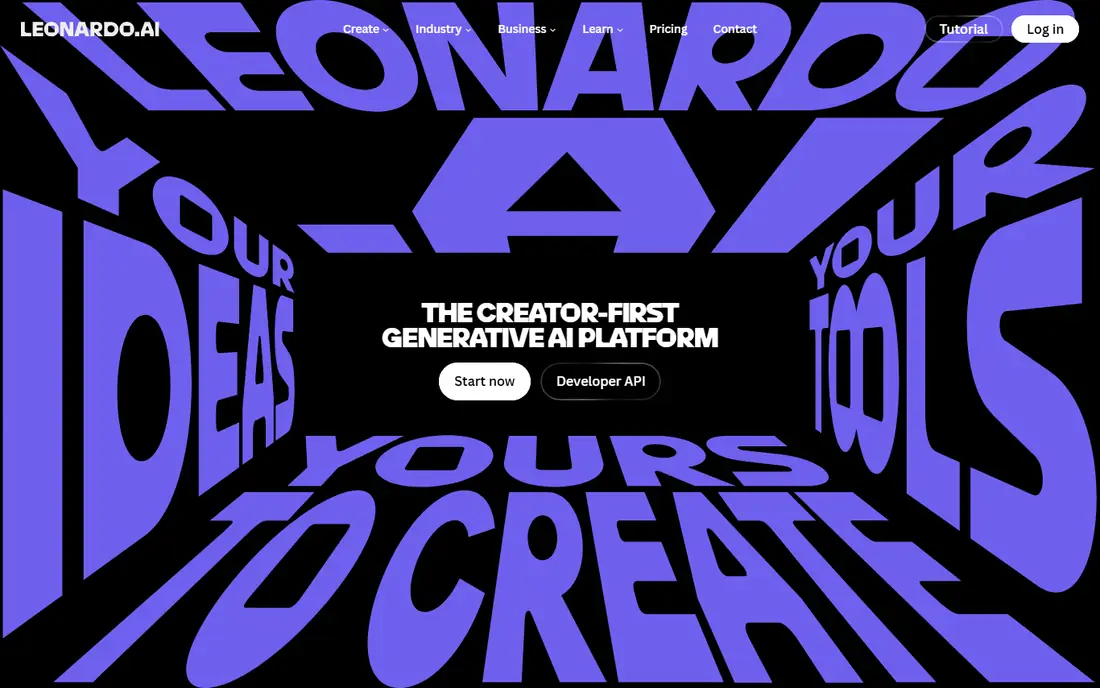
Leonardo AI grew from the game art community, and its strengths show there. A wide model library, style tuning, and character consistency tools suit concept artists, indie developers, and authors who need a cast of characters to look the same across images. The free plan refills tokens daily, so light use costs nothing.
Beginners face a busy interface with many models and options, and large upscales eat tokens quickly. Start with default models and small sizes, then spend tokens on the keepers. For stylized illustration, Leonardo gives free users unusual control.
What we like- Daily free tokens
- Many style models
- Character consistency tools
Watch out for- Free tokens run out fast on large images
- Settings overwhelm beginners
Starting priceSee website
Free planYes
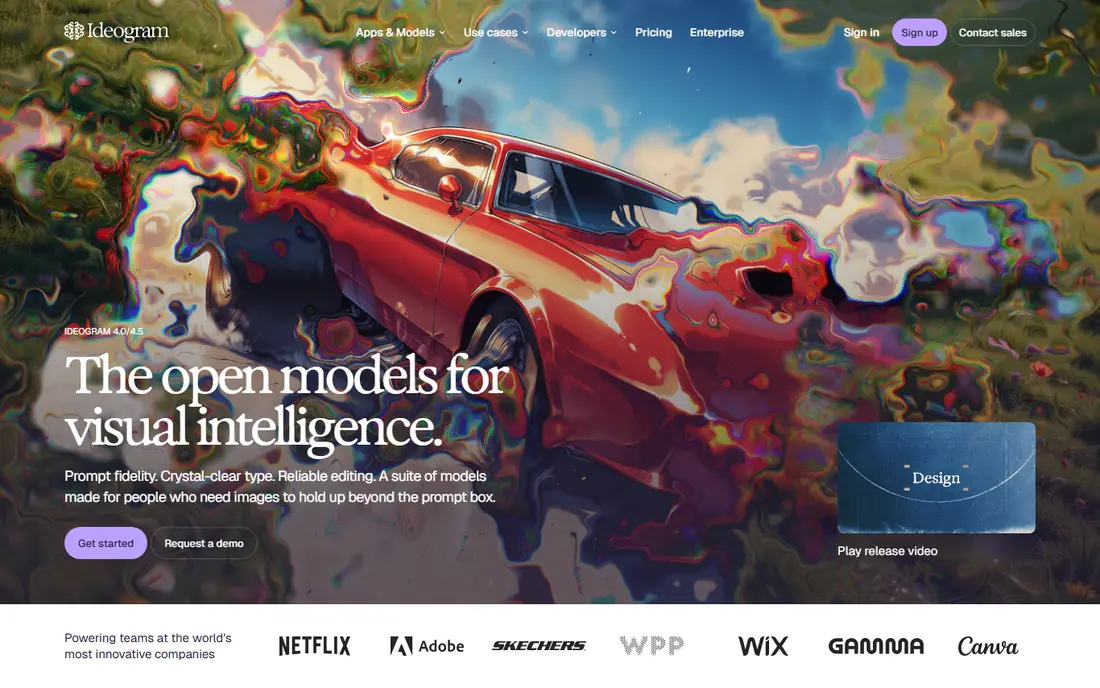
Most generators garble text. Ideogram does not, and that one strength makes it essential for posters, invitations, social graphics, and logo concepts where a name or headline must spell correctly. Put the exact wording in the prompt and the output usually keeps it intact.
Free generations are capped daily, so prompt with care rather than generating dozens of variants. Stylistic tuning is thinner than in artist-focused tools, but for typography-led graphics, no free rival matches Ideogram.
What we like- Best text rendering in generated images
- Good for posters and logo concepts
- Simple prompt flow
Watch out for- Daily free generation limits
- Less fine style control than Midjourney
#5Recraft
Best for: Vector-style illustration and brand graphics4.7/5 on
G2 (456 reviews, checked Oct 2026)
Visit recraft.ai
Starting priceSee website
Free planYes
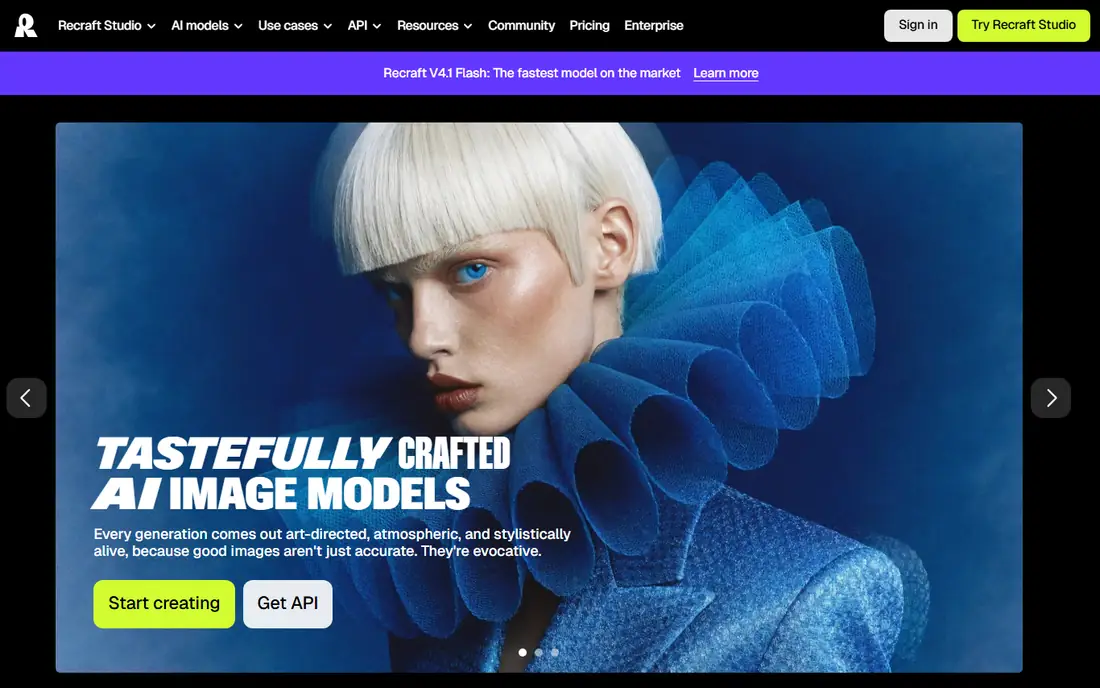
Recraft fills a gap the image generators leave open. Its vector-style output scales cleanly for logos, icons, and illustrations, which raster generators cannot match without tracing. Style sets let a brand keep illustrations consistent across a whole set, a feature designers usually pay extra for.
Photorealistic scenes are not Recraft's job, and its community is smaller, so prompt examples are fewer. For illustration work destined for print, packaging, or a website at many sizes, Recraft's vector approach is the practical choice.
What we like- Generates true vector-style output
- Style sets keep brand art consistent
- Good for icons and illustrations
Watch out for- Smaller community than Midjourney
- Photorealism is not its strength
#6
Canva AI
Best for: Fast all-in-one design with AI images built in
Visit canva.com
Starting priceFree; Pro $144/year
Free planYes
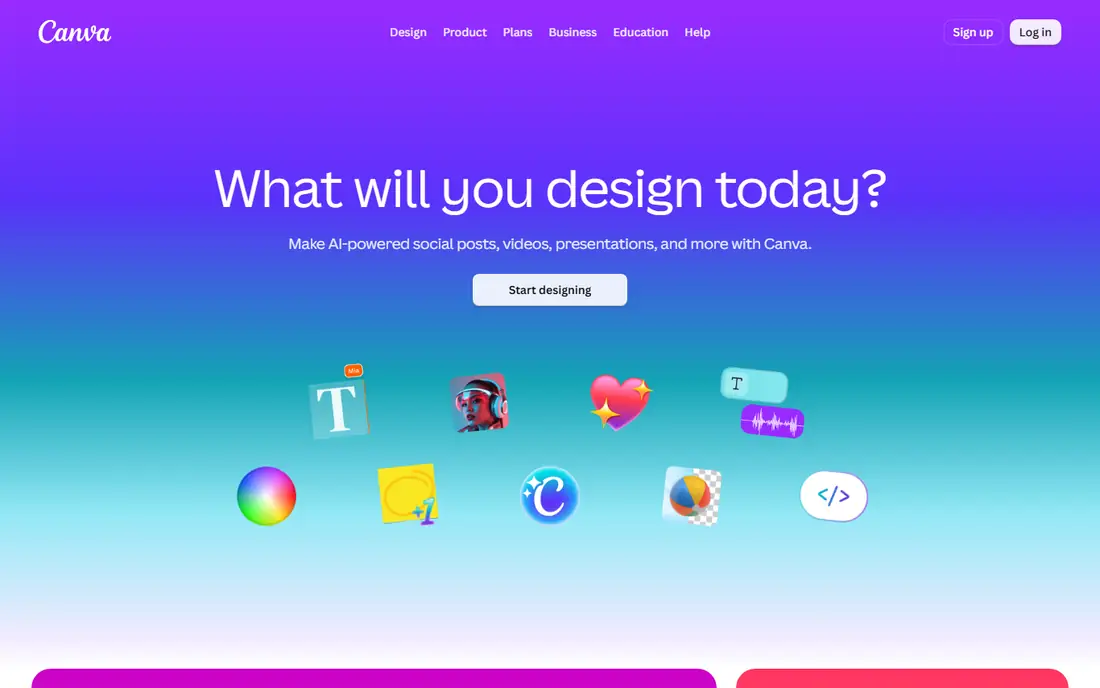
Canva's Magic Studio brings image generation into the editor where the design actually happens. Generate a background, drop it into a template, add text, and export, all without switching apps. That workflow beats a prettier generator for social posts, ads, and presentations where speed matters.
Dedicated tools produce better art. Canva's images suit layouts and social graphics rather than gallery-quality illustration, and the fuller AI feature set needs Pro. For everyday design work, though, Canva AI is the fastest route from prompt to finished post.
What we like- Generate an image and finish the design in one app
- Huge template library
- Easy for non-designers
Watch out for- Image quality trails dedicated generators
- Best AI features need Pro
#7
ChatGPT with DALL-E
Best for: Story-driven illustration and brainstorming ideas
Visit chatgpt.com
Starting priceSee website
Free planYes
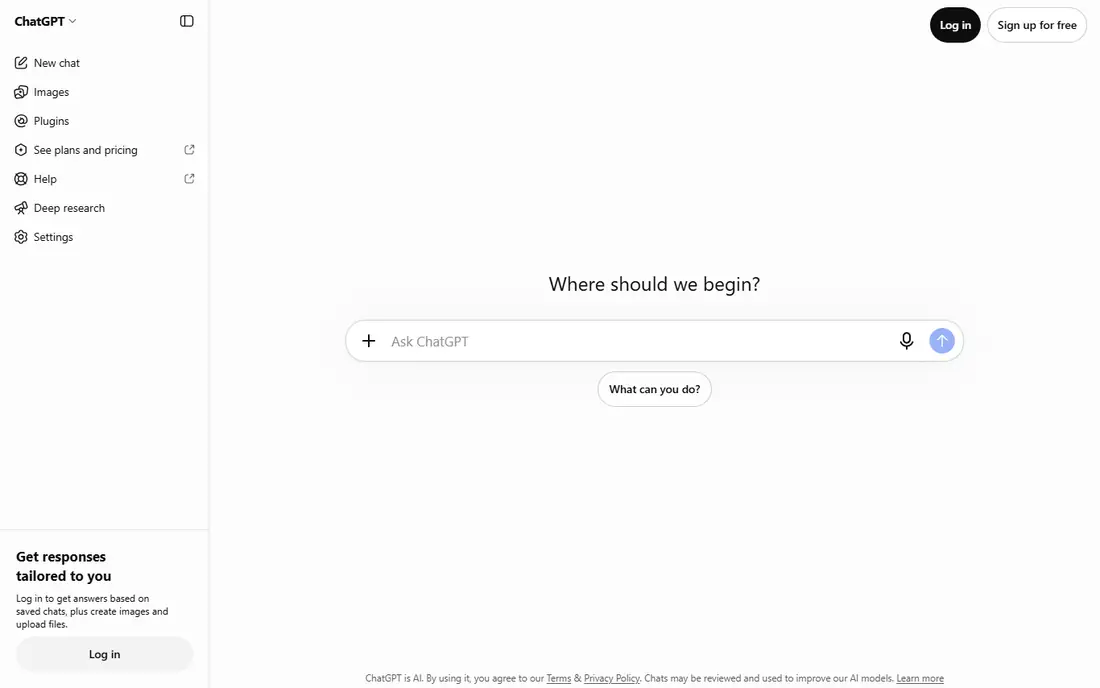
ChatGPT with image generation suits people who think in conversation. Describe a scene, ask for changes in plain language, and iterate, which works well for storyboards, children's book concepts, and brainstorming visual directions. Many users already have an account, so there is nothing new to install.
Control is looser than in artist tools, and free image allowances are limited. For refining a concept through dialogue rather than tuning parameters, ChatGPT is the most approachable generator in this list.
What we like- Conversational prompting refines images step by step
- Good for storyboards and concepts
- No new app to learn
Watch out for- Free image allowance is limited
- Less style control than Midjourney or Leonardo
#8Microsoft Designer
Best for: Free everyday image generation with a Microsoft account4.6/5 on
G2 (23 reviews, checked Oct 2026)
Visit designer.microsoft.com
Starting priceFree with a Microsoft account
Free planYes
Microsoft Designer is the easiest free route to AI images. A Microsoft account is enough to start generating images and suggested designs, with no card and no trial clock. It suits blog headers, social posts, and quick mockups where a good image beats a perfect one.
Artistic control is thinner than in Midjourney or Leonardo, and generated layouts can feel templated. Pair Designer with a dedicated editor when a design needs precise finishing, and use it for fast, free generation the rest of the time.
What we like- Free image generation
- Prompt-to-design layouts
- No subscription needed to start
Watch out for- Less artistic control than dedicated tools
- Results can feel generic
Starting priceFree; paid plans available
Free planYes
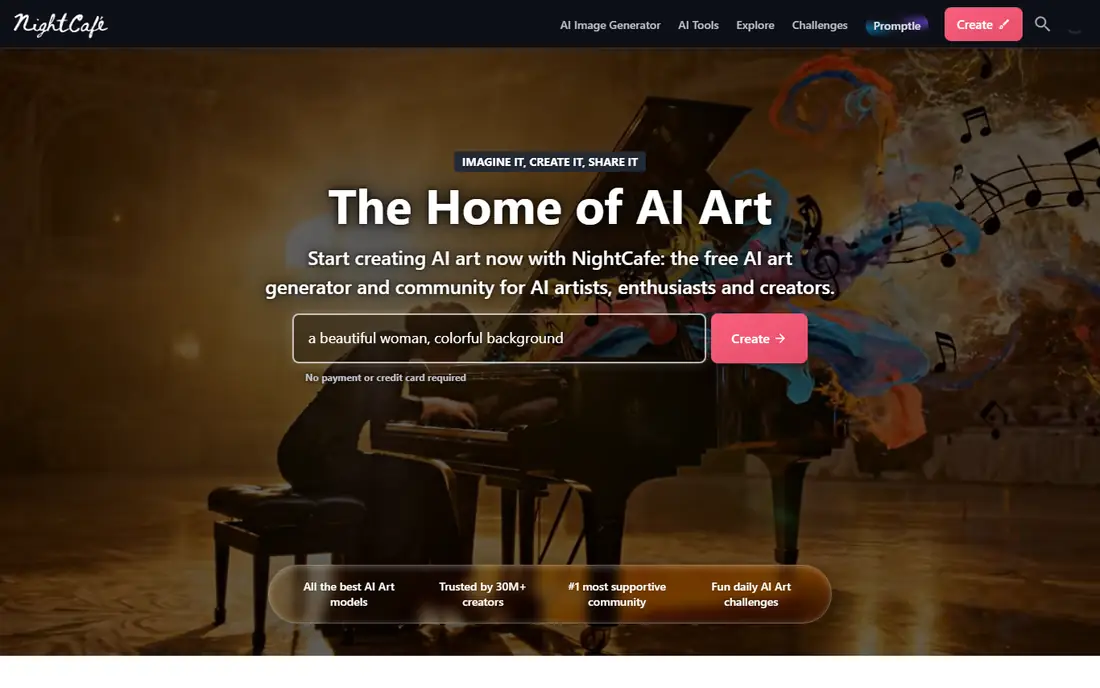
NightCafe is the most relaxed way into AI art. Daily free credits let anyone generate images without paying, a choice of models and styles covers most tastes, and community challenges give beginners prompts and feedback. It works well for hobbyists, gift art, and social sharing.
A long session will burn through free credits, and the most advanced controls sit behind paid plans. For casual creators who generate a few images a day, NightCafe's free tier is generous and fun. Daily challenges also give new users a reason to return, which helps build a prompting habit faster than an empty canvas does.
What we like- Daily free credits
- Many models and styles in one place
- Friendly community challenges
Watch out for- Free credits limit larger sessions
- Advanced features need a paid plan
How we chose
We compared AI drawing and image tools that are available today, checking vendor sites and pricing pages for free plans, starting prices, and commercial terms, and using public reviews to confirm strengths such as text rendering and vector output. Pure photo editors without AI generation were excluded, as were tools that had shut down or required enterprise contracts.
AI drawing apps look similar on a feature list but behave very differently in practice. Match the tool to the output you need.
For art and illustration
Midjourney leads on quality, Leonardo AI leads on stylized and game art, and Recraft leads when the output must scale as a vector. Pick one primary generator and learn its prompting well rather than spreading credits across five tools.
For design and client work
Adobe Firefly's licensed training data and Photoshop integration make it the safe choice for commercial projects, with Canva AI covering fast social and marketing design. Check each tool's commercial terms for your plan before delivering work to a client.
For free and casual use
Ideogram, Microsoft Designer, Leonardo AI, and NightCafe all offer free generation with daily or monthly caps. Rotate between two free tools when one cap runs out, and upgrade only when a specific feature, such as more credits or commercial rights, becomes the bottleneck.
Learn one prompting style well
Each generator responds differently to the same words, so prompts that work in Midjourney may underperform in Firefly or Leonardo. Spend a week with one tool, study its community gallery, and build a small library of prompts that reliably produce your style. That skill transfers only partly between tools, which is another reason to pick a primary generator early.
Frequently asked questions
What is the best AI drawing app overall?
Midjourney for artistic quality, Adobe Firefly for commercially safe professional work, and Ideogram for images that must contain readable text. The best choice depends on whether the image is art, a client deliverable, or a poster.
Is there a free AI drawing app?
Yes. Microsoft Designer, Ideogram, Leonardo AI, NightCafe, and Recraft all offer free plans with generation limits, and Canva's free plan includes AI features. Free credits suit casual use, while heavy users will need a paid plan.
Can I sell AI-generated art?
It depends on the tool's terms and your plan. Adobe Firefly is designed for commercial use, and paid plans from most tools allow it, but terms vary by vendor and change over time. Read the current terms on the vendor's site before selling work.
Do AI drawing apps replace illustrators?
No. They speed up ideation, variations, and drafts, but choosing, refining, and finishing an image still needs human judgment. Many illustrators use them as a starting point and finish the work by hand.
Which AI drawing app is best for beginners?
Microsoft Designer and Canva AI are the easiest starts, since both need no new skills and guide you from prompt to finished design. NightCafe is the friendliest dedicated art tool for hobbyists.
Sources we checked (9)
- https://www.midjourney.com
- https://firefly.adobe.com
- https://leonardo.ai/pricing
- https://ideogram.ai
- https://www.recraft.ai
- https://www.canva.com/pricing/
- https://chatgpt.com
- https://designer.microsoft.com
- https://creator.nightcafe.studio
Is your product missing or out of date?
We review this list regularly. Vendors can request a listing, send updated pricing or ask about featured placement.

Shihab Mia · Founder, Rankite
Shihab has 5+ years in B2B and SaaS SEO. He writes Rankite's software buying guides from pricing pages, documentation and public user reviews. More about Shihab.